

-
×
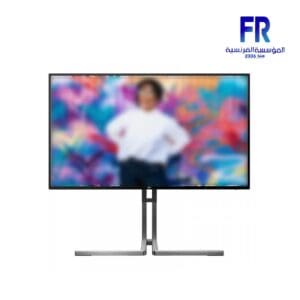 Aoc Q27U3CV/74 27 Inch 75Hz 4Ms QHD IPS QD Gaming Monitor
1 × 19500 جنية
Aoc Q27U3CV/74 27 Inch 75Hz 4Ms QHD IPS QD Gaming Monitor
1 × 19500 جنية -
×
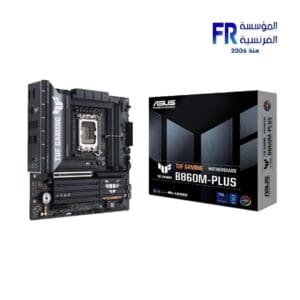 Asus Tuf Gaming B860M Plus Motherboard
1 × 9499 جنية
Asus Tuf Gaming B860M Plus Motherboard
1 × 9499 جنية -
×
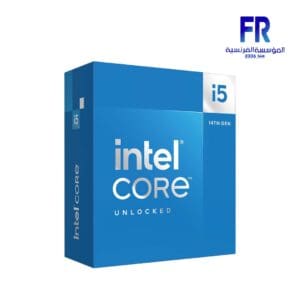 Intel Core I5 14600KF Processor
1 × 10500 جنية
Intel Core I5 14600KF Processor
1 × 10500 جنية -
×
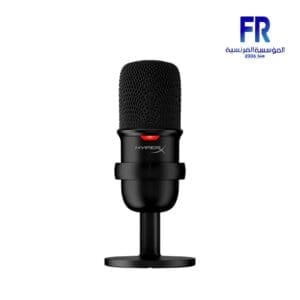 HyperX SoloCast Condenser USB Microphone
1 × 2750 جنية
HyperX SoloCast Condenser USB Microphone
1 × 2750 جنية -
×
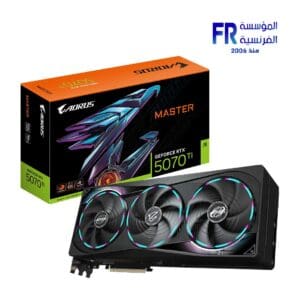 Gigabyte AORUS GeForce RTX 5070 Ti Master 16Gb GDDR7 Graphic Card
1 × 58000 جنية
Gigabyte AORUS GeForce RTX 5070 Ti Master 16Gb GDDR7 Graphic Card
1 × 58000 جنية -
×
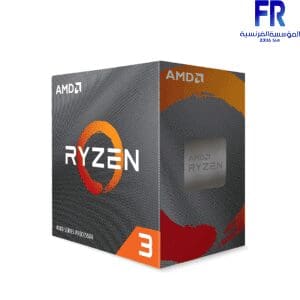 AMD Ryzen 3 4100 Processor
1 × 2400 جنية
AMD Ryzen 3 4100 Processor
1 × 2400 جنية

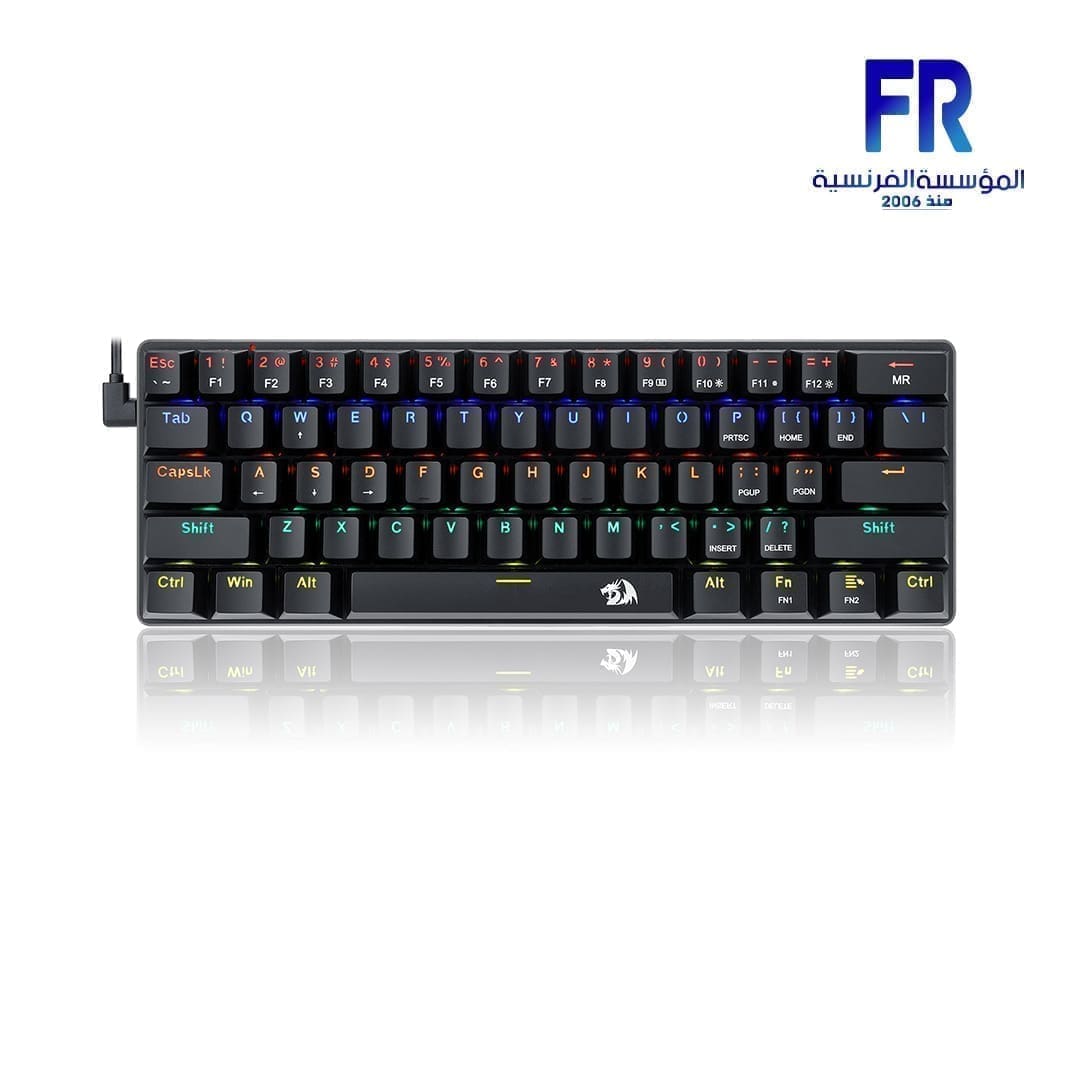
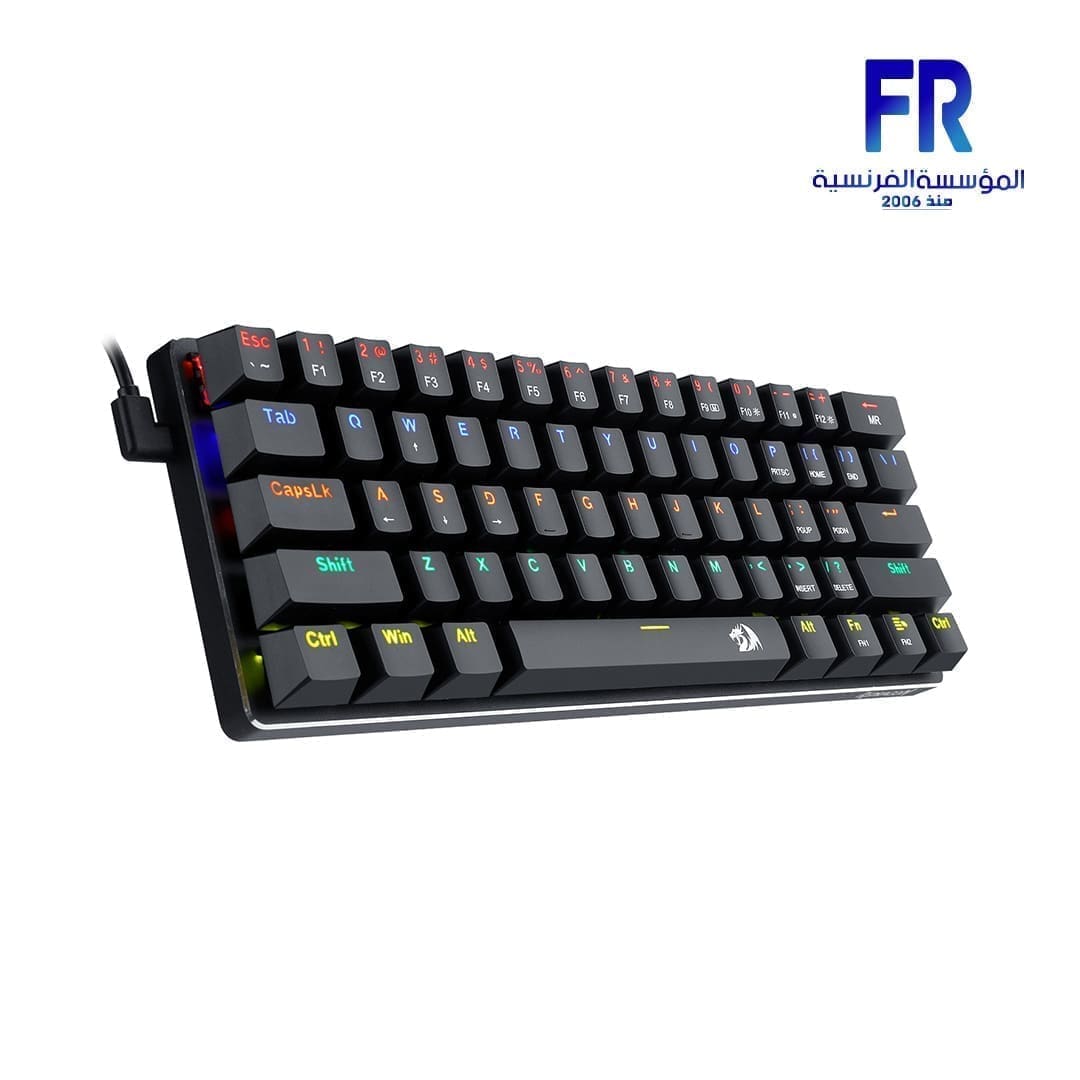
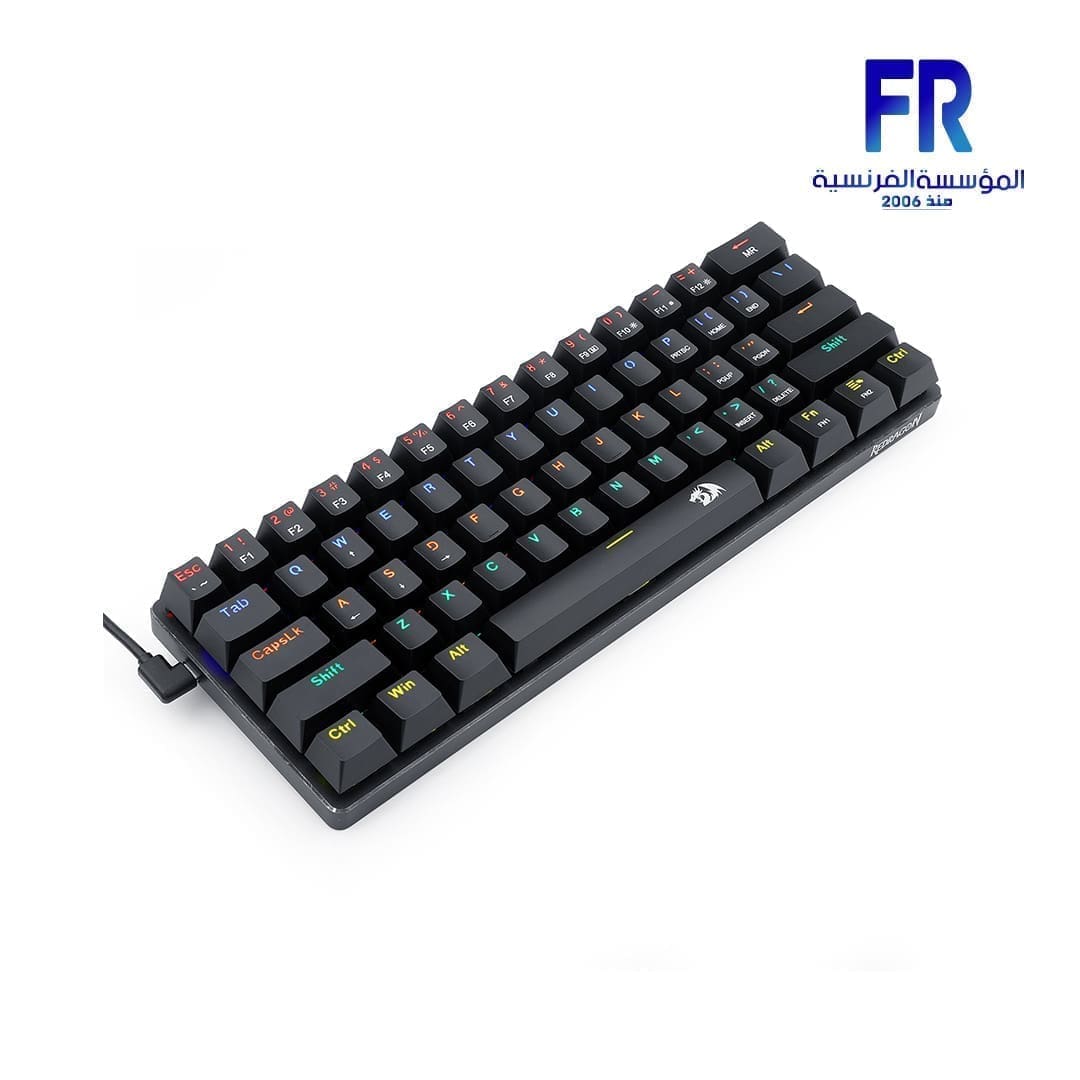


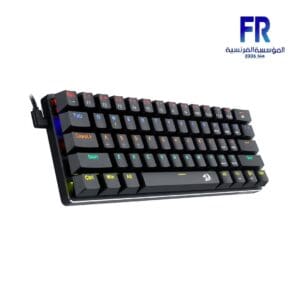


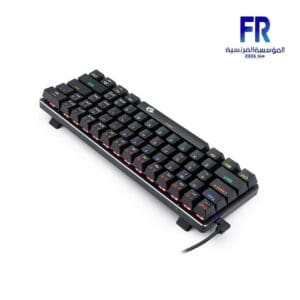
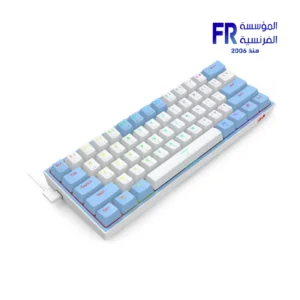
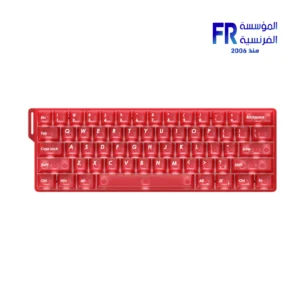
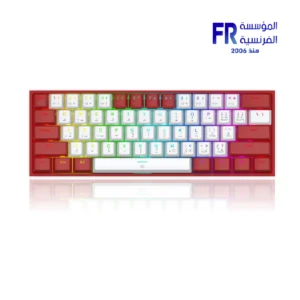
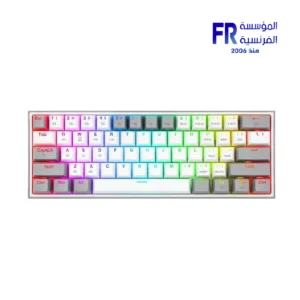
Redragon Jax K613 Rainbow Red Switch Arabic Wired Mechanical Gaming Keyboard
1500 جنية
- Compact 61-Key Design – Space-saving, perfect for gaming and portability.
- Mechanical Switches – Outemu switches for precise and responsive keystrokes.
- USB Wired Connection – Ensures stable and lag-free performance.
- Ergonomic & Waterproof – Designed for comfort and durability.
- Multi-Functionality – Ideal for gaming, multimedia, and everyday use.
غير متوفر بالمخزون
Redragon Jax K613 Rainbow Red Switch Arabic Wired Mechanical Gaming Keyboard
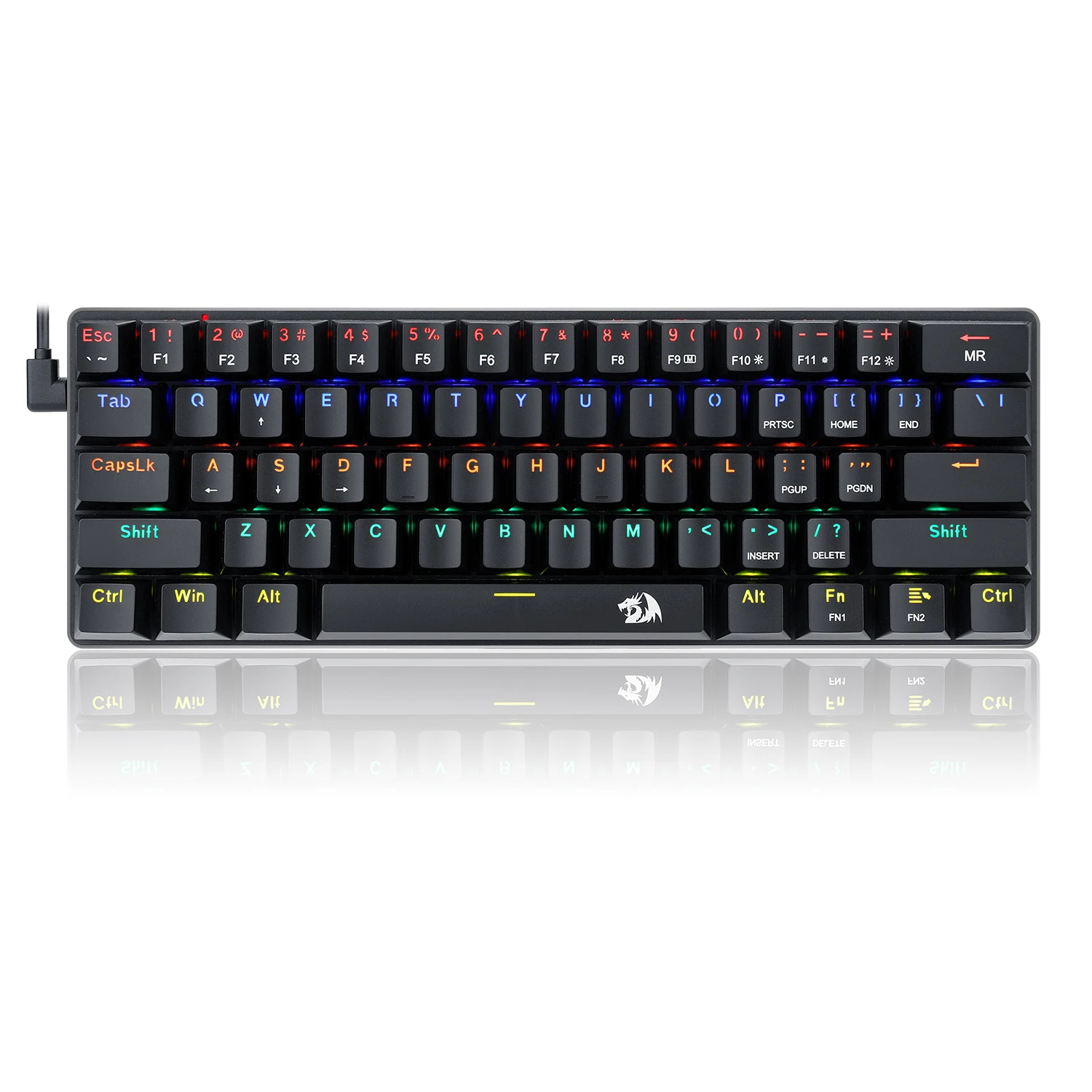
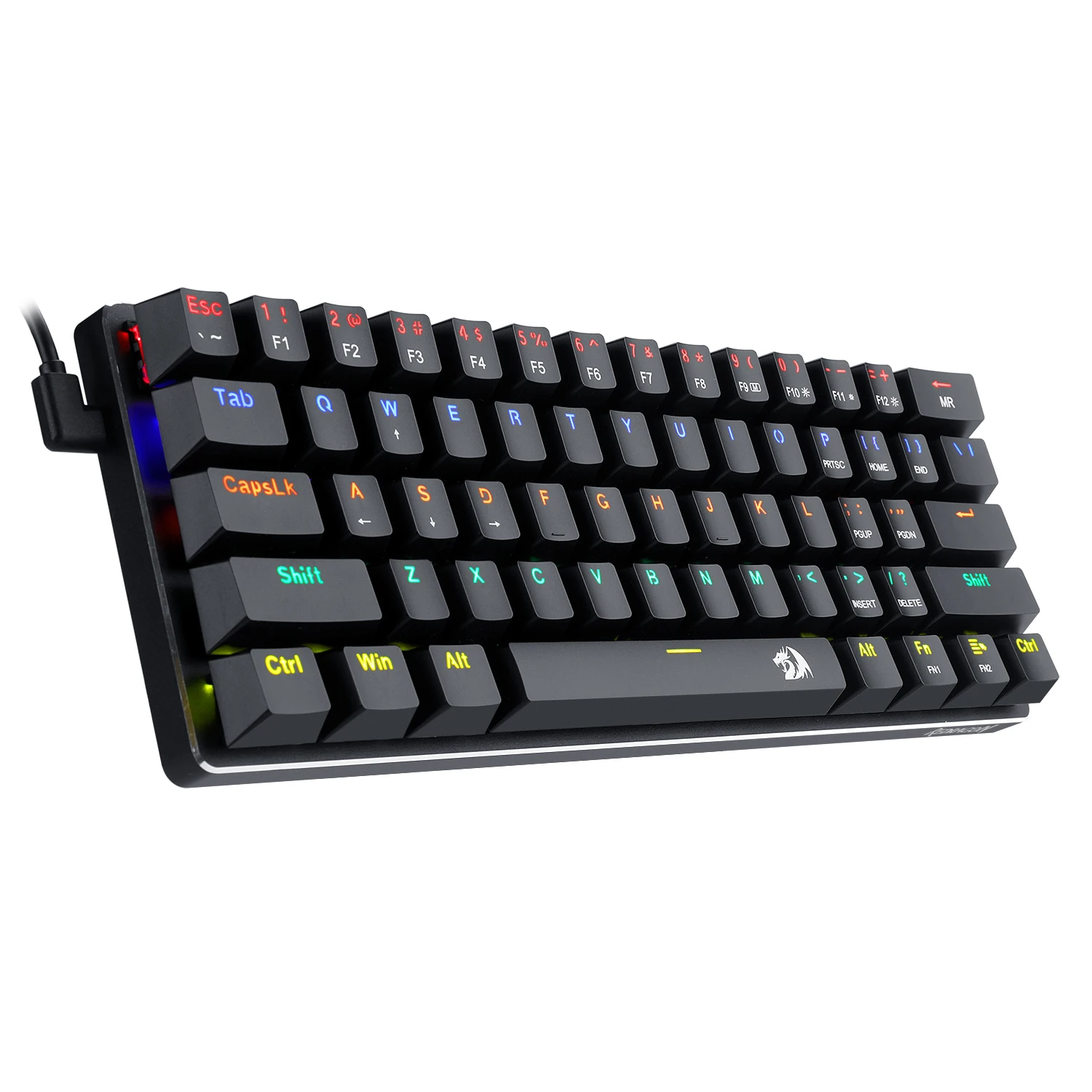
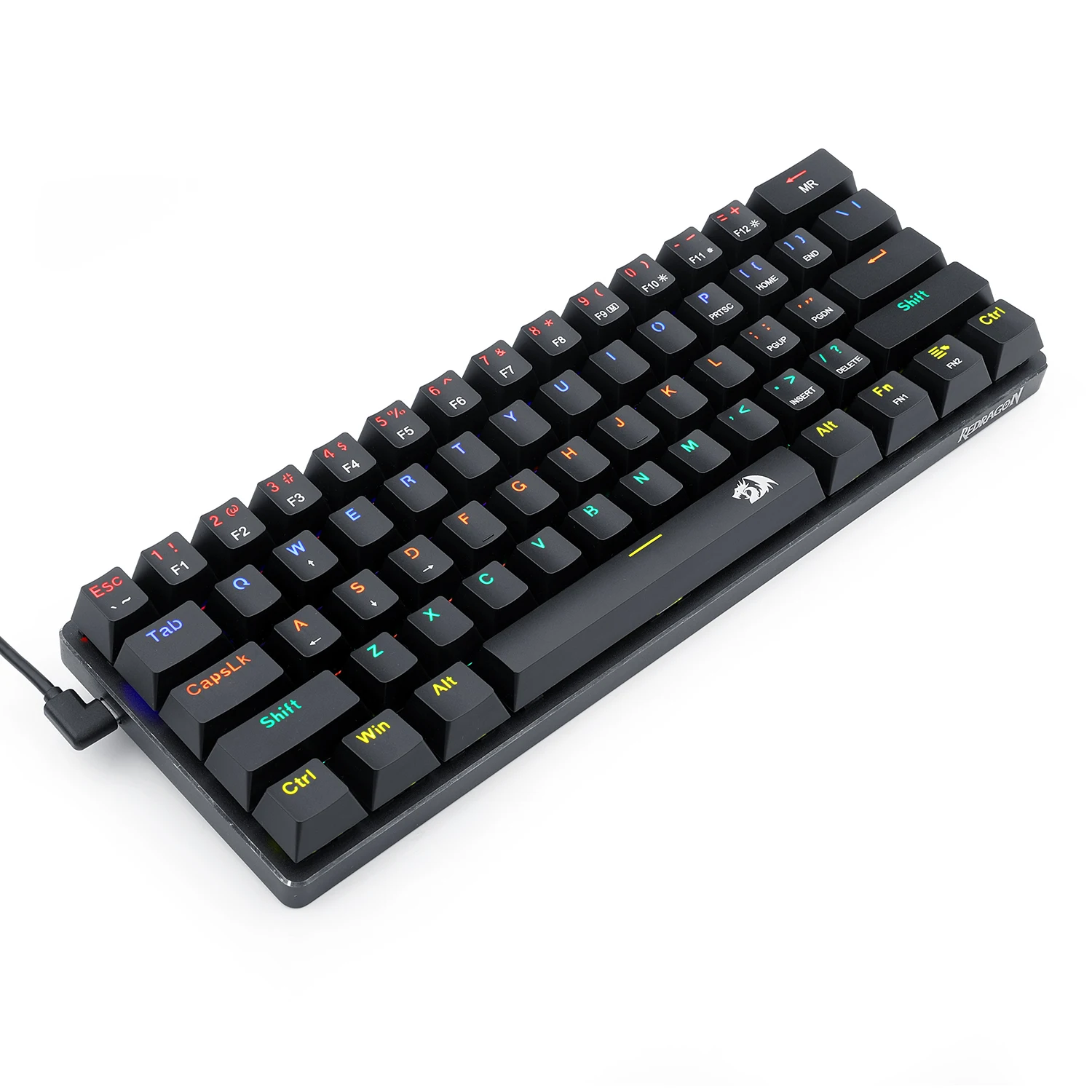
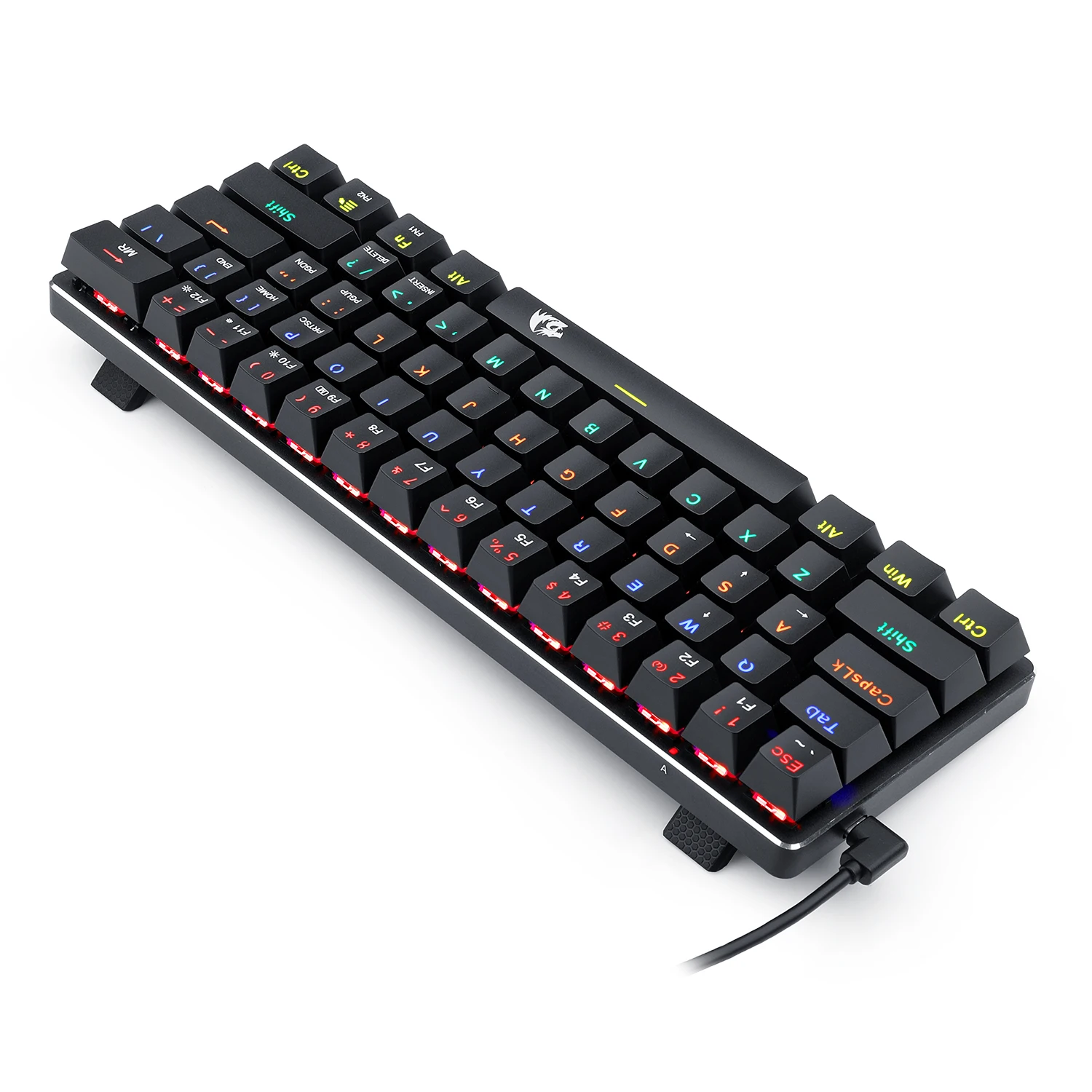
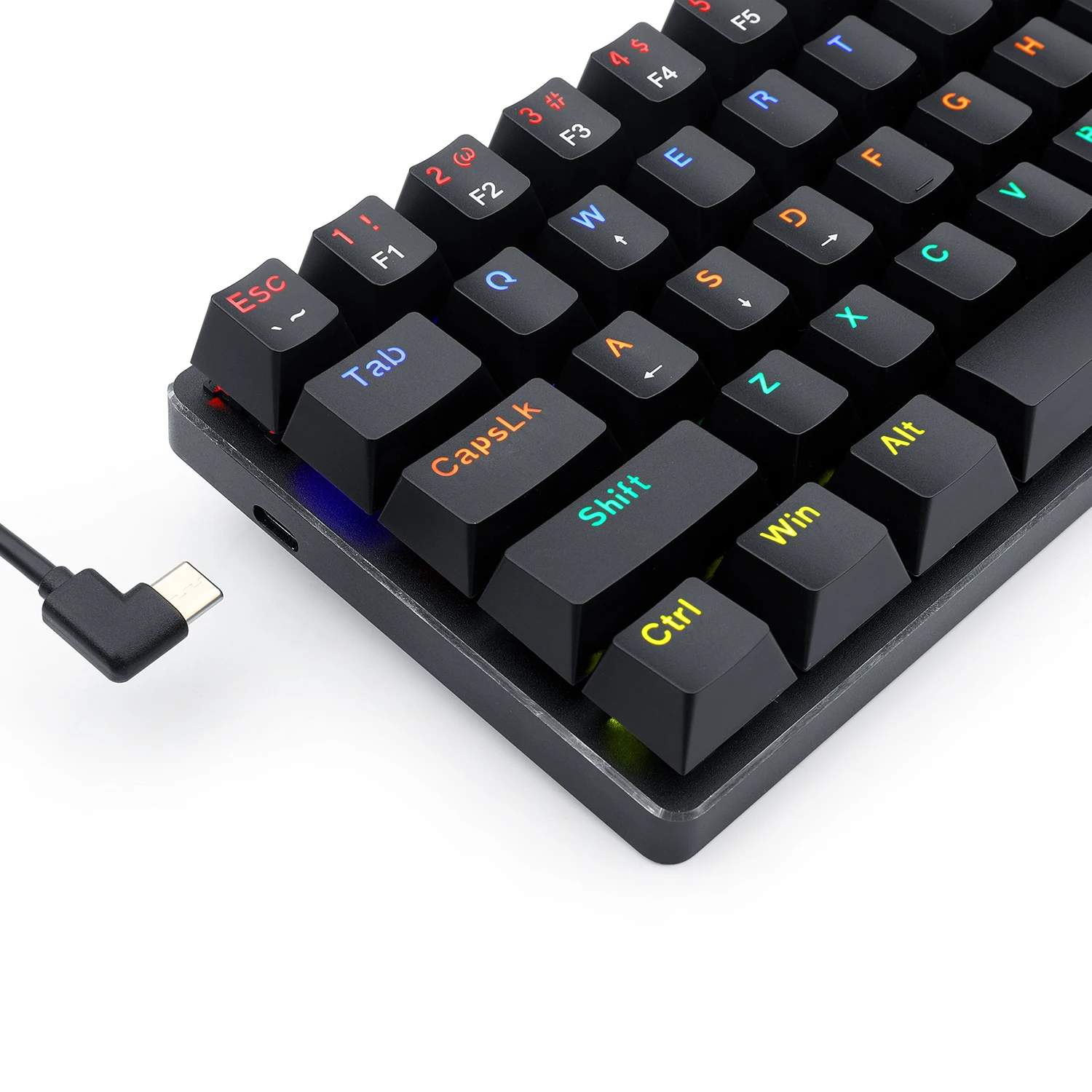



Redragon Jax K613 Rainbow Red Switch Arabic Wired Mechanical Gaming Keyboard SPECIFICATIONS:
- Axis Body Brand: Outemu
- Full Size Keyboard: No
- Package Included: No
- Wrist Support: No
- Style: Ergonomics, Multimedia, Waterproof, Gaming, Mini
- Interface Type: USB
- Operation Style: Mechanical
- Language: UK
- Keyboard Standard: Mini Keyboard
- Application: Desktop, Laptop
- Type: Wired
- Brand Name: ريدراجون
- Certification: CE, FCC
- Origin: Mainland China
- Model Number: K613-KB Red AR/EN
- Number of Keys: 61
- Mini 60% Mechanical Gaming Keyboard with detachable USB A to USB C cable, small, ultra-portable, space saving design built for esports professionals.
- Compact Tenkeyless TKL with Custom Dustproof Switches (Cherry Blue equivalent) Clicky, medium resistance, audible loud click sound, crisp precise tactile feedback, good for typing and gaming.
- LED Rainbow Backlit Mechanical Gaming Keyboard 18 different preset lighting modes plus 1 user programmable mode 5 different colors, 6 brightness levels, breathing speed Precision engineered keycaps offer crystal clear uniform backlighting.
- Anti-Ghosting, N-Key Rollover, Non-Slip Ergonomic Design with adjustable typing angle, WIN Key can be turned off, ALL 87 keys are conflict free.
- PC Gaming Keyboard Compatibility Windows 10, 8, 7, Vista, XP, Limited Mac OS keyboard support. Works well with all major Computers Brands and Gaming PCs, Xbox, PS4 and others.
- Product description With its 60% ultra-compact and portable tenkeyless design, the Redragon K613-KB LED Rainbow Backlit Mechanical Keyboard is ideal for small desk spaces and mobile esports players, easy to pack up and transport Features.
High quality LED backlit mechanical gaming keyboard
61 key ,detachable cable , portable for travel
N-Key rollover
Rainbow backlighting
High-precision machinery manufacture
Double iniection keycaps
WIN keys can be disable in gaming
OS support
Windows XP/Vista/Win//Win8/Win10
Customized backlight for different game
1. Press FN2+”Backspace”key: active backlight record mode
2. Press again FN2+”Backspace”key: to start record, CAPS key twinkle quickly.press the desired key to light up. Press FN2+”Backspace”to save and quit.
3. Display customized backlight by press FN2+”Backspace”key
4. Delete all customized backlight: press and hold FN1+”Backspace”key for 5 seconds to delete all customized backlight
1. Press FN2+”Backspace”key: active backlight record mode
2. Press again FN2+”Backspace”key: to start record, CAPS key twinkle quickly.press the desired key to light up. Press FN2+”Backspace”to save and quit.
3. Display customized backlight by press FN2+”Backspace”key
4. Delete all customized backlight: press and hold FN1+”Backspace”key for 5 seconds to delete all customized backlight
كيبورد
| الموديل | |
|---|---|
| Connection | |
| Switch Type | |
| Mechanical Switch Type | |
| Lighting | |
| Wrist rest | |
| Cable Length | |
| Keyboard Size | |
| Software | |
| اللون | |
| Part Number | |
| الضمان |
يسمح فقط للزبائن مسجلي الدخول الذين قاموا بشراء هذا المنتج ترك مراجعة.

المراجعات
لا توجد مراجعات بعد.