

-
×
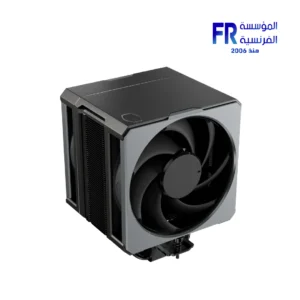 Cooler Master Hyper 612 Apex Dual Mobius 120P Fan 6 Heatpipe Air CPU Cooler
1 × 3999 جنية
Cooler Master Hyper 612 Apex Dual Mobius 120P Fan 6 Heatpipe Air CPU Cooler
1 × 3999 جنية -
×
 Apnx ARGB PWM Fan Hub
1 × 499 جنية
Apnx ARGB PWM Fan Hub
1 × 499 جنية -
×
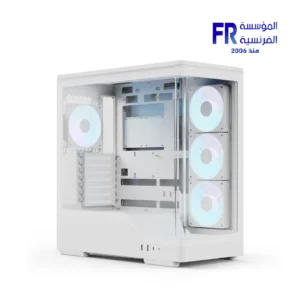 Aerocool P500A Panoramic Curved Glass Back-Connect Support With 4 120mm ARGB PWM Fans White Mid Tower Gaming Case
1 × 3799 جنية
Aerocool P500A Panoramic Curved Glass Back-Connect Support With 4 120mm ARGB PWM Fans White Mid Tower Gaming Case
1 × 3799 جنية -
×
 Thermaltake CT120 EX ARGB Sync Gravel Sand PC Cooling 3 Fan
1 × 2599 جنية
Thermaltake CT120 EX ARGB Sync Gravel Sand PC Cooling 3 Fan
1 × 2599 جنية -
×
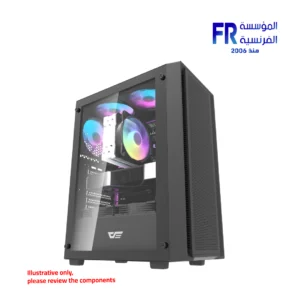 DarkFlash A305 Mesh TG With 4 CL6 ARGB Fans With GP650 650W 80 Plus Bronze PSU Black Mid Tower Gaming Case
1 × 3100 جنية
DarkFlash A305 Mesh TG With 4 CL6 ARGB Fans With GP650 650W 80 Plus Bronze PSU Black Mid Tower Gaming Case
1 × 3100 جنية -
×
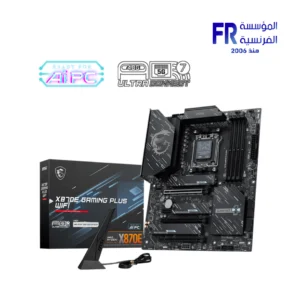 MSI X870E Gaming Plus WIFI Motherboard
1 × 15499 جنية
MSI X870E Gaming Plus WIFI Motherboard
1 × 15499 جنية -
×
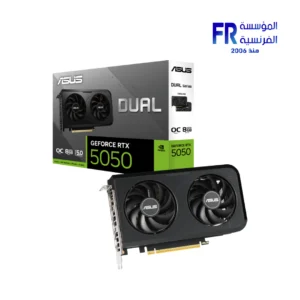 Asus Dual GeForce RTX 5050 8GB GDDR6 OC Edition Graphic Card
1 × 14999 جنية
Asus Dual GeForce RTX 5050 8GB GDDR6 OC Edition Graphic Card
1 × 14999 جنية -
×
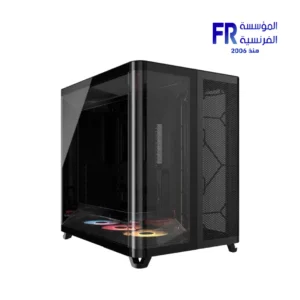 Corsair AIR 5400 RS-R Triple Chamber Curved Glass Reverse Connector Support ARGB With 3x 120mm RS-R Fans Black Full Tower Case
1 × 12500 جنية
Corsair AIR 5400 RS-R Triple Chamber Curved Glass Reverse Connector Support ARGB With 3x 120mm RS-R Fans Black Full Tower Case
1 × 12500 جنية -
×
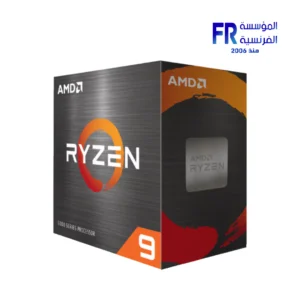 AMD Ryzen 9 5900XT Processor
1 × 18000 جنية
AMD Ryzen 9 5900XT Processor
1 × 18000 جنية -
×
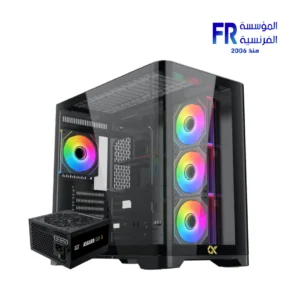 Xigmatek Crystal Storm 4 fan PWM Argb Curved TG + Asgard 750W 80+ Bronze Mid Tower Case
1 × 5250 جنية
Xigmatek Crystal Storm 4 fan PWM Argb Curved TG + Asgard 750W 80+ Bronze Mid Tower Case
1 × 5250 جنية -
×
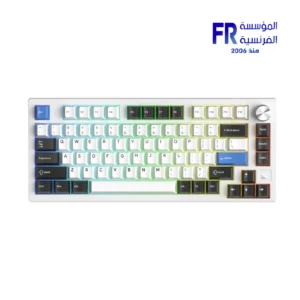 Dareu EK75 RT Magnetic Switch 75% Compact Gasket Mount With Volume Knob RGB White Wired Mechanical Gaming Keyboard
1 × 3950 جنية
Dareu EK75 RT Magnetic Switch 75% Compact Gasket Mount With Volume Knob RGB White Wired Mechanical Gaming Keyboard
1 × 3950 جنية -
×
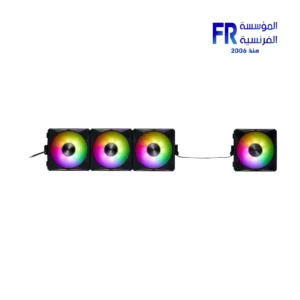 Xpg Hurricane Mag 120 ARGB PWM Magnetic 4 Fan
1 × 4400 جنية
Xpg Hurricane Mag 120 ARGB PWM Magnetic 4 Fan
1 × 4400 جنية -
×
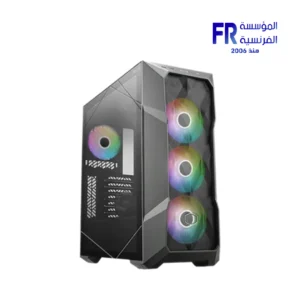 Cooler Master TD500 MAX ARGB TG With ML360 Atmos AIO and GX II Gold 850W PSU Gun Metal Mid Tower Gaming Case
1 × 19777 جنية
Cooler Master TD500 MAX ARGB TG With ML360 Atmos AIO and GX II Gold 850W PSU Gun Metal Mid Tower Gaming Case
1 × 19777 جنية -
×
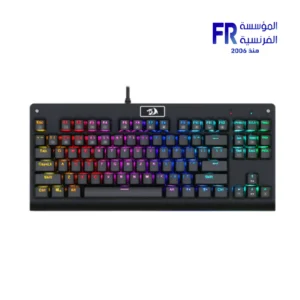 Redragon Dark Avenger K568R-2 Blue Switch Rainbow Wired Mechanical Gaming Keyboard
1 × 1250 جنية
Redragon Dark Avenger K568R-2 Blue Switch Rainbow Wired Mechanical Gaming Keyboard
1 × 1250 جنية -
×
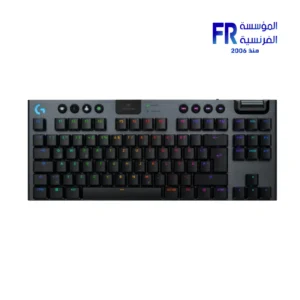 Logitech G G915 X TKL Tactile Switch Low Profile Black Wireless Gaming Keyboard
1 × 11000 جنية
Logitech G G915 X TKL Tactile Switch Low Profile Black Wireless Gaming Keyboard
1 × 11000 جنية -
×
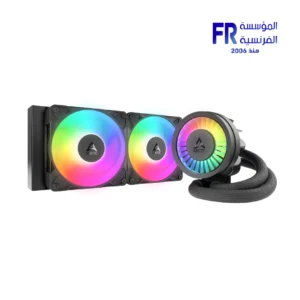 Arctic Liquid Freezer III Pro 240 ARGB Rev.2 Black AIO Liquid CPU Cooler
1 × 5000 جنية
Arctic Liquid Freezer III Pro 240 ARGB Rev.2 Black AIO Liquid CPU Cooler
1 × 5000 جنية


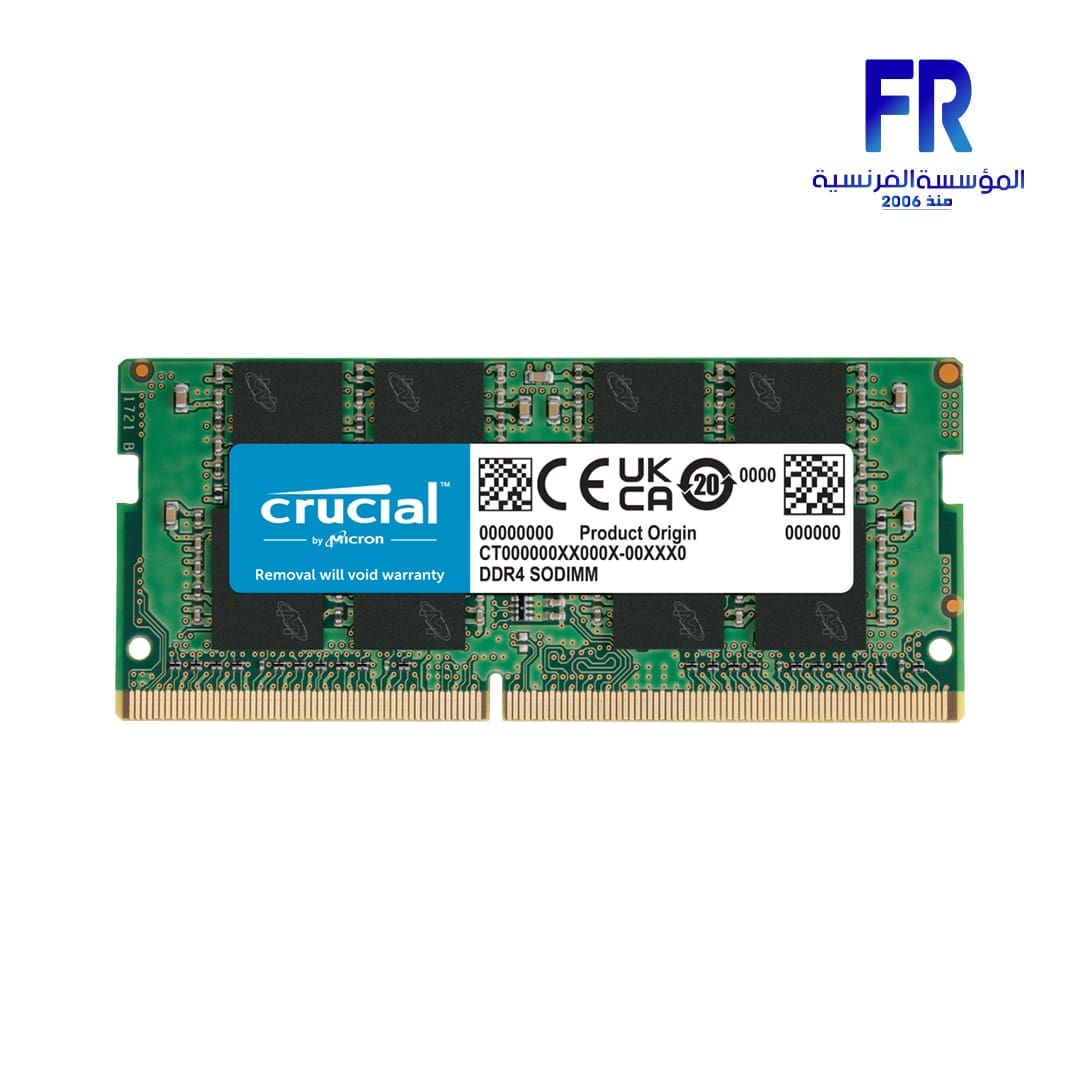

Crucial Basics SODIMM 16GB 3200Mhz DDR4 CL22 Laptop Memory
2720 جنية
- Technology: DDR4
- Module Type: SODIMM
- Density: 16GB
- Kit Quantity: 1
- Voltage: 1.2V
- DIMM Type: Unbuffered
- Die Density:16Gb
غير متوفر بالمخزون
Crucial Basics SODIMM 16GB 3200Mhz DDR4 CL22 Laptop Memory
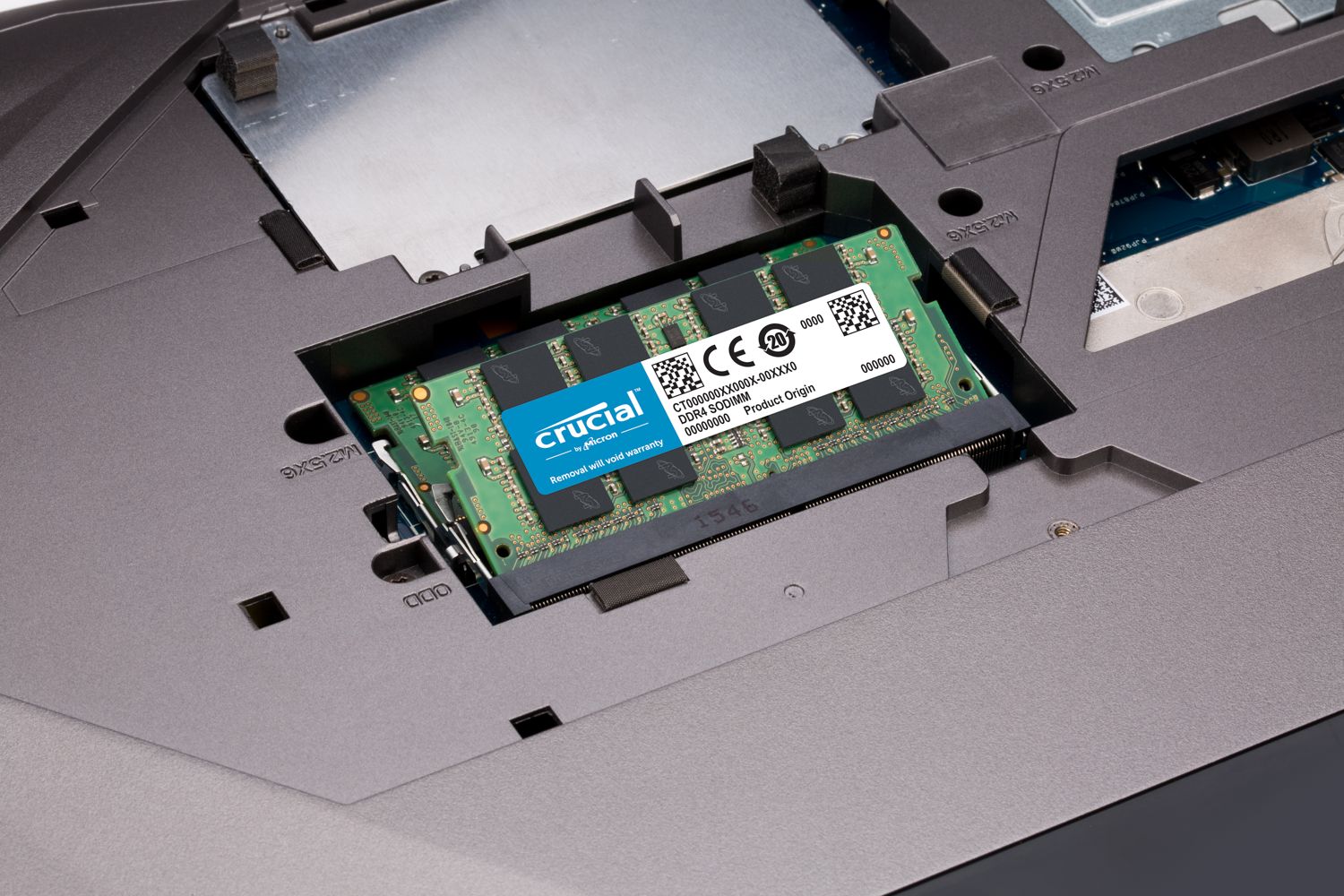
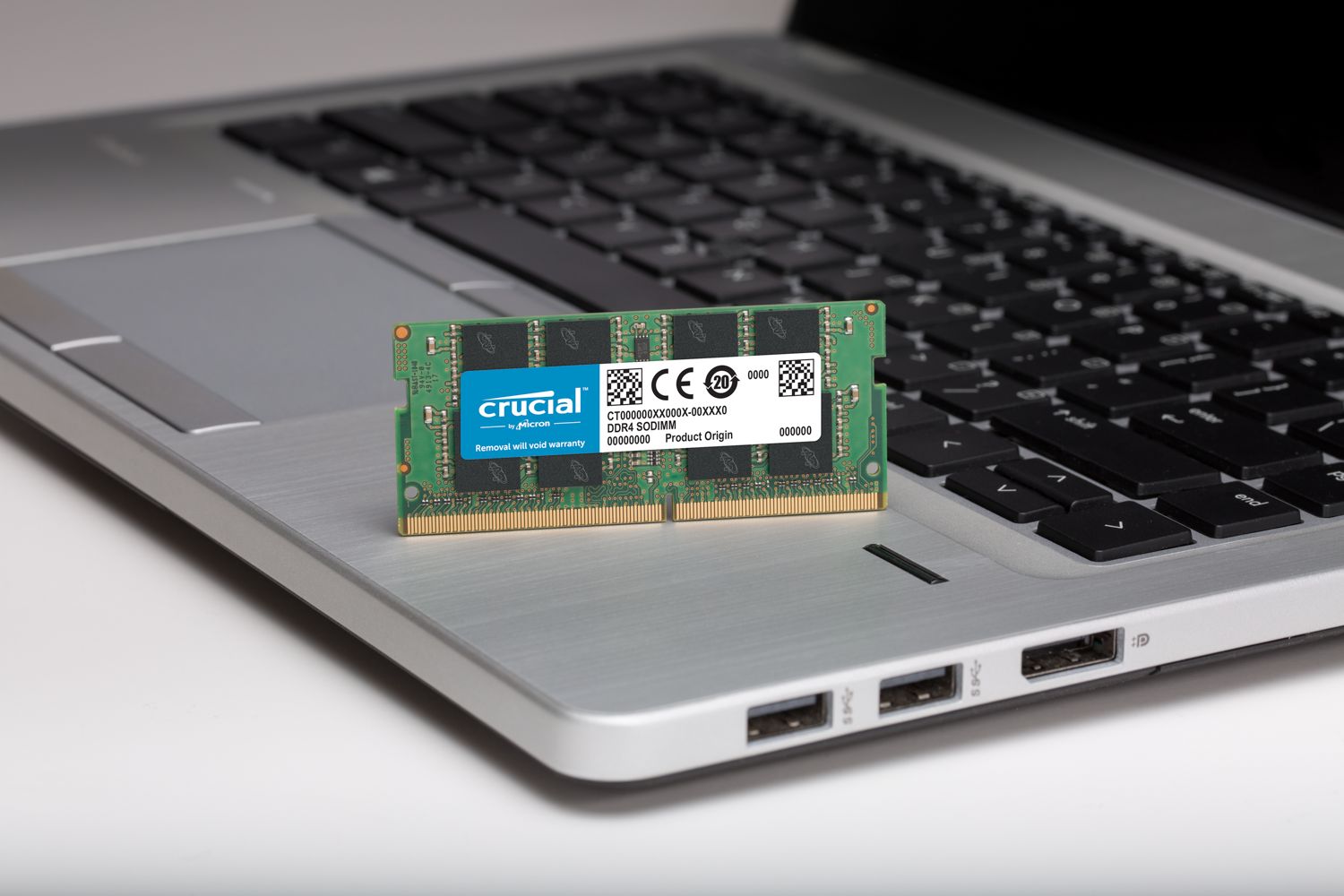
Crucial Basics SODIMM 16GB 3200Mhz DDR4 CL22 Laptop Memory SPECIFICATIONS:
- Technology: DDR4
- Module Type: SODIMM
- Density: 16GB
- Kit Quantity: 1
- Voltage: 1.2V
- DIMM Type: Unbuffered
- Die Density:16Gb
Default and Performance Recovery Profiles
- Default (JEDEC): 22-22-22
Speed & Timing
- Speed: DDR4-3200
- CAS Latency: 22
- Extended Timings: 22-22-22
Warranty & Returns
- Warranty Description: Crucial offers different warranty levels for different products.
Key Features
- High-Speed DDR4 Memory: Operates at DDR4-3200 for improved performance in laptops and compact systems.
- Energy Efficient: Runs at a low voltage of 1.2V, reducing power consumption while maintaining stability.
- Plug-and-Play Compatibility: Default JEDEC timings (22-22-22) ensure seamless operation without manual configuration.
- Compact SODIMM Design: Ideal for laptops, mini PCs, and other small form-factor devices.
- Reliable Performance: Unbuffered design ensures consistent data transfer for everyday computing tasks.
- Warranty Support: Backed by Crucial’s warranty policies, offering peace of mind for long-term use.
-
Make everything on your computer faster
Memory is a component in your computer that allows for short-term data access. Since your system’s moment-to-moment operations rely on short-term data access – loading applications, browsing the Web or editing a spreadsheet – the speed and amount of memory in your system plays a critical role. Load apps in seconds by increasing the speed of your memory and installing more of it.
-
Multitask with ease
If you’re like us, you use your computer to do a lot of things at once. You might be editing a document, while also looking at pictures and browsing the internet. This naturally leads to a performance problem: every app you’re running requires memory and competes for a limited pool of resources. Overcome this by installing high-density modules in each memory slot for seamless multitasking.
-
Install with ease – no computer skills required
With just a screwdriver, your owner’s manual, and a few minutes of time, you can install memory – no computer skills necessary. Just watch one of our three-minute install videos, and we’ll walk you step-by-step through the process. Don’t pay a computer shop to do something you can do in minutes!
-
Maximize the value of your system
At a fraction of the cost of a new system, a memory upgrade is one of the most affordable ways to increase performance. Get more out of your laptop by giving it the resources it needs to perform.
رام
| الموديل | |
|---|---|
| RAM TYPE | |
| Technology | |
| RAM CAPACITY | |
| Memory Speed | |
| Latency | |
| Voltage | |
| Performance Profile | |
| Heat Spreader | |
| RAM RGB | |
| Part Number | |
| الضمان |
مراجعة واحدة لـ Crucial Basics SODIMM 16GB 3200Mhz DDR4 CL22 Laptop Memory
يسمح فقط للزبائن مسجلي الدخول الذين قاموا بشراء هذا المنتج ترك مراجعة.
Abanoub Noah (عميل موَثَّق) –
انتظرت خمس ايام وفي الاخر لم يتم شحن المنتج بحجة النفاذ رغم أنه نزل على الموقع بعدها بسعر اعلي