-
×
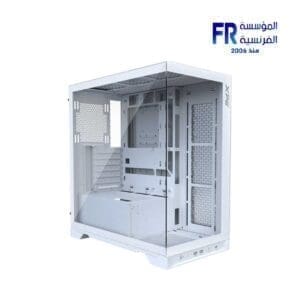
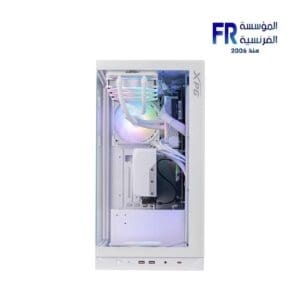
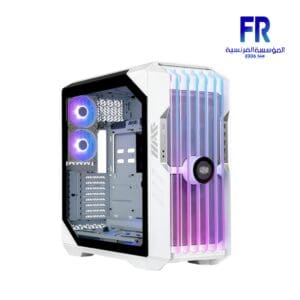 Cooler Master HAF 700 EVO White Full Tower Case
1 × 23700 جنية
Cooler Master HAF 700 EVO White Full Tower Case
1 × 23700 جنية -
×
 HyperX Pulsefire Fuse Rgb 3 Mode Wireless Gaming Mouse
1 × 2299 جنية
HyperX Pulsefire Fuse Rgb 3 Mode Wireless Gaming Mouse
1 × 2299 جنية -
×
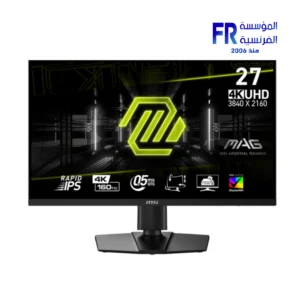 MSI MAG 274UPF E2 27 Inch 160Hz 1Ms UHD Rapid IPS KVM Switch VESA DisplayHDR 400 with USB-C Power Delivery Monitor
1 × 24999 جنية
MSI MAG 274UPF E2 27 Inch 160Hz 1Ms UHD Rapid IPS KVM Switch VESA DisplayHDR 400 with USB-C Power Delivery Monitor
1 × 24999 جنية -
×
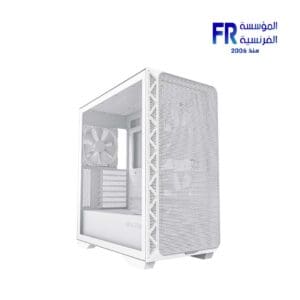
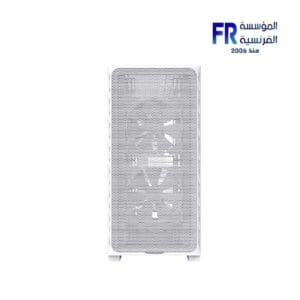
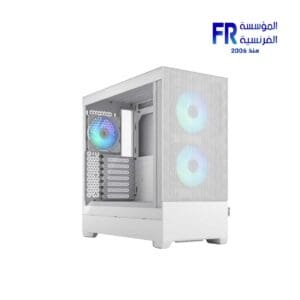
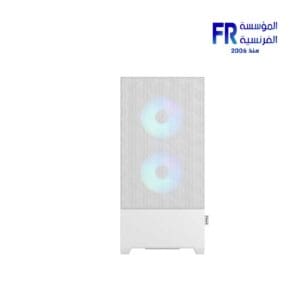
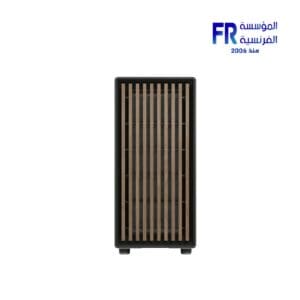
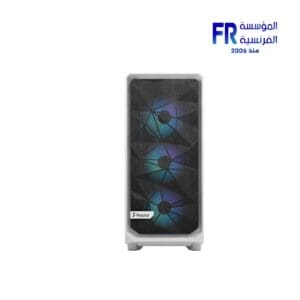
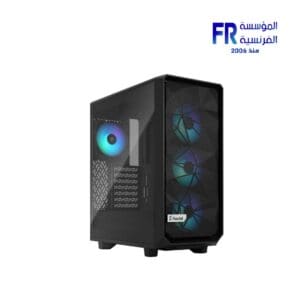
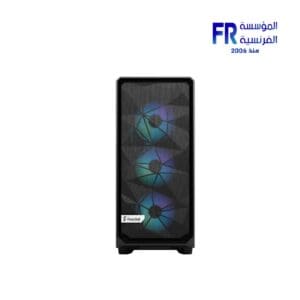
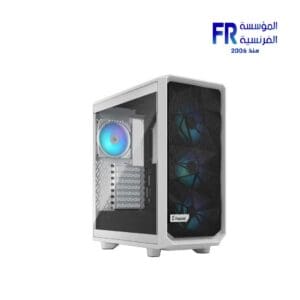 Fractal Design Meshify 2 Compact RGB TG Clear Tint White Mid Tower Case
1 × 6899 جنية
Fractal Design Meshify 2 Compact RGB TG Clear Tint White Mid Tower Case
1 × 6899 جنية

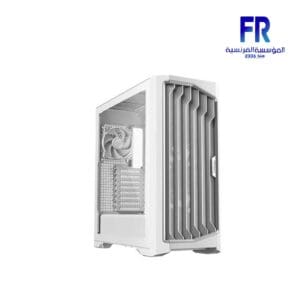
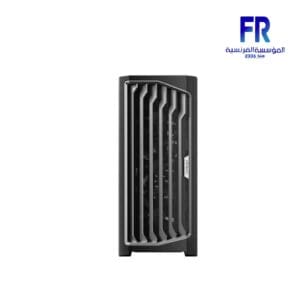
Case airflow is the movement of air through a computer case, and it is essential for keeping your computer cool. When your computer components heat up, they can overheat and damage themselves. Airflow helps to dissipate this heat and keep your computer running smoothly.
There are three main factors that affect case airflow:
-
Case design:
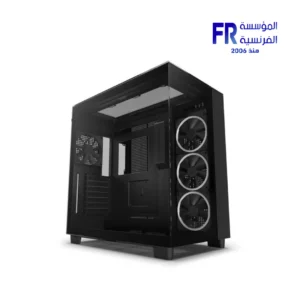
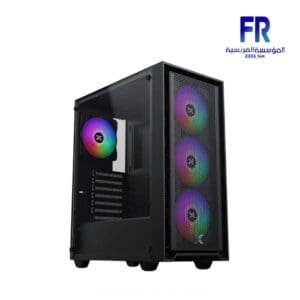
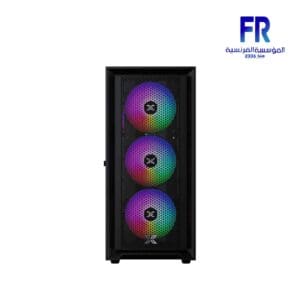
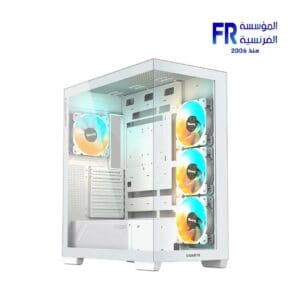
The design of your computer case can have a big impact on airflow. Cases with large vents and open mesh panels will allow more air to flow through them, while cases with solid panels will restrict airflow.
-
Fan placement:
The placement of your fans can also affect airflow. Fans should be positioned to draw in cool air from the outside of the case and exhaust hot air out the back or top.
-
Fan speed:
The speed of your fans will also affect airflow. Fans that run at higher speeds will move more air, but they will also be louder.
Here are some tips for optimizing case a irflow:
-
Choose a case with good a irflow:
When choosing a case, look for one with large vents and open mesh panels.
-
Install your fans correctly:
Make sure your fans are positioned to draw in cool air from the outside of the case and exhaust hot air out the back or top.
-
Use the right fan speed:
Adjust your fan speeds to find a balance between a irflow and noise.
-
Keep your case clean:
Dust and dirt can clog up your fans and vents, so it is important to keep your case clean.
By following these tips, you can ensure that your computer has adequate a irflow and that your components stay
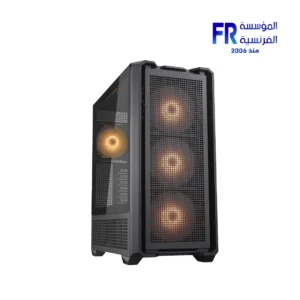
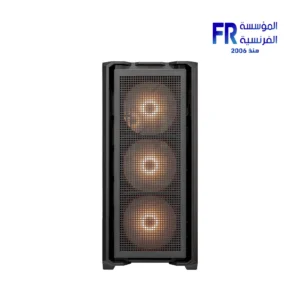

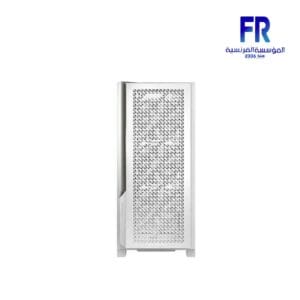




-7%
السعر الأصلي هو: 6999 EGP.6499 جنيةالسعر الحالي هو: 6499 EGP.
SALE
SALE




SALE


-5%