

-
×
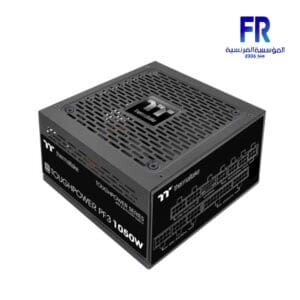 Thermaltake Toughpower PF3 1050W 80 Plus Platinum Tt Premium Edition ATX 3.0 Pcie 5.0 Fully Modular Power Supply
1 × 11500 جنية
Thermaltake Toughpower PF3 1050W 80 Plus Platinum Tt Premium Edition ATX 3.0 Pcie 5.0 Fully Modular Power Supply
1 × 11500 جنية -
×
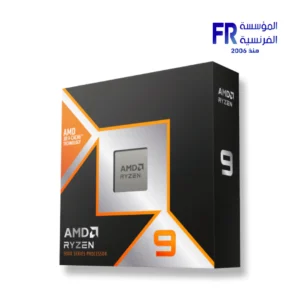 AMD Ryzen 9 9950X3D WOF Processor
1 × 37400 جنية
AMD Ryzen 9 9950X3D WOF Processor
1 × 37400 جنية -
×
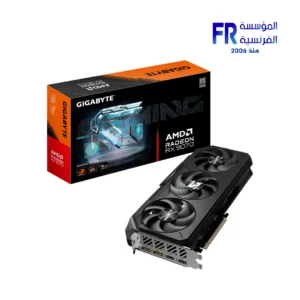 Gigabyte Radeon RX 9070 Gaming OC 16GB Graphic Card
1 × 36900 جنية
Gigabyte Radeon RX 9070 Gaming OC 16GB Graphic Card
1 × 36900 جنية -
×
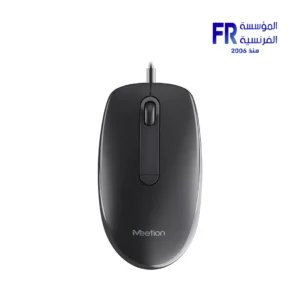 Meetion M100 Silent Optical Wired Mouse
1 × 150 جنية
Meetion M100 Silent Optical Wired Mouse
1 × 150 جنية -
×
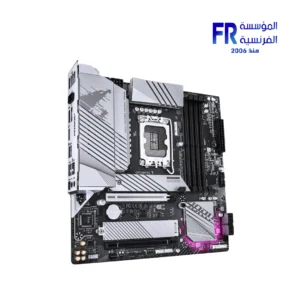 Gigabyte B760M Aorus Elite WIFI6E Gen5 LGA1700 Gaming Motherboard
1 × 9200 جنية
Gigabyte B760M Aorus Elite WIFI6E Gen5 LGA1700 Gaming Motherboard
1 × 9200 جنية -
×
 ViewSonic Gaming XG275D1-4K 27 Inch 160Hz (Dual Mode 320Hz) 0.5ms UHD Fast IPS Flat FreeSync Premium G Sync Compatible HDR10 With Speakers RGB Black Monitor
1 × 23000 جنية
ViewSonic Gaming XG275D1-4K 27 Inch 160Hz (Dual Mode 320Hz) 0.5ms UHD Fast IPS Flat FreeSync Premium G Sync Compatible HDR10 With Speakers RGB Black Monitor
1 × 23000 جنية -
×
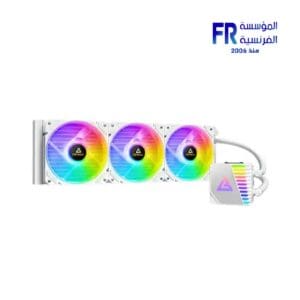 Antec Symphony 360MM ARGB White Liquid Cpu Cooler
1 × 4199 جنية
Antec Symphony 360MM ARGB White Liquid Cpu Cooler
1 × 4199 جنية -
×
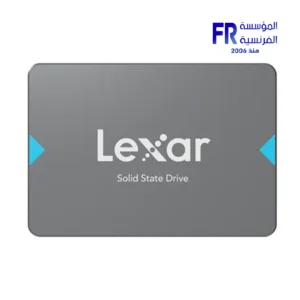 Lexar NQ100 512GB 550MB/s 2.5 Inch SATA 6GB/s Internal Solid State Drive SSD
1 × 2400 جنية
Lexar NQ100 512GB 550MB/s 2.5 Inch SATA 6GB/s Internal Solid State Drive SSD
1 × 2400 جنية -
×
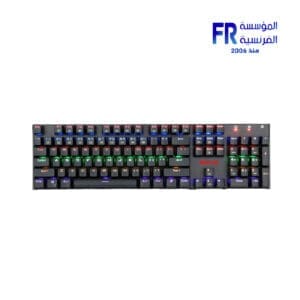 Redragon Rudra Rainbow Elite K565 Blue Switch Wired Mechanical Gaming Keyboard
1 × 1700 جنية
Redragon Rudra Rainbow Elite K565 Blue Switch Wired Mechanical Gaming Keyboard
1 × 1700 جنية -
×
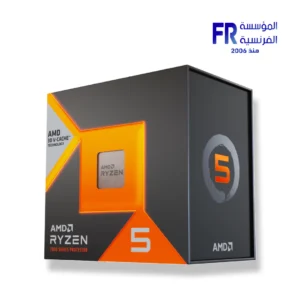 AMD Ryzen 5 7500X3D Processor
1 × 14300 جنية
AMD Ryzen 5 7500X3D Processor
1 × 14300 جنية -
×
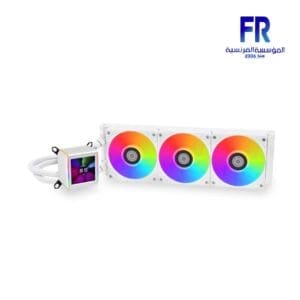 Lian Li Galahad II LCD 360MM White AIO Liquid Cpu Cooler
1 × 11200 جنية
Lian Li Galahad II LCD 360MM White AIO Liquid Cpu Cooler
1 × 11200 جنية -
×
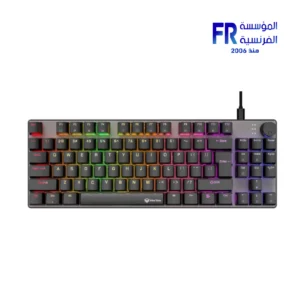 Meetion MK008 PRO RGB 80% TKL Hot Swappable Red switch Arabic Wired Mechanical Keyboard
1 × 1099 جنية
Meetion MK008 PRO RGB 80% TKL Hot Swappable Red switch Arabic Wired Mechanical Keyboard
1 × 1099 جنية -
×
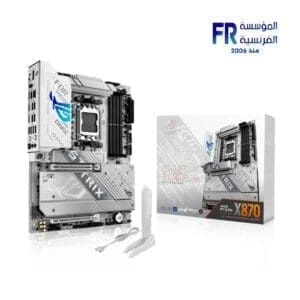 Asus Rog Strix X870 A Gaming Wifi Motherboard
1 × 20500 جنية
Asus Rog Strix X870 A Gaming Wifi Motherboard
1 × 20500 جنية -
×
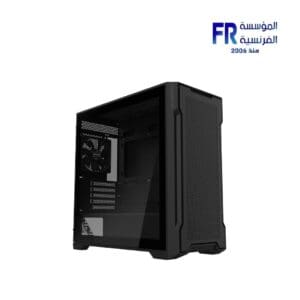 Gigabyte C102G Micro Tower Case
1 × 2000 جنية
Gigabyte C102G Micro Tower Case
1 × 2000 جنية -
×
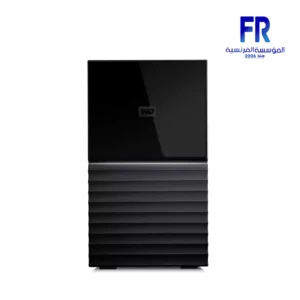 Wd My Book Duo 36Tb External Hard Drive
1 × 55000 جنية
Wd My Book Duo 36Tb External Hard Drive
1 × 55000 جنية -
×
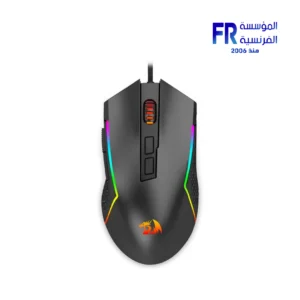 Redragon Trident Lite M613-RGB 8000 DPI RGB Wired Gaming Mouse
1 × 835 جنية
Redragon Trident Lite M613-RGB 8000 DPI RGB Wired Gaming Mouse
1 × 835 جنية -
×
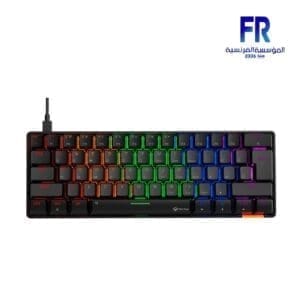 Meetion MK005 60% Blue switch Arabic Wired Mechanical Keyboard
1 × 999 جنية
Meetion MK005 60% Blue switch Arabic Wired Mechanical Keyboard
1 × 999 جنية -
×
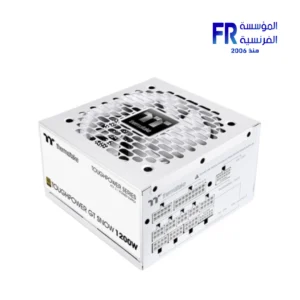 Thermaltake Toughpower GT Snow 1200W 80 Plus Gold ATX 3.1 Fully Modular White Power Supply
2 × 8500 جنية
Thermaltake Toughpower GT Snow 1200W 80 Plus Gold ATX 3.1 Fully Modular White Power Supply
2 × 8500 جنية -
×
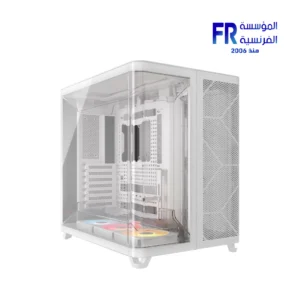 Corsair AIR 5400 RS-R ARGB Triple Chamber Curved Glass With 3x 120mm RS-R Fans White Full Tower Case
1 × 12500 جنية
Corsair AIR 5400 RS-R ARGB Triple Chamber Curved Glass With 3x 120mm RS-R Fans White Full Tower Case
1 × 12500 جنية -
×
 Lian Li PCI e 4.0 X16 200mm Riser cable
1 × 3000 جنية
Lian Li PCI e 4.0 X16 200mm Riser cable
1 × 3000 جنية -
×
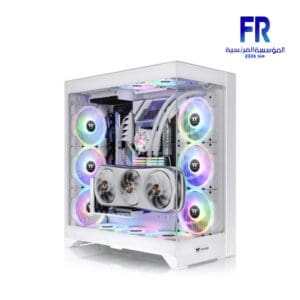 Thermaltake CTE E600 MX Snow Mid Tower Case
1 × 9999 جنية
Thermaltake CTE E600 MX Snow Mid Tower Case
1 × 9999 جنية -
×
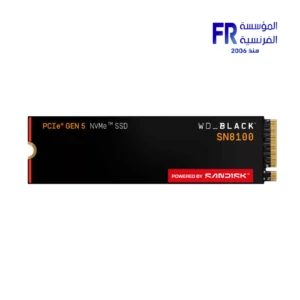 Western Digital Black SN8100 1TB M2 2280 PCIe Gen 5 Nvme Without Heatsink Internal Solid State Drive SSD
1 × 11400 جنية
Western Digital Black SN8100 1TB M2 2280 PCIe Gen 5 Nvme Without Heatsink Internal Solid State Drive SSD
1 × 11400 جنية -
×
 Samsung Odyssey Neo G9 G95NC S57CG952NU 57 Inch 240Hz 1ms GTG Dual UHD VA Curve 1000R Quantum Matrix FreeSync Premium Pro White Monitor
1 × 129999 جنية
Samsung Odyssey Neo G9 G95NC S57CG952NU 57 Inch 240Hz 1ms GTG Dual UHD VA Curve 1000R Quantum Matrix FreeSync Premium Pro White Monitor
1 × 129999 جنية -
×
 Redragon Perdition M901 RGB 18 Buttons White Wired MMO Gaming Mouse
1 × 1199 جنية
Redragon Perdition M901 RGB 18 Buttons White Wired MMO Gaming Mouse
1 × 1199 جنية -
×
 Aorus Gen4 7300 1TB M.2 Nvme Internal Solid State Drive SSD
1 × 6840 جنية
Aorus Gen4 7300 1TB M.2 Nvme Internal Solid State Drive SSD
1 × 6840 جنية -
×
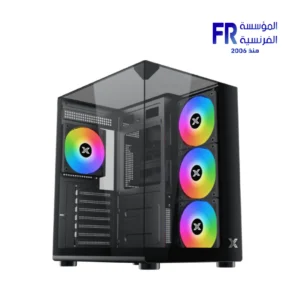 Xigmatek Aqua Compact 4 Fan ARGB PWM Mid Tower Case
1 × 2799 جنية
Xigmatek Aqua Compact 4 Fan ARGB PWM Mid Tower Case
1 × 2799 جنية -
×
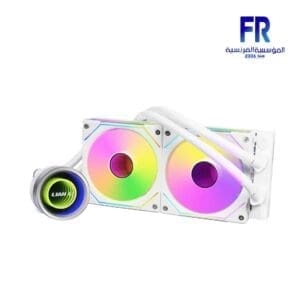 Lian Li Galahad II Trinity SL-INF 240MM with UNI Fan SL Infinity Fans White AIO Liquid Cpu Cooler
1 × 7900 جنية
Lian Li Galahad II Trinity SL-INF 240MM with UNI Fan SL Infinity Fans White AIO Liquid Cpu Cooler
1 × 7900 جنية -
×
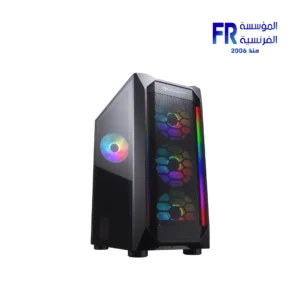 Cougar MX410 ARGB Strips + VTC500 500W 80 Plus Standard Mid Tower Case
1 × 2950 جنية
Cougar MX410 ARGB Strips + VTC500 500W 80 Plus Standard Mid Tower Case
1 × 2950 جنية -
×
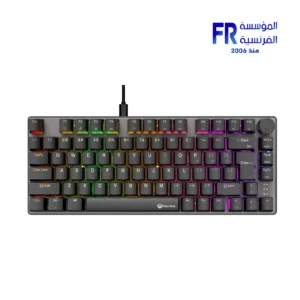 Meetion MK006 PRO RGB 75% Hot Swappable Red switch Arabic Wired Mechanical Keyboard
1 × 999 جنية
Meetion MK006 PRO RGB 75% Hot Swappable Red switch Arabic Wired Mechanical Keyboard
1 × 999 جنية -
×
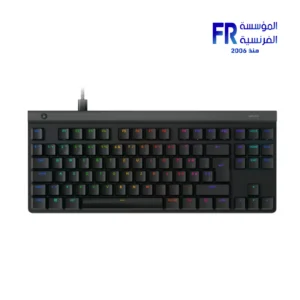 Logitech G G515 TKL Tactile Switch Low Profile Black Wired Gaming Keyboard
1 × 5499 جنية
Logitech G G515 TKL Tactile Switch Low Profile Black Wired Gaming Keyboard
1 × 5499 جنية -
×
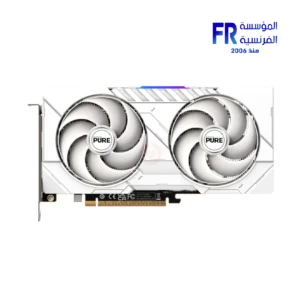 Sapphire Pure Radeon RX 9060 XT 16Gb GDDR6 Gaming OC GDDR6 White Graphic Card
1 × 23500 جنية
Sapphire Pure Radeon RX 9060 XT 16Gb GDDR6 Gaming OC GDDR6 White Graphic Card
1 × 23500 جنية -
×
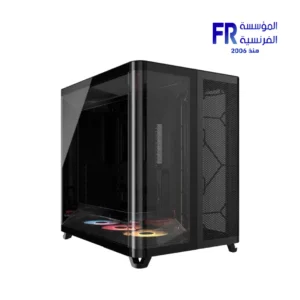 Corsair AIR 5400 RS-R Triple Chamber Curved Glass Reverse Connector Support ARGB With 3x 120mm RS-R Fans Black Full Tower Case
1 × 12500 جنية
Corsair AIR 5400 RS-R Triple Chamber Curved Glass Reverse Connector Support ARGB With 3x 120mm RS-R Fans Black Full Tower Case
1 × 12500 جنية -
×
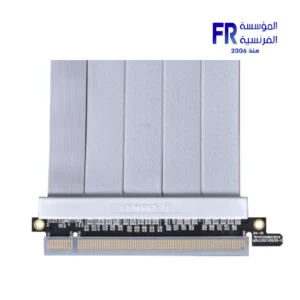 Lian Li PCI e 4.0 600mm White Riser Cable
1 × 4500 جنية
Lian Li PCI e 4.0 600mm White Riser Cable
1 × 4500 جنية -
×
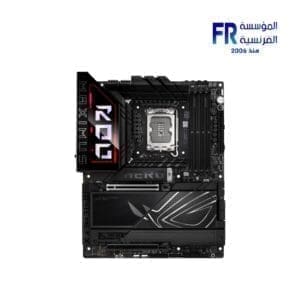 Asus Rog Maximus Z890 HERO Motherboard
1 × 29500 جنية
Asus Rog Maximus Z890 HERO Motherboard
1 × 29500 جنية -
×
 AeroCool Phantom M 3 Reverse Argb Fan
1 × 399 جنية
AeroCool Phantom M 3 Reverse Argb Fan
1 × 399 جنية

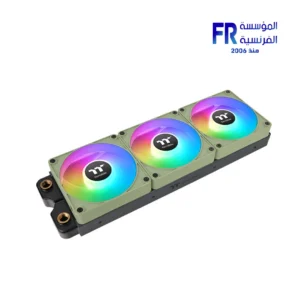
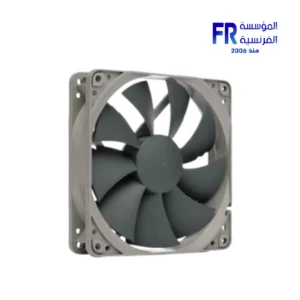
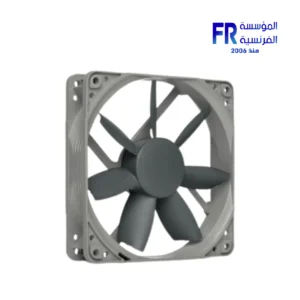
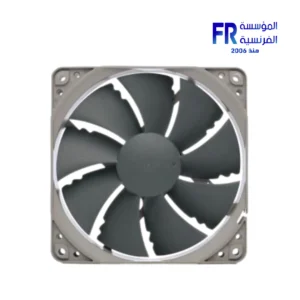
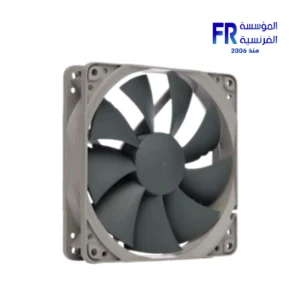
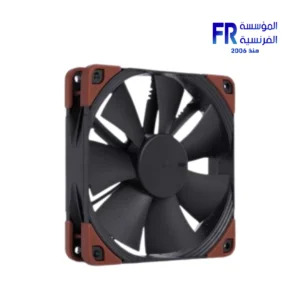
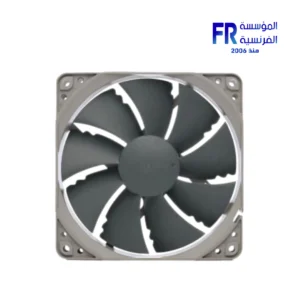
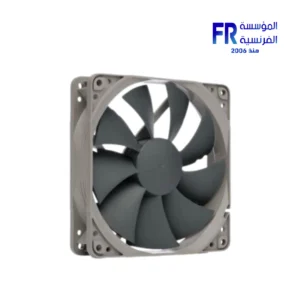
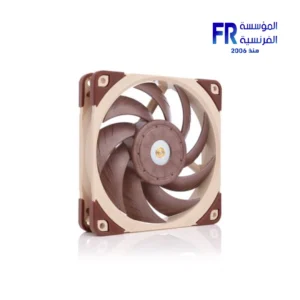
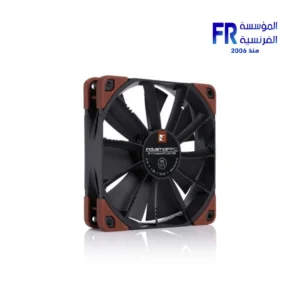
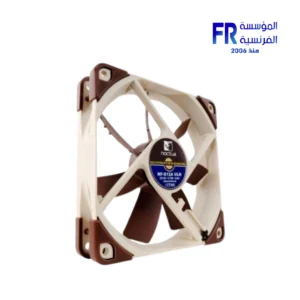
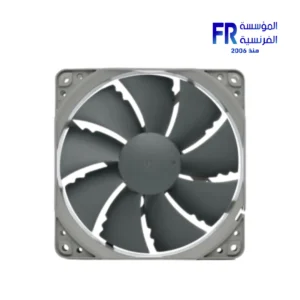
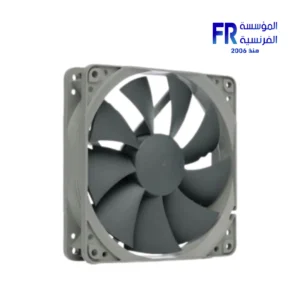
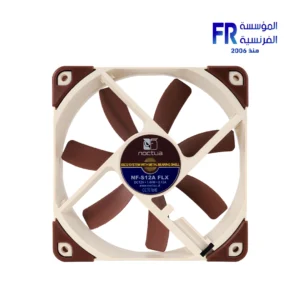
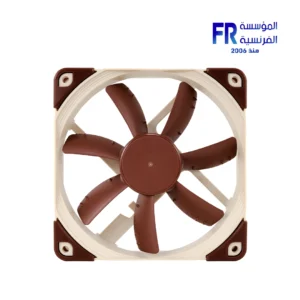
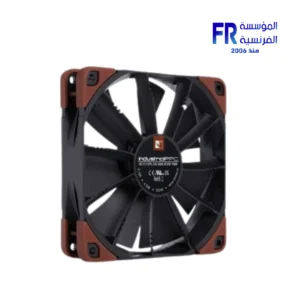
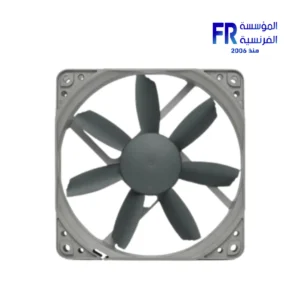
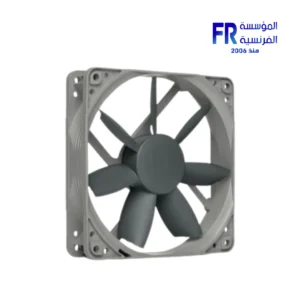
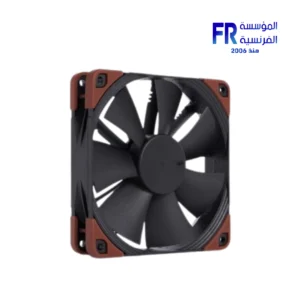
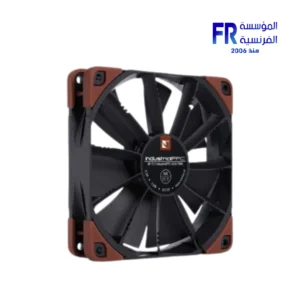
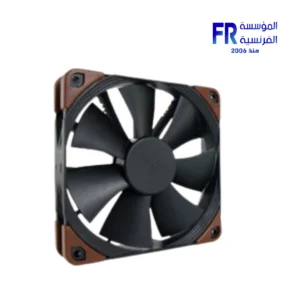
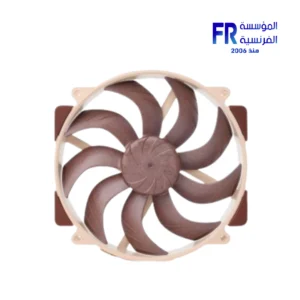
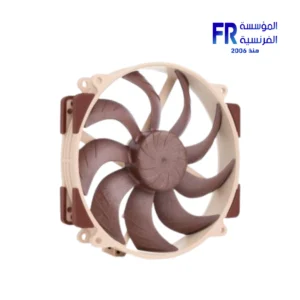
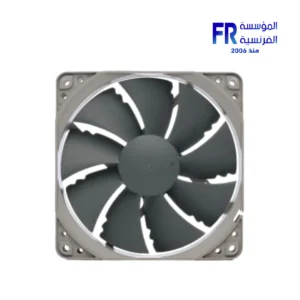
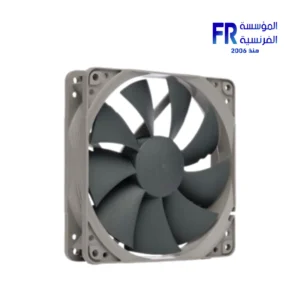
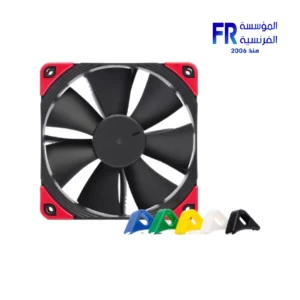
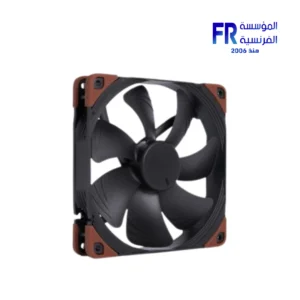
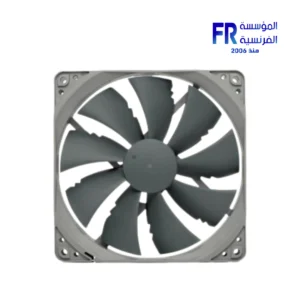
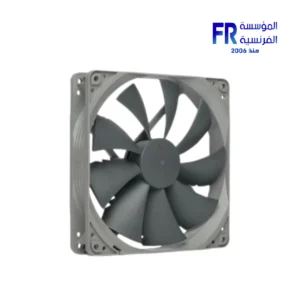
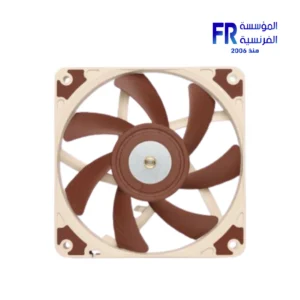
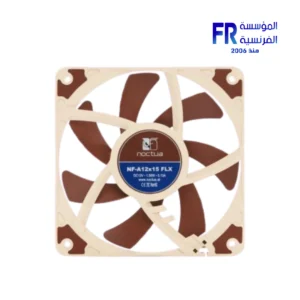
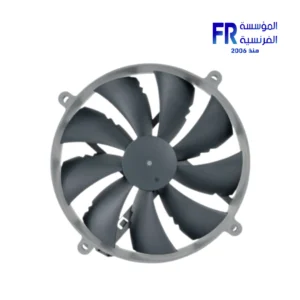
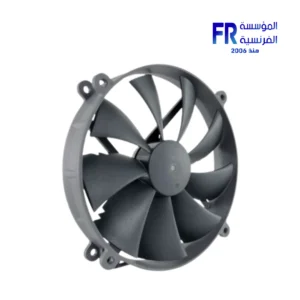
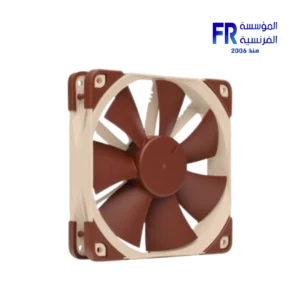
Case fans are essential for keeping your computer cool. They help to circulate air inside the case and remove heat from the components. Case fans come in a variety of sizes and speeds, so it is important to choose the right ones for your case and components.
One of the most important factors to consider when choosing case fans is airflow. Airflow is measured in cubic feet per minute (CFM). The higher the CFM rating, the more air the fan can move. For most cases, you will want to choose fans with a CFM rating of at least 50 CFM.
Another important factor to consider is noise. Case fans can be quite noisy, especially if they are running at high speeds. If you are looking for quiet fans, you will want to choose fans with a low noise rating. Noise is measured in decibels (dBA). The lower the dBA rating, the quieter the fan.
Finally, you will need to consider the size of the fans. Case fans come in a variety of sizes, including 80mm, 120mm, 140mm, and 200mm. The size of the fans will depend on the size of your case and the components you are using.
Tips for installing case fans
Here are some tips for installing case fans:
Make sure that the fans are oriented in the correct direction. The fans should be blowing air into the case, not out of the case.
Mount the fans in a position where they will be able to circulate air effectively. For example, you can mount one fan at the front of the case to blow air in and one fan at the back of the case to exhaust air out.
Connect the fans to the motherboard or fan controller. Most motherboards have a few fan headers that you can connect the fans to. If you do not have enough fan headers on your motherboard, you can use a fan controller to connect the fans.
Set the fan speeds to your desired level. Most motherboards and fan controllers allow you to set the fan speeds manually or automatically. If you are not sure what fan speed to set, you can start with the default fan speed setting.
Conclusion
Case fans are an essential part of any computer build. By choosing the right case fans, you can help to keep your computer cool and prevent it from overheating.
تعتبر مراوح الحالة ضرورية للحفاظ على برودة جهاز الكمبيوتر الخاص بك. فهي تساعد على تدوير الهواء داخل العلبة وإزالة الحرارة من المكونات. تأتي مراوح العلبة بأحجام وسرعات متنوعة، لذا من المهم اختيار المراوح المناسبة لحالتك ومكوناتك.
أحد أهم العوامل التي يجب مراعاتها عند اختيار مراوح الحالة هو تدفق الهواء. يتم قياس تدفق الهواء بالقدم المكعب في الدقيقة (CFM). كلما ارتفع تصنيف CFM، زادت كمية الهواء التي يمكن للمروحة تحريكها. في معظم الحالات، سوف ترغب في اختيار مراوح ذات تصنيف CFM لا يقل عن 50 CFM.
هناك عامل مهم آخر يجب مراعاته وهو الضوضاء. يمكن أن تكون مراوح العلبة مزعجة للغاية، خاصة إذا كانت تعمل بسرعات عالية. إذا كنت تبحث عن مراوح هادئة، فستحتاج إلى اختيار مراوح ذات معدل ضوضاء منخفض. يتم قياس الضوضاء بالديسيبل (dBA). كلما انخفض تصنيف ديسيبل، أصبحت المروحة أكثر هدوءًا.
وأخيرا، سوف تحتاج إلى النظر في حجم المشجعين. تأتي مراوح العلبة بأحجام متنوعة، بما في ذلك 80 مم، 120 مم، 140 مم، و200 مم. يعتمد حجم المراوح على حجم حالتك والمكونات التي تستخدمها.
نصائح لتثبيت مراوح الحالة
فيما يلي بعض النصائح لتثبيت مراوح الحالة:
تأكد من توجيه المراوح في الاتجاه الصحيح. يجب أن تقوم المراوح بنفخ الهواء داخل العلبة، وليس خارجها.
قم بتركيب المراوح في وضع يمكنها من تدوير الهواء بفعالية. على سبيل المثال، يمكنك تركيب مروحة واحدة في الجزء الأمامي من العلبة لنفخ الهواء ومروحة واحدة في الجزء الخلفي من العلبة لإخراج الهواء.
قم بتوصيل المراوح باللوحة الأم أو وحدة التحكم بالمروحة. تحتوي معظم اللوحات الأم على عدد قليل من موصلات المروحة التي يمكنك توصيل المراوح بها. إذا لم يكن لديك ما يكفي من موصلات المروحة على اللوحة الأم، فيمكنك استخدام وحدة تحكم المروحة لتوصيل المراوح.
اضبط سرعات المروحة على المستوى الذي تريده. تسمح لك معظم اللوحات الأم ووحدات التحكم بالمروحة بضبط سرعات المروحة يدويًا أو تلقائيًا. إذا لم تكن متأكدًا من سرعة المروحة التي تريد ضبطها، فيمكنك البدء بإعداد سرعة المروحة الافتراضية.
خاتمة
تعد مراوح الحالة جزءًا أساسيًا من أي بناء للكمبيوتر. من خلال اختيار مراوح الهيكل المناسبة، يمكنك المساعدة في الحفاظ على برودة جهاز الكمبيوتر الخاص بك ومنعه من السخونة الزائدة.


غير متوفر في المخزون
غير متوفر في المخزون
غير متوفر في المخزون

غير متوفر في المخزون


غير متوفر في المخزون

غير متوفر في المخزون
غير متوفر في المخزون


غير متوفر في المخزون

غير متوفر في المخزون
غير متوفر في المخزون

غير متوفر في المخزون

غير متوفر في المخزون

غير متوفر في المخزون
غير متوفر في المخزون
غير متوفر في المخزون

غير متوفر في المخزون
غير متوفر في المخزون
غير متوفر في المخزون
غير متوفر في المخزون
غير متوفر في المخزون
غير متوفر في المخزون
غير متوفر في المخزون

غير متوفر في المخزون
غير متوفر في المخزون
غير متوفر في المخزون
غير متوفر في المخزون

غير متوفر في المخزون