-
×
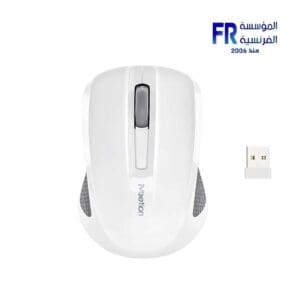 Meetion MiniGo Rechargeable Wireless And Bluetooth White Mouse
1 × 399 جنية
Meetion MiniGo Rechargeable Wireless And Bluetooth White Mouse
1 × 399 جنية -
×
 Logitech Brio 500 FHD Graphite Webcam
1 × 7499 جنية
Logitech Brio 500 FHD Graphite Webcam
1 × 7499 جنية -
×
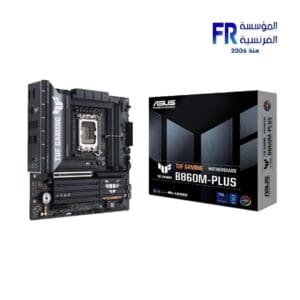 Asus Tuf Gaming B860M Plus Motherboard
1 × 9499 جنية
Asus Tuf Gaming B860M Plus Motherboard
1 × 9499 جنية -
×
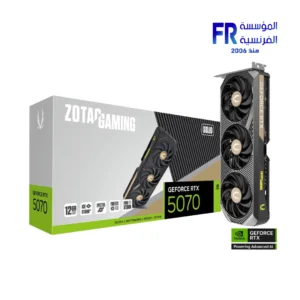 Zotac Gaming GeForce RTX 5070 Solid 12GB GDDR7 Graphic Card
1 × 33999 جنية
Zotac Gaming GeForce RTX 5070 Solid 12GB GDDR7 Graphic Card
1 × 33999 جنية -
×
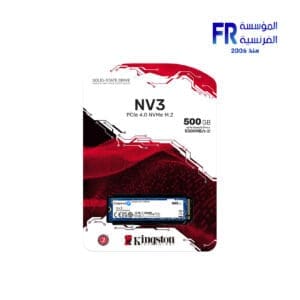 Kingston Nv3 500Gb M.2 Nvme Internal Solid State Drive SSD
1 × 2760 جنية
Kingston Nv3 500Gb M.2 Nvme Internal Solid State Drive SSD
1 × 2760 جنية -
×
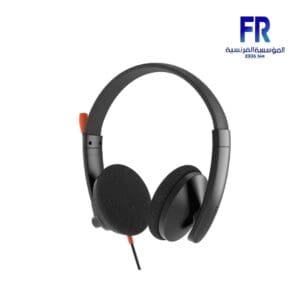 Meetion HP003 3.5MM Wired Headset
1 × 375 جنية
Meetion HP003 3.5MM Wired Headset
1 × 375 جنية -
×
 Ducky One 2 TKL Blue switch Arabic Wired Mechanical Gaming Keyboard
1 × 6249 جنية
Ducky One 2 TKL Blue switch Arabic Wired Mechanical Gaming Keyboard
1 × 6249 جنية -
×
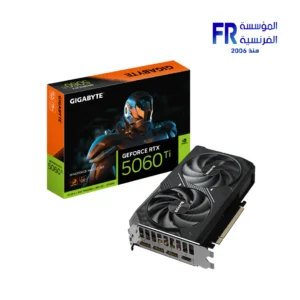 Gigabyte GeForce RTX 5060 Ti Windforce Max 16GB GDDR7 OC Graphic Card
1 × 25899 جنية
Gigabyte GeForce RTX 5060 Ti Windforce Max 16GB GDDR7 OC Graphic Card
1 × 25899 جنية -
×
 Cougar Airface RGB +STC600 Mid Tower Case
1 × 4200 جنية
Cougar Airface RGB +STC600 Mid Tower Case
1 × 4200 جنية -
×
 Redragon M612 RGB Wired Gaming Mouse
1 × 800 جنية
Redragon M612 RGB Wired Gaming Mouse
1 × 800 جنية -
×
 Meetion BTM002 Rechargeable Wireless And Bluetooth Dual Mode Gaming Mouse
1 × 525 جنية
Meetion BTM002 Rechargeable Wireless And Bluetooth Dual Mode Gaming Mouse
1 × 525 جنية -
×
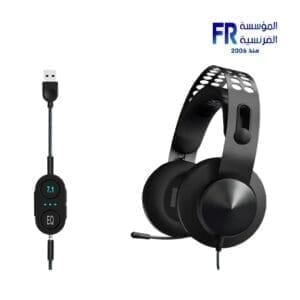 Lenovo Legion H500 Pro 7.1 Wired Gaming Headset
1 × 5999 جنية
Lenovo Legion H500 Pro 7.1 Wired Gaming Headset
1 × 5999 جنية -
×
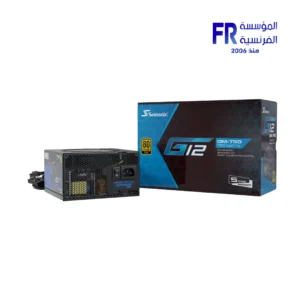 Seasonic G12 GM-750 750W 80 Plus Gold Semi Modular Smart And Silent Fan Power Supply
1 × 4500 جنية
Seasonic G12 GM-750 750W 80 Plus Gold Semi Modular Smart And Silent Fan Power Supply
1 × 4500 جنية -
×
 Msi MD272QXPW 27 Inch 100Hz 1Ms 2K IPS White Gaming Monitor
1 × 10800 جنية
Msi MD272QXPW 27 Inch 100Hz 1Ms 2K IPS White Gaming Monitor
1 × 10800 جنية

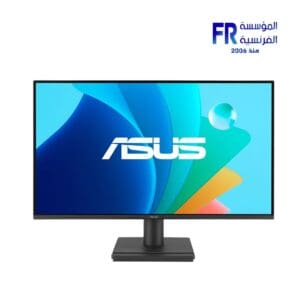
Computer monitors are essential for any computer system. They provide the visual output for all of your applications and games. When choosing a computer monitor, there are a few key factors to consider, such as screen size, resolution, refresh rate, and panel type.
Screen Size
Screen size is measured diagonally from one corner of the monitor to the other. Common screen sizes for computer monitors range from 21 inches to 34 inches or more. The best screen size for you will depend on your personal preference and the type of work you do. If you need a lot of screen real estate for multitasking or working with multiple applications, you may want to consider a larger monitor. If you’re short on space or only use your computer for basic tasks, a smaller monitor may be sufficient.
21inch monitor
Resolution
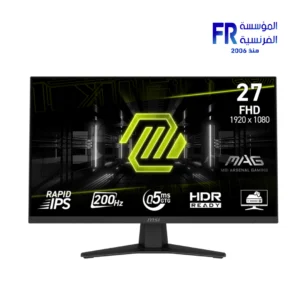
Resolution refers to the number of pixels on a monitor. The higher the resolution, the sharper and more detailed the image will be. Common resolutions for computer monitors range from 1920×1080 (Full HD) to 3840×2160 (4K). If you’re planning on using your monitor for gaming or watching high-definition videos, you’ll want to choose a monitor with a high resolution.
1920×1080 monitor
Refresh Rate
Refresh rate is the number of times per second that the monitor updates the image on the screen. A higher refresh rate will result in a smoother and more fluid image. Common refresh rates for computer monitors range from 60Hz to 240Hz or more. If you’re a gamer or use your computer for other graphics-intensive tasks, you’ll want to choose a monitor with a high refresh rate.
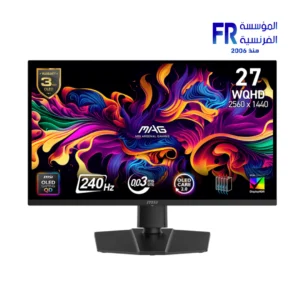
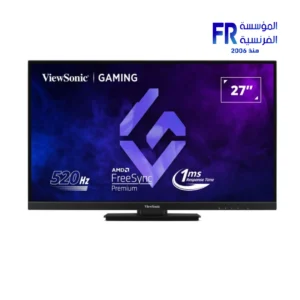
240Hz monitor
Panel Type
There are two main types of monitor panels: TN and IPS. TN panels are less expensive and offer faster response times, but they have narrower viewing angles and less accurate colors. IPS panels are more expensive, but they offer wider viewing angles and more accurate colors.
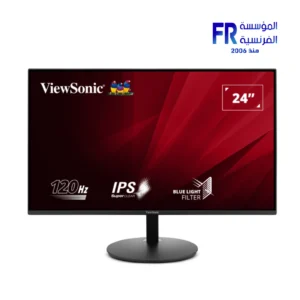
IPS panel monitor
Other factors to consider when choosing a computer monitor include:
Brightness: Brightness is measured in nits. A higher brightness rating means that the monitor can display a brighter image. This is important if you plan on using your monitor in a brightly lit environment.
Contrast Ratio: Contrast ratio is the difference between the brightest and darkest colors that a monitor can display. A higher contrast ratio means that the monitor can produce more vibrant and realistic images.
Response Time: Response time is the amount of time it takes for a pixel to change from one color to another. A lower response time means that the monitor can produce sharper and more fluid images, especially in fast-paced games.
Viewing Angle: Viewing angle is the angle at which you can view the monitor without the image becoming distorted or washed out. A wider viewing angle means that you can view the monitor from a wider range of angles without sacrificing image quality.
Connectivity: Most computer monitors have an HDMI or DisplayPort connector. Some monitors also have additional connectors, such as DVI or VGA. Make sure that the monitor you choose has the connectors that you need.
Once you’ve considered all of these factors, you can start shopping for a computer monitor. Be sure to read reviews and compare prices before you buy.


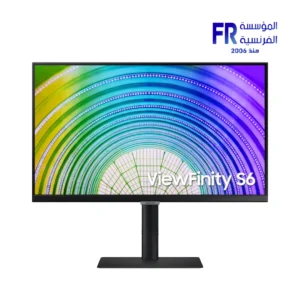
-17%
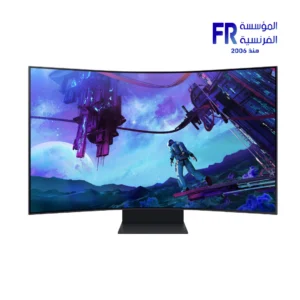
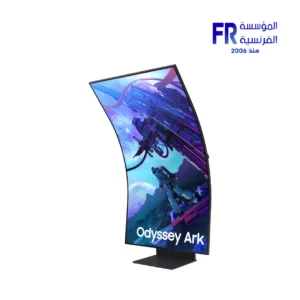
السعر الأصلي هو: 99999 EGP.82700 جنيةالسعر الحالي هو: 82700 EGP.


-5%
السعر الأصلي هو: 31500 EGP.29900 جنيةالسعر الحالي هو: 29900 EGP.
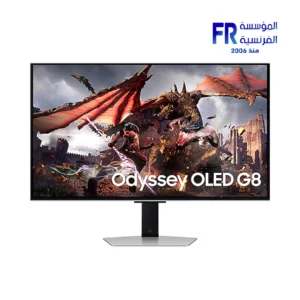
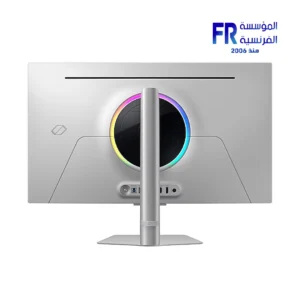
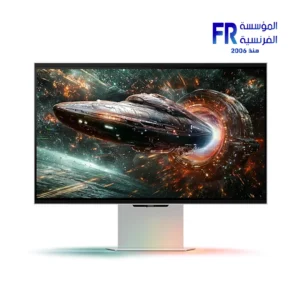
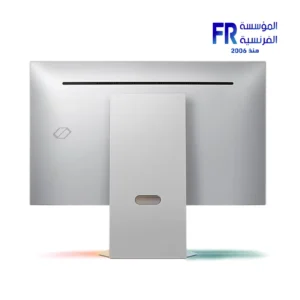


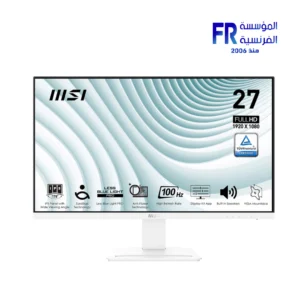

-7%
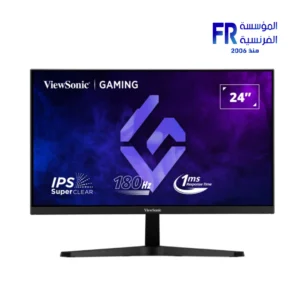
السعر الأصلي هو: 5899 EGP.5499 جنيةالسعر الحالي هو: 5499 EGP.
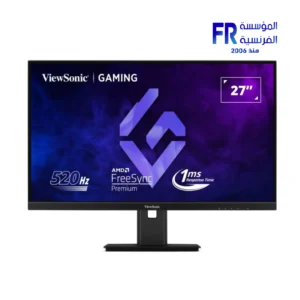
-9%
السعر الأصلي هو: 4399 EGP.4000 جنيةالسعر الحالي هو: 4000 EGP.