

-
×
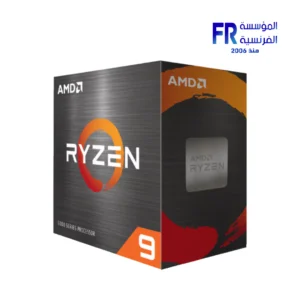 AMD Ryzen 9 5900XT Processor
1 × 18000 جنية
AMD Ryzen 9 5900XT Processor
1 × 18000 جنية -
×
 Thermaltake CT120 EX Reverse ARGB Sync PC Cooling White 3 Fan
1 × 2999 جنية
Thermaltake CT120 EX Reverse ARGB Sync PC Cooling White 3 Fan
1 × 2999 جنية -
×
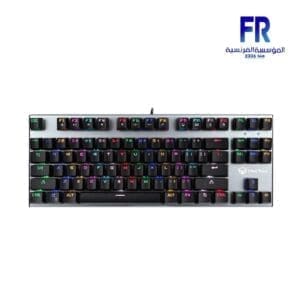 Meetion MK04 RGB Backlit Blue switch Arabic Wired Mechanical Keyboard
1 × 1199 جنية
Meetion MK04 RGB Backlit Blue switch Arabic Wired Mechanical Keyboard
1 × 1199 جنية -
×
 Samsung Odyssey Neo G9 G95NC S57CG952NU 57 Inch 240Hz 1ms GTG Dual UHD VA Curve 1000R Quantum Matrix FreeSync Premium Pro White Monitor
1 × 129999 جنية
Samsung Odyssey Neo G9 G95NC S57CG952NU 57 Inch 240Hz 1ms GTG Dual UHD VA Curve 1000R Quantum Matrix FreeSync Premium Pro White Monitor
1 × 129999 جنية -
×
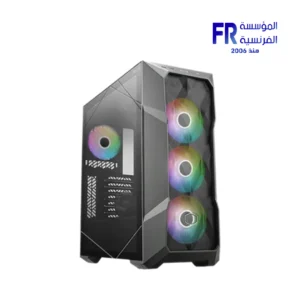 Cooler Master TD500 MAX ARGB TG With ML360 Atmos AIO and GX II Gold 850W PSU Gun Metal Mid Tower Gaming Case
1 × 19777 جنية
Cooler Master TD500 MAX ARGB TG With ML360 Atmos AIO and GX II Gold 850W PSU Gun Metal Mid Tower Gaming Case
1 × 19777 جنية -
×
 Lexar NQ100 256GB 550MB/s 2.5 Inch SATA 6GB/s Internal Solid State Drive SSD
1 × 1700 جنية
Lexar NQ100 256GB 550MB/s 2.5 Inch SATA 6GB/s Internal Solid State Drive SSD
1 × 1700 جنية -
×
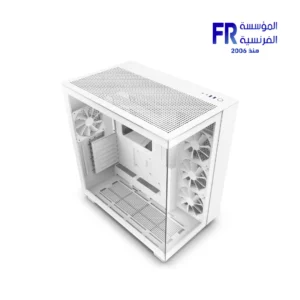 Nzxt H9 Flow White Mid Tower Case
1 × 9500 جنية
Nzxt H9 Flow White Mid Tower Case
1 × 9500 جنية -
×
 Asus Tuf Gaming B860M Plus Wifi Motherboard
1 × 9999 جنية
Asus Tuf Gaming B860M Plus Wifi Motherboard
1 × 9999 جنية -
×
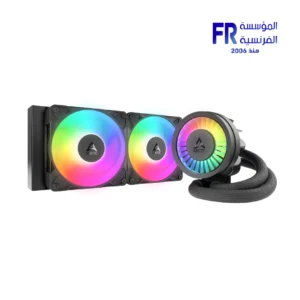 Arctic Liquid Freezer III Pro 240 ARGB Rev.2 Black AIO Liquid CPU Cooler
1 × 5000 جنية
Arctic Liquid Freezer III Pro 240 ARGB Rev.2 Black AIO Liquid CPU Cooler
1 × 5000 جنية -
×
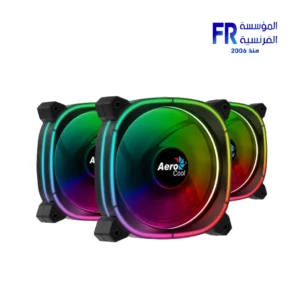 Aerocool Astro 12 Pro ARGB With Remote And Controller 3 Fan
1 × 1049 جنية
Aerocool Astro 12 Pro ARGB With Remote And Controller 3 Fan
1 × 1049 جنية -
×
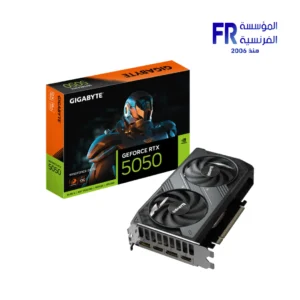 Gigabyte GeForce RTX 5050 Windforce 8GB GDDR6 OC Graphic Card
1 × 14400 جنية
Gigabyte GeForce RTX 5050 Windforce 8GB GDDR6 OC Graphic Card
1 × 14400 جنية -
×
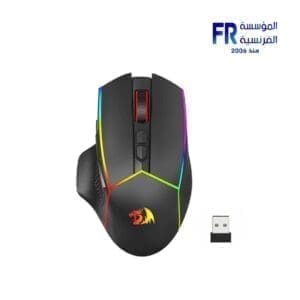 Redragon AXE Pro M814 RGB Bluetooth Wireless Gaming Mouse
1 × 1349 جنية
Redragon AXE Pro M814 RGB Bluetooth Wireless Gaming Mouse
1 × 1349 جنية -
×
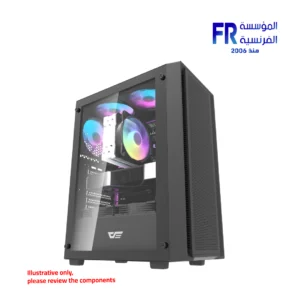 DarkFlash A305 Mesh TG With 4 CL6 ARGB Fans With GP650 650W 80 Plus Bronze PSU Black Mid Tower Gaming Case
1 × 3100 جنية
DarkFlash A305 Mesh TG With 4 CL6 ARGB Fans With GP650 650W 80 Plus Bronze PSU Black Mid Tower Gaming Case
1 × 3100 جنية -
×
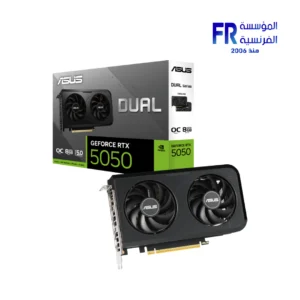 Asus Dual GeForce RTX 5050 8GB GDDR6 OC Edition Graphic Card
1 × 14999 جنية
Asus Dual GeForce RTX 5050 8GB GDDR6 OC Edition Graphic Card
1 × 14999 جنية -
×
 Lexar NQ100 512GB 550MB/s 2.5 Inch SATA 6GB/s Internal Solid State Drive SSD
1 × 2400 جنية
Lexar NQ100 512GB 550MB/s 2.5 Inch SATA 6GB/s Internal Solid State Drive SSD
1 × 2400 جنية -
×
 Logitech G Pro X Superlight 2 Lightspeed Black Wireless Gaming Mouse
1 × 6999 جنية
Logitech G Pro X Superlight 2 Lightspeed Black Wireless Gaming Mouse
1 × 6999 جنية -
×
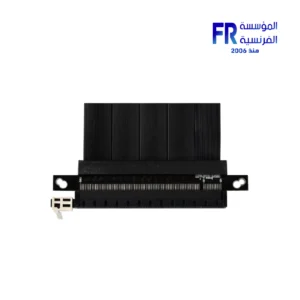
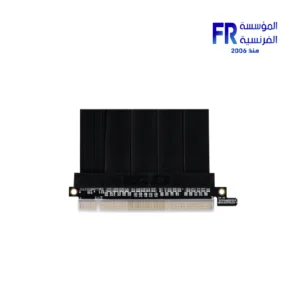
 Lian Li A3 1X 200mm PCIe 4.0 riser cable Vertical Bracket Gpu Holder Kit
1 × 2400 جنية
Lian Li A3 1X 200mm PCIe 4.0 riser cable Vertical Bracket Gpu Holder Kit
1 × 2400 جنية


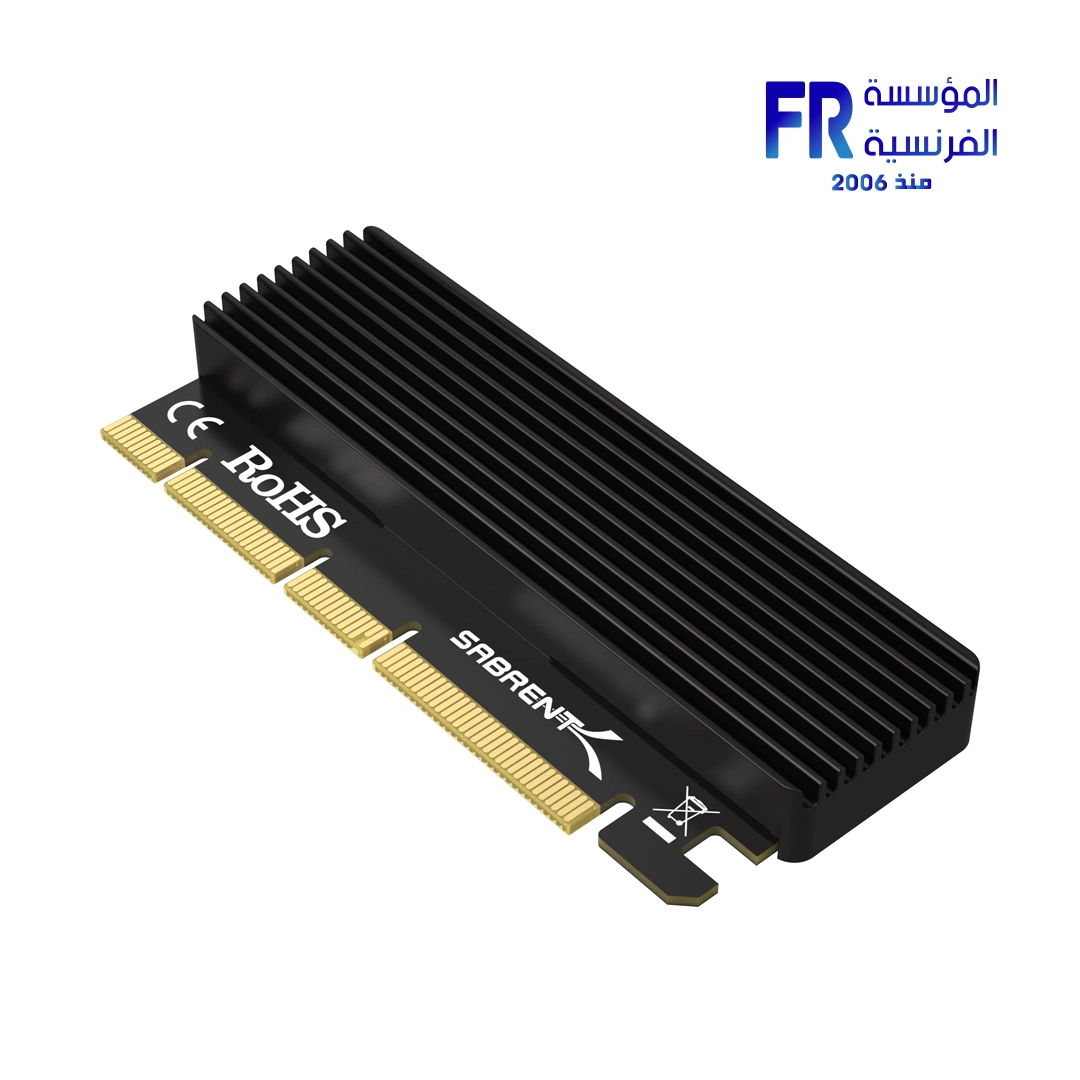
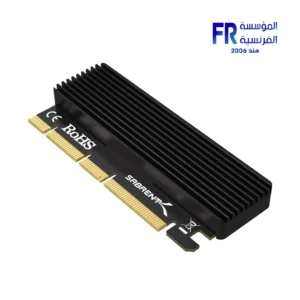
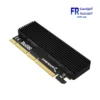
sabrent EC PCIE NVMe M.2 SSD to PCIe X16 X8 X4 Card with aluminum heatsink
910 جنية
SKU 5413071010
Interface PCIe 3.0 (x4, x8, x16)
Drive Support 1 x NVMe M.2 SSD
Cooling Aluminum Heatsink
Form Factor Expansion Card
غير متوفر بالمخزون
Sabrent EC PCIE NVMe Adapter Card
Upgrade your PC’s storage with the Sabrent EC PCIE NVMe M.2 SSD to PCIe Card. This adapter gives you a simple way to add a high-speed NVMe M.2 SSD to your system. What makes this card stand out is its included aluminum heatsink. This heatsink keeps your M.2 SSD running at a cool temperature, which helps maintain its top performance and extends its life. This is a big advantage, as many high-speed drives can get hot under heavy use. **In addition**, this card fits into a wide range of PCIe slots—x4, x8, or x16—giving you more flexibility when you install it. **Therefore**, this is a perfect solution for anyone who wants to add a fast SSD to their computer while also protecting their investment from heat.
Key Features at a Glance:
Efficient Cooling: The aluminum heatsink keeps your SSD from getting too hot.
Broad Compatibility: Fits into PCIe x4, x8, and x16 slots.
Easy Installation: Simply plug and play to get your SSD running.
Improved Performance: A cooler SSD maintains higher speeds during heavy use.
Why a Heatsink Matters for Your SSD:
High-speed NVMe SSDs can get very hot, especially during large file transfers or intense gaming. When an SSD gets too hot, it may slow down to protect itself—this is called thermal throttling. The aluminum heatsink on this card helps prevent that. It pulls heat away from the SSD, so it can run at its full speed all the time. **As a result**, you get consistent, fast performance for all your tasks. **Furthermore**, this card has a simple, low-profile design that makes it easy to install in almost any desktop computer. **Ultimately**, this single card solves two common problems: a lack of M.2 slots and the issue of thermal throttling. It helps you get the most out of your high-speed storage in a simple and effective way.
**Disclaimer:** Please note that while we strive for accuracy, specifications may contain errors. We recommend checking with the manufacturer for the most up-to-date information.
Technical Specifications:
| Component | Details |
|---|---|
| Model Name | EC PCIE |
| SKU | 5413071010 |
| Interface | PCIe 3.0 (x4, x8, x16) |
| Drive Support | 1 x NVMe M.2 SSD |
| Cooling | Aluminum Heatsink |
| Form Factor | Expansion Card |
💡 Pro Tip:
For the best results, install the SSD and heatsink together before putting the card into your PC. This ensures proper contact and maximum cooling from the start.
يسمح فقط للزبائن مسجلي الدخول الذين قاموا بشراء هذا المنتج ترك مراجعة.
المنتجات ذات الصلة



-13%
السعر الأصلي هو: 3899 EGP.3400 جنيةالسعر الحالي هو: 3400 EGP.
-13%
السعر الأصلي هو: 3899 EGP.3400 جنيةالسعر الحالي هو: 3400 EGP.


المراجعات
لا توجد مراجعات بعد.