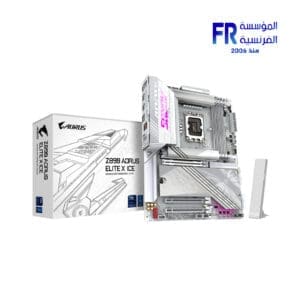
-
×
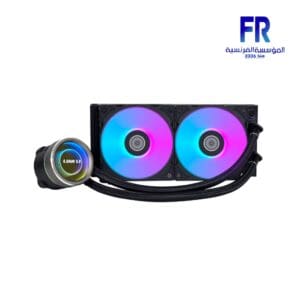 Lian Li Galahad II Trinity 240MM Black AIO Liquid Cpu Cooler
1 × 6000 EGP
Lian Li Galahad II Trinity 240MM Black AIO Liquid Cpu Cooler
1 × 6000 EGP -
×
 Gigabyte B850 Aorus Elite Wifi 7 Ice Am5 Gaming Motherboard
1 × 12000 EGP
Gigabyte B850 Aorus Elite Wifi 7 Ice Am5 Gaming Motherboard
1 × 12000 EGP -
×
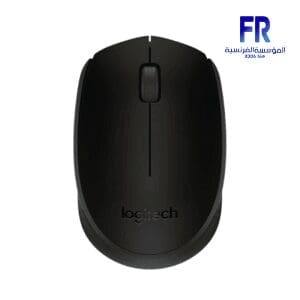 Logitech M171 Black Wireless Mouse
1 × 475 EGP
Logitech M171 Black Wireless Mouse
1 × 475 EGP -
×
 Aula F2058 Frame Brown Switch Mechanical Gaming Keyboard
1 × 870 EGP
Aula F2058 Frame Brown Switch Mechanical Gaming Keyboard
1 × 870 EGP -
×
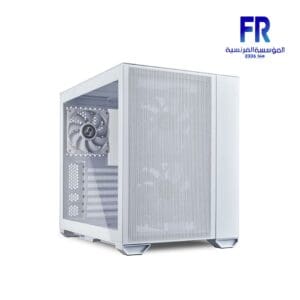 Lian Li O11 Air Mini White Mini ITX Tower Gaming Case
1 × 6000 EGP
Lian Li O11 Air Mini White Mini ITX Tower Gaming Case
1 × 6000 EGP -
×
 HYTE Y40 Modern Aesthetic 2 Fans Included Luxury PCIE 4.0 Riser Cable White Mid Tower Case
1 × 6499 EGP
HYTE Y40 Modern Aesthetic 2 Fans Included Luxury PCIE 4.0 Riser Cable White Mid Tower Case
1 × 6499 EGP -
×
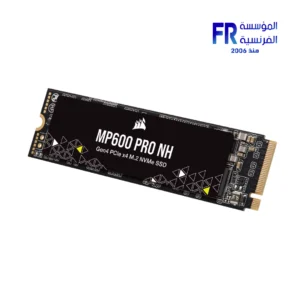 Corsair MP600 PRO NH 8TB 7000MB/s M.2 2280 PCIe Gen 4 NVMe Internal Solid State Drive SSD
1 × 47000 EGP
Corsair MP600 PRO NH 8TB 7000MB/s M.2 2280 PCIe Gen 4 NVMe Internal Solid State Drive SSD
1 × 47000 EGP -
×
 Meetion PD015 Soft Rubber Gaming Mouse Pad
1 × 49 EGP
Meetion PD015 Soft Rubber Gaming Mouse Pad
1 × 49 EGP -
×
 Thermal Grizzly Minus Pad Basic 120x20x0.5mm 4 Pcs Thermal Pad
1 × 650 EGP
Thermal Grizzly Minus Pad Basic 120x20x0.5mm 4 Pcs Thermal Pad
1 × 650 EGP -
×
 Xigmatek Crystal Storm 4 fan PWM Argb Curved TG Mid Tower Case
1 × 3249 EGP
Xigmatek Crystal Storm 4 fan PWM Argb Curved TG Mid Tower Case
1 × 3249 EGP -
×
 Thermal Grizzly Minus Pad 8 100x100x0.5mm Thermal Pad
1 × 800 EGP
Thermal Grizzly Minus Pad 8 100x100x0.5mm Thermal Pad
1 × 800 EGP -
×
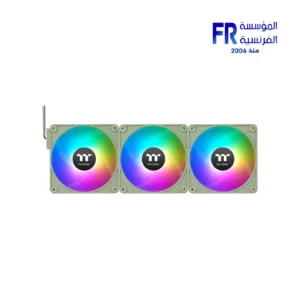 Thermaltake CT120 EX ARGB Sync Matcha Green PC Cooling 3 Fan
1 × 2599 EGP
Thermaltake CT120 EX ARGB Sync Matcha Green PC Cooling 3 Fan
1 × 2599 EGP -
×
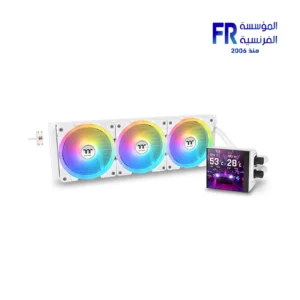 Thermaltake MAGFloe 420mm Ultra ARGB Sync Snow AIO Liquid CPU Cooler
1 × 10500 EGP
Thermaltake MAGFloe 420mm Ultra ARGB Sync Snow AIO Liquid CPU Cooler
1 × 10500 EGP -
×
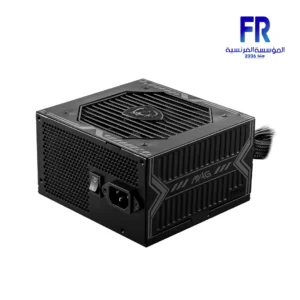 Msi Mag A750BN 750W 80 Plus Bronze PCIe 5.0 Power Supply
1 × 3999 EGP
Msi Mag A750BN 750W 80 Plus Bronze PCIe 5.0 Power Supply
1 × 3999 EGP -
×
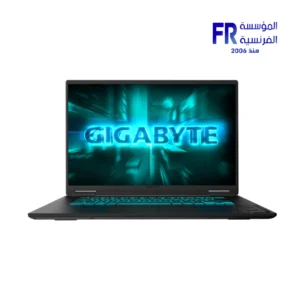 Gigabyte Gaming A16 CVH - Intel Core i7-13620H - 16GB DDR5 - 1TB NVMe Gen4 SSD - NVIDIA RTX 5060 8GB - 16 Inch WUXGA (1920x1200) 165Hz IPS Display - MUX Switch with WIFI 6E - RGB Keyboard - Windows 11 Home - Black Steel Gaming Laptop
1 × 56500 EGP
Gigabyte Gaming A16 CVH - Intel Core i7-13620H - 16GB DDR5 - 1TB NVMe Gen4 SSD - NVIDIA RTX 5060 8GB - 16 Inch WUXGA (1920x1200) 165Hz IPS Display - MUX Switch with WIFI 6E - RGB Keyboard - Windows 11 Home - Black Steel Gaming Laptop
1 × 56500 EGP -
×
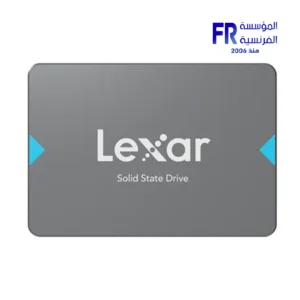 Lexar NQ100 512GB 550MB/s 2.5 Inch SATA 6GB/s Internal Solid State Drive SSD
1 × 2400 EGP
Lexar NQ100 512GB 550MB/s 2.5 Inch SATA 6GB/s Internal Solid State Drive SSD
1 × 2400 EGP -
×
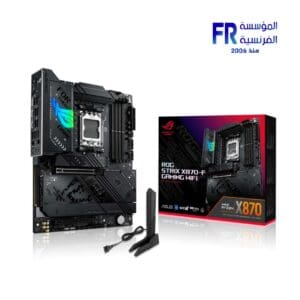 Asus Rog Strix X870 F Gaming Wifi Motherboard
1 × 22800 EGP
Asus Rog Strix X870 F Gaming Wifi Motherboard
1 × 22800 EGP

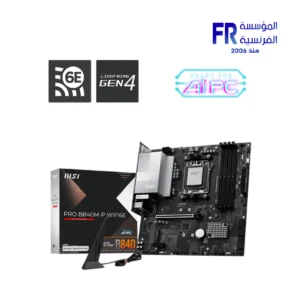
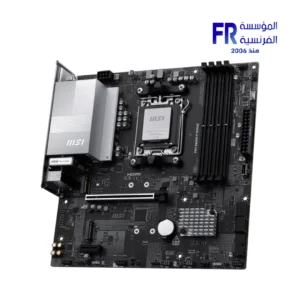
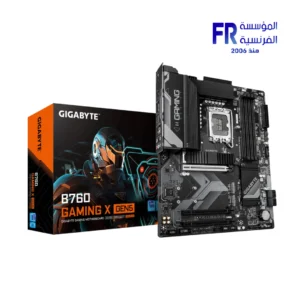
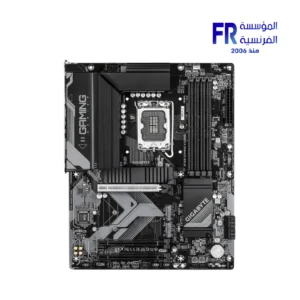
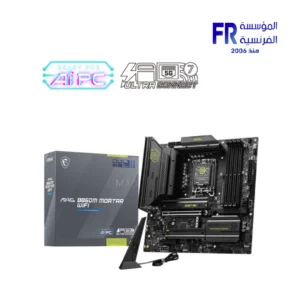
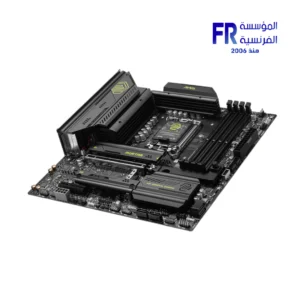
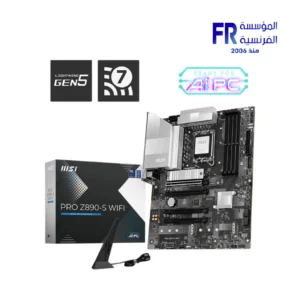
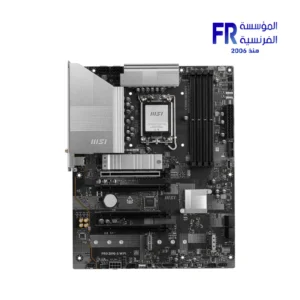
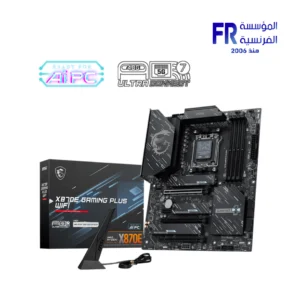
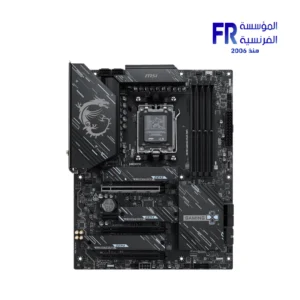
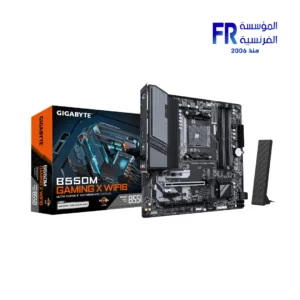
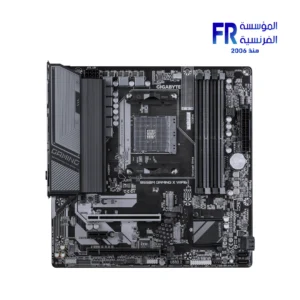
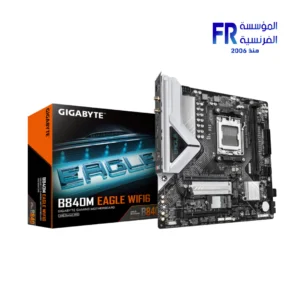
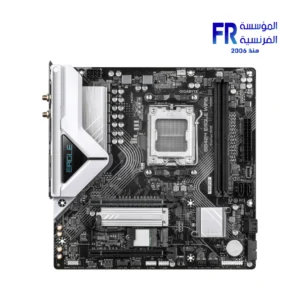
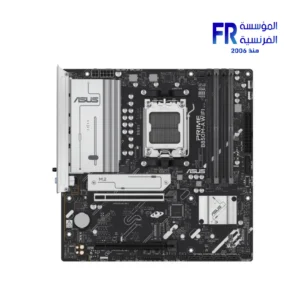
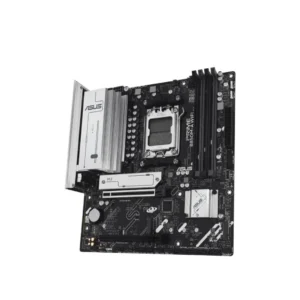
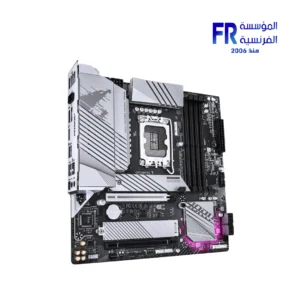
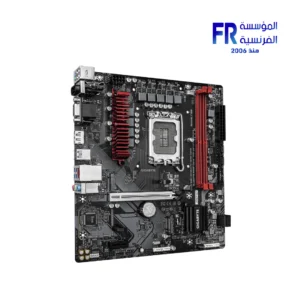
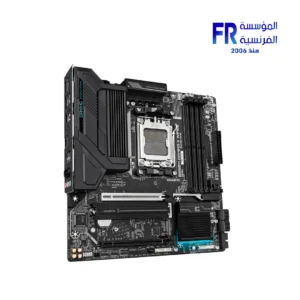
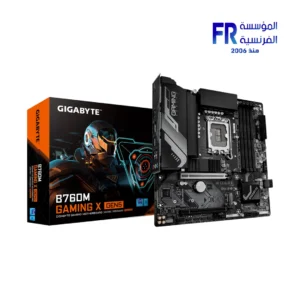
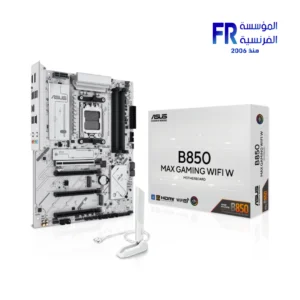
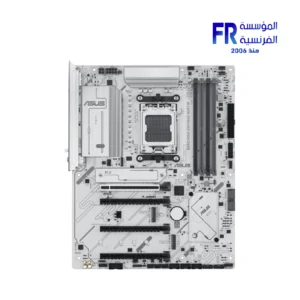
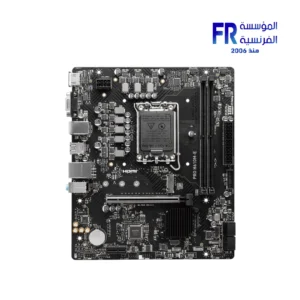
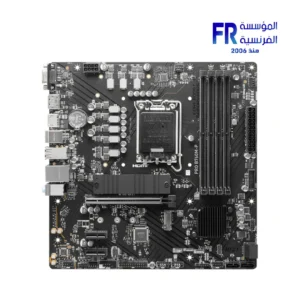
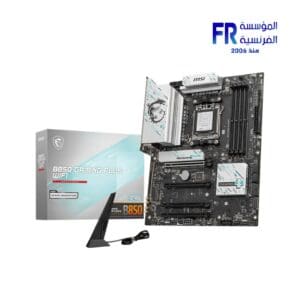
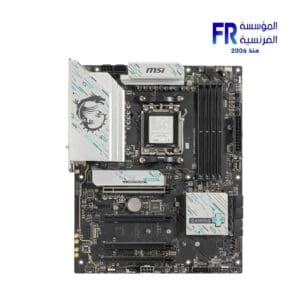
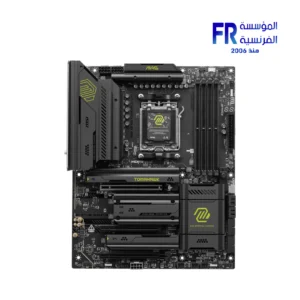
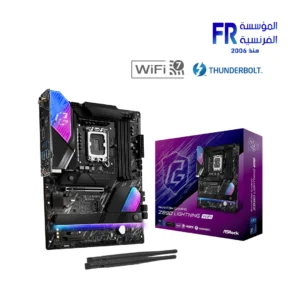
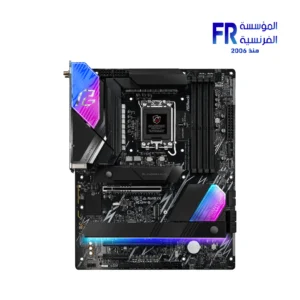
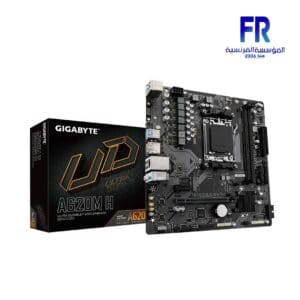
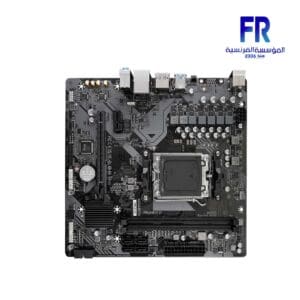
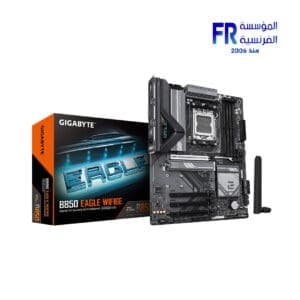
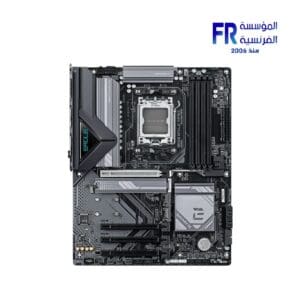
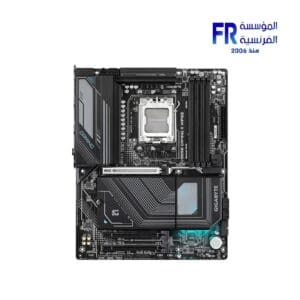
A motherboard is the main circuit board in a computer. It connects all of the other components of the computer, such as the CPU, RAM, storage, and graphics card. The motherboard also provides power to the other components and controls their communication with each other.
Motherboard
Motherboards come in a variety of sizes and form factors. The most common form factor is the ATX form factor. ATX motherboards are compatible with most cases and power supplies. Other popular form factors include micro-ATX and mini-ITX.
When choosing a motherboard, there are a few key factors to consider:
CPU socket
The CPU socket is the connector that the CPU plugs into. Make sure that the motherboard you choose has a socket that is compatible with the CPU you want to use.
RAM slots
The RAM slots are where the RAM modules plug into. Make sure that the motherboard you choose has enough RAM slots for the amount of RAM you want to use.
Storage slots
The storage slots are where the storage devices, such as hard drives and SSDs, plug into. Make sure that the motherboard you choose has enough storage slots for the amount of storage you need.
Graphics card slots
The graphics card slots are where the graphics card plugs into. Make sure that the motherboard you choose has a graphics card slot that is compatible with the graphics card you want to use.
Expansion slots
Expansion slots allow you to add additional components to your computer, such as sound cards, network cards, and Wi-Fi cards. Make sure that you choose has enough expansion slots for the components you want to add.
Form factor
Make sure that you choose is compatible with the form factor of your case.
Features
Some motherboards come with additional features, such as built-in Wi-Fi, Bluetooth, and overclocking support. Consider which features are important to you when choosing a motherboard.
Price: Motherboards can range in price from a few hundred dollars to over a thousand dollars. Set a budget before you start shopping so that you don’t overspend.
Once you’ve considered all of these factors, you can start shopping for a motherboard. Be sure to read reviews and compare prices before you buy.
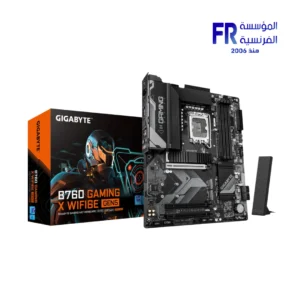
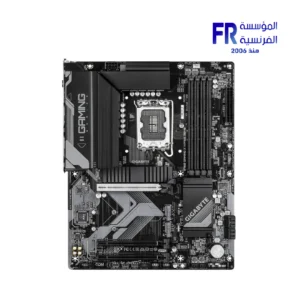
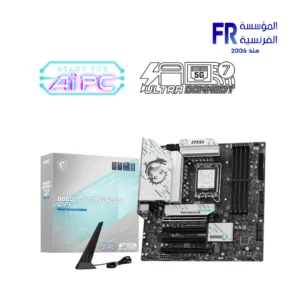
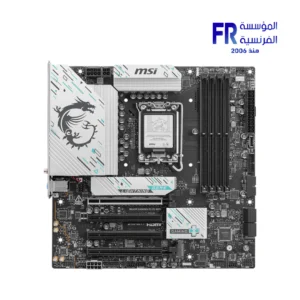
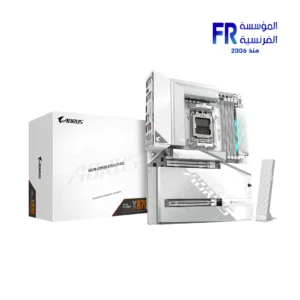
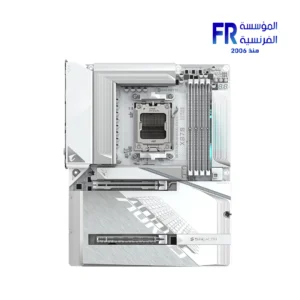
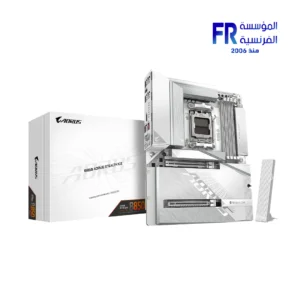
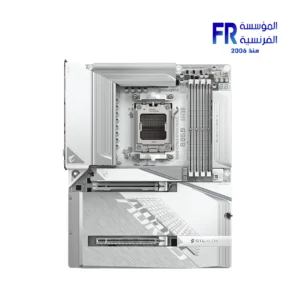
Gigabyte Cash Back!


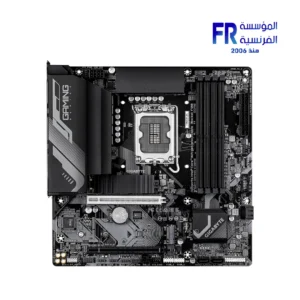
-8%
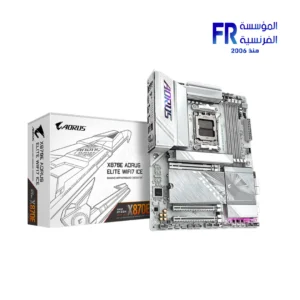
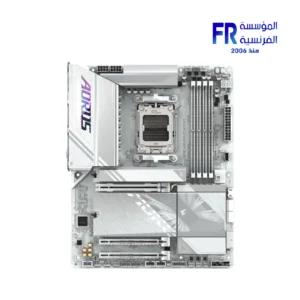
Original price was: 17800 EGP.16450 EGPCurrent price is: 16450 EGP.







-8%


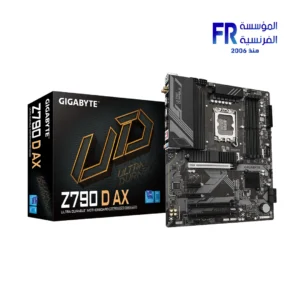
Original price was: 16800 EGP.15500 EGPCurrent price is: 15500 EGP.

Gigabyte Cash Back!