

-
×
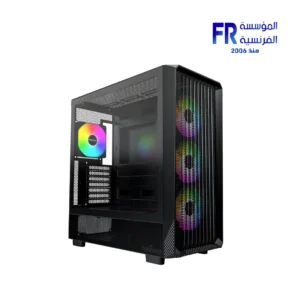 Montech X5 High Airflow Mesh ARGB Mid Tower Case
1 × 3999 EGP
Montech X5 High Airflow Mesh ARGB Mid Tower Case
1 × 3999 EGP -
×
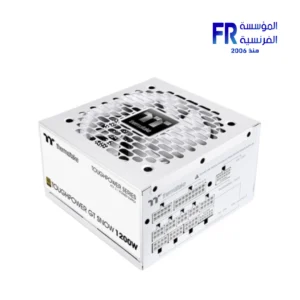 Thermaltake Toughpower GT Snow 1200W 80 Plus Gold ATX 3.1 Fully Modular White Power Supply
1 × 8500 EGP
Thermaltake Toughpower GT Snow 1200W 80 Plus Gold ATX 3.1 Fully Modular White Power Supply
1 × 8500 EGP -
×
 Lian Li O11 Air Mini Black Mini ITX Tower Gaming Case
1 × 5400 EGP
Lian Li O11 Air Mini Black Mini ITX Tower Gaming Case
1 × 5400 EGP -
×
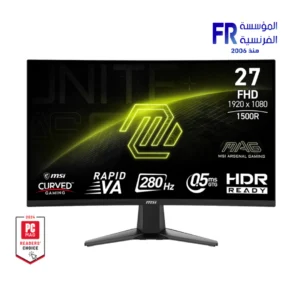 MSI MAG 276CXF 27 Inch 280Hz 0.5ms FHD Rapid VA Curve 1500R Adaptive Sync HDR Ready Black Monitor
1 × 10400 EGP
MSI MAG 276CXF 27 Inch 280Hz 0.5ms FHD Rapid VA Curve 1500R Adaptive Sync HDR Ready Black Monitor
1 × 10400 EGP -
×
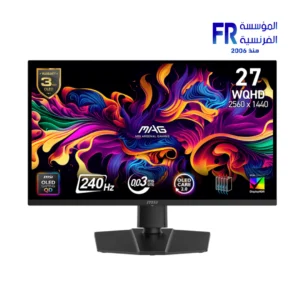 MSI MAG 273QP QD-OLED X24 27 Inch 240Hz 0.03ms WQHD QD-OLED Flat Adaptive Sync DisplayHDR True Black 400 Black Monitor
1 × 34500 EGP
MSI MAG 273QP QD-OLED X24 27 Inch 240Hz 0.03ms WQHD QD-OLED Flat Adaptive Sync DisplayHDR True Black 400 Black Monitor
1 × 34500 EGP -
×
 Thermaltake CT120 EX Reverse ARGB Sync PC Cooling 3 Fan
1 × 2999 EGP
Thermaltake CT120 EX Reverse ARGB Sync PC Cooling 3 Fan
1 × 2999 EGP -
×
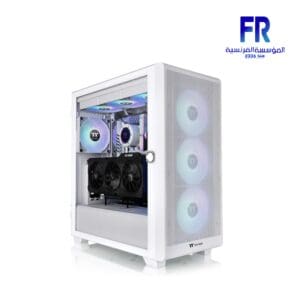 Thermaltake S250 TG ARGB Snow Mid Tower Case
1 × 5000 EGP
Thermaltake S250 TG ARGB Snow Mid Tower Case
1 × 5000 EGP -
×
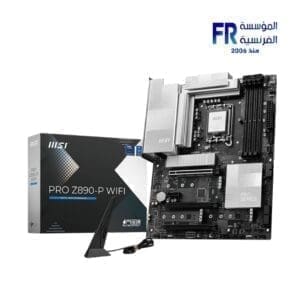 Msi Pro Z890 P Wifi Motherboard
1 × 13700 EGP
Msi Pro Z890 P Wifi Motherboard
1 × 13700 EGP -
×
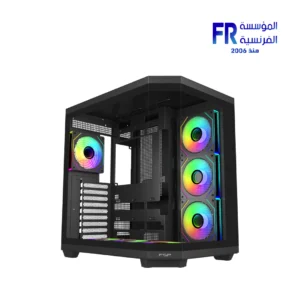 FSP U580 Panoramic TG Back-Connect Support With 7 120mm ARGB PWM Fans Black Ultra Mid Tower Case
1 × 6500 EGP
FSP U580 Panoramic TG Back-Connect Support With 7 120mm ARGB PWM Fans Black Ultra Mid Tower Case
1 × 6500 EGP -
×
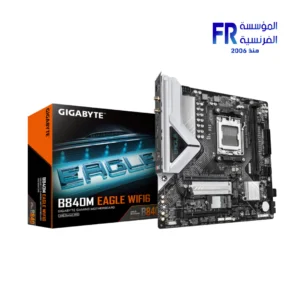 Gigabyte B840M Eagle Wifi 6 AM5 Motherboard
1 × 6499 EGP
Gigabyte B840M Eagle Wifi 6 AM5 Motherboard
1 × 6499 EGP -
×
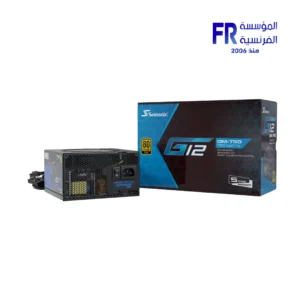 Seasonic G12 GM-750 750W 80 Plus Gold Semi Modular Smart And Silent Fan Power Supply
1 × 4500 EGP
Seasonic G12 GM-750 750W 80 Plus Gold Semi Modular Smart And Silent Fan Power Supply
1 × 4500 EGP -
×
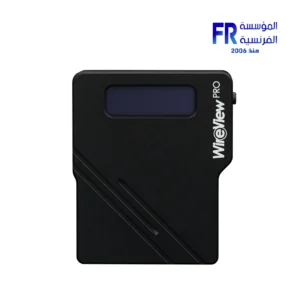
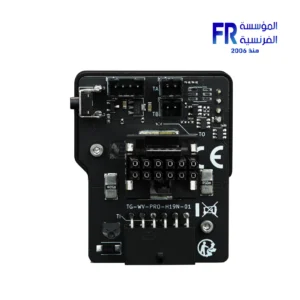
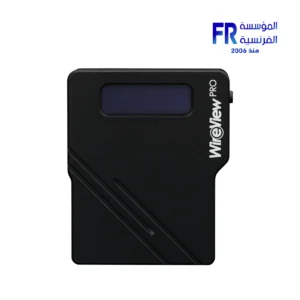
 Thermal Grizzly WireView Pro GPU 1x12VHPWR Normal advanced and monitoring for Graphics Cards
1 × 3400 EGP
Thermal Grizzly WireView Pro GPU 1x12VHPWR Normal advanced and monitoring for Graphics Cards
1 × 3400 EGP -
×
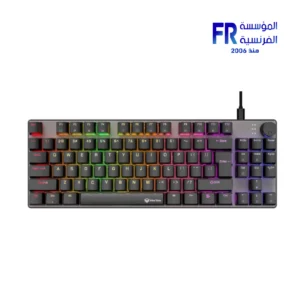 Meetion MK008 PRO RGB 80% TKL Hot Swappable Red switch Arabic Wired Mechanical Keyboard
1 × 1099 EGP
Meetion MK008 PRO RGB 80% TKL Hot Swappable Red switch Arabic Wired Mechanical Keyboard
1 × 1099 EGP -
×
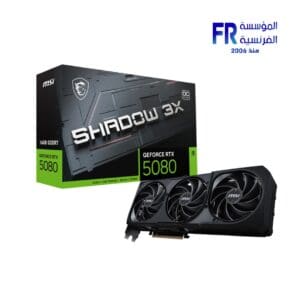 Msi Geforce RTX 5080 Shadow 3X 16Gb OC Graphic Card
1 × 63999 EGP
Msi Geforce RTX 5080 Shadow 3X 16Gb OC Graphic Card
1 × 63999 EGP -
×
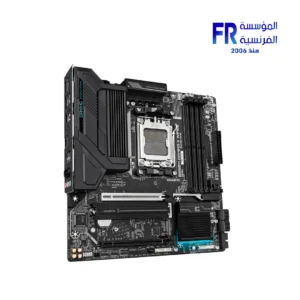 Gigabyte B850M Gaming X WIFI6E AM5 Gaming Motherboard
1 × 9800 EGP
Gigabyte B850M Gaming X WIFI6E AM5 Gaming Motherboard
1 × 9800 EGP -
×
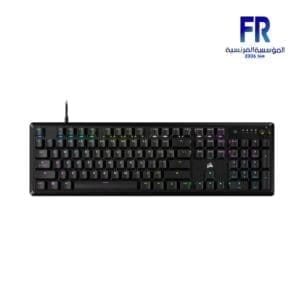 Corsair K70 Core RGB Red linear switches Wired Mechanical Gaming Keyboard
1 × 5800 EGP
Corsair K70 Core RGB Red linear switches Wired Mechanical Gaming Keyboard
1 × 5800 EGP -
×
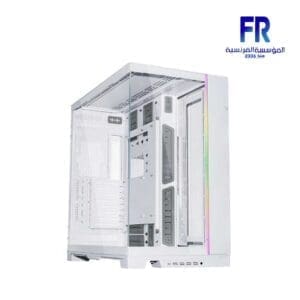 Lian Li O11 Dynamic EVO XL white Full Tower Gaming Case
1 × 12000 EGP
Lian Li O11 Dynamic EVO XL white Full Tower Gaming Case
1 × 12000 EGP -
×
 Lian Li Edge Gold EG1200G 1200W 80 Plus Gold ATX 3.1 Full Modular Power Supply
1 × 9000 EGP
Lian Li Edge Gold EG1200G 1200W 80 Plus Gold ATX 3.1 Full Modular Power Supply
1 × 9000 EGP -
×
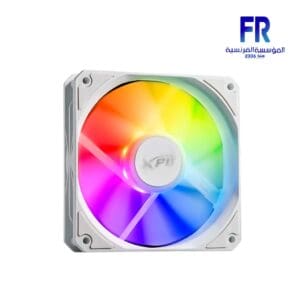 Xpg Vento R 120 ARGB PWM White Fan
1 × 850 EGP
Xpg Vento R 120 ARGB PWM White Fan
1 × 850 EGP -
×
 Arctic Liquid Freezer III 240 ARGB White Liquid Cpu Cooler
1 × 4600 EGP
Arctic Liquid Freezer III 240 ARGB White Liquid Cpu Cooler
1 × 4600 EGP -
×
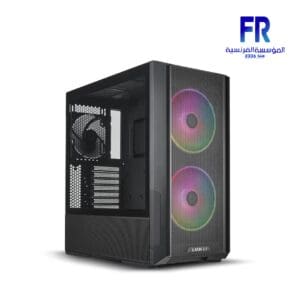 Lian Li Lancool 216 RGB Black Mid Tower Gaming Case
1 × 4700 EGP
Lian Li Lancool 216 RGB Black Mid Tower Gaming Case
1 × 4700 EGP -
×
 Logitech G102 Lightsync Black Wired Gaming Mouse
1 × 899 EGP
Logitech G102 Lightsync Black Wired Gaming Mouse
1 × 899 EGP -
×
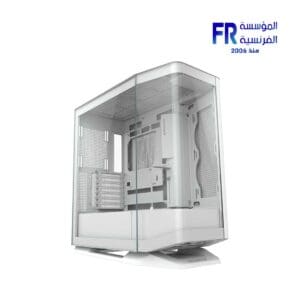 Cougar FV270 White Mid Tower Case
1 × 6400 EGP
Cougar FV270 White Mid Tower Case
1 × 6400 EGP -
×
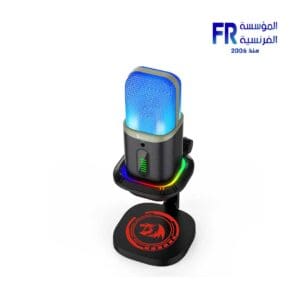 Redragon Echowave GM305 Microphone
1 × 3000 EGP
Redragon Echowave GM305 Microphone
1 × 3000 EGP -
×
 WD Blue SN5000 500Gb M2 Nvme Internal Solid State Drive SSD
1 × 2700 EGP
WD Blue SN5000 500Gb M2 Nvme Internal Solid State Drive SSD
1 × 2700 EGP -
×
 Aorus Master 16 AM6H Ultra 9 275HX - 16GBx2 DDR5 - RTX5090 24GB - 1TB M.2 SSD - QHD+ - Windows 11 Pro Arabic keyboard Gaming Laptop
1 × 172000 EGP
Aorus Master 16 AM6H Ultra 9 275HX - 16GBx2 DDR5 - RTX5090 24GB - 1TB M.2 SSD - QHD+ - Windows 11 Pro Arabic keyboard Gaming Laptop
1 × 172000 EGP -
×
 ViewSonic VX2758A 2K PRO 27 Inch 185Hz 1Ms QHD IPS Gaming Monitor
1 × 9999 EGP
ViewSonic VX2758A 2K PRO 27 Inch 185Hz 1Ms QHD IPS Gaming Monitor
1 × 9999 EGP -
×
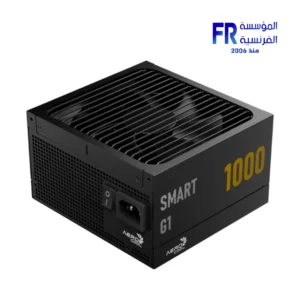 Aerocool SMART G1 1000W 80 Plus Gold ATX 3.1 PCIe 5.1 Power Supply
1 × 5799 EGP
Aerocool SMART G1 1000W 80 Plus Gold ATX 3.1 PCIe 5.1 Power Supply
1 × 5799 EGP -
×
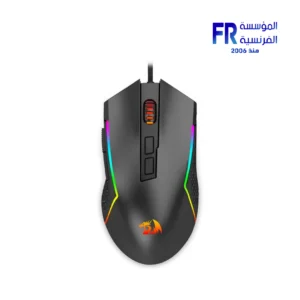 Redragon Trident Lite M613-RGB 8000 DPI RGB Wired Gaming Mouse
1 × 835 EGP
Redragon Trident Lite M613-RGB 8000 DPI RGB Wired Gaming Mouse
1 × 835 EGP -
×
 Asus TUF Gaming VG279QM5A 27 Inch 240Hz 1Ms Full HD Fast IPS Gaming Monitor
1 × 9899 EGP
Asus TUF Gaming VG279QM5A 27 Inch 240Hz 1Ms Full HD Fast IPS Gaming Monitor
1 × 9899 EGP -
×
 Gigabyte B860M A Pro Wifi 7 Motherboard
1 × 11300 EGP
Gigabyte B860M A Pro Wifi 7 Motherboard
1 × 11300 EGP -
×
 Lian Li O11 Dynamic EVO XL Upright Gpu Bracket
1 × 300 EGP
Lian Li O11 Dynamic EVO XL Upright Gpu Bracket
1 × 300 EGP



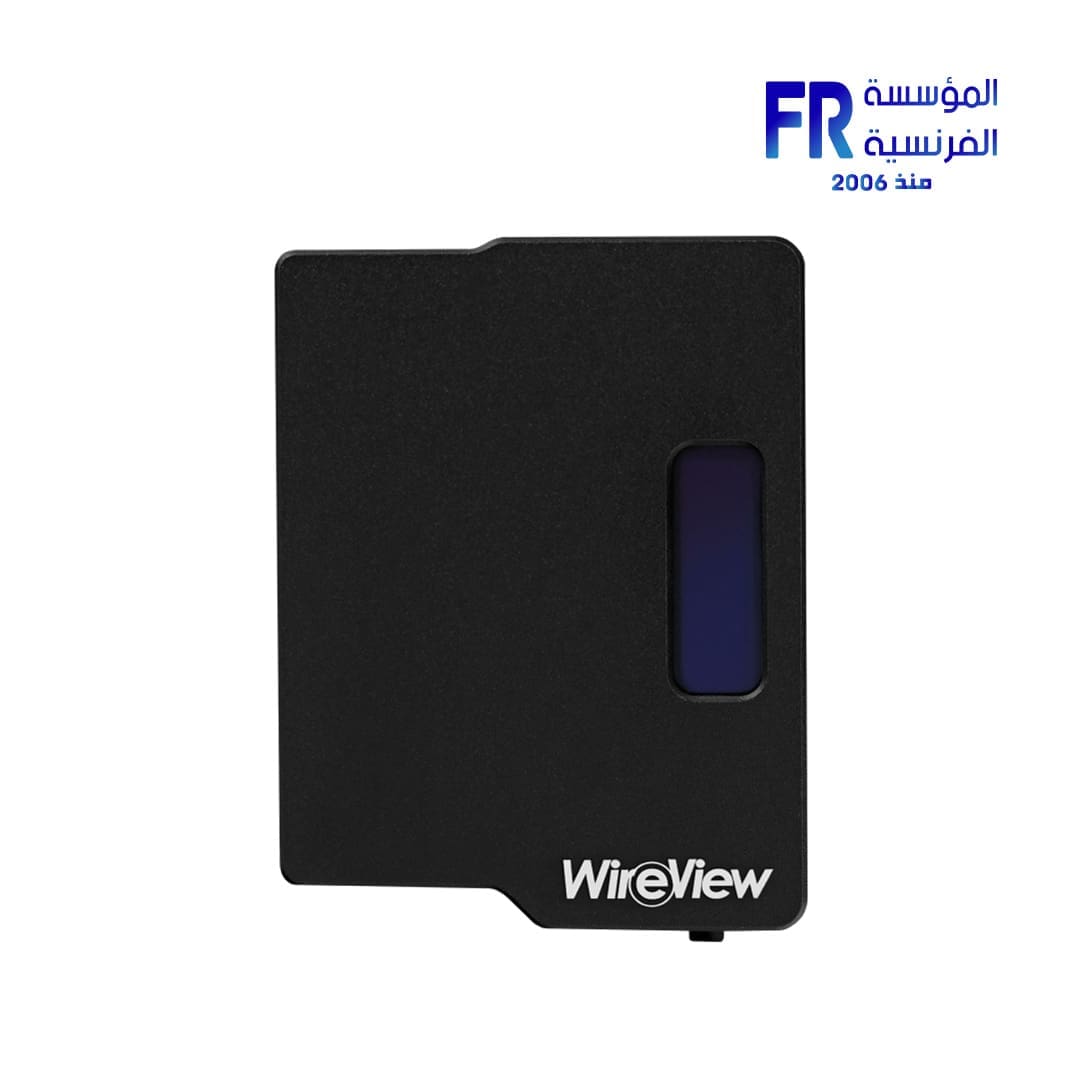
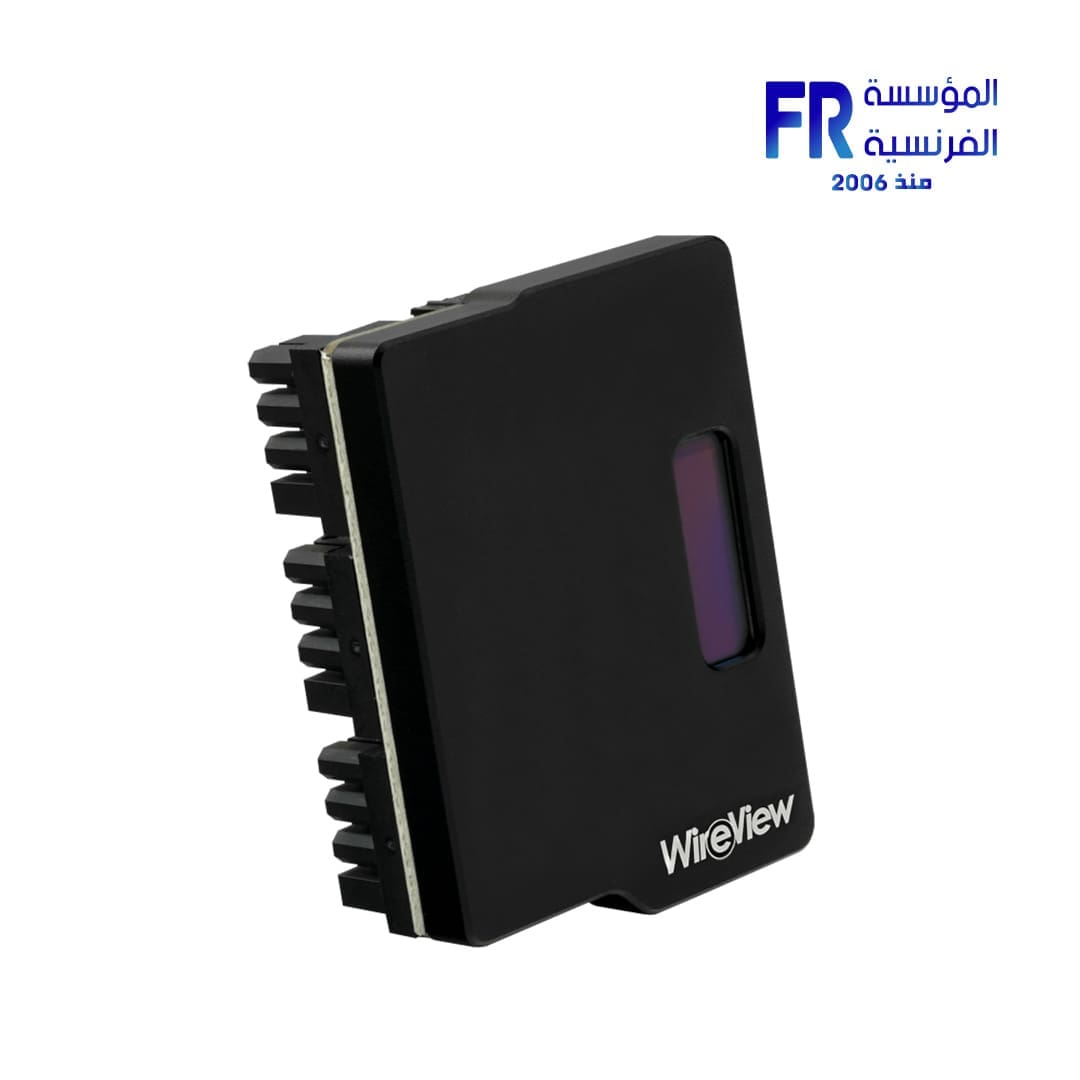
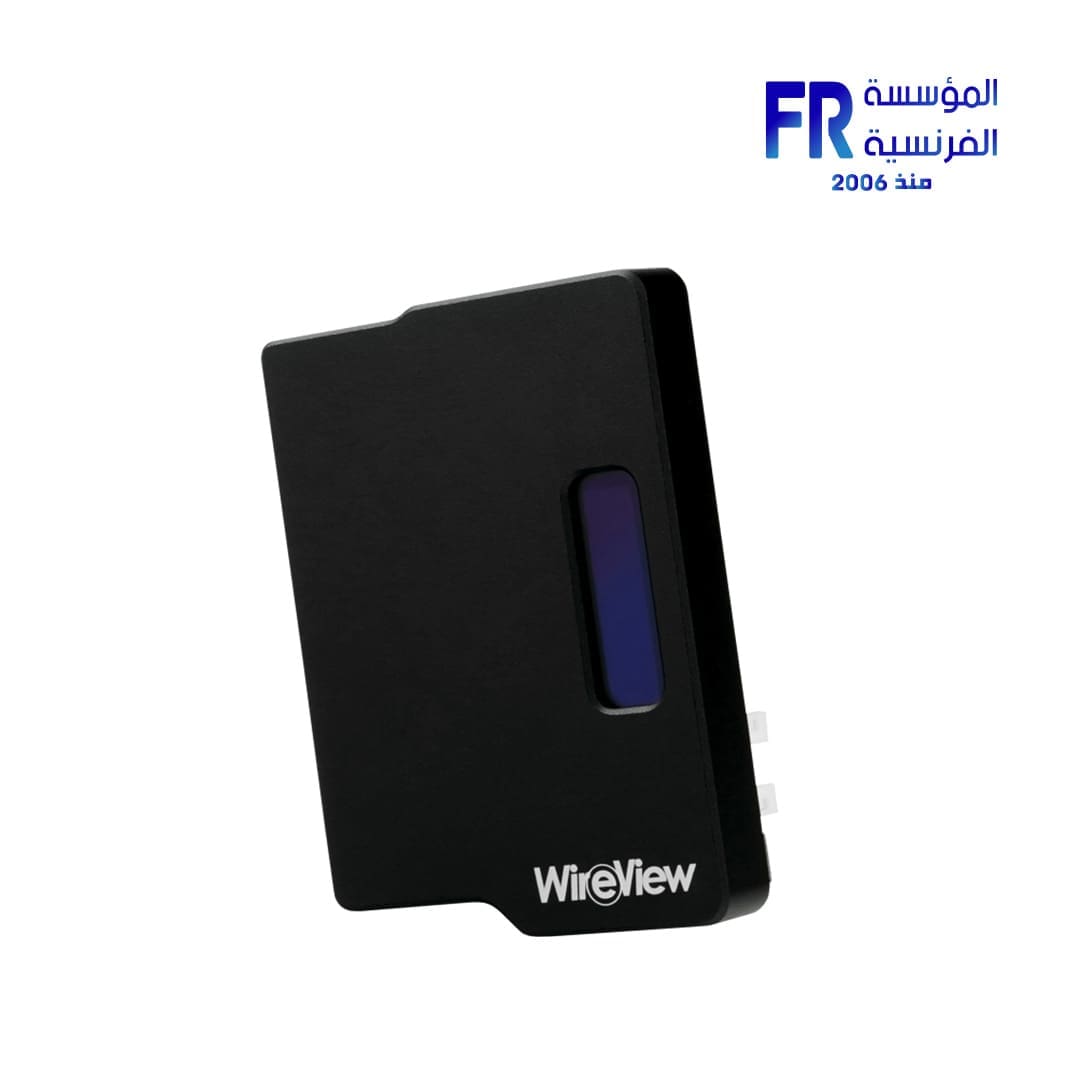


Thermal Grizzly 3x8Pin PCIe Normal GPU WireView
1 EGP
- Color : Black
- Connector Type : 3x 8-Pin, 4-Pin
- Display : OLED
- Material : Aluminum
Out Of Stock.
Thermal Grizzly 3x8Pin PCIe Normal GPU WireView
Thermal Grizzly 3x8Pin PCIe Normal GPU WireView SPECIFICATIONS:
- Color : Black
- Connector Type : 3x 8-Pin, 4-Pin
- Display : OLED
- Material : Aluminum
Product information “WireView GPU – 3×8 Pin – Normal”
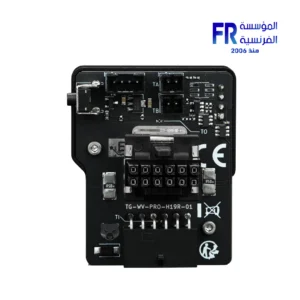
The WireView GPU is a device for measuring the power consumption of graphics cards that was developed in collaboration with Jon “elmor” Sandström It is plugged into the PCIe power connectors of the graphics card and connected to the power supply unit via the PCIe power cables. The power consumption data is displayed via an OLED display.
At the same time, the WireView GPU takes on a cable management function, as its “U”shape enables optimised routing of the cables. The PCIe power cables are connected to the WireView GPU in such a way that they can be laid neatly over the backplate of the graphics card. This avoids cable bulges when routing the power cables and simplifies cable management.
- Measuring power consumption
- Logging of power consumption
- Optimised cable routing
- Easy mounting
- High compatibility
The WireView GPU enables the measurement of the power consumption of graphics cards and records this data to determine the power consumption. This data can be used, among other things, to determine the power costs of a graphics card or to compare the power consumption with other graphics cards. A special 60-second measuring cycle enables the power consumption to be displayed quickly and conveniently, which is very practical for reviews, for example.
At the same time, measuring the power consumption can be used to determine the power consumption of graphics cards over a certain period of time or with certain applications. In addition, load peaks in power consumption (“peaks”) that can occur in the operation of current high-end graphics cards can be determined.
The WireView GPU shows the measured values on the display. You can switch between the displayed values at the touch of a button. The following values can be displayed:
- Display of the current Power Consumption in watts [W]
- Current Power Consumption in watts [W], current Voltage in volts [V], current Current in amperes [A]
- Minimum and maximum Power Consumption in watts [W]
- Average Power Consumption over 60 seconds [AVG W] and total Power Consumption [E]
The WireView GPU is available in “N” and “R” versions regardless of the number of 8-pin PCIe connectors (or the 12VHPWR plug). “N” stands for the normal orientation of the PCIe connectors on the PCIe expansion card, while “R” stands for the rotated (reversed) orientation. In the normal orientation (N), the retaining clip of the connector points away from the PCB of the expansion card. In the rotated orientation (R), the connector’s retaining clip points towards the PCB.
The WireView GPU is also available in two “high power” variants for the 12VHPWR connector. The first variant has one 12VHPWR input and output each, while the second variant is connected to the graphics card via 12VHPWR and to the power supply via three 8-pin PCIe connectors.
When using the 12VHPWR adapter, make sure that each of the three 8-pin PCIe connectors is connected to the power supply unit with a separate 8-pin PCIe cable. The use of a splitter (Y-cable) is strongly discouraged! The configuration of the 12VHPWR corresponds to the 600W version.
Attention, important note: Risk of injury!
Depending on the graphics card used, but especially in the case of the GeForce RTX 4090, up to 450 watts of current flow through the connections of the WireView. The waste heat generated by this can heat the circuit board at the connector of the WireView up to 60 degrees Celsius with an air-cooled graphics card. In the case of a water-cooled graphics card without airflow, the PCB of the WireView can heat up to 100 degrees Celsius! The WireView housing should not be touched during continuous operation under full load. After switching off the system, the WireView should be allowed to cool down before handling it. You can find more information in the Hardware Unboxed video.
| Power Connectors | |
|---|---|
| Material | |
| Color | |
| Part Number | |
| Warranty |
Only logged in customers who have purchased this product may leave a review.
Related Products


-13%
Original price was: 3899 EGP.3400 EGPCurrent price is: 3400 EGP.
-13%
Original price was: 3899 EGP.3400 EGPCurrent price is: 3400 EGP.



Reviews
There are no reviews yet.