


How to Balance a Gaming PC Build in Egypt: GPU, CPU, RAM and Storageإزاي توازن تجميعة Gaming PC في مصر بين كارت الشاشة والمعالج والرام والتخزين
A balanced gaming PC is not simply the build with the biggest graphics card. The right configuration starts with the resolution, games, refresh-rate target and budget, then matches the processor, memory, storage and power supply around that goal.
التجميعة المتوازنة مش معناها أكبر كارت شاشة وخلاص. الاختيار الصح بيبدأ من دقة الشاشة والألعاب ومعدل الإطارات والميزانية، وبعدها بنوازن المعالج والرام والتخزين ومزود الطاقة على الأساس ده.
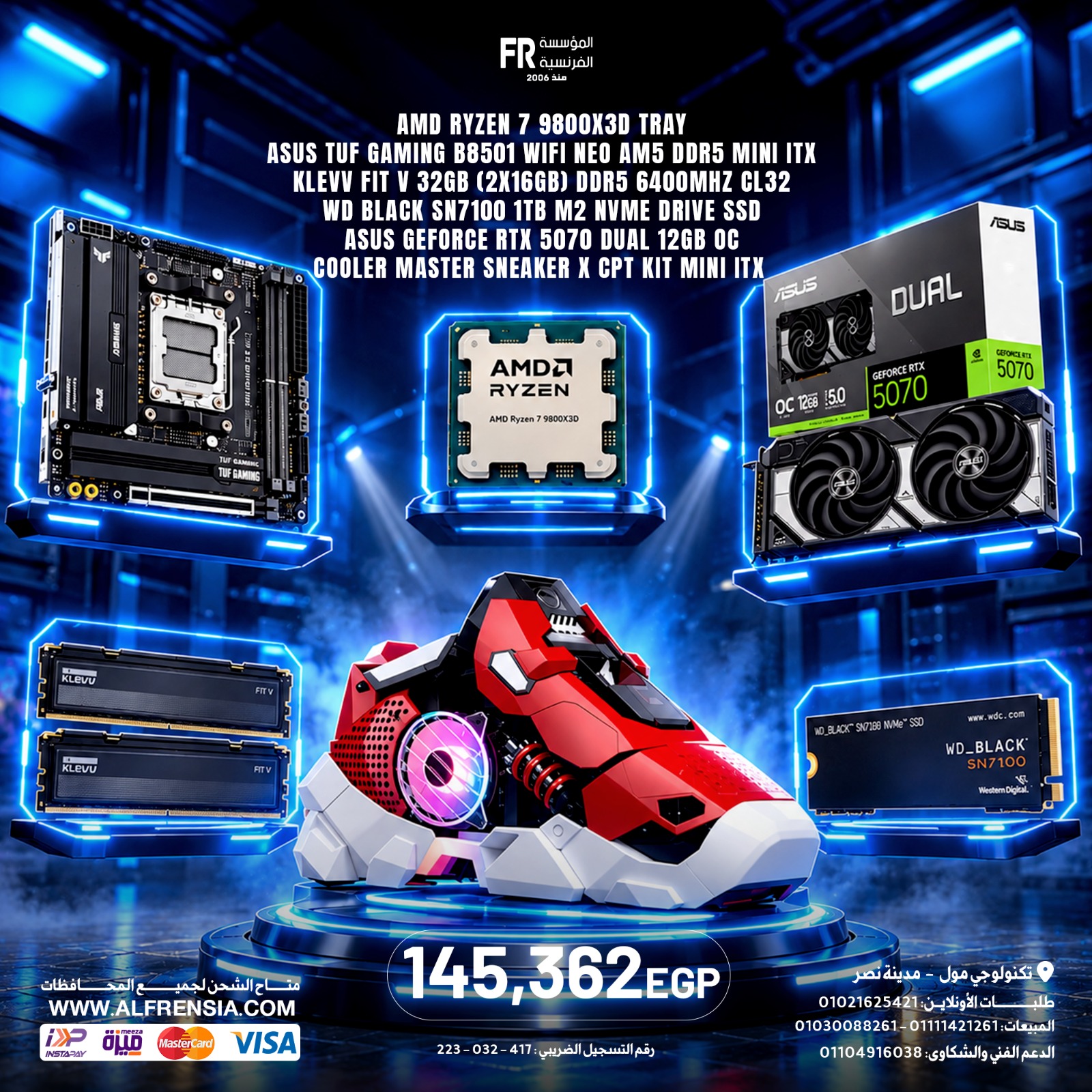
Start with the experience you want
ابدأ بالتجربة اللي عايز توصلها
1080p
For high-refresh esports or mainstream gaming, prioritise a GPU and CPU combination that can sustain the frame rate your monitor can display.
للـEsports ومعدل تحديث عالي على 1080p، اختار توليفة كارت ومعالج تقدر تحافظ على معدل الإطارات اللي شاشتك بتعرضه.
1440p
At 1440p, graphics demand usually becomes more significant. Match GPU capability to game quality settings and the target refresh rate.
على 1440p حمل الجرافيكس غالبًا بيزيد. اختار كارت مناسب لإعدادات الجودة ومعدل التحديث المستهدف.
4K
4K gaming places a heavier load on the graphics card. Review real game benchmarks and upscaling support instead of relying on a model name alone.
ألعاب 4K بتضغط أكتر على كارت الشاشة. راجع اختبارات الألعاب الفعلية ودعم تقنيات رفع الدقة بدل الاعتماد على اسم الموديل بس.
Mixed use
استخدام مختلط
Streaming, recording, editing and work alongside gaming can change the priority given to CPU cores, RAM capacity and storage.
البث والتسجيل والمونتاج والشغل جنب اللعب ممكن يغيروا الأولوية في عدد أنوية المعالج وسعة الرام والتخزين.
The five parts that should be planned together
خمس مكونات لازم تتخطط مع بعض
1. Graphics card
Choose around resolution, game settings, ray tracing expectations and the frame rate you want. Compare independent benchmarks for the games you play.
اختار حسب الدقة وإعدادات اللعبة وتوقعات Ray Tracing ومعدل الإطارات. قارن اختبارات مستقلة للألعاب اللي بتلعبها.
2. Processor
The CPU needs to feed the GPU at your target frame rate. A stronger GPU paired with a processor that cannot keep pace may leave performance unused in CPU-heavy games.
المعالج لازم يقدر يمد كارت الشاشة بالبيانات على معدل الإطارات المستهدف. كارت أقوى من اللازم مع معالج مش ملحقه ممكن يسيب جزء من الأداء غير مستغل في ألعاب بتعتمد على المعالج.
3. Memory
Plan capacity around gaming plus background apps. Match DDR generation and kit configuration to the motherboard and CPU platform.
حدد السعة حسب اللعبة والبرامج المفتوحة في الخلفية. طابق جيل DDR وتكوين الكيت مع الماذربورد ومنصة المعالج.
4. Storage
Choose sufficient SSD capacity for the operating system, launchers and installed games. Check M.2 interface and size compatibility before buying.
اختار سعة SSD تكفي النظام والـLaunchers والألعاب المثبتة. راجع توافق واجهة M.2 والطول قبل الشراء.
5. Power supply and cooling
Use the graphics-card manufacturer’s power guidance, check connectors and leave suitable operating headroom. Case airflow and cooler compatibility matter too.
اتبع إرشادات الشركة المصنعة لكارت الشاشة بخصوص الطاقة، وراجع التوصيلات وسيب هامش تشغيل مناسب. تهوية الكيسة وتوافق المشتت مهمين برضه.
Use real listings—not stale sample prices
اعتمد على المنتجات الحالية مش أسعار قديمة
Component prices and stock change. Rather than copying an old build total, use current product pages and re-check compatibility before checkout. Alfrensia’s existing build examples can help illustrate different approaches, but their original prices should not be treated as today’s quote.
أسعار المكونات والتوافر بيتغيروا. بدل ما تعتمد على إجمالي تجميعة قديم، راجع صفحات المنتجات الحالية واتأكد من التوافق قبل الطلب. أمثلة التجميعات الموجودة على موقع المؤسسة ممكن تساعدك تقارن أفكار مختلفة، لكن أسعارها القديمة مش عرض سعر حالي.
Browse prebuilt gaming PCs, review the SSD range and desktop memory, or start a new build with the Custom PC Builder.
تصفح تجميعات Gaming PC الجاهزة، وراجع وحدات SSD والرامات، أو ابدأ تجميعة جديدة من أداة تجميع الكمبيوتر.
A simple build-planning checklist
قائمة سريعة لتخطيط التجميعة
- Write down your monitor resolution and refresh rate.
- List the main games and apps you use.
- Set a total budget including monitor and peripherals if needed.
- Choose the GPU tier, then match a suitable CPU.
- Confirm motherboard socket, memory type, case size and PSU connectors.
- Compare current in-stock options and verify the final configuration.
- اكتب دقة الشاشة ومعدل التحديث.
- حدد أهم الألعاب والبرامج اللي بتستخدمها.
- حدد الميزانية الإجمالية بما فيها الشاشة والملحقات لو محتاج.
- اختار فئة كارت الشاشة وبعدها معالج مناسب.
- راجع سوكيت الماذربورد ونوع الرام وحجم الكيسة وتوصيلات الباور.
- قارن الاختيارات المتاحة حاليًا وراجع التجميعة النهائية.