


A CPU choice affects game performance, application responsiveness, multitasking and the cost of the complete PC. But a processor with more cores or a higher advertised boost clock is not automatically the best choice for every buyer. Start with the applications you use, the performance you expect, and the motherboard and memory platform you can afford.
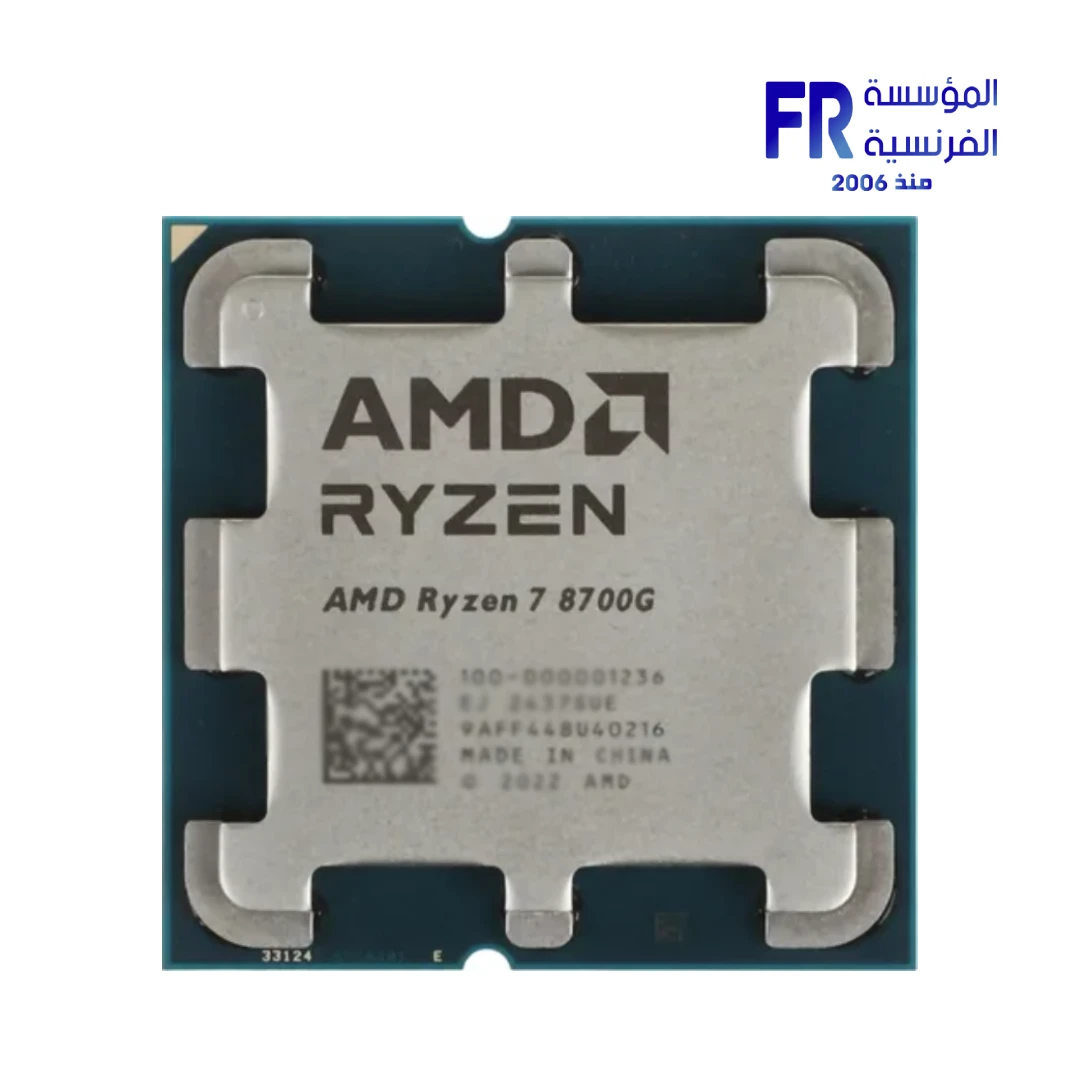
1. Start with the workload—not the product name
Write down your main use cases before comparing CPUs: competitive gaming, single-player games, streaming, video editing, 3D rendering, software development, office work or local AI tools. Different applications use the processor differently, and performance also depends on the GPU, memory, storage, software and settings.
For gaming, compare results from the games you actually play and at a resolution that reflects your setup. At lower resolutions and high frame rates, CPU differences can be more visible. At higher resolutions, the GPU may become the main limit in many games, although this is not universal.
2. Understand cores and threads
Cores are processing units within the CPU; threads are execution contexts the operating system can schedule. More cores can help workloads that run tasks in parallel, such as some rendering, encoding and compilation jobs. Many games also benefit from strong per-core performance and low latency, so simply choosing the largest core count is not a reliable gaming strategy.
Check benchmarks for the actual applications you need. A CPU that is excellent in heavily threaded rendering may not lead every game benchmark, and a gaming-focused processor may not deliver the best value for long all-core workloads.
3. Compare clock speed, cache and architecture carefully
Advertised boost frequency describes a supported peak under specified conditions; it does not guarantee that every core will operate at that frequency continuously. Actual behaviour depends on workload, temperature, power limits, motherboard settings and cooling.
Cache size and architecture can also affect performance, but no single specification predicts the result across all applications. Prefer independent benchmarks with comparable test conditions over judging CPUs by GHz, cache or core count in isolation.
4. Decide whether integrated graphics are useful
Some desktop processors include integrated graphics; others require a discrete graphics card for display output. Integrated graphics can be useful for office systems, diagnostics, light workloads or a temporary display solution, but performance varies greatly by processor model and memory configuration.
If you plan to game without a discrete GPU, look for benchmarks of the exact integrated graphics configuration in your target games. Do not assume every processor with integrated graphics is suitable for demanding 3D gaming.
5. Calculate the complete platform cost
The processor is only one part of the decision. Confirm the exact socket, chipset, BIOS support, memory generation, cooler mounting compatibility and motherboard power delivery. A lower-priced CPU can become less attractive if it requires an expensive board or memory kit, while an older platform may have limitations for future upgrades.
Also consider cooling, case clearance and power limits. Follow the processor and motherboard manufacturers’ support lists, especially when mixing a newer CPU with an older board that may need a BIOS update.
CPU comparison checklist
| Factor | What to verify |
|---|---|
| Target workload | Gaming, streaming, rendering, coding or office use |
| Benchmarks | Results from the same games/apps and comparable settings |
| Cores and threads | Useful for the applications you run, not just a larger number |
| Integrated graphics | Whether a display adapter is included and sufficient for your use |
| اللوحات الأم | Socket, chipset, CPU support list and BIOS version |
| Memory | Supported DDR generation, capacity and configuration |
| Total cost | CPU, board, RAM, cooling and any required GPU |
Browse the Alfrensia product categories to compare available processor and motherboard options. Confirm the exact model number, stock status, specifications and warranty before purchasing.
Frequently asked questions
Is a CPU with more cores always better?
No. Additional cores help some parallel workloads, but gaming and other applications can depend more on architecture, per-core performance, cache and software optimisation.
Should I choose the CPU first or the GPU first?
Decide based on the target games or applications and total budget. Gaming systems often allocate a substantial share to the GPU, while some productivity workloads place different demands on CPU, memory and GPU. Balance the complete system.
Can I install any CPU that fits the motherboard socket?
No. Socket fit alone is insufficient. Check the motherboard’s official CPU support list, chipset requirements and minimum BIOS version.
Sources
Next step: List your main games or applications, target performance and platform budget, then compare a shortlist using relevant benchmarks and official compatibility data.
Compare options before you buy
Check the exact model, compatibility, current availability and warranty terms.
alfrensia.com — Alfrensia, French Establishment for Computers
اختيار المعالج بيأثر على أداء الألعاب واستجابة البرامج وتعدد المهام وتكلفة الكمبيوتر بالكامل. لكن معالج بعدد أنوية أكبر أو Boost Clock أعلى مش بالضرورة أفضل لكل الناس. ابدأ بالبرامج اللي بتستخدمها والأداء المطلوب والمنصة اللي ميزانيتك تسمح بيها.
ابدأ بالاستخدام مش باسم المنتج
حدد الاستخدام الأساسي: ألعاب تنافسية أو قصصية، بث، مونتاج، رندر 3D، تطوير برامج، شغل مكتبي أو أدوات AI محلية. البرامج بتستخدم المعالج بطرق مختلفة، والأداء بيعتمد أيضاً على GPU والذاكرة والتخزين والبرنامج والإعدادات.
للألعاب، قارن نتائج الألعاب اللي بتلعبها فعلياً وبالدقة المناسبة لشاشتك. عند دقات أقل ومعدلات إطارات عالية قد تظهر فروق CPU أكثر. عند الدقات الأعلى ممكن يصبح GPU هو العامل المحدد في ألعاب كثيرة، لكن ده مش قانوناً لكل الألعاب.
افهم Cores وThreads
الأنوية وحدات معالجة داخل CPU، أما Threads فهي سياقات تنفيذ يقدر نظام التشغيل يجدولها. الأنوية الأكثر ممكن تساعد في أعمال متوازية مثل بعض مهام الرندر والترميز والترجمة البرمجية. الألعاب قد تستفيد أيضاً من قوة النواة الواحدة وانخفاض التأخير، لذلك اختيار أكبر عدد أنوية مش استراتيجية مضمونة للألعاب.
قارن التردد والكاش والمعمارية بحذر
تردد Boost المعلن هو ذروة مدعومة تحت ظروف محددة، مش ضمان إن كل الأنوية هتعمل عليه باستمرار. الأداء الفعلي بيعتمد على الحمل والحرارة وحدود الطاقة وإعدادات اللوحة والتبريد.
حجم Cache والمعمارية بيأثروا أيضاً، لكن مفيش مواصفة واحدة تتنبأ بالنتيجة في كل البرامج. فضّل اختبارات مستقلة بظروف متقاربة بدل الحكم من GHz أو Cache أو عدد الأنوية فقط.
هل تحتاج رسوماً مدمجة؟
بعض المعالجات فيها رسوميات مدمجة، وأخرى تحتاج كارتاً منفصلاً لإخراج الصورة. الرسوميات المدمجة ممكن تفيد للشغل المكتبي والتشخيص والاستخدام الخفيف، لكن الأداء يختلف كثيراً حسب موديل المعالج والذاكرة.
لو هتلعب من غير GPU منفصل، راجع اختبارات موديل الرسوميات المدمجة في الألعاب المطلوبة. ما تفترضش إن أي معالج فيه iGPU مناسب لألعاب 3D الثقيلة.
احسب تكلفة المنصة كاملة
راجع السوكت والـchipset ودعم BIOS وجيل الذاكرة وتوافق المبرد وقدرة توصيل الطاقة باللوحة. معالج أرخص ممكن يحتاج لوحة أو RAM أغلى، والمنصة القديمة قد يكون لها حدود للترقية المستقبلية.
قائمة مقارنة CPU
- الاستخدام المستهدف: ألعاب أو بث أو رندر أو برمجة أو شغل مكتبي.
- الاختبارات: نفس الألعاب أو البرامج وإعدادات متقاربة.
- الأنوية والخيوط: هل تفيد البرامج اللي بتشغلها فعلاً؟
- الرسوميات المدمجة: هل موجودة وكافية؟
- اللوحة: السوكت والـchipset وقائمة الدعم وإصدار BIOS.
- الذاكرة: جيل DDR والسعة والتكوين المدعوم.
- التكلفة الكاملة: CPU واللوحة والرام والتبريد وأي GPU مطلوب.
الأسئلة الشائعة
هل المعالج ذو الأنوية الأكثر أفضل دائماً؟
لأ. الأنوية الإضافية تفيد بعض الأعمال المتوازية، لكن الألعاب قد تعتمد أكثر على المعمارية وأداء النواة والكاش وتحسين البرنامج.
أختار CPU ولا GPU الأول؟
حدد حسب الألعاب أو البرامج والميزانية الكاملة. ألعاب كثيرة تستفيد من GPU قوي، بينما بعض أعمال الإنتاج لها متطلبات مختلفة للمعالج والذاكرة والكارت. وازن الجهاز كله.
هل أي CPU يركب في نفس سوكت اللوحة؟
لأ. راجع قائمة دعم المعالج الرسمية ومتطلبات الـchipset وأقل إصدار BIOS.
المصادر والخطوة التالية
راجع معالجات AMD Ryzen المكتبية ومعالجات Intel Core Ultra، ثم قارن موديلات محددة باستخدام اختبارات مرتبطة باستخدامك.
راجع تصنيفات المعالجات والمكونات على موقع المؤسسة الفرنسية للكمبيوتر، أو تواصل مع المبيعات على واتساب للاستفسار عن اختيار CPU حسب الألعاب والبث والبرامج والتوافق.