


A laptop may look upgradeable, but RAM and storage options depend on the exact model and internal design. Some laptops use replaceable SO-DIMM memory, others use soldered RAM, and storage varies by M.2 slot, interface, drive length and available space.
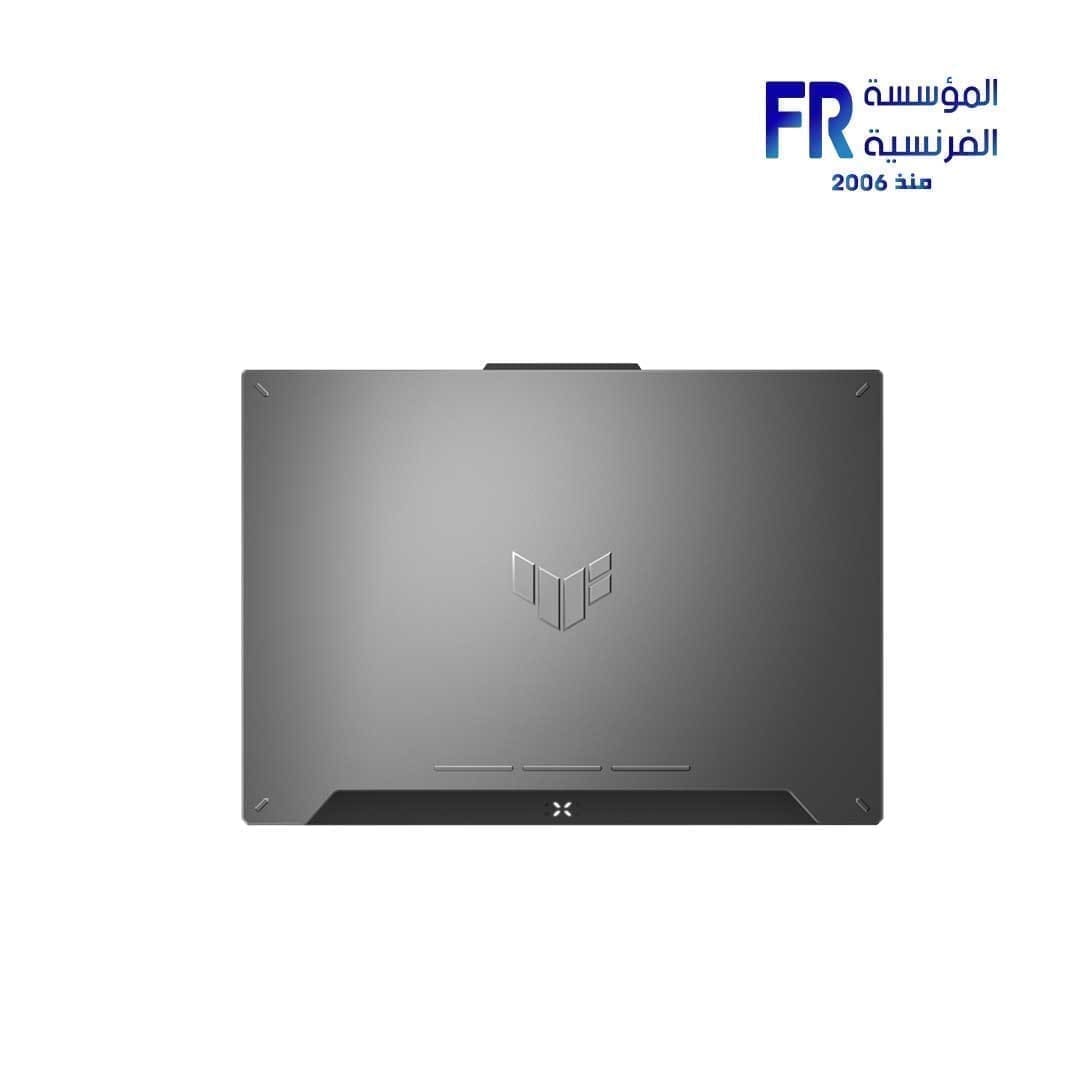
Identify the exact laptop
Do not rely on a family name alone. Different configurations may use different motherboards, memory layouts or storage arrangements. Record the full model code and locate the manufacturer’s specifications and service documentation.
Check RAM type and capacity
Verify DDR generation, form factor, supported capacity and accessible slots. Desktop DIMMs and laptop SO-DIMMs are not interchangeable. Some thin laptops use soldered LPDDR memory that cannot be replaced as a standard module.
Check SSD interface and physical fit
M.2 is a form factor, not one universal storage protocol. Confirm NVMe PCIe or SATA support, supported drive length such as 2230 or 2280, slot availability, clearance and any slot-sharing restrictions. Plan how Windows and files will be transferred or reinstalled.
Before opening the laptop
- Read the service manual and safety instructions.
- Shut down and disconnect power and peripherals.
- Use appropriate ESD precautions and do not force clips or connectors.
- Check local service and warranty conditions.
Frequently asked questions
Can every gaming laptop RAM be upgraded?
No. Some systems use soldered memory and supported capacities vary.
Will every M.2 NVMe SSD fit?
No. Length, slot support, clearance and platform compatibility must be checked.
Sources
Next step: Use the complete model code to find official service documentation before ordering parts.
Explore laptop buying guides.
Compare options before you buy
Check the exact model, compatibility, current availability and warranty terms.
alfrensia.com — Alfrensia, French Establishment for Computers
اللابتوب ممكن يبدو قابلاً للترقية، لكن خيارات RAM والتخزين بتعتمد على الموديل الكامل والتصميم الداخلي. بعض الأجهزة فيها SO-DIMM قابل للتبديل، وأخرى فيها RAM ملحومة، والتخزين بيختلف حسب منفذ M.2 والواجهة وطول القرص والمساحة المتاحة.
حدد موديل اللابتوب بالضبط
ما تعتمدش على اسم السلسلة فقط. التكوينات المختلفة ممكن تستخدم لوحات أم وترتيبات ذاكرة وتخزين مختلفة. سجّل كود الموديل الكامل وابحث عن مواصفات الشركة ودليل الصيانة الخاص به.
توافق RAM والسعة
راجع جيل DDR والشكل الفيزيائي والسعة المدعومة والشقوق المتاحة. ذاكرة Desktop DIMM وLaptop SO-DIMM مش قابلة للتبادل. بعض اللابتوبات الرفيعة تستخدم LPDDR ملحومة لا يمكن استبدالها كوحدة تقليدية.
توافق SSD والمقاس
M.2 هو شكل مادي، مش بروتوكول تخزين واحد. تأكد من دعم NVMe PCIe أو SATA وطول القرص مثل 2230 أو 2280 وتوفر المنفذ والمساحة وأي قيود مشاركة. خطط لنقل Windows والملفات أو إعادة تثبيت النظام.
قبل فتح اللابتوب
- اقرأ دليل الصيانة وتعليمات السلامة.
- أوقف التشغيل وافصل الطاقة والملحقات.
- استخدم احتياطات ESD المناسبة ولا تجبر المشابك أو الموصلات.
- راجع شروط الصيانة والضمان المحلي.
الأسئلة الشائعة
هل RAM قابلة للترقية في كل Gaming Laptop؟
لأ. بعض الأجهزة فيها ذاكرة ملحومة والسعة المدعومة بتختلف.
هل أي M.2 NVMe SSD هيركب؟
لأ. لازم تتأكد من الطول ودعم المنفذ والمساحة والتوافق مع المنصة.
المصادر والخطوة التالية
استخدم كود الموديل الكامل للعثور على دليل اللابتوب ومعلومات الصيانة الرسمية قبل طلب القطع.
راجع أدلة شراء اللابتوبات وأدلة SSD على موقع المؤسسة الفرنسية للكمبيوتر، أو تواصل مع المبيعات على واتساب للاستفسار عن توافق الذاكرة أو SSD مع موديلك.