-
×
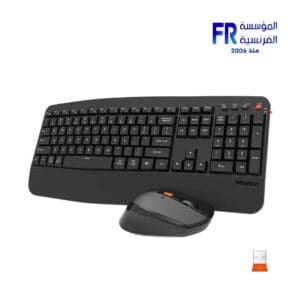 Meetion Director A Wireless And Bluetooth Dual Mode Ergonomic Keyboard And Mouse Combo
1 × 1149 جنية
Meetion Director A Wireless And Bluetooth Dual Mode Ergonomic Keyboard And Mouse Combo
1 × 1149 جنية -
×
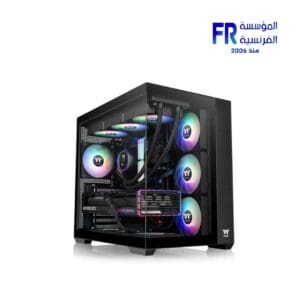 Thermaltake View 380 TG ARGB Mid Tower Case
1 × 6000 جنية
Thermaltake View 380 TG ARGB Mid Tower Case
1 × 6000 جنية -
×
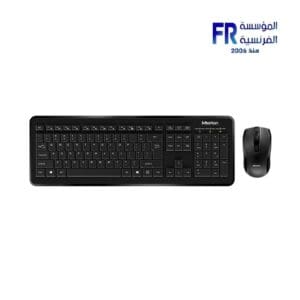 Meetion C4120 Little Wireless Keyboard And Mouse Combo
1 × 625 جنية
Meetion C4120 Little Wireless Keyboard And Mouse Combo
1 × 625 جنية -
×
 Logitech M171 Red Wireless Mouse
1 × 475 جنية
Logitech M171 Red Wireless Mouse
1 × 475 جنية -
×
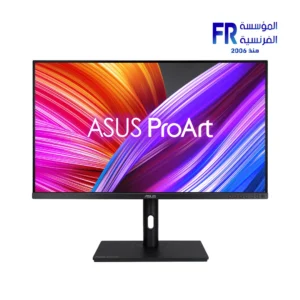 Asus ProArt PA328QV 32 Inch 75Hz 5Ms QHD IPS Gaming Monitor
1 × 19999 جنية
Asus ProArt PA328QV 32 Inch 75Hz 5Ms QHD IPS Gaming Monitor
1 × 19999 جنية -
×
 Msi MD272QXPW 27 Inch 100Hz 1Ms 2K IPS White Gaming Monitor
1 × 10800 جنية
Msi MD272QXPW 27 Inch 100Hz 1Ms 2K IPS White Gaming Monitor
1 × 10800 جنية -
×
 Meetion MiniGo Wireless Mouse
1 × 279 جنية
Meetion MiniGo Wireless Mouse
1 × 279 جنية -
×
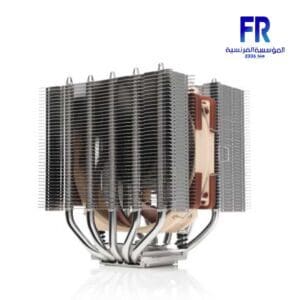 Noctua Nh D12L Chromax Black With Nf A12X25 120Mm Fan Low Height Air Cpu Cooler
1 × 4990 جنية
Noctua Nh D12L Chromax Black With Nf A12X25 120Mm Fan Low Height Air Cpu Cooler
1 × 4990 جنية -
×
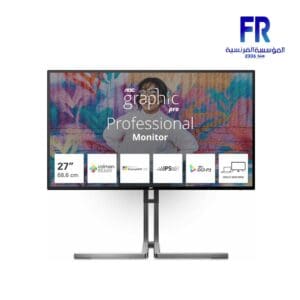 Aoc U27U3CV/74 27 Inch 60Hz 4Ms UHD Nano IPS Gaming Monitor
1 × 22599 جنية
Aoc U27U3CV/74 27 Inch 60Hz 4Ms UHD Nano IPS Gaming Monitor
1 × 22599 جنية -
×
 Razer Basilisk V3 X HyperSpeed Wireless Gaming Mouse
1 × 4800 جنية
Razer Basilisk V3 X HyperSpeed Wireless Gaming Mouse
1 × 4800 جنية -
×
 Seasonic Focus GX-1000 ATX3 1000W Atx 3.1 80 Plus Gold Fully Modular Hybrid Fan Power Supply
1 × 10000 جنية
Seasonic Focus GX-1000 ATX3 1000W Atx 3.1 80 Plus Gold Fully Modular Hybrid Fan Power Supply
1 × 10000 جنية -
×
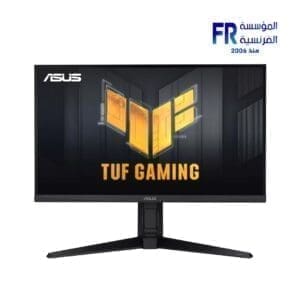 Asus TUF Gaming VG27AQML1A 27 Inch 260Hz 1Ms QHD Fast IPS Gaming Monitor
1 × 21500 جنية
Asus TUF Gaming VG27AQML1A 27 Inch 260Hz 1Ms QHD Fast IPS Gaming Monitor
1 × 21500 جنية -
×
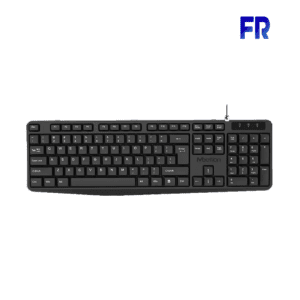 Meetion K200 Wired Keyboard
1 × 250 جنية
Meetion K200 Wired Keyboard
1 × 250 جنية -
×
 Asus A23 Plus ARGB White Micro Tower Case
1 × 5200 جنية
Asus A23 Plus ARGB White Micro Tower Case
1 × 5200 جنية -
×
 Arctic Liquid Freezer III 420 ARGB Liquid Cpu Cooler
1 × 6649 جنية
Arctic Liquid Freezer III 420 ARGB Liquid Cpu Cooler
1 × 6649 جنية -
×
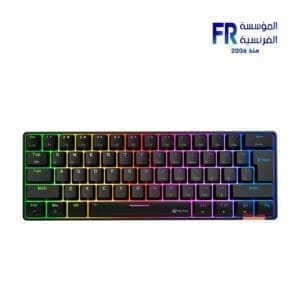 Meetion MK005BT 60% Blue switch Arabic Dual Mode Bluetooth Mechanical Keyboard
1 × 1399 جنية
Meetion MK005BT 60% Blue switch Arabic Dual Mode Bluetooth Mechanical Keyboard
1 × 1399 جنية -
×
 WD Blue SN5000 500Gb M2 Nvme Internal Solid State Drive SSD
1 × 2700 جنية
WD Blue SN5000 500Gb M2 Nvme Internal Solid State Drive SSD
1 × 2700 جنية

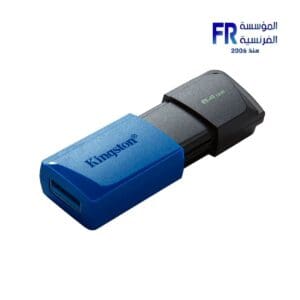
Storage is the space where data is kept on a computer. There are two main types of storage: primary storage and secondary storage.
Primary
is the memory that the computer uses to store data that it is actively using. It is a volatile memory, meaning that it loses its data when the computer is turned off. Primary includes RAM and ROM.
Secondary
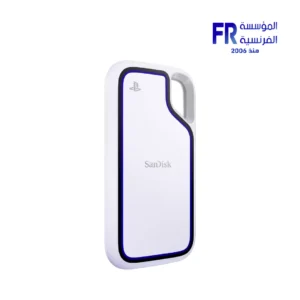
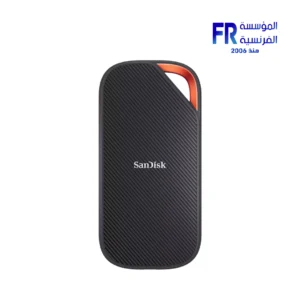
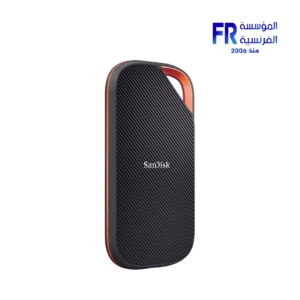
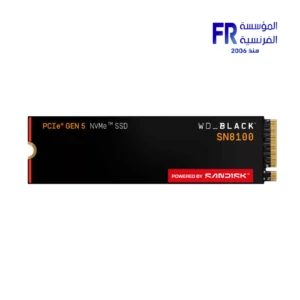
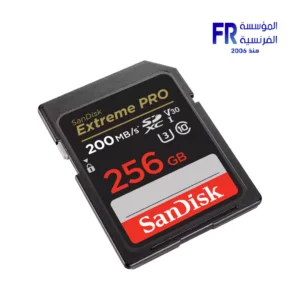
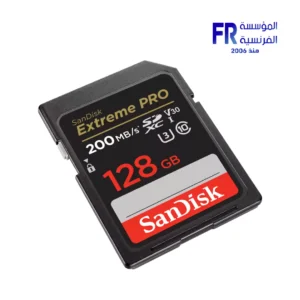
is the memory that the computer uses to store data that it is not actively using. It is a non-volatile memory, meaning that it retains its data even when the computer is turned off. Secondary includes hard disk drives (HDDs), solid state drives (SSDs), optical discs, and cloud .
HDDs
are the most traditional type of secondary . They use spinning platters coated with magnetic material to store data. HDDs are relatively inexpensive and have a large capacity, but they are also slower and less reliable than SSDs.
SSDs
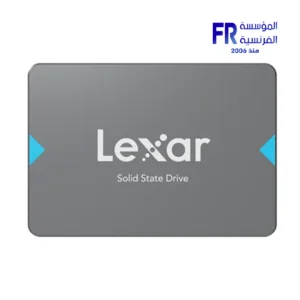
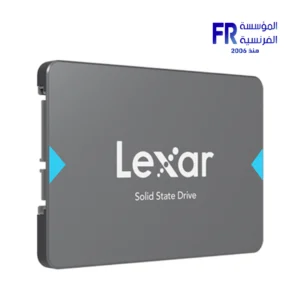
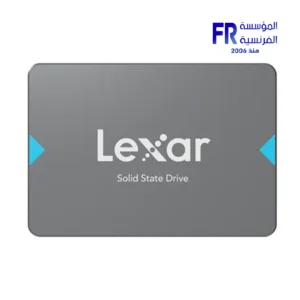
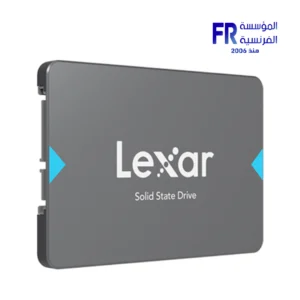
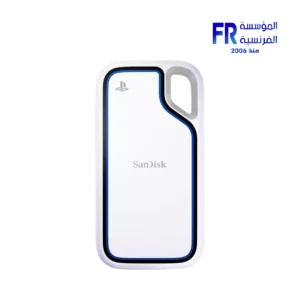
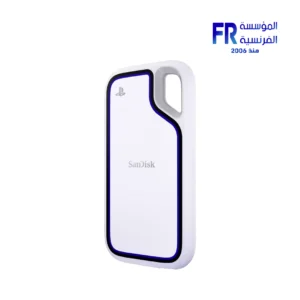
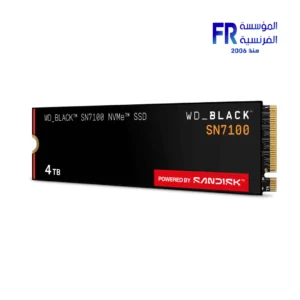
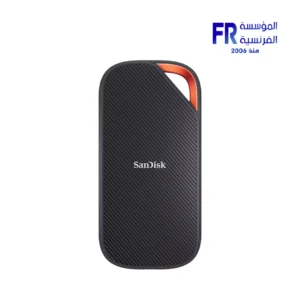
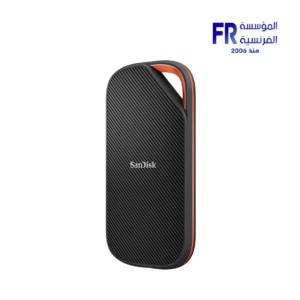
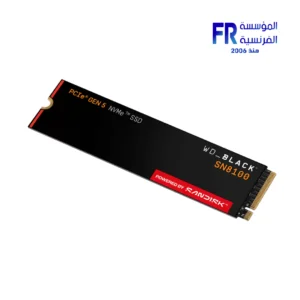
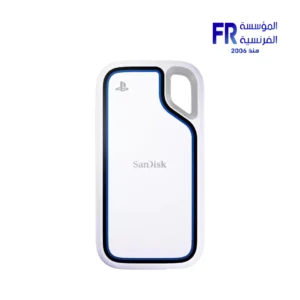
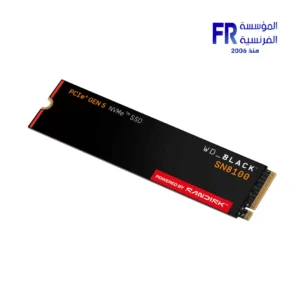
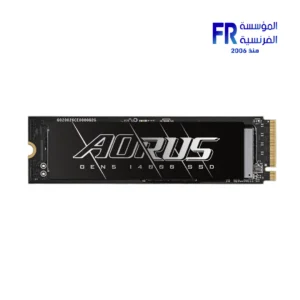
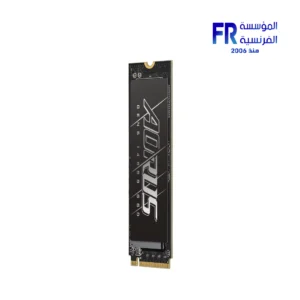
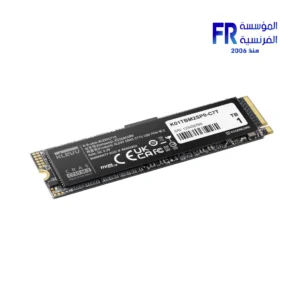
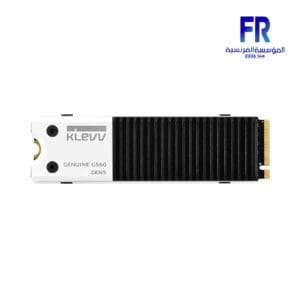
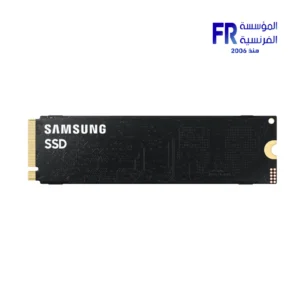
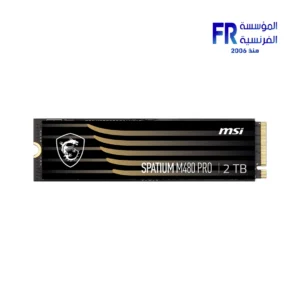
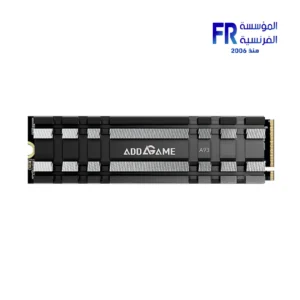
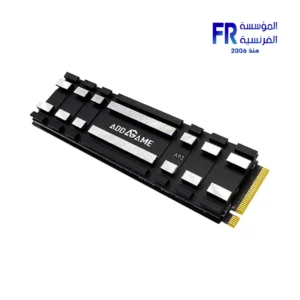
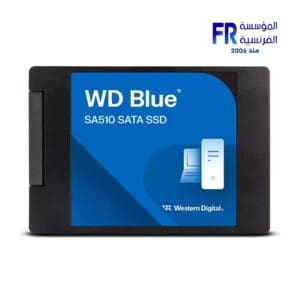
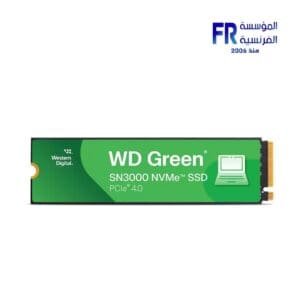
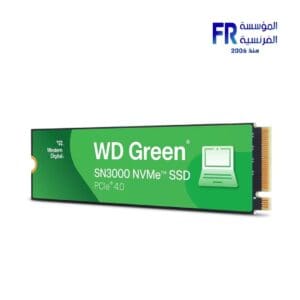
are a newer type of secondary that uses flash memory to store data. SSDs are much faster and more reliable than HDDs, but they are also more expensive.
Optical discs
are removable devices that use light to read and write data. Optical discs include CDs, DVDs, and Blu-ray discs. Optical discs are a good option for backing up data or storing data that you need to access infrequently.
Cloud
is a type of secondary that stores data on remote servers. Cloud storage is convenient and accessible from anywhere with an internet connection. However, cloud can be expensive and there are security concerns associated with storing data on remote servers.
When choosing for your computer, there are a few factors to consider:
-
Capacity:
How much data do you need to store?
-
Speed:
How fast do you need to be able to access your data?
-
Reliability:
How important is it that your data be reliable?
-
السعر من الي
How much are you willing to spend on storage?
Once you have considered these factors, you can choose the type of storage that is right for you.
Here are some recommendations for storage for different types of users:
-
Casual users:
Casual users who only use their computer for basic tasks such as browsing the web, checking email, and word processing may be able to get by with a small SSD (128GB-256GB).
-
Power users:
Power users who run multiple programs at the same time or work with large datasets may want to consider a larger SSD (512GB-1TB) or a hybrid drive (HDD with a small SSD cache).
-
Enthusiasts and professionals:
Enthusiasts and professionals who need the fastest possible performance and/or need to store a large amount of data may want to consider a large SSD (1TB or more) or a RAID array (multiple storage devices combined into a single logical unit).
If you are unsure how much storage you need or what type of storage is right for you, it is always best to consult with a computer technician.