

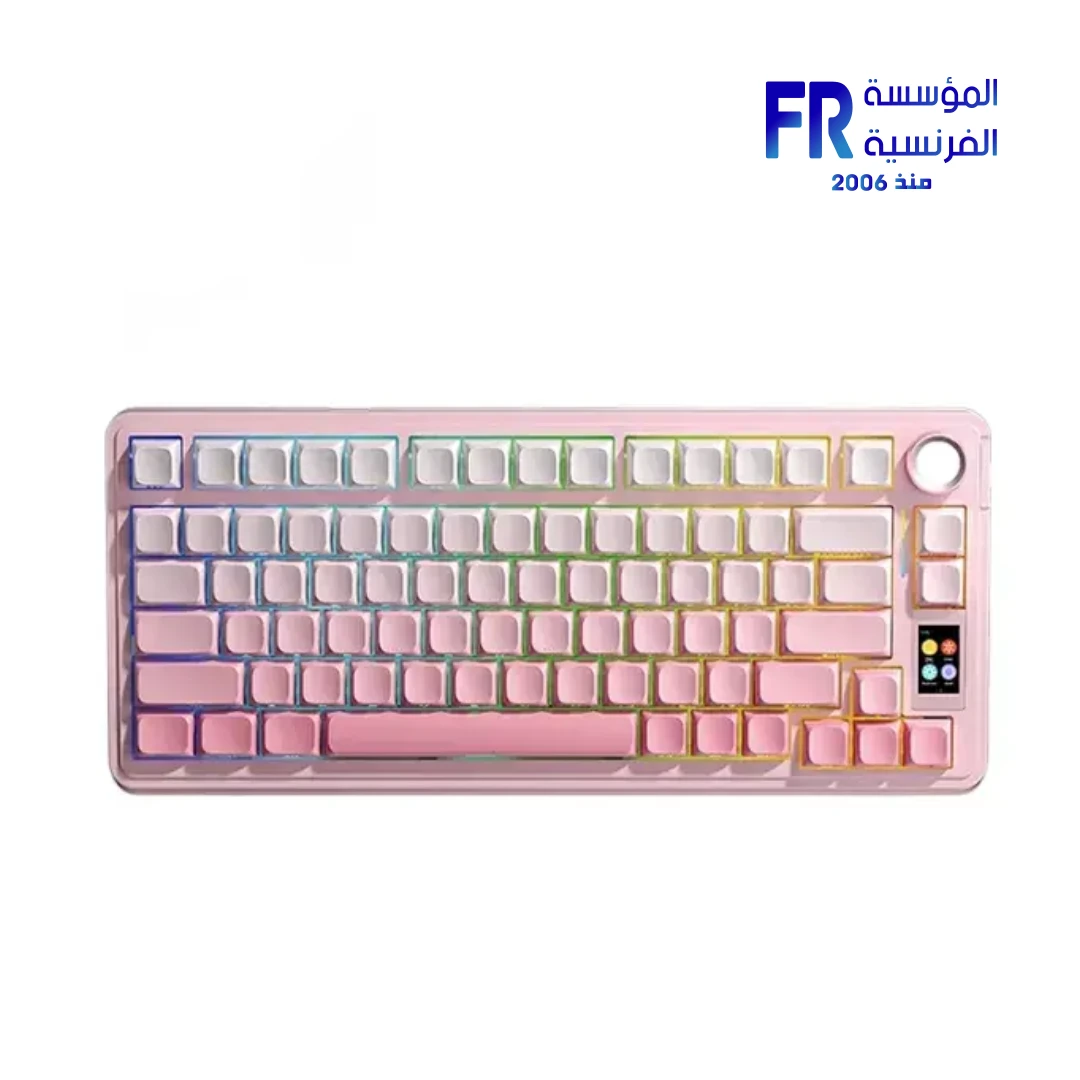


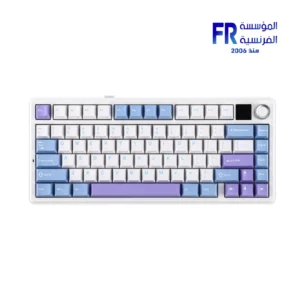
AULA S75 Pro Greywood V3 Switch Bluetooth 2.4GHz USB-C TKL TFT Screen 4000mAh Gradient Pink Side-Printed Wireless Mechanical Gaming Keyboard
2799 جنيه
Model Name: AULA S75 Pro Greywood V3 Gradient Pink
- 75% compact layout with 80 keys; not a traditional TKL layout
- Greywood V3 linear switches
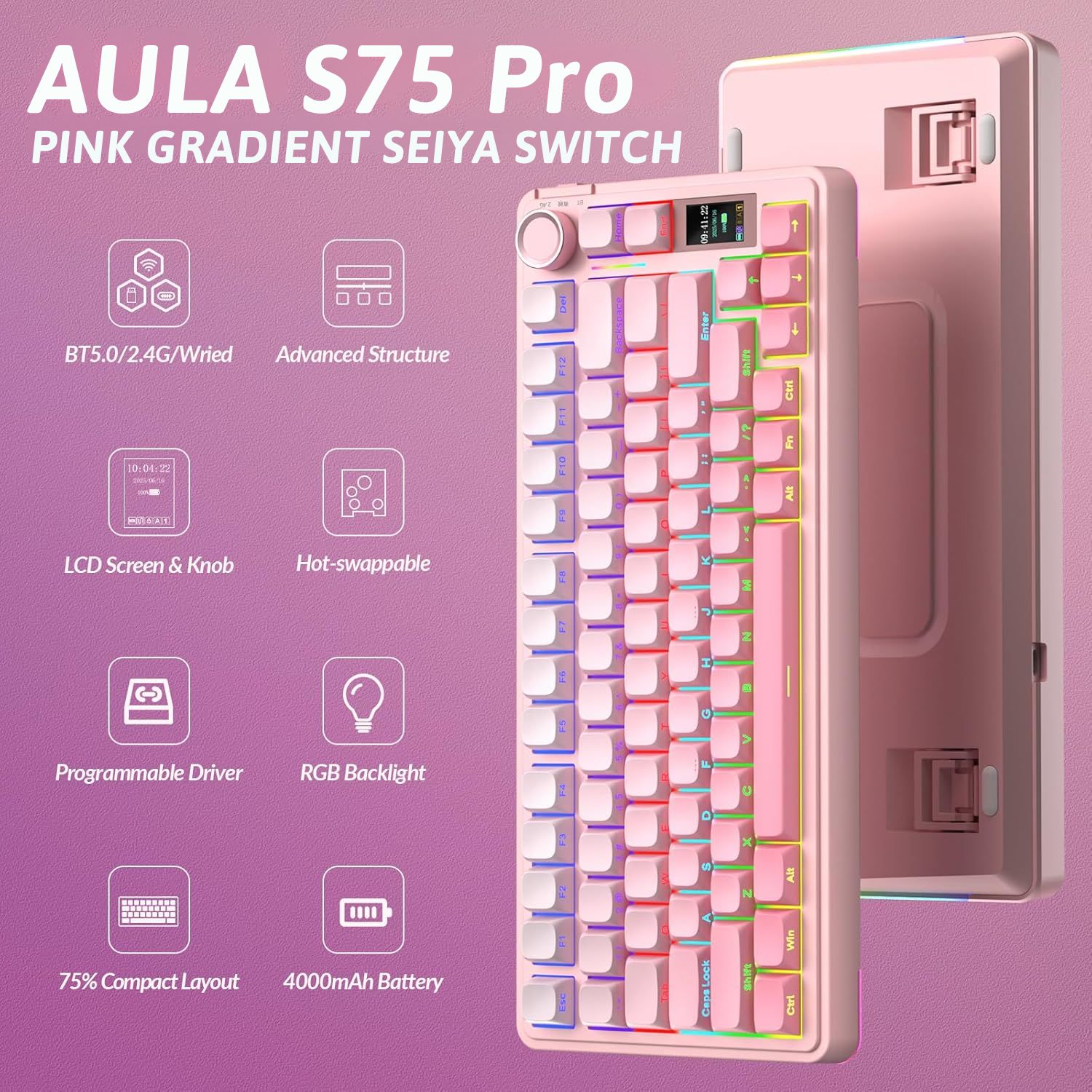
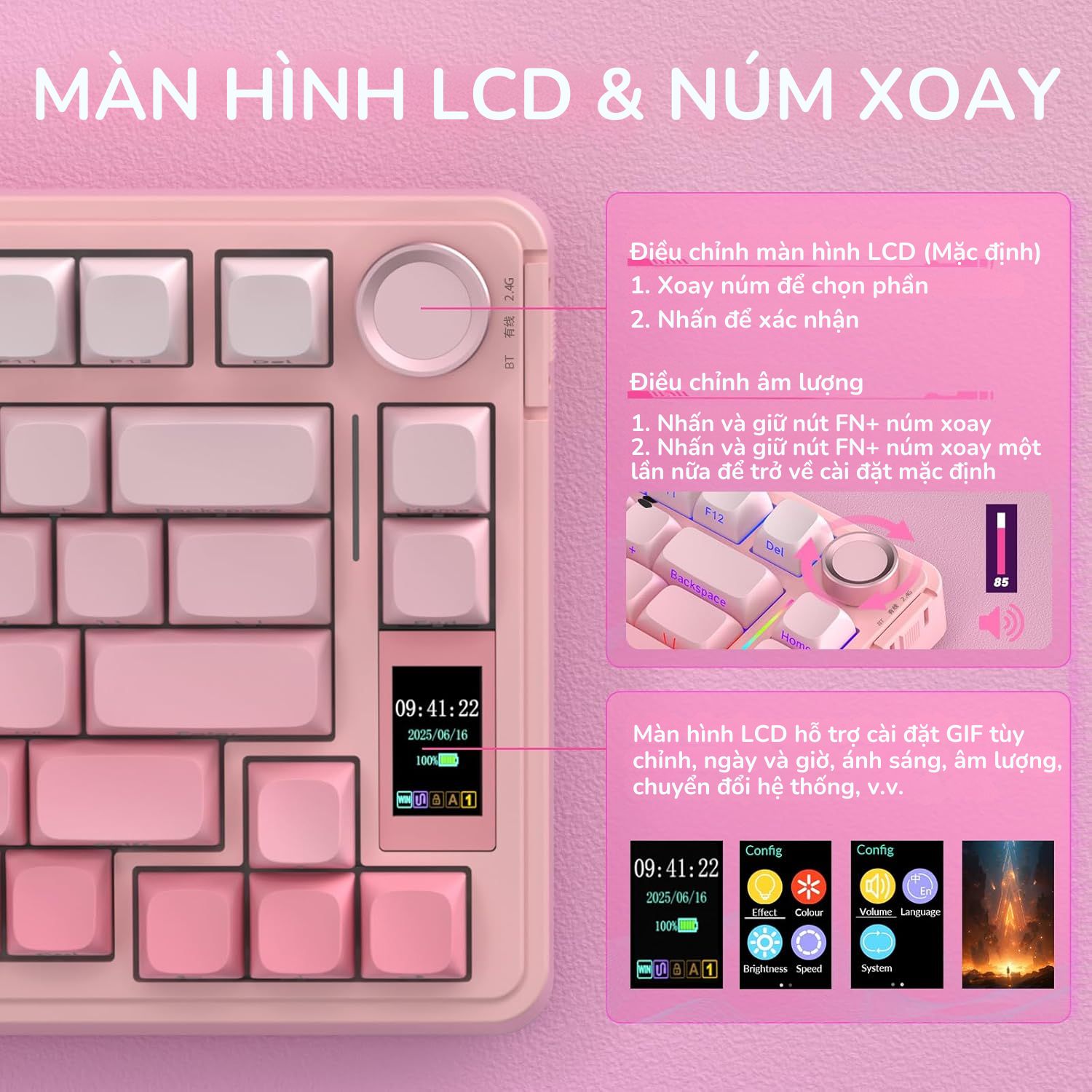
- 1.14-inch TFT display and multifunction knob
- Bluetooth, 2.4GHz wireless and USB-C wired connectivity
- 4000mAh battery, gasket mount and hot-swap support listed
- Gradient Pink finish with side-printed keycaps listed
- الضمان: 2 years, subject to Alfrensia invoice terms
المتوفر في المخزون 1 فقط
ضمان أفضل سعر✅ Authorized AULA Partner in Egypt | Official 1-Year Warranty | Expert PC Building Consultation Available
AULA S75 Pro Greywood V3 Switch Bluetooth 2.4GHz USB-C TKL TFT Screen 4000mAh Gradient Pink Side-Printed Wireless Mechanical Gaming Keyboard
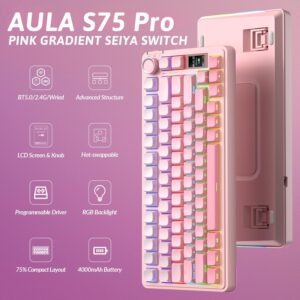
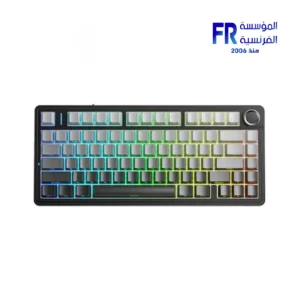
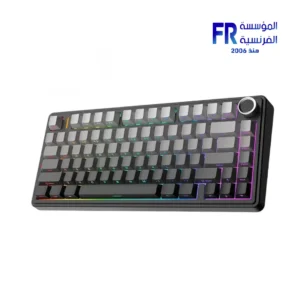
AULA S75 Pro is a 75% wireless mechanical keyboard with a 1.14-inch TFT display and a multifunction knob. It uses LEOBOG Greywood V3 linear switches, a gasket mount, and hot-swap support, with side-printed PBT keycaps and RGB backlighting. It connects over Bluetooth 5.0, 2.4GHz, or USB-C wired, and carries a 4000mAh battery. Available at Alfrensia for 2,799 EGP.
⚡ Engineering Highlights at a Glance:
- 75% Layout (80 Keys): Retains essential function and arrow keys while freeing desk space for mouse movement [citation:1].
- 1.14-inch TFT Smart Display: Shows battery status, connection info, time, lighting settings, and supports custom GIF animations [citation:1].
- LEOBOG Greywood V3 Linear Switches: Factory-lubed linears with a smooth, consistent keystroke and no tactile bump [citation:1].
- Gasket Mount with Five-Layer Dampening: Reduces vibration and resonance for a softer, quieter typing experience [citation:1].
- Full-Key Hot-Swap: Supports 3-pin and 5-pin switch replacement without soldering [citation:1][citation:6].
- 4000mAh Battery: Up to 80 hours with the backlight off, or roughly 30 hours with default lighting on [citation:1][citation:6].
- Tri-Mode Connectivity: Bluetooth 5.0, 2.4GHz wireless, and USB-C wired, with 1000Hz polling for low-latency input [citation:1][citation:6].
Who is the AULA S75 Pro For?
Expert Advice & Build Considerations
Connectivity and Pairing
The S75 Pro supports Bluetooth 5.0, 2.4GHz wireless, and USB-C wired modes. For Bluetooth pairing, turn the switch to BT mode, hold FN+1 for 3 seconds until the green light flashes, then search for “AULA-S75Pro-1” on your device [citation:2]. For 2.4GHz, switch to 2.4G mode, hold FN+~ for 3 seconds, and insert the USB receiver [citation:2]. If the 2.4GHz connection is unstable, connect the receiver to a USB 2.0 port away from other receivers and avoid metal hubs [citation:2].
Switches and Typing Feel
The LEOBOG Greywood V3 switches are pre-lubed linears with a smooth, consistent keystroke and no tactile bump [citation:1]. They have an actuation force of around 40gf and a total travel of 3.6mm, with a 1.5mm actuation point [citation:3]. The gasket mount and five-layer dampening reduce cavity noise, giving a softer feel than a stiff tray-mount board [citation:1]. Because the PCB is hot-swappable for 3-pin and 5-pin switches, you can change the feel later without soldering [citation:1][citation:6].
Battery and Charging
The 4000mAh battery delivers up to 80 hours with the backlight off and around 30 hours with default lighting on [citation:1]. To extend runtime, lower the backlight brightness or turn it off. Charge the keyboard using its original cable connected to a computer; avoid fast-charging devices, as they may damage the keyboard [citation:2]. If keys stop working, check the battery level first, then ensure the mode matches your device (FN+W for Windows, FN+E for Mac) [citation:2].
المواصفات الفنية
| Model Name | AULA S75 Pro (Gradient Pink) |
| العلامات التجارية | AULA |
| SKU / MPN | S75 Pro-2131 |
| EAN / UPC | 6978080502131 |
| Product Type | Wireless mechanical keyboard |
| Layout | 75% (80 keys) |
| Switches | LEOBOG Greywood V3 Linear, pre-lubed |
| Switch Specifications | ~40gf actuation | 1.5mm actuation point | 3.6mm total travel | ~60 million cycles |
| Display | 1.14-inch TFT color screen, supports custom GIFs |
| Connectivity | Bluetooth 5.0 | 2.4GHz wireless | USB-C wired |
| Battery | 4000 mAh rechargeable | Up to 80 hours (backlight off) |
| Mounting | Gasket mount with five-layer internal dampening |
| Hot-Swap | Yes (3-pin / 5-pin) |
| Keycaps | Side-printed PBT double-shot |
| Backlight | RGB, 16.8 million colors |
| Knob | Multifunction (volume, lighting, screen navigation) |
| Polling Rate | 1000Hz |
| Color | Gradient Pink |
| Included Accessories | USB-C cable | 2.4GHz receiver | Keycap/switch puller | User manual |
| الضمان | 1 Year Local Alfrensia Warranty |
Expert Recommendation: Getting the Most from the AULA S75 Pro
Use 2.4GHz mode for gaming to take advantage of the 1000Hz polling rate, and Bluetooth for laptops and tablets. If you run into pairing issues, follow the reset steps: hold FN+1 for 3 seconds for Bluetooth, or FN+~ for 2.4GHz [citation:2].
Configure the TFT screen early. It can show battery, connection status, and custom GIFs, which adds a personal touch without needing to check software. The multifunction knob handles volume and lighting adjustments, so you can leave the driver uninstalled if you do not need macros [citation:1].
Because the PCB is hot-swappable, you can try different switches later without soldering. The Greywood V3 linears are light and smooth, but if you prefer tactile or heavier switches, the sockets support 3-pin and 5-pin types [citation:1][citation:6].
Dim or turn off the RGB to extend the 4000mAh battery life, and charge with the original cable connected to a computer—avoid fast chargers [citation:2]. The 1-year Alfrensia warranty covers manufacturing defects.
Frequently Asked Questions
What are LEOBOG Greywood V3 switches?
LEOBOG Greywood V3 switches are factory-lubed linear mechanical switches. They have an actuation force of around 40gf, a 1.5mm actuation point, and 3.6mm total travel, with a lifespan of approximately 60 million cycles [citation:3]. Linear switches have no bump or click, which makes them smooth for rapid gaming inputs and comfortable for long typing sessions [citation:1].
How do I connect the S75 Pro via Bluetooth or 2.4GHz?
For Bluetooth: turn the switch to BT mode, hold FN+1 for 3 seconds until the green light flashes, then search for “AULA-S75Pro-1” on your device [citation:2]. For 2.4GHz: switch to 2.4G mode, hold FN+~ for 3 seconds until the cyan light flashes, then insert the USB receiver [citation:2]. If the connection is unstable, use a USB 2.0 port away from other receivers and avoid metal hubs [citation:2].
How long does the 4000mAh battery last, and how should I charge it?
The 4000mAh battery delivers up to 80 hours with the backlight off and around 30 hours with default lighting on [citation:1]. Charge the keyboard using its original cable connected to a computer. Avoid fast-charging devices, as they may cause irreversible damage to the keyboard [citation:2].
Is the keyboard hot-swappable?
Yes. The S75 Pro supports 3-pin and 5-pin hot-swap switches, so you can change the switches without soldering [citation:1][citation:6]. This lets you try different switch types or replace worn switches later without buying a new keyboard.
What does the 1.14-inch TFT screen show?
The 1.14-inch color TFT screen can display battery status, connection information, time, lighting settings, and personalized GIF animations [citation:1]. You can configure screen content through the compatible keyboard software, which adds useful information and visual customization directly on the keyboard.
| MODEL | |
|---|---|
| Keyboard Type | |
| Keyboard Size | |
| Color | |
| الضمان |
| KEY SWITCH TYPE | |
|---|---|
| CONNECTIVITY | |
| BATTERY |
يسمح فقط للزبائن مسجلي الدخول الذين قاموا بشراء هذا المنتج ترك مراجعة.
الضمان وشروط الشراء
- مدة الضمان للمنتج ده: 2 Years (ضمان الوكيل). التفاصيل
- استبدال فوري بجديد: لو ظهر عيب صناعة في أي وقت خلال فترة الضمان، المنتج بيتغير بجديد من غير صيانة أو تصليح (ما عدا المنتجات اللي محتاجة شغل سوفت وير). ولو البديل مش متوفر، بنرجعلك المبلغ كامل من غير خصم. التفاصيل
- الاسترجاع: لو مش محتاج المنتج، تقدر ترجّعه خلال 30 يوم من تاريخ الشراء، بشرط يكون متبرشم ومتفتحش وبكل مشتملاته. التفاصيل
- فحص الشحنة: قبل ما تستلم، بص على التغليف الخارجي للشحنة. لو الكرتونة متبهدلة (مقطوعة أو مبلولة أو مضغوطة أو اللاصق مفتوح) وباين إن فيه تلف، ارفض الشحنة مع المندوب وكلمنا فورًا على 01021625421. ومتفتحش علبة المنتج قبل ما تستلم. التفاصيل
- بعد الاستلام: لو فتحت ولقيت تلف أو نقص جوه، كلمنا خلال 48 ساعة على 01021625421، واحتفظ بالكرتونة وصور أو فيديو الفتح. التفاصيل
- الضمان لا يشمل: سوء الاستخدام (حرق – كسر – خدش – إزالة ستيكر الضمان)، وأنظمة التشغيل والبرامج والإكسسوارات الـ Generic. التفاصيل
- مهم: حافظ على ستيكر ضمان المؤسسة الفرنسية وعلى كل مشتملات العلبة علشان تستفيد من ضمان الوكيل. التفاصيل
- الدفع والتوصيل: كاش عند الاستلام. القاهرة والجيزة والإسكندرية خلال 2–3 أيام عمل، وباقي المحافظات خلال 3–5 أيام عمل من تأكيد الطلب. التفاصيل
- رد المبلغ: فلوسك ترجعلك خلال يومين عمل من استلامنا للمنتج، على إنستاباي أو محفظتك أو حسابك البنكي. التفاصيل
- حقوقك القانونية: كل حقوقك بقانون حماية المستهلك رقم 181 لسنة 2018 محفوظة، والمميزات اللي فوق إضافة عليها. التفاصيل





المراجعات
لا توجد مراجعات بعد.