


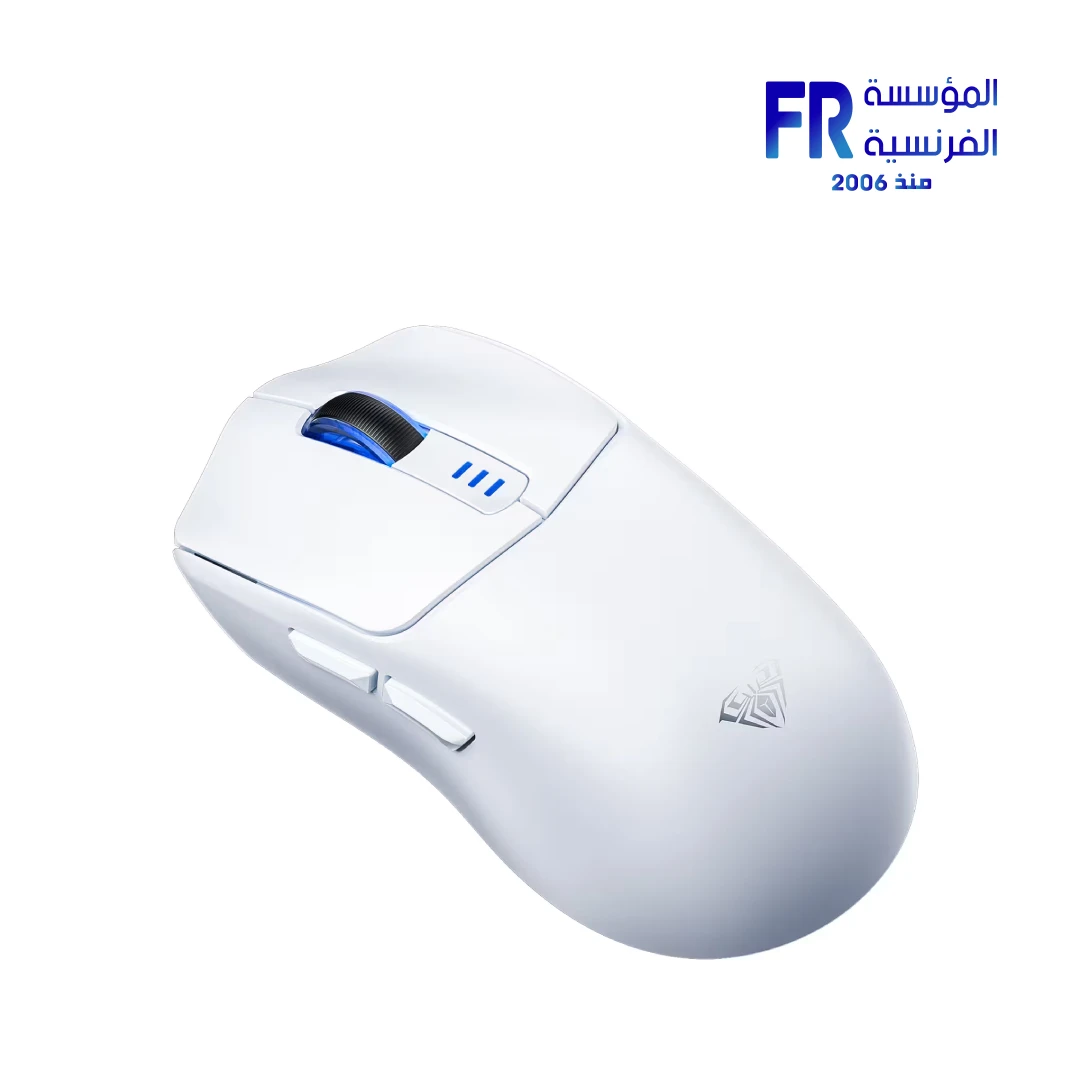


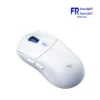
Aula SC580 Tri Mode Wireless White Gaming Mouse
1109 جنيه
- رقم القطعة: MO-09-14
- Sensor & Connectivity: High-DPI Optical Sensor | Tri-Mode Wireless (Bluetooth / 2.4GHz / Wired USB-C)
- Design & Battery: Ergonomic Shape | White | 500mAh Rechargeable Battery | Type-C Charging
- Features: Customizable Buttons & Macros
- الضمان: 1 Year
متوفر في المخزون
ضمان مطابقة السعر✅ Authorized AULA Partner in Egypt | Official Warranty Coverage | Expert PC Building Consultation Available
Aula SC580 Tri Mode Wireless White Gaming Mouse
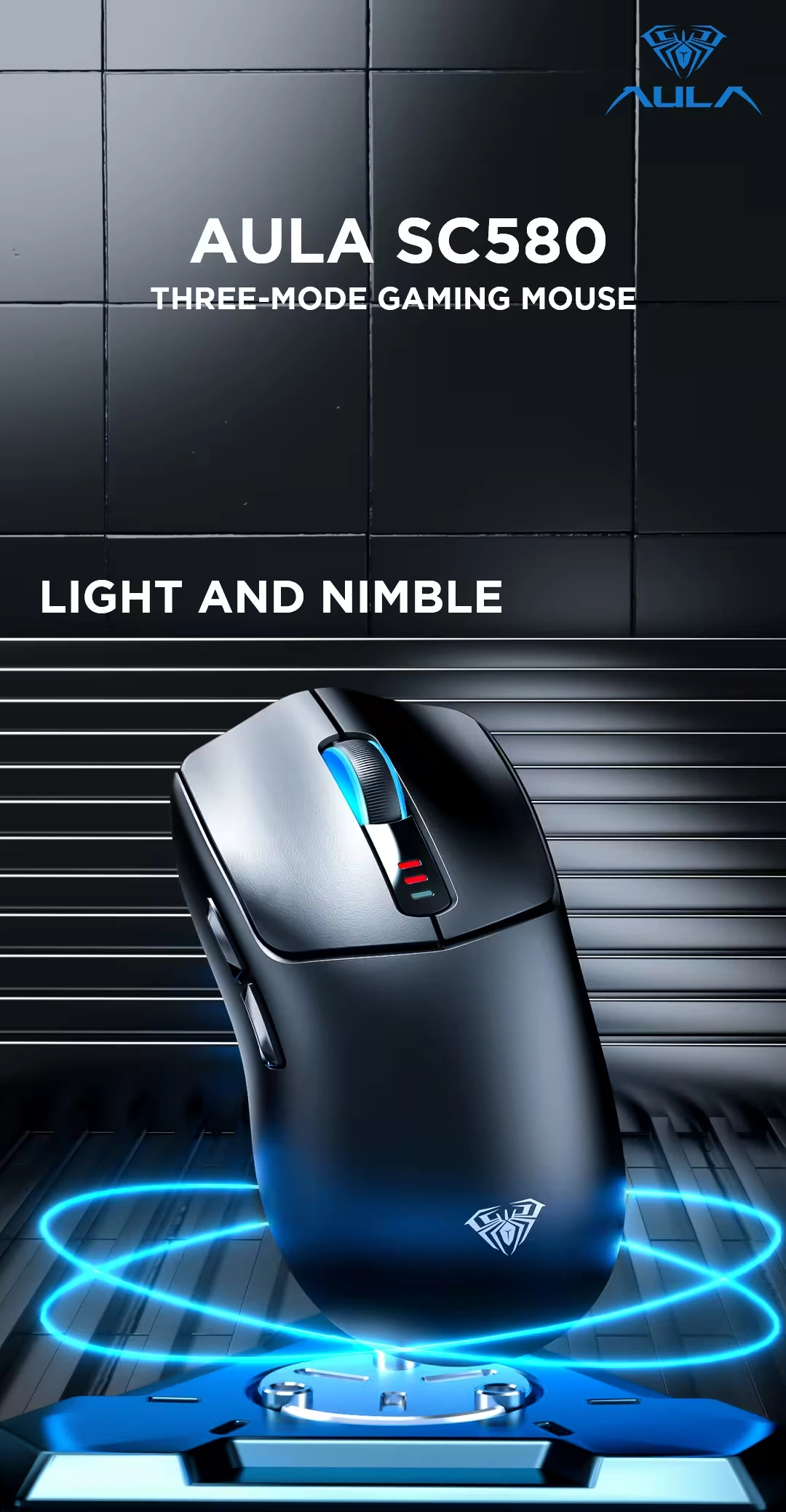
AULA SC580 is a tri-mode wireless gaming mouse with a custom high-performance sensor, up to 10000 DPI, and 6 programmable buttons. Because it supports Bluetooth 5.0, 2.4GHz wireless, and USB-C wired connectivity, it works with desktops, laptops, and tablets. In addition, it features a 500mAh rechargeable battery and an ergonomic lightweight design at approximately 81.9g. This White colorway suits white and light-themed desk setups. Available at Alfrensia for 1,049 EGP.
⚡ Engineering Highlights at a Glance:
- Custom High-Performance Sensor: Equipped with a new custom AULA sensor that delivers up to 10000 DPI for precise tracking in gaming and office work .
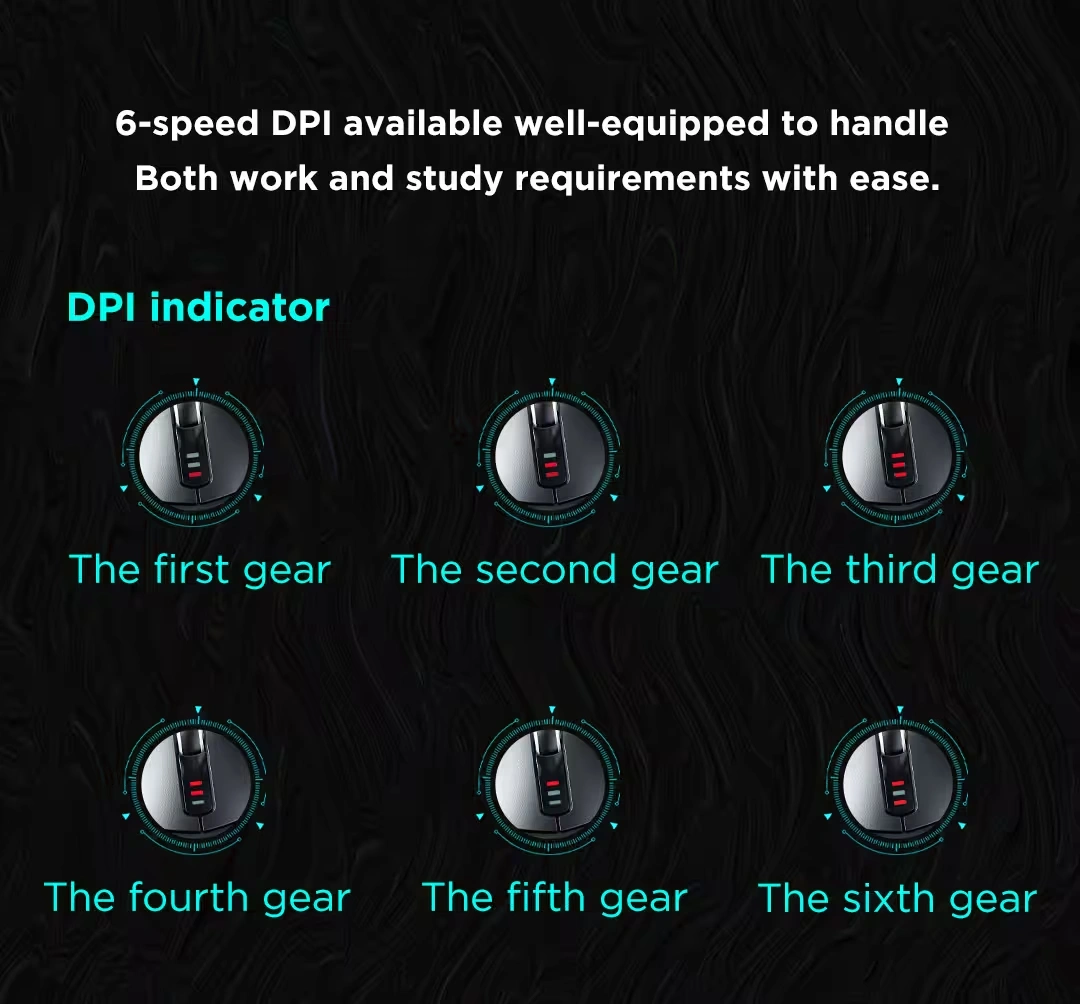
- Six Adjustable DPI Levels: Switch between 800, 1600, 2400, 3200, 6400, and 10000 DPI using the dedicated DPI button or the AULA software .
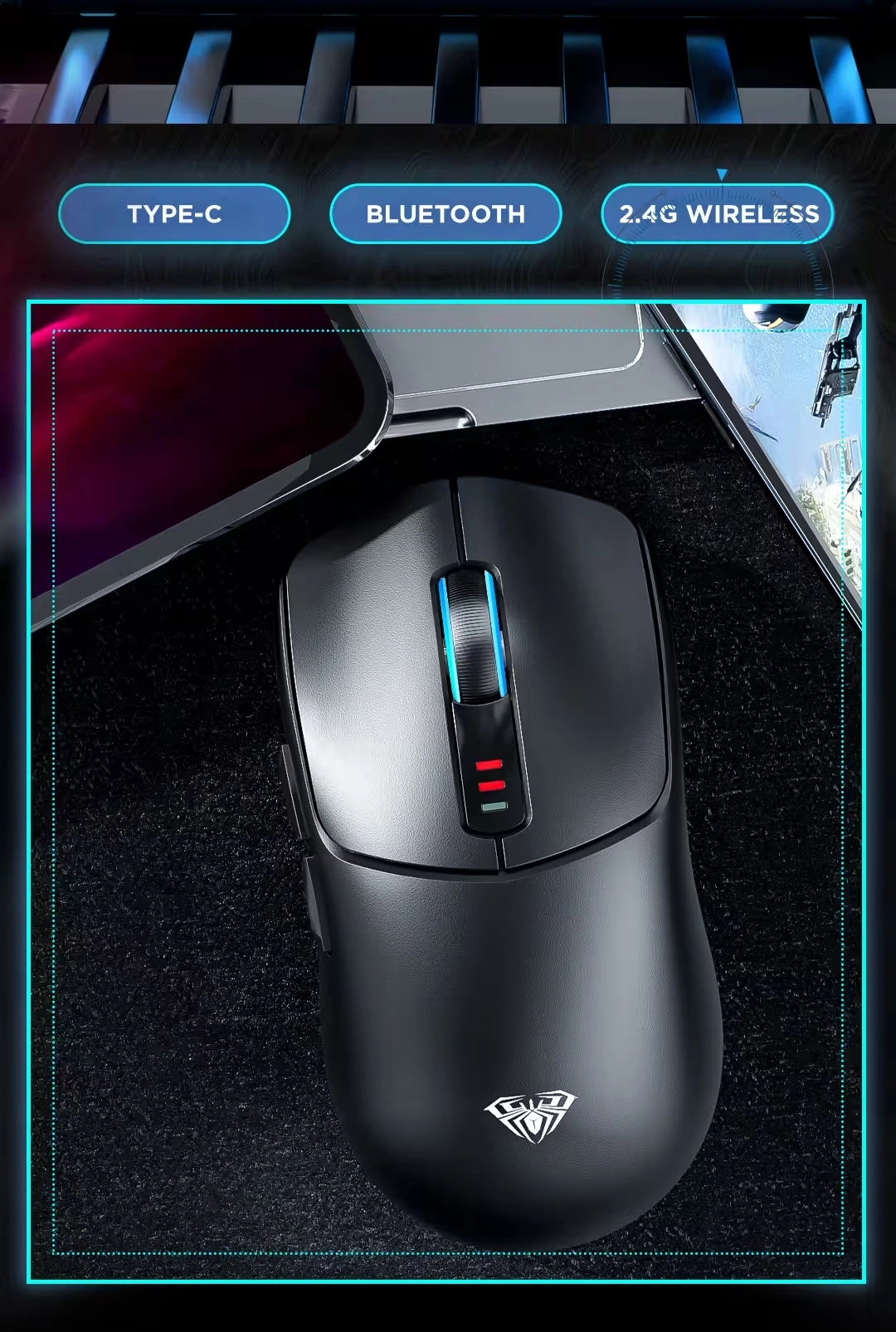
- Triple Mode Connectivity: Connect via Bluetooth 5.0, 2.4GHz wireless with the included USB receiver, or USB-C wired. You can switch between up to three devices .
- High Polling Rate: Adjustable between 125Hz, 500Hz, and 1000Hz (default 500Hz) for responsive input in fast-paced games .
- Six Programmable Buttons: Includes left click, right click, scroll wheel, forward, back, and a DPI cycle button. The AULA driver supports macro editing on Windows .
- 500mAh Rechargeable Battery: Provides up to 10-14 days of use with 5 hours of daily use. Charging is handled via the USB-C port .
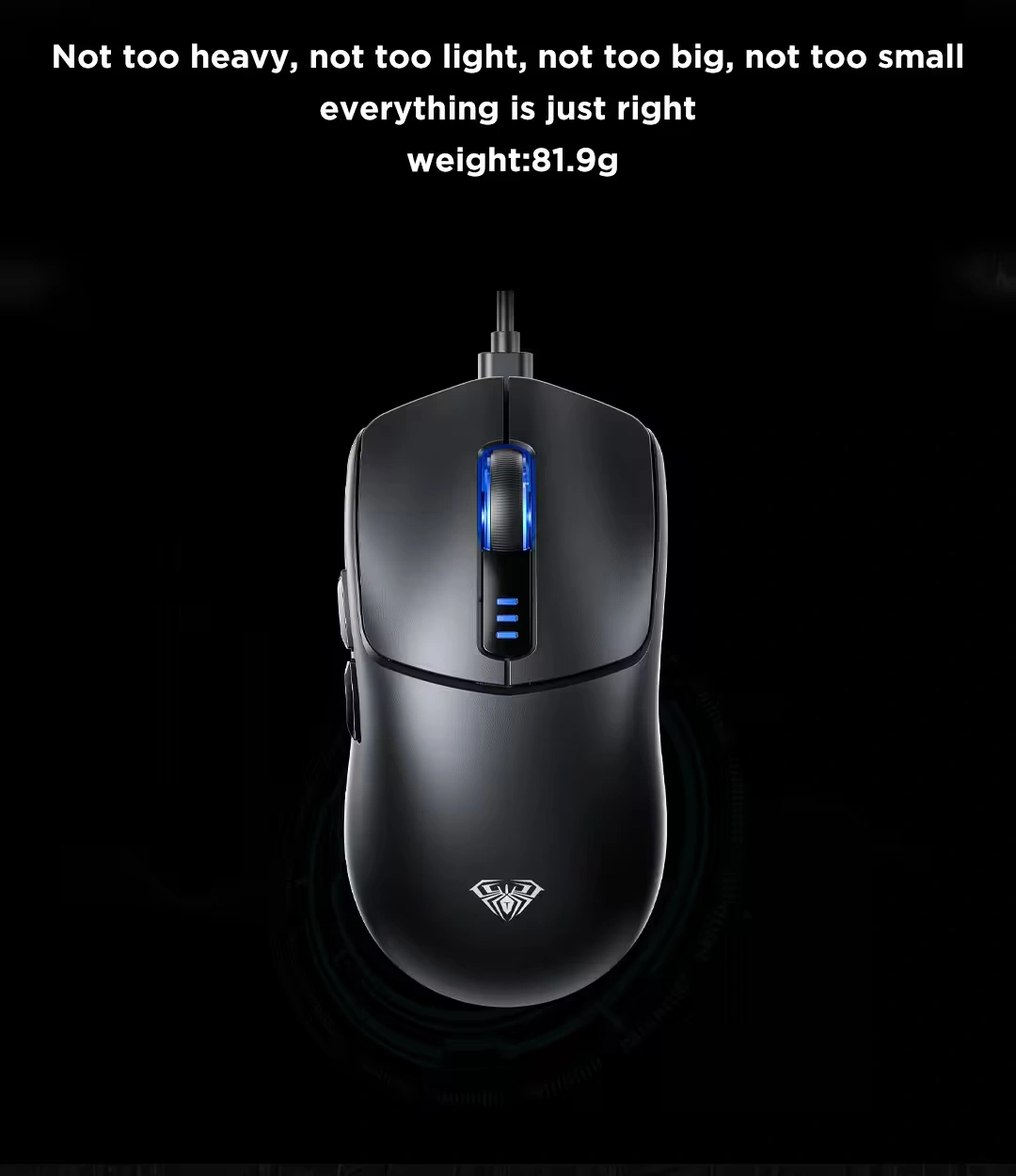
- Ergonomic Lightweight Design: Weighs approximately 81.9g with a shape that fits various hand sizes and grip styles, reducing fatigue during long sessions .
Custom Sensor and Adjustable DPI
The SC580 uses a custom AULA sensor that reaches 10000 DPI. Because the sensor is tuned for both speed and precision, it works well for gaming and everyday tasks. The mouse offers six DPI levels: 800, 1600, 2400, 3200, 6400, and 10000, with 1600 as the default . You can cycle through these levels using the DPI button on top of the mouse, or adjust them individually through the AULA driver. The polling rate is also adjustable, with options for 125Hz, 500Hz, and 1000Hz (default 500Hz), which reduces input lag during fast-paced gameplay .
Triple Mode Connectivity and Multi-Device Support
The SC580 supports three connection modes: Bluetooth 5.0, 2.4GHz wireless, and USB-C wired. Because it supports Bluetooth, you can pair it with a laptop or tablet without using a USB port. The 2.4GHz mode uses the included USB receiver for a low-latency connection, which is ideal for gaming. The wired mode lets you charge the mouse while using it. A switch on the bottom of the mouse toggles between Bluetooth, Off, and 2.4GHz modes, so you can switch between devices without re-pairing . The low battery indicator uses the front lights to flash red when the battery drops below 3.2V .
Programmable Buttons and Software
The SC580 includes six buttons: left click, right click, scroll wheel, forward, back, and a DPI cycle button. Because the buttons are programmable, you can assign macros or custom functions through the AULA driver software. The driver supports macro editing and lets you customize DPI, polling rate, and button assignments. Note that the driver is available for Windows systems and works only when the mouse is connected via 2.4GHz wireless or USB-C wired mode. Bluetooth mode does not support the driver .
Ergonomic Design and Battery Life
The SC580 weighs approximately 81.9g and measures 119 x 62 x 38 mm. Because the shape is designed for right-handed users, it supports a natural grip and reduces hand fatigue during long gaming or work sessions. The mouse includes anti-slip stickers that help you maintain grip even with oily or sweaty hands . The 500mAh rechargeable battery provides up to 10-14 days of use with 5 hours of daily use. You can charge the mouse using the included USB-C cable. The mouse also features a deep sleep mode that you can configure through the driver to extend battery life .
Product Gallery
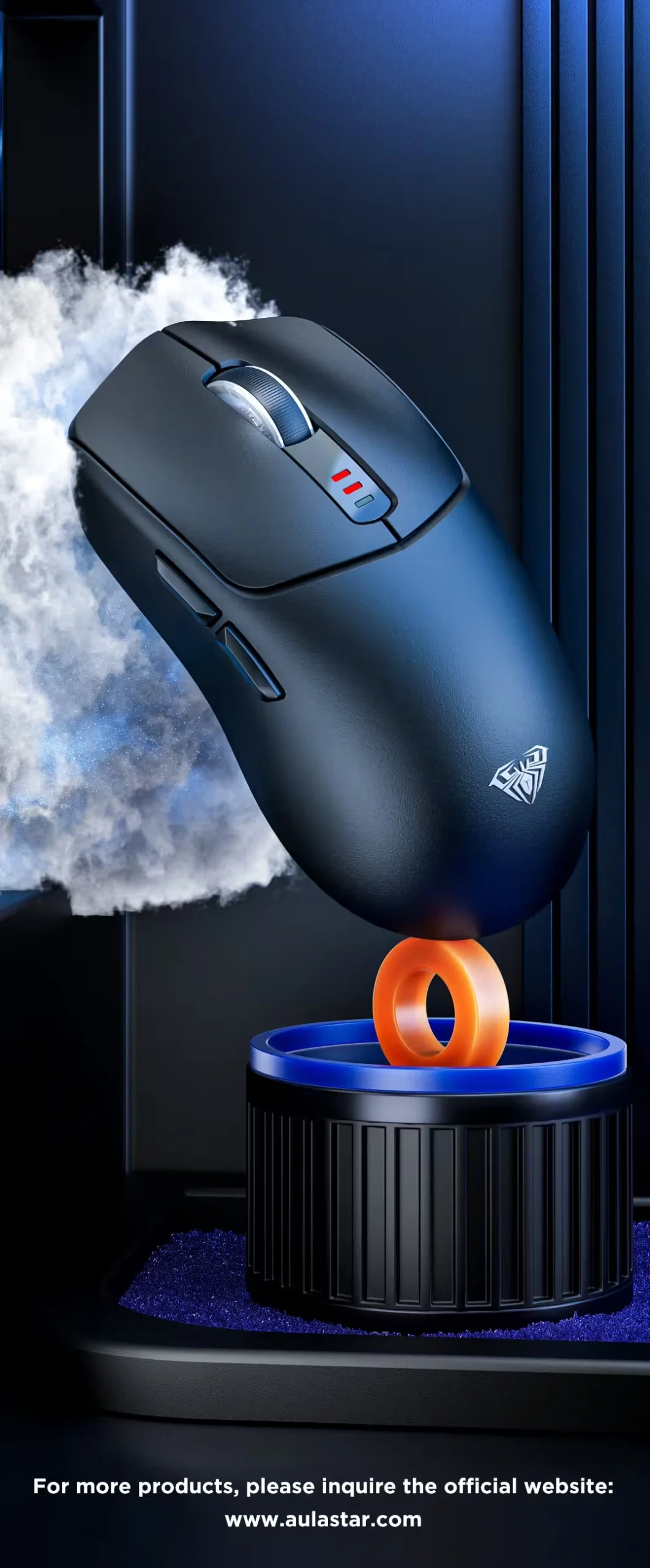
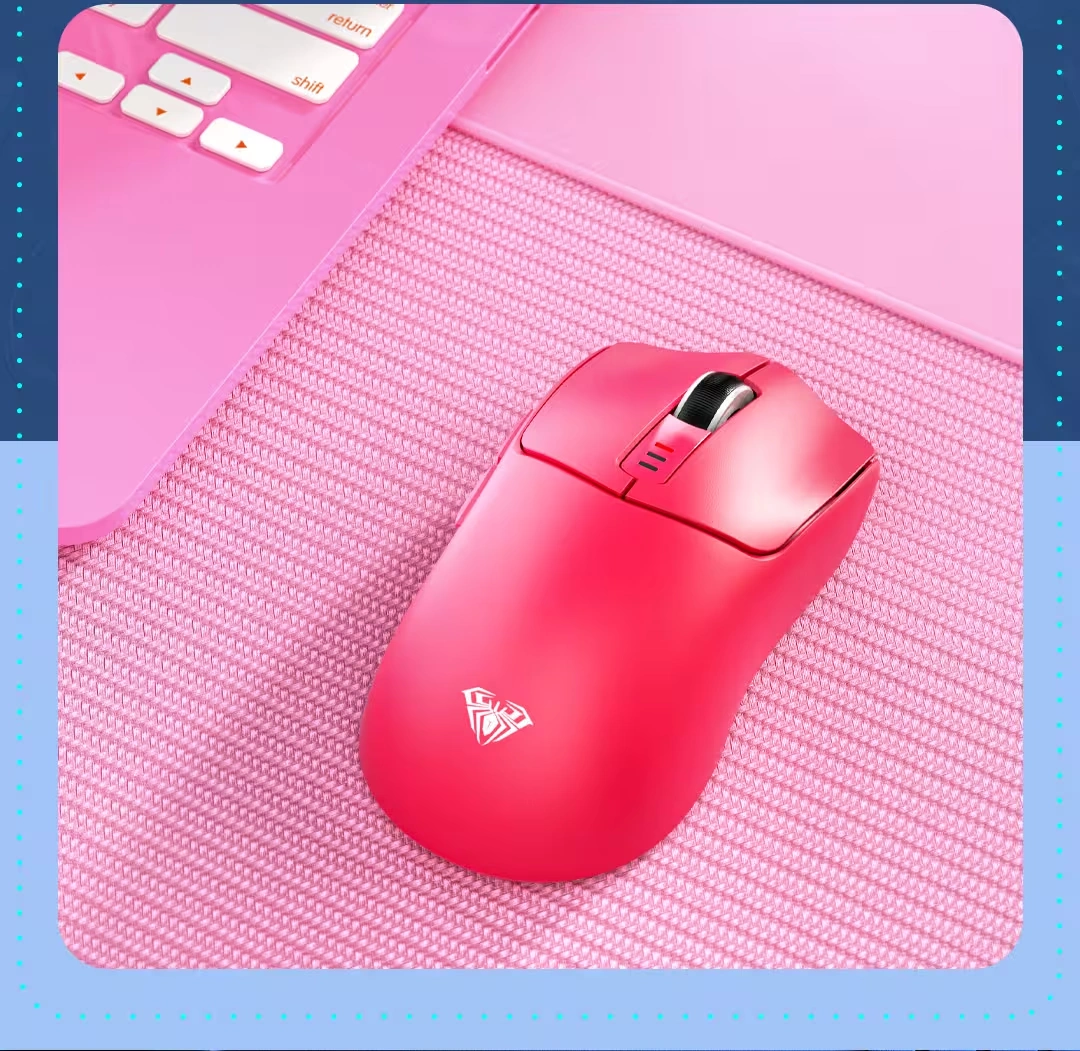
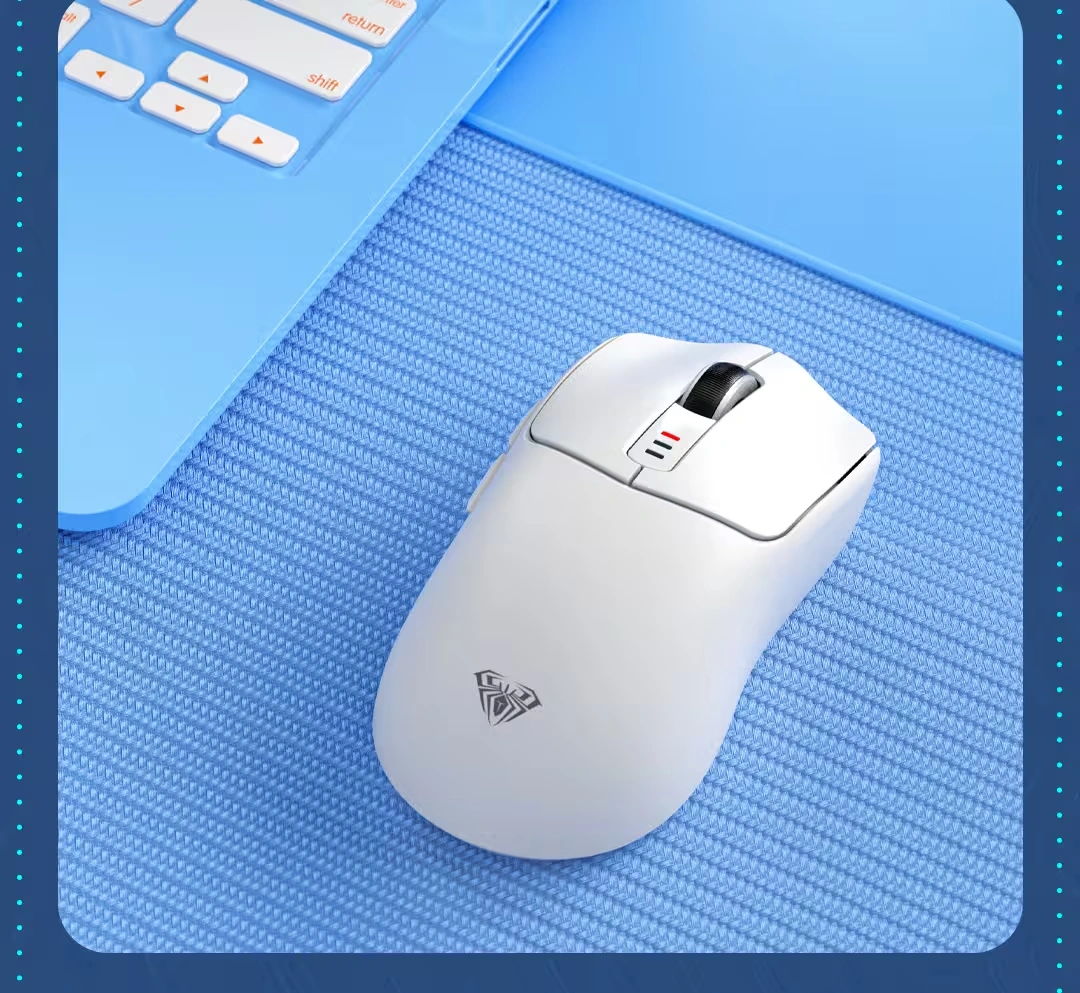
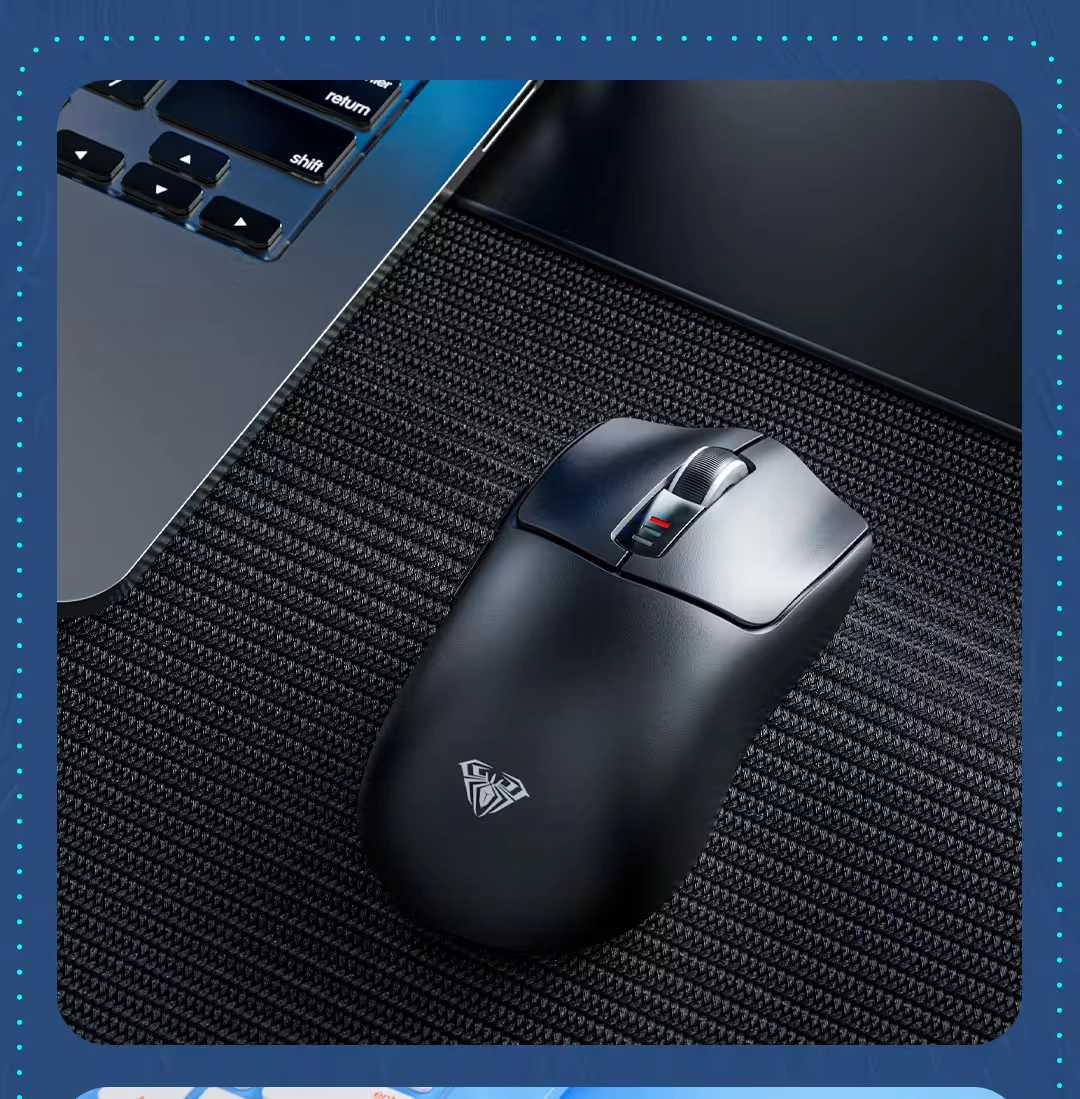
Who is the AULA SC580 For?
Expert Advice & Build Considerations
Driver Software and Compatibility
The AULA driver for the SC580 supports Windows systems and is required for macro programming and detailed DPI customization. The driver works only when the mouse is connected via 2.4GHz wireless or USB-C wired mode. Bluetooth mode does not support the driver . If you plan to customize button functions, connect the mouse via wired mode first to install and configure the software.
Charging and Battery Care
Charge the mouse using the included USB-C cable. The 500mAh battery provides up to 10-14 days of use with 5 hours of daily use. To extend battery life, adjust the deep sleep time through the driver (3-10 minutes) so the mouse enters low-power mode when not in use. The low battery indicator flashes red when the battery is below 3.2V .
📐 Setup and Ergonomics
The mouse is designed for right-handed users. Because it weighs approximately 81.9g, it sits in the lightweight category, which suits fast movements in FPS games. Use the included anti-slip stickers if your hands tend to sweat during long sessions. The bottom switch lets you toggle between Bluetooth, Off, and 2.4GHz modes. When using Bluetooth, the mouse can pair with devices that support Bluetooth 5.0 .
المواصفات الفنية
| الموديل | AULA SC580 |
| العلامات التجارية | AULA |
| SKU / MPN | MO-09-14 |
| EAN | 6948391218403 |
| Connectivity | Bluetooth 5.0 / 2.4GHz Wireless / USB-C Wired |
| Sensor Type | Custom AULA Optical |
| Max DPI | 10000 DPI |
| DPI Levels | 800 / 1600 / 2400 / 3200 / 6400 / 10000 (Default 1600) |
| Polling Rate | 125Hz / 500Hz / 1000Hz (Default 500Hz) |
| Buttons | 6 Programmable |
| Battery | 500mAh Rechargeable Lithium |
| Battery Life | Up to 10-14 Days (5 Hours Daily Use) |
| Charging Port | USB-C |
| Weight | Approximately 81.9g |
| Dimensions | 119 x 62 x 38 mm |
| Driver Support | Windows Only (Wired & 2.4GHz Mode) |
| Color | White |
Expert Recommendation: Getting the Most from Your SC580
Charge the SC580 fully before first use. For gaming, switch to 2.4GHz mode using the included USB receiver for the lowest latency. Use Bluetooth mode for tablets and laptops where the connection is sufficient and battery life is longer. To customize DPI, polling rate, or button macros, connect the mouse via USB-C or 2.4GHz and use the AULA driver on a Windows system. Note that the driver does not work in Bluetooth mode . The DPI button on top cycles through the six preset levels, so you can adjust sensitivity on the fly without software. Use the included anti-slip stickers if you need extra grip during long sessions. To extend battery life, configure the deep sleep time to 3-10 minutes through the driver, and turn off the mouse using the bottom switch when not in use. Clean the mouse sensor area periodically with a soft brush or compressed air to maintain tracking accuracy.
Frequently Asked Questions
Does the SC580 require software to work?
No. The SC580 is plug-and-play for basic use. You can cycle DPI levels and switch connection modes without software. However, to program macros or customize button functions, you need the AULA driver, which is available for Windows systems .
How do I switch between Bluetooth, 2.4GHz, and wired modes?
Use the switch on the bottom of the mouse. Toggle it left for Bluetooth, center for Off, and right for 2.4GHz. For wired mode, connect the USB-C cable to your PC .
What is the maximum DPI and polling rate?
The SC580 supports up to 10000 DPI with six adjustable levels. The polling rate is adjustable between 125Hz, 500Hz, and 1000Hz, with 500Hz as the default .
How long does the 500mAh battery last?
The battery provides up to 10-14 days of use with 5 hours of daily use. Actual battery life depends on usage patterns, polling rate, and lighting (if any). The mouse charges via USB-C .
Is the SC580 compatible with Mac?
Yes, the mouse works with macOS for basic use. However, the AULA driver for customization is Windows-only, so advanced macro and DPI settings are not available on Mac .
يسمح فقط للزبائن مسجلي الدخول الذين قاموا بشراء هذا المنتج ترك مراجعة.

المراجعات
لا توجد مراجعات بعد.