


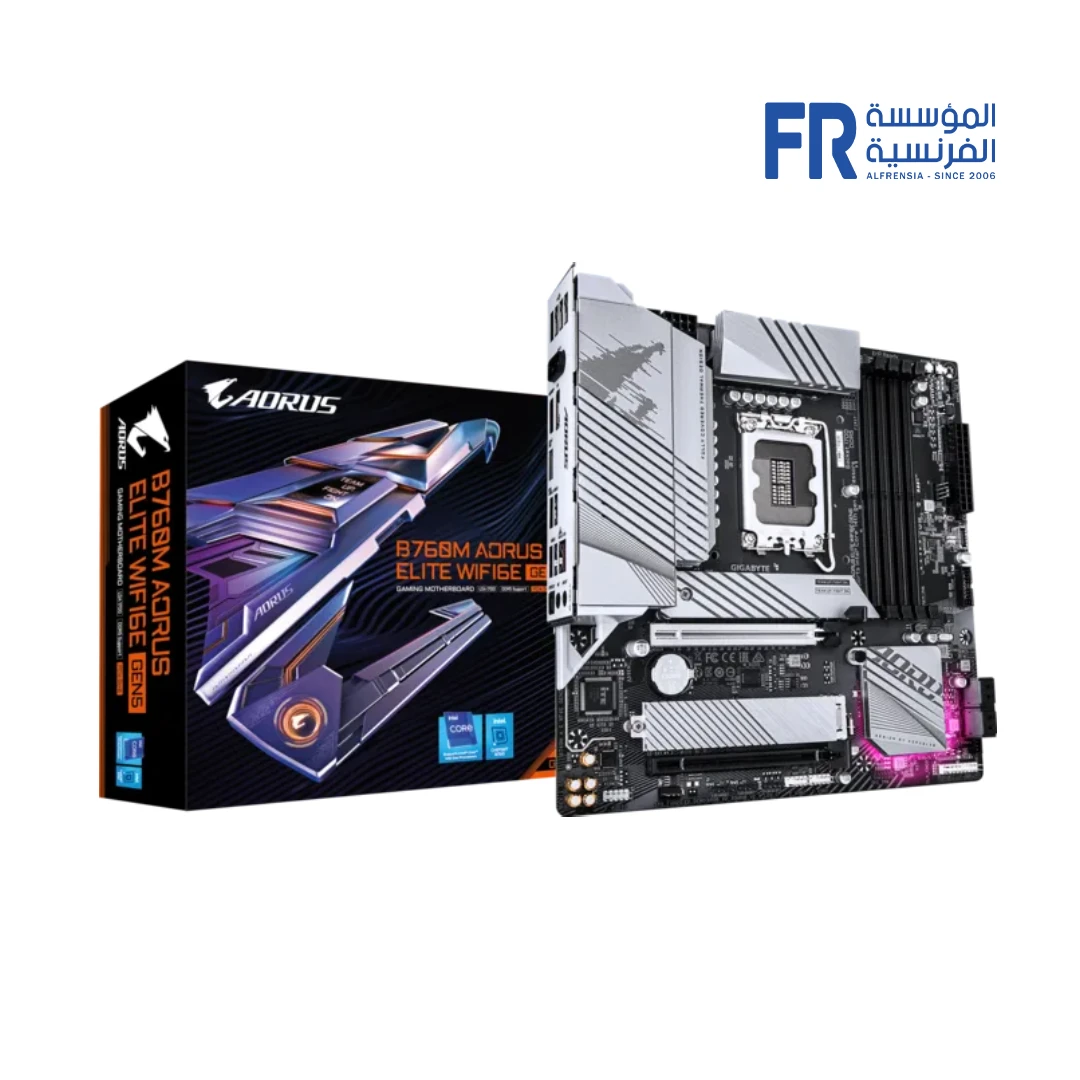
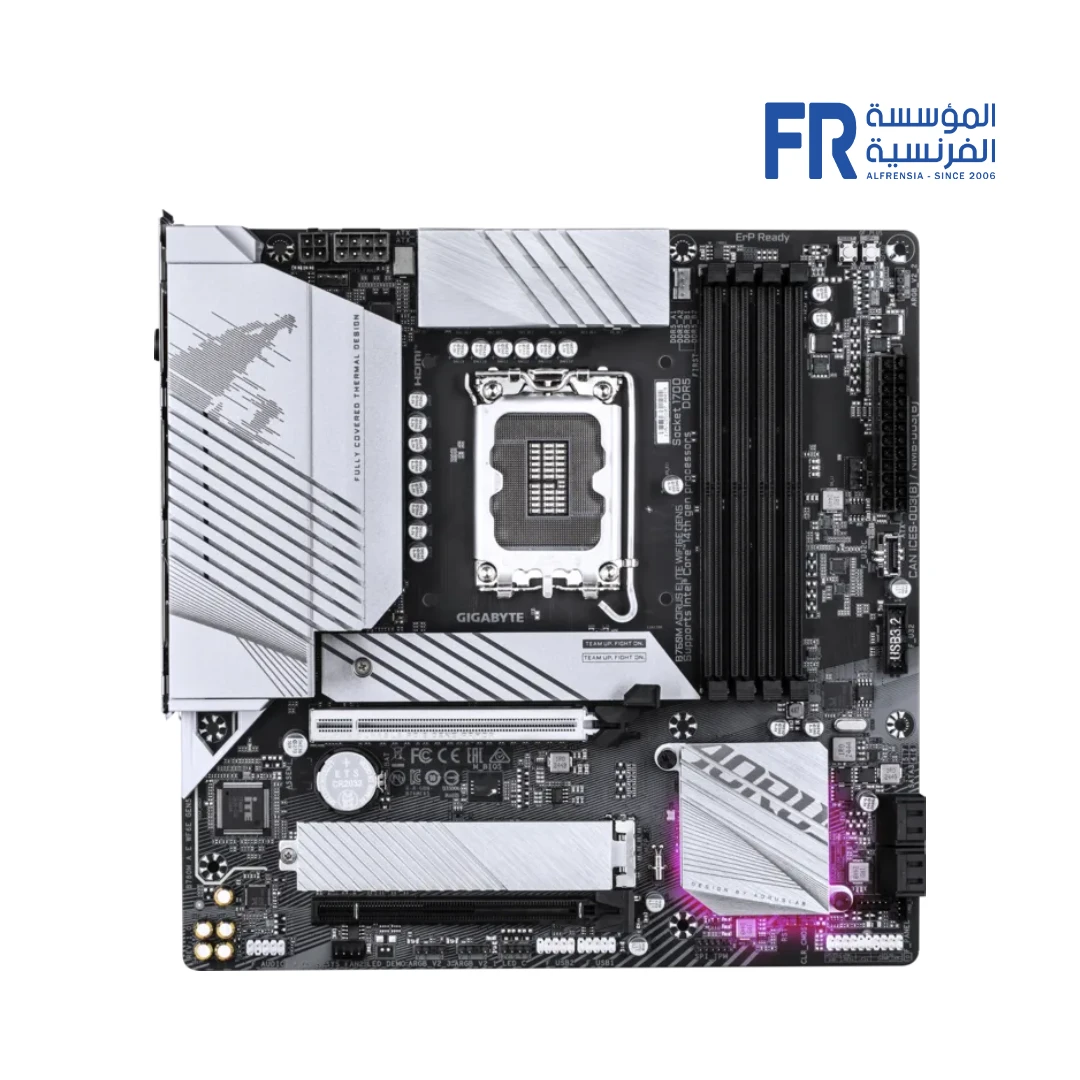
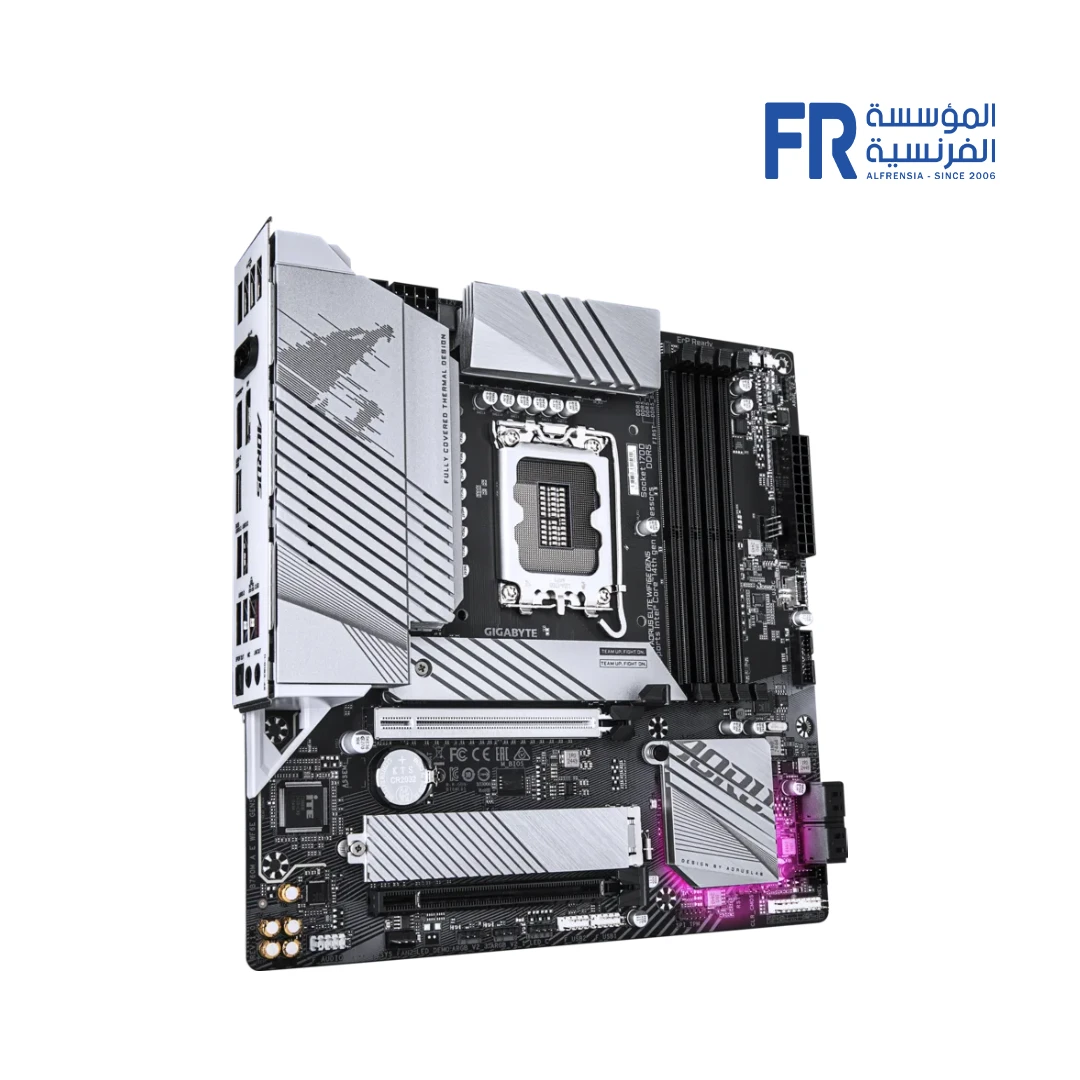
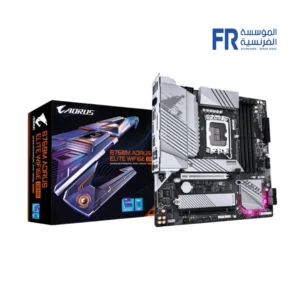
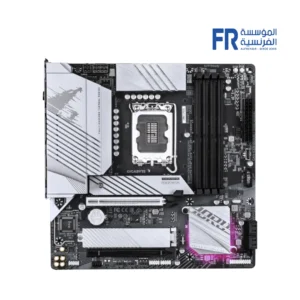
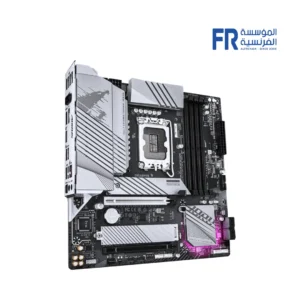
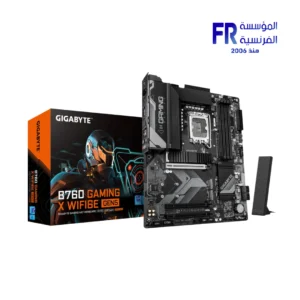
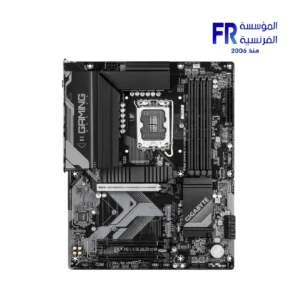
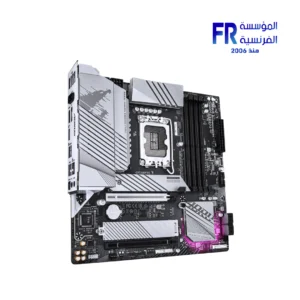
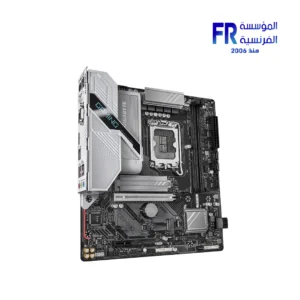
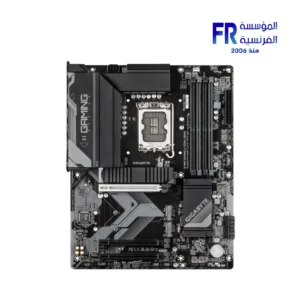
Gigabyte B760M AORUS ELITE WIFI6E DDR4 GEN5 LGA1700 Micro ATX Black Motherboard
8799 جنيه
- Model: Gigabyte B760M AORUS ELITE WIFI6E GEN5 | SKU:
9MB76M465-00-G10| EAN:889523051177 - CPU/Chipset: Intel LGA 1700 (12th–14th Gen) | B760 Chipset
- Memory: DDR5 | 4 Slots | Up to 256GB | XMP up to 7800+ MT/s
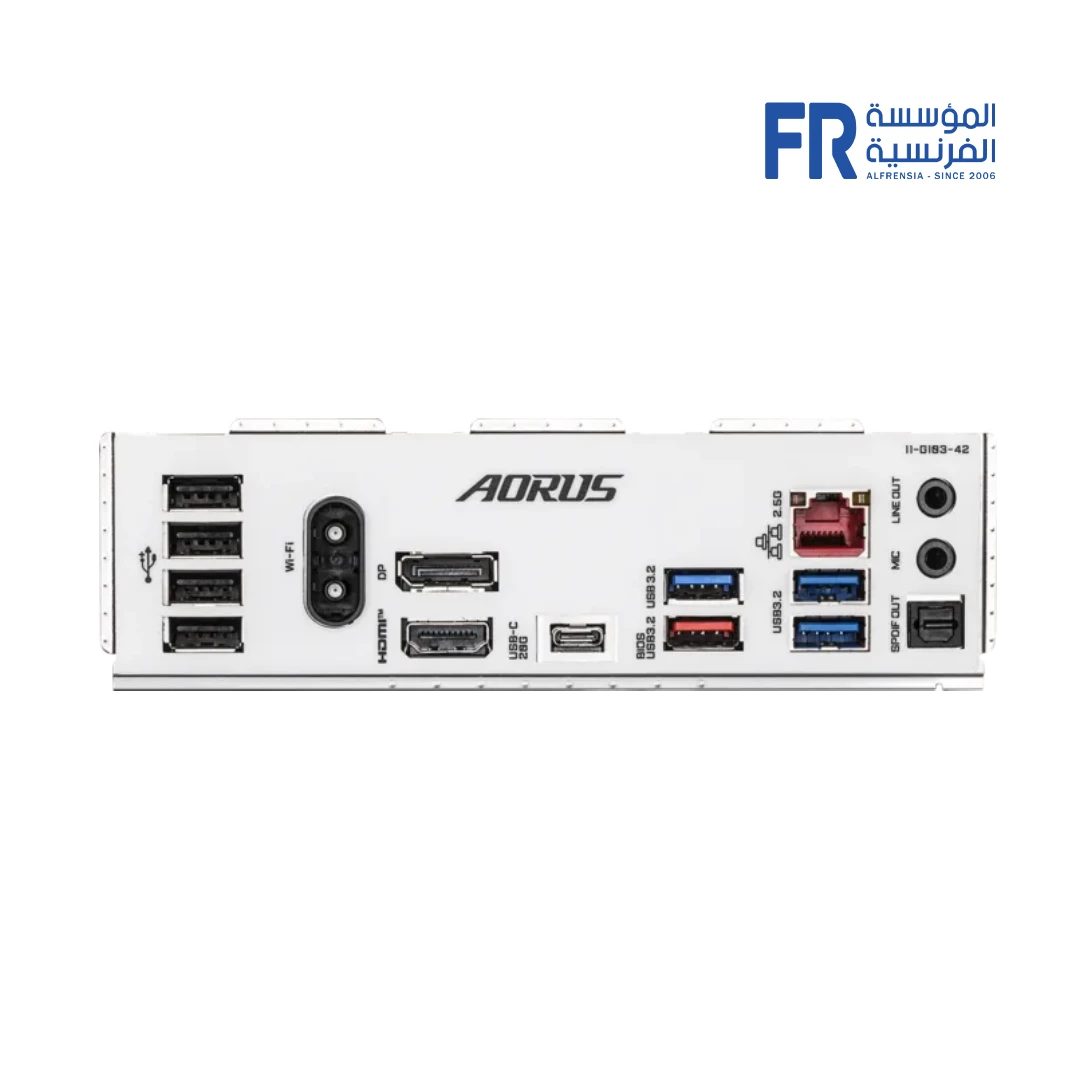
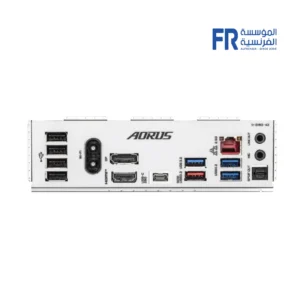
- الاتصال: Wi-Fi 6E + BT 5.3 | 2.5GbE LAN | USB-C 3.2 Gen 2×2 (Rear)
- Expansion: PCIe 5.0 x16 Slot | 2x M.2 (PCIe 4.0) | 4x SATA
- Audio/Video: Realtek ALC1220 | HDMI 2.1 & DP 1.2
- Form Factor: Micro-ATX (24.4 x 24.4 cm)
- الضمان: 3-Year Manufacturer Warranty
المتوفر في المخزون 2 فقط
ضمان أفضل سعر✅ Authorized Gigabyte Partner in Egypt | Official Warranty Coverage | Expert PC Building Consultation Available
Gigabyte B760M AORUS ELITE WIFI6E DDR4 GEN5 LGA1700 Micro ATX Black Motherboard
Gigabyte B760M AORUS ELITE WIFI6E GEN5 is a micro-ATX motherboard featuring the Intel B760 chipset, an LGA1700 socket supporting 14th, 13th, and 12th Gen Intel Core processors, four DDR5 DIMM slots up to 256GB, a PCIe 5.0 x16 slot, and Intel Wi-Fi 6E AX210 with Bluetooth 5.3. Available at Alfrensia for 8,799 EGP, it is built for mid-range to high-end Intel builds that need PCIe 5.0 graphics support, fast networking, and a compact footprint.
⚡ Engineering Highlights at a Glance:
- PCIe 5.0 x16 Slot: The primary graphics slot runs at PCIe 5.0 x16 from the CPU, providing headroom for current and future high-bandwidth graphics cards.
- Dual M.2 PCIe 4.0: One M.2 slot from the CPU (2280) and one from the chipset (22110/2280), both PCIe 4.0 x4, alongside four SATA 6Gb/s ports with RAID support.
- DDR5 with XMP: Four DIMM slots support up to 256GB of DDR5 memory with XMP profiles up to 7800 MT/s (O.C.), depending on CPU and memory configuration.
- Intel Wi-Fi 6E AX210: Wi-Fi 6E with 2.4/5/6 GHz bands and Bluetooth 5.3, plus Realtek 2.5GbE LAN for wired networking.
- Realtek ALC1220 Audio: High-definition audio with S/PDIF out and DSD support on the back panel line out.
- USB 3.2 Gen 2×2 Type-C: A 20Gbps USB-C port on the back panel, plus an internal USB-C header with USB 3.2 Gen 2 support.
Who is the B760M AORUS ELITE WIFI6E For?
Expert Advice & Build Considerations
🔍 Model Name vs. Memory Type
The product name includes “DDR4,” but the manufacturer’s specifications for the B760M AORUS ELITE WIFI6E GEN5 list DDR5 memory support only, with four DDR5 DIMM sockets. This is a naming inconsistency between the product listing and the manufacturer’s specification sheet. Before purchase, verify the exact memory type on your chosen variant; installing DDR4 modules in a DDR5-only board will not work, and the DIMM slots are physically different. If you have existing DDR4 memory, confirm the specific board revision supports it; otherwise, budget for DDR5 memory.
💾 Memory Configuration and XMP
The board supports up to 256GB across four DIMM slots, with XMP profiles up to 7800 MT/s (O.C.) depending on the CPU and memory kit. For best stability and performance, choose a memory kit from the board’s Qualified Vendor List (QVL) and enable XMP in BIOS. Memory speed also depends on the CPU’s memory controller; 12th Gen CPUs may not reach the same maximum speeds as 13th or 14th Gen parts. Running four DIMMs can also reduce the maximum achievable speed compared to two DIMMs.
🖥️ Display Outputs and CPU Graphics
The HDMI and DisplayPort outputs require a CPU with integrated graphics. Intel “F” series processors do not include integrated graphics, so a discrete graphics card is required with those CPUs. The HDMI port supports up to 4096×2160 at 60Hz, and the DisplayPort supports up to 4096×2304 at 60Hz, when used with a compatible CPU and monitor.
المواصفات الفنية
| Model Name | B760M AORUS ELITE WIFI6E GEN5 |
| العلامات التجارية | Gigabyte |
| SKU / MPN | 9MB76M465-00-G10 |
| EAN / UPC | 889523051177 |
| Chipset | Intel B760 Express |
| سوكت المعالج | LGA1700 |
| CPU Support | Intel Core 14th / 13th / 12th Gen, Pentium Gold, Celeron |
| Memory | 4x DDR5 DIMM, up to 256GB, dual-channel, XMP support (up to 7800 MT/s O.C.) |
| Onboard Graphics | 1x HDMI 2.1 (4096×2160 @ 60Hz) | 1x DisplayPort 1.2 (4096×2304 @ 60Hz) |
| Expansion Slots | 1x PCIe 5.0 x16 (from CPU) | 1x PCIe 4.0 x4 (from chipset) |
| وحدات التخزين | 1x M.2 PCIe 4.0 x4 (2280, CPU) | 1x M.2 PCIe 4.0 x4 (22110/2280, chipset) | 4x SATA 6Gb/s |
| RAID Support | RAID 0 / 1 / 5 / 10 (SATA) |
| Audio | Realtek ALC1220, HD Audio 2/4/5.1/7.1, S/PDIF out, DSD on line out |
| LAN | Realtek 2.5GbE |
| Wireless | Intel Wi-Fi 6E AX210 (2.4/5/6 GHz, 11ax 160MHz) + Bluetooth 5.3 |
| USB (Rear) | 1x USB-C 3.2 Gen 2×2 | 1x USB 3.2 Gen 2 Type-A | 3x USB 3.2 Gen 1 | 4x USB 2.0 |
| USB (Internal) | 1x USB-C 3.2 Gen 2 header | 1x USB 3.2 Gen 1 header | 2x USB 2.0 headers |
| Internal I/O | 24-pin ATX, 8-pin + 4-pin CPU power, 1x CPU fan, 3x system fan, 3x ARGB Gen2, 1x RGB, front panel, front audio, TPM, Q-Flash Plus, reset button |
| Form Factor | Micro-ATX (24.4 x 24.4 cm) |
| OS Support | Windows 11 64-bit, Windows 10 64-bit |
| الضمان | 3 Years Local Alfrensia Warranty |
Expert Recommendation
Before buying, confirm the memory type. The manufacturer’s specification for the B760M AORUS ELITE WIFI6E GEN5 lists DDR5 only, despite the product name mentioning DDR4. If you already own DDR4 memory, check the exact board revision and manufacturer documentation for compatibility; otherwise plan for a DDR5 kit. Choose memory from the board’s QVL and enable XMP in BIOS, keeping in mind that four DIMMs may limit the maximum stable speed compared to two. The PCIe 5.0 x16 slot is intended for a graphics card; if you install a single GPU, place it in that slot. Use the CPU-connected M.2 slot for the boot drive to get the lowest latency storage path. If you use an Intel “F” series CPU, plan for a discrete graphics card, since the HDMI and DisplayPort outputs will not work without integrated graphics. The Wi-Fi 6E and 2.5GbE LAN cover both wireless and wired networking, so you do not need a separate network card.
Frequently Asked Questions
Does this motherboard support DDR4 or DDR5 memory?
The manufacturer’s specification for the B760M AORUS ELITE WIFI6E GEN5 lists four DDR5 DIMM slots supporting up to 256GB, with no DDR4 support listed. The product name includes “DDR4,” which conflicts with the specification sheet. Confirm the memory type on the exact board revision you receive before purchasing memory, since DDR4 and DDR5 DIMM slots are physically different and not interchangeable.
Which CPUs are compatible with this motherboard?
The board uses the LGA1700 socket and supports Intel Core 14th, 13th, and 12th Gen processors, along with Intel Pentium Gold and Celeron processors. Check Gigabyte’s CPU support list for the specific model before purchase, and confirm the BIOS version supports the CPU you plan to use.
Does the HDMI output work with all CPUs?
No. The HDMI and DisplayPort outputs require a CPU with integrated graphics. Intel “F” series processors do not include integrated graphics, so the onboard display outputs will not function with those CPUs; a discrete graphics card is required instead.
How many M.2 drives can I install?
The board has two M.2 slots, both PCIe 4.0 x4. One connects to the CPU and supports 2280 drives; the other connects to the chipset and supports 22110 and 2280 drives. There are also four SATA 6Gb/s ports for additional storage.
Does this board include Wi-Fi and Bluetooth?
Yes. The board includes Intel Wi-Fi 6E AX210, supporting 2.4/5/6 GHz bands and 11ax 160MHz, along with Bluetooth 5.3. Antenna connectors are on the back panel, and the included antennas should be attached for reliable wireless performance.
Need Help Checking Motherboard Compatibility?
Speak with our PC building specialists for a free check on CPU, memory, and case compatibility.
| سوكت المعالج | |
|---|---|
| شريحة اللوحة الأم | |
| Motherboard Type | |
| Memory Speed | |
| Memory Slot | |
| PCI-E GEN | PCIe 5.0 |
| PCI-E Slots (M.2) | |
| SATAIII | |
| Wi-Fi Standard | Wi-Fi 6E (802.11ax) |
| RAM TYPE | |
|---|---|
| MEMORY CHANNEL | |
| LAN Ports | 2.5Gb Ethernet |
| Color |
يسمح فقط للزبائن مسجلي الدخول الذين قاموا بشراء هذا المنتج ترك مراجعة.
الضمان وشروط الشراء
- مدة الضمان: نفس مدة ضمان الشركة المصنعة، من شهر ولحد 3 سنين. التفاصيل
- استبدال فوري بجديد: لو ظهر عيب صناعة في أي وقت خلال فترة الضمان، المنتج بيتغير بجديد من غير صيانة أو تصليح (ما عدا المنتجات اللي محتاجة شغل سوفت وير). ولو البديل مش متوفر، بنرجعلك المبلغ كامل من غير خصم. التفاصيل
- الاسترجاع: لو مش محتاج المنتج، تقدر ترجّعه خلال 30 يوم من تاريخ الشراء، بشرط يكون متبرشم ومتفتحش وبكل مشتملاته. التفاصيل
- فحص الشحنة: قبل ما تستلم، بص على التغليف الخارجي للشحنة. لو الكرتونة متبهدلة (مقطوعة أو مبلولة أو مضغوطة أو اللاصق مفتوح) وباين إن فيه تلف، ارفض الشحنة مع المندوب وكلمنا فورًا على 01021625421. ومتفتحش علبة المنتج قبل ما تستلم. التفاصيل
- بعد الاستلام: لو فتحت ولقيت تلف أو نقص جوه، كلمنا خلال 48 ساعة على 01021625421، واحتفظ بالكرتونة وصور أو فيديو الفتح. التفاصيل
- الضمان لا يشمل: سوء الاستخدام (حرق – كسر – خدش – إزالة ستيكر الضمان)، وأنظمة التشغيل والبرامج والإكسسوارات الـ Generic. التفاصيل
- مهم: حافظ على ستيكر ضمان المؤسسة الفرنسية وعلى كل مشتملات العلبة علشان تستفيد من ضمان الوكيل. التفاصيل
- الدفع والتوصيل: كاش عند الاستلام. القاهرة والجيزة والإسكندرية خلال 2–3 أيام عمل، وباقي المحافظات خلال 3–5 أيام عمل من تأكيد الطلب. التفاصيل
- رد المبلغ: فلوسك ترجعلك خلال يومين عمل من استلامنا للمنتج، على إنستاباي أو محفظتك أو حسابك البنكي. التفاصيل
- حقوقك القانونية: كل حقوقك بقانون حماية المستهلك رقم 181 لسنة 2018 محفوظة، والمميزات اللي فوق إضافة عليها. التفاصيل




المراجعات
لا توجد مراجعات بعد.