


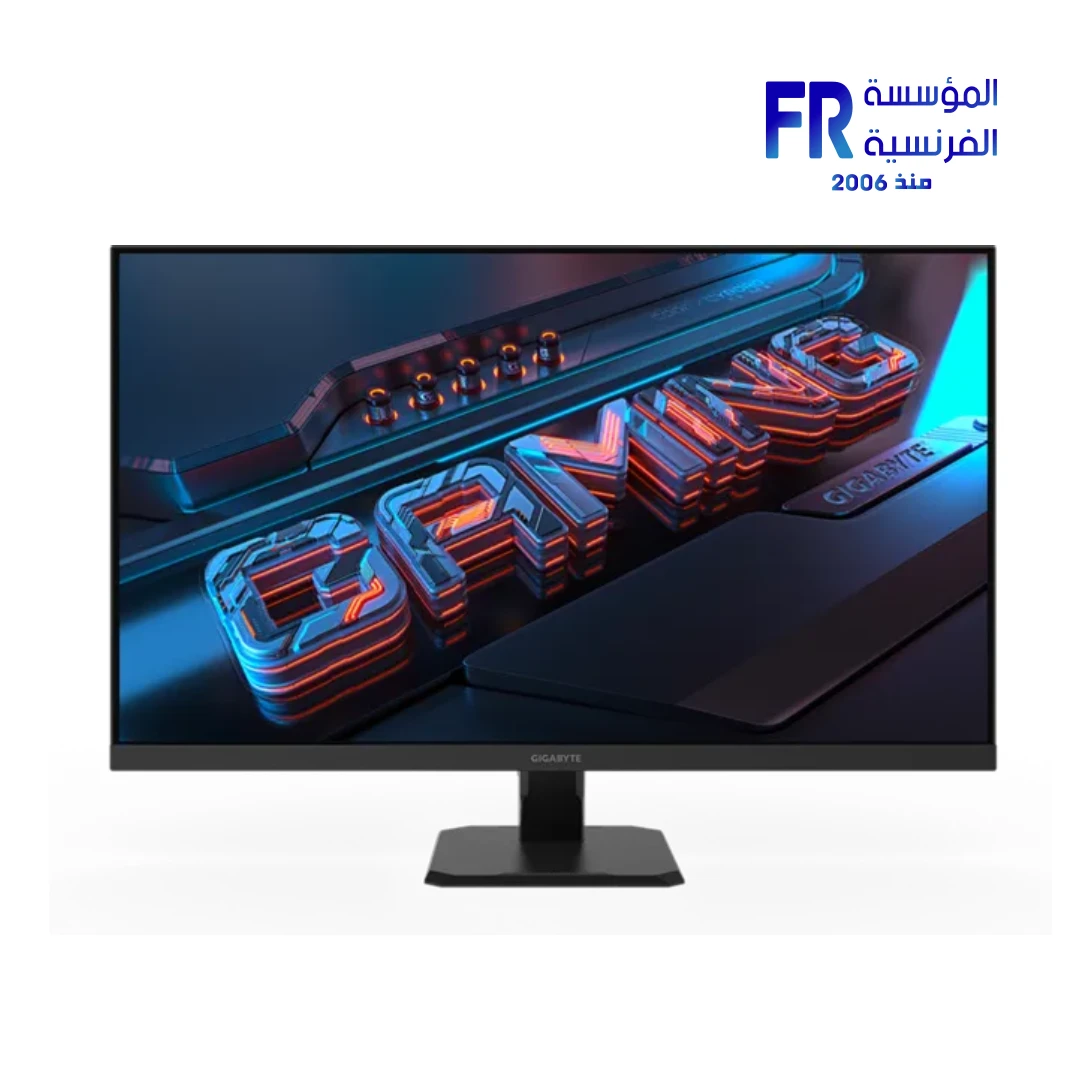
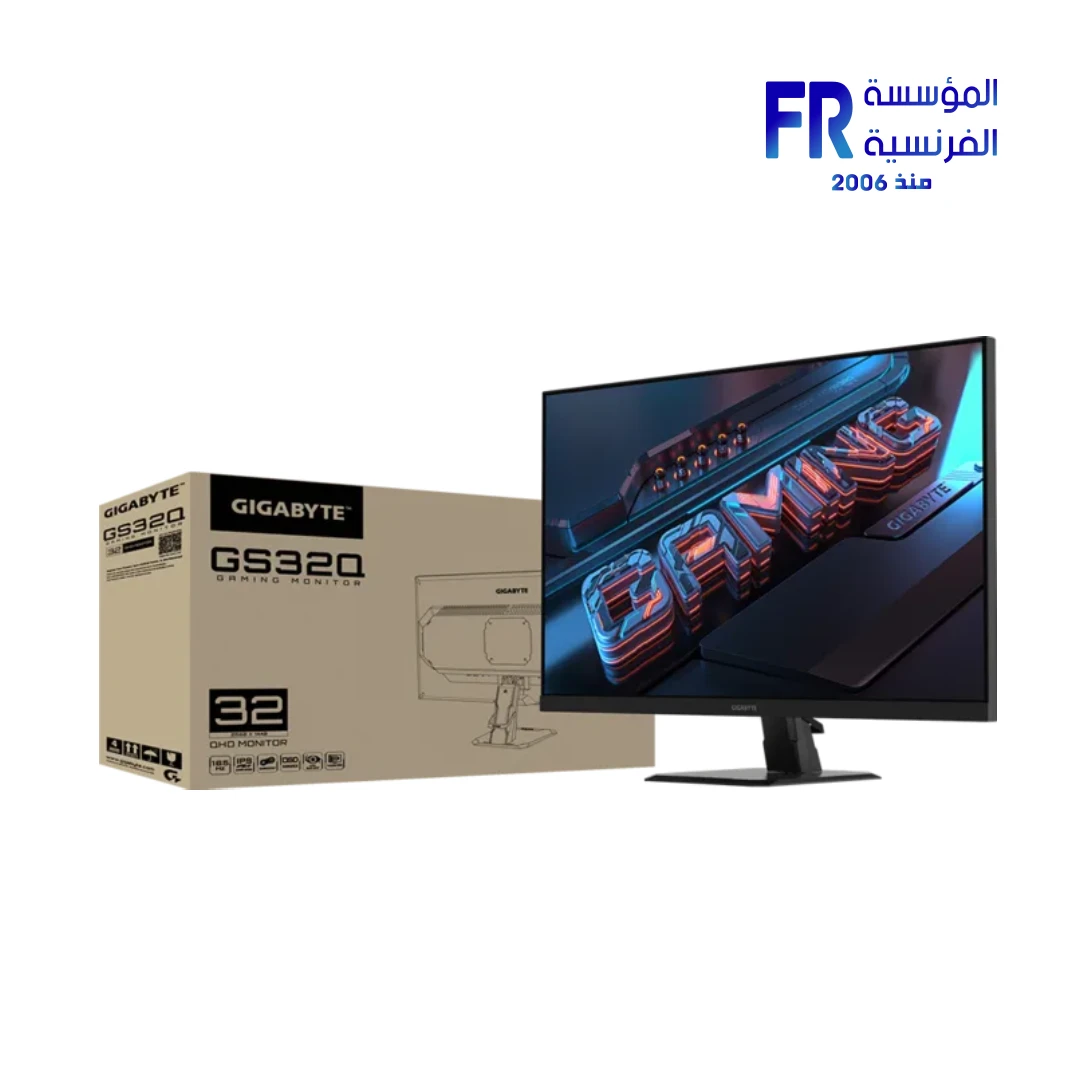
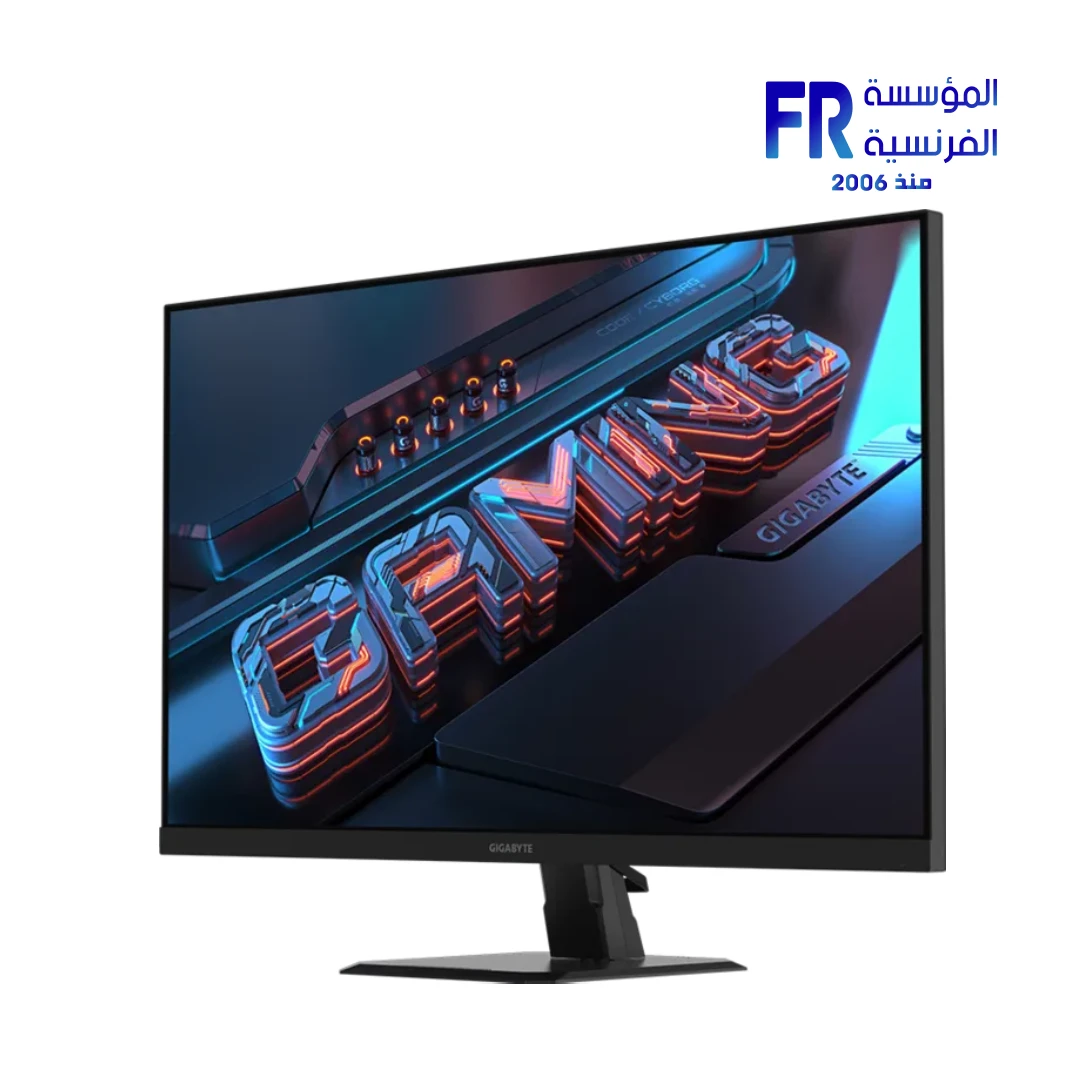
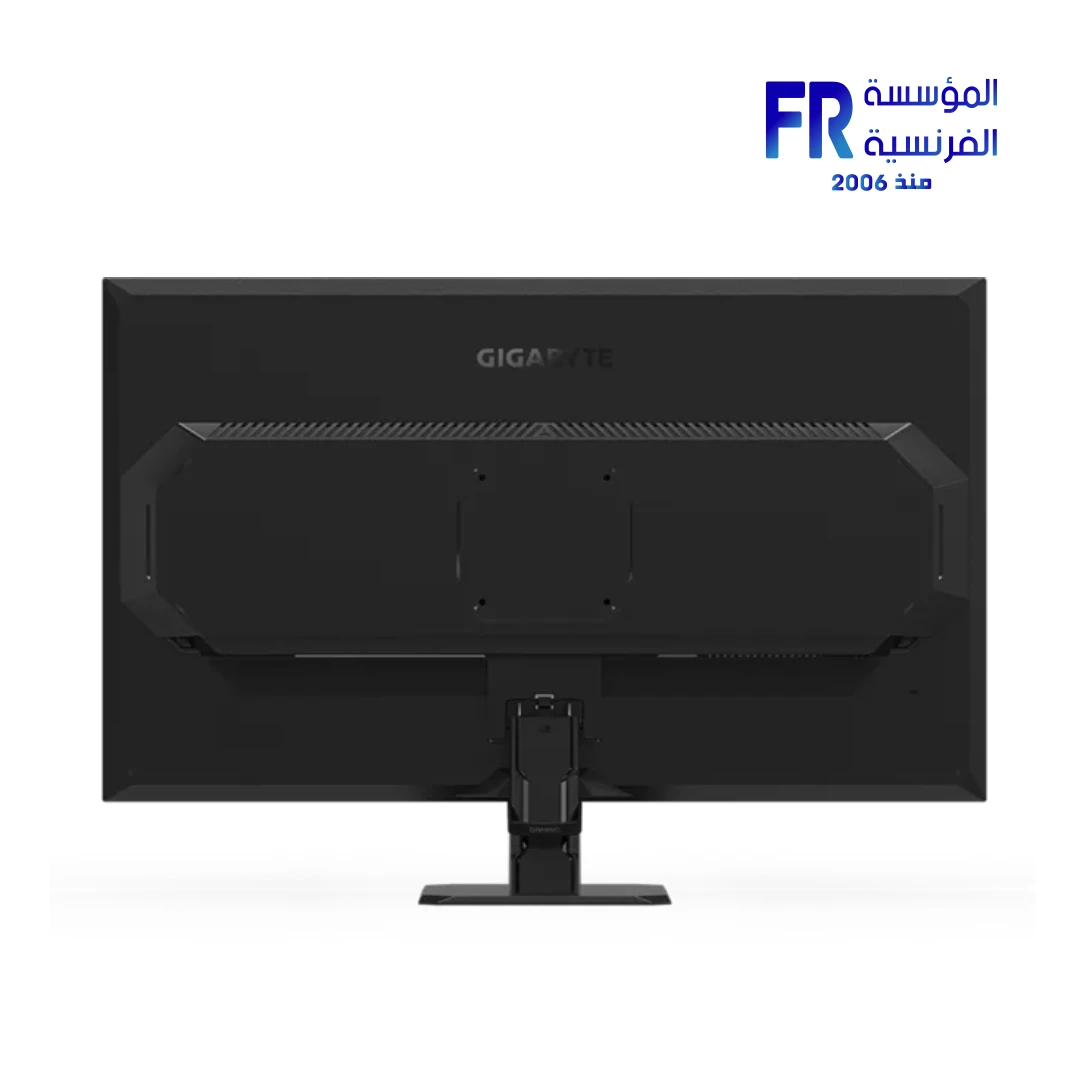
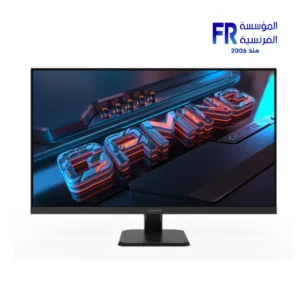
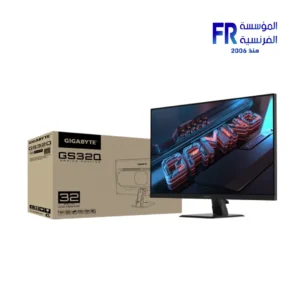
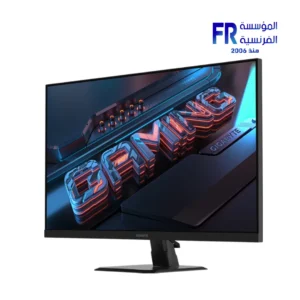
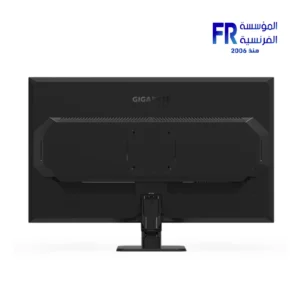


Gigabyte GS32Q 32 Inch 165Hz 1ms QHD SuperSpeed IPS Gaming Monitor
13499 جنيه
- Part Number / Model: 20VM0-GS32QABI-1EKR / GS32Q
- Display Specifications: 31.5″ SuperSpeed IPS (SS IPS) Panel | QHD Resolution (2560 x 1440) | 165Hz Refresh Rate (Overclockable to 170Hz) | 1ms Response Time (MPRT) | 100% sRGB Color Gamut | 1.07 Billion Display Colors
- Brightness & Contrast: 300 cd/m² (Typical) | 1200:1 Contrast Ratio (Typical) | 178°(H) / 178°(V) Viewing Angles | Non-Glare Display Surface
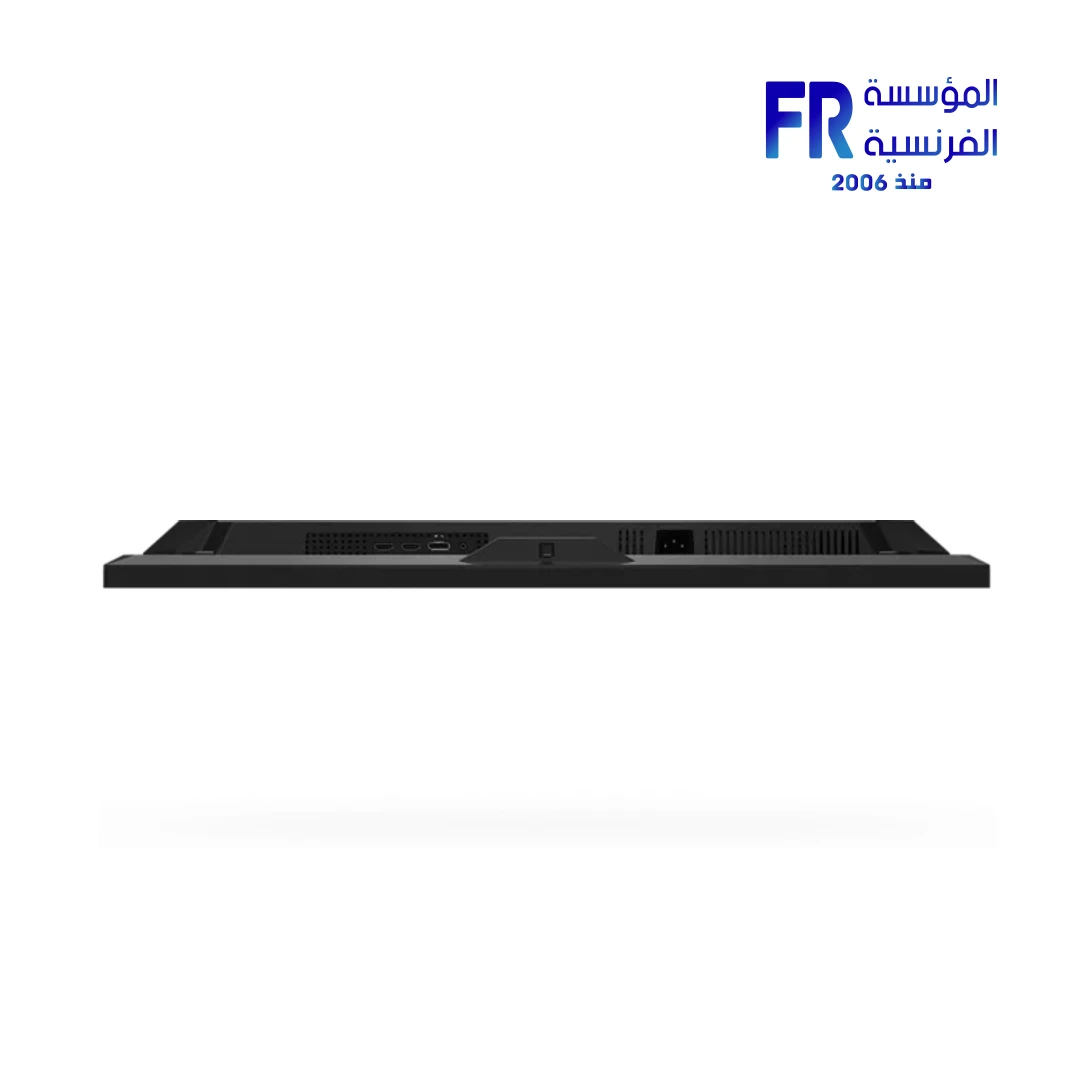
- الاتصال: 2x HDMI 2.0 | 1x DisplayPort 1.4 | 1x 3.5mm Earphone Jack
- Key Features: Flicker-Free Technology | OSD Sidekick (via GIGABYTE Control Center) | Aim Stabilizer | Black Equalizer | Crosshair | Timer | PiP / PbP (Picture-in-Picture / Picture-by-Picture)
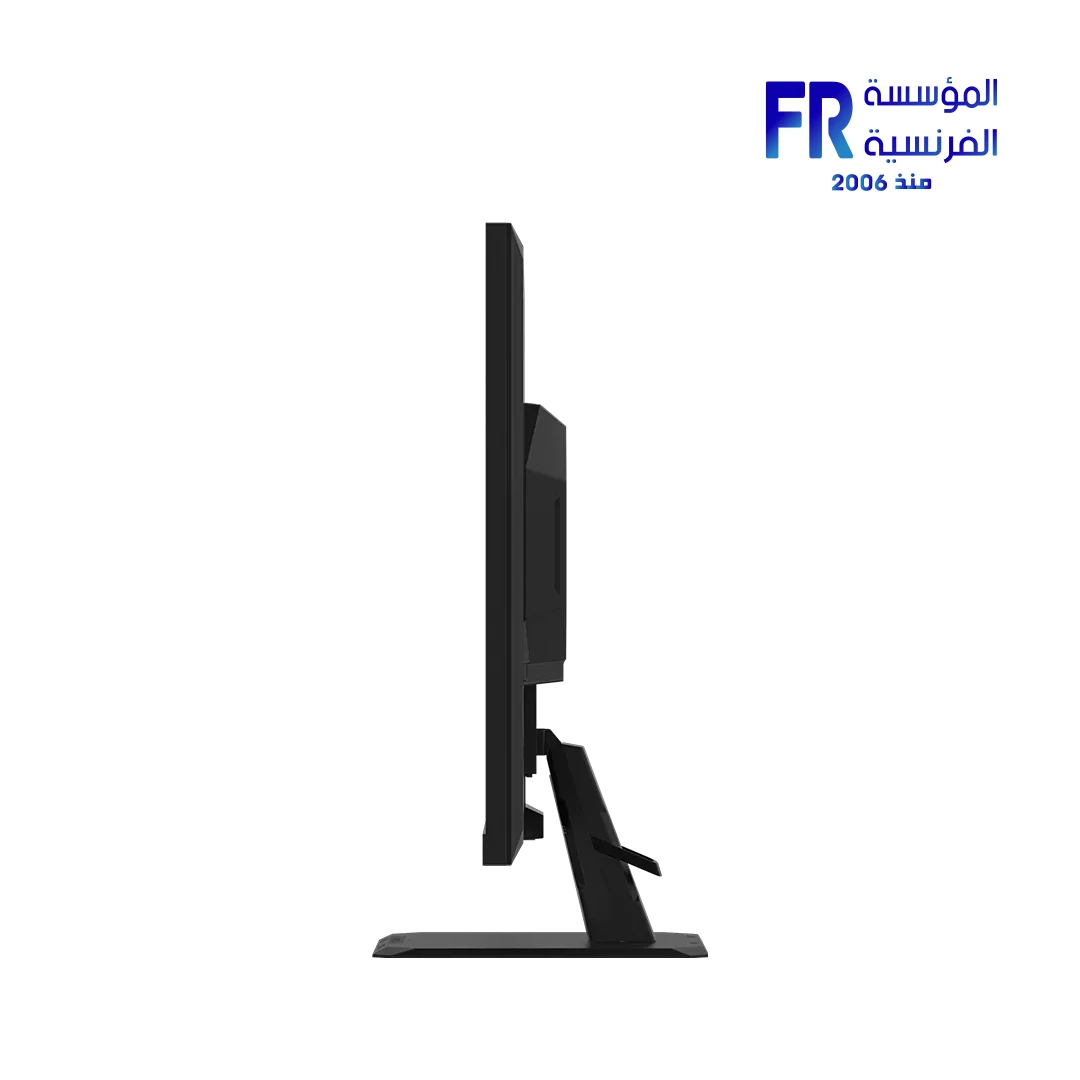
- Ergonomics & Mounting: Tilt: -5° to +20° | VESA Wall Mount Compatible (100 x 100 mm) | Note: No height adjustment, swivel, or pivot
- Dimensions & Weight: 714 x 500.8 x 238 mm (with stand) | Net Weight: 7.1 kg (with stand) / 5.85 kg (without stand)
- Power: Built-in Power Board | 36W Typical Consumption | AC 100-240V
- Included Accessories: Power Cable, DisplayPort Cable, Quick Start Guide (QSG), Warranty Card
- الضمان: 3 years
هل تريد أن يتم إخطارك عندما يتوافر هذا المنتج في المخزون مجددًا؟
GIGABYTE GS32Q
31.5″ QHD 165Hz IPS Gaming Monitor
2560×1440 QHD · 165Hz (OC 170Hz) · 1ms MPRT · SuperSpeed IPS · 100% sRGB · FreeSync Premium · HDMI 2.0 & DisplayPort 1.4.
1ms MPRT
QHD 2560×1440
100% sRGB
165Hz / 170Hz OC
1ms MPRT
100% sRGB
IPS · 178°
QHD clarity. 165Hz speed. IPS color.
The Gigabyte GS32Q is a 31.5-inch QHD gaming monitor built around a SuperSpeed IPS panel at 2560×1440. Moreover, it refreshes at 165Hz with overclocking to 170Hz, delivers 1ms MPRT response time, and covers 100% sRGB — a combination that suits competitive gaming as much as it does content creation and everyday use.
Additionally, the panel offers 1200:1 contrast (typically measuring ~1400:1 in independent tests ), 300 cd/m² brightness, 1.07 billion colors and 178° viewing angles, so the panel stays accurate and readable from any position. Furthermore, connectivity includes 2× HDMI 2.0, 1× DisplayPort 1.4 and an earphone jack. Meanwhile, AMD FreeSync Premium, Flicker-free backlighting, TÜV Rheinland Low Blue Light certification, and Gigabyte’s gaming toolkit — OSD Sidekick, Aim Stabilizer, Black Equalizer, Crosshair, Timer and PiP/PbP — round out the experience.
31.5″ SuperSpeed IPS
2560 × 1440 (QHD)
165Hz / OC 170Hz
1ms MPRT
AMD FreeSync Premium
3 Years
165Hz Refresh. 1ms MPRT.
Games look and feel sharper at 165Hz — with overclock support up to 170Hz — and the 1ms MPRT response keeps moving objects clean. Consequently, combined with AMD FreeSync Premium, Flicker-free backlighting and Aim Stabilizer, the GS32Q stays comfortable and consistent during long competitive sessions.
Built for Gaming & Creation
QHD 2560×1440
Sharp resolution with more on-screen detail than 1080p.
SuperSpeed IPS
IPS color and 178° viewing angles at fast refresh.
100% sRGB
Full sRGB coverage for accurate everyday color.
FreeSync Premium
Tear-free, stutter-free gaming with AMD Radeon GPUs.
TÜV Low Blue Light
Certified eye-care technology for extended sessions.
VESA 100×100
Standard mount for arms and wall brackets.
100% sRGB. 178° Angles.
The GS32Q covers 100% of the sRGB spectrum with 1.07 billion colors across a 1200:1 contrast ratio. However, independent testing shows the panel typically exceeds this, measuring around 1400:1 . Similarly, 178° horizontal and vertical viewing angles keep color and brightness consistent from almost any position, and the non-glare surface handles typical desktop lighting conditions.
OSD Sidekick & Pro Features
Gigabyte’s toolkit lets you tune the monitor without leaving Windows. For instance, use OSD Sidekick (integrated with GCC over HDMI/DP) to control the settings with your mouse, then dial in Aim Stabilizer, Black Equalizer, Crosshair, Timer and PiP/PbP. Ultimately, it’s the kind of toolkit that makes the monitor feel like a system rather than a single device.
Aim Stabilizer: Use Strategically
Aim Stabilizer (backlight strobing) can reduce motion blur, but independent reviews note it introduces visible artifacts and softness during fast-paced gaming . Therefore, use it selectively — for slower-paced titles or when you’re not relying on FreeSync. In contrast, for competitive FPS where every frame matters, consider leaving it off and letting FreeSync Premium handle tear-free smoothness instead. Additionally, note that the monitor stand offers tilt only (-5° to +20°). As a result, if you need height, swivel, or pivot adjustment, plan for a VESA 100×100 monitor arm.
Tilt-Adjustable Stand. VESA Ready.
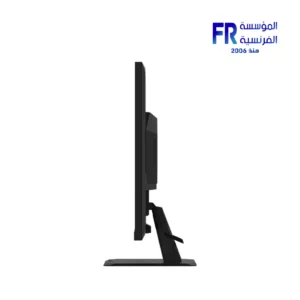
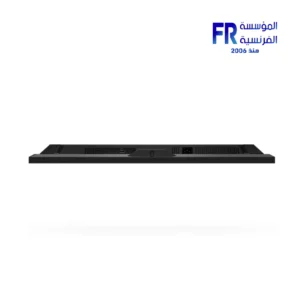
The included stand provides -5° to +20° tilt adjustment. However, swivel, pivot, and height adjustment are not available . Therefore, if you need a more flexible setup, the monitor supports VESA 100×100 mm mounting for third-party arms and wall brackets. Additionally, a Kensington lock slot is present for security.
FreeSync Premium & Console Ready
The GS32Q supports AMD FreeSync Premium for tear-free gaming with Radeon GPUs. Meanwhile, NVIDIA GeForce users may enable G-SYNC Compatible mode via the NVIDIA Control Panel (requires DisplayPort connection) . Furthermore, the 2× HDMI 2.0 ports support 1440p at 120Hz for PS5 and Xbox Series X/S. Consequently, DisplayPort 1.4 is required to achieve the full 165Hz/170Hz on PC.
What’s in the Box
31.5″ QHD IPS · Stand included
AC 100–240V
For DP 1.4 connection
Quick-start guide and documentation
المواصفات الفنية
| Display | |
| الموديل | GIGABYTE GS32Q |
|---|---|
| Panel Size | 31.5″ |
| نوع البانل | SuperSpeed IPS · Edge |
| دقة الشاشة | 2560 × 1440 (QHD) |
| Display Viewing Area | 698.112 × 392.688 mm |
| Color Saturation | 100% sRGB |
| Display Surface | Non-glare |
| Pixel Pitch | 0.272 × 0.272 mm |
| Brightness | 300 cd/m² (TYP) |
| Contrast Ratio (Typ.) | 1200:1 (measured ~1400:1) |
| Viewing Angle | 178° (H) / 178° (V) |
| Display Colors | 1.07 B |
| Refresh Rate (Max) | 165 Hz / OC 170 Hz |
| زمن الاستجابة | 1 ms (MPRT) |
| المزامنة التكيفية | AMD FreeSync Premium |
| HDR Support | HDR Ready (limited, edge-lit IPS) |
| Flicker-Free | Yes |
| Low Blue Light | TÜV Rheinland Certified |
| Connectivity | |
| Connectivity | 2 × HDMI 2.0 · 1 × DisplayPort 1.4 · 1 × Earphone Jack |
| السماعات | N/A |
| Features | |
| Unique Features | OSD Sidekick · Aim Stabilizer · Black Equalizer · Crosshair · Timer · PiP/PbP |
| Power | |
| Power Type | Power Board Build-in |
| Power Consumption | 36 W |
| Power Saving Mode | 0.5 W |
| Power Off Mode | 0.3 W |
| Voltage | AC 100 – 240 V ~ 50/60 Hz |
| Mechanical | |
| Tilt | -5° ~ +20° |
| Swivel / Pivot / Height Adj. | N/A |
| VESA Wall Mounting | 100 × 100 mm |
| Kensington Lock | Yes |
| Dimensions & Weight | |
| Dimensions with Stand | 714 × 500.8 × 238 mm |
| Dimensions without Stand | 714 × 423.6 × 53.5 mm |
| Box Dimensions | 811 × 531 × 150 mm |
| Net Weight with Stand | 7.1 kg |
| Net Weight without Stand | 5.85 kg |
| Gross Weight | 9.29 kg |
| In the Box | |
| Accessories | Power cable · DP cable · QSG · Warranty card |
| الضمان | |
| الضمان | 3 Years |
Frequently Asked Questions
What is the resolution and refresh rate of the GS32Q?
+
The GS32Q is a 2560×1440 (QHD) monitor with a 165Hz refresh rate and overclock support up to 170Hz.
What panel type does it use?
+
It uses a 31.5-inch SuperSpeed IPS (Edge) panel with 178° horizontal and vertical viewing angles, 100% sRGB coverage and a 1200:1 typical contrast ratio (measuring ~1400:1 in independent tests ).
What connectivity does the monitor offer?
+
The GS32Q has 2× HDMI 2.0 ports, 1× DisplayPort 1.4 and a 3.5mm earphone jack. There are no built-in speakers.
Does it support VESA mounting?
+
Yes. The monitor supports VESA 100 × 100 mm mounting. The included stand is tilt-only (-5° to +20°); swivel, pivot and height adjustment are not available.
What gaming features are included?
+
The GS32Q includes OSD Sidekick (integrated with GCC over HDMI/DP), Aim Stabilizer, Black Equalizer, Crosshair, Timer and PiP/PbP, plus Flicker-free backlighting and TÜV Rheinland Low Blue Light certification.
What warranty is included?
+
The GIGABYTE GS32Q is covered by a 3-year warranty against manufacturing defects. Please contact your local retailer for warranty support.
See More. Play Faster.
31.5″ QHD SuperSpeed IPS · 165Hz / 170Hz OC · 1ms MPRT · 100% sRGB · FreeSync Premium · HDMI 2.0 + DP 1.4 — backed by a 3-year warranty.
✓ 3-Year Warranty
✓ QHD 165Hz IPS
| MODEL | |
|---|---|
| نوع الشاشة | |
| SCREEN SIZE | |
| نوع البانل | |
| RESOLUTION | |
| RESPONSE TIME | |
| REFRESH RATE | |
| Brightness | |
| sRGB | |
| Flicker Free | |
| I/O Ports | |
| Color | |
| Part Number | |
| الضمان |
يسمح فقط للزبائن مسجلي الدخول الذين قاموا بشراء هذا المنتج ترك مراجعة.
المراجعات
لا توجد مراجعات بعد.