

✅ Authorized Hiksemi Partner in Egypt | Official Warranty Coverage | Expert Support Available
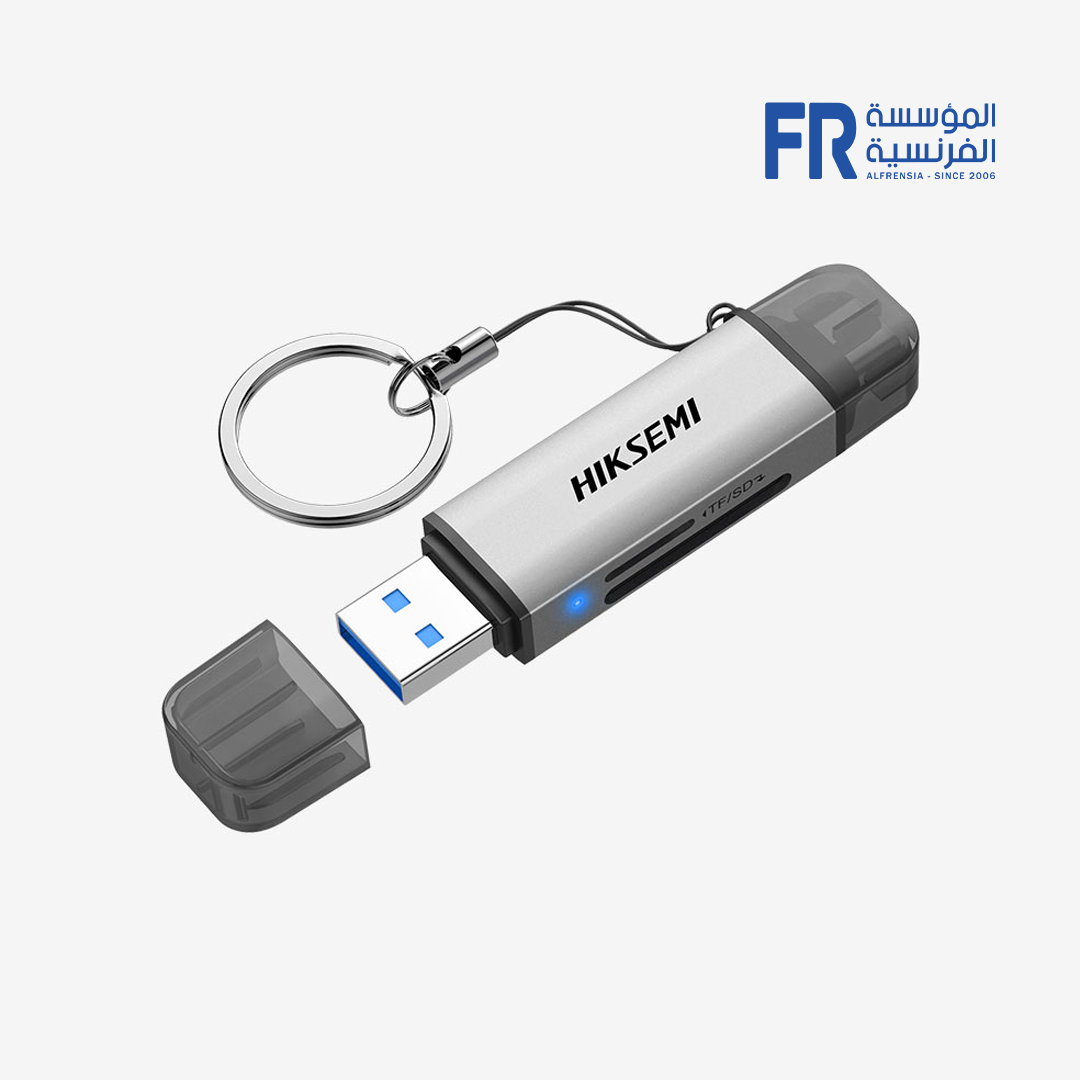
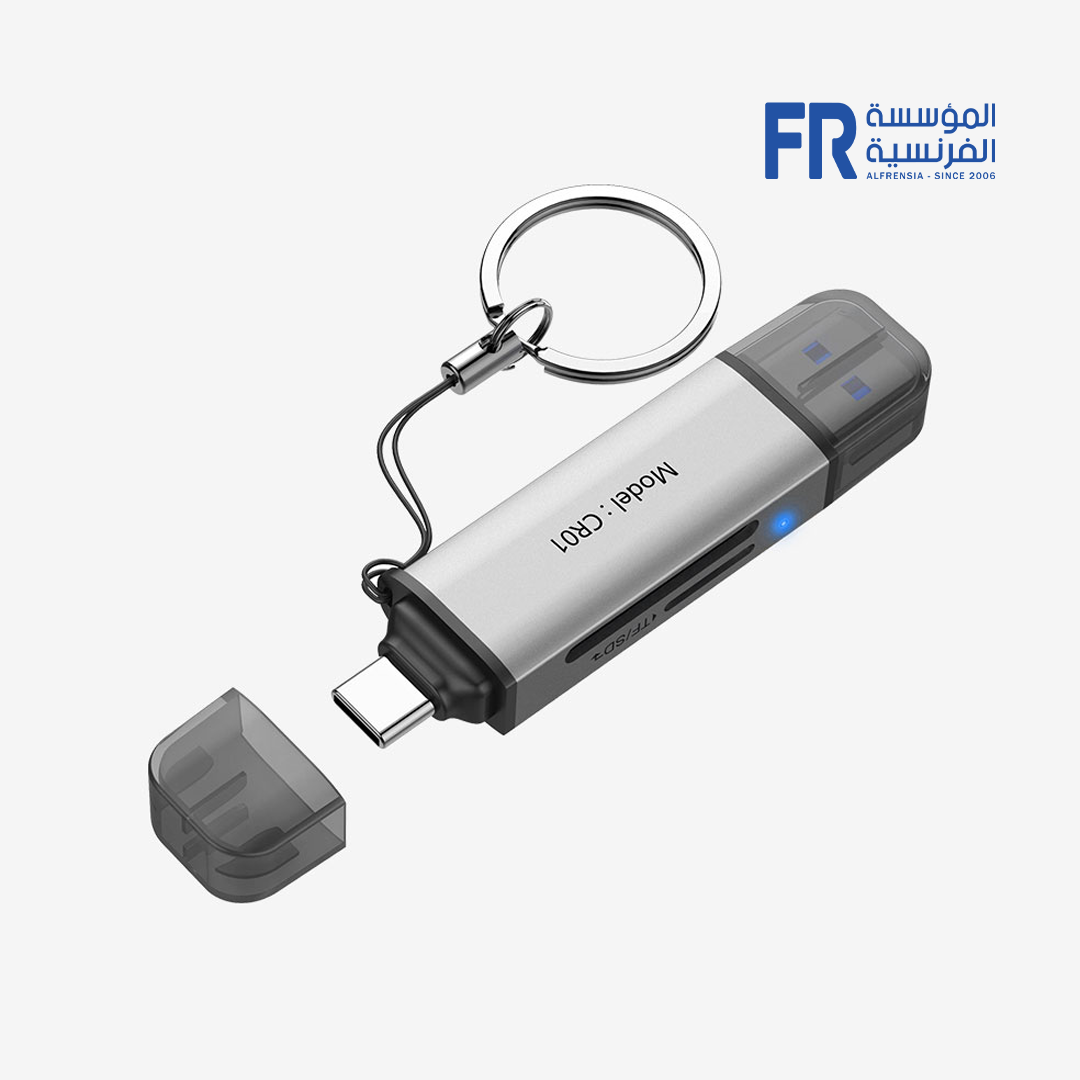
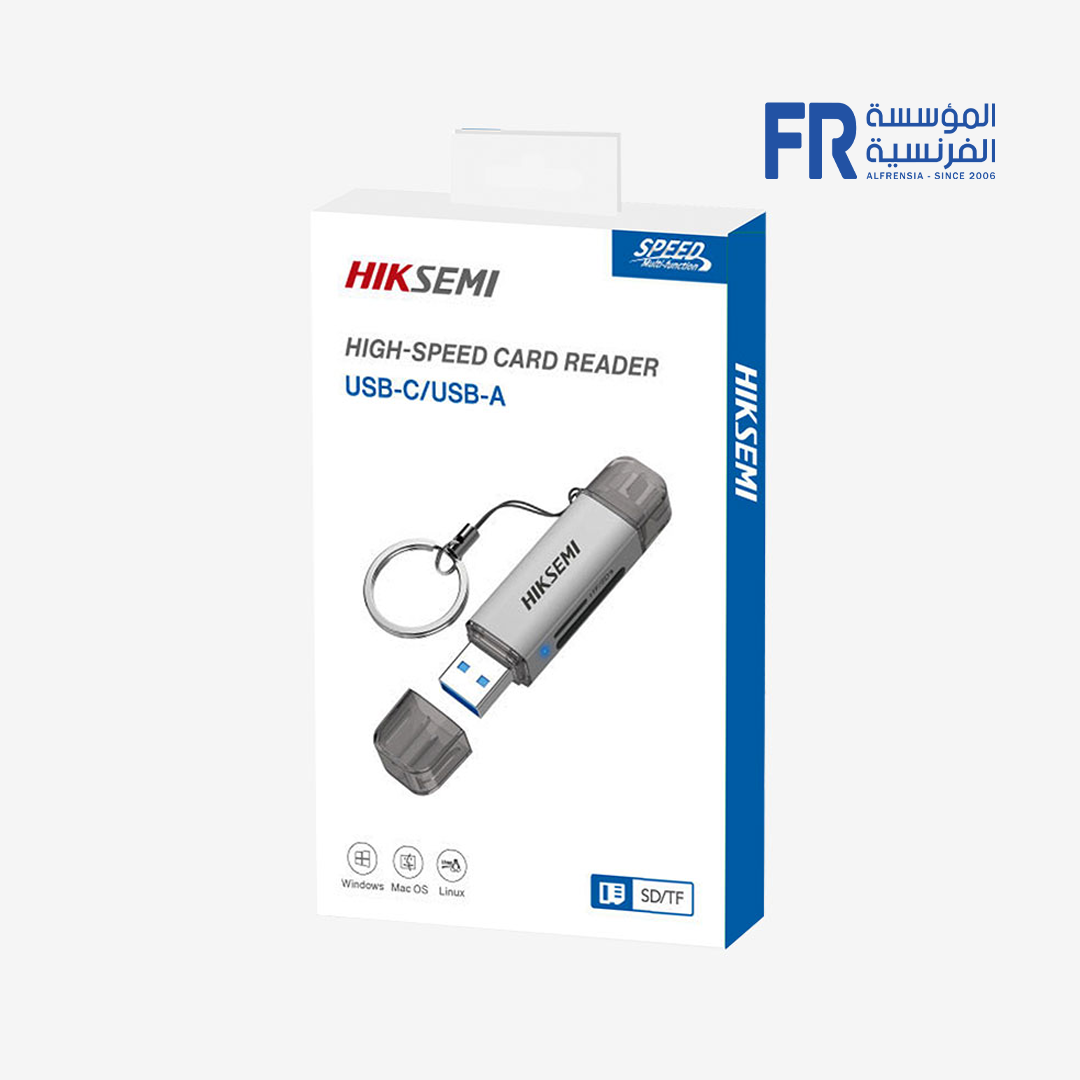
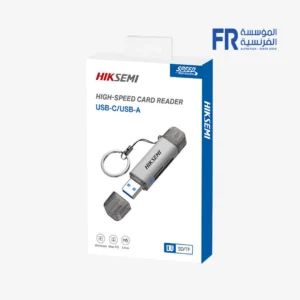
Hiksemi CR01 USB-A And USB-C SD And Micro SD Card Reader Gunmetal
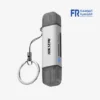
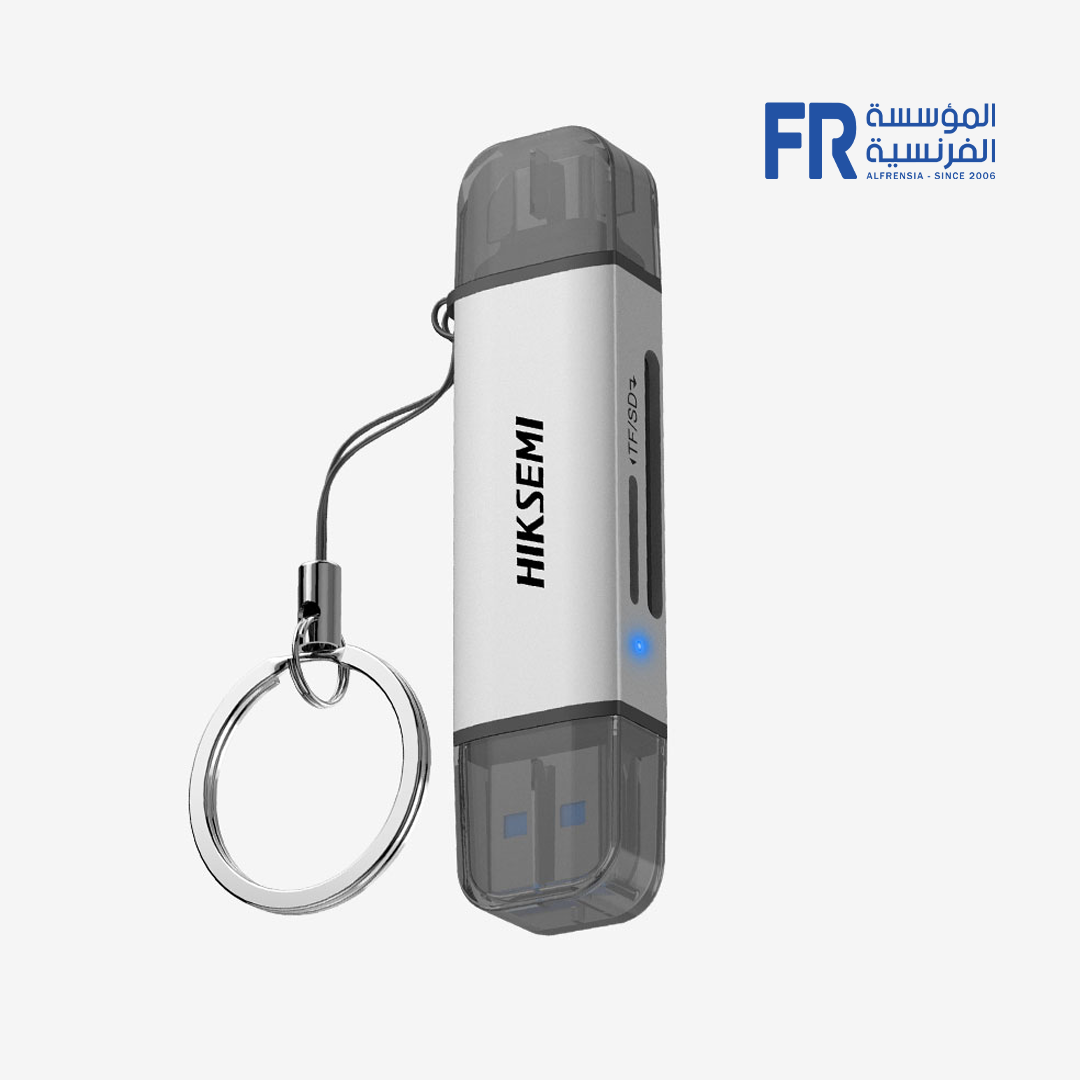
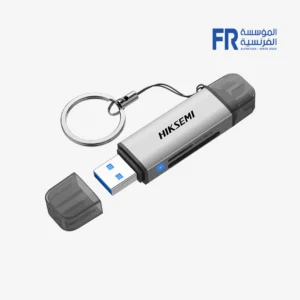
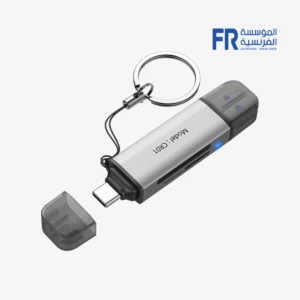
Hiksemi CR01 is a 2-in-1 card reader featuring both USB-A and USB-C connectors, dual SD and microSD slots for simultaneous dual-card reading, and 5Gbps USB 3.0 transfer speeds in an aluminum alloy gunmetal body. Available at Alfrensia for 349 EGP, it is designed for photographers, videographers, and creators who need to move files between cameras, phones, tablets, and computers without carrying separate adapters.
⚡ Engineering Highlights at a Glance:
- Dual Connector Design: USB-A and USB-C connectors on the same unit cover desktop, laptop, tablet, and Android phone connections without a separate adapter.
- Simultaneous Dual Card Reading: SD and microSD (TF) slots operate at the same time, and data can be transferred directly between the two cards.
- 5Gbps Transmission Rate: USB 3.0 interface supports data transfer rates up to 5Gbps for faster offloading of photos and video files.
- Aluminum Alloy Body: Gunmetal finish with metal construction for durability during travel and field use.
- Universal System Support: Works with Windows, macOS, Linux, and Android without additional drivers.
- Compact Dimensions: 73 x 17 x 10.4 mm form factor fits in a camera bag pocket or attaches to a keyring.
Who is the CR01 Card Reader For?
Expert Advice & Build Considerations
🔌 USB-A vs USB-C Connector Use
The CR01 includes both USB-A and USB-C connectors on the same body. Only one connector is intended for use at a time; you select the connector that matches the host device. For devices with USB-C ports, use the Type-C connector for a direct connection. For older desktops and laptops with USB-A ports, use the Type-A connector. Do not attempt to plug both connectors into the same host simultaneously.
💾 Dual Card Slot Operation
The SD and microSD (TF) slots can both be populated at the same time, and data can be transferred directly between the two cards. When copying between cards, both cards appear as separate drives in the operating system, and the transfer happens through the reader’s controller. Confirm that both cards are fully inserted before beginning a transfer to avoid read errors.
⚡ Transfer Speed Planning
The reader is rated for 5Gbps USB 3.0 transmission, but actual transfer speed depends on the card’s own read and write capabilities and on the host port. For best results, connect the reader to a USB 3.0 or higher port. Connecting to a USB 2.0 port will limit transfer speed to the USB 2.0 ceiling regardless of the reader’s rating.
المواصفات الفنية
| Model Name | CR01 |
| العلامات التجارية | Hiksemi |
| SKU / MPN | HS-HUB-CR01 |
| EAN / UPC | 6974202729066 |
| Product Type | Card Reader |
| Connector | USB-A & USB-C |
| Output Interface | USB 3.0 & Type-C |
| Transmission Rate | 5Gbps |
| Supported Cards | SD & microSD (TF) |
| Card Slots | Dual (simultaneous reading) |
| Material | Aluminum Alloy |
| Color | Gunmetal |
| Dimensions | 73 x 17 x 10.4 mm |
| Supported Systems | Windows / Mac OS / Linux / Android |
| الضمان | 1 Year Local Alfrensia Warranty |
Expert Recommendation
The CR01 is most useful when both SD and microSD cards are part of your workflow, or when you regularly switch between USB-A and USB-C host devices. Insert both cards fully before starting a transfer, and choose the connector that matches your host rather than using both at once. For the fastest file offloads, connect to a USB 3.0 or higher port; a USB 2.0 port will cap transfer speed at the lower standard. When copying between the two cards, keep both cards inserted until the transfer completes. The aluminum body is durable but not waterproof, so store the reader in a dry pocket or camera bag when not in use.
Frequently Asked Questions
Can the Hiksemi CR01 read SD and microSD cards at the same time?
Yes. The CR01 has separate SD and microSD (TF) slots that can both be populated simultaneously. Data can also be transferred directly between the two cards through the reader.
What transfer speed does the CR01 support?
The reader is rated for 5Gbps USB 3.0 transmission. Actual transfer speed depends on the card’s read and write capabilities and on the host port. Connecting to a USB 3.0 or higher port is required to reach the rated speed; a USB 2.0 port will limit transfer speed.
Can I connect both the USB-A and USB-C connectors at the same time?
No. Only one connector is intended for use at a time. Choose the connector that matches your host device: USB-C for modern laptops, tablets, and phones, or USB-A for older desktops and laptops.
Does the CR01 work with Android phones and tablets?
Yes. The CR01 supports Android in addition to Windows, macOS, and Linux. Connect via the USB-C connector to an Android device that supports USB host mode, and the cards will appear as accessible storage.
What devices and cards does the CR01 support?
The CR01 supports SD and microSD (TF) cards and connects to Windows, macOS, Linux, and Android devices via USB-A or USB-C. It does not support CF, CFexpress, or Memory Stick formats.
Need Help Choosing a Card Reader?
Speak with our specialists for a free compatibility check and advice on matching a reader to your camera, cards, and devices.


المراجعات
لا توجد مراجعات بعد.