


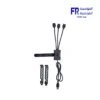
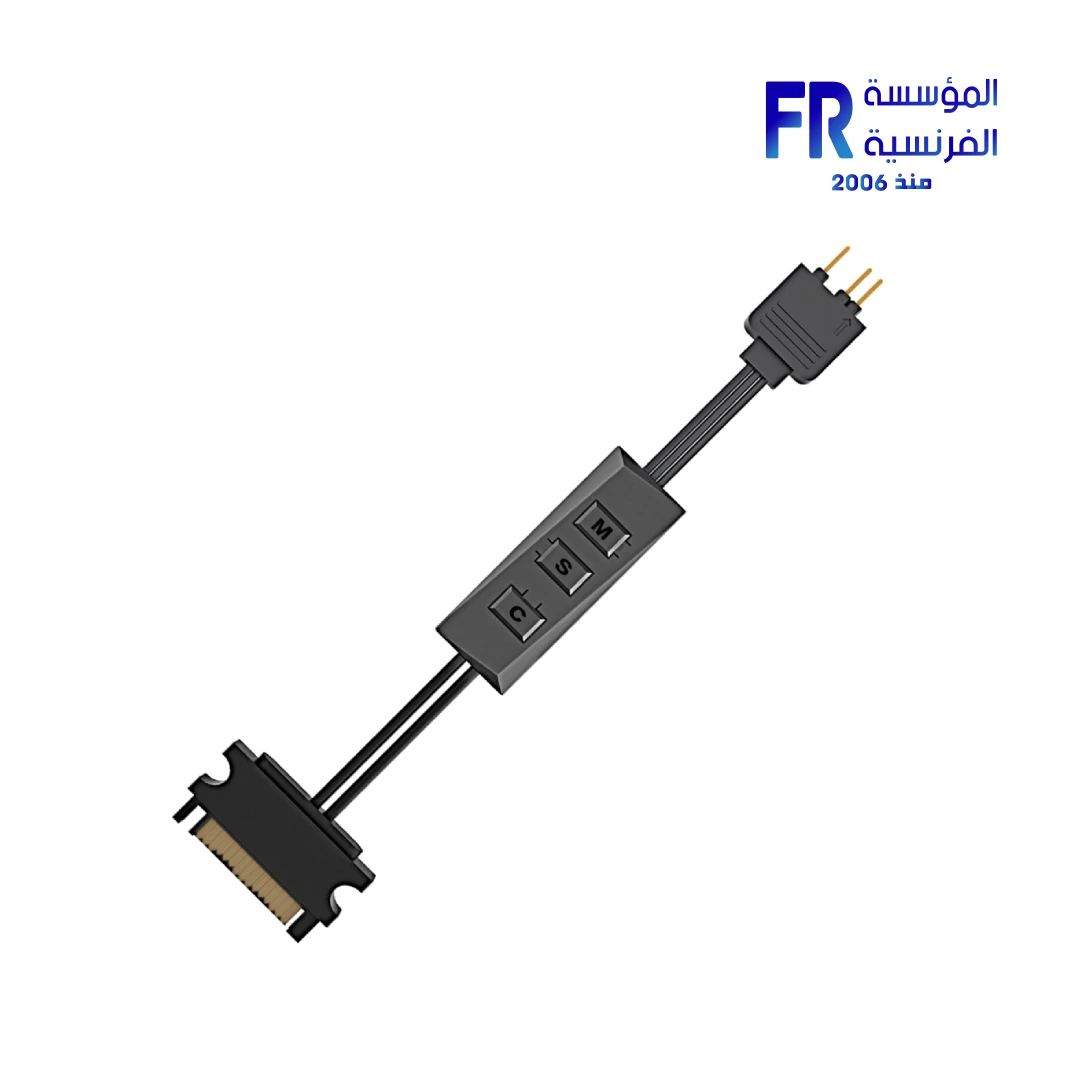
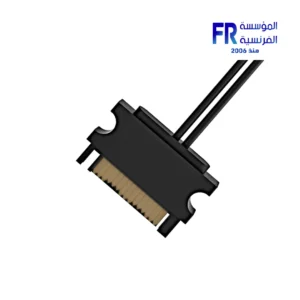


ID-COOLING RC ARGB Controller
225 جنيه
- رقم القطعة: RC-ARGB
- Type: ARGB Controller / Fan Hub
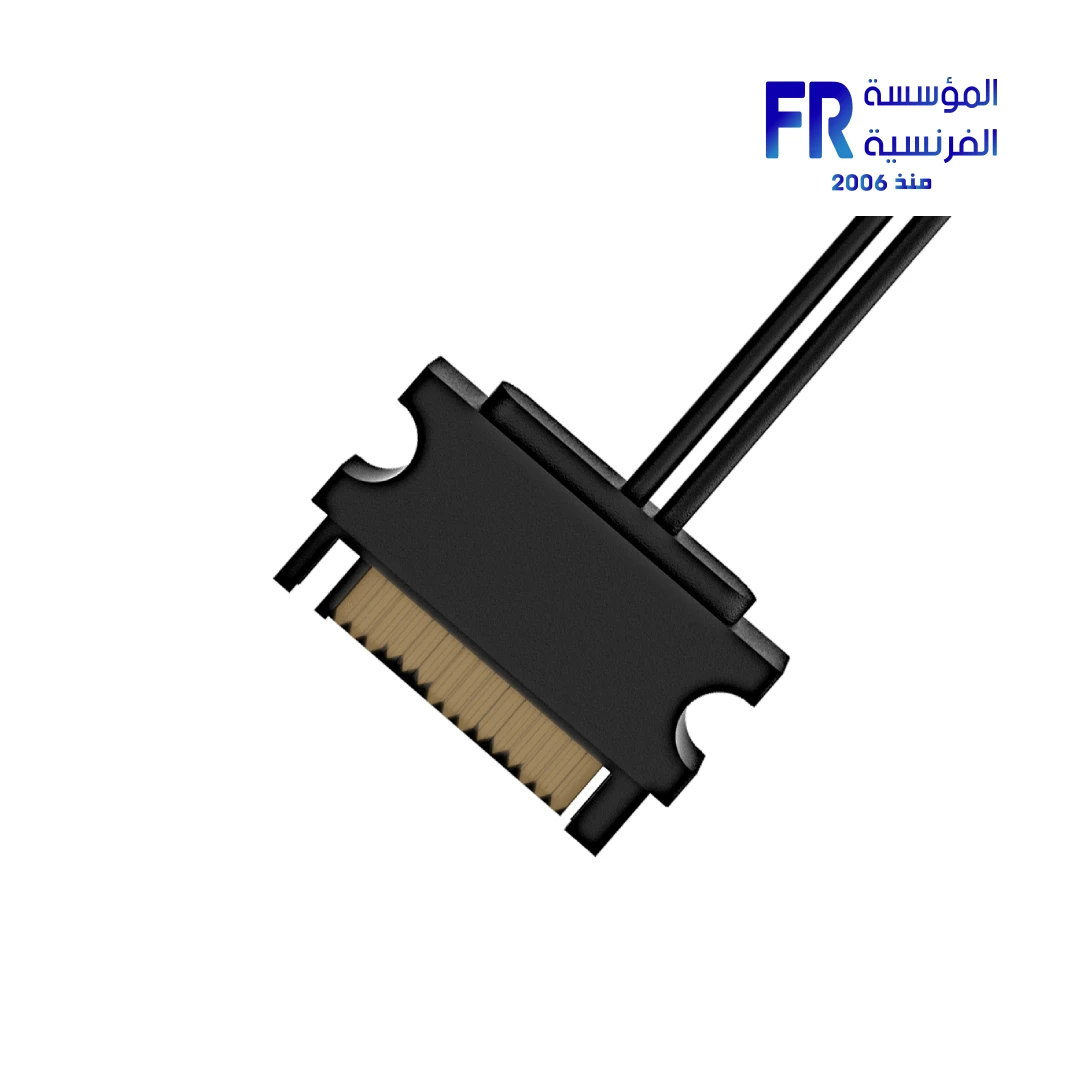
- Ports: 1x SATA Input | 3-Pin ARGB Output
- الضمان: 1 Year
متوفر في المخزون
ضمان مطابقة السعر✅ Authorized ID-COOLING Partner in Egypt | Official Warranty Coverage | Expert PC Building Consultation Available
ID-COOLING RC ARGB Controller
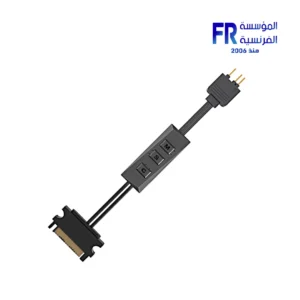
ID-COOLING RC ARGB Controller is an addressable RGB lighting hub with SATA power input and 3-pin 5V ARGB output. It provides onboard 3-button control for lighting modes, speed, and colors, making it suitable for systems without a native 5V ARGB motherboard header. Available at Alfrensia for 225 EGP.
⚡ Engineering Highlights at a Glance:
- Addressable RGB Control: Manages individual LED colors and effects on connected ARGB devices.
- SATA Power Input: Draws power directly from the PSU via a SATA connector, independent of motherboard headers.
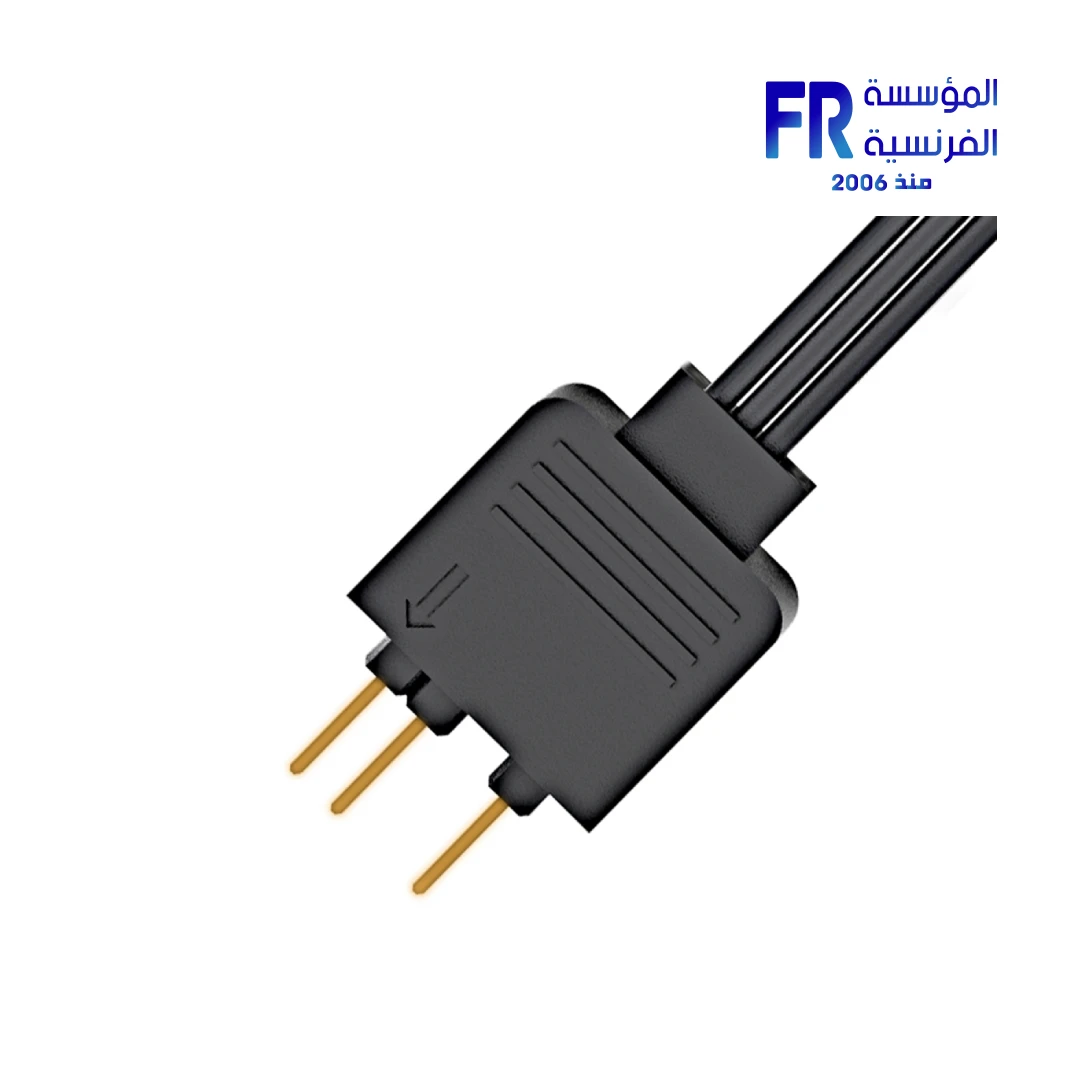
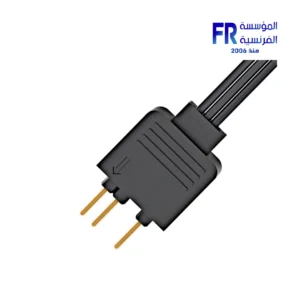
- 3-Pin 5V ARGB Output: Standard ARGB connector compatible with most ARGB fans, coolers, and LED strips.
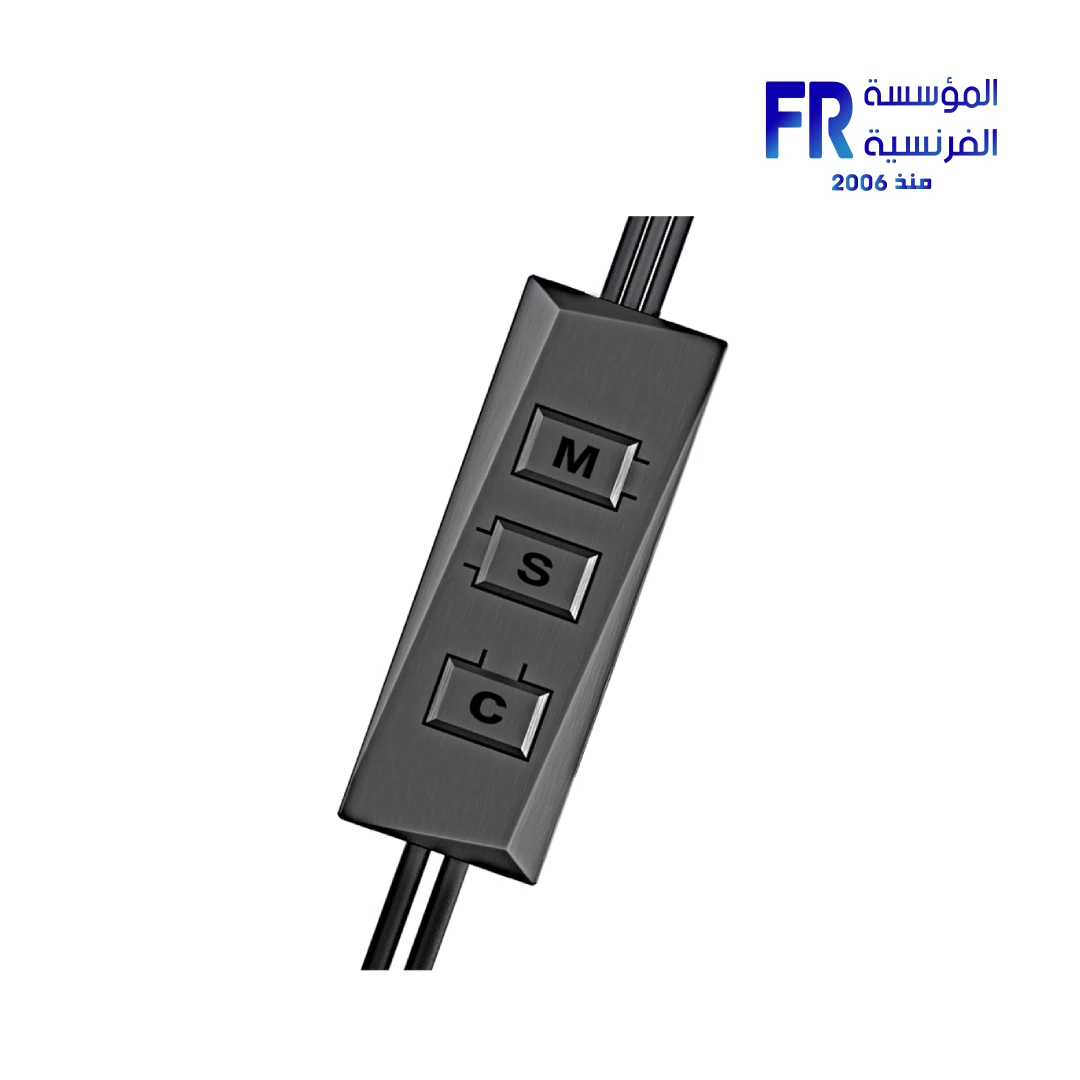
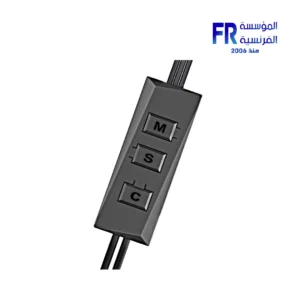
- 3-Button Onboard Control: M, S, and C buttons for mode, speed, and color adjustment without software.
- Compact Design: Small form factor for easy placement and cable management inside the chassis.
- Reset Function: Press M+C together to reset the controller; press S+C to toggle lights on or off.
Who is the RC ARGB Controller For?
Expert Advice & Build Considerations
Verify ARGB Compatibility Before Connecting
The RC ARGB uses a 3-pin 5V ARGB connector. This is not the same as a 4-pin 12V RGB connector. Connecting a 12V RGB device to a 5V ARGB output can damage the LEDs. Confirm your fans, coolers, or LED strips use 5V 3-pin ARGB before connecting.
Daisy-Chaining ARGB Devices
Multiple ARGB devices can be controlled through one controller if they are daisy-chained together. A splitter cable may be required depending on your device connectors and is not included with the controller. Check your ARGB devices for male/female connector types to determine if a splitter is needed.
📐 Placement and Power
The SATA power input means the controller draws power from your PSU, not the motherboard. This avoids overloading motherboard ARGB headers. The compact plastic housing can be tucked into a drive bay, mounted with adhesive, or secured in the PSU shroud area.
المواصفات الفنية
| الموديل | RC-ARGB |
| العلامات التجارية | ID-COOLING |
| SKU / MPN | RC-ARGB |
| EAN | 6931393303543 |
| Input Port | SATA Power |
| Output Port | 3-Pin 5V ARGB |
| Lighting Standard | Addressable RGB (ARGB) |
| Control Method | 3-Button Onboard (M / S / C) |
| Material | Plastic |
| Color | Black |
Expert Recommendation: Simplifying ARGB Control
Before purchasing, confirm that your ARGB devices use 5V 3-pin connectors. If your motherboard has a 5V ARGB header, you can use that instead, but the RC ARGB is specifically useful when no such header exists or when you want centralized control. Plan your daisy-chain configuration: multiple devices can connect through one output if they support pass-through, but you may need a splitter cable for fans without daisy-chain support. Route the SATA power cable to your PSU during initial cable management rather than after the build is assembled. The M button cycles lighting modes, S adjusts speed, and C changes colors; press M+C to reset or S+C to toggle the lights.
Frequently Asked Questions
Does the RC ARGB require a motherboard ARGB header?
No. The RC ARGB is designed for systems without a 5V 3-pin ARGB motherboard header. It uses SATA power for the controller itself and provides its own 3-pin 5V ARGB output for connected devices.
How many ARGB devices can I connect?
The RC ARGB has one 3-pin 5V ARGB output port. Multiple devices can be controlled if they are daisy-chained together. A splitter cable may be needed for devices without daisy-chain support and is not included with the controller.
How do I control the lighting effects?
The controller has three onboard buttons: M cycles through lighting modes, S changes the effect speed, and C switches colors within the current mode. Press M+C together to reset the controller, or S+C together to turn the lights on or off.
Can I connect 12V RGB devices to this controller?
No. The RC ARGB is designed for 5V 3-pin addressable RGB devices only. Connecting 12V 4-pin RGB devices can damage the LEDs and the controller. Always verify the voltage and pin count of your ARGB devices before connecting.
Does the controller support motherboard software sync?
The RC ARGB provides standalone button-based control. It does not have a motherboard sync input for software like ASUS Aura or MSI Mystic Light. If you want software sync, you would connect your ARGB devices directly to a motherboard ARGB header instead.
| الضمان |
|---|
يسمح فقط للزبائن مسجلي الدخول الذين قاموا بشراء هذا المنتج ترك مراجعة.
المراجعات
لا توجد مراجعات بعد.