


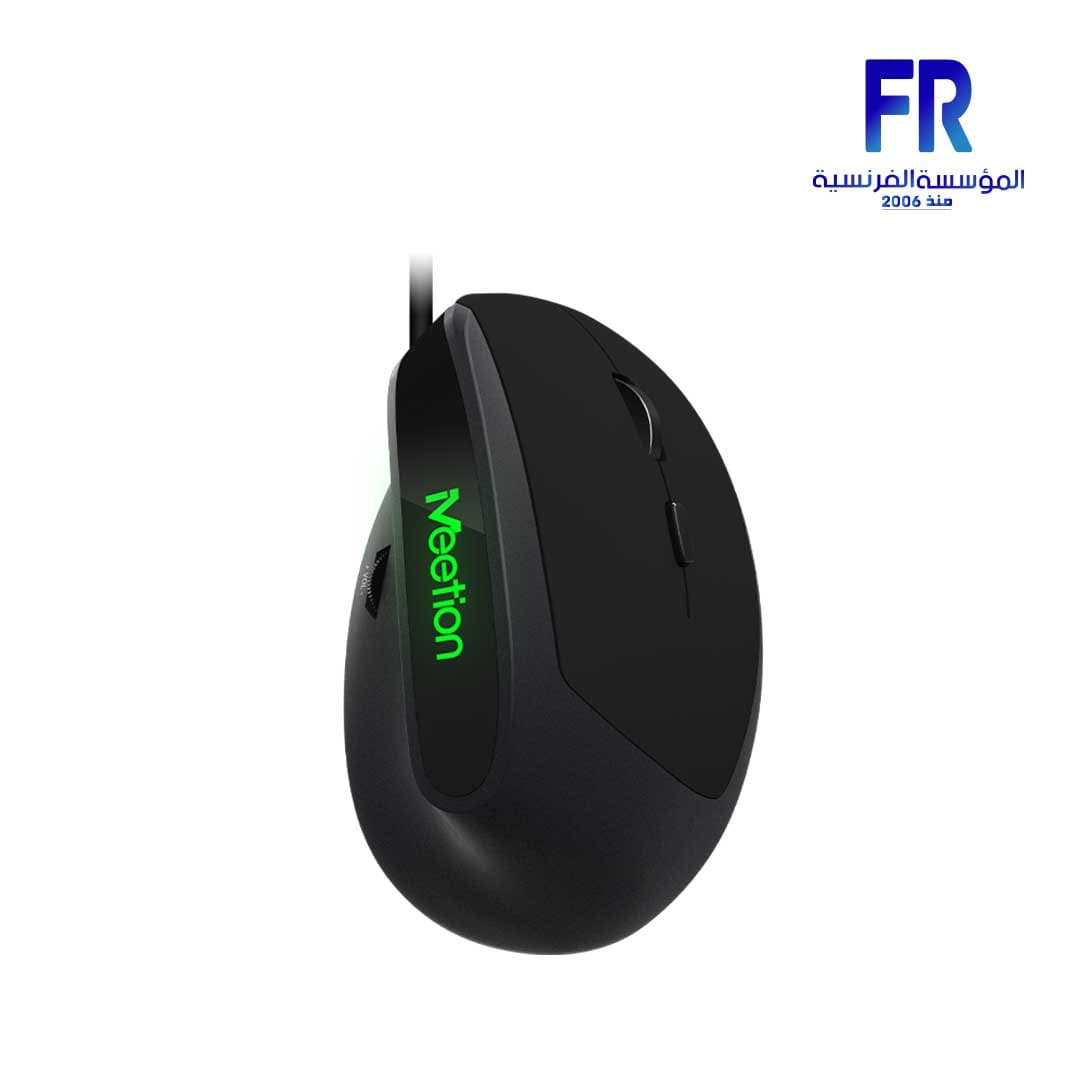
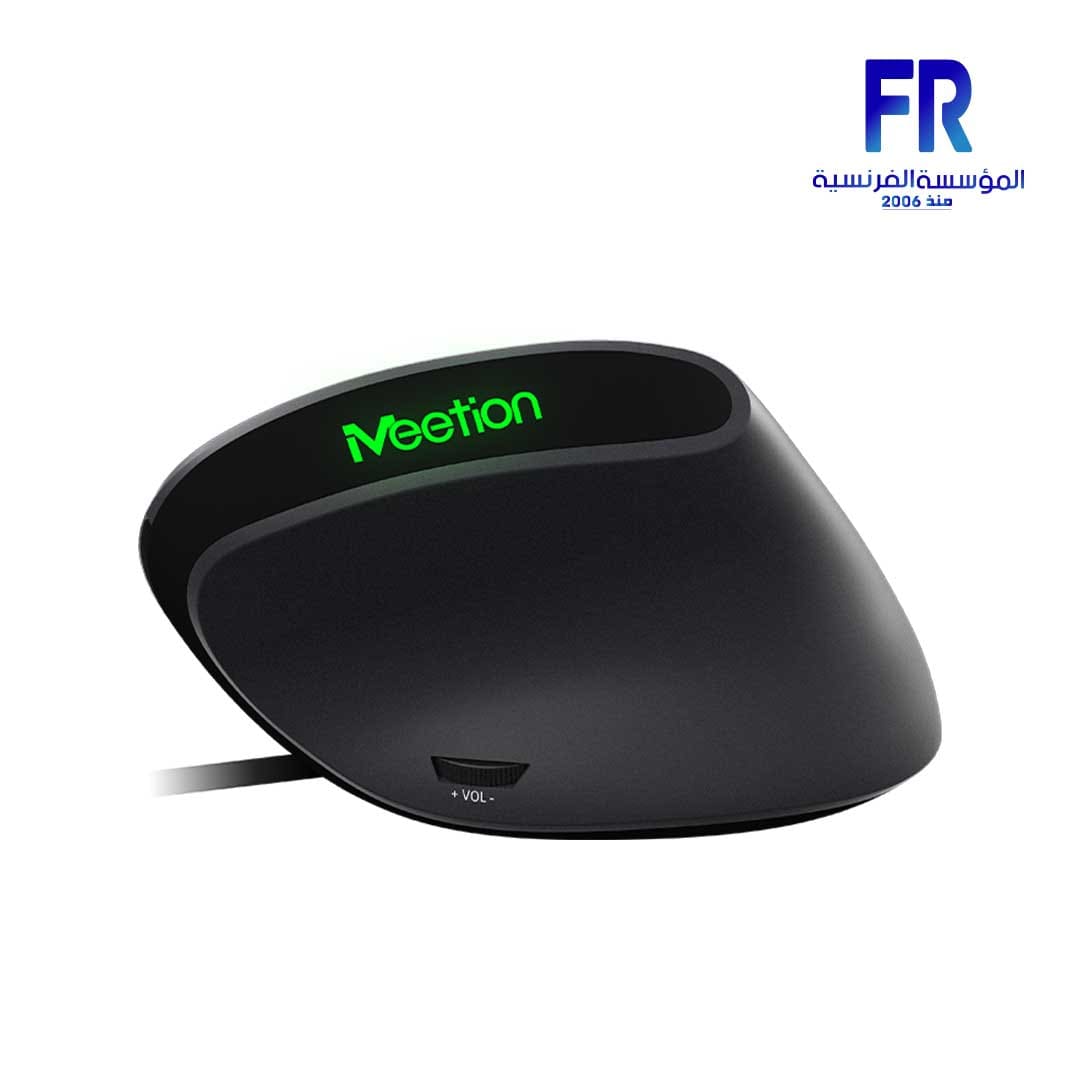
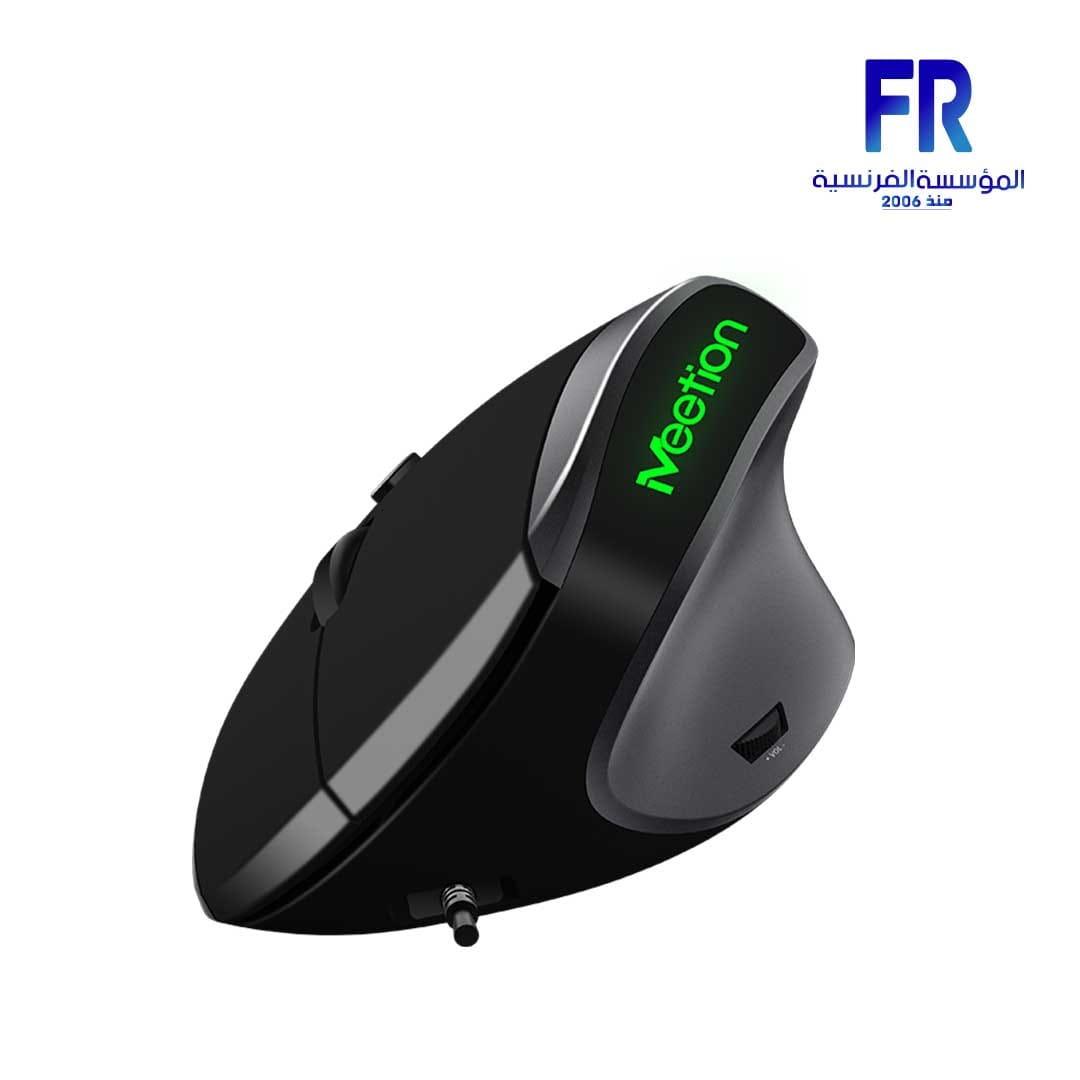
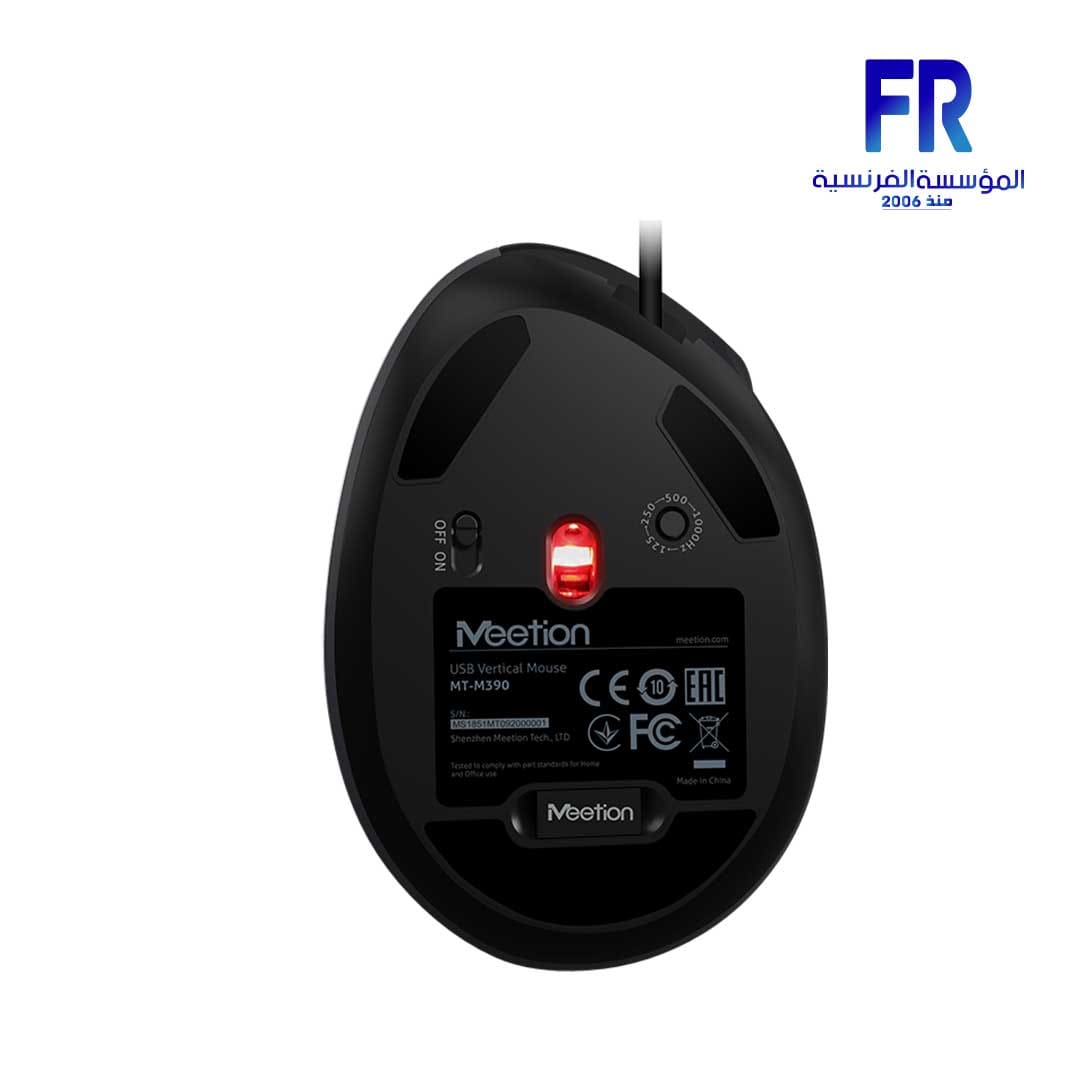


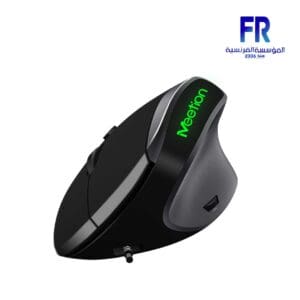
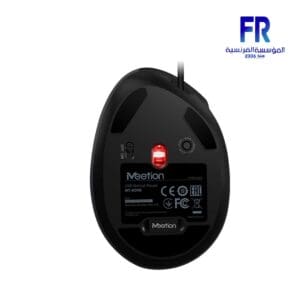
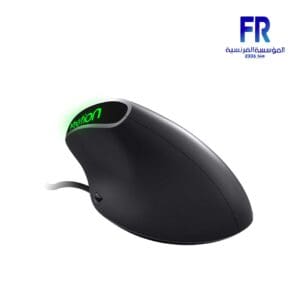
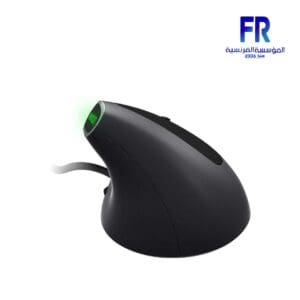
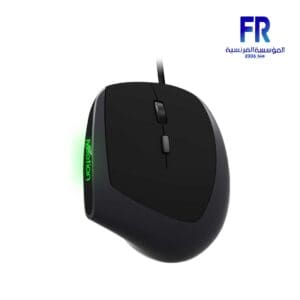



Meetion M390 Ergonomic Vertical Wired Mouse
587 جنيه
- رقم القطعة: MT-M390
- Sensor & Performance: Optical Sensor | 4-Level DPI (800 / 1200 / 2400 / 3200) | 1000Hz Polling Rate
- Design & Buttons: Ergonomic Vertical Shape | 6+1 Buttons (Incl. Volume Controls) | Matte Soft-Touch ABS | 105g
- الاتصال: Wired USB | 1.5m Cable | Plug & Play
- Compatibility: Windows XP / Vista / 7 / 8 / 10 | Mac OS
- الضمان: 2 Years
متوفر في المخزون
ضمان مطابقة السعر✅ Authorized Meetion Partner in Egypt | Official Warranty Coverage | Expert PC Building Consultation Available
Meetion M390 Ergonomic Vertical Wired Mouse
Meetion M390 is a wired ergonomic vertical mouse designed to keep the wrist in a natural handshake position, which reduces arm fatigue during long sessions. It features 4-level adjustable DPI (800/1200/2400/3200), 6+1 buttons including dedicated volume controls, and a 1000Hz polling rate. Because the vertical shape keeps the palm close to perpendicular to the desk, the arm does not rotate laterally as it does with a standard mouse . Available at Alfrensia for 577 EGP.

⚡ Engineering Highlights at a Glance:
- Vertical Ergonomic Design: Keeps the palm in a natural handshake position, which reduces wrist and arm fatigue during long work or gaming sessions .
- 4-Level Adjustable DPI: Switch between 800, 1200, 2400, and 3200 DPI to match precision work or fast navigation .
- 6+1 Buttons: Includes left click, right click, scroll wheel, DPI button, forward, back, and dedicated volume control buttons.
- 1000Hz Polling Rate: Reports position to the PC 1000 times per second for responsive cursor movement.
- Matte Soft-Touch Finish: Provides a comfortable grip that resists slipping, even after prolonged use .
- Plug & Play: Connects via USB and works immediately without installing additional software .
- Durable Construction: ABS shell and 5 million click rating for long-term reliability .
Why Choose a Vertical Mouse?
Standard mice require the forearm to rotate so the palm faces down. This rotation places the wrist and forearm in a twisted position, which can cause fatigue and discomfort over many hours of use. The M390 changes this by making the hand rest in a vertical position, similar to a handshake. Because the arm stays in a natural alignment, the user does not need to rotate the wrist to control the mouse . This reduces strain on the wrist and forearm, which suits users who work or game for extended periods. The vertical design also keeps the palm close to perpendicular to the desk, so the fingers grip the mouse naturally rather than pressing down from above .
Adjustable DPI and Volume Controls
The M390 offers four DPI levels: 800, 1200, 2400, and 3200. Because you can change sensitivity on the fly with the DPI button, you can adapt to different tasks without opening software. For precise work such as photo editing, lower DPI provides more control. For navigating large spreadsheets or multi-monitor setups, higher DPI reduces the hand travel needed to move the cursor across the screen. The mouse also includes dedicated volume control buttons, which let you adjust system volume quickly without reaching for the keyboard .
Build Quality and Surface Finish
The M390 uses an ABS plastic shell with a matte soft-touch coating. Because the finish is micro-ground, it feels smooth to the touch and provides grip without being sticky or overly textured . This helps prevent slipping even if your hands become slightly oily or sweaty. The left and right click buttons are rated for up to 5 million presses, which is sufficient for years of everyday use . The mouse weighs 105 ± 5g and measures 104 x 73 x 58 mm, so it fits most hand sizes. The 1.5-meter USB cable provides enough length for typical desk setups .
Who is the Meetion M390 For?
Expert Advice & Build Considerations
Adjustment Period
Switching from a standard mouse to a vertical mouse takes time. Because the hand position changes, the muscles involved in controlling the mouse are different. Expect one to two weeks of adjustment before the vertical grip feels natural. During the first few days, keep sessions shorter to let your wrist and arm adapt .
Wired Connection Only
This is a wired mouse with a 1.5-meter USB cable. Because there is no wireless mode or battery, you do not need to worry about charging, but you are limited by the cable length. Confirm your desk layout allows the cable to reach from your PC to your mouse position without pulling .
📐 Setup and Compatibility
The M390 is plug-and-play and works immediately when connected via USB. No drivers are required for basic use. The mouse is compatible with Windows XP, Vista, 7, 8, 10, and Mac OS . If the surface is too reflective or uneven, the optical sensor may track inconsistently, so use a mouse pad for best results.
المواصفات الفنية
| الموديل | Meetion M390 |
| العلامات التجارية | Meetion |
| SKU / MPN | MT-M390 |
| EAN | 6970344731851 |
| Connectivity | Wired USB |
| Ergonomic Design | Vertical |
| Max DPI | 3200 DPI |
| DPI Levels | 800 / 1200 / 2400 / 3200 |
| Buttons | 6+1 |
| Polling Rate | 1000 Hz |
| Frame Rate | Max 4000 fps |
| Acceleration | Max 8g |
| Tracking Speed | Max 30 ips |
| Key Life | 5 Million Clicks |
| Cable Length | 1.5 ± 0.01 m |
| Weight | 105 ± 5 g |
| Dimensions | 104 x 73 x 58 mm |
| Material | ABS Plastic with Matte Soft-Touch Finish |
| Compatibility | Windows XP / Vista / 7 / 8 / 10, Mac OS |
Expert Recommendation: Getting the Most from Your M390
The Meetion M390 is a practical choice for users who want to reduce wrist fatigue during long computer sessions. If you are new to vertical mice, allow one to two weeks to adjust to the grip. Set the DPI to 1200 for everyday desktop use, then switch to 2400 or 3200 for larger displays. Use the dedicated volume buttons to adjust audio without moving your hand to the keyboard. Because the mouse is wired, there is no battery to charge, but you need to keep the 1.5-meter cable within reach. Use a mouse pad with the M390, since optical sensors track more consistently on cloth surfaces than on glossy desks. Clean the matte finish periodically with a soft cloth to prevent oil buildup, which can affect grip over time .
Frequently Asked Questions
What is a vertical mouse, and why would I use one?
A vertical mouse places the hand in a handshake-like position instead of flat. Because the arm does not rotate laterally, the wrist and forearm stay in a more natural alignment, which reduces fatigue during long sessions .
How do I adjust the DPI on the M390?
Press the DPI button on the mouse to cycle through the four levels: 800, 1200, 2400, and 3200 DPI. The current setting affects cursor speed, so choose lower DPI for precision and higher DPI for fast navigation .
Does the M390 require software to work?
No. The M390 is plug-and-play and works immediately when connected via USB. No additional software is required for basic use .
What are the volume control buttons for?
The M390 includes dedicated volume control buttons, so you can adjust system volume quickly without reaching for the keyboard. This is useful when watching media, taking calls, or gaming .
Is the M390 compatible with Mac?
Yes. The M390 works with Windows XP/Vista/7/8/10 and Mac OS. Because it is plug-and-play, no additional drivers are needed on either platform .
يسمح فقط للزبائن مسجلي الدخول الذين قاموا بشراء هذا المنتج ترك مراجعة.
المراجعات
لا توجد مراجعات بعد.