


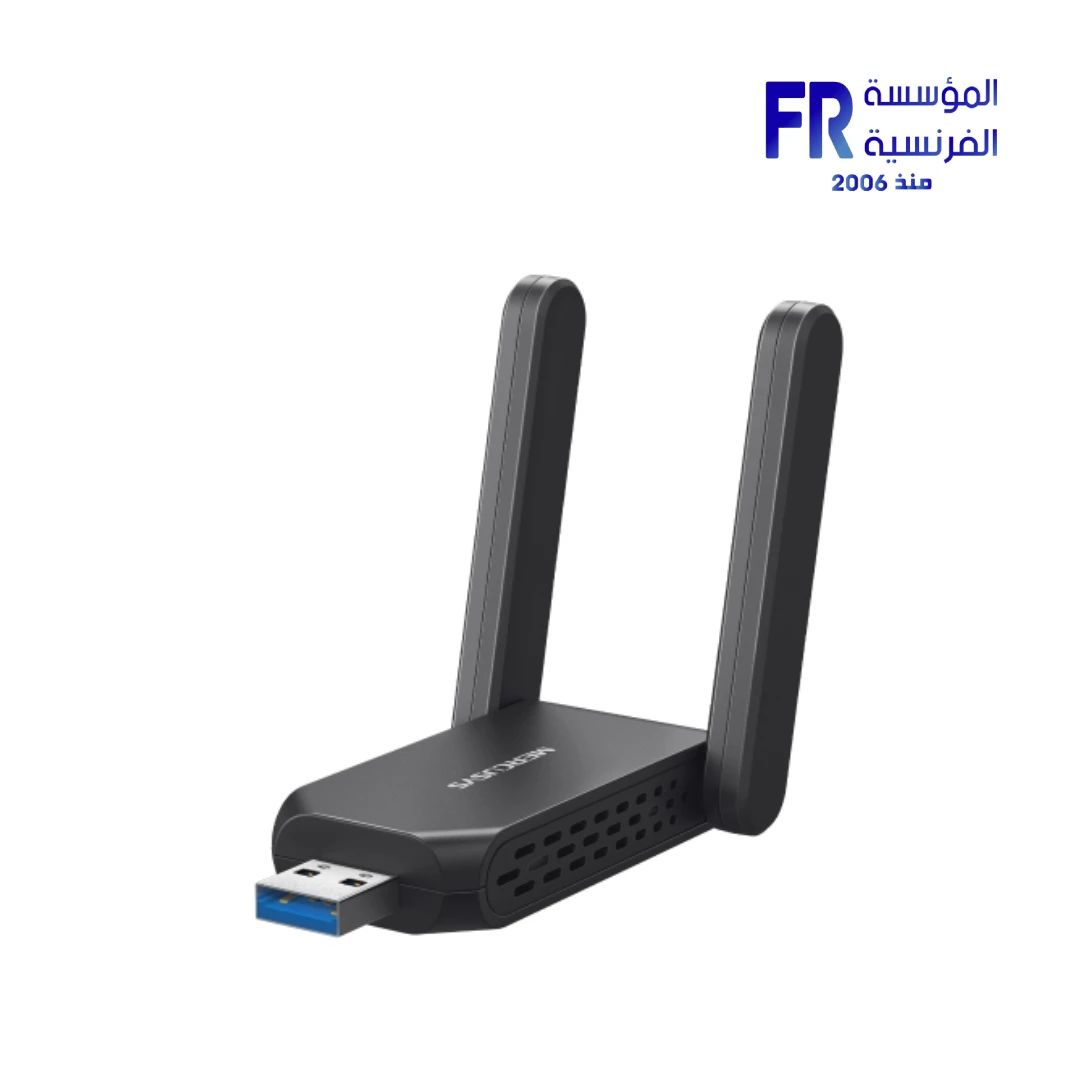


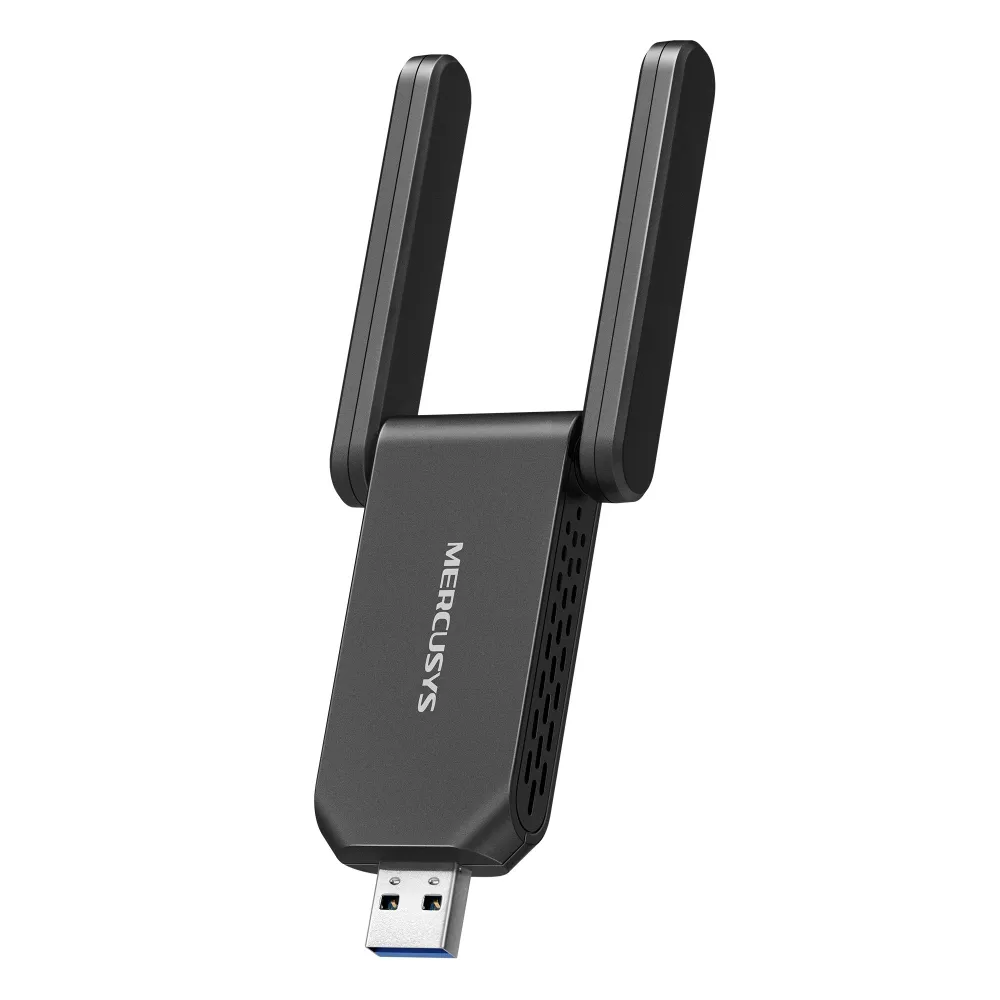
Mercusys MA72XH AX1800 Wi-Fi 6 Dual Band USB 3.0 High-Gain Wireless Adapter
999 جنيه
- رقم القطعة: MA27XH
- Wireless Specs: Wi-Fi 6 (802.11ax) Dual-Band | Up to 1201 Mbps (5GHz) + 574 Mbps (2.4GHz)
- Interface & Design: USB 3.0 Interface | 2 External High-Gain Antennas
- Compatibility: Windows 11/10 (32/64-bit) | WPA3 Security Support
- الضمان: 2 Years
المتوفر في المخزون 2 فقط
ضمان مطابقة السعر
Mercusys MA72XH AX1800 Wi-Fi 6 USB 3.0 Adapter
The Mercusys MA72XH is a high-performance Wi-Fi 6 USB adapter delivering combined speeds up to 1800 Mbps (1201 Mbps on 5 GHz, 574 Mbps on 2.4 GHz). With USB 3.0 connectivity, dual high-gain antennas, and WPA3 security, it’s the perfect upgrade for gaming, streaming, and intensive networking on Windows PCs.
⚡ 1800 Mbps
🔌 USB 3.0
📡 High-Gain Antennas
🔒 WPA3
Key Features & Product Showcase
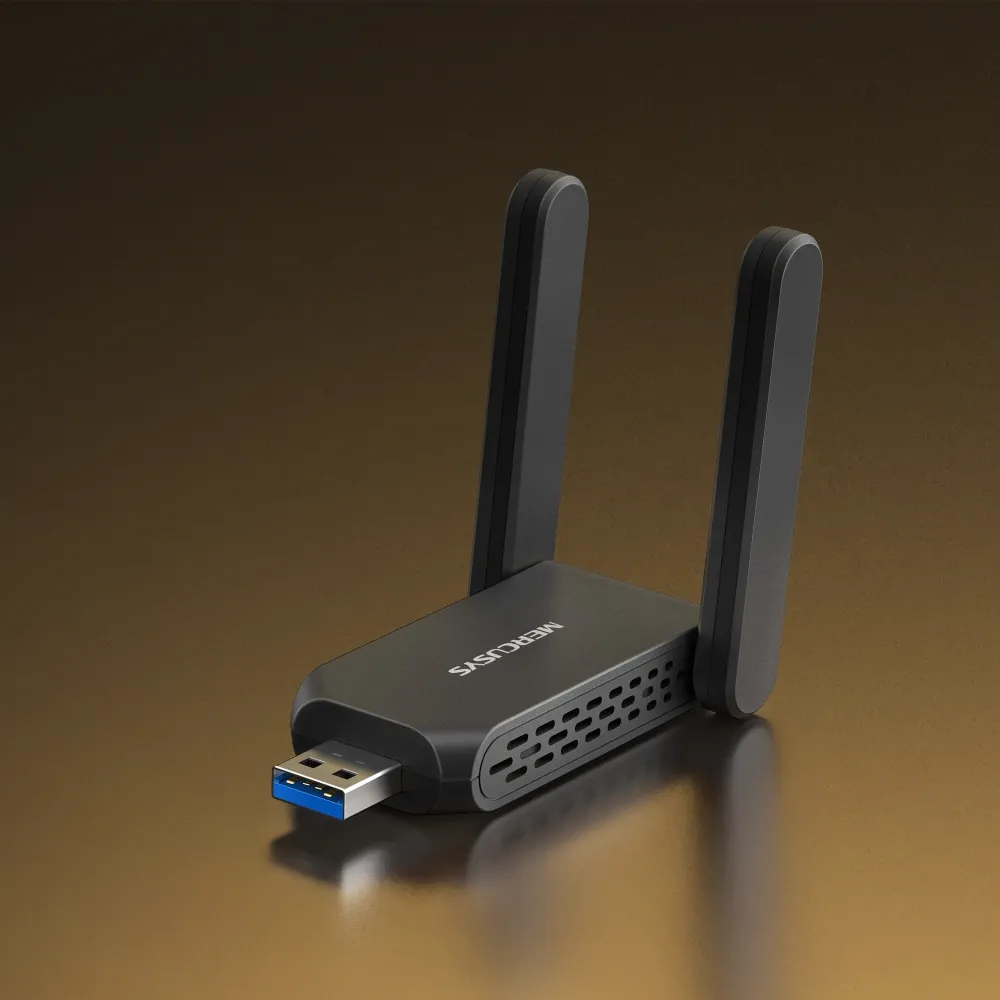
⚡ Next-Gen Wi-Fi 6 Speeds
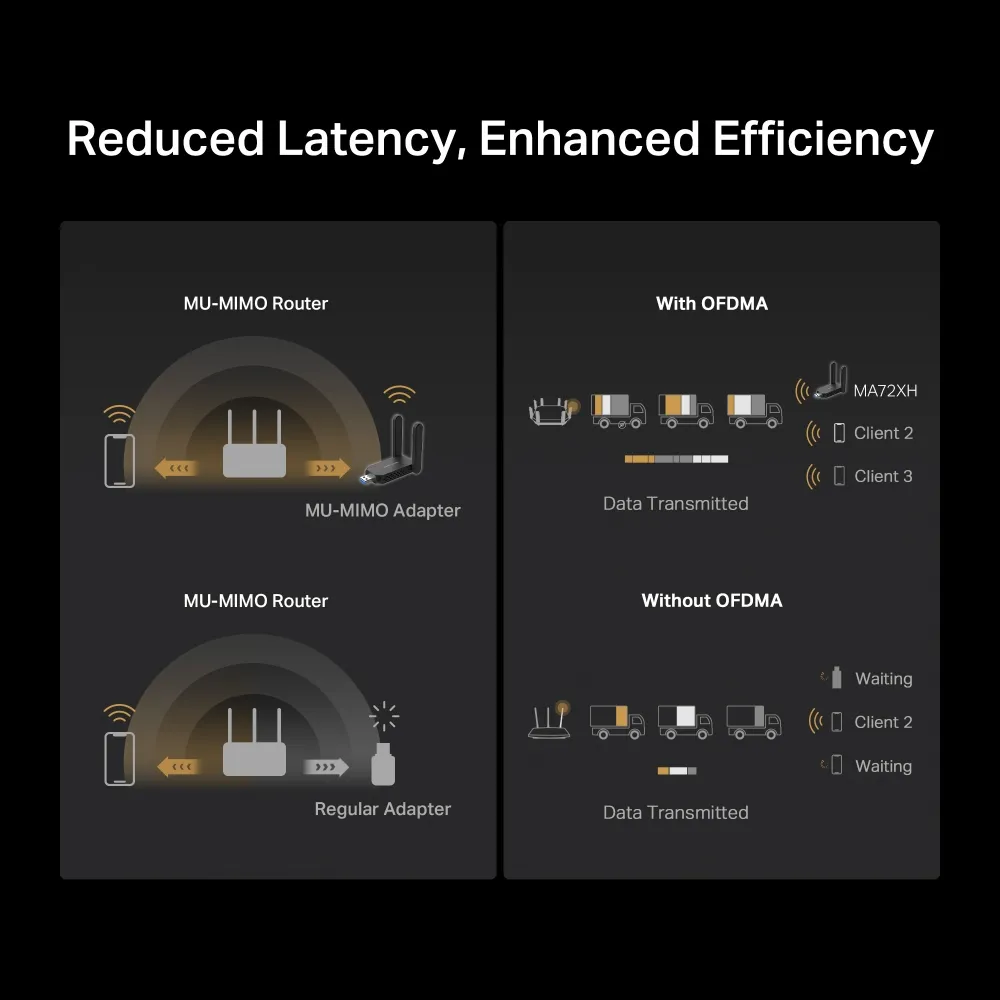
Experience combined speeds up to 1800 Mbps — 1201 Mbps on 5 GHz and 574 Mbps on 2.4 GHz. Ideal for 4K streaming, online gaming, and large file transfers.
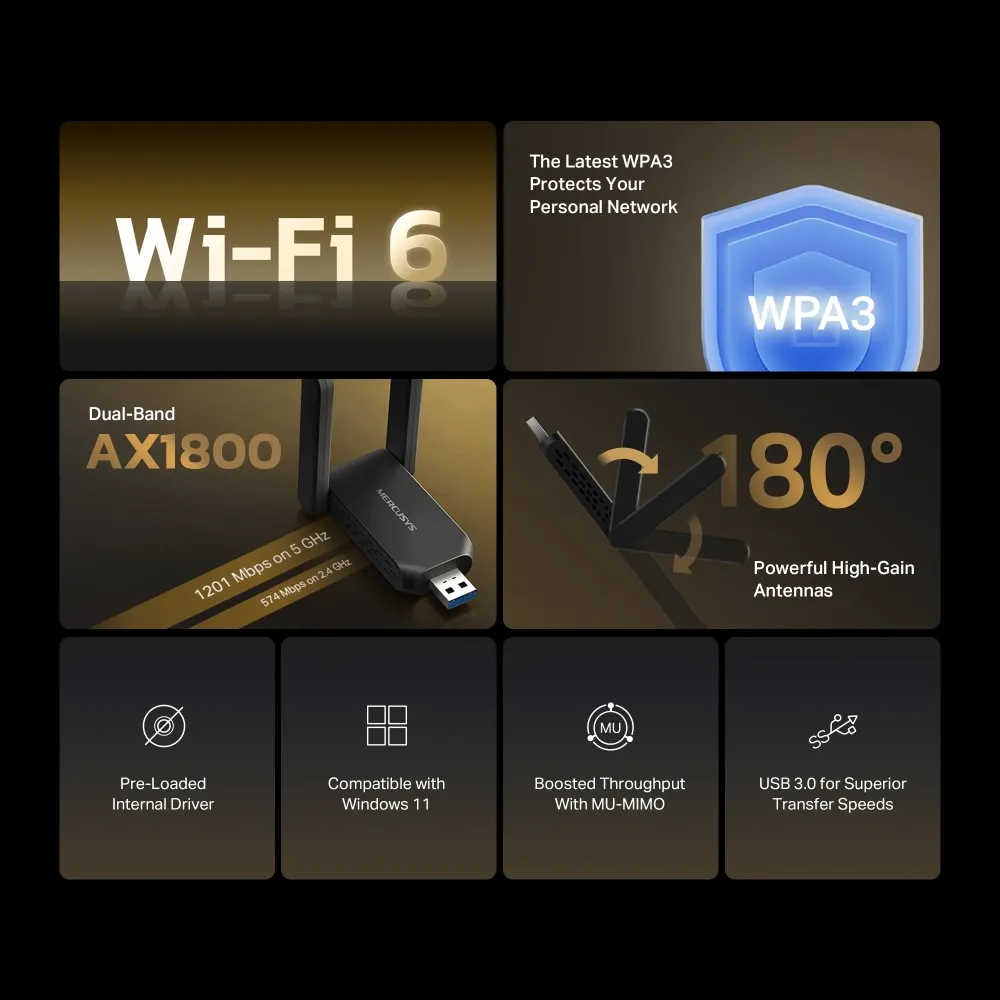
📡 Dual High-Gain Antennas
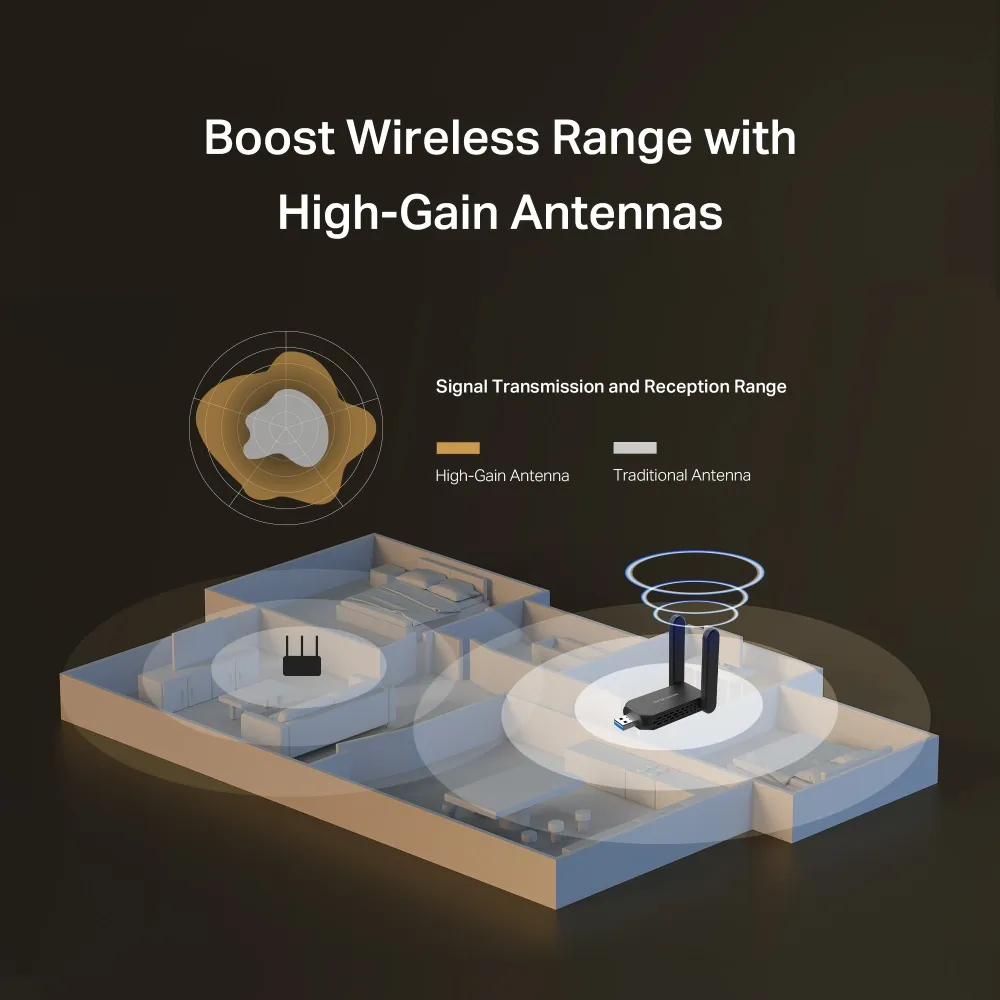
Two external high-gain antennas provide extended wireless coverage and stable connections, ensuring you stay connected even at a distance from your router.
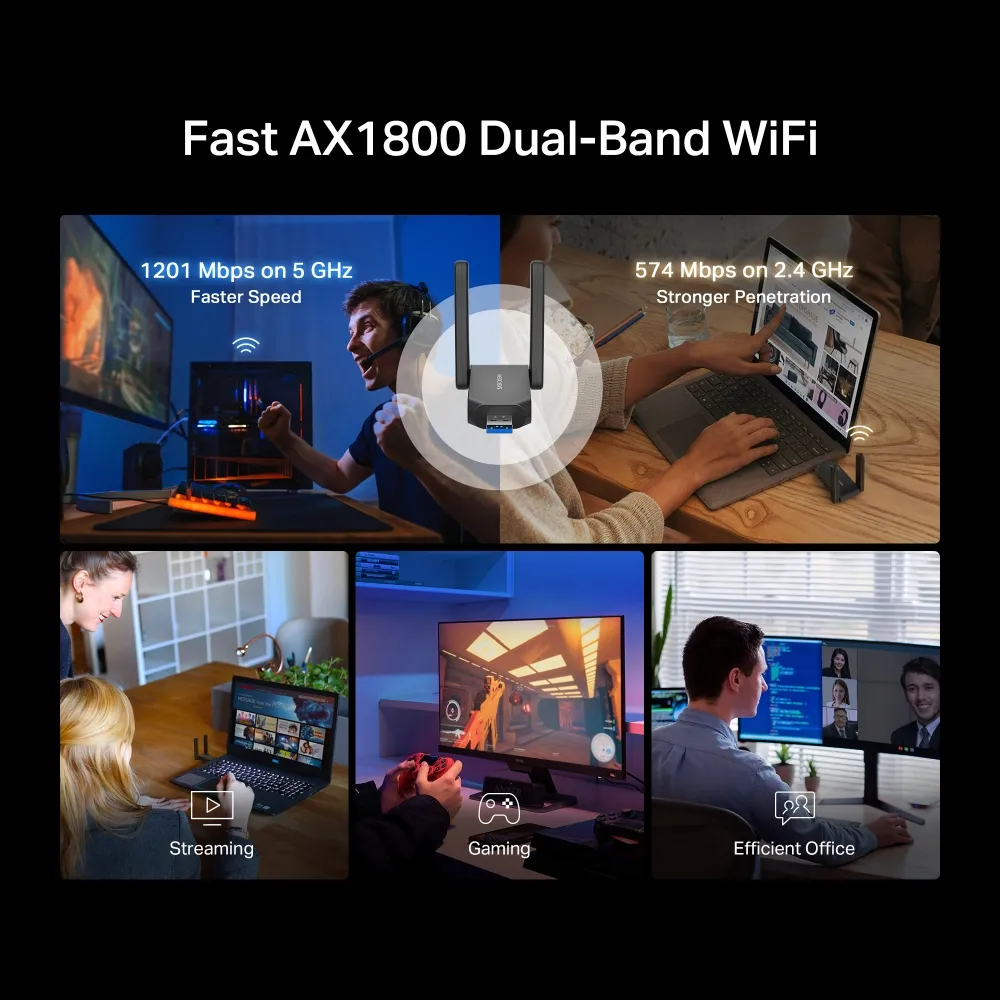
🔌 USB 3.0 Connectivity
USB 3.0 interface ensures high-speed data transfer, eliminating bottlenecks and delivering the full potential of your Wi-Fi 6 connection for lag-free performance.
🔒 Advanced WPA3 Security
Supports WPA/WPA2/WPA3-SAE encryption for the latest wireless security standards, protecting your network from unauthorized access and ensuring safe browsing.
💻 Plug & Play Windows Compatible
Supports Windows 11/10 (32/64-bit) with easy plug-and-play installation. Compact design at 77 × 45.2 × 12.4 mm fits easily into any USB port.

📦 Complete Package
Includes the AX1800 wireless adapter and quick installation guide. Backed by Mercusys’ reliable quality and support for a hassle-free networking upgrade.
المواصفات الفنية
Is the Mercusys MA72XH Right For You?
✓ Best For
- ✔ Gamers seeking low-latency Wi-Fi 6 performance
- ✔ Users upgrading older PCs to Wi-Fi 6
- ✔ Streamers needing 4K/8K streaming bandwidth
- ✔ Professionals transferring large files wirelessly
- ✔ Anyone wanting WPA3 security protection
✗ Not Ideal For
- ✗ Users without USB 3.0 ports (USB 2.0 limits speeds)
- ✗ macOS or Linux users (Windows only)
- ✗ Those needing portable mobile connectivity
- ✗ Users with older routers (Wi-Fi 5 or below)
Compatibility Matrix
| Platform | Supported | Notes |
|---|---|---|
| Windows 11 | ✔ Full | Plug and Play (32/64-bit) |
| Windows 10 | ✔ Full | Plug and Play (32/64-bit) |
| USB 3.0 Port | ✔ Full | Recommended for maximum speed |
| USB 2.0 Port | ✔ Limited | Reduced performance (480 Mbps max) |
| macOS / Linux | ✗ Not Supported | Windows only |
Pro Tips & Tricks
📡 Position for Best Signal
Place the adapter in a USB port that allows the antennas to face your router. Adjust the high-gain antennas for optimal signal strength and reduced interference.
🔌 Use USB 3.0 Ports
Always connect the MA72XH to a USB 3.0 port (blue) for maximum throughput. USB 2.0 ports cap speeds at 480 Mbps, limiting your Wi-Fi 6 performance.
🔒 Enable WPA3 Security
If your router supports WPA3, enable it for enhanced security. The MA72XH fully supports WPA3-SAE encryption for next-generation wireless protection.
💻 Update Drivers
Visit Mercusys support page to ensure you have the latest drivers for optimal compatibility and performance with Windows 11/10 updates.
Common Questions About the Mercusys MA72XH
What Wi-Fi standards does the Mercusys MA72XH support?
Wi-Fi 6 (802.11ax). The MA72XH supports the latest Wi-Fi 6 standard along with backward compatibility for 802.11 a/b/g/n/ac networks.
What speeds can I achieve with the MA72XH?
Up to 1800 Mbps. The adapter delivers up to 1201 Mbps on the 5 GHz band and 574 Mbps on the 2.4 GHz band, making it ideal for gaming, streaming, and large file transfers.
What interface does the MA72XH use?
USB 3.0. The MA72XH features a USB 3.0 interface for high-speed data transfer, ensuring you get the full potential of your Wi-Fi 6 connection.
Is the MA72XH compatible with my operating system?
Windows 11/10. The MA72XH supports Windows 11/10 (32/64-bit) and is backed by Mercusys’ 3-year warranty.
| MODEL | |
|---|---|
| Part Number | |
| الضمان | |
| الشبكات | |
| Wi-Fi Standard | Wi-Fi 6 (802.11ax/a/b/g/n/ac) |
| Wi-Fi Speed | AX1800: 1201 Mbps (5GHz) + 574 Mbps (2.4GHz) |
| Frequency Band | 2.4GHz / 5GHz |
| Connection | |
| Antennas | 2 external high-gain antennas |
| Security | WPA3 |
| Platform |
يسمح فقط للزبائن مسجلي الدخول الذين قاموا بشراء هذا المنتج ترك مراجعة.
المراجعات
لا توجد مراجعات بعد.