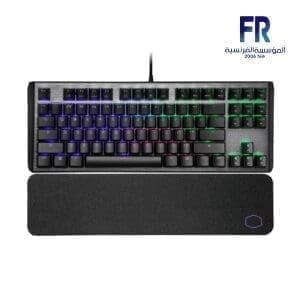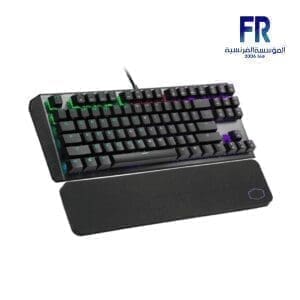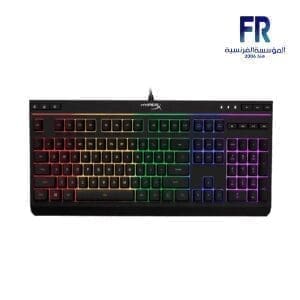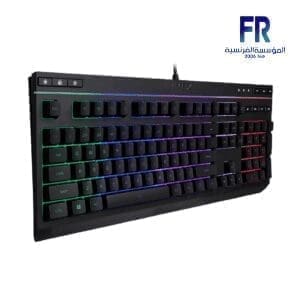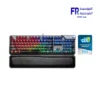
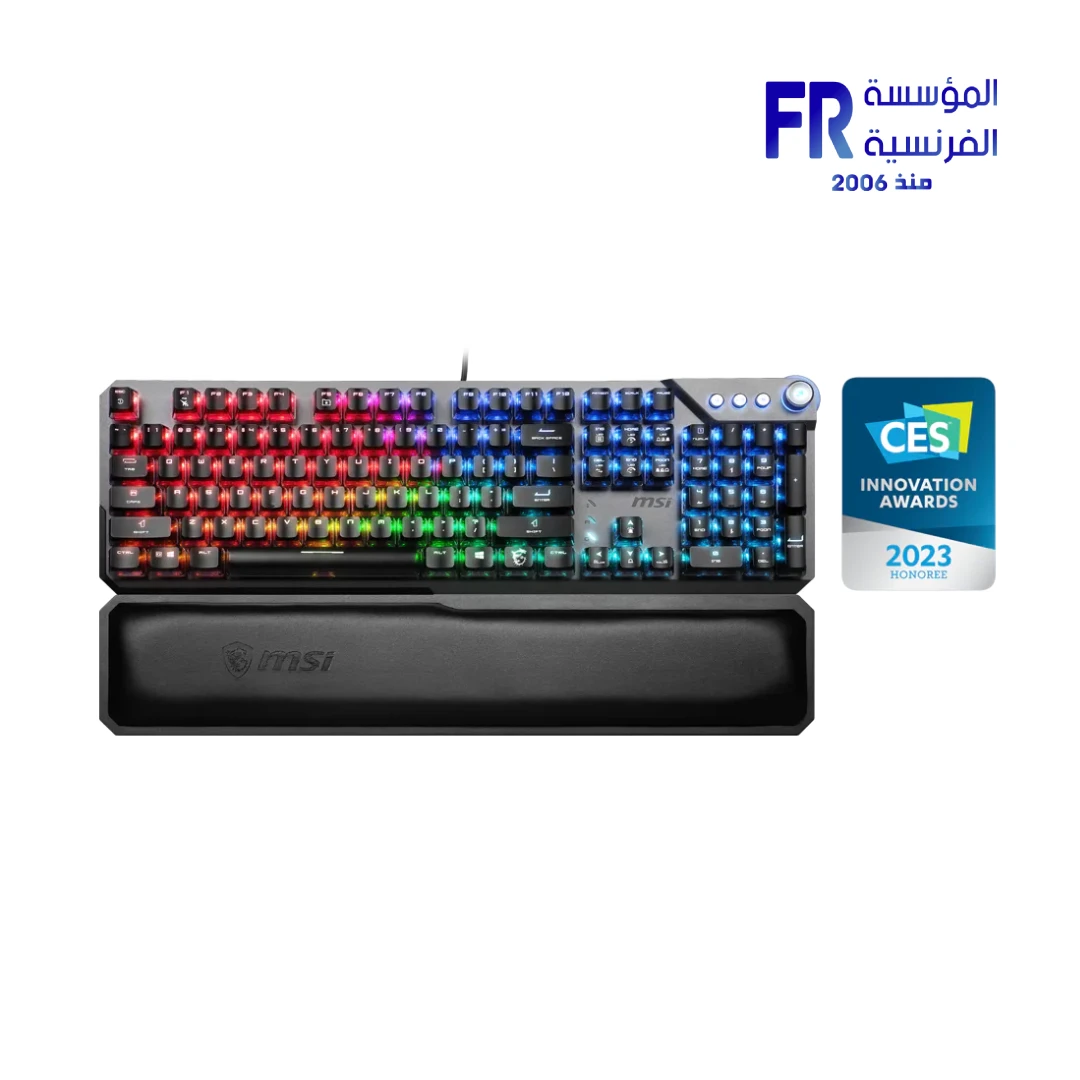
MSI Vigor GK71 Sonic Blue Switches RGB Arabic Mechanical Gaming Keyboard
The MSI Vigor GK71 Sonic Blue Switches RGB Arabic Mechanical Gaming Keyboard facilitates rapid tactile excursions through its proprietary MSI Sonic Blue mechanical switches. Specifically engineered for professionals who demand 45g actuation force and clear-cap RGB synchronization, it bridges the gap between complexity and reliable performance.
Official Product Page
Why the Vigor GK71 Sonic is the Elite Choice for Professionals
World-Class Linear Clicky Performance
Specifically, the MSI Sonic Blue architecture facilitates the lightest clicky mechanical switches on the market. With an actuation force of only 45g and a tactile “click,” this technically ensures that your typing excursions are near-instantaneous. Consequently, your workstation efficiency remains at an elite level during high-bandwidth competitive gaming or professional software usage.
Panoramic ClearCap RGB Architecture
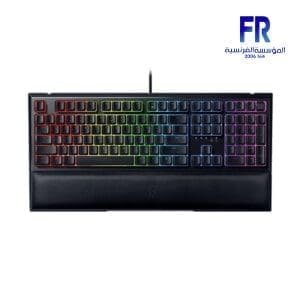
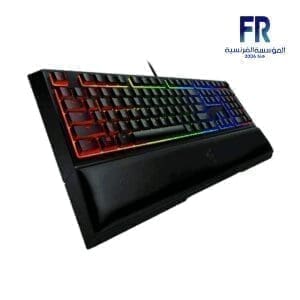
The architecture features MSI ClearCap keycaps, which utilize a dual-layer transparent design to technically maximize ARGB luminosity. Moreover, the smart dual-touch volume wheel and dedicated media keys facilitate ocular control without interrupting your workflow. This ensure your professional gear remains synchronized and visually superior during long-duration technical sessions.
Comprehensive Technical Specifications
| Feature | Detailed Specification |
|---|---|
| Model Name | MSI VIGOR GK71 SONIC BLUE AR (824142300046) |
| Switch Type | MSI Sonic Blue (Light Clicky Mechanical) |
| Keyboard Layout | Arabic/English (Dual Language Printed) |
| Keycap Architecture | MSI ClearCap (Dual-Layer Transparent) |
| Connectivity | Wired USB 2.0 with Braided Cable |
| Rollover Support | Hybrid 6+N Key Rollover |
| Dimensions | 442.5 x 138 x 41 mm |
| Included Wrist Rest | Ergonomic Memory Foam Wrist Rest |
| Warranty | 1 Year Limited Warranty |
💡 Technical Note: Arabic Layout & MSI Center
Specifically, this SKU features a factory-printed Arabic layout to facilitate dual-language synchronization. Furthermore, to technically optimize the ARGB lighting excursions and macro assignments, ensure you install the MSI Center software. This allows you to technically synchronize the Mystic Light profiles with other MSI components in your workstation.
FAQ
What makes the MSI Sonic Blue switches technically different?
Does the keyboard support full N-Key Rollover?
How do the ClearCap keycaps impact the lighting ecosystem?
Help us improve our product data accuracy. If you notice any error in this draft, please report it via our official feedback form:
Alfrensia.com – Website Feedback & Report Form.
Copyright © Alfrensia.com. All rights reserved.


المراجعات
لا توجد مراجعات بعد.