



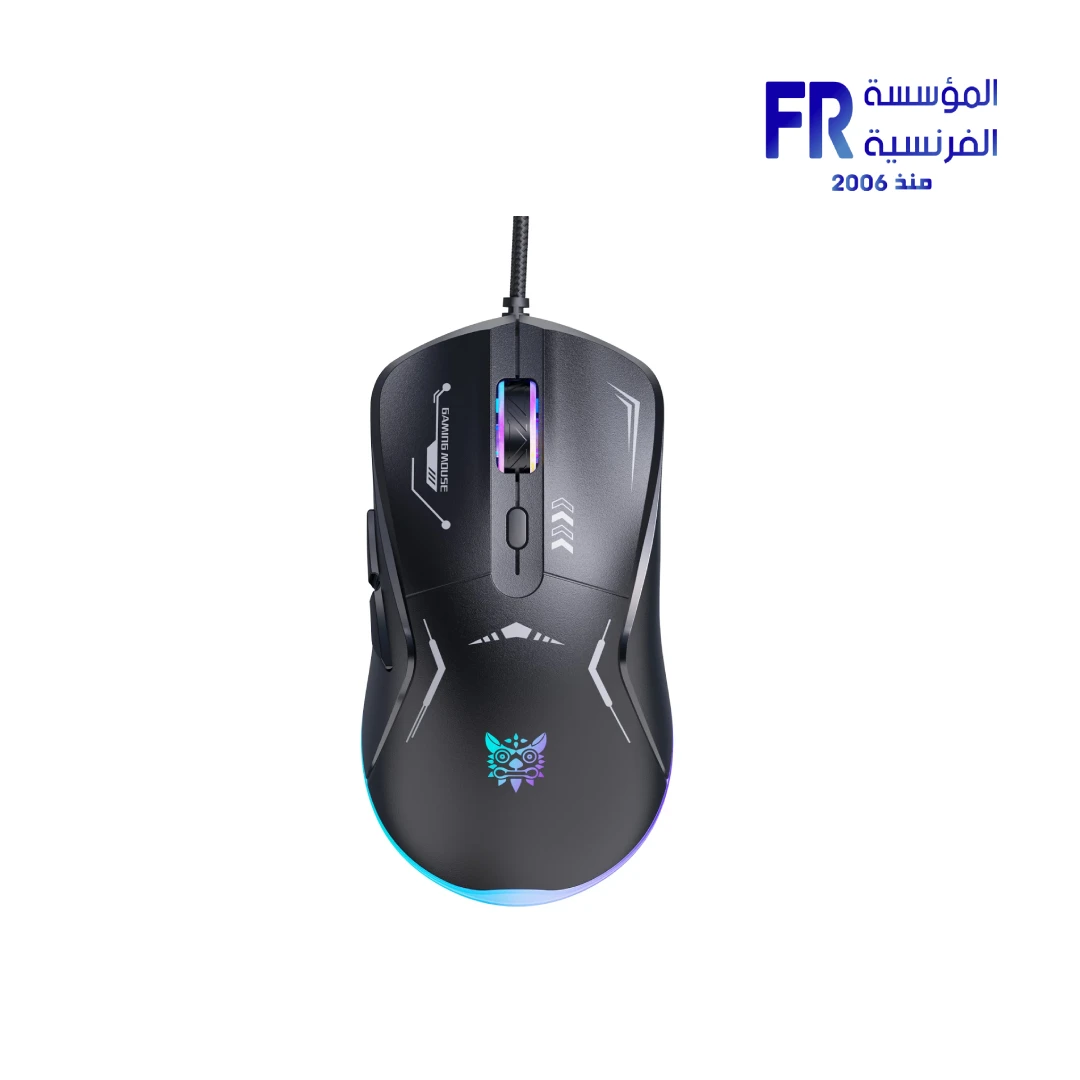


Onikuma CW917 3600 DPI RGB Wired Black Gaming Mouse
318 جنيه
- رقم القطعة: MO-02-04
- Sensor & DPI: Optical Sensor | 3600 Max DPI | 4 Adjustable Levels (1200-3600)
- Connectivity & Design: Wired USB Interface | Plug-and-Play | Ergonomic Robot-Inspired Shape
- Features: RGB Backlighting (7 Modes) | 6 Programmable Buttons | Windows/Mac Compatible
- الضمان: 1 Year
متوفر في المخزون
ضمان مطابقة السعر
Onikuma CW917 3600 DPI RGB Wired Black Gaming Mouse
The Onikuma CW917 Wired Gaming Mouse delivers reliable performance with a 3600 DPI optical sensor, 4-level adjustable DPI, and 7 stunning RGB lighting modes. Featuring a robot-inspired ergonomic design with 6 programmable buttons, it’s the perfect entry-level gaming mouse for Windows PC, Mac, and laptop users.
💡 7 RGB Modes
🔢 6 Buttons
🖱️ Ergonomic
⚡ Plug & Play
Key Features & Product Showcase
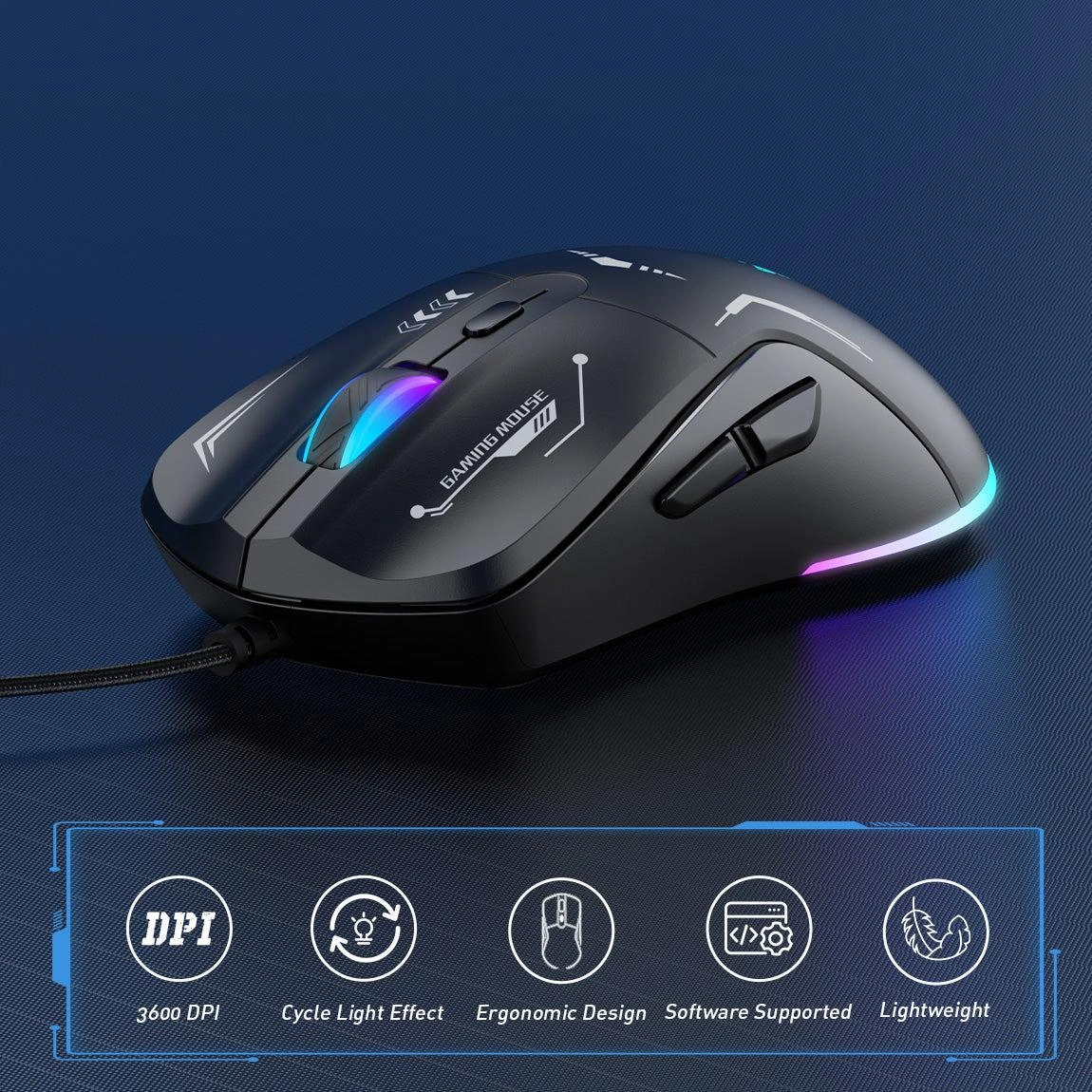
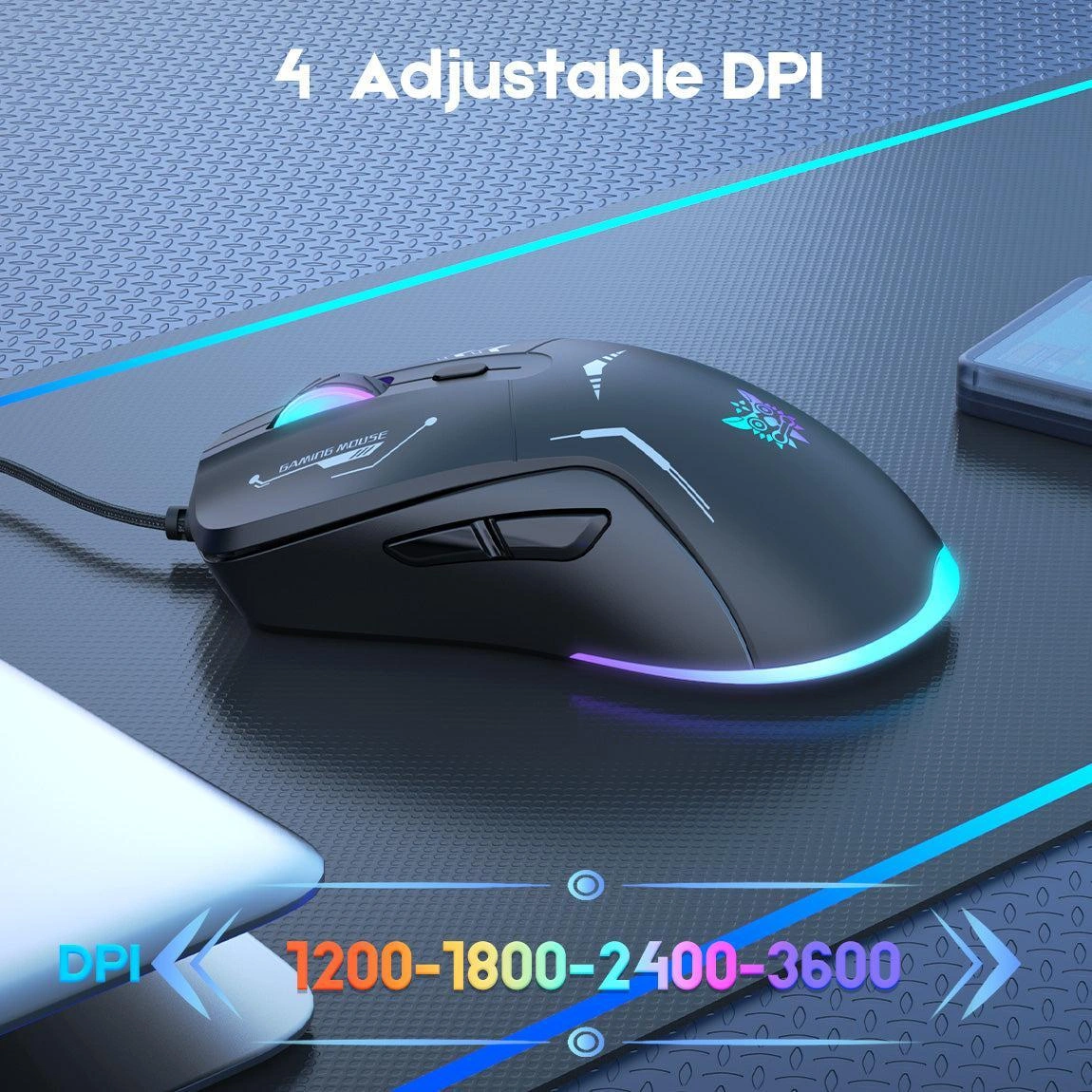
🎯 4-Level DPI Adjustment
4 adjustable DPI levels: 1200, 1800, 2400, and 3600. No drivers needed — plug and play directly. Control your speed more freely and easily for any game genre.
💡 7 Dynamic RGB Modes
Stunning RGB backlighting with 7 dynamic modes. Multi-color lights greatly match your style, providing a fancy gaming environment and highlighting your game atmosphere.
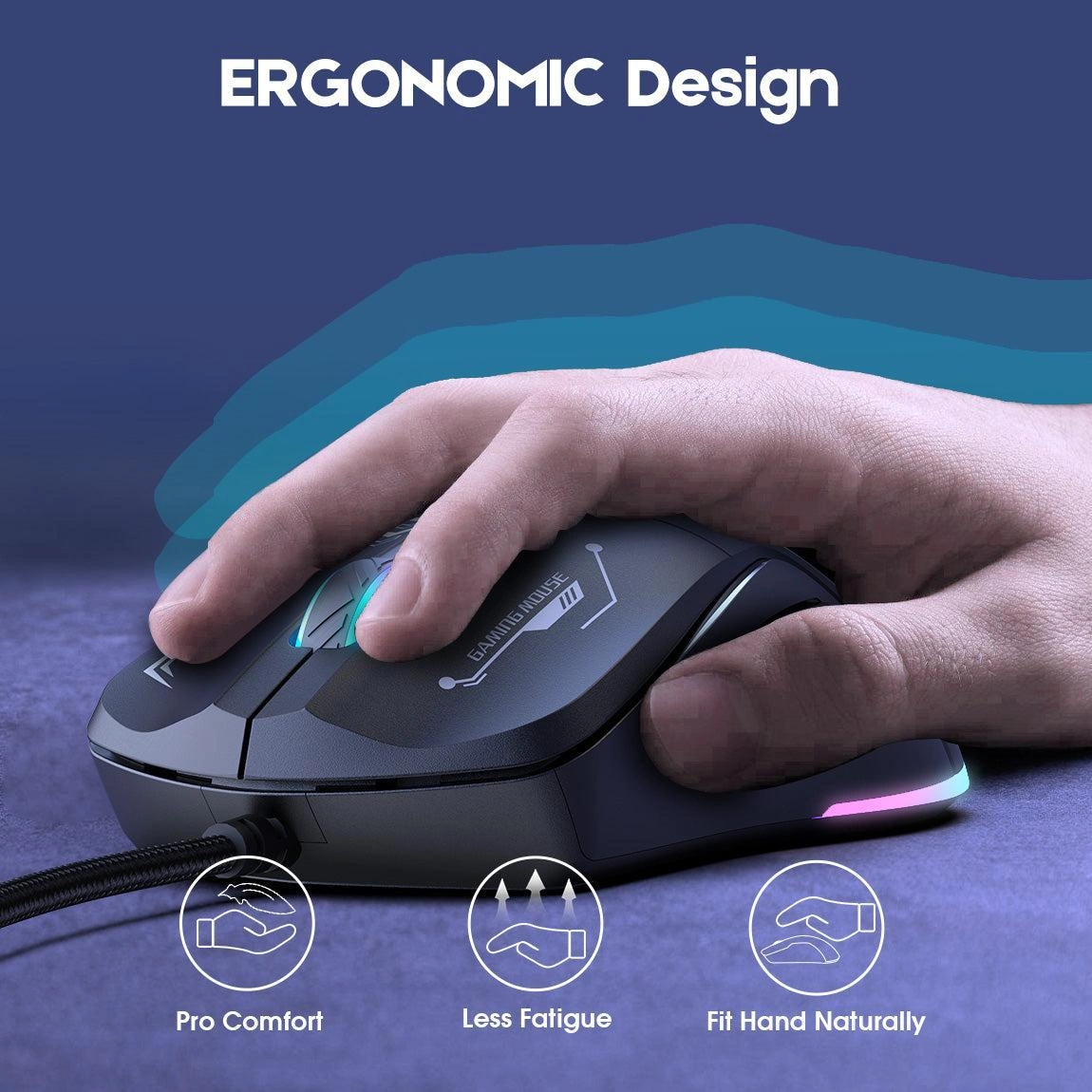
🖱️ Ergonomic Robot-Inspired Design
Advanced and unique robot-inspired design ensures a superior touch and user experience. Ergonomic shape provides a comfortable grip that supports your palm, minimizing fatigue.

🔢 6 Flexible Buttons
Six buttons: Left, Right, Forward, Back, DPI button, and Scroll wheel. Meets your demands excellently for different games, enables fast switching while gaming.

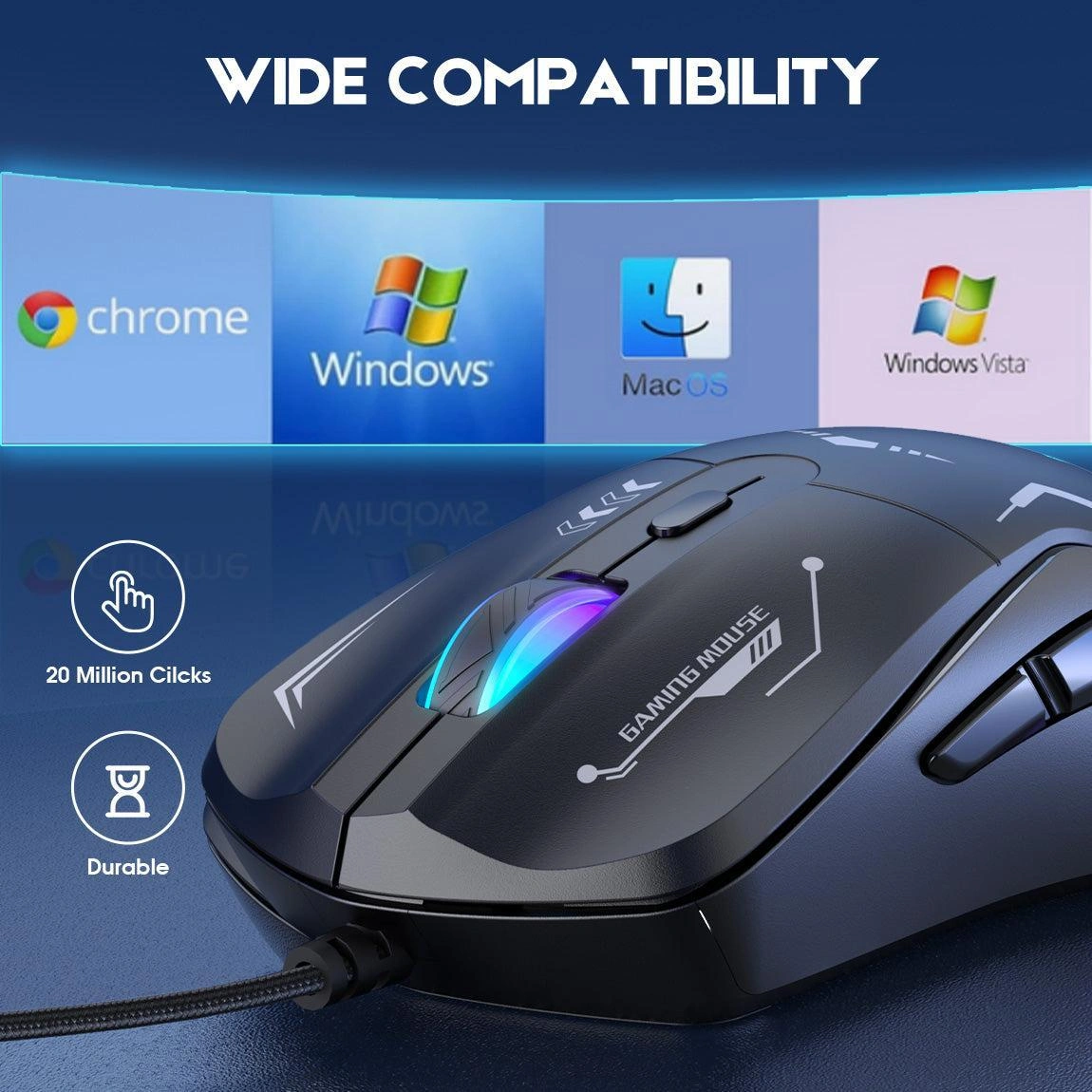
⚡ Plug & Play Compatibility
Compatible with Windows XP, 7, 8, 10, Mac, and more. No drivers required — just plug and play. Beat your enemy with just one click.
المواصفات الفنية
Is the Onikuma CW917 Right For You?
✓ Best For
- ✔ Budget-conscious gamers seeking reliable entry-level mouse
- ✔ Users who value ergonomic comfort during extended gaming
- ✔ Gamers who need 6 programmable buttons for gaming
- ✔ Those who appreciate 7 RGB lighting modes
- ✔ Users who want plug-and-play compatibility with Mac
✗ Not Ideal For
- ✗ Users needing wireless connectivity
- ✗ Those requiring 20,000+ DPI for competitive esports
- ✗ Users who prefer ultra-lightweight mice
- ✗ Those who need advanced software customization
Compatibility Matrix
| Platform | Supported | Connection |
|---|---|---|
| Windows PC (XP/7/8/10) | ✔ Full | USB |
| Mac OS | ✔ Full | USB |
| Windows Laptop | ✔ Full | USB |
| Chrome OS | ✔ Full | USB |
| Linux | ✔ Full | USB |
Pro Tips & Tricks
🎯 Switch DPI for Different Games
Use 1200 DPI for FPS precision aiming, 1800-2400 DPI for MOBA and RTS games, and 3600 DPI for quick cursor movement across large screens.
💡 Customize RGB Lighting
Cycle through 7 RGB modes to match your gaming setup. The dynamic lighting adds personality without being overly distracting during gameplay.
🖱️ Optimize Your Grip
The robot-inspired ergonomic design suits palm and claw grips. The comfortable shape supports your hand during extended gaming sessions.
🔢 Program Your Buttons
Use the 6 buttons for quick weapon swaps, ability combos, or macros. The forward/back buttons are perfect for browsing and in-game navigation.
Common Questions About the Onikuma CW917
What DPI does the Onikuma CW917 support?
4-level DPI up to 3600. The Onikuma CW917 features 4 adjustable DPI levels: 1200, 1800, 2400, and 3600 for versatile gaming precision.
Does the CW917 have RGB lighting?
Yes, 7 modes. The CW917 features stunning RGB backlighting with 7 dynamic lighting modes to customize your gaming setup.
How many buttons does the CW917 have?
6 buttons. The CW917 features 6 programmable buttons: Left, Right, Forward, Back, DPI button, and Scroll wheel.
Is the CW917 compatible with Mac?
Yes. The CW917 is compatible with Windows XP, 7, 8, 10, Mac, and more with plug-and-play USB connectivity.
يسمح فقط للزبائن مسجلي الدخول الذين قاموا بشراء هذا المنتج ترك مراجعة.
المراجعات
لا توجد مراجعات بعد.