



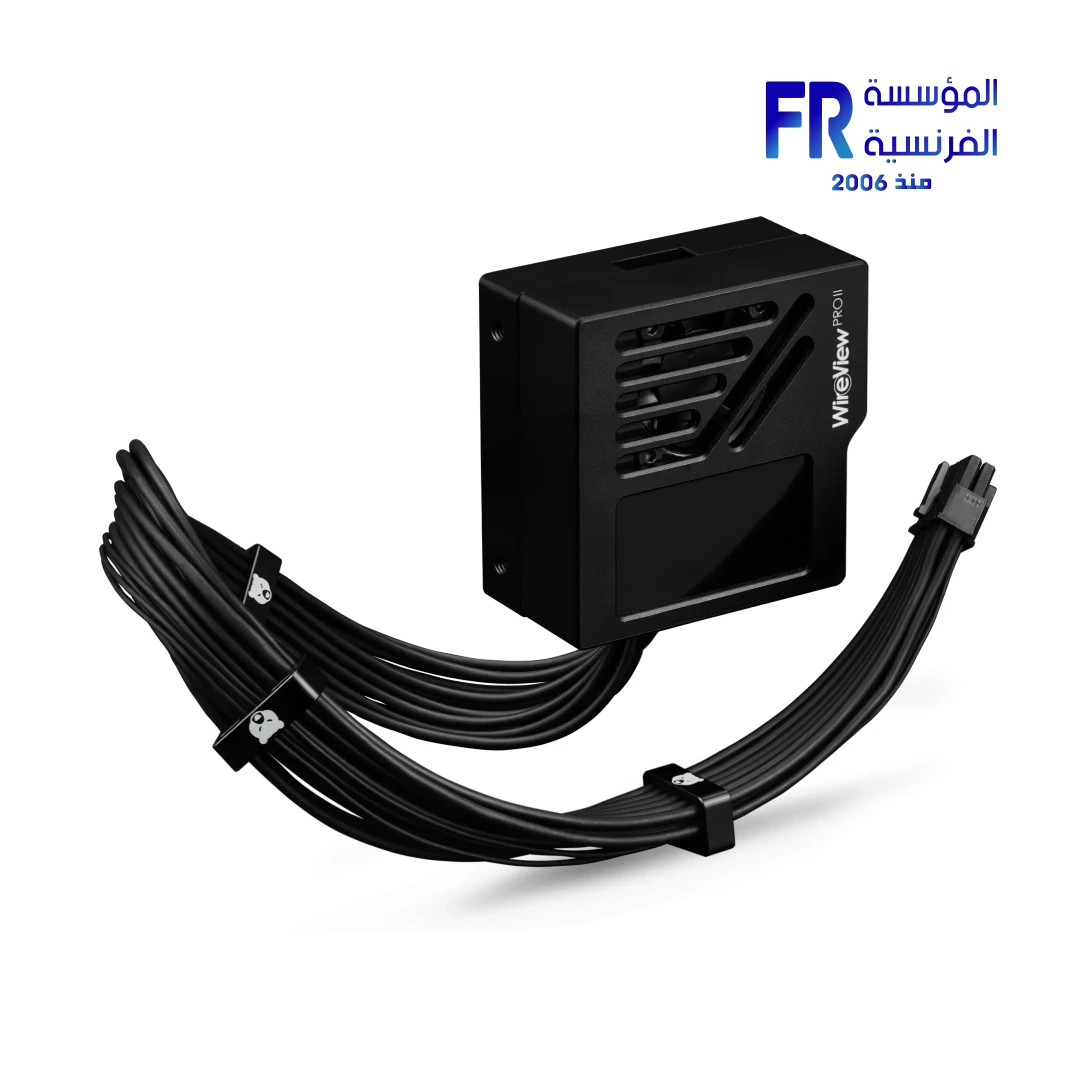
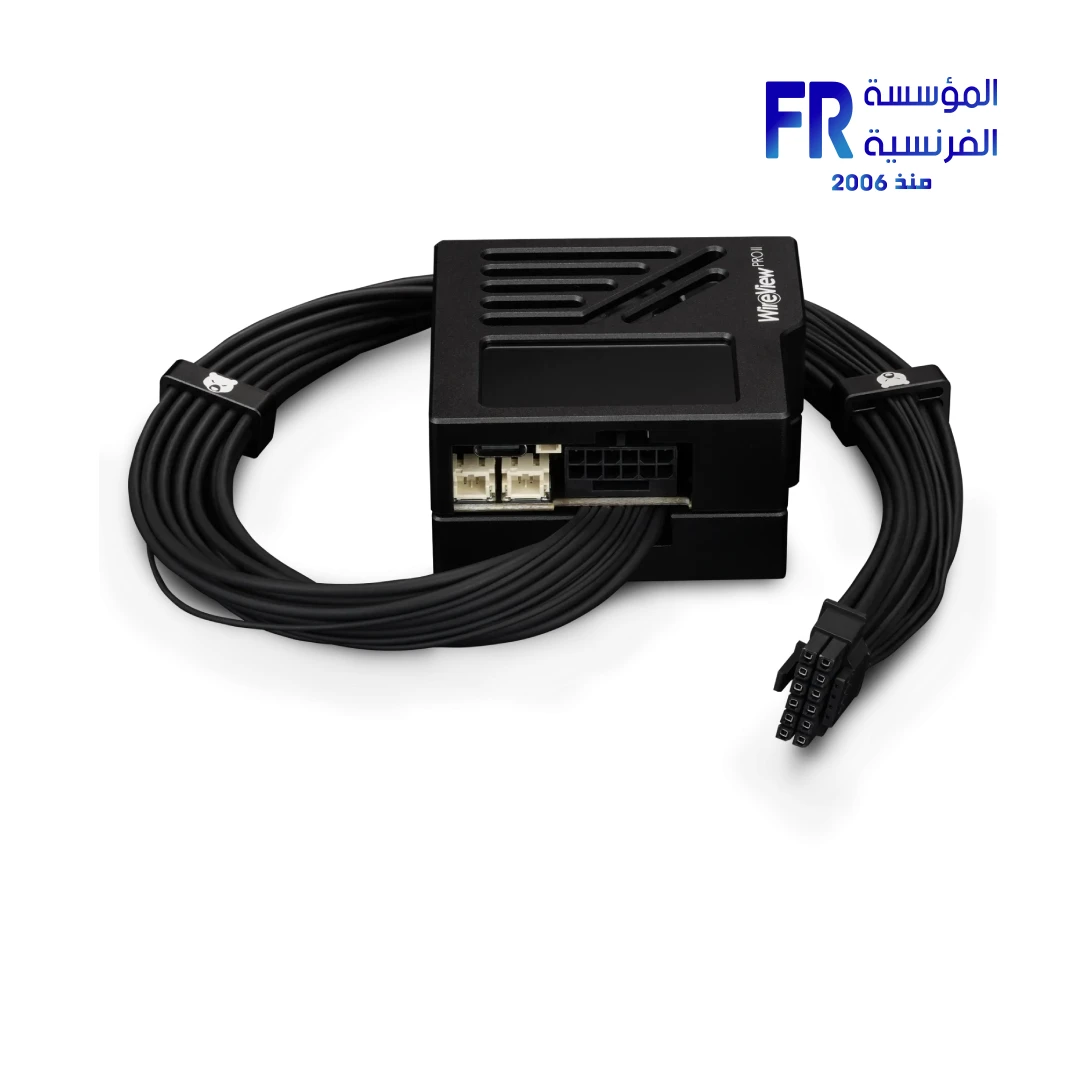
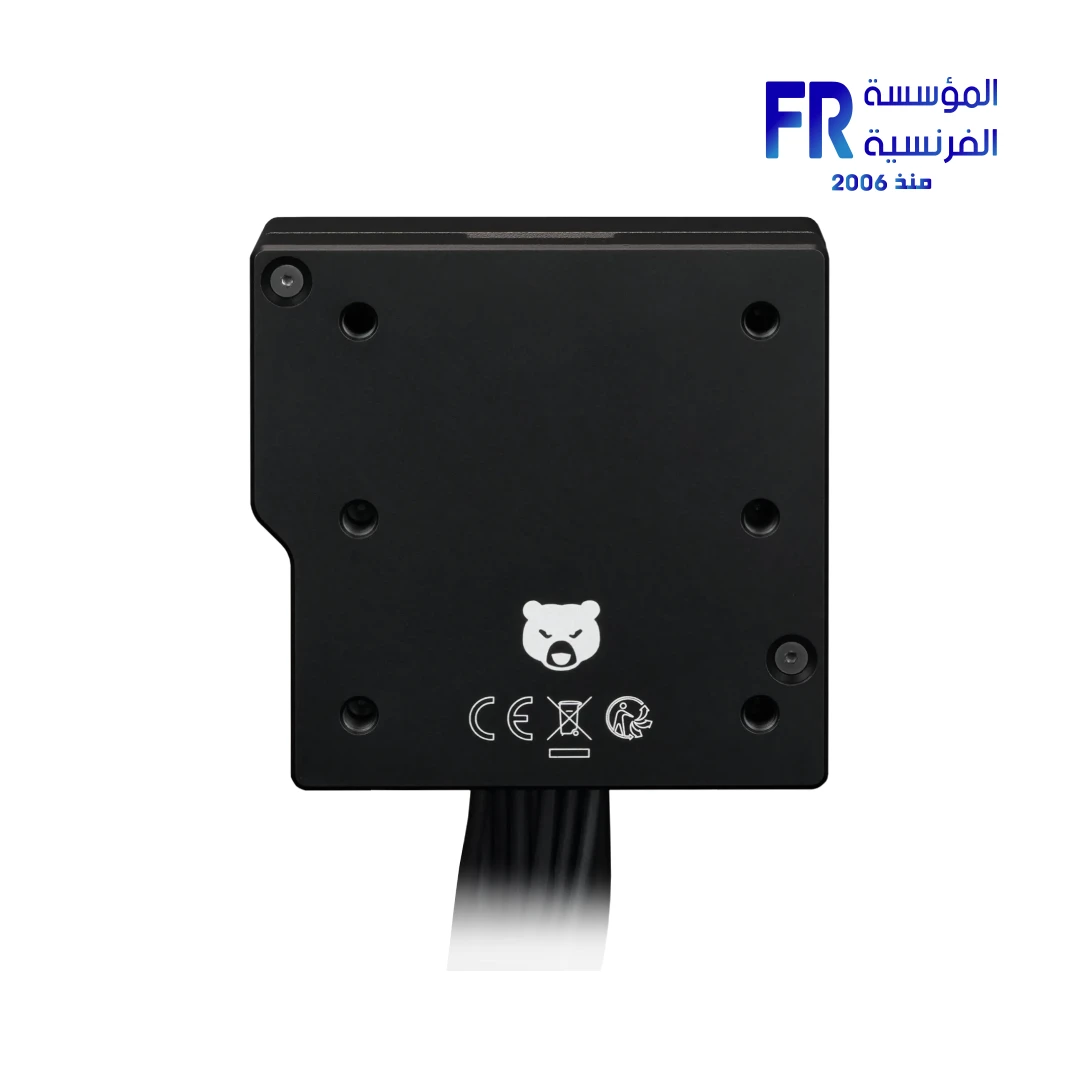
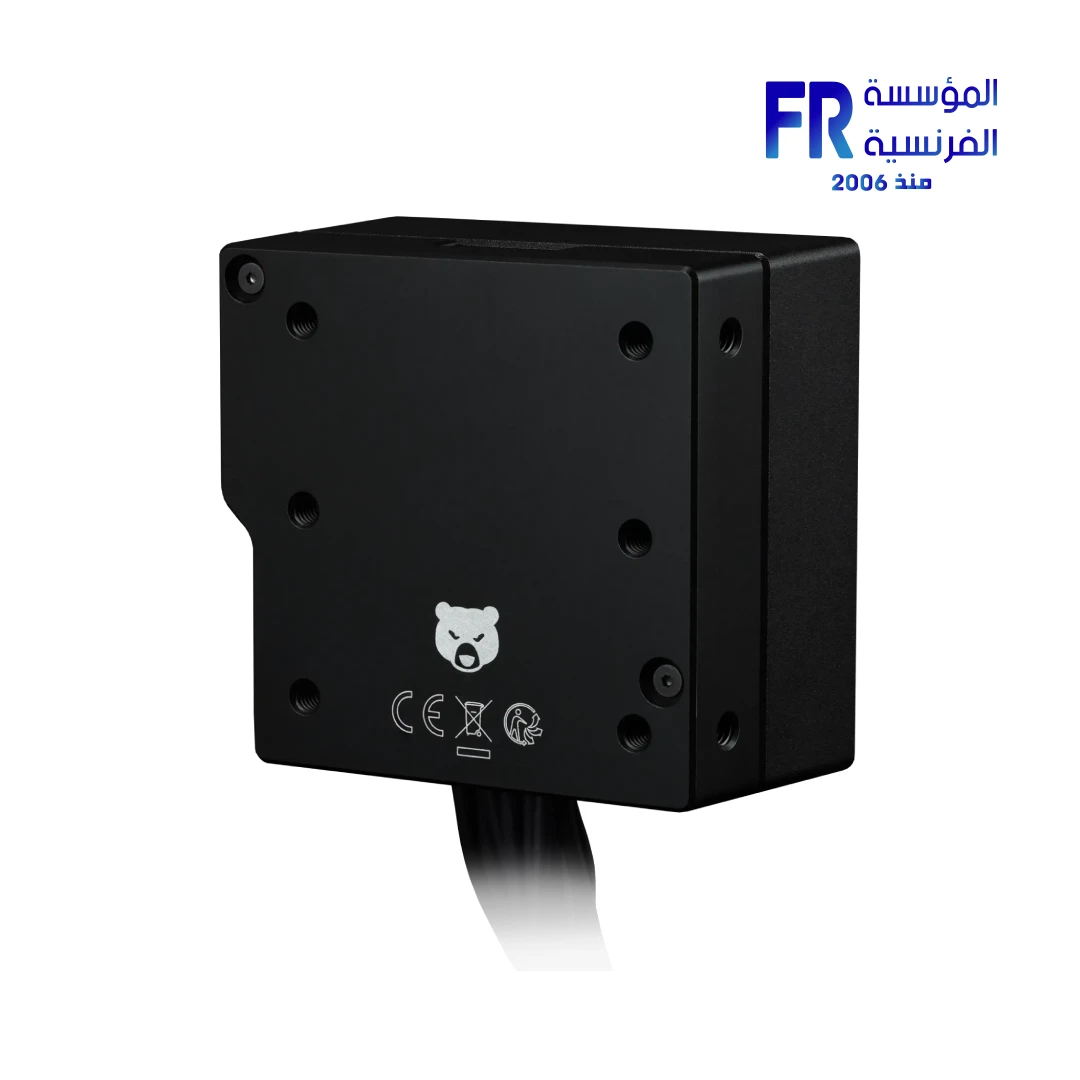
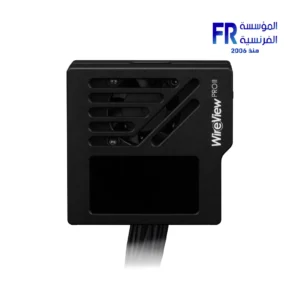


Thermal Grizzly WireView Pro II GPU Wired Cooling and Monitoring
6799 جنيه
- Product: Thermal Grizzly WireView Pro II GPU power-monitoring device
- Purpose: Monitors current per pin and wire on compatible 12V-2×6 GPU power connections, helping identify uneven load distribution and potential connector issues.
- الشاشة: 320 × 170 pixel TFT-IPS color screen
- Monitoring: Current, voltage, power consumption and temperature
- Cooling: Semi-passive 30 mm fan and aluminum housing with active cooling function
- الاتصال: USB-C for user-performed firmware updates; internal USB connection for PC integration
- Important: Check the exact connector type, normal/reverse orientation and GPU compatibility list before purchase.
هل تريد أن يتم إخطارك عندما يتوافر هذا المنتج في المخزون مجددًا؟
✅ Authorized Thermal Grizzly Partner in Egypt | 2-Year Extended Warranty (Incl. GPU Connector Protection) | Expert PC Building Consultation Available
Thermal Grizzly WireView Pro II GPU Wired Cooling and Monitoring
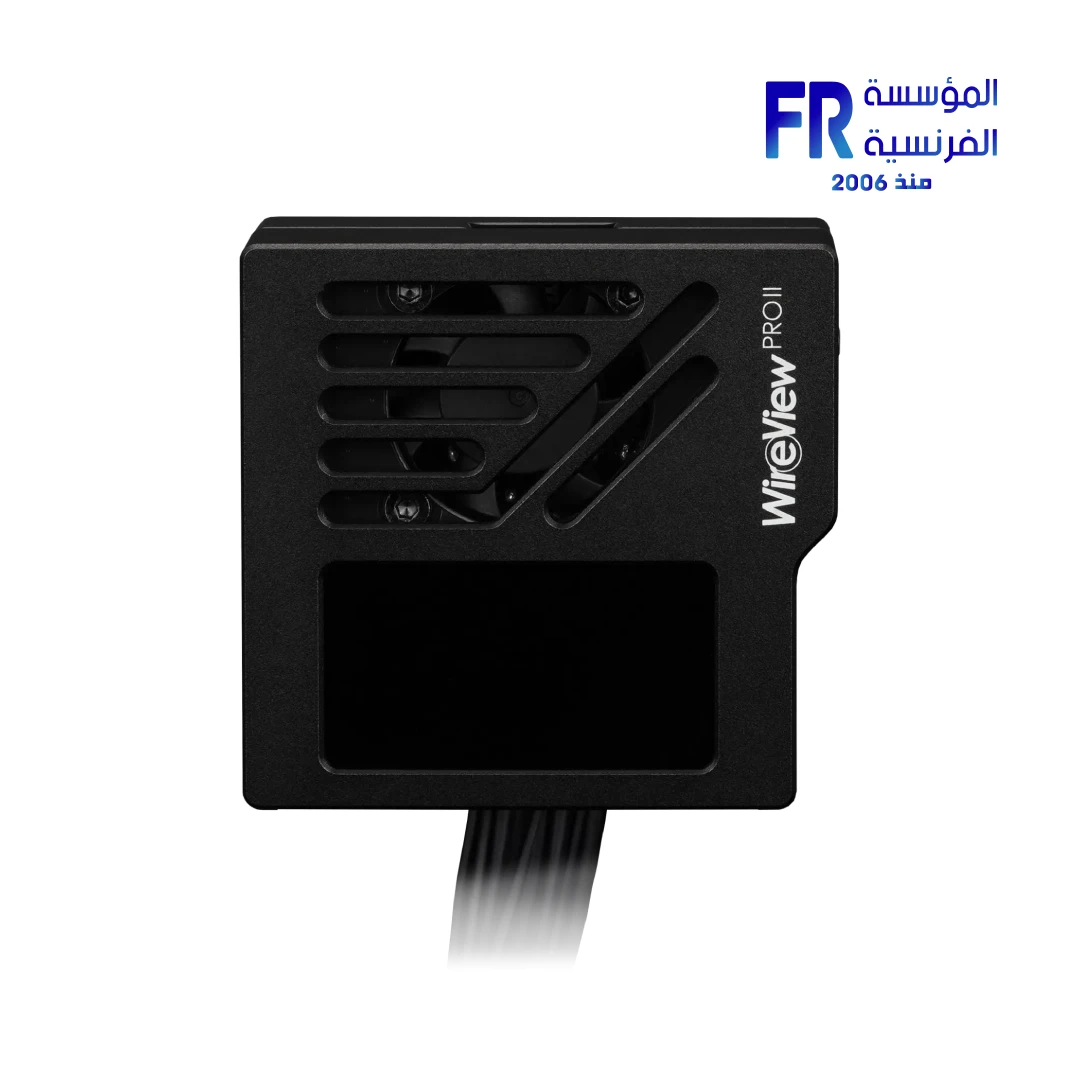
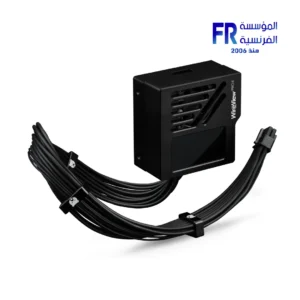
Thermal Grizzly WireView Pro II Wired is a GPU power monitoring device for 12V-2×6 and 12VHPWR connectors. Because it measures current per individual pin, it can detect uneven load distribution before it causes connector damage. This Wired variant uses a 40cm permanently attached power cable, so you can position the display freely inside the case instead of mounting it directly on the GPU. It features a 320×170 TFT-IPS display, CNC aluminum housing, and an extended 2-year warranty covering GPU connector damage. Available at Alfrensia for 6,799 EGP.
⚡ Engineering Highlights at a Glance:
- Per-Pin Current Measurement: Measures current on each individual 12V wire, which helps detect uneven load distribution and potential contact resistance issues before they cause damage.
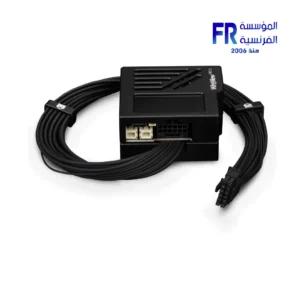
- Wired Variant with 40cm Cable: The permanently attached 40cm 12V-2×6 cable lets you position the monitoring module freely inside the case, avoiding clearance conflicts with large GPU coolers.
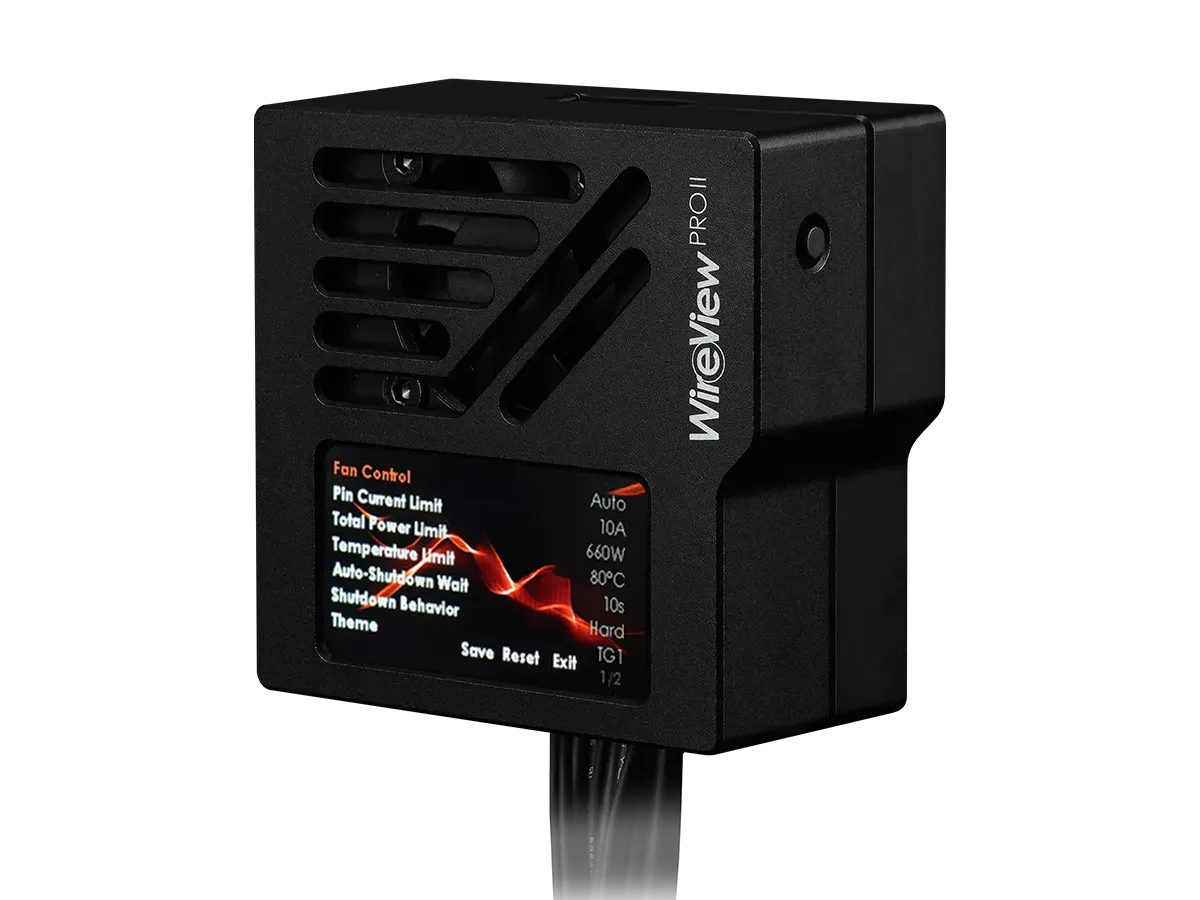
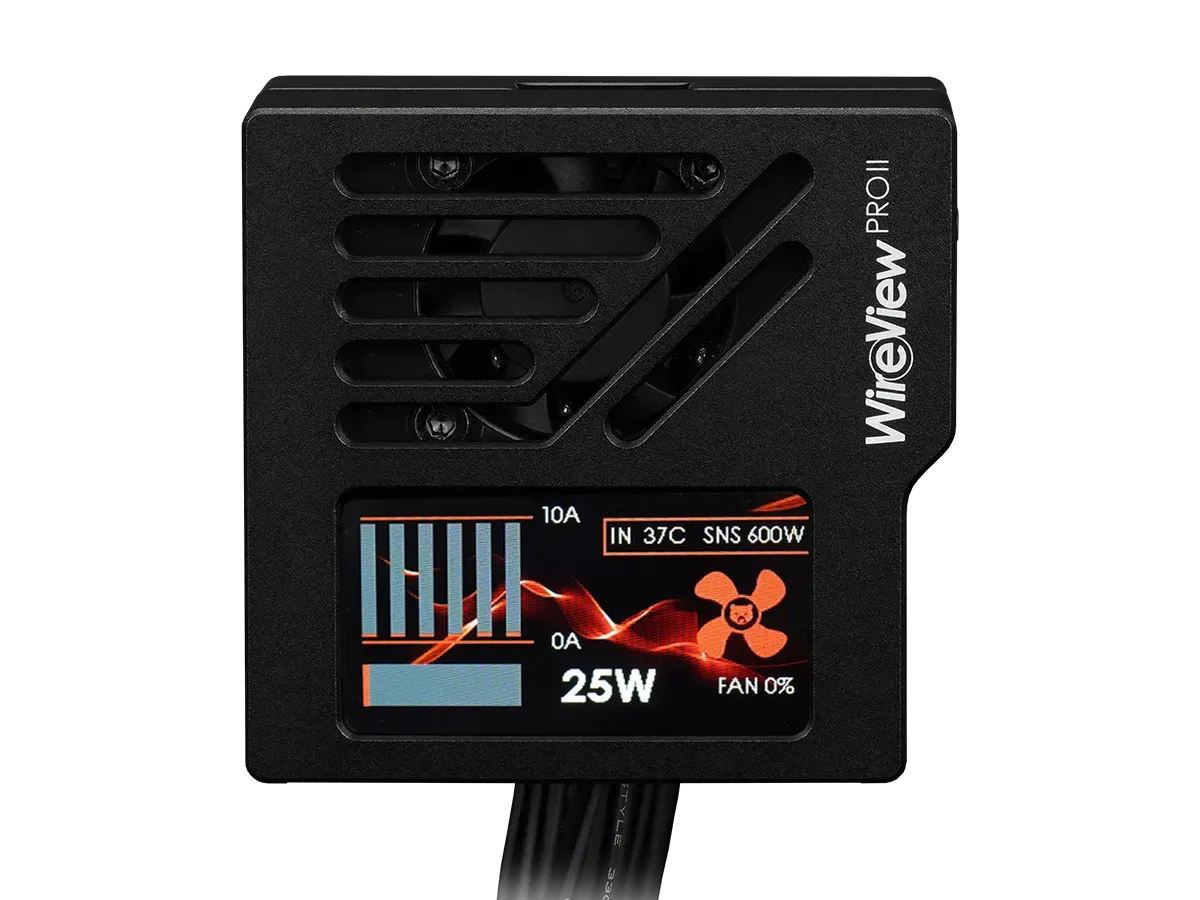
- 320×170 TFT-IPS Display: Shows real-time current, voltage, temperature, and total power consumption directly on the device without needing software.
- Audible and Visual Alarms: Configurable thresholds trigger an on-screen warning and audible alarm when limits are exceeded.
- Optional Auto Shutdown: The included splitter cable connects to the motherboard power button, allowing automatic system shutdown if thresholds are exceeded for a set duration.
- CNC Aluminum Housing with Semi-Passive Cooling: The aluminum body acts as a heatsink, and a temperature-controlled fan activates only under higher loads.
- 2-Year Extended Warranty: Covers repair or replacement of the GPU’s 12VHPWR or 12V-2×6 connector if damage occurs despite proper use, even after the original GPU warranty expires.
Why Per-Pin Monitoring Matters
The 12V-2×6 connector carries up to 600W across six 12V pins, and the spec only requires each pin to handle 9.2A. Because the safety margin is thin, uneven current distribution between pins can cause one pin to carry disproportionately high current, which leads to rapid heating and, in worst cases, connector melting. The WireView Pro II addresses this by measuring current on each pin individually rather than reporting only a combined value. This lets you see if one pin is carrying significantly more current than the others, which can indicate a contact problem before it becomes dangerous.
Wired Variant Solves Clearance Issues
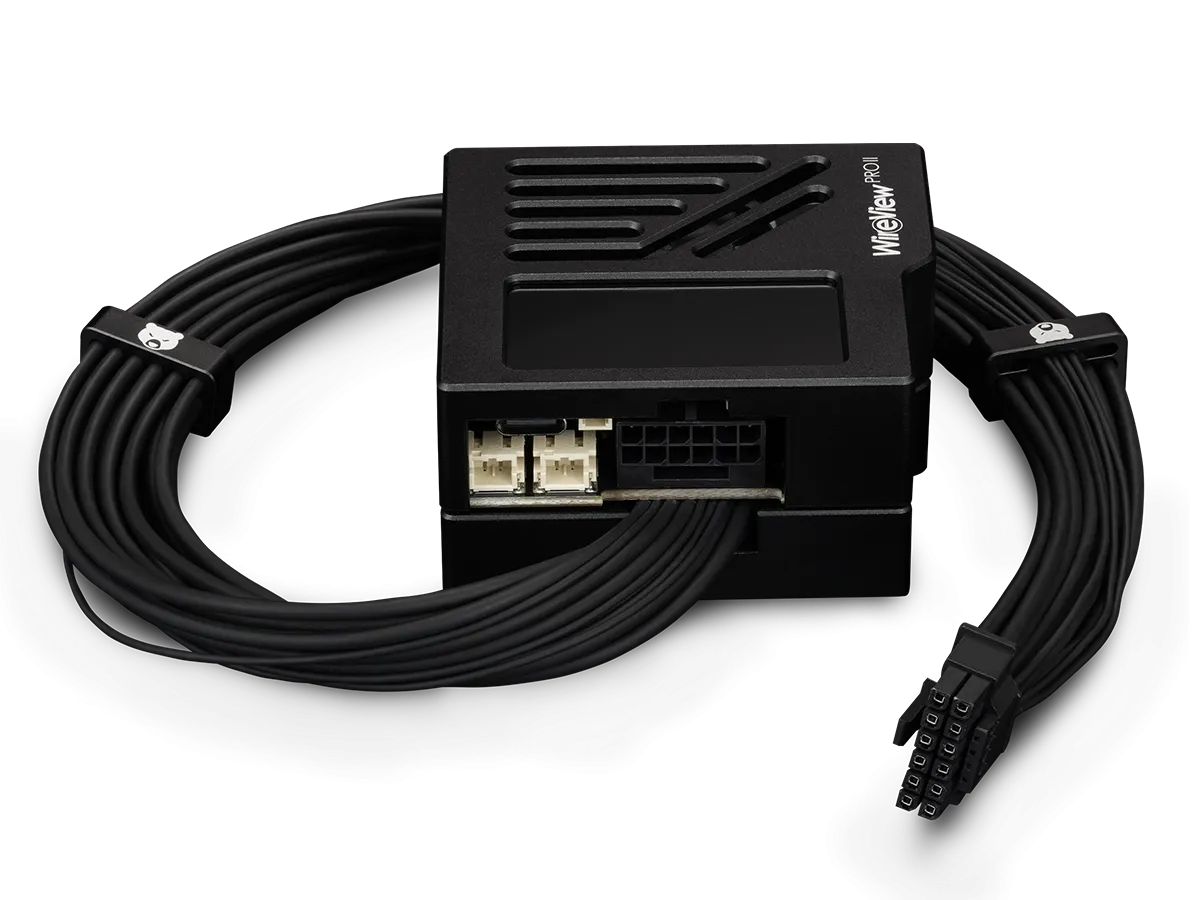
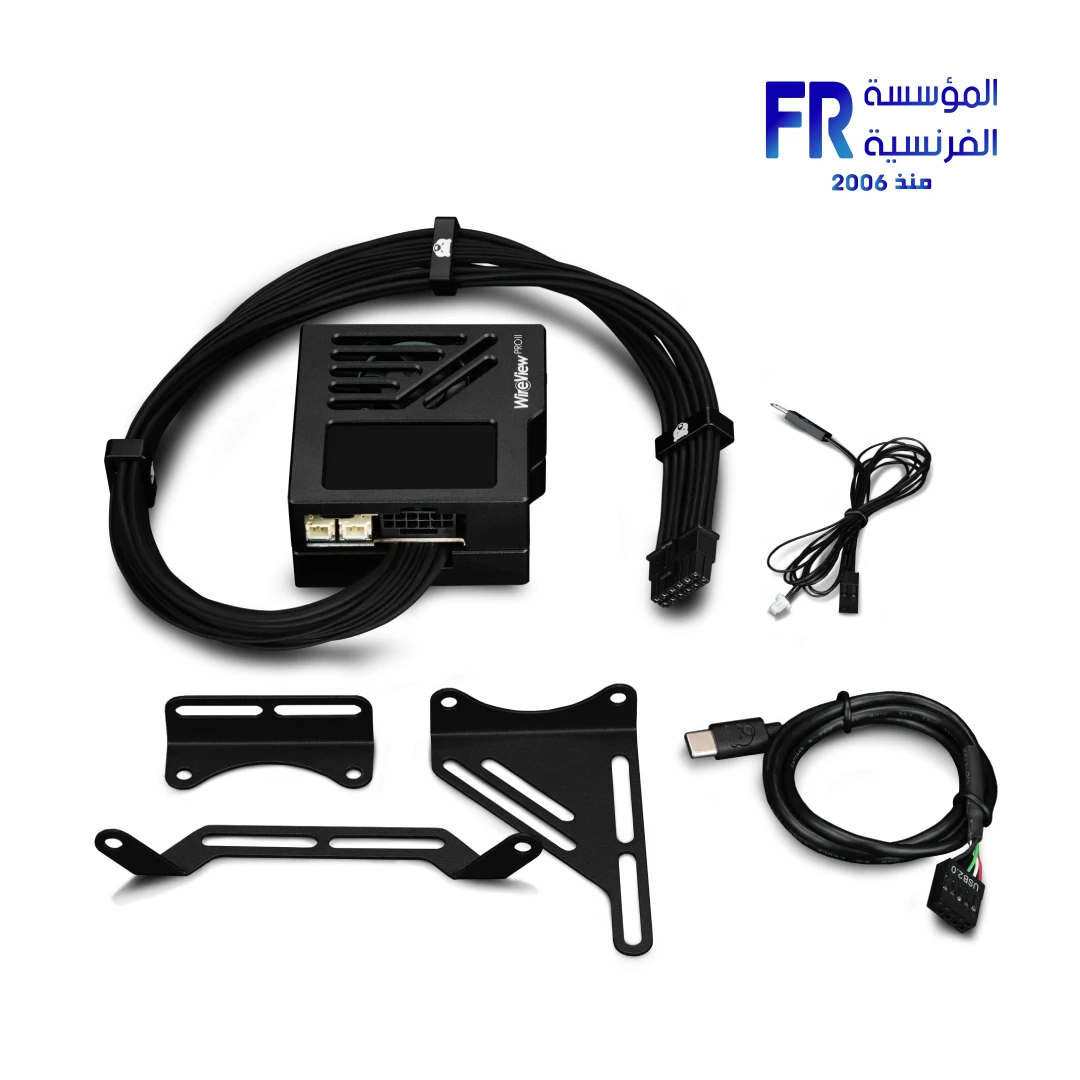
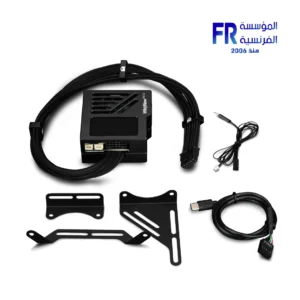
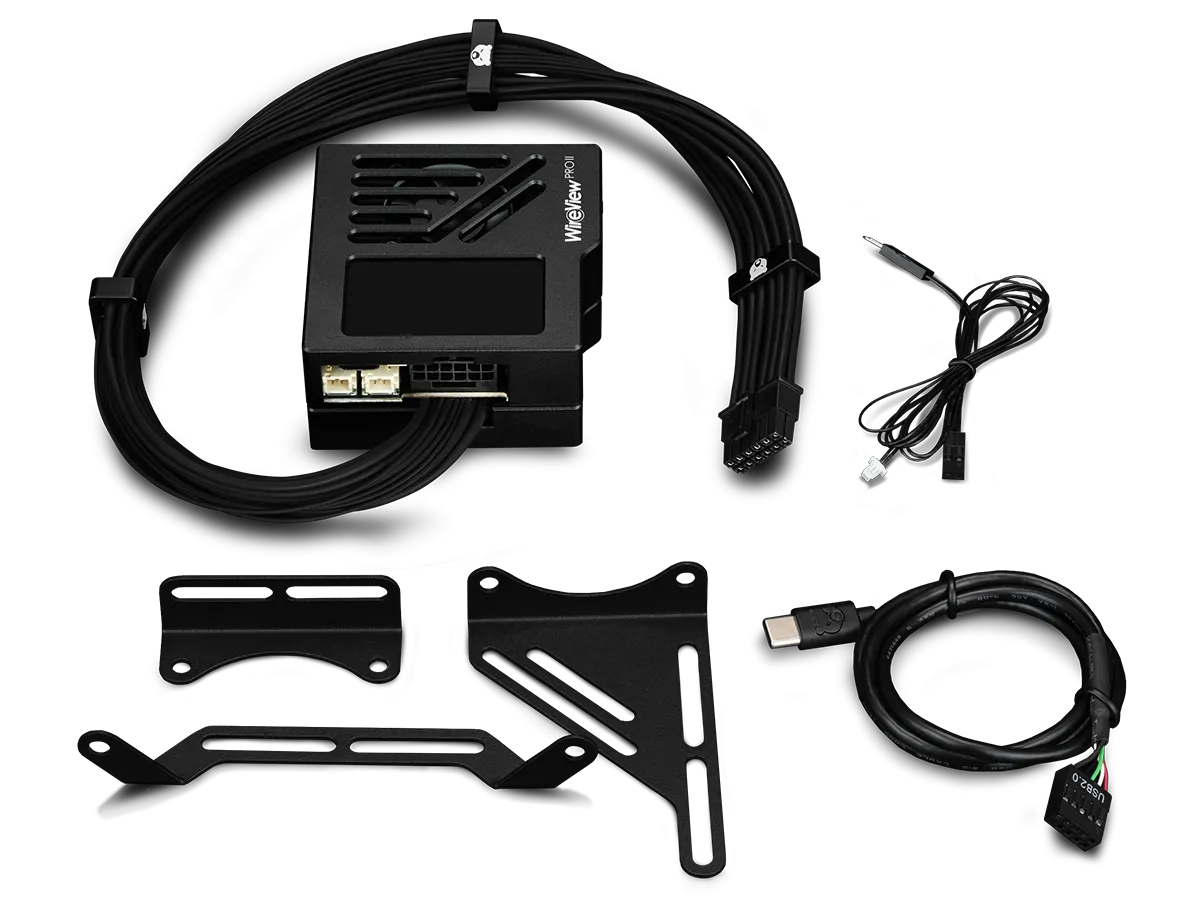
The standard WireView Pro II mounts directly onto the GPU’s power connector, which can conflict with large graphics card coolers or side panels. The Wired variant solves this by using a permanently attached 40cm 12V-2×6 cable. You connect your PSU cable to the WireView module, then the 40cm cable runs to the GPU. This means the monitoring module can be placed anywhere inside the case, including locations where the side panel can close without interference. The included mounting brackets provide flexible installation options, and three cable combs on the power cable help keep the routing tidy.
Display and Alerts
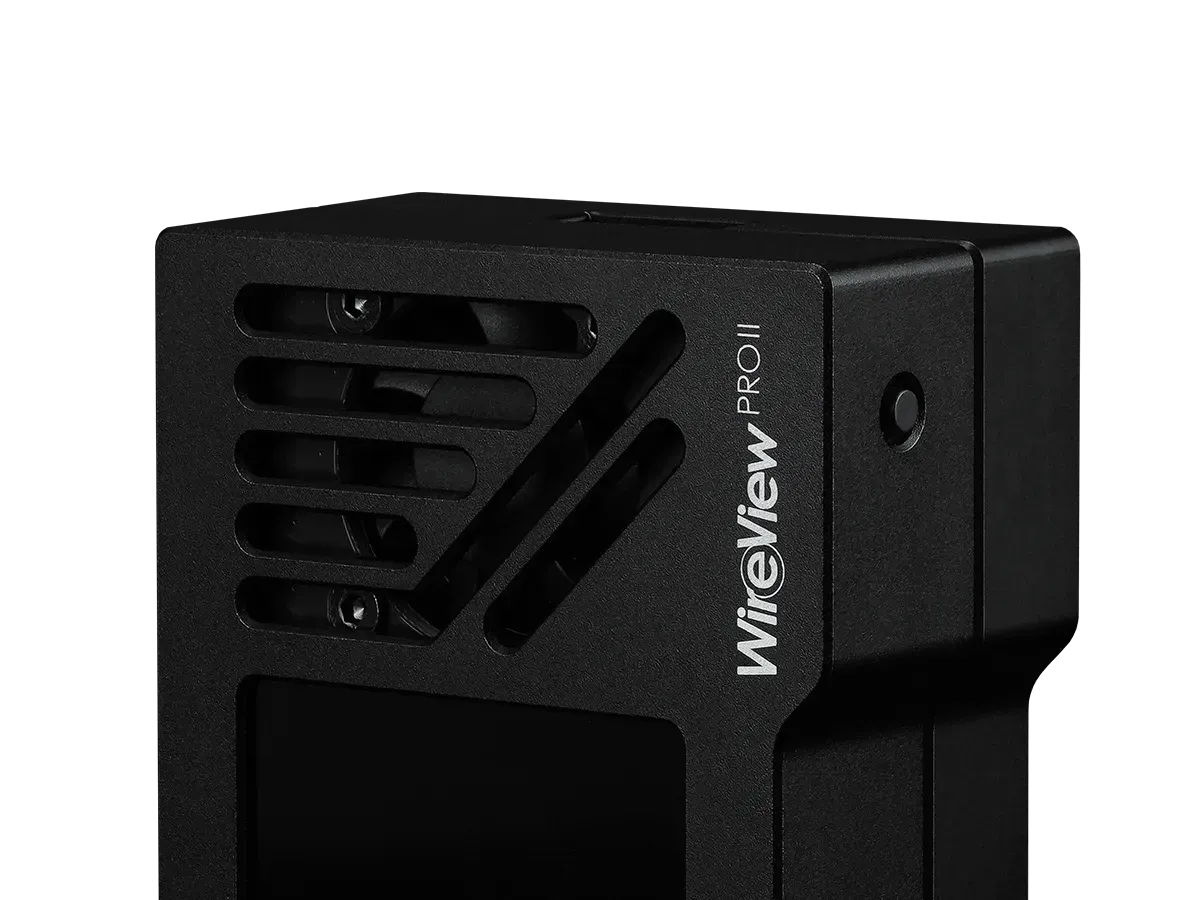
The 320×170 TFT-IPS color display shows current readings, voltage, temperature, and total power consumption. You can configure multiple display views, including a per-pin current monitor, a simple view showing total power and hottest pin, and temperature readings from connected sensors. If a reading stays over its configured threshold for more than 10 seconds, the display shows a visual warning and the device sounds an audible alarm. The default thresholds are 10A per pin, 600W total, and 80°C on the connector, but you can adjust these through the configuration menu. The included Y-splitter cable can connect to your motherboard’s power switch, allowing automatic system shutdown if a threshold is exceeded.
Watch the Build Video
Extended Warranty and Safety
Thermal Grizzly includes an extended 2-year warranty with the WireView Pro II that goes beyond standard manufacturer coverage. If damage occurs to the GPU’s 12VHPWR or 12V-2×6 connector despite proper use and functioning protective mechanisms, Thermal Grizzly will perform repairs or provide an equivalent replacement if repair is not possible. This coverage applies even after the original graphics card warranty has expired. To qualify for a warranty claim, the device must be used according to the user manual and within the GPU manufacturer’s defined operating parameters. The device also logs operating data at 60-second intervals, which can be useful for failure analysis.
Who is the WireView Pro II Wired For?
Expert Advice & Build Considerations
Verify GPU Connector Compatibility
The WireView Pro II is designed for GPUs with 12V-2×6 or 12VHPWR connectors. Because the “Wired” variant uses a permanently attached cable, it works with a wider range of GPU cooler designs than the direct-mount versions. However, confirm that your GPU uses one of these connector types before purchasing.
Installation Order and Connector Care
Connect the PSU cable to the WireView module first, then connect the 40cm cable to the GPU. Avoid applying lateral pressure to the GPU connector during installation, as the 12V-2×6 connector is sensitive to uneven forces. Push the connector in straight and ensure it is fully seated. The Wired variant reduces the risk of lateral stress because the module itself does not mount directly on the GPU connector.
📐 Mounting and Cable Management
Use the included mounting brackets to secure the module in a location where the display is visible through a side panel window if desired. Route the 40cm cable using the three included cable combs to keep it tidy. Because the module is separate from the GPU, you have more flexibility in positioning it near a fan for airflow or in a drive bay area. The display can be rotated 180° in the settings if your mounting orientation requires it.
المواصفات الفنية
| الموديل | WireView Pro II GPU Wired |
| العلامات التجارية | Thermal Grizzly |
| SKU / MPN | TG-WV-P2-H19W |
| EAN | 4260711993824 |
| Variant | Wired (40cm attached cable) |
| Connector Type | 12V-2×6 / 12VHPWR |
| Display | 320×170 pixel TFT-IPS Color Display |
| Material | Aluminum |
| Measurement Tolerance | ±4% |
| Monitoring | Per-pin current, voltage, temperature, total power |
| Alerts | Visual warning + audible alarm; optional auto shutdown via splitter cable |
| Cooling | CNC Aluminum housing with semi-passive fan |
| الضمان | 2 Years (Includes GPU Connector Protection) |
| Included Accessories | 40cm 12V-2×6 cable (attached), mounting brackets, three cable combs, Y-splitter cable for power function, USB-C cable |
Expert Recommendation: Getting the Most from Your WireView Pro II
Before installation, confirm your GPU uses a 12V-2×6 or 12VHPWR connector. Connect the PSU cable to the WireView module first, then route the 40cm cable to the GPU and push it in straight until fully seated. Use the included mounting brackets to position the module where you can see the display through a side panel, if desired. The default thresholds (10A per pin, 600W total, 80°C connector temp) are suitable for RTX 5090-class cards; if you have a lower-power GPU, consider adjusting the display scaling so the per-pin bars remain readable. Connect the Y-splitter cable to your motherboard’s power switch header if you want automatic shutdown on threshold violations. The device operates standalone without software, but the optional software (currently in development) will add logging and configuration convenience in the future. Because the Wired variant places the module away from the GPU, it avoids the clearance issues that some users experience with direct-mount versions on large cards. Keep the connector clean and avoid unnecessary plug/unplug cycles, as contact wear can affect resistance over time.
Frequently Asked Questions
What is the difference between the Wired version and the standard WireView Pro II?
The standard version mounts directly onto the GPU’s power connector. The Wired version uses a permanently attached 40cm cable, so the monitoring module can be placed anywhere inside the case. This solves clearance issues with large GPU coolers or side panels that cannot close with a direct-mount device.
Does the WireView Pro II require software to work?
No. The device operates standalone without additional software. You can configure settings and view measurements directly on the TFT-IPS display. Optional PC software adds logging and analysis features, and the USB-C connection allows firmware updates.
What does the extended warranty cover?
The 2-year extended warranty covers repair or replacement of the GPU’s 12VHPWR or 12V-2×6 connector if damage occurs despite proper use and functioning protective mechanisms. This applies even after the original graphics card warranty expires. The device must be used according to the manual and within GPU manufacturer parameters to qualify.
Can the WireView Pro II shut down my PC automatically?
Yes. The included Y-splitter cable connects to your motherboard’s power switch header. If a reading stays over its configured threshold for more than 10 seconds, the device can trigger an automatic system shutdown.
Is the WireView Pro II compatible with my GPU?
The device works with graphics cards that have a 12V-2×6 or 12VHPWR connector. Because the Wired variant uses a cable rather than mounting directly on the GPU, it is compatible with a wider range of card designs than the direct-mount versions. Confirm your GPU uses one of these connector types before purchasing.
يسمح فقط للزبائن مسجلي الدخول الذين قاموا بشراء هذا المنتج ترك مراجعة.

المراجعات
لا توجد مراجعات بعد.