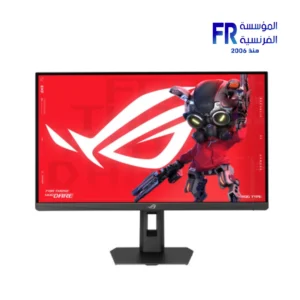
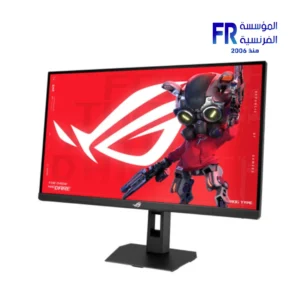
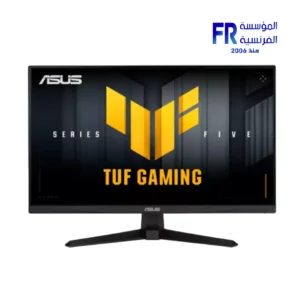
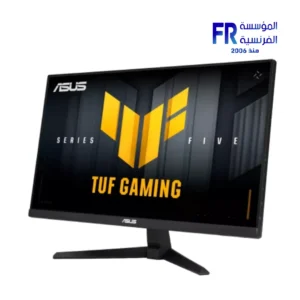
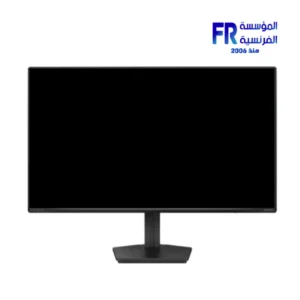
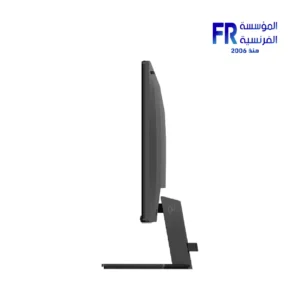
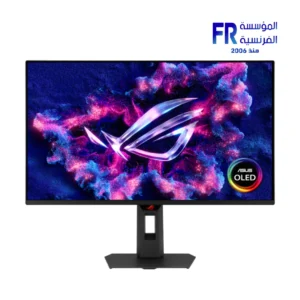
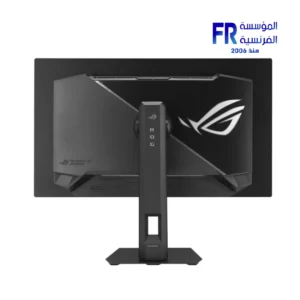
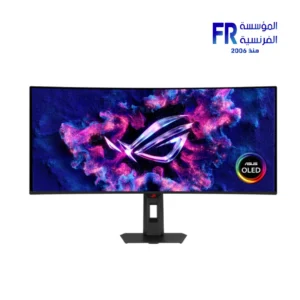
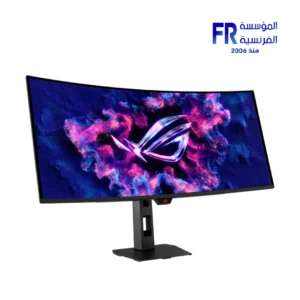
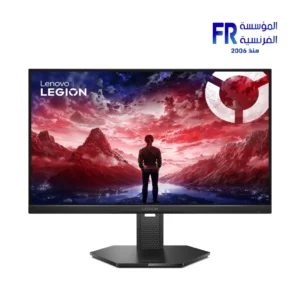
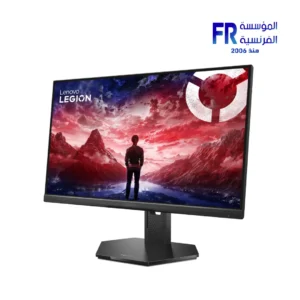
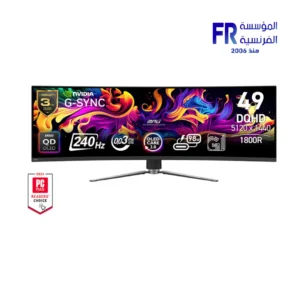
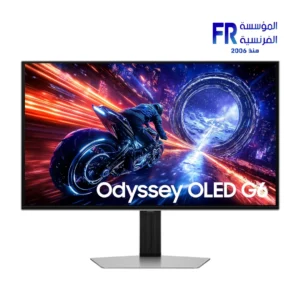
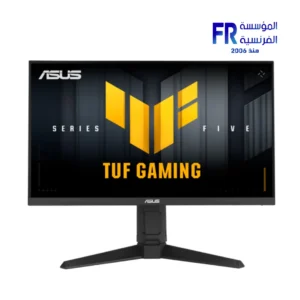
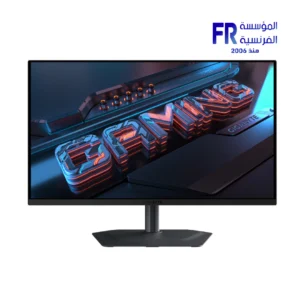
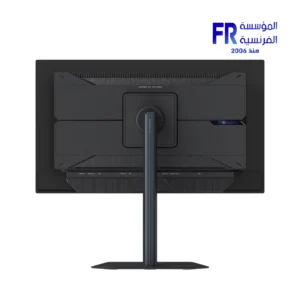
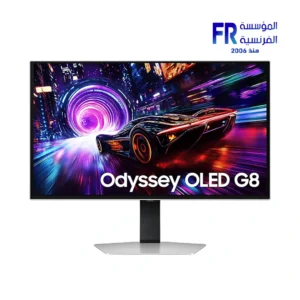
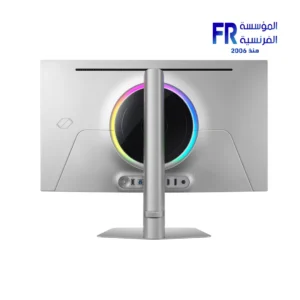
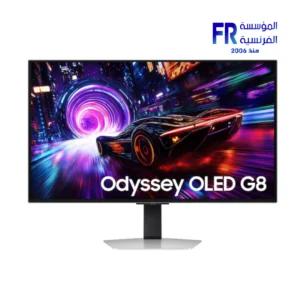
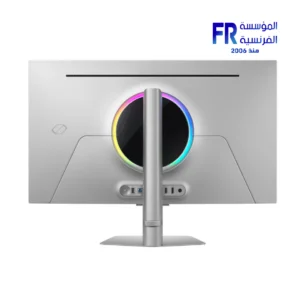
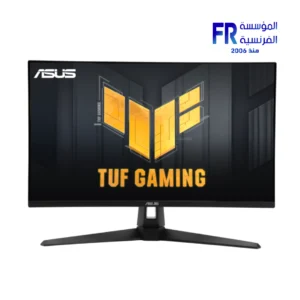
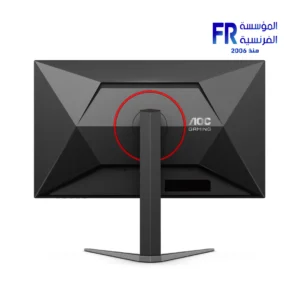
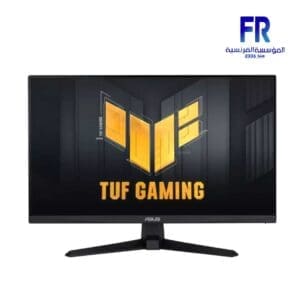
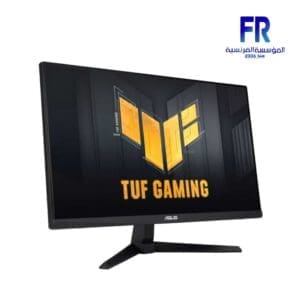
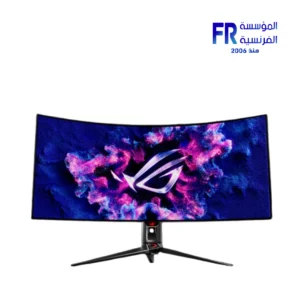
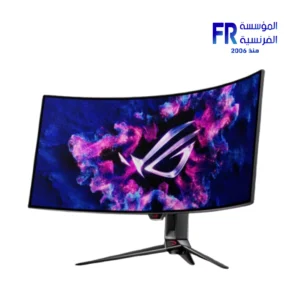
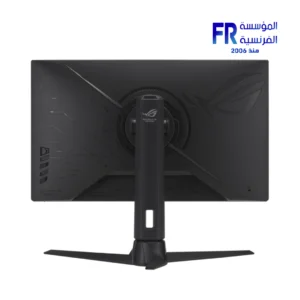
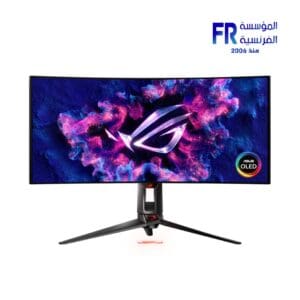
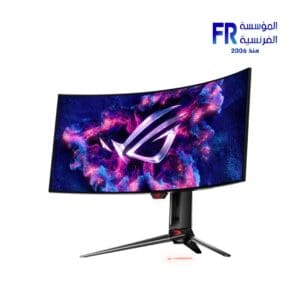
**NVIDIA G-SYNC** is an advanced technology from NVIDIA that aims to improve the gaming experience by synchronizing the display refresh rate with the frame rate produced by the graphics card (GPU). G-SYNC eliminates tearing and stuttering in the image, providing a smoother and faster gaming experience.

### **NVIDIA G-SYNC** Features:
1. **Tearing Reduction**: G-SYNC technology prevents tearing that may occur when the frame rate produced by the graphics card is faster or slower than the display refresh rate, enhancing image smoothness.
2. **Stuttering Reduction**: Reduces sudden image stoppages when there are gaps in the frame rate, helping to improve game responsiveness and increase motion stability.
3. **Dynamic Refresh Rate Support**: G-SYNC allows the display refresh rate to be dynamically adjusted to match the frame rate produced by the graphics card, contributing to improved display smoothness.
4. **Smooth and Fast Performance**: With G-SYNC, performance remains smooth even when the frame rate drops to low levels, making games more responsive without stuttering or lag.
5. **Advanced Gaming Experience**: Gamers can enjoy a more immersive gaming experience when using G-SYNC, as the technology provides high performance in fast-moving games and complex graphics.

### How does G-SYNC work?
G-SYNC technology works by synchronizing the display’s refresh rate with the frame rate produced by the NVIDIA graphics card. On traditional monitors, gamers experience tearing when the refresh rate does not match the frame rate, but with G-SYNC, the display refreshes at the same moment the graphics card produces the frames, ensuring a smooth display.

### **NVIDIA G-SYNC** Requirements:
– **G-SYNC Compatible Monitor**: You need a G-SYNC-capable monitor, which is usually an LCD monitor with G-SYNC Built-in or G-SYNC Ultimate.
– **NVIDIA graphics card**: The graphics card must be from NVIDIA that supports G-SYNC, usually from the GTX 10 series and later, as well as modern cards from the RTX series.

### The difference between G-SYNC and FreeSync:
– **G-SYNC** requires special components inside the monitor (such as the integrated G-SYNC module), which increases the cost compared to **AMD FreeSync** which relies more on software support.
– **FreeSync** can be a more economical option because it does not require special components in the monitor, while **G-SYNC** offers superior performance in most cases.

Overall, **NVIDIA G-SYNC** is an ideal technology for gamers looking to enhance their gaming experience professionally, with smooth, graphical movement free of stuttering or lag.
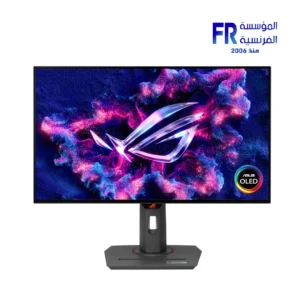
ASUS ROG Strix OLED XG27AQDMG 26.5 Inch 240Hz 0.03ms QHD WOLED G-SYNC Compatible Black Gaming Monitor to Pinterest (opens in a new window)
مقارنة
ASUS ROG Strix XG27UCG Gen2 27 Inch 162Hz 485Hz Dual Mode 0.3ms 4K Fast IPS USB-C Black Gaming Monitor to Pinterest (opens in a new window)
مقارنة
ASUS TUF Gaming VG27AQ5F 27 Inch 220Hz 1ms QHD Fast IPS Adaptive Sync HDR10 Black Gaming Monitor to Pinterest (opens in a new window)
مقارنة
Philips Evnia 24M2N3200PF 24 Inch 260Hz 0.3ms FHD Fast IPS G-SYNC HDR10 Charcoal Gaming Monitor to Pinterest (opens in a new window)
مقارنة
ASUS ROG Strix OLED XG27UQDMS 27 Inch 240Hz 0.03ms 4K Tandem QD-OLED Gaming Monitor to Pinterest (opens in a new window)
مقارنة
ASUS ROG Strix XG34WCDMS 34 Inch 280Hz 0.03ms WQHD Tandem RGB QD-OLED Curved Gaming Monitor to Pinterest (opens in a new window)
مقارنة
Lenovo Legion 25-10 24.5 Inch FHD 320Hz 0.5ms IPS G-SYNC Compatible Eclipse Black Gaming Monitor to Pinterest (opens in a new window)
مقارنة
MSI MPG 491CQPX QD-OLED 49 Inch DQHD 240Hz 0.03ms Curved G-SYNC Compatible Gaming Monitor to Pinterest (opens in a new window)
مقارنة
Samsung Odyssey OLED G6 S27FG602SU 27 Inch Qhd 500Hz Oled Silver Gaming Monitor to Pinterest (opens in a new window)
مقارنة
Asus Tuf Gaming VG259QMRL5A 24.5 Inch FHD 310HZ 0.3ms GTG Fast IPS G-SYNC FreeSync Premium HDR400 Gaming Monitor to Pinterest (opens in a new window)
مقارنة
Gigabyte Gaming MO27Q2A 27 Inch 280Hz 0.03Ms QHD QD-OLED VESA DisplayHDR True Black 400 99% DCI-P3 ClearMR 15000 Black Gaming Monitor to Pinterest (opens in a new window)
مقارنة
Samsung Odyssey G8 G81SF 27 Inch 240Hz 0.03Ms 4K UHD QD OLED Glare Free FreeSync Premium Pro Silver Gaming Monitor to Pinterest (opens in a new window)
مقارنة
Samsung Odyssey OLED G8S32FG810SU 32 Inch 240Hz 0.03Ms 4K UHD QD OLED Glare Free FreeSync Premium Pro Silver Gaming Monitor to Pinterest (opens in a new window)
مقارنة
Asus TUF Gaming VG27AQ1A 27 Inch 170Hz 1Ms 2K IPS Gaming Monitor to Pinterest (opens in a new window)
مقارنة
Aoc Q27G4F 27 Inch 180Hz 0.5Ms QHD IPS Gaming Monitor to Pinterest (opens in a new window)
مقارنة
Asus Tuf Gaming VG249QM1A 24 Inch 270Hz 1Ms FHD IPS Gaming Monitor to Pinterest (opens in a new window)
مقارنة
Asus ROG Strix XG32UQ 32 Inch 160Hz 1ms 3840×2160 Fast IPS Gaming Monitor to Pinterest (opens in a new window)
مقارنة
Asus ROG Swift PG39WCDM 39 Inch 240Hz 0.03ms 3440×1440 WOLED Gaming Monitor to Pinterest (opens in a new window)
مقارنة
Asus ROG Strix XG27AQMR 27 Inch 300Hz 1ms 2560×1440 Fast IPS Gaming Monitor to Pinterest (opens in a new window)
مقارنة
Asus Rog Swift PG34WCDM 34 Inch 240Hz 0.03Ms 4K OLED curved Gaming Monitor to Pinterest (opens in a new window)
مقارنة
Select an available coupon below
نستخدم ملفات تعريف الارتباط (Cookies) لتحسين تجربتك على موقعنا.