

Learn the difference between 12V RGB and 5V addressable RGB, and how to check headers and controllers before connecting lighting.
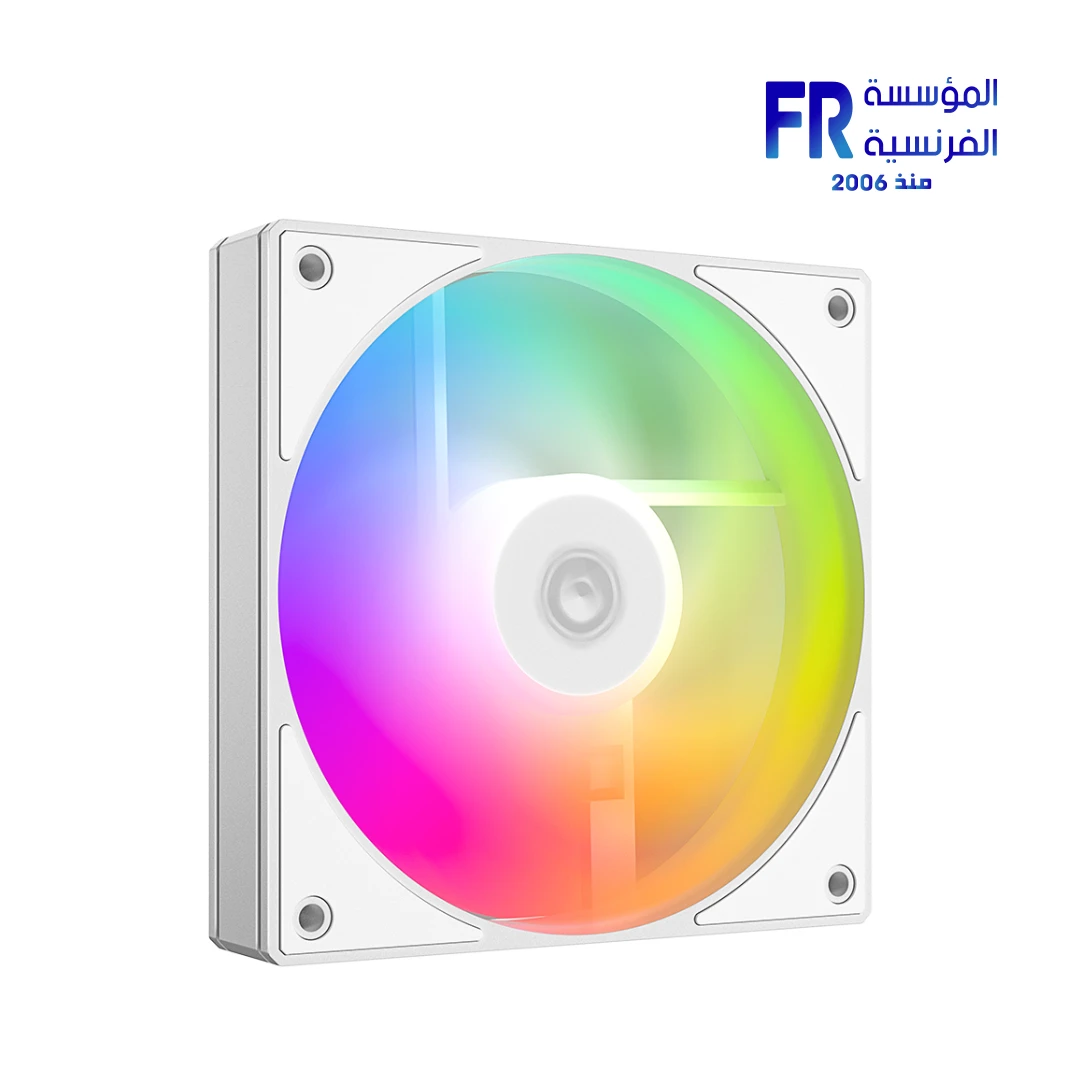
RGB and ARGB may look similar on a product page, but they use different lighting control methods and connectors. Connecting a lighting cable to the wrong header can damage components. Check the motherboard manual and the fan or controller documentation before connecting anything; never identify compatibility by plug shape alone.
RGB vs ARGB
Traditional RGB typically controls the red, green and blue channels together for the connected lighting zone. ARGB allows individual LEDs or groups to display different effects, depending on the device and software. Product terminology can vary, so rely on the technical specification rather than the marketing label alone.
Identify motherboard headers safely
Read the motherboard manual for header voltage, pin count and pinout. A 5V addressable header and a 12V RGB header serve different electrical requirements. Do not force a connector onto a header or use an adapter unless its compatibility is explicitly documented.
Controllers, hubs and splitters
A lighting controller may use a dedicated connection to the motherboard, SATA power or another supported input. Check how many fans it supports, whether it controls lighting, fan speed or both, and whether software is required. Fan power connectors and lighting connectors are separate on many products; connect each according to its own instructions.
Before connecting lighting
- Match voltage and pinout to the motherboard or controller.
- Check whether the device is RGB or ARGB.
- Confirm controller capacity and power requirements.
- Identify fan motor power separately from lighting power.
- Disconnect power before changing internal connections.
Frequently asked questions
Can I plug a 5V ARGB device into a 12V RGB header?
No. They are electrically different and should not be treated as interchangeable.
Does every ARGB fan need motherboard software?
No. Some use a standalone controller; others support motherboard control. Check the product’s instructions.
Sources
- ASUS Support: motherboard manuals and header information
- MSI Support: motherboard manuals and RGB header information
- Alfrensia PC case buying guides
Next step: Find the exact motherboard model and compare its header pinout with the fan/controller manual before wiring the lighting.
Explore PC case buying guides.
Compare options before you buy
Check the exact model, compatibility, current availability and warranty terms.
alfrensia.com — Alfrensia, French Establishment for Computers
اعرف الفرق بين RGB بجهد 12V وARGB بجهد 5V، وإزاي تتأكد من توافق منافذ اللوحة الأم والـcontroller قبل توصيل الإضاءة.
RGB وARGB ممكن يبانوا متشابهين في صفحة المنتج، لكن طريقة التحكم والموصلات مختلفة. توصيل كابل الإضاءة بمنفذ غير مناسب ممكن يتلف المكونات. راجع دليل اللوحة وتعليمات المروحة أو الـcontroller، وما تعتمدش على شكل القابس فقط.
الفرق بين RGB وARGB
RGB التقليدي غالباً بيتحكم في قنوات الأحمر والأخضر والأزرق معاً داخل منطقة الإضاءة المتصلة. ARGB بيسمح بالتحكم في LEDs منفردة أو مجموعات منها حسب الجهاز والبرنامج. المصطلحات التسويقية ممكن تختلف، فاعتمد على المواصفات الفنية.
تعرّف على المنافذ بأمان
راجع دليل اللوحة لمعرفة الجهد وعدد الأرجل وترتيبها. منفذ 5V ARGB ومنفذ 12V RGB مختلفان كهربائياً. ما تضغطش الموصل بالقوة، وما تستخدمش محولاً إلا لو التوافق موثق بوضوح.
Controllers وHubs وSplitters
بعض وحدات التحكم بتوصل باللوحة أو بمصدر SATA Power أو بمدخل آخر مدعوم. راجع عدد المراوح المدعومة، وهل الوحدة بتتحكم في الإضاءة أو سرعة المراوح أو الاثنين، وهل تحتاج برنامجاً. في منتجات كثيرة، توصيل طاقة المروحة منفصل عن توصيل الإضاءة؛ وصل كل كابل حسب تعليماته.
قبل توصيل الإضاءة
- طابق الجهد وترتيب الأرجل مع اللوحة أو الـcontroller.
- حدد هل الجهاز RGB أم ARGB.
- راجع سعة الـcontroller ومتطلبات الطاقة.
- افصل توصيل المروحة عن توصيل الإضاءة.
- افصل الكهرباء قبل تغيير التوصيلات الداخلية.
الأسئلة الشائعة
هل ينفع أوصل ARGB 5V بمنفذ RGB 12V؟
لأ؛ الاختلاف كهربائي، وما ينفعش التعامل معهما كأنهما متوافقان.
هل كل مروحة ARGB تحتاج برنامج اللوحة الأم؟
لأ. بعض المنتجات تستخدم controller مستقل، وبعضها يدعم التحكم من اللوحة. راجع دليل المنتج.
المصادر والخطوة التالية
راجع أدلة ASUS Support أو MSI Support للوحة المحددة، ثم طابق المنافذ مع دليل المروحة أو وحدة التحكم.
راجع أدلة شراء الكيسات والتبريد على موقع المؤسسة الفرنسية للكمبيوتر، أو تواصل مع المبيعات على واتساب للتأكد من توافق المراوح والـcontroller.