

Understand what thermal paste does, when cooler removal requires fresh paste, and why temperature symptoms need broader diagnosis.
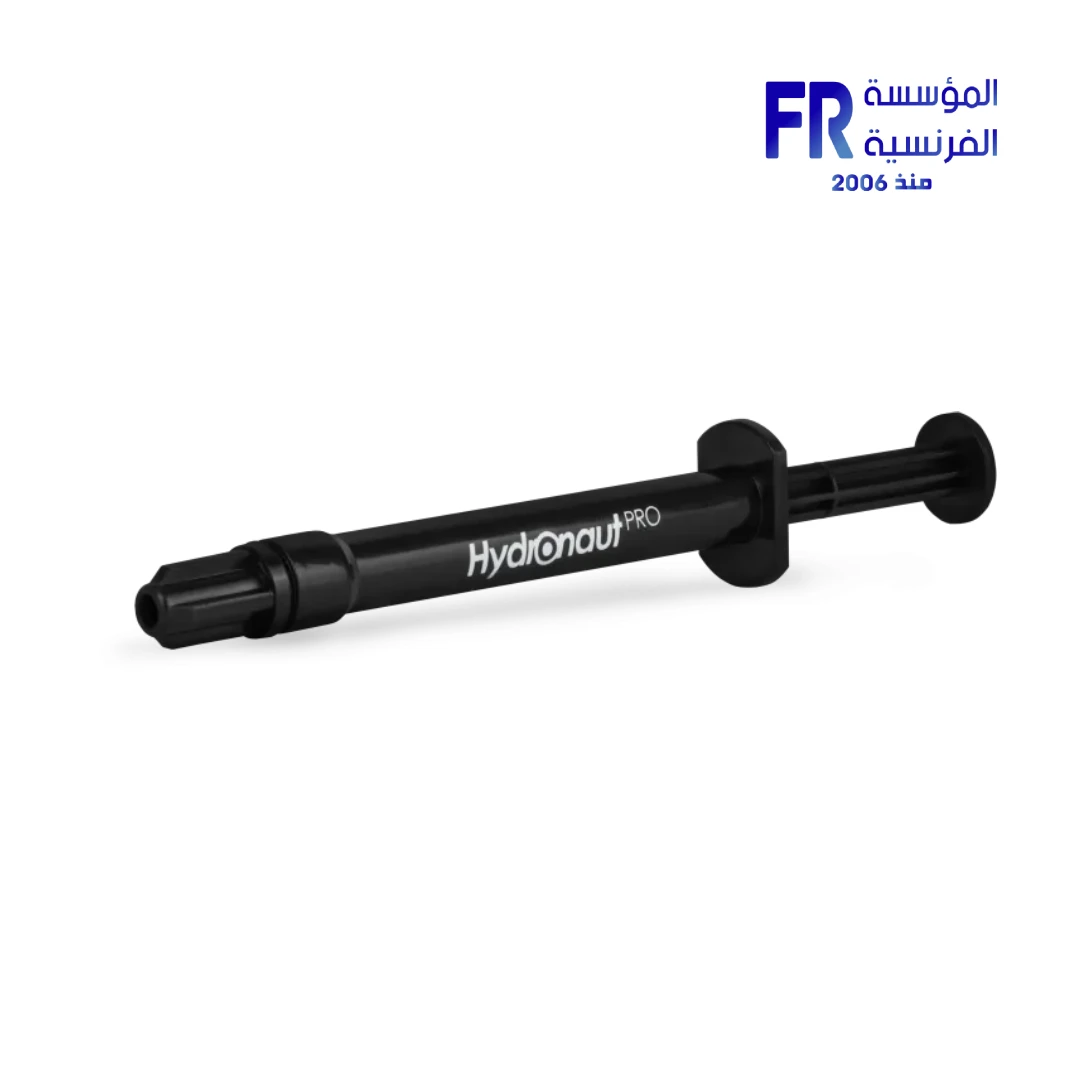
Thermal paste helps transfer heat between the processor’s heat spreader and the cooler base by filling microscopic gaps. It is not a performance upgrade by itself, and replacing it will not solve every high-temperature problem. Cooler mounting, fan operation, case airflow, ambient temperature and CPU workload should also be considered.
What thermal paste does
The paste improves thermal contact between two surfaces. It does not replace proper cooler pressure or a functioning cooling system. Different compounds have different application instructions, and electrically conductive products require particular care around exposed components.
When replacement makes sense
- You remove the CPU cooler and plan to reinstall it.
- The paste manufacturer or cooler manual specifies replacement.
- A service inspection finds degraded or poorly applied paste alongside evidence of poor thermal contact.
There is no universal replacement interval for every processor, paste and usage pattern.
Check the cooling system before assuming paste is the cause
Compare temperatures under a repeatable workload and check whether fans and pumps operate normally. Confirm that the cooler is compatible, mounted correctly and free from obstructions. A sudden temperature change can also relate to a fan failure, dust buildup, changed power settings or a heavier workload.
Safe handling basics
Follow the processor and cooler manufacturers’ service instructions. Shut down and disconnect the system before working inside it, use appropriate electrostatic-discharge precautions, and avoid forcing a cooler or socket mechanism. Clean old paste using the method recommended by the manufacturer. Apply only the recommended amount and ensure the cooler is mounted evenly. If you are unsure, use qualified service rather than risking damage to the CPU or motherboard.
Frequently asked questions
Should I replace paste every year?
Not automatically. Follow the product guidance and replace it when the cooler is removed or there is a specific service reason.
Will new paste always lower temperatures?
No. If the existing thermal contact is already good, the change may be small. Other cooling or workload factors may be responsible.
Sources
- AMD: Installing or removing a CPU cooler
- AMD: Processor handling guidance
- Alfrensia cooling buying guides
Next step: Record CPU temperatures and verify cooler operation before deciding whether a paste replacement is warranted.
Explore cooling buying guides.
Compare options before you buy
Check the exact model, compatibility, current availability and warranty terms.
alfrensia.com — Alfrensia, French Establishment for Computers
اعرف وظيفة المعجون الحراري، وإمتى تحتاج معجوناً جديداً بعد فك المبرد، وليه ارتفاع الحرارة يحتاج تشخيصاً أوسع.
المعجون الحراري بيساعد على نقل الحرارة بين سطح المعالج وقاعدة المبرد عن طريق ملء الفجوات الدقيقة. مش ترقية أداء لوحده، وتغييره مش هيحل كل مشكلة حرارة. تثبيت المبرد والمراوح وتدفق الهواء وحرارة الغرفة وحمل المعالج كلها عوامل مهمة.
إمتى يكون التغيير منطقياً؟
- عند فك مبرد المعالج وإعادة تركيبه.
- لو تعليمات المعجون أو المبرد بتطلب الاستبدال.
- لو فحص الصيانة أظهر تلامساً حرارياً سيئاً أو توزيعاً غير مناسب للمعجون.
مفيش مدة استبدال واحدة تناسب كل المعالجات والمعاجين وأنماط الاستخدام.
افحص التبريد قبل اتهام المعجون
قارن درجات الحرارة تحت حمل قابل للتكرار، وتأكد إن المراوح والمضخة شغالة بصورة طبيعية. راجع توافق المبرد وطريقة تركيبه وعدم وجود عوائق. الارتفاع المفاجئ ممكن يكون بسبب تعطل مروحة أو تراكم غبار أو تغيير إعدادات الطاقة أو حمل أعلى.
أساسيات التعامل الآمن
اتبع تعليمات صيانة المعالج والمبرد. اقفل الجهاز وافصل الكهرباء قبل العمل داخله، واستخدم احتياطات التفريغ الكهروستاتيكي المناسبة. ما تجبرش المبرد أو آلية السوكت. نظف المعجون القديم بالطريقة الموصى بها، واستخدم الكمية المناسبة وثبّت المبرد بالتساوي. لو مش متأكد، استعِن بفني مؤهل لتجنب تلف المعالج أو اللوحة.
الأسئلة الشائعة
هل لازم أغير المعجون كل سنة؟
مش تلقائياً. اتبع تعليمات المنتج وغيّره عند فك المبرد أو وجود سبب صيانة واضح.
هل المعجون الجديد هيقلل الحرارة دائماً؟
لأ. لو التلامس الحالي جيد، ممكن يكون الفرق بسيطاً. قد تكون المشكلة في عوامل أخرى للتبريد أو الحمل.
المصادر والخطوة التالية
راجع إرشادات AMD لتركيب أو إزالة مبرد المعالج، وسجل درجات الحرارة وتأكد من عمل المبرد قبل تقرير الحاجة لتغيير المعجون.
راجع أدلة شراء التبريد على موقع المؤسسة الفرنسية للكمبيوتر، أو تواصل مع المبيعات على واتساب للاستفسار عن التوافق والتوفر الحالي.