

ALFRENSIA PC BASICS · 8 MIN READ
The best PC upgrade is the one that solves a real limitation you can measure. Before buying RAM, storage, a graphics card or cooling hardware, establish what your current system struggles with and compare the likely improvement against the total cost.
Define what “value” means for your PC
Value is not simply the cheapest part or the highest benchmark score. It is the improvement you will actually notice relative to the cost of the upgrade and any supporting parts you must replace. Decide what you want to improve: gaming frame rate, frame-time consistency, application responsiveness, export time, storage capacity, or system stability.
Record your current hardware and establish a repeatable baseline before spending. Use the same game, project, settings, and test duration when comparing results. Note temperatures, memory use, GPU behaviour, and background applications so that a software or thermal problem is not mistaken for a hardware limit.
Upgrade path 1: SSD capacity or storage responsiveness
If your system drive is nearly full, a compatible SSD can provide a straightforward capacity upgrade and may improve boot, load, and file-transfer times compared with older storage. The improvement depends on the original drive and workload; changing from one fast SSD to another does not make every application dramatically faster.
Check the motherboard manual for supported M.2 sizes and interfaces, and confirm whether a slot supports PCIe/NVMe, SATA, or both. Some slots share lanes or disable certain ports. Back up important data before cloning or reinstalling the operating system.
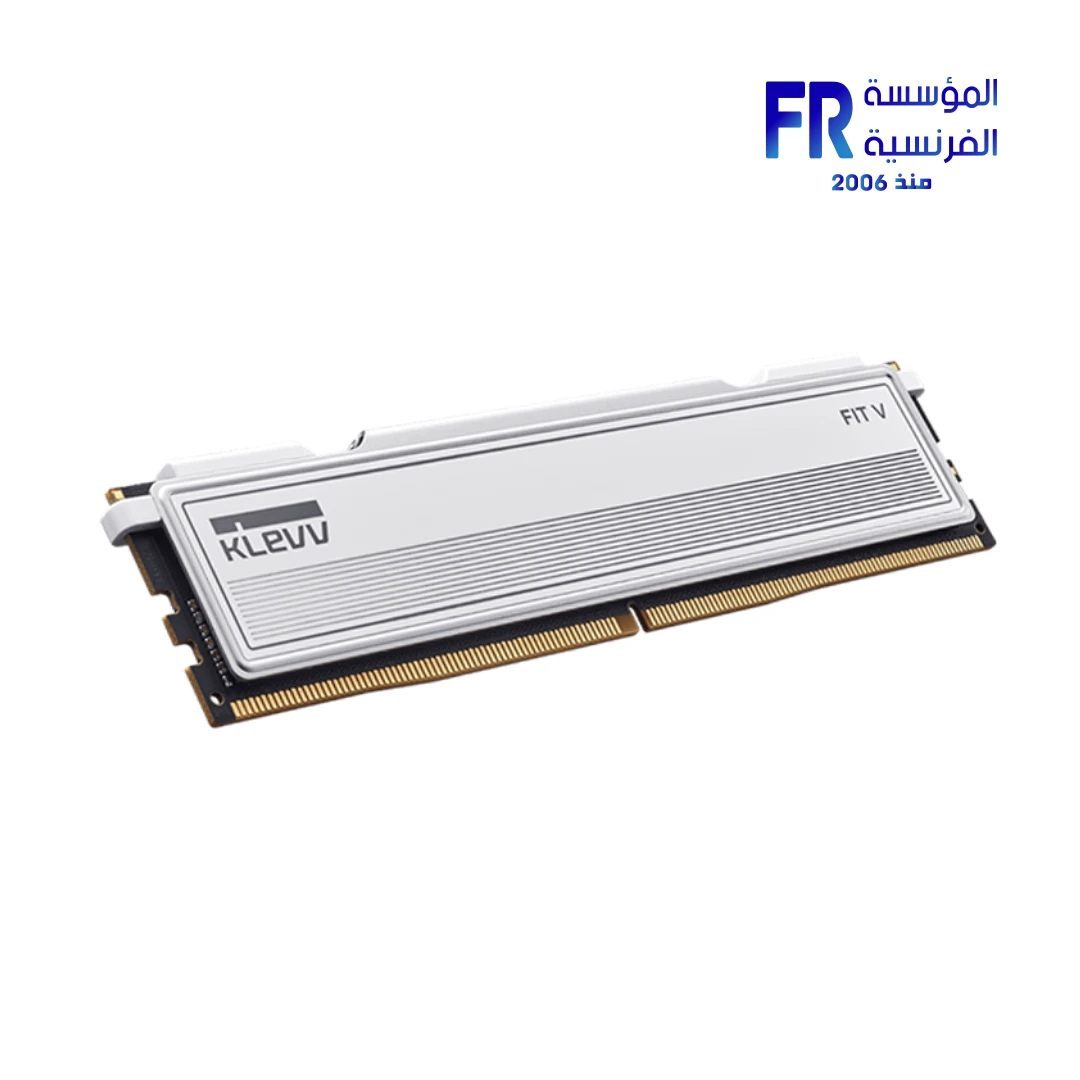
Upgrade path 2: RAM when memory is the constraint
More RAM can help when the applications and projects you use regularly approach the available capacity, causing memory pressure or excessive paging. It may not improve frame rates if memory capacity is already sufficient and another component is limiting performance.
Confirm the memory generation, supported capacity, DIMM slots, and configuration in the motherboard documentation. For the most predictable result, use a compatible kit and follow the board’s recommended slot population. Avoid assuming that mixing separate kits will always achieve the advertised speed.
When evidence points to a graphics limit, compare a suitable graphics card option against your current hardware and monitor target.
Upgrade path 3: GPU for graphics-limited workloads
A GPU upgrade can be impactful for gaming at higher resolutions, GPU-accelerated creative work, and applications that support the target graphics architecture. But performance depends on the exact software, settings, CPU, memory, and the new GPU’s available memory.
Before buying, compare relevant benchmarks at your target resolution and check the card’s dimensions, power requirement, connectors, PSU recommendations, display outputs, and case airflow. A GPU upgrade can become much more expensive if it also requires a new PSU or case.
Upgrade path 4: CPU when processor performance is the limit
A CPU upgrade may help CPU-limited games, compilation, simulation, some rendering tasks, and heavy multitasking. For gaming, compare results in the titles and settings you use; a CPU change may have less impact when the GPU is already fully occupied at your target settings.
Check the exact motherboard CPU support list, required BIOS version, power-delivery capability, cooler compatibility, and memory support. A processor with the same socket is not automatically supported by every board or firmware version.
Only after confirming a thermal limitation should you compare compatible CPU cooling hardware with the case clearance and processor requirements.
Upgrade path 5: cooling and airflow for proven thermal limits
If monitoring shows sustained thermal limits or excessive noise, cleaning dust, improving airflow, checking fan operation, or fitting a suitable cooler may help. First verify that the temperatures are abnormal for the exact hardware and workload. Do not assume every high temperature means a new cooler is required.
Check cooler height, radiator clearance, mounting support, fan headers, and case airflow. A larger or more expensive cooler is not automatically better value if the CPU does not need it.
Upgrade path 6: PSU and stability
A PSU replacement is not usually a direct performance upgrade when the existing unit is adequate and functioning correctly. It may be necessary when a new GPU or CPU exceeds the existing unit’s capabilities, connectors, or manufacturer’s recommendations, or when the current unit is unsuitable.
Choose a specific model based on reputable quality information, required connectors, capacity, protection features, and warranty. Never judge a PSU by wattage alone. If a PC crashes or restarts, investigate software, memory, temperatures, cabling, and hardware before assuming the PSU is the cause.
How to rank upgrade options
- Write down the exact symptom and the workload where it happens.
- Measure or reproduce the problem and check system monitoring data.
- Identify which component or constraint best explains the evidence.
- List the target part and every supporting part that may also need replacement.
- Compare current local prices and relevant real-world benchmarks.
- Estimate the improvement you expect and decide whether it justifies the cost.
- Verify compatibility, installation requirements, and warranty before ordering.
- After the upgrade, repeat the same test to confirm the result.
Examples of value-based decisions
- Games stutter while RAM is consistently exhausted: investigate memory capacity and background applications before buying a faster GPU.
- Games run below target resolution performance and the GPU is the limiting component: compare GPU options at the same resolution and settings, including PSU and case costs.
- Large files and projects fill the drive: adding a compatible SSD may be more useful than replacing the CPU.
- Exports take too long in a CPU-based workflow: compare CPU benchmarks in the exact application and check whether the software supports GPU acceleration.
- Performance drops after sustained load: check temperatures, clocks, dust, and airflow before purchasing cooling hardware.
Upgrades that often disappoint
- Buying more RAM when the system already has enough for the workload.
- Buying a faster SSD expecting a large FPS increase in games.
- Upgrading the GPU without checking PSU capacity, connectors, and physical fit.
- Replacing the CPU without confirming motherboard and BIOS support.
- Buying a cooler before verifying whether thermal throttling is occurring.
- Following a generic “best upgrade first” list without checking your own system.
Frequently asked questions
What is the best first upgrade for an old PC?
There is no single answer. The best first upgrade depends on the current specifications, the problem you want to solve, and the target workload. Diagnose first, then compare the cost of the relevant options.
Will adding RAM make games faster?
It can help when memory capacity is insufficient, but it may have little effect if the game already has enough RAM and performance is limited elsewhere.
Is an SSD a good upgrade for gaming?
An SSD can improve loading and general responsiveness compared with slower storage, but it usually does not replace the GPU or CPU as the main source of higher frame rates.
Should I buy the strongest GPU I can afford?
Only if the rest of the system and your display can use it effectively. Check CPU performance, power delivery, physical clearance, memory, and the games or applications you actually run.
Official resources
- Intel Support — CPU specifications and compatibility
- AMD Support — processor specifications and support
- NVIDIA — GeForce graphics card specifications
- Corsair — PSU selection resources
Hardware specifications, software support, and prices vary by exact model and region. Confirm current documentation and local pricing before purchasing.
أفضل ترقيات الكمبيوتر من حيث القيمة مقابل السعر
أفضل ترقية هي اللي بتحل مشكلة حقيقية تقدر تقيسها. حدد إيه اللي بيعطّل جهازك، وقارن التحسن المتوقع بالتكلفة الكاملة.
حدد معنى القيمة بالنسبة لجهازك
القيمة مش أقل سعر ولا أعلى أداء مطلق؛ هي التحسن اللي هتستفيد منه فعلياً مقابل ما ستدفعه.
1. SSD للسعة أو الاستجابة
قد يفيد لو التخزين بطيء أو المساحة غير كافية. راجع التوافق والسعة المطلوبة؛ SSD أسرع لا يضمن زيادة كبيرة في FPS.
2. RAM لما تكون الذاكرة هي المشكلة
راقب استهلاك الذاكرة أثناء الاستخدام. زوّد السعة لو نفادها يسبب بطئاً أو تقطيعاً، مع مراجعة التوافق.
3. GPU للأحمال المحدودة بالرسوميات
اختار كارت الشاشة بناءً على الدقة والألعاب والبرامج ومزوّد الطاقة والمساحة داخل الكيسة.
4. CPU لما يكون المعالج هو المحدِّد
راجع الاختبارات والتوافق واحتياج تحديث BIOS أو المنصة قبل شراء معالج أسرع.
5. التبريد وتدفق الهواء
لو القياسات تثبت وجود thermal throttling، افحص المبرد والمراوح والغبار وترتيب الهواء قبل استبدال المكونات.
6. PSU والاستقرار
إذا كان مزود الطاقة غير مناسب أو تظهر مشاكل مرتبطة بالطاقة، راجع متطلبات القطع والتوصيلات قبل أي ترقية كبيرة.
إزاي ترتب خيارات الترقية؟
- حدد المشكلة.
- اختبرها بطريقة قابلة للتكرار.
- اختار الترقية المتوافقة التي تعالج السبب.
- قارن التكلفة والتحسن المتوقع.
أمثلة على قرارات مبنية على القيمة
سعة RAM إضافية مفيدة عند امتلاء الذاكرة؛ SSD أكبر مفيد عند نفاد المساحة؛ وGPU أقوى مفيد عندما تكون الرسوميات هي المحدِّد.
ترقيات قد لا تحقق المتوقع
شراء أقوى GPU من غير قياس، زيادة RAM مع سعة كافية، أو تغيير SSD لمجرد رقم السرعة ممكن ما يحققش تحسناً ملحوظاً.
الأسئلة الشائعة
أفضل ترقية لجهاز قديم؟
تعتمد على نقطة الضعف الفعلية والتوافق وحالة المنصة.
هل زيادة RAM تسرّع الألعاب؟
إذا كانت الذاكرة الحالية غير كافية، ممكن؛ وإلا فالفرق قد يكون محدوداً.
هل SSD ترقية جيدة للألعاب؟
غالباً يحسن التحميل والاستجابة في حالات معينة، لكنه لا يضمن FPS أعلى.
أشتري أقوى GPU أقدر عليه؟
اختار ما يناسب هدف الأداء والمنصة والميزانية الكاملة.
مصادر رسمية للتحقق من التوافق
- Intel Support لمواصفات المعالجات والمنصات.
- AMD Support لمواصفات المعالجات ودعمها.
- NVIDIA GeForce لمواصفات كروت الشاشة.
قارن الأداء المتوقع بالتكلفة الكاملة، وتأكد من توافق القطعة مع اللوحة والطاقة والكيسة قبل الشراء.
بتفكر تطور جهازك؟
راجع خيارات المكونات على موقع المؤسسة الفرنسية للكمبيوتر، أو تواصل مع المبيعات على واتساب للاستفسار عن التوافق والتوفر الحالي.