

ALFRENSIA GAMING GUIDE · 7 MIN READ
DLSS vs FSR is a useful comparison when choosing upscaling for a supported game, while frame generation solves a related but different problem. These technologies can increase perceived smoothness or performance, but they are not interchangeable. Compare compatibility, image quality, responsiveness and the GPU you own rather than relying on a single FPS number.
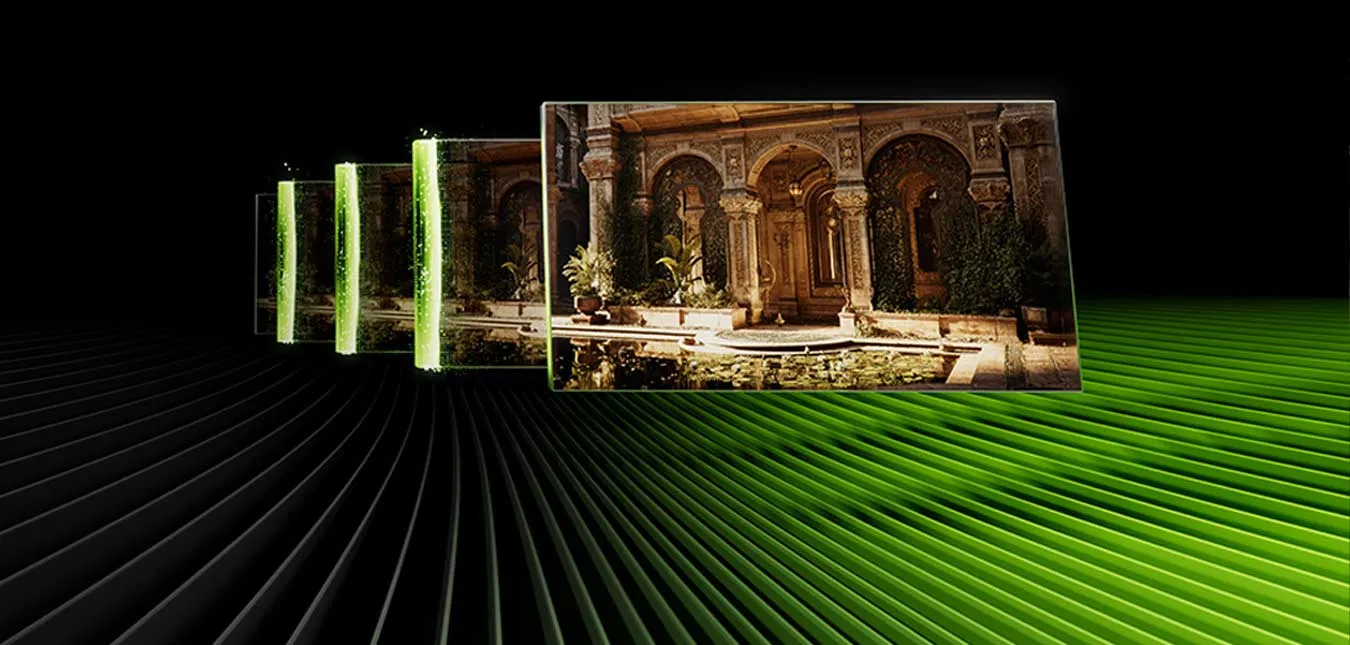
Upscaling and frame generation are different
Upscaling renders a game at a lower internal resolution and reconstructs an output image at the target resolution. Depending on the implementation and settings, it can reduce GPU workload while trying to preserve detail.
Frame generation creates additional frames between conventionally rendered frames. It can increase the displayed frame rate, but generated frames are not the same as additional frames fully rendered by the game simulation. Input latency and responsiveness still matter, so a larger displayed FPS number does not guarantee a better experience.
These features are often bundled under one marketing label, but check the game’s settings menu to see which specific options are supported and enabled.
DLSS: NVIDIA’s technology family
NVIDIA DLSS uses AI-based techniques across supported features to improve performance or image quality. The exact capabilities depend on the DLSS version, GPU generation, game integration, and selected mode. Do not assume that every game supports every DLSS feature or that a feature available on one GPU is available on all generations.
Official source: NVIDIA DLSS overview.
FSR: AMD’s technology family
AMD FidelityFX Super Resolution (FSR) includes upscaling and, depending on the version and game integration, other performance-related features. Support and implementation vary by title and hardware. Some FSR technologies are designed to support a broad range of GPUs, but compatibility still depends on the specific FSR version, game, and required hardware or software.
Official source: AMD FidelityFX Super Resolution.
How should you compare image quality?
There is no universally best setting for every game. Upscaling modes can behave differently around fine text, thin geometry, moving foliage, particles, reflections, and fast motion. Compare the same scene at the same output resolution, and look at both still images and motion. A static screenshot may not reveal temporal artefacts that appear during movement.
- Use the same output resolution and comparable quality presets.
- Check the game’s native-rendering option where practical.
- Compare moving scenes, not just screenshots.
- Look for shimmering, ghosting, loss of fine detail, and image stability.
- Use the same driver and game version where possible.
How does frame generation affect responsiveness?
Frame generation can make motion appear smoother when the base rendering performance is already adequate. It does not eliminate the processing time needed to read input, simulate the game, and render a conventional frame. The result depends on the implementation, base frame rate, display, and game.
For competitive games where precise input response is a priority, compare latency and how the game feels—not only the generated frame rate. In slower-paced single-player games, a smoother-looking image may be more valuable to some players. Individual preference and the game’s implementation matter.
What about ray tracing and path tracing?
Ray tracing adds lighting and reflection effects that can increase GPU workload. Upscaling may help offset that cost in supported games, but it does not guarantee that every setting can be used at every resolution and frame rate. Evaluate image quality and performance with the specific combination of ray tracing, upscaling, and frame generation that you plan to use.
Does a higher FPS number always mean better performance?
No. Distinguish between conventional rendered FPS, generated frames, frame pacing, and input latency. If a benchmark uses frame generation, it should clearly state that fact. Comparing generated FPS from one setup against native-rendered FPS from another without explaining the difference can mislead readers.
For a fair comparison, record the game, GPU, driver, CPU, resolution, settings, upscaling mode, frame-generation status, and whether the reported result is native or generated. Use credible independent testing that describes its methodology.
If you are comparing graphics cards, check which features your games support and review results measured with the same settings. A card such as the PNY GeForce RTX 5070 Ti 16GB is one current product example, but buying decisions should also consider native performance, price and the games you play.
Which should you use?
- Start with the game’s native rendering to establish a baseline when performance allows.
- Try the supported upscaling mode if you need more GPU headroom, then compare image quality at your target resolution.
- Evaluate frame generation separately and pay attention to base FPS and responsiveness.
- Check the exact GPU and game support before buying hardware based on a promised feature.
- Use your own priorities: competitive latency, image stability, visual quality, and smoother motion do not always point to the same setting.
If you are comparing graphics cards, use a verified product example such as the Palit GeForce RTX 5060 Ti 16GB to inspect the exact model specifications. Check which features your games support and verify current availability before ordering.
Frequently asked questions
Are DLSS and FSR the same?
No. They are separate technology families with different implementations, versions, and hardware/game support.
Does frame generation double performance?
Not in every game or configuration, and a higher displayed frame rate is not the same as doubling the game’s simulation rate or responsiveness.
Should I always enable upscaling?
No. If native rendering already meets your target, you may prefer it. Test the available modes for your own game and display.
Can I compare two GPU reviews if one uses frame generation?
Only with care. Make sure the reviews clearly separate native-rendered and generated FPS and use comparable settings.
Official sources
Feature support changes by game, GPU, and software version. Confirm current official documentation and in-game support for the hardware you intend to use.
شرح DLSS وFSR وFrame Generation
تقنيات upscaling وframe generation مش نفس الوظيفة. ممكن تحسّن الأداء أو السلاسة في الألعاب المدعومة، لكن لازم تقارن التوافق وجودة الصورة والاستجابة وكارت الشاشة المستخدم، مش رقم FPS وحده.
Upscaling وFrame Generation مختلفين
الـupscaling بيرندر الصورة بدقة داخلية أقل ثم يعيد بناءها، بينما frame generation بيولّد إطارات إضافية بين الإطارات المعروضة. التأثير على الاستجابة وجودة الصورة مختلف.
DLSS من NVIDIA
DLSS مجموعة تقنيات من NVIDIA، وتوافر الميزات يعتمد على اللعبة وكارت الشاشة وإصدار التقنية. راجع دعم اللعبة والموديل المحدد.
FSR من AMD
FSR عائلة تقنيات من AMD، والدعم والنتائج بيختلفوا حسب إصدار التقنية واللعبة وطريقة التطبيق.
إزاي تقارن جودة الصورة؟
قارن نفس اللعبة والدقة والإعدادات، وراجع تفاصيل الحركة والأجسام البعيدة والـghosting والـshimmering، مش صورة ثابتة فقط.
تأثير Frame Generation على الاستجابة
الإطارات المولّدة ممكن تزود السلاسة الظاهرية، لكنها مش بديل كامل عن معدل إطارات أساسي مرتفع وقد تؤثر على زمن الاستجابة.
Ray Tracing وPath Tracing
دي أحمال رسومية مختلفة وقد تكون ثقيلة على الـGPU. استفادة upscaling أو frame generation بتعتمد على اللعبة والبطاقة والإعدادات.
هل رقم FPS الأعلى معناه أداء أفضل دائماً؟
مش لوحده؛ راجع الاستجابة والـframe pacing وجودة الصورة والإطارات الأساسية قبل الحكم.
تستخدم أنهي تقنية؟
اختار التقنية المدعومة على جهازك وفي لعبتك، وقارن الجودة والاستجابة حسب تفضيلك. اختبرها بنفسك لو أمكن.
الأسئلة الشائعة
هل DLSS وFSR نفس الحاجة؟
بيشتركوا في بعض الأهداف لكنهم تقنيات مختلفة، ودعمهم ونتائجهم بيختلفوا حسب اللعبة والإصدار.
هل Frame Generation بيضاعف الأداء؟
مش قاعدة مضمونة؛ النتيجة تختلف حسب اللعبة والإعدادات ومعدل الإطارات الأساسي.
هل لازم أشغّل upscaling دائماً؟
لأ؛ لو الأداء كافي وجودة الصورة أهم بالنسبة لك، ممكن تفضّل العرض الأصلي.
هل أقارن مراجعتين لو واحدة تستخدم Frame Generation؟
قارن إعدادات الاختبار بالتفصيل؛ أرقام FPS غير المتكافئة مش مقارنة عادلة.
مصادر رسمية للتحقق من الدعم
- NVIDIA DLSS لمراجعة التقنية والألعاب المدعومة.
- AMD Software: Adrenalin Edition للتعريفات والميزات المدعومة.
- AMD FidelityFX Super Resolution لمعلومات FSR.
الدعم يختلف حسب إصدار اللعبة والـGPU والتعريفات؛ راجع ملاحظات تحديث اللعبة والوثائق الرسمية قبل مقارنة النتائج.
بتفكر في كارت شاشة جديد؟
راجع مواصفات الخيارات المتاحة على موقع المؤسسة الفرنسية للكمبيوتر، أو تواصل مع المبيعات على واتساب للاستفسار عن التوافق والتوفر الحالي.