


A gaming laptop’s screen affects games, applications and video, yet specification sheets can be difficult to compare. Resolution, refresh rate, panel technology, brightness and colour coverage describe different things. Choose a screen that fits your use while staying balanced with the laptop’s GPU and budget.
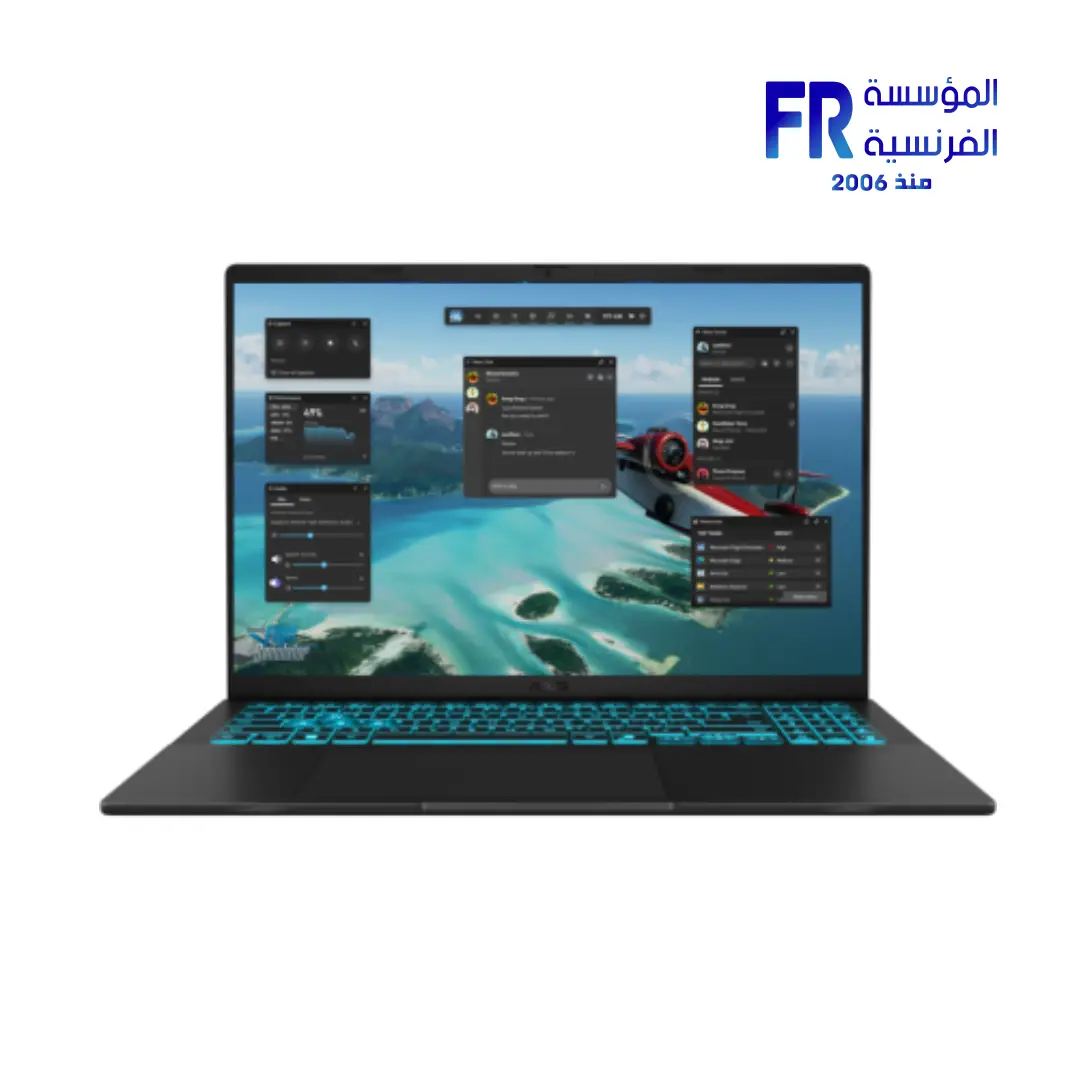
Resolution and screen size
Full HD, WUXGA and QHD/WQXGA have different pixel counts and aspect ratios. More pixels can improve detail and workspace, but also increase the graphics workload in games. Match native resolution to the GPU and games you play.
Refresh rate
A 144Hz screen can refresh up to 144 times per second when supported by the system. Higher refresh rates can improve motion smoothness, but do not guarantee that every game will render that many frames.
Panel type, brightness and colour
IPS, VA and OLED differ in contrast, viewing angles and pixel transitions, but performance varies by exact panel. Creative users should check colour gamut and, where relevant, accuracy information. Brightness matters in bright rooms; HDR labels alone do not guarantee strong HDR performance.
Laptop display checklist
| Item | Verify |
|---|---|
| دقة الشاشة | Native pixels and aspect ratio |
| Refresh rate | Maximum Hz at native resolution |
| Panel | Exact panel type and response behaviour |
| Brightness and colour | Specified brightness and colour coverage |
| GPU | Performance appropriate to resolution |
Frequently asked questions
Is 144Hz enough?
It can suit many users. Higher refresh rates are most useful when games and system performance can take advantage of them.
Is QHD always better than Full HD?
QHD provides more pixels but requires more GPU performance and may cost more.
Sources
Next step: Compare the complete laptop SKU and its precise screen specification before deciding.
Explore laptop buying guides.
Compare options before you buy
Check the exact model, compatibility, current availability and warranty terms.
alfrensia.com — Alfrensia, French Establishment for Computers
شاشة اللابتوب بتأثر على الألعاب والبرامج والفيديو، لكن مواصفاتها أحياناً صعبة المقارنة. الدقة ومعدل التحديث ونوع اللوحة والسطوع وتغطية الألوان كل واحدة بتوصف جانباً مختلفاً. اختار الشاشة حسب استخدامك مع مراعاة توازنها مع GPU وميزانية اللابتوب.
الدقة وحجم الشاشة
Full HD وWUXGA وQHD/WQXGA تختلف في عدد البكسلات ونسبة الأبعاد. عدد بكسلات أكبر ممكن يحسن التفاصيل ومساحة العمل، لكنه يزيد الحمل الرسومي في الألعاب. طابق الدقة الأصلية مع قدرة GPU والألعاب اللي بتستخدمها.
معدل التحديث Refresh Rate
شاشة 144Hz يمكنها تحديث الصورة حتى 144 مرة في الثانية عند دعم النظام. المعدلات الأعلى ممكن تحسن سلاسة الحركة، لكنها مش ضمان إن كل لعبة هتنتج نفس عدد الإطارات.
نوع اللوحة والسطوع والألوان
IPS وVA وOLED بيختلفوا في التباين وزوايا الرؤية وانتقالات البكسل، لكن الأداء بيعتمد على اللوحة الدقيقة. للمحتوى الإبداعي، راجع تغطية الألوان ومعلومات الدقة اللونية لو متاحة. السطوع مهم في الغرف المضاءة، واسم HDR وحده مش ضمان لجودة HDR قوية.
قائمة فحص شاشة اللابتوب
- Resolution: عدد البكسلات الأصلي ونسبة الأبعاد.
- Refresh rate: أقصى Hz عند الدقة الأصلية.
- Panel: النوع الدقيق وسلوك الاستجابة.
- Brightness and colour: السطوع وتغطية الألوان المعلنة.
- GPU: أداء مناسب للدقة المطلوبة.
الأسئلة الشائعة
هل 144Hz كفاية؟
ممكن تكون مناسبة لكثير من المستخدمين. المعدلات الأعلى بتفيد أكثر لما اللعبة والجهاز يقدروا يستفيدوا منها.
هل QHD أفضل دائماً من Full HD؟
QHD بتوفر بكسلات أكثر لكنها تحتاج أداء GPU أعلى وقد تكون أغلى.
المصادر والخطوة التالية
راجع شرح RTINGS لمعدل تحديث الشاشة، وقارن رقم موديل اللابتوب ومواصفات الشاشة الدقيقة قبل القرار.
راجع أدلة شراء اللابتوبات على موقع المؤسسة الفرنسية للكمبيوتر، أو تواصل مع المبيعات على واتساب للاستفسار عن مواصفات الشاشة والتوفر الحالي.