


Graphics-card power specifications are useful, but they are not the only input when choosing a power supply. Board power, transient behaviour, CPU load, other components, PSU quality, connector requirements and the manufacturer’s recommendation all matter. A larger wattage number alone does not guarantee that a PSU is suitable.
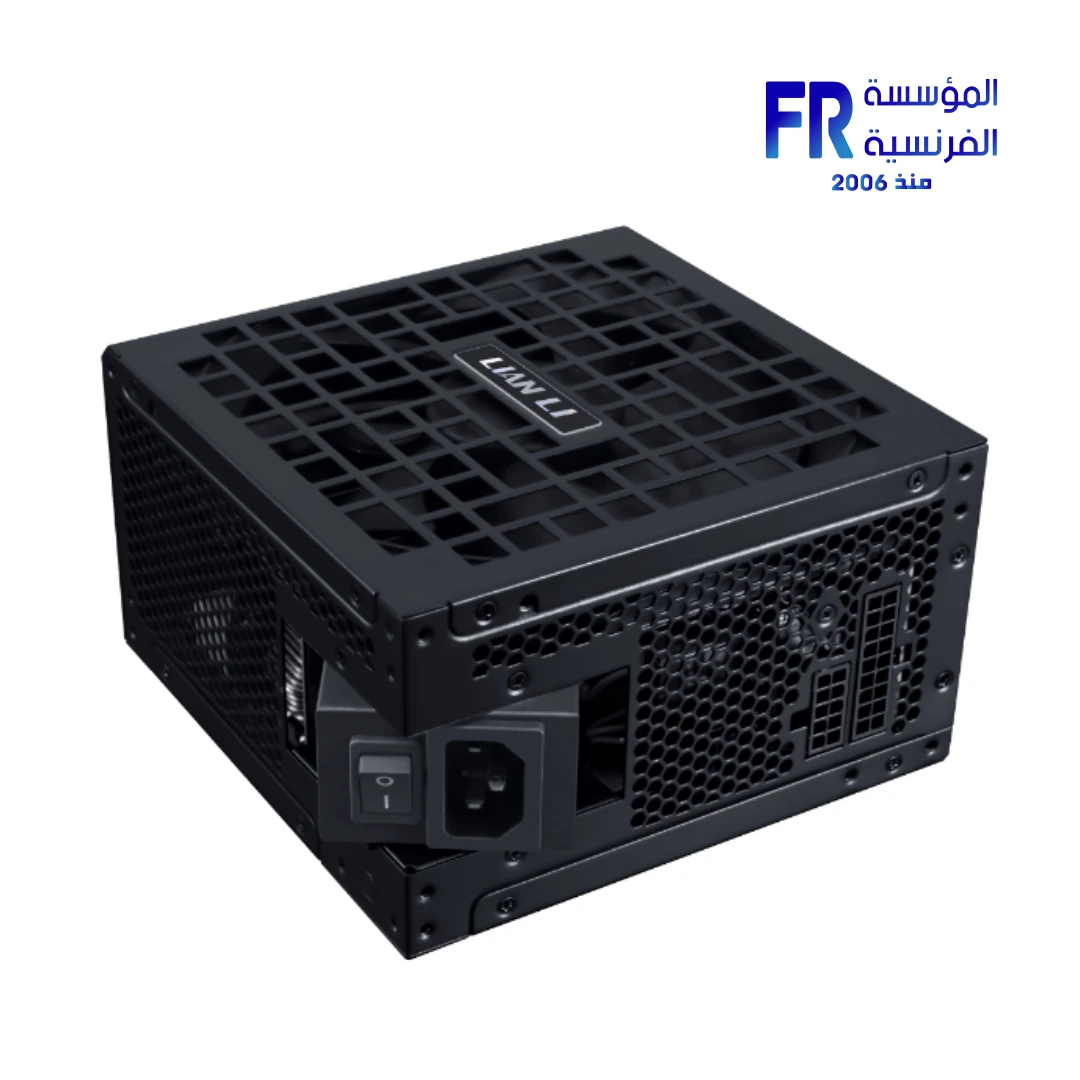
GPU power ratings are not the entire system
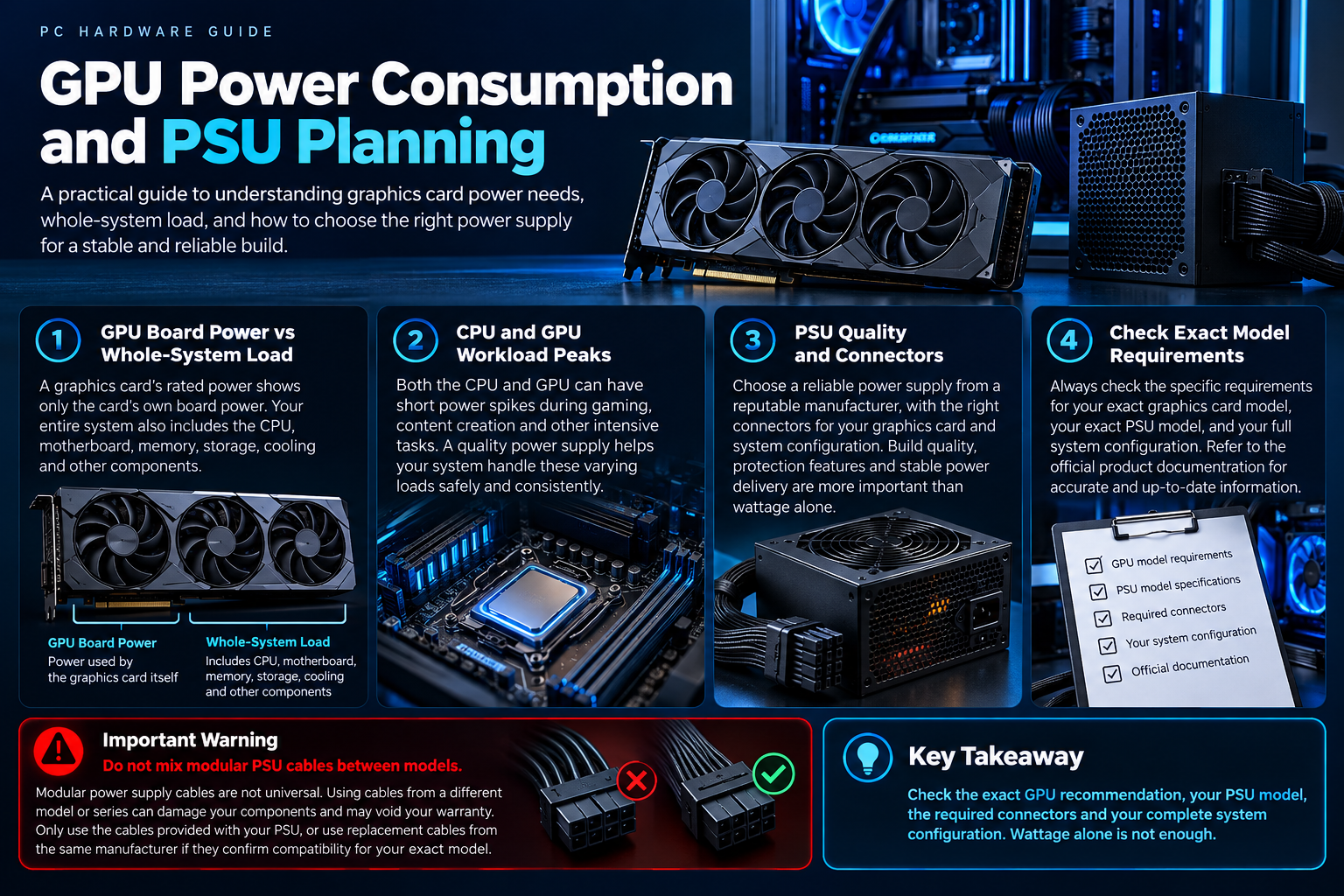
Specifications such as total graphics power or board power describe the card under defined conditions, but product naming and measurement conventions can differ by manufacturer. Laptop GPU TGP is not interchangeable with desktop graphics-card board power. Check the exact model’s documentation.
| Term | What it describes | What to check |
|---|---|---|
| GPU board power | Power attributed to the graphics card under the stated measurement/specification | Exact card model and manufacturer terminology |
| Recommended system PSU | Manufacturer guidance for a complete system configuration | GPU maker recommendation and CPU/system context |
| PSU rated output | Power the PSU is designed to provide under its rated conditions | Model quality, output capability, age and connectors |
| Transient load | Short-lived changes in system power demand | PSU design and guidance for the exact GPU |
Estimate the whole system
The CPU, GPU, motherboard, drives, fans, pumps and attached devices all contribute to system load. Workload peaks and transient behaviour can matter as well as average consumption. Use reputable PSU sizing guidance and the GPU maker’s recommendation rather than treating a rough online calculator as a guarantee.
Connectors, standards and cable compatibility
Confirm the GPU’s required PCIe or 12V-2×6 power connections and the PSU’s approved cables. Never mix modular PSU cables between models unless the manufacturer explicitly confirms compatibility. Ensure connectors are fully seated and routed according to the manuals.
Before upgrading the GPU
| Check | What to verify |
|---|---|
| GPU | Exact power rating, connector and manufacturer recommendation |
| PSU | Model, output capability, quality and age/condition |
| System | CPU and other components contributing to load |
| Cables | Approved PSU-specific cables and correct connectors |
| Case | Card clearance and cable bend space |
A practical PSU selection process
- Identify the exact graphics card and read its official power and connector guidance.
- Check the CPU and other system components rather than sizing for the GPU alone.
- Choose a reputable PSU with suitable output capability, protections and native/approved cables.
- Verify case clearance and cable routing, especially around modern high-power GPU connectors.
- Never reuse modular cables across PSU models unless compatibility is explicitly confirmed by the manufacturer.
Frequently asked questions
Is a higher-wattage PSU always better?
No. Suitability, quality, connectors, protection features and the specific system load all matter.
Can I reuse modular cables from my old PSU?
Only if the manufacturer confirms they are compatible with the exact PSU model.
Sources
- Intel: PC power supply guidance
- NVIDIA graphics-card specifications
- Alfrensia power-supply buying guides
Next step: Check the exact GPU and PSU manuals and verify connector compatibility before purchasing.
Explore power-supply buying guides.