


Gaming monitor specifications often place refresh rate, response time and input lag side by side, but they describe different behaviours. Refresh rate tells you how often the display can update, pixel response time describes how quickly pixels transition, and input lag describes the delay before a signal begins appearing on screen. A strong buying decision considers all three alongside resolution, panel behaviour and the performance your PC can deliver.
1. Refresh rate: how often the screen updates
Refresh rate is measured in hertz (Hz). A 144Hz monitor can refresh up to 144 times per second, while a 240Hz monitor can refresh up to 240 times per second when the connection, resolution and settings support that mode. The frame rate produced by your PC is a separate measurement; a high-refresh display cannot make a game render frames that the system does not produce.
Higher refresh rates can make motion look smoother and can reduce the time between refreshes. The practical difference depends on the game, frame rate, display behaviour and personal preference. Verify the maximum supported refresh rate at the resolution and colour settings you plan to use.
2. Pixel response time: how quickly pixels transition
Pixel response time describes how long pixels take to change from one colour or shade to another. Slow transitions can create visible blur or trailing behind moving objects. Some overdrive settings can speed transitions but may introduce overshoot or inverse ghosting, so the fastest advertised mode is not always the cleanest-looking one.
Manufacturers may advertise a minimum response-time figure under specific test conditions. Real transitions vary across colour changes and monitor settings. Independent measurements of total response time and overshoot are more useful than assuming the headline number describes every transition.
3. Input lag: delay before the image appears
Input lag is the delay between the display receiving a signal and the image beginning to appear. It contributes to overall system latency, which also includes the PC or console, game processing and input devices. Low input lag is especially relevant for fast-reaction games, but the monitor is only one part of the chain.
Input-lag measurements depend on resolution, refresh rate and the monitor’s selected mode. Look for tests of the exact mode you intend to use instead of comparing numbers measured under different conditions.
4. Other factors that affect the experience
- Panel behaviour: Different panel technologies and models have different transition characteristics.
- Variable refresh rate: Adaptive Sync, FreeSync or G-SYNC compatibility may help reduce tearing when frame rates vary, subject to the supported configuration.
- Resolution: Higher resolutions increase the rendering workload for the GPU.
- Connection bandwidth: HDMI or DisplayPort capabilities, cable quality and monitor settings determine which modes are available.
- Use case: Competitive games may prioritise responsiveness, while cinematic games and creative work may place more weight on resolution, contrast or colour behaviour.
Gaming monitor comparison checklist
| Specification | What to check |
|---|---|
| Refresh rate | Supported Hz at your target resolution and connection |
| Response time | Independent transition measurements and overshoot |
| Input lag | Test results at the intended refresh rate and mode |
| Adaptive sync | Exact support, range and compatibility with your GPU |
| Image quality | Panel type, contrast, brightness and colour coverage |
| Ergonomics | Stand adjustment, ports, warranty and desk fit |
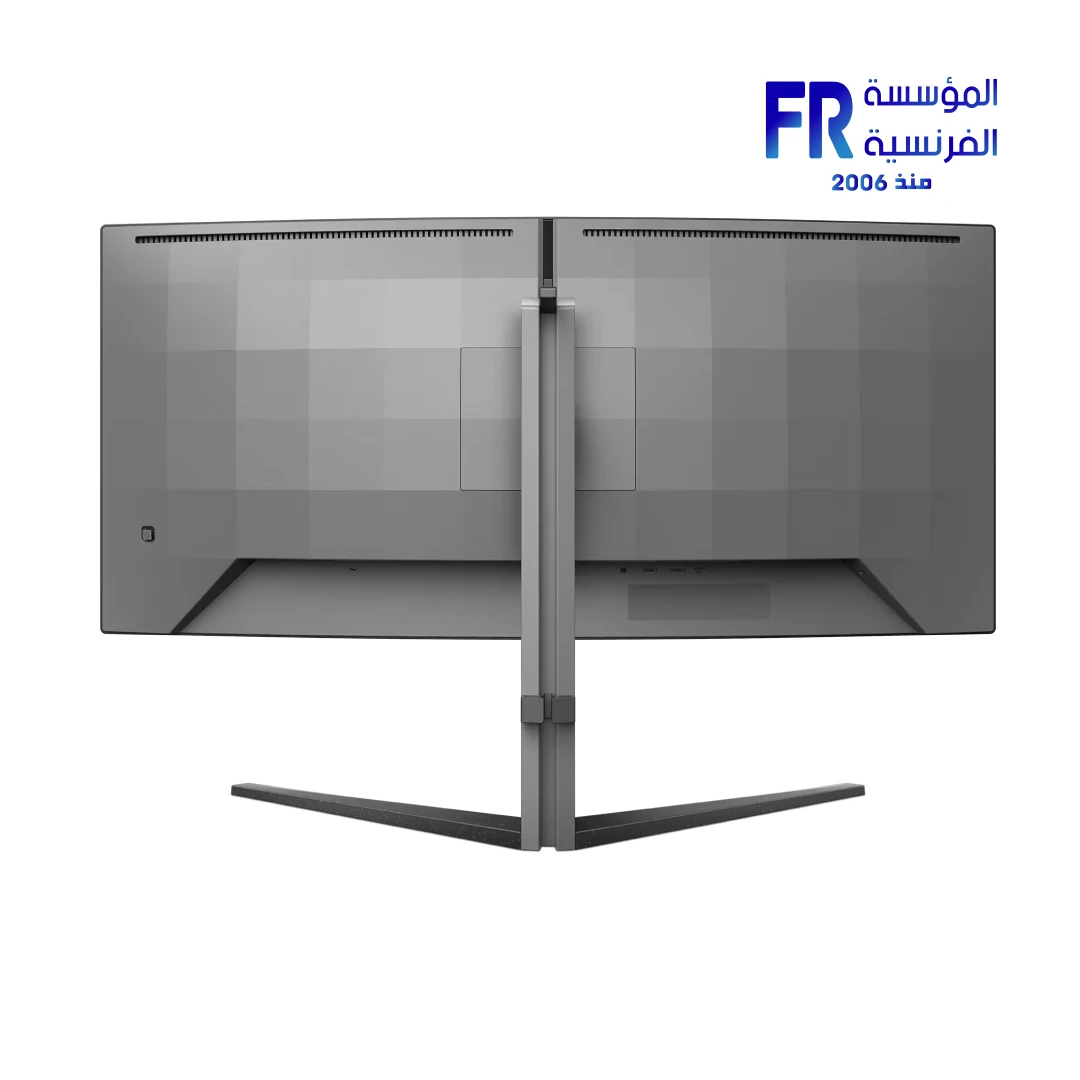
For a product example, compare the Philips Evnia 34M2C5500Q WQHD 200Hz monitor with the ASUS ROG Strix OLED XG27AQDNG QHD 360Hz monitor. They are different monitor designs; compare the exact model’s independent tests, features and current price before deciding.
Frequently asked questions
Does 1ms response time mean 1ms input lag?
No. Pixel response time and input lag measure different things. One figure cannot substitute for the other.
Is 240Hz always better than 144Hz?
Not automatically. The game, frame rate, pixel transitions, input lag, resolution and price all affect the decision.
Can a monitor’s advertised response time be misleading?
A headline minimum may describe only selected transitions or settings. Independent testing helps show real behaviour across multiple transitions and modes.
Sources
- RTINGS: How monitor refresh rate affects motion and responsiveness
- RTINGS: Monitor response-time and motion-blur testing
- RTINGS: How monitor input lag is measured
- Alfrensia product listing: Philips Evnia 34M2C5500Q
Next step: Compare independent response-time and input-lag results for the exact monitor modes you will use, then weigh them against resolution, image quality and budget.
Compare options before you buy
Check the exact model, compatibility, current availability and warranty terms.
alfrensia.com — Alfrensia, French Establishment for Computers
مواصفات شاشات الألعاب بتعرض Refresh Rate وResponse Time وInput Lag جنب بعض، لكن كل واحد بيقيس حاجة مختلفة. Refresh Rate هو عدد مرات تحديث الشاشة، وPixel Response Time هو سرعة انتقال البكسلات، أما Input Lag فهو التأخير قبل ظهور الإشارة على الشاشة. الاختيار الجيد بيجمع التلاتة مع الدقة وسلوك اللوحة وقدرة الكمبيوتر.
Refresh Rate: الشاشة بتتحدث كام مرة؟
معدل التحديث بيتقاس بالهرتز (Hz). شاشة 144Hz تقدر تحدث الصورة حتى 144 مرة في الثانية، وشاشة 240Hz حتى 240 مرة لو الاتصال والدقة والإعدادات بتدعم الوضع. معدل الإطارات اللي الكمبيوتر بيطلعه قياس مختلف؛ الشاشة عالية التردد مش هتخلي اللعبة تنتج إطارات مش موجودة.
المعدلات الأعلى ممكن تخلي الحركة أنعم وتقلل الوقت بين التحديثات. الفرق العملي بيعتمد على اللعبة ومعدل الإطارات وسلوك الشاشة وتفضيلك. تأكد من أقصى Hz عند الدقة وإعدادات الألوان اللي هتستخدمها.
Pixel Response Time: انتقال البكسلات
زمن استجابة البكسل هو الوقت اللي تحتاجه البكسلات لتغيير اللون أو الدرجة. الانتقالات البطيئة ممكن تسبب ضبابية أو آثاراً خلف الأجسام المتحركة. إعدادات Overdrive قد تسرّع الانتقال لكنها ممكن تسبب Overshoot أو Inverse Ghosting، لذلك أسرع وضع معلن مش دائماً أنظف صورة.
الشركات قد تعلن أقل زمن استجابة تحت ظروف اختبار محددة. الانتقالات الفعلية تختلف حسب تغيّر الألوان وإعدادات الشاشة. قياسات مستقلة لزمن الانتقال وOvershoot أفضل من افتراض أن الرقم المعلن ينطبق على كل الحالات.
Input Lag: التأخير قبل ظهور الصورة
Input Lag هو التأخير بين استقبال الشاشة للإشارة وبدء ظهور الصورة. وهو جزء من زمن استجابة النظام كله، اللي يشمل الكمبيوتر أو الكونسول ومعالجة اللعبة وأجهزة الإدخال. انخفاضه مهم للألعاب السريعة، لكن الشاشة جزء واحد من سلسلة كاملة.
قياسات Input Lag بتعتمد على الدقة ومعدل التحديث ووضع الشاشة. قارن اختبارات الوضع اللي هتستخدمه فعلياً بدل أرقام اتقاست في ظروف مختلفة.
عوامل أخرى بتأثر على التجربة
- سلوك اللوحة: تقنيات وموديلات اللوحات تختلف في انتقالات البكسل.
- VRR: Adaptive-Sync أو FreeSync أو G-SYNC Compatible ممكن تقلل tearing حسب التوافق.
- الدقة: الدقة الأعلى بتزيد الحمل على GPU.
- الاتصال: قدرات HDMI أو DisplayPort والكابل والإعدادات بتحدد الأوضاع المتاحة.
- الاستخدام: الألعاب التنافسية قد تعطي أولوية للاستجابة، بينما الألعاب السينمائية والشغل الإبداعي قد يركزوا أكثر على الدقة والتباين والألوان.
قائمة مقارنة شاشة ألعاب
- Refresh Rate: أقصى Hz عند الدقة والمنفذ المطلوبين.
- Response Time: قياسات انتقالات مستقلة وOvershoot.
- Input Lag: نتائج اختبار عند التردد والوضع المستهدف.
- Adaptive Sync: الدعم الفعلي والنطاق والتوافق مع GPU.
- جودة الصورة: نوع اللوحة والتباين والسطوع وتغطية الألوان.
- الراحة: تعديل الحامل والمنافذ والضمان ومساحة المكتب.
الأسئلة الشائعة
هل 1ms معناها مفيش Motion Blur؟
لأ. لازم تعرف طريقة القياس وانتقالات البكسلات وOvershoot في الوضع المستخدم.
هل 240Hz أفضل دائماً من 144Hz؟
مش بالضرورة؛ الفائدة تعتمد على اللعبة ومعدل الإطارات واستجابة الشاشة والتكلفة.
هل Input Lag هو نفسه Response Time؟
لأ. الاتنين قياسان مختلفان وبيأثروا على جوانب مختلفة من التجربة.
المصادر والخطوة التالية
قارن اختبارات مستقلة ومواصفات الموديل الدقيق قبل الشراء. راجع أدلة شراء الشاشات لدى المؤسسة الفرنسية للكمبيوتر.
راجع أدلة شراء الشاشات على موقع المؤسسة الفرنسية للكمبيوتر، أو تواصل مع المبيعات على واتساب للاستفسار عن مواصفات الشاشات المتاحة.