


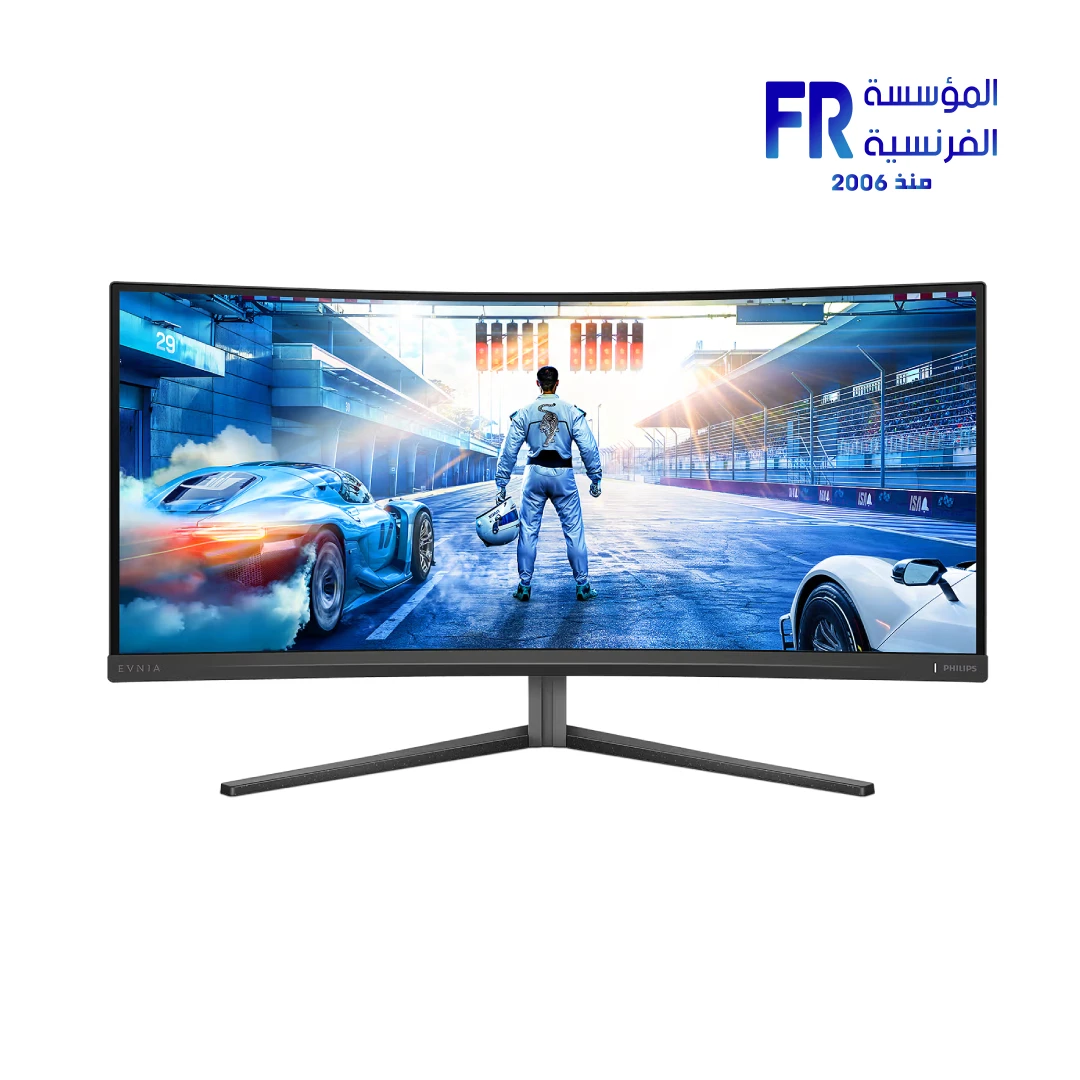
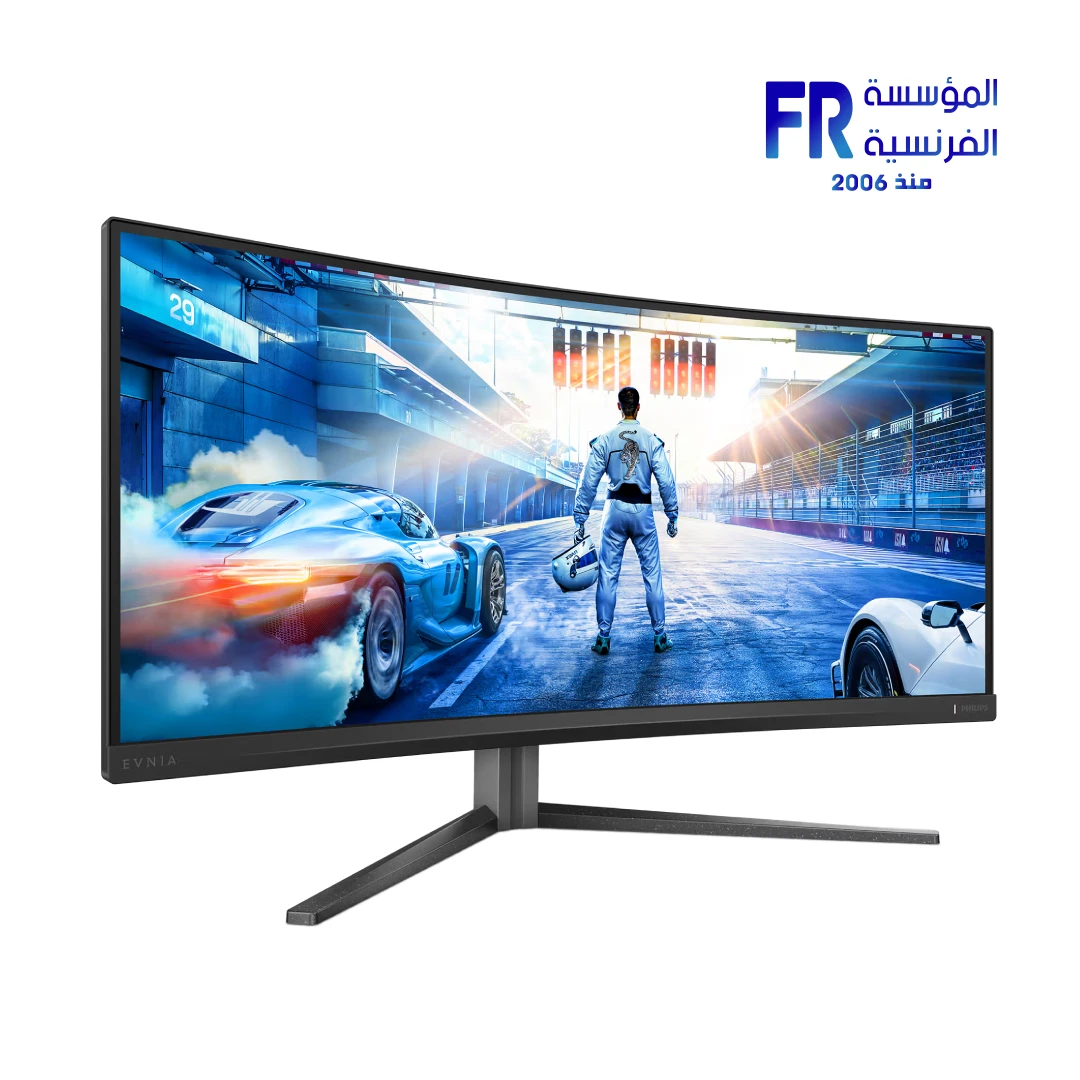
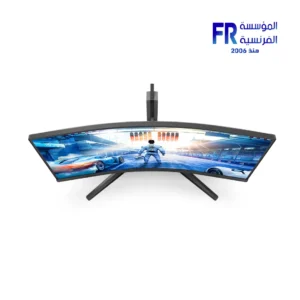
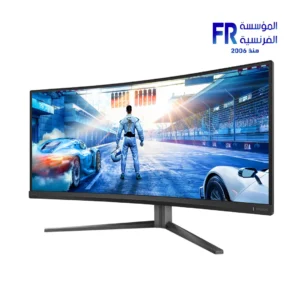
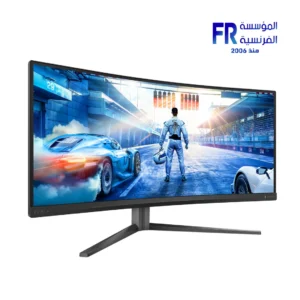


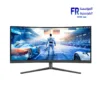
Philips Evnia 34M2C5500Q 34 Inch 200Hz 1ms WQHD Fast VA Curved Adaptive Sync Dark Slate Gaming Monitor
15988 جنيه
- رقم القطعة: 34M2C5500Q/69
- الشاشة: 34″ Fast VA Curved (1500R) | WQHD 3440×1440 @ 200Hz (DP) / 100Hz (HDMI) | 1ms GtG / 0.3ms Smart MBR | 4000:1 | 350–500 nits | DisplayHDR 400
- Color & Sync: 1.07B Colors (8-bit+FRC) | DCI-P3 89% / sRGB 98% / Adobe RGB 99% | Delta E < 2 | Adaptive Sync
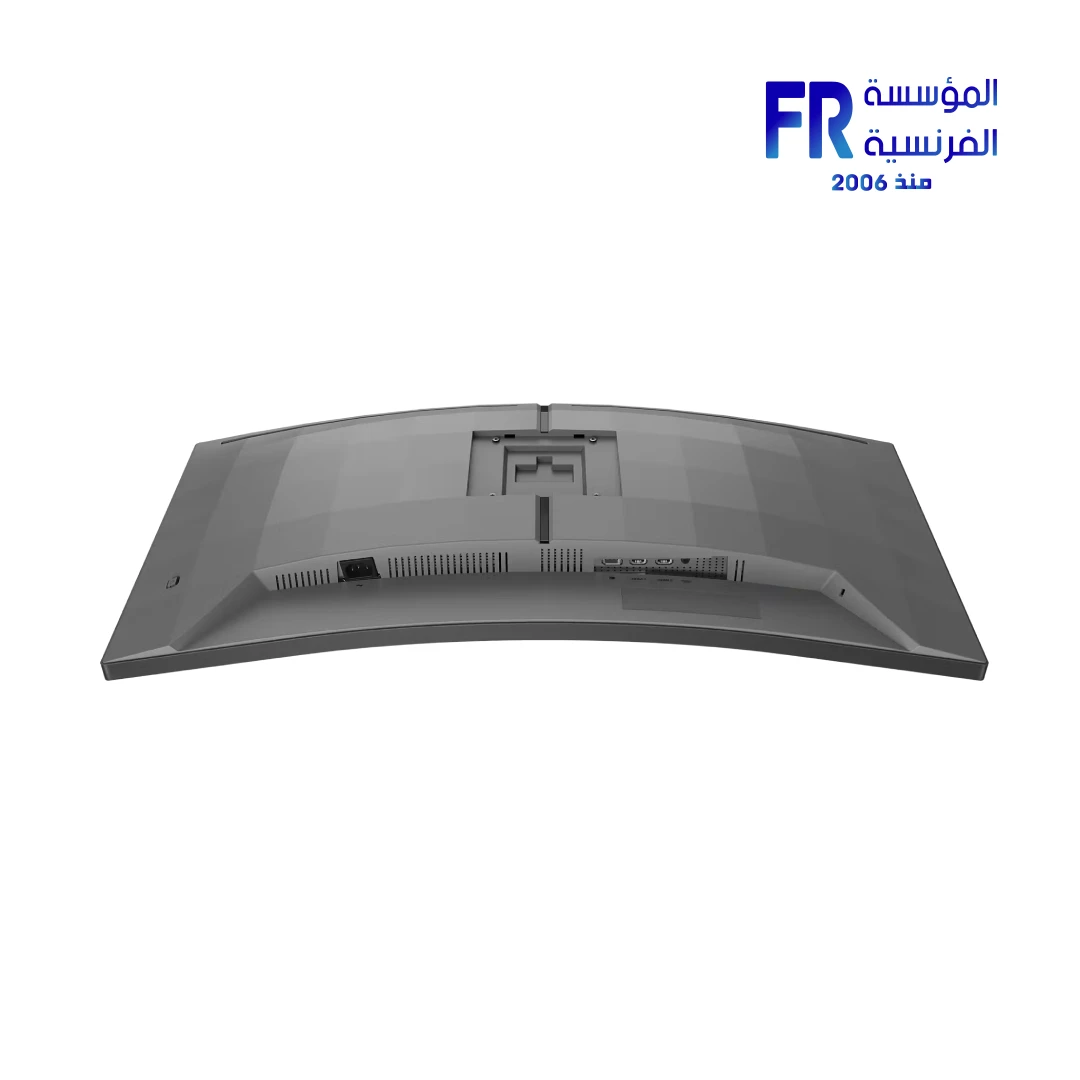
- الاتصال: 2x HDMI 2.1 (TMDS) | 1x DisplayPort 1.4 | Headphone Out | VESA 100x100mm
- الضمان: 3 Years
هل تريد أن يتم إخطارك عندما يتوافر هذا المنتج في المخزون مجددًا؟
✅ Authorized Philips Partner in Egypt | Official Warranty Coverage | Expert PC Building Consultation Available
Philips Evnia 34M2C5500Q 34 Inch 200Hz 1ms WQHD Fast VA Curved Adaptive Sync Dark Slate Gaming Monitor
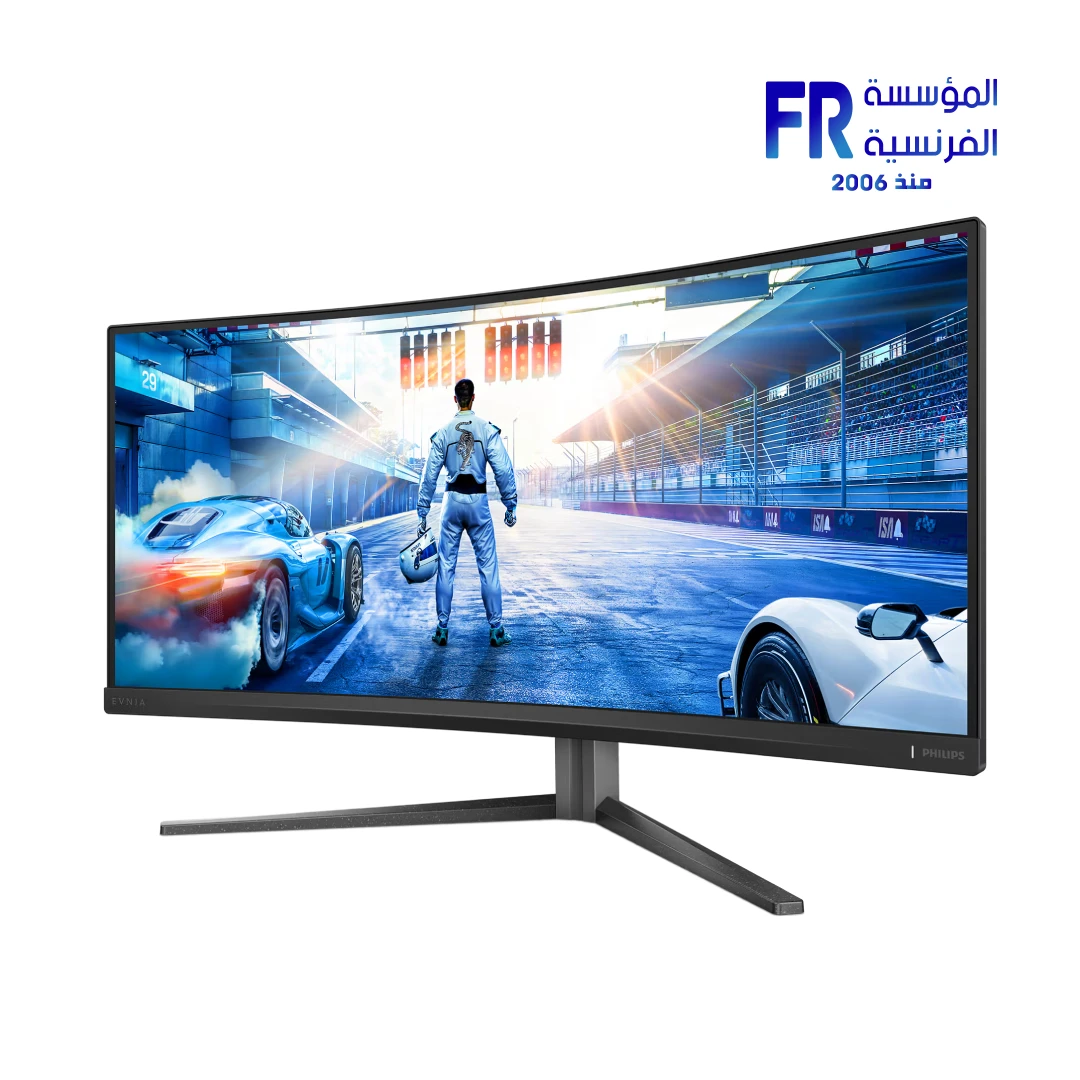
Philips Evnia 34M2C5500Q is a 34-inch curved Fast VA gaming monitor with 3440 x 1440 WQHD resolution in a 21:9 aspect ratio, 1500R curvature, and a 200Hz refresh rate over DisplayPort. It features 0.3ms Smart MBR, DisplayHDR 400, Adaptive Sync, 1.07 billion colors, and a 4000:1 contrast ratio. Available at Alfrensia for 15,988 EGP.
⚡ Engineering Highlights at a Glance:
- 34″ WQHD 21:9 Ultrawide: 3440 x 1440 resolution with 110 PPI for detailed visuals and more horizontal workspace.
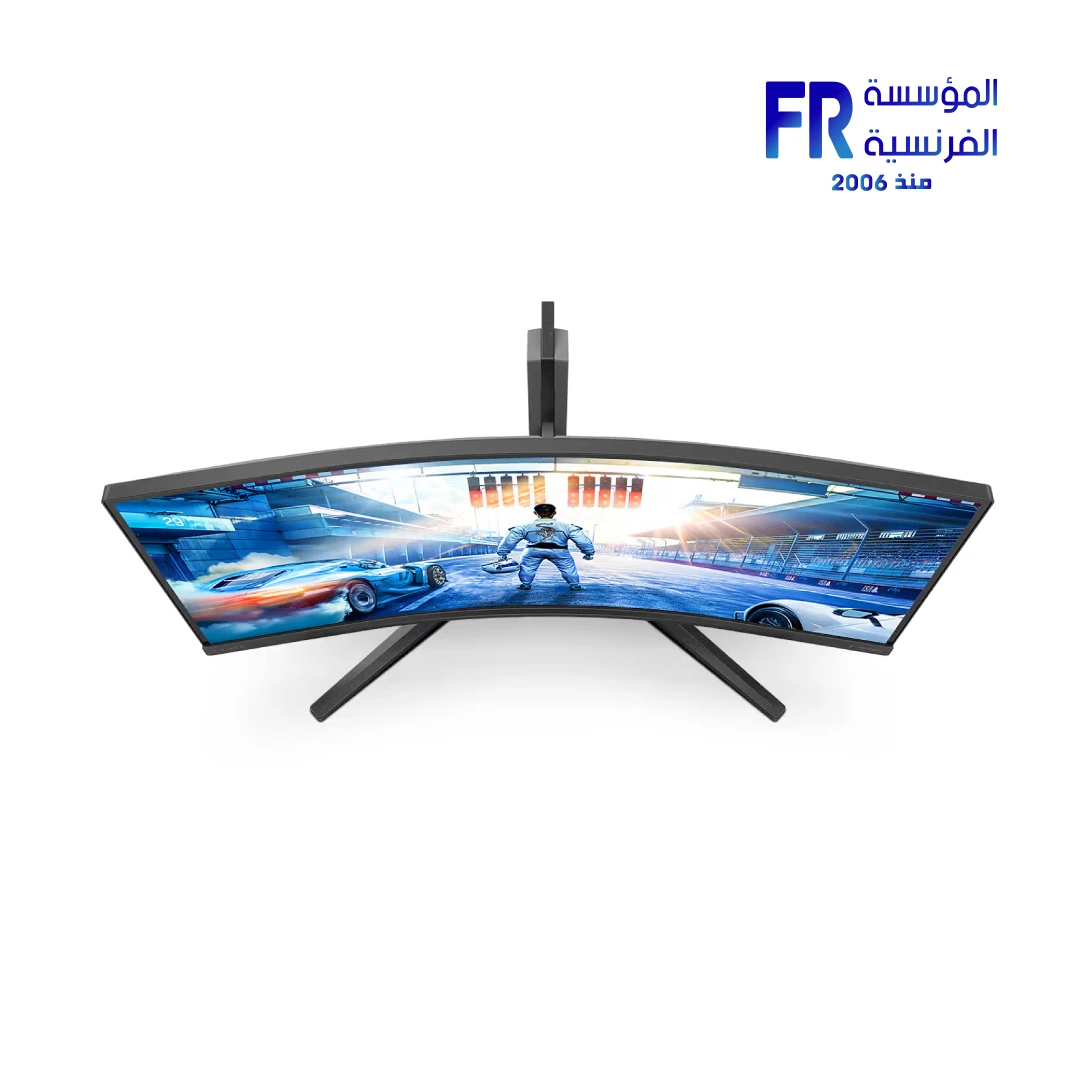
- 1500R Curved Fast VA Panel: Immersive curvature with wide 178° viewing angles and a 4000:1 typical contrast ratio.
- 200Hz Refresh Rate: Up to 200Hz over DisplayPort 1.4 and 100Hz over HDMI 2.1.
- 0.3ms Smart MBR: Backlight strobing for sharp motion in fast-paced games.
- DisplayHDR 400: 450 nits HDR brightness with 500 nits peak for improved contrast in HDR content.
- 1.07 Billion Colors: 8-bit + FRC color depth with Delta E < 2 (sRGB) and factory-calibrated accuracy.
- Adaptive Sync & MultiView: Tear-free gaming plus picture-by-picture and picture-in-picture support for multi-source workflows.
Ultrawide 21:9 WQHD Productivity and Gaming
The 3440 x 1440 resolution in 21:9 format provides roughly 33% more horizontal space than a standard 2560 x 1440 monitor, which is useful for side-by-side application windows, wider spreadsheets, and extended timelines in video editing software. In games, the ultrawide aspect ratio increases the field of view in supported titles. The 110 PPI pixel density keeps text and UI elements sharp without requiring scaling on most systems.
Fast VA Panel and 1500R Curvature
Fast VA panels combine the deep blacks and high contrast typical of VA technology with faster response times than standard VA. The 4000:1 contrast ratio produces darker black levels than IPS panels, which suits dark game scenes and movies. The 1500R curvature matches the natural field of view at typical desk distances and reduces eye movement needed to scan the screen edges compared to a flat ultrawide.
HDR 400 and Color Accuracy
The monitor is VESA DisplayHDR 400 certified, with 450 nits typical brightness in HDR mode and 500 nits peak. It uses global dimming (not local dimming), which means HDR performance is more subtle than higher-tier HDR monitors, but highlights are brighter than SDR content. Color coverage includes 98% sRGB, 89% DCI-P3, 99% Adobe RGB, and 101% NTSC (typical), with Delta E < 2 factory calibration for accuracy out of the box.
Gaming Features and Connectivity
Adaptive Sync reduces tearing and stutter by syncing the monitor’s refresh rate to the GPU. The monitor includes Shadow Boost (brightens dark areas), Smart Crosshair (adjusts crosshair color for contrast), Smart Sniper (magnifies target areas), Low Input Lag mode, and Smart MBR Sync (strobing with variable refresh). Connectivity includes two HDMI 2.1 (TMDS) ports and one DisplayPort 1.4 port, plus a headphone out. The built-in MultiView feature supports picture-by-picture and picture-in-picture for connecting two sources simultaneously.
Who is the Evnia 34M2C5500Q For?
Expert Advice & Build Considerations
Refresh Rate Differs by Connection
To reach the full 200Hz refresh rate, you must use the DisplayPort 1.4 connection. HDMI is limited to 100Hz at 3440 x 1440. Confirm that your GPU and cable support DisplayPort 1.4 bandwidth for 200Hz operation at full resolution.
Smart MBR and Adaptive Sync Are Mutually Exclusive
Smart MBR uses backlight strobing to reduce motion blur but cannot be used at the same time as Adaptive Sync. Brightness adjustment is also disabled when Smart MBR is enabled. Choose Smart MBR for maximum motion clarity in competitive games or Adaptive Sync for tear-free variable refresh gaming.
📐 Desk Space and Stand Adjustment
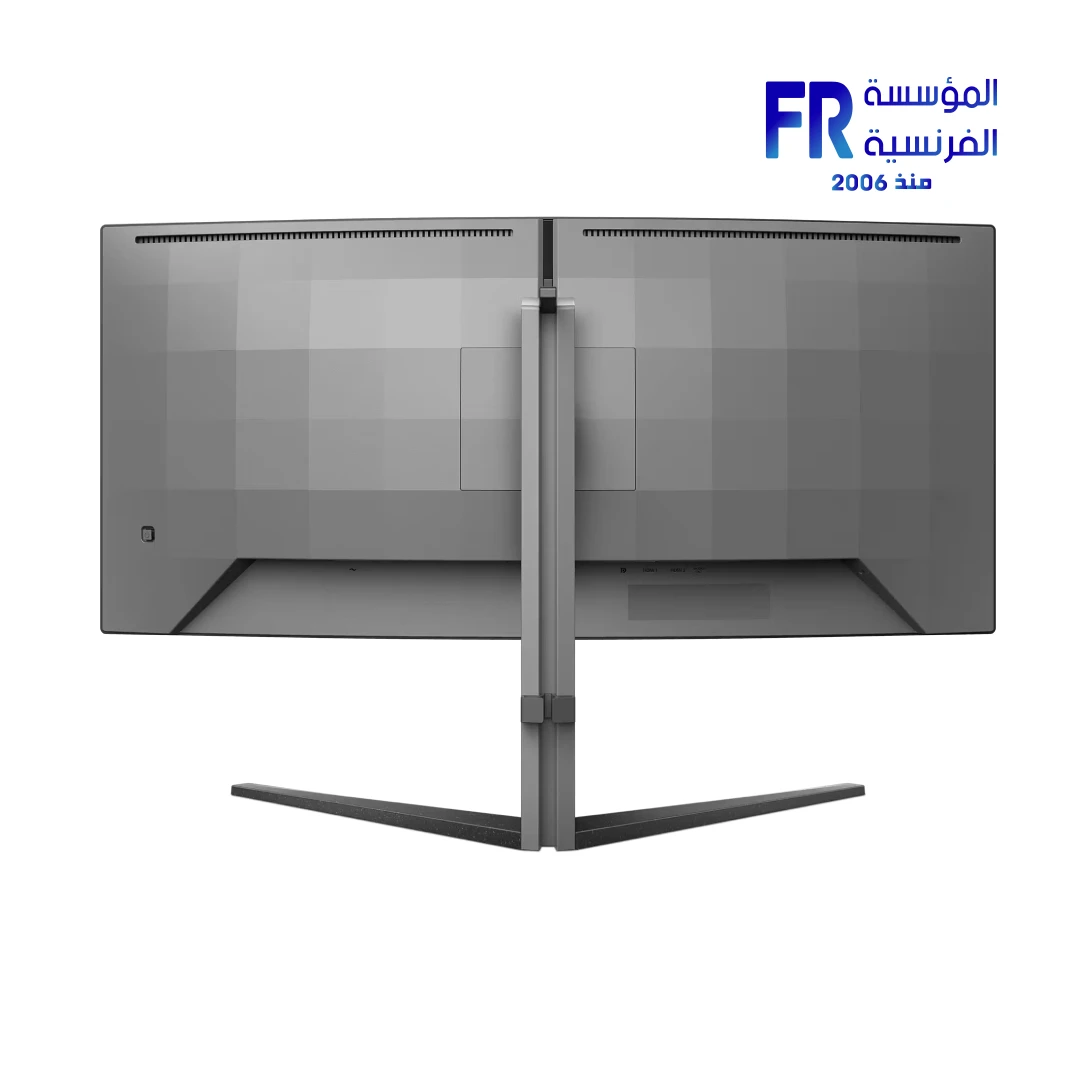
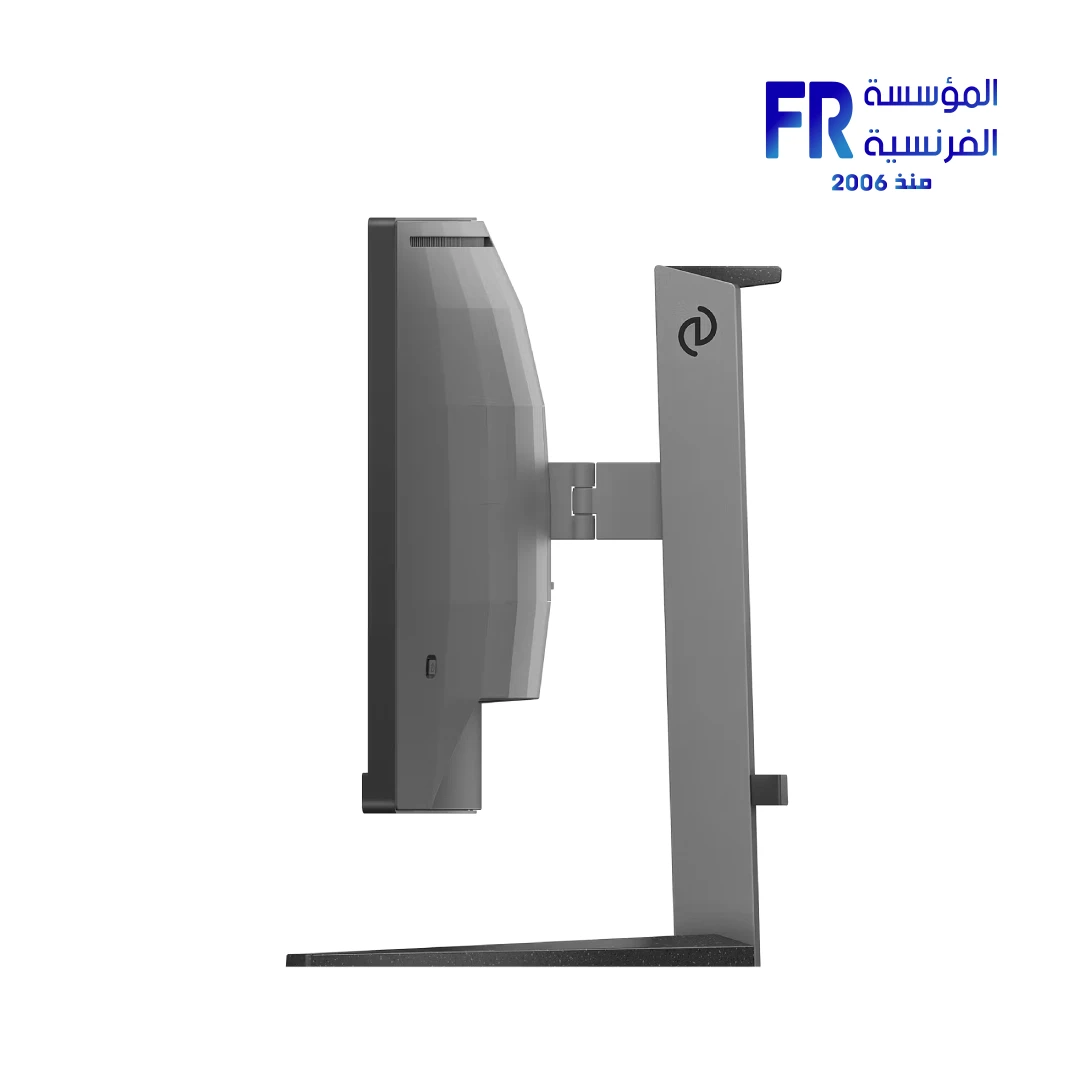
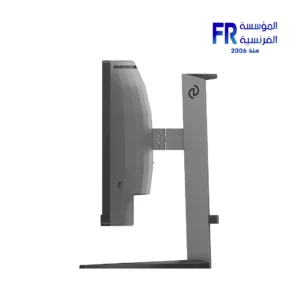
The monitor measures 808 x 529 x 311 mm with the stand and weighs 8.16 kg. Ultrawide 34-inch monitors require a wide desk area; measure your space before purchase. The included stand offers 130mm height adjustment, -5°/20° tilt, and ±30° swivel. VESA 100 x 100mm mounting is supported for monitor arms or wall mounting. A 1500R curved monitor benefits from being positioned at eye level with the center of the curve directly in front of you.
المواصفات الفنية
| الموديل | Philips Evnia 34M2C5500Q/69 |
| العلامات التجارية | Philips |
| SKU / MPN | 34M2C5500Q/69 |
| EAN | 8721038008937 |
| Panel Size | 34 inch / 86.36 cm |
| نوع البانل | Fast VA |
| Curvature | 1500R |
| دقة الشاشة | 3440 x 1440 (WQHD) |
| Aspect Ratio | 21:9 |
| معدل التحديث | 200Hz (DisplayPort) / 100Hz (HDMI) |
| زمن الاستجابة | 1ms (GtG) / 0.3ms Smart MBR |
| Contrast Ratio | 4000:1 (Typical) |
| Brightness | 350 nits (HDR Off) / 450 nits (HDR On) / 500 nits (HDR Peak) |
| HDR Certification | DisplayHDR 400 |
| Color Depth | 1.07 Billion (8-bit + FRC) |
| Color Gamut | sRGB 98%, DCI-P3 89%, Adobe RGB 99%, NTSC 101% |
| Factory Calibration | Delta E < 2 (sRGB) |
| Viewing Angle | 178° (H) / 178° (V) |
| Pixel Density | 110 PPI |
| Connectivity | HDMI 2.1 (TMDS) x2, DisplayPort 1.4 x1, Headphone Out |
| المزامنة التكيفية | Yes |
| Gaming Features | Shadow Boost, Stark Shadow Boost, Smart Crosshair, Smart Sniper, Low Input Lag, Smart MBR, Smart MBR Sync |
| MultiView | Yes (Picture-by-Picture, Picture-in-Picture) |
| Eye Care | LowBlue Mode, Flicker-Free, EasyRead |
| Stand Adjustment | Height 130mm, Tilt -5°/20°, Swivel ±30° |
| VESA Mount | 100 x 100 mm |
| Power Consumption | 35.88W (On Mode, Typical) |
| Product Dimensions | 808 x 529 x 311 mm (With Stand) |
| Weight | 8.16 kg (With Stand) |
| Color | Dark Slate (Textured) |
Expert Recommendation: Getting the Most from Your Evnia 34M2C5500Q
Connect via DisplayPort 1.4 to unlock the full 200Hz refresh rate; HDMI is limited to 100Hz at this resolution. Choose between Adaptive Sync (tear-free, variable refresh) and Smart MBR (motion blur reduction via strobing), since they cannot run simultaneously. For ultrawide gaming, sit with the center of the curve directly at eye level; the 1500R curvature is designed for a viewing distance of roughly 80–100cm. If you use the monitor for both gaming and productivity, enable MultiView only when you need to display two sources simultaneously, as it splits the screen. For color-critical work, switch to the sRGB preset with Delta E < 2 factory calibration and disable HDR. Download Evnia Precision Center to save game and work profiles and switch between them quickly. Consider a monitor arm if you want to reposition the screen frequently; the VESA 100 x 100mm mount supports most arms, and this will free up desk space given the monitor's 8.16 kg weight.
Frequently Asked Questions
How do I get 200Hz on this monitor?
Use the DisplayPort 1.4 connection with a compatible GPU and cable. HDMI is limited to 100Hz at 3440 x 1440. Confirm that your GPU supports DisplayPort 1.4 bandwidth and that the cable is certified for DP 1.4.
Is the monitor good for color-critical work?
Yes. It has factory calibration with Delta E < 2 (sRGB), 99% Adobe RGB coverage, and 1.07 billion colors (8-bit + FRC). For color-critical work, use the sRGB preset and disable HDR.
Can I use Adaptive Sync and Smart MBR together?
No. Smart MBR uses backlight strobing and cannot be enabled at the same time as Adaptive Sync. Brightness adjustment is also disabled when Smart MBR is on. Smart MBR Sync is available as an alternative that combines strobing with variable refresh at a reduced effect.
Does the monitor support two devices at once?
Yes. The MultiView feature supports Picture-by-Picture and Picture-in-Picture, allowing you to display two sources simultaneously. This is useful for connecting a PC and a console, or a work laptop and a personal desktop.
Does the stand support height adjustment?
Yes. The included stand offers 130mm height adjustment, tilt from -5° to 20°, and ±30° swivel. For pivot or portrait orientation, you will need a VESA 100 x 100mm monitor arm or wall mount.
| MODEL | |
|---|---|
| نوع الشاشة | |
| SCREEN SIZE | |
| نوع البانل | |
| RESOLUTION | |
| RESPONSE TIME | |
| REFRESH RATE | |
| ADAPTIVE SYNC | |
| Backlight Technology | |
| Brightness | |
| sRGB | |
| Flicker Free | |
| I/O Ports | |
| Included Speaker | |
| Color | |
| Part Number | |
| الضمان |
يسمح فقط للزبائن مسجلي الدخول الذين قاموا بشراء هذا المنتج ترك مراجعة.

المراجعات
لا توجد مراجعات بعد.