


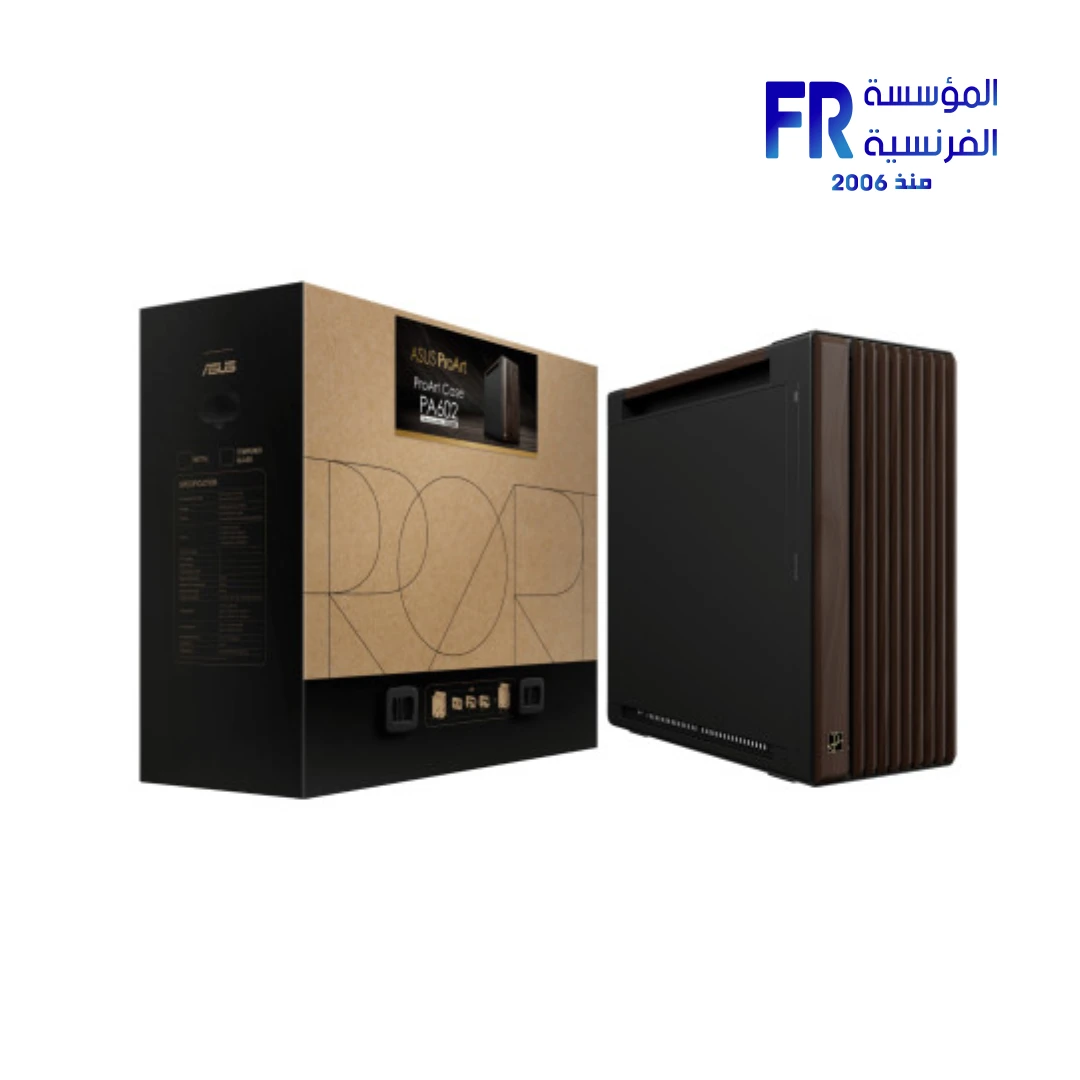
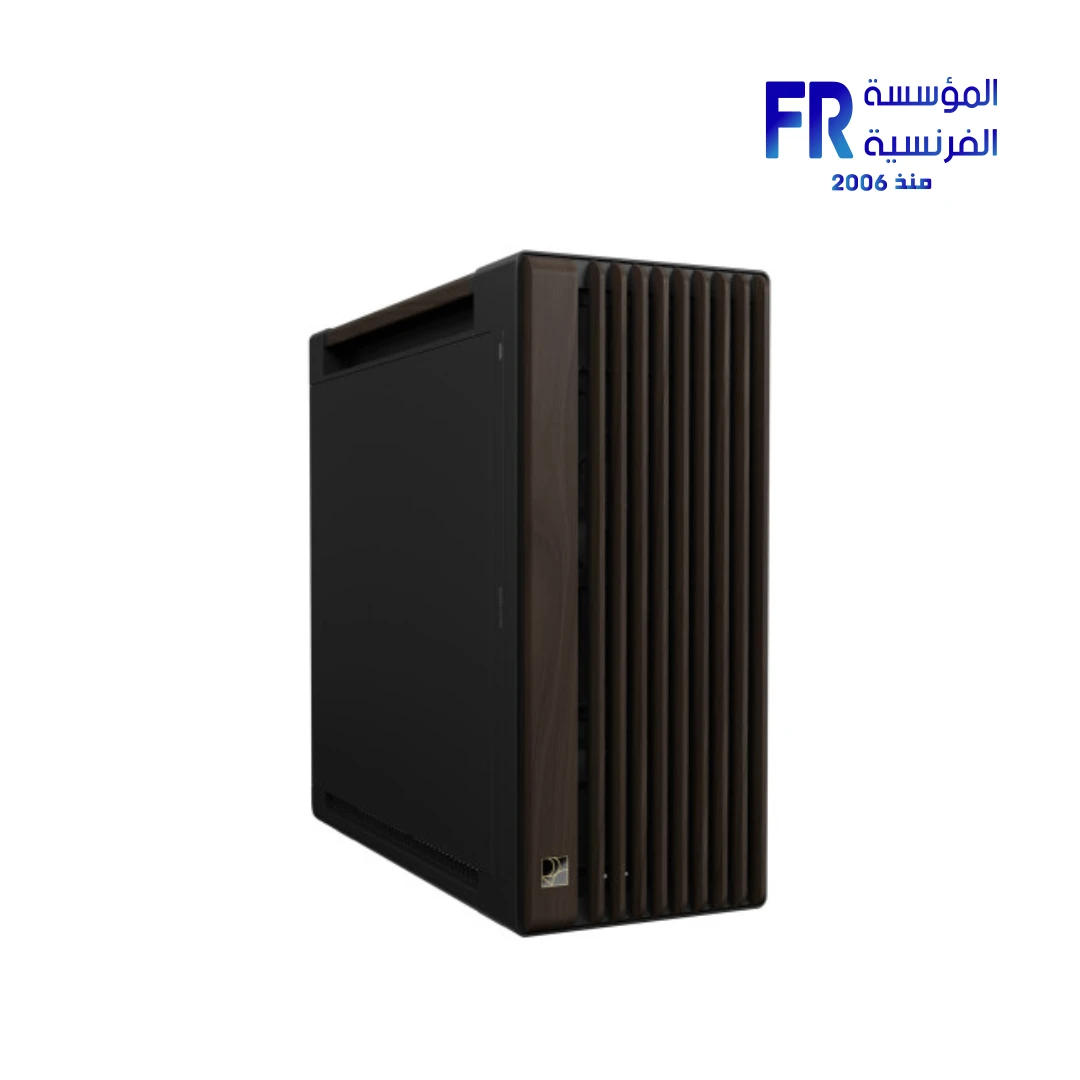
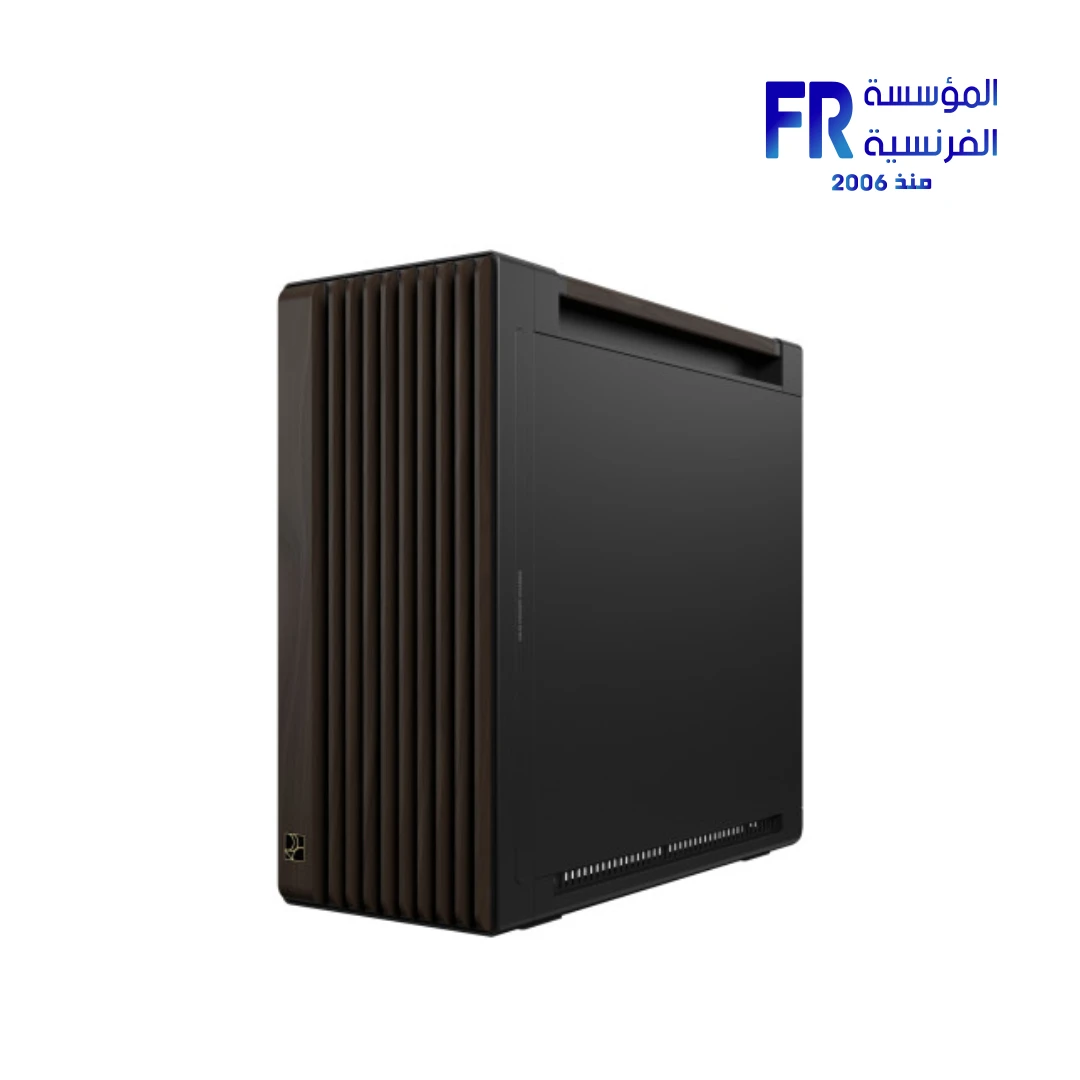
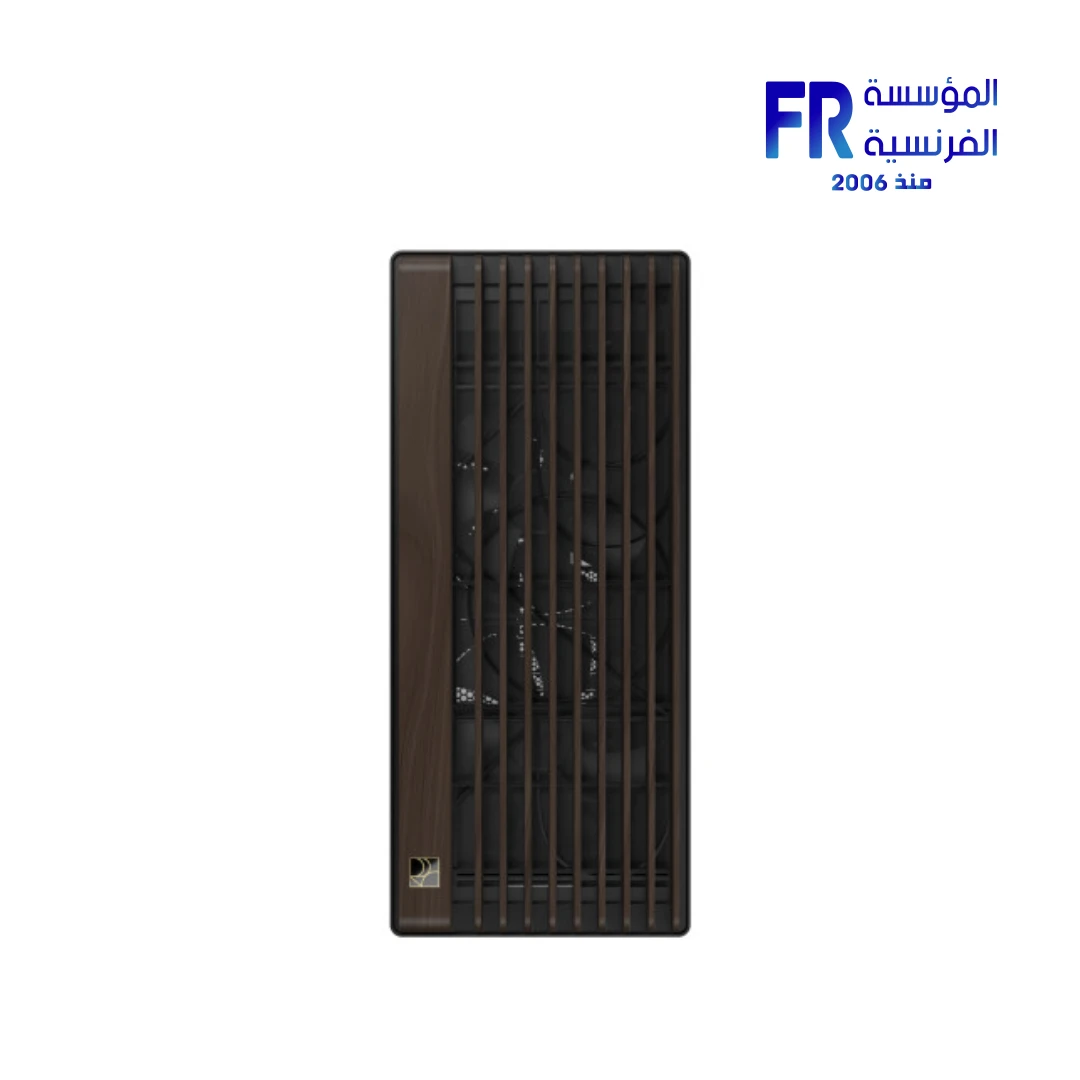
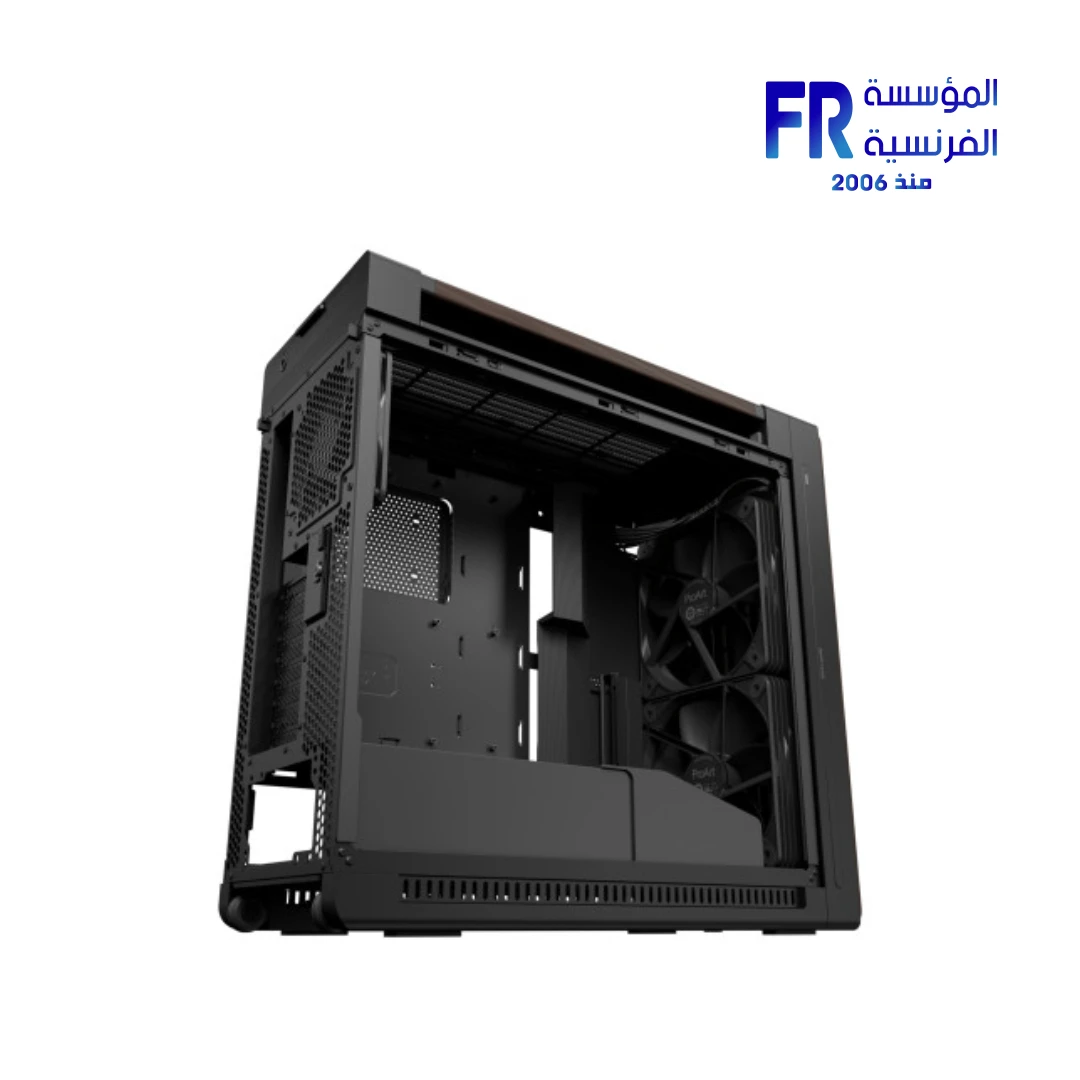
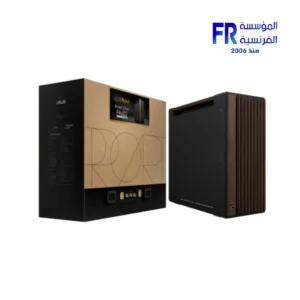
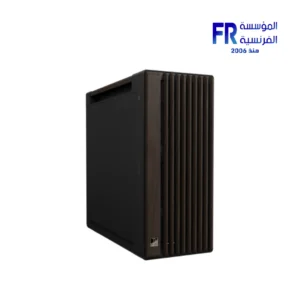
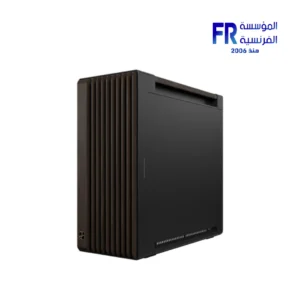
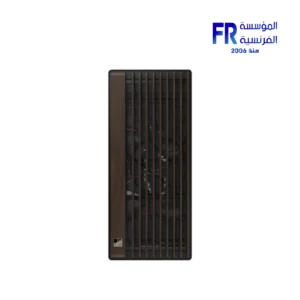
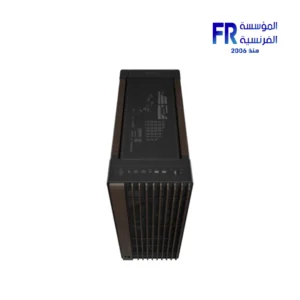
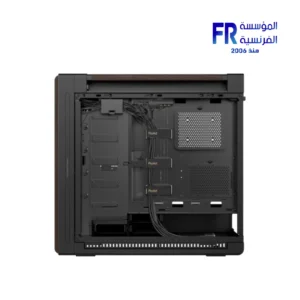
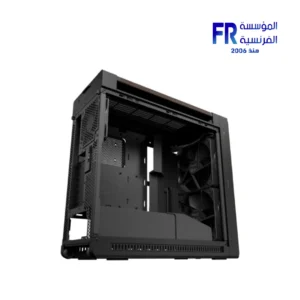


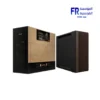
ASUS ProArt PA602 Wood Edition Modern Black Metal Panel E-ATX Full Tower Case
13798 جنيه
- Model / part number: ASUS ProArt PA602 Wood Edition Modern Black Metal Panel / 90DC00J0-B09040
- Case size: Full Tower, per ASUS; supports E-ATX, ATX, Micro-ATX, Mini-ITX and DTX boards
- Design: Modern black metal side panel with FSC-certified walnut wood accents and built-in handles
- Cooling: 2 × 200 mm front PWM fans and 1 × 140 mm rear PWM fan; top radiator support up to 420 mm
- Clearance: GPU up to 440 mm; CPU cooler up to 185 mm; PSU up to 190 mm
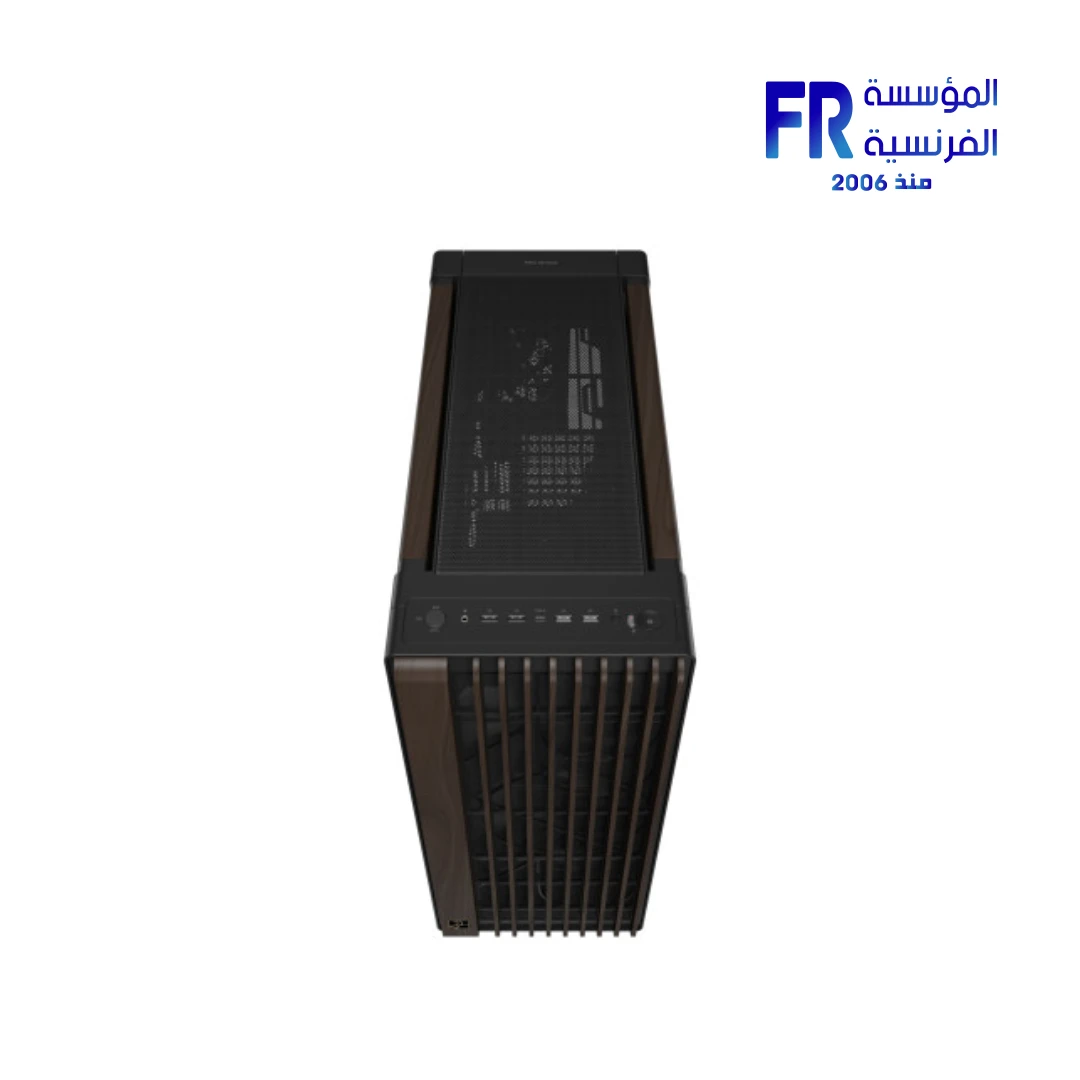
- Front I/O: USB-C 20Gbps, 2 × USB-A 5Gbps, 2 × USB 2.0, fan control and reset buttons
- الضمان: 1 Year (Alfrensia local warranty)
المتوفر في المخزون 1 فقط
ضمان أفضل سعر- أقوى ضمان في مصر: استبدال فوري بجديد
- استرجاع خلال 30 يوم لو المنتج بنفس حالته
- ادفع كاش عند الاستلام
✅ Authorized ASUS Partner in Egypt | Official 1-Year Warranty | Expert PC Building Consultation Available
ASUS ProArt PA602 Wood Edition Modern Black Metal Panel E-ATX Mid Tower Case
ASUS ProArt PA602 Wood Edition Modern Black is a mid tower case with a metal side panel and FSC-certified walnut wood front. It supports E-ATX, ATX, Micro-ATX, Mini-ITX, DTX, and Mini-DTX motherboards. Moreover, it ships with two 200 x 38mm front PWM fans and one 140 x 28mm rear fan, supports up to 420mm top radiators, and fits GPUs up to 440mm. Check the current price and availability shown on this product page.
⚡ Engineering Highlights at a Glance:
- FSC-Certified Walnut Wood Front: Six-stage thermowood process protects the wood from insects, humidity, and heat while adding a glossy finish.
- Metal Side Panel: Prioritizes cooling and durability over tempered glass; also supports wood handles rated for up to 30 kg.
- High-Porosity Front Grille: Open front panel lets air move freely; dual air deflectors centralize cool air for GPU and CPU cooler intake.
- Thicker Pre-installed PWM Fans: Two 200 x 38mm front fans plus one 140 x 28mm rear fan deliver high airflow with low noise.
- 420mm Top Radiator Support: Fits 120/140/240/280/360/420mm radiators for AIO or custom liquid cooling loops.
- Creator-Friendly Features: Tool-free GPU slot clamp, automatic dust detection, built-in wheels, one-stop PWM fan hub, and power lock latch.
- Modern Front I/O: USB 3.2 Gen 2×2 Type-C (20Gbps), two USB 3.2 Gen 1, two USB 2.0, fan control button, and reset button.
Who is the ProArt PA602 Wood Edition Modern Black For?
Expert Advice & Build Considerations
Desk and Floor Space Requirements
The case measures 593 x 560 x 245mm and weighs 15.8 kg empty. Therefore, check that your desk or floor area can take the full 560mm height before you buy. On a desk, the case takes up a lot of depth. On the floor, keep the bottom dust filters easy to reach for cleaning. Because the case has two built-in wheels, you can roll it on hard floors instead of lifting it. The front I/O sits on the top edge, so leave vertical space for cables and USB access.
Cooling and Radiator Configuration
Top radiator support runs from 120 to 420mm, so 360mm and 420mm AIOs fit in most builds. However, check your radiator’s thickness and fan layout against the case’s top clearance, especially with tall VRM heatsinks on E-ATX boards. Front cooling is limited to the two pre-installed 200mm fans; other sizes need adapters, since 200 x 38mm is the native format. Rear exhaust takes one 120mm or 140mm fan. Also, the fan control button on the front I/O lets you switch fan profiles without opening the BIOS, and the integrated PWM fan hub simplifies wiring multiple fans.
Storage, Cable Management, and Wood Care
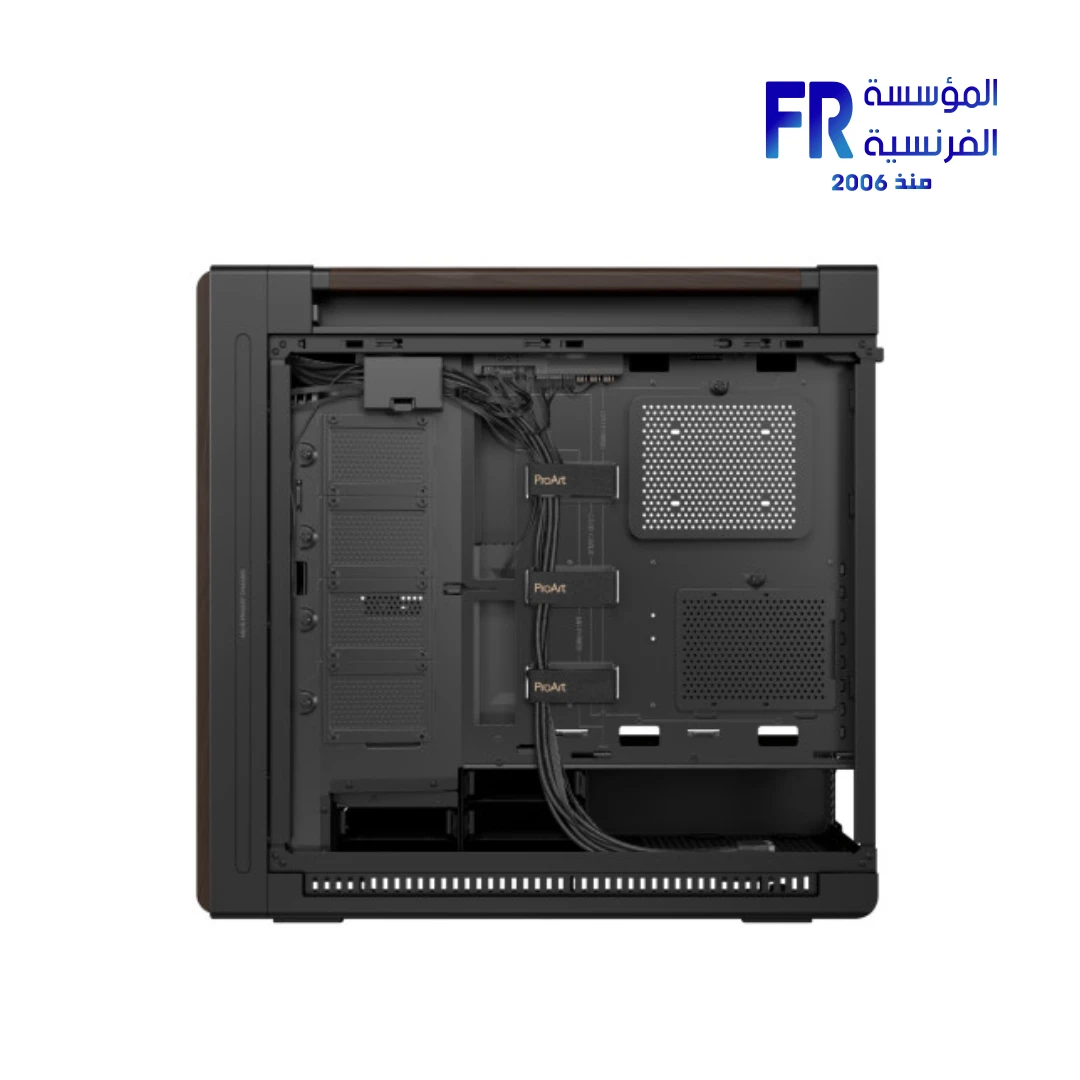
The case holds up to four 3.5-inch HDDs or eight 2.5-inch SSDs, so you can mix hard drives and SSDs to fit your storage needs. Meanwhile, 30mm of cable space behind the motherboard tray takes thick PSU cables and fan hubs. The tool-free design makes panel removal and drive installs easy, and the removable dust filters on the front, top, and bottom make cleaning quick. For the wood front, wipe with a dry or slightly damp cloth only; avoid solvents or abrasive cleaners because they can dull the six-stage coating. Also, note that natural wood varies in texture, so each unit has a slightly distinct finish.
المواصفات الفنية
| Model Name | ProArt PA602 Wood Edition Modern Black – Metal Panel |
| العلامات التجارية | ASUS |
| SKU / MPN | 90DC00J0-B09040 |
| EAN / UPC | 199291014282 |
| Motherboard Support | E-ATX (12″ x 10.9″), ATX, Micro-ATX, Mini-ITX, DTX, Mini-DTX |
| Form Factor | Mid Tower |
| Dimensions | 593 x 560 x 245 mm |
| Weight | 15.8 kg |
| Side Panel | Metal |
| Front Panel Finish | FSC-certified Walnut Wood (six-stage thermowood process) |
| Wood Handles | Yes, supports up to 30 kg |
| Expansion Slots | 8 horizontal + 2 additional vertical |
| Drive Bays | 4 x 2.5″ | 4 x 2.5″/3.5″ Combo (up to 4 HDD or 8 SSD) |
| Radiator Support (Top) | 120 / 140 / 240 / 280 / 360 / 420 mm |
| Cooling Support (Front) | 2 x 200 mm |
| Cooling Support (Top) | 3 x 120 mm | 3 x 140 mm |
| Cooling Support (Rear) | 1 x 120 mm | 1 x 140 mm |
| Pre-installed Fans | 2 x 200 x 38 mm PWM (Front) | 1 x 140 x 28 mm (Rear) |
| Air Deflectors | Dual, pre-installed, for centralized GPU and CPU cooling |
| Integrated Fan Hub | Yes, PWM control via fan hub |
| Maximum CPU Cooler Height | 185 mm |
| Maximum GPU Length | 440 mm (horizontal) | 125 mm (vertical) |
| Maximum PSU Length | 190 mm |
| Front I/O Ports | 1 x USB 3.2 Gen 2×2 Type-C (20Gbps) | 2 x USB 3.2 Gen 1 | 2 x USB 2.0 | Fan Control Button | Reset Button | Power Lock Latch |
| Dust Management | Front, Top, Bottom removable filters | Automatic dust detection with cleaning reminder |
| Built-in Wheels | Two, for easy repositioning |
| Cable Management Space | 30 mm |
| الضمان | 1 Year Local Alfrensia Warranty |
Expert Recommendation: Building in the ProArt PA602 Wood Edition Modern Black
Plan your parts around the case’s clearance: GPUs up to 440mm horizontally or 125mm vertically, CPU air coolers up to 185mm, and PSUs up to 190mm. For liquid cooling, a 360mm or 420mm AIO fits on the top, while front cooling uses the two pre-installed 200mm fans.
Install the PSU first and route the main 24-pin and CPU 8-pin cables before you mount the motherboard. That way, you can use the 30mm cable space behind the tray without fighting tight corners. Because the case has an integrated PWM fan hub, connect all case fans to the hub and route a single PWM cable to the motherboard.
For airflow, keep the front intake fans on a positive-pressure curve with the fan control button. Add top exhaust or a top radiator only if your GPU and CPU workloads need it. Also, position the dual air deflectors to direct cool air toward the GPU and CPU cooler intake.
Clean the front, top, and bottom dust filters every few months so airflow stays steady. Also, check your motherboard’s front-panel USB-C header before you count on the 20Gbps Type-C port. Because the case weighs 15.8 kg empty, use the built-in wheels to move it on hard floors instead of lifting it, and pick its final spot before you build.
Frequently Asked Questions
What is the difference between the Metal Panel and the Tempered Glass versions?
The Metal Panel version prioritizes cooling efficiency and durability, with a solid side panel that also helps reduce noise. The Tempered Glass version has a clear side panel so you can see internal components, and it works well for showcase builds. Both versions share the FSC-certified walnut wood front, the same internal layout, the same fan and radiator support, and the same front I/O.
Which motherboard sizes does the ProArt PA602 Wood Edition Modern Black support?
The case takes E-ATX (12″ x 10.9″), ATX, Micro-ATX, Mini-ITX, DTX, and Mini-DTX boards. Also, it gives you 8 horizontal expansion slots plus 2 vertical slots, so you can run multi-GPU or a vertical GPU mount.
What is the maximum GPU and CPU cooler clearance?
The case fits graphics cards up to 440mm long in horizontal mounting, or up to 125mm in vertical mounting. It also takes CPU air coolers up to 185mm tall and power supplies up to 190mm. Because of these numbers, flagship GPUs and large tower coolers fit without trouble.
What radiator sizes can be mounted in the case?
The top holds radiators in 120mm, 140mm, 240mm, 280mm, 360mm, and 420mm sizes. Front cooling uses the two pre-installed 200mm fans, and the rear takes one 120mm or 140mm fan. However, check radiator thickness against the case’s top clearance before you buy.
How do I care for the walnut wood front panel?
Wipe the wood front with a dry or slightly damp cloth only. Avoid solvents, alcohol, and abrasive cleaners because they can dull the six-stage coating. Also, keep the case away from prolonged direct sunlight and high humidity. Because natural wood varies in texture and grain, each unit has a slightly distinct finish.
| MODEL | |
|---|---|
| CASE SIZE | |
| PANEL | |
| Motherboard Type | |
| Material | |
| DIMENSIONS | |
| Net Weight | |
| FANS INCLUDED | |
| Expansion Slots | |
| Fan Support | |
| Radiator Support | |
| GPU Length | |
| CPU Height | |
| PSU SUPPORT | |
| Pre-installed PSU | |
| I/O Ports | Reset, Fan Control Button, USB Type C 20Gbps, USB 2.0 x1, 2 x USB 3.2 Gen 1 |
| 3.5“ Drive Bays | |
| 2.5 Drive Bays | |
| Color | |
| Part Number | |
| الضمان |
يسمح فقط للزبائن مسجلي الدخول الذين قاموا بشراء هذا المنتج ترك مراجعة.
الضمان وشروط الشراء
- مدة الضمان: نفس مدة ضمان الشركة المصنعة، من شهر ولحد 3 سنين.
- استبدال فوري: لو ظهر عيب صناعة في أي وقت خلال فترة الضمان، المنتج بيتغير بجديد من غير صيانة أو تصليح (ما عدا المنتجات اللي محتاجة شغل سوفت وير). ولو البديل مش متوفر، بنرجعلك المبلغ كامل من غير خصم.
- الاسترجاع: خلال 30 يوم من تاريخ الشراء، بشرط المنتج يكون بنفس حالته وبكل مشتملاته.
- استلام الشحنة: افحص الشحنة وقت الاستلام، ولو فيها أي تلف أو نقص كلمنا خلال 24 ساعة واحتفظ بالكرتونة والصور.
- الضمان لا يشمل: سوء الاستخدام (حرق – كسر – خدش – إزالة ستيكر الضمان)، وأنظمة التشغيل والبرامج والإكسسوارات الـ Generic.
- مهم: حافظ على ستيكر ضمان المؤسسة الفرنسية وعلى كل مشتملات العلبة علشان تستفيد من ضمان الوكيل.
- الدفع والتوصيل: كاش عند الاستلام. القاهرة والجيزة والإسكندرية خلال 1–3 أيام عمل، وباقي المحافظات خلال 3–6 أيام عمل من تأكيد الطلب.
المراجعات
لا توجد مراجعات بعد.