


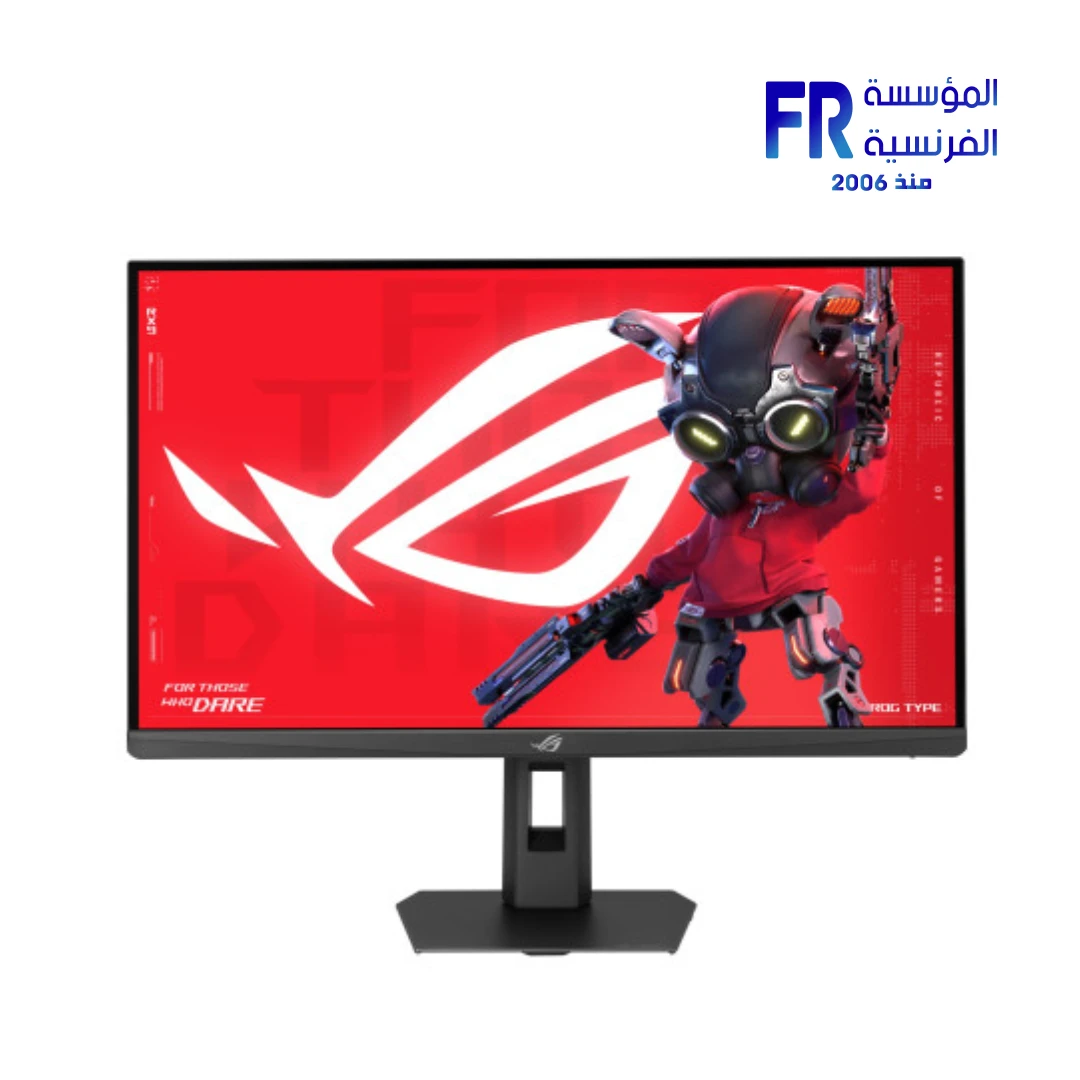
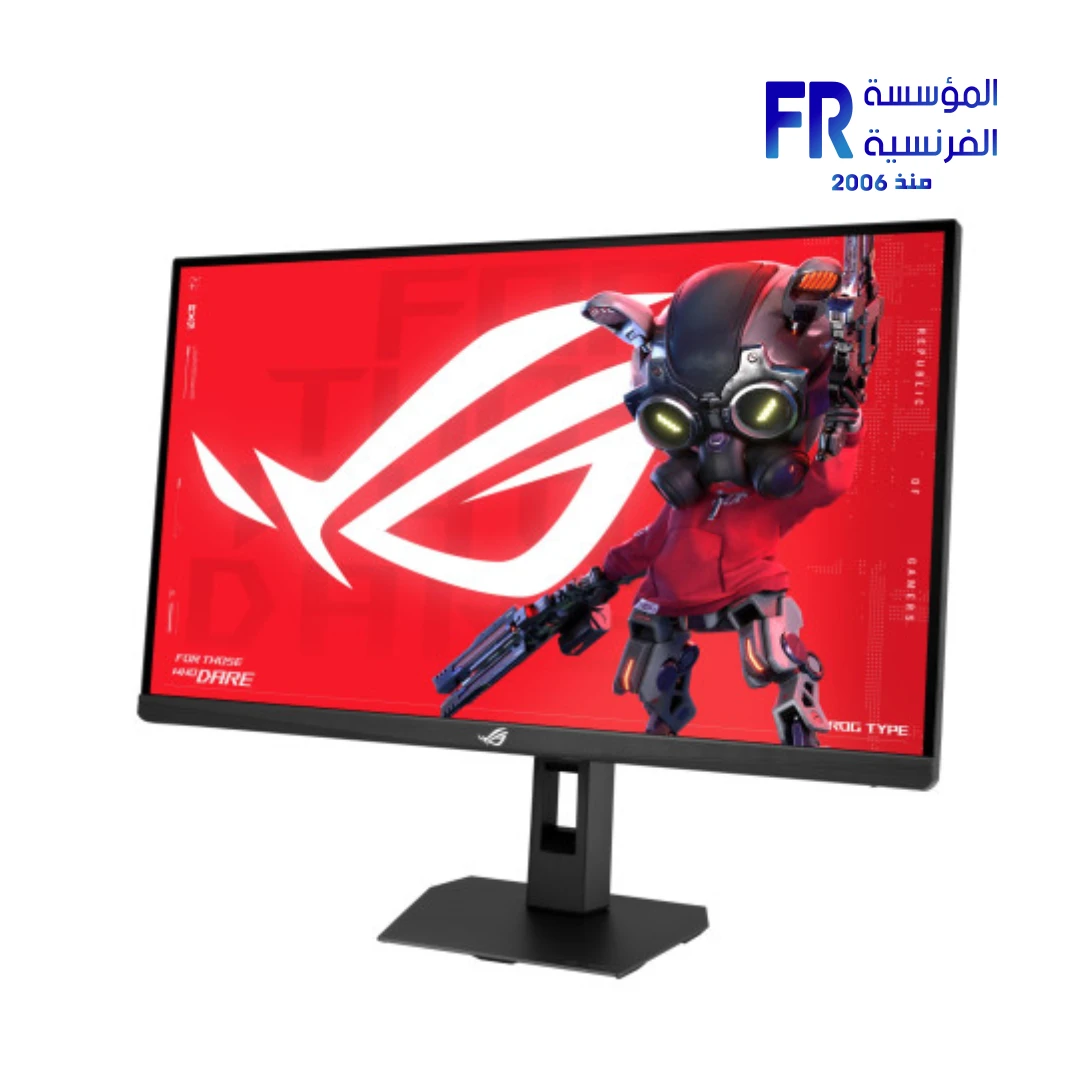




ASUS ROG Strix XG27UCG Gen2 27 Inch 162Hz 485Hz Dual Mode 0.3ms 4K Fast IPS USB-C Black Gaming Monitor
22099 جنيه
• رقم القطعة: 90LM0CS0-B01371
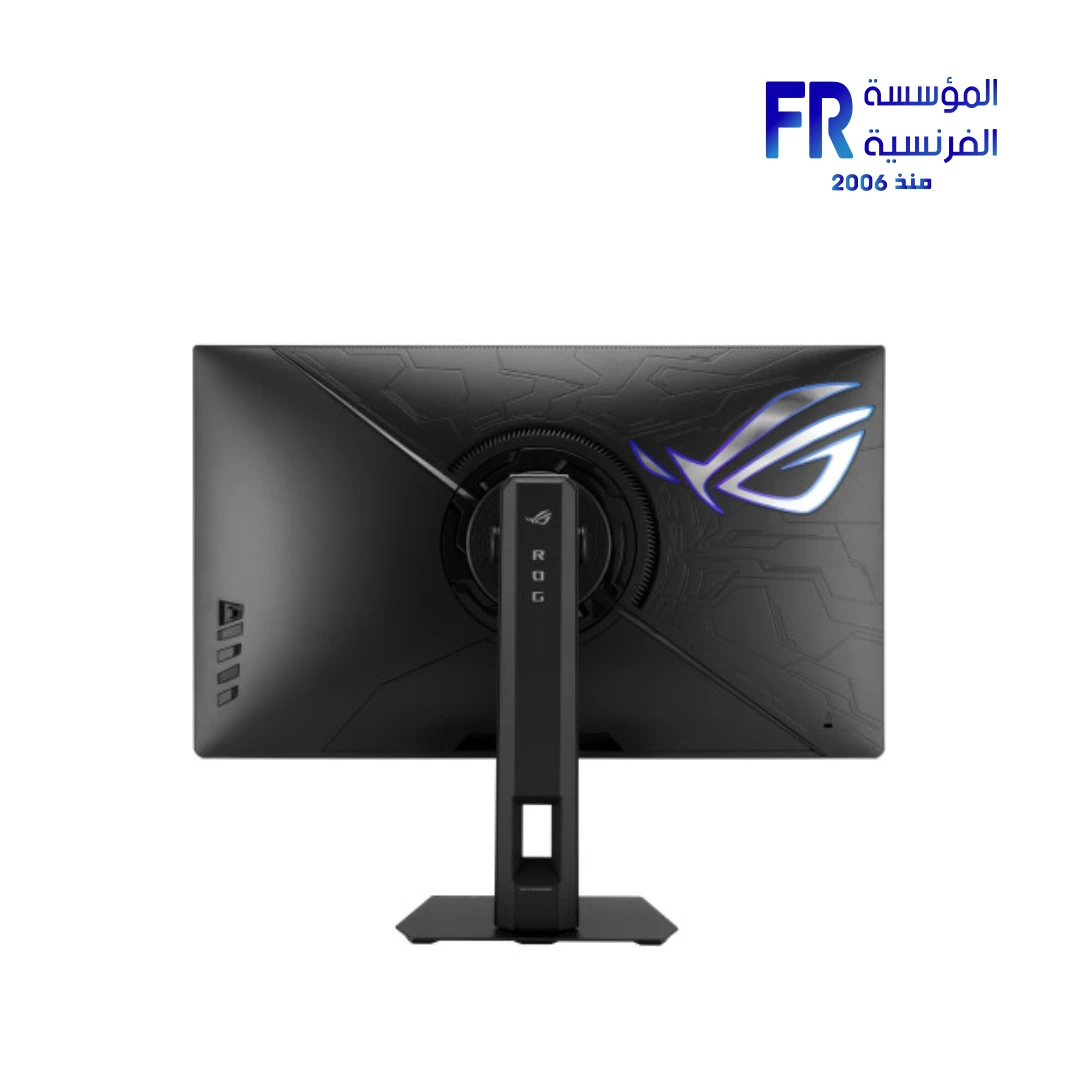
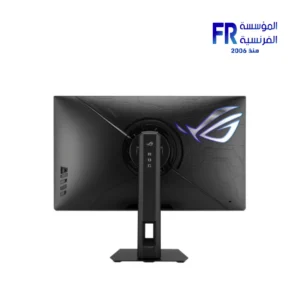
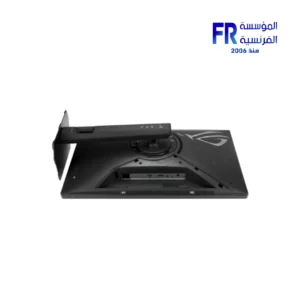
• Form Factor & Design: 27-inch Fast IPS Panel | Anti-Glare Surface | Ergonomic Stand (Tilt, Swivel, Pivot, Height Adjustment 0-110mm) | VESA 100x100mm | Aura Sync Lighting | 1/4″ Tripod Socket
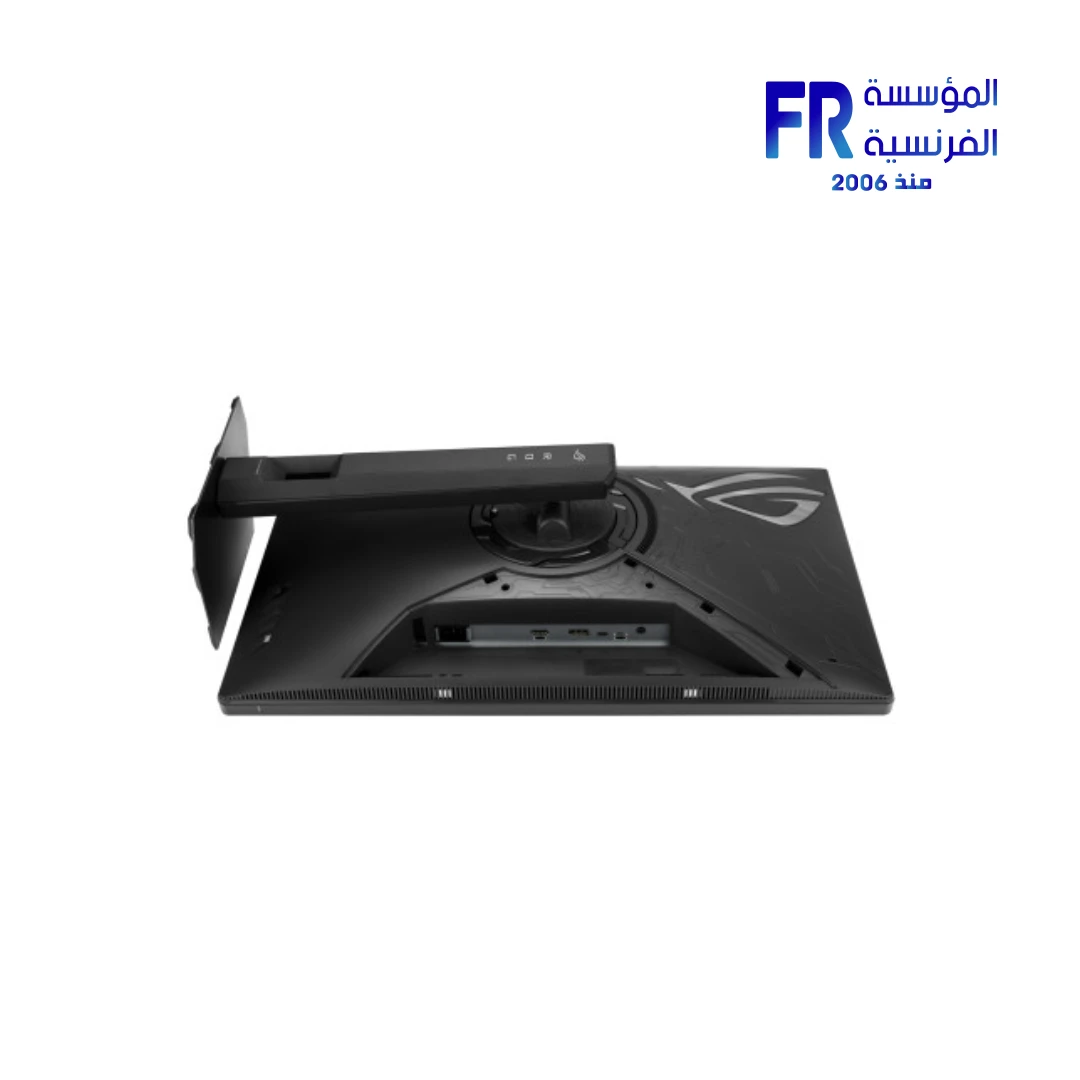
• Compatibility: DisplayPort 1.4 (x1) | HDMI 2.1 (x1, FRL) | USB-C (DP Alt Mode, 15W Power Delivery) | Earphone Jack | G-SYNC Compatible & AMD FreeSync Premium | VESA AdaptiveSync Display 162Hz / 485Hz
• Performance: Dual-Mode (4K @ 162Hz / FHD @ 485Hz) | 0.3ms (min) / 1ms (GTG) Response Time | 10-bit Color (1.07B) | 95% DCI-P3 & 130% sRGB | 400 cd/m² Brightness | HDR10 | VESA DisplayHDR 400 | ELMB SYNC, ASUS Smart Pixel & AI Visual Technology
• الضمان: 3 Years Manufacturer Warranty (Verify with Retailer)
غير متوفر حالياً
هل تريد أن يتم إخطارك عندما يتوافر هذا المنتج في المخزون مجددًا؟
المنتج ده خلص حالياً. فريق المبيعات هيرشحلك بديل متوفر بنفس المستوى وبأفضل سعر.
اسأل على البديل واتساب✅ Authorized ASUS Partner in Egypt | Official 3-Year Warranty | Expert PC Building Consultation Available
ASUS ROG Strix XG27UCG Gen2 27 Inch 162Hz 485Hz Dual Mode 0.3ms 4K Fast IPS USB-C Black Gaming Monitor
ASUS ROG Strix XG27UCG Gen2 is a 27-inch 4K Fast IPS gaming monitor with dual-mode switching between 4K@162Hz and FHD@485Hz, 1ms GTG response time (0.3ms min), and 95% DCI-P3 coverage. It also offers Extreme Low Motion Blur Sync, USB-C with DisplayPort Alt Mode and 15W Power Delivery, and VESA DisplayHDR 400. Check the current price and availability shown on this product page.
⚡ Engineering Highlights at a Glance:
- Dual-Mode Resolution: Instantly switch between 4K@162Hz for immersive titles and FHD@485Hz for competitive FPS play.
- Fast IPS Panel: 27-inch 3840 x 2160 with 1ms GTG response (0.3ms min) and 400 cd/m² typical brightness.
- Extreme Low Motion Blur Sync: Combines ELMB with variable refresh rate to reduce ghosting without tearing.
- 95% DCI-P3 / 130% sRGB: Wide color coverage with 10-bit color depth and advanced gray-scale tracking for smooth gradation.
- USB-C with DP Alt Mode: One cable handles video, data, and up to 15W Power Delivery for compatible laptops and devices.
- Smart Pixel Technology: Enhances detail at lower resolutions, keeping FHD content sharp on the 4K panel.
- VESA DisplayHDR 400 and Adaptive-Sync: HDR10 support plus AMD FreeSync Premium and G-SYNC Compatible VRR.
Who is the ROG Strix XG27UCG Gen2 For?
Expert Advice & Build Considerations
GPU and Cable Requirements for Dual-Mode
To reach 4K@162Hz and FHD@485Hz, the monitor requires DisplayPort 1.4 (HBR3) or HDMI 2.1 (FRL) from a compatible graphics card. USB-C with DP Alt Mode also supports both modes. Older GPUs without HDMI 2.1 or HBR3 will cap at lower refresh rates. Verify your GPU’s output capabilities before purchase if you plan to use the higher refresh modes. The USB-C port is limited to 15W Power Delivery, so it is intended for display and data rather than as a laptop charging dock.
Panel and Pixel Density
The 27-inch 4K panel has a pixel pitch of 0.155mm, giving very sharp text and fine detail. Because it is an IPS panel with 1300:1 contrast ratio, black levels are good for IPS but not as deep as OLED. Smart Pixel technology helps FHD content stay sharp when using the FHD@485Hz mode. Use DisplayWidget Center to adjust monitor settings with a mouse, including brightness, contrast, and gaming presets, without touching the OSD joystick.
Ergonomics and Connectivity
The stand supports tilt (-5° to +20°), swivel (±40°), pivot (±90°), and 110mm height adjustment, plus a 100x100mm VESA mount and a 1/4″ tripod socket. The monitor weighs 6.8 kg with stand, so confirm your arm’s weight rating if you plan to use a monitor arm. The monitor has no built-in speakers; use headphones or external speakers via the 3.5mm jack. Aura Sync on the rear allows lighting to match other ASUS peripherals in Armoury Crate.
المواصفات الفنية
| Model Name | ROG Strix XG27UCG Gen2 (XG27UCGR) |
| العلامات التجارية | ASUS |
| SKU / MPN | 90LM0CS0-B01371 |
| EAN / UPC | 199291268142 |
| Panel Size | 27 inch |
| نوع البانل | Fast IPS (Anti-Glare) |
| Aspect Ratio | 16:9 |
| دقة الشاشة | 3840 x 2160 (4K UHD) |
| Dual Mode | 4K @ 162Hz / FHD @ 485Hz |
| Viewing Area | 596.16 x 335.34 mm |
| Pixel Pitch | 0.155 mm |
| Brightness (Typical / HDR Peak) | 400 cd/m² / 400 cd/m² |
| Contrast Ratio (Typical) | 1300:1 |
| Color Space | 95% DCI-P3 | 130% sRGB |
| Color Depth | 10-bit (1.07 billion colors) |
| زمن الاستجابة | 1ms (GTG) | 0.3ms (min.) |
| Viewing Angle | 178° / 178° |
| HDR Support | VESA DisplayHDR 400 | HDR10 |
| VRR Technology | AMD FreeSync Premium | NVIDIA G-SYNC Compatible | VESA AdaptiveSync 162Hz / 485Hz |
| Motion Blur Reduction | Extreme Low Motion Blur Sync (ELMB Sync) |
| I/O Ports | 1 x DisplayPort 1.4 (HBR3) | 1 x HDMI 2.1 (FRL) | 1 x USB-C (DP Alt Mode, 15W PD) | 1 x Earphone Jack |
| Speakers | No built-in speakers |
| Power Consumption | <30 W (typical) | <0.5 W (standby) | <0.3 W (off) |
| Stand Adjustment | Tilt +20° to -5° | Swivel ±40° | Pivot ±90° | Height 0-110 mm |
| VESA Mounting | 100 x 100 mm | 1/4″ tripod socket |
| Aura Sync | Yes |
| Dimensions with Stand | 614 x 503 x 188 mm |
| Dimensions without Stand | 614 x 367 x 86 mm |
| Net Weight | 6.8 kg (with stand) | 4.7 kg (without stand) |
| Certifications | TÜV Flicker-free | TÜV Low Blue Light | VESA AdaptiveSync 162Hz | VESA AdaptiveSync 485Hz | VESA DisplayHDR 400 | AMD FreeSync Premium | G-SYNC Compatible | FSC MIX |
| Included Accessories | DisplayPort cable | Power cord | ROG pouch | ROG sticker | Quick start guide | Warranty card |
| الضمان | 3 Years Local Alfrensia Warranty |
Expert Recommendation: Configuring the XG27UCG Gen2
Connect the monitor via DisplayPort 1.4 (HBR3) or HDMI 2.1 (FRL) to reach 4K@162Hz, then bind the dual-mode hotkey to switch to FHD@485Hz for competitive shooters. Enable G-SYNC or FreeSync Premium in your GPU driver and turn off any in-game frame rate caps below 162Hz in 4K mode or 485Hz in FHD mode to benefit from VRR.
For laptop use, connect via USB-C to combine video, data, and up to 15W charging on one cable. Note that 15W is not enough to charge most gaming laptops; it is intended for lightweight laptops and mini-PCs. Use Smart Pixel technology to keep FHD content sharp when running lower resolutions on the 4K panel.
Use DisplayWidget Center to adjust brightness, contrast, and gaming presets with a mouse instead of the OSD. For color-critical work, run a color calibration and use the DisplayWidget Center E-report to verify the panel’s accuracy. The panel covers 95% DCI-P3 and 130% sRGB; check your specific workflow for Adobe RGB coverage if print work is required.
Enable Aura Sync in Armoury Crate to match the monitor’s rear lighting with your other ASUS peripherals. Because the monitor has no built-in speakers, plan to use headphones or external speakers via the 3.5mm jack. If you mount on a monitor arm, check the arm’s weight rating against the 6.8 kg with-stand weight, and use the 100x100mm VESA or 1/4″ tripod socket as needed.
Frequently Asked Questions
How does the dual-mode feature work on the XG27UCG Gen2?
The monitor switches between 4K (3840 x 2160) at 162Hz and FHD (1920 x 1080) at 485Hz. 4K@162Hz mode prioritizes resolution and image detail for AAA titles and creative work, while FHD@485Hz mode prioritizes refresh rate and motion clarity for competitive FPS play. Your GPU and cable must support the required bandwidth: DisplayPort 1.4 (HBR3), HDMI 2.1 (FRL), or USB-C with DP Alt Mode.
Does the USB-C port charge a laptop?
The USB-C port supports DisplayPort Alt Mode and up to 15W Power Delivery. This is enough to charge lightweight laptops and mini-PCs, but not gaming laptops with higher power draw. The USB-C connection is intended for video input and data rather than as a full docking power source. Use the monitor’s included power cord for the monitor itself.
What is Extreme Low Motion Blur Sync?
Extreme Low Motion Blur Sync (ELMB Sync) combines ASUS ELMB backlight strobing with variable refresh rate support. This reduces ghosting and motion blur without tearing, which improves clarity in fast-moving content. Unlike earlier ELMB versions that required a fixed refresh rate, ELMB Sync works alongside G-SYNC and FreeSync Premium for smoother visuals in both 4K and FHD modes.
Can I use the monitor for professional photo and video editing?
The panel covers 95% DCI-P3, supports 10-bit color, and delivers 400 cd/m² brightness with DisplayHDR 400. These specs suit HDR video review and color work targeting DCI-P3 or sRGB. For critical print workflows that require Adobe RGB, verify coverage against your specific requirements, as the rated gamut is DCI-P3 and sRGB. DisplayWidget Center provides a color calibration E-report for verifying accuracy.
Does the monitor have built-in speakers?
No. The XG27UCG Gen2 does not include built-in speakers. Audio is available through the 3.5mm earphone jack on the monitor, or directly from your PC or console through separate speakers or headphones. Plan for external audio if you need sound.
| MODEL | |
|---|---|
| نوع الشاشة | |
| SCREEN SIZE | |
| نوع البانل | |
| RESOLUTION | |
| RESPONSE TIME | |
| REFRESH RATE | |
| ADAPTIVE SYNC | |
| Backlight Technology | |
| Brightness | |
| sRGB | |
| Flicker Free | |
| I/O Ports | HDMI 2.1, DisplayPort 1.4a, USB Type-C (15W), 1 x Earphone Jack |
| Included Speaker | |
| Color | |
| Part Number | |
| الضمان |
يسمح فقط للزبائن مسجلي الدخول الذين قاموا بشراء هذا المنتج ترك مراجعة.
الضمان وشروط الشراء
- مدة الضمان: نفس مدة ضمان الشركة المصنعة، من شهر ولحد 3 سنين.
- استبدال فوري: لو ظهر عيب صناعة في أي وقت خلال فترة الضمان، المنتج بيتغير بجديد من غير صيانة أو تصليح (ما عدا المنتجات اللي محتاجة شغل سوفت وير). ولو البديل مش متوفر، بنرجعلك المبلغ كامل من غير خصم.
- الاسترجاع: خلال 30 يوم من تاريخ الشراء، بشرط المنتج يكون بنفس حالته وبكل مشتملاته.
- استلام الشحنة: افحص الشحنة وقت الاستلام، ولو فيها أي تلف أو نقص كلمنا خلال 24 ساعة واحتفظ بالكرتونة والصور.
- الضمان لا يشمل: سوء الاستخدام (حرق – كسر – خدش – إزالة ستيكر الضمان)، وأنظمة التشغيل والبرامج والإكسسوارات الـ Generic.
- مهم: حافظ على ستيكر ضمان المؤسسة الفرنسية وعلى كل مشتملات العلبة علشان تستفيد من ضمان الوكيل.
- الدفع والتوصيل: كاش عند الاستلام. القاهرة والجيزة والإسكندرية خلال 1–3 أيام عمل، وباقي المحافظات خلال 3–6 أيام عمل من تأكيد الطلب.
المراجعات
لا توجد مراجعات بعد.