

-
×
 AMD Ryzen 5 8400F Mpk Tray with Fan Processor
1 × 5900 جنية
AMD Ryzen 5 8400F Mpk Tray with Fan Processor
1 × 5900 جنية -
×
 Gigabyte GeForce RTX 5060 Ti Windforce Max 16GB GDDR7 OC Graphic Card
3 × 25899 جنية
Gigabyte GeForce RTX 5060 Ti Windforce Max 16GB GDDR7 OC Graphic Card
3 × 25899 جنية -
×
Msi Forge K200 English Wireless Keyboard And Mouse Combo
1 × 1300 جنية
-
×
Gigabyte GeForce RTX 5050 Windforce 8GB GDDR6 OC Graphic Card
1 × 14400 جنية
-
×
AMD Ryzen 9 5900XT Processor
2 × 18000 جنية
-
×
Aerocool P500A Panoramic Curved Glass Back-Connect Support With 4 120mm ARGB PWM Fans White Mid Tower Gaming Case
1 × 3799 جنية
-
×
Mercusys AC1300 MA30H High Gain Wireless Dual Band USB Adapter
1 × 699 جنية
-
×
AMD Ryzen 5 5500GT Mpk Tray With Fan Processor
2 × 5600 جنية
-
×
Meetion Director C2 Wireless And Bluetooth Dual Mode Ergonomic Keyboard And Mouse Combo
2 × 2199 جنية
-
×
MSI Vigor GK30 Plunger RGB Arabic Wired Keyboard and Mouse Gaming Combo
1 × 2200 جنية
-
×
MSI MAG B860M Mortar WIFI Motherboard
1 × 11200 جنية
-
×
Cooler Master MK770 Kailh Box V2 White Switch 98 Key Gasket Mounted Hot Swappable PBT Keycaps 3 Mode Wireless Space Gray Mechanical Gaming Keyboard
1 × 5200 جنية
-
×
MSI MAG A850GL 850W 80 Plus Gold Fully Modular PCIe 5 White Power Supply
1 × 5500 جنية
-
×
DarkFlash DS900 Panoramic TG With 4 DM20 ARGB Fans With GP750 750W 80 Plus Bronze With APC1 Controller Black Mid Tower Gaming Case
1 × 4500 جنية
-
×
Xigmatek Pano II Air Type C 8 Fan ARGB Pwm Curved TG EATX Super Tower Case
2 × 5299 جنية
-
×
MSI PRO Z890 S WIFI Motherboard
1 × 12900 جنية
-
×
Thermaltake CTE E600 MX Hydrangea Blue Mid Tower Case
1 × 9200 جنية
-
×
ViewSonic Gaming XG275D1-4K 27 Inch 160Hz (Dual Mode 320Hz) 0.5ms UHD Fast IPS Flat FreeSync Premium G Sync Compatible HDR10 With Speakers RGB Black Monitor
1 × 23000 جنية
-
×
Amd Ryzen 5 9600x Tray Processor
1 × 11200 جنية
-
×
DarkFlash A305 Mesh TG With 4 CL6 ARGB Fans With GP650 650W 80 Plus Bronze PSU Black Mid Tower Gaming Case
2 × 3100 جنية
-
×
MSI MAG 276CXF 27 Inch 280Hz 0.5ms FHD Rapid VA Curve 1500R Adaptive Sync HDR Ready Black Monitor
1 × 10400 جنية
-
×
Thermaltake CT120 EX Reverse ARGB Sync Gravel Sand PC Cooling 3 Fan
1 × 2600 جنية
-
×
AMD Ryzen 5 3400G Processor
2 × 3400 جنية
-
×
Thermaltake S250 TG ARGB Mid Tower Case
1 × 4900 جنية
-
×
Xigmatek Crystal Storm 4 fan PWM Argb Curved TG Mid Tower Case
1 × 3249 جنية
-
×
Corsair AIR 5400 RS-R ARGB Triple Chamber Curved Glass With 3x 120mm RS-R Fans White Full Tower Case
1 × 12500 جنية
-
×
Hyperx QuadCast 2 S RGB USB Microphone
1 × 9300 جنية
-
×
Aorus Master 16 BYH - Intel Core Ultra 9 275HX - 32GB DDR5 - 1TB NVMe Gen5 SSD - RTX 5080 16GB - 16 Inch OLED WQXGA 240Hz 1Ms Display - Thunderbolt 5 - WIFI 7 - Advanced Optimus - RGB Keyboard - Windows 11 Pro - Dark Tide Gaming Laptop
1 × 134999 جنية
-
×
Samsung Odyssey Ark G97NC S55CG970NU 55 Inch 165Hz 1ms UHD VA Curve 1000R Quantum Matrix FreeSync Premium Pro Cockpit Mode Titan Black Monitor
1 × 82700 جنية
-
×
AMD Ryzen 9 9950X3D WOF Processor
1 × 37400 جنية
-
×
Intel Core Ultra 7 265K Processor
1 × 15700 جنية
-
×
Samsung Odyssey Neo G9 G95NC S57CG952NU 57 Inch 240Hz 1ms GTG Dual UHD VA Curve 1000R Quantum Matrix FreeSync Premium Pro White Monitor
1 × 129999 جنية
-
×
Tplink UB500 Bluetooth 5.3 Nano Usb Adapter
1 × 400 جنية
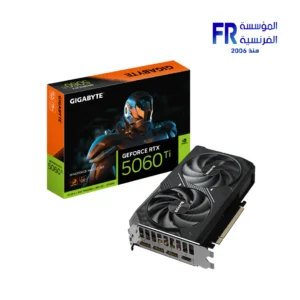 Gigabyte GeForce RTX 5060 Ti Windforce Max 16GB GDDR7 OC Graphic Card
 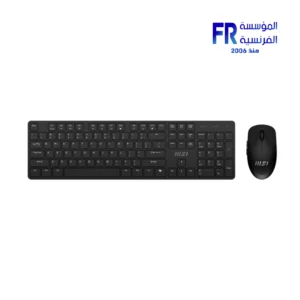 Msi Forge K200 English Wireless Keyboard And Mouse Combo
 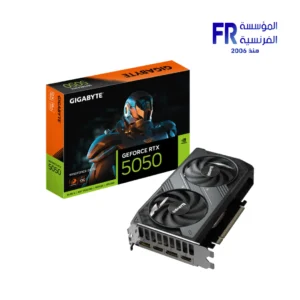 Gigabyte GeForce RTX 5050 Windforce 8GB GDDR6 OC Graphic Card
 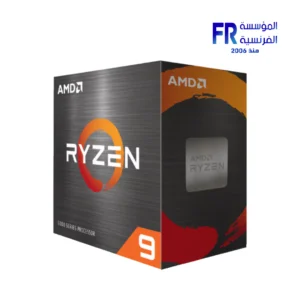 AMD Ryzen 9 5900XT Processor
 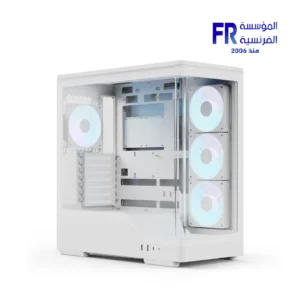 Aerocool P500A Panoramic Curved Glass Back-Connect Support With 4 120mm ARGB PWM Fans White Mid Tower Gaming Case
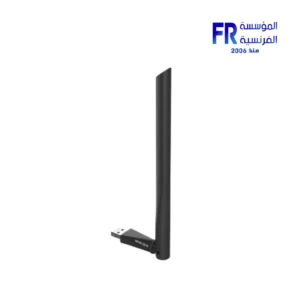
 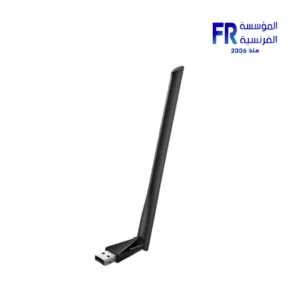 Mercusys AC1300 MA30H High Gain Wireless Dual Band USB Adapter
 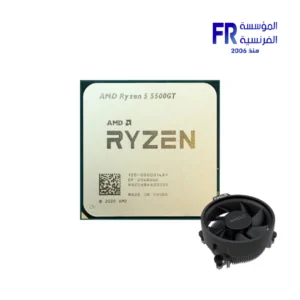 AMD Ryzen 5 5500GT Mpk Tray With Fan Processor
 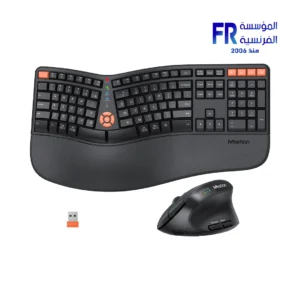 Meetion Director C2 Wireless And Bluetooth Dual Mode Ergonomic Keyboard And Mouse Combo
 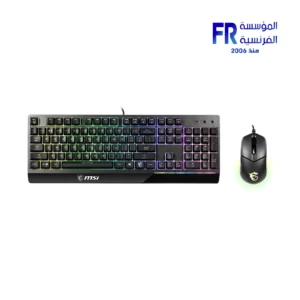 MSI Vigor GK30 Plunger RGB Arabic Wired Keyboard and Mouse Gaming Combo
 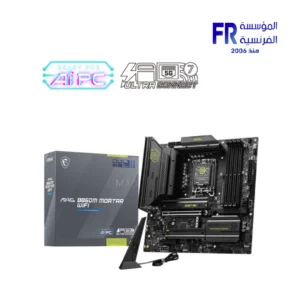 MSI MAG B860M Mortar WIFI Motherboard
 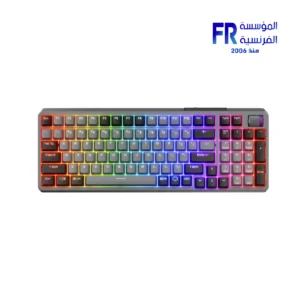 Cooler Master MK770 Kailh Box V2 White Switch 98 Key Gasket Mounted Hot Swappable PBT Keycaps 3 Mode Wireless Space Gray Mechanical Gaming Keyboard
 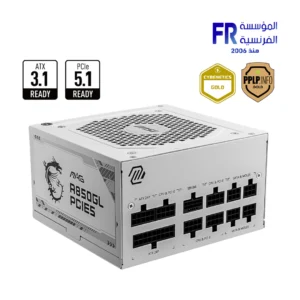 MSI MAG A850GL 850W 80 Plus Gold Fully Modular PCIe 5 White Power Supply
 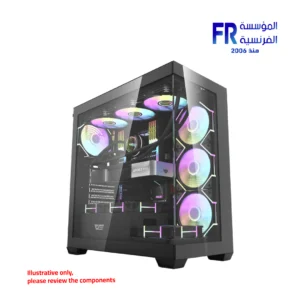 DarkFlash DS900 Panoramic TG With 4 DM20 ARGB Fans With GP750 750W 80 Plus Bronze With APC1 Controller Black Mid Tower Gaming Case
 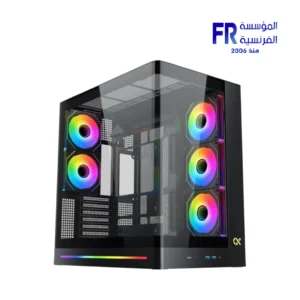 Xigmatek Pano II Air Type C 8 Fan ARGB Pwm Curved TG EATX Super Tower Case
 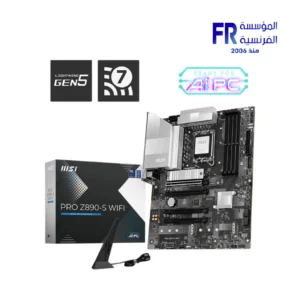 MSI PRO Z890 S WIFI Motherboard
 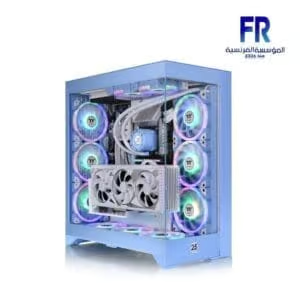 Thermaltake CTE E600 MX Hydrangea Blue Mid Tower Case
  ViewSonic Gaming XG275D1-4K 27 Inch 160Hz (Dual Mode 320Hz) 0.5ms UHD Fast IPS Flat FreeSync Premium G Sync Compatible HDR10 With Speakers RGB Black Monitor
 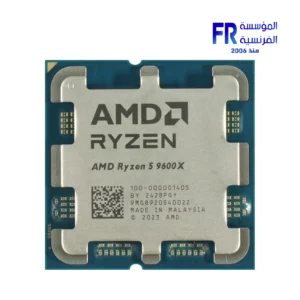 Amd Ryzen 5 9600x Tray Processor
 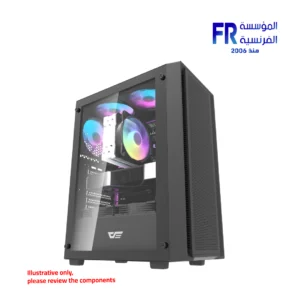 DarkFlash A305 Mesh TG With 4 CL6 ARGB Fans With GP650 650W 80 Plus Bronze PSU Black Mid Tower Gaming Case
 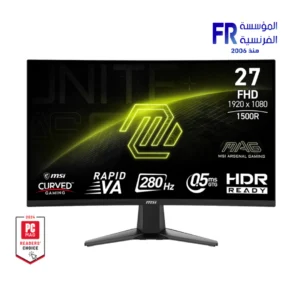 MSI MAG 276CXF 27 Inch 280Hz 0.5ms FHD Rapid VA Curve 1500R Adaptive Sync HDR Ready Black Monitor
 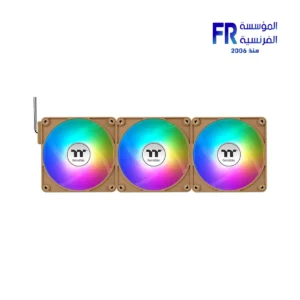 Thermaltake CT120 EX Reverse ARGB Sync Gravel Sand PC Cooling 3 Fan
 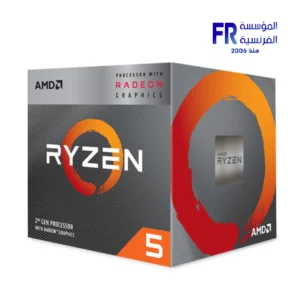 AMD Ryzen 5 3400G Processor
 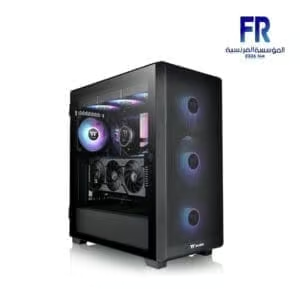 Thermaltake S250 TG ARGB Mid Tower Case
  Xigmatek Crystal Storm 4 fan PWM Argb Curved TG Mid Tower Case
 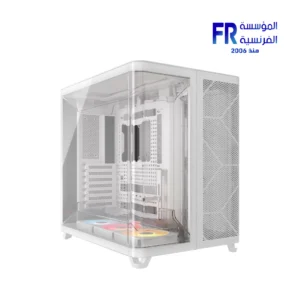 Corsair AIR 5400 RS-R ARGB Triple Chamber Curved Glass With 3x 120mm RS-R Fans White Full Tower Case
 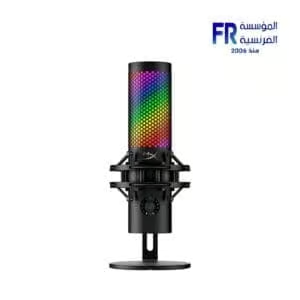 Hyperx QuadCast 2 S RGB USB Microphone
  Aorus Master 16 BYH - Intel Core Ultra 9 275HX - 32GB DDR5 - 1TB NVMe Gen5 SSD - RTX 5080 16GB - 16 Inch OLED WQXGA 240Hz 1Ms Display - Thunderbolt 5 - WIFI 7 - Advanced Optimus - RGB Keyboard - Windows 11 Pro - Dark Tide Gaming Laptop
 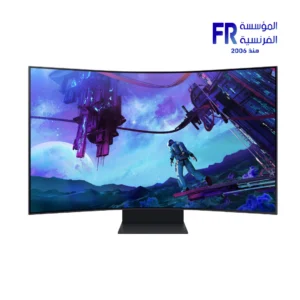 Samsung Odyssey Ark G97NC S55CG970NU 55 Inch 165Hz 1ms UHD VA Curve 1000R Quantum Matrix FreeSync Premium Pro Cockpit Mode Titan Black Monitor
 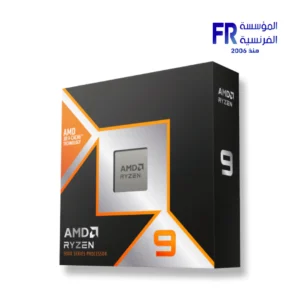 AMD Ryzen 9 9950X3D WOF Processor
 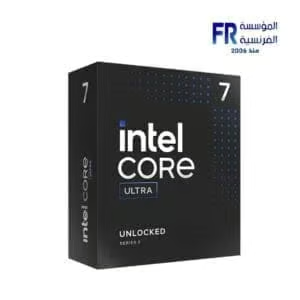 Intel Core Ultra 7 265K Processor
  Samsung Odyssey Neo G9 G95NC S57CG952NU 57 Inch 240Hz 1ms GTG Dual UHD VA Curve 1000R Quantum Matrix FreeSync Premium Pro White Monitor
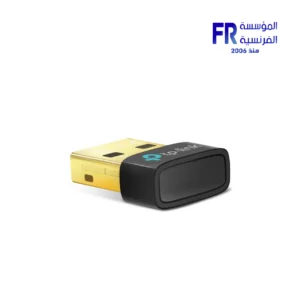
  Tplink UB500 Bluetooth 5.3 Nano Usb Adapter


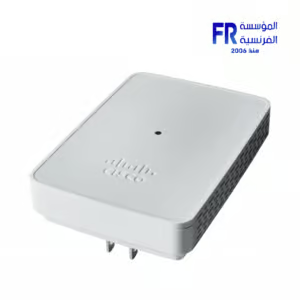
Cisco Business 142ACM Mesh Extender
0 جنية
- Throughput: 1011 Mb/s Total (5 GHz: 867 Mb/s, 2.4 GHz: 144 Mb/s)
- Transmit Power: 20 dBm
- Bluetooth: No
- Ports: No
- Guest Network Support: Yes
- Wireless Security: WPA2, WPA3
- Operation Modes: Mesh
- Virtual Assistant Support: No
غير متوفر بالمخزون
Cisco Business 142ACM Mesh Extender
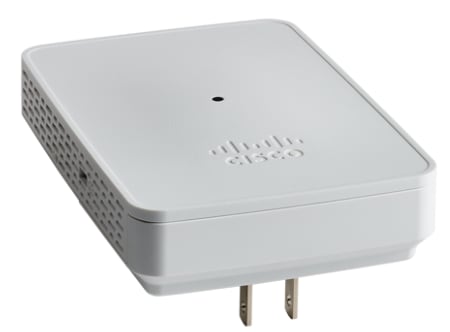
The Cisco Business 142ACM Dual-Band Mesh Wi-Fi Extender optimizes your wireless network coverage and eliminates dead spots by adding to your 802.11ac Wave 2 mesh Wi-Fi system. Designed to work with Cisco Business access points, the 142ACM plugs directly into an AC wall outlet to expand the Wi-Fi coverage of your small business or office with a transfer rate of up to 1011 Mb/s over the 2.4 GHz and 5 GHz frequency bands while continuing to use a single unified network ID (SSID) for seamless roaming.
Key Features
With its powerful internal antennas and support for 2×2 MU-MIMO technology, the Cisco Business 142ACM Mesh Extender can communicate with multiple devices simultaneously, transferring up to 867 Mb/s over the 5 GHz frequency and 144 Mb/s on the 2.4 GHz band. Each device can handle up to 400 clients.
Your wireless network is protected by WPA2 and WPA3 encryption. Other security features include RADIUS authentication and guest network access. With the Cisco Business mobile app for Android and iOS, you can quickly expand your network by using Quick Response (QR) codes to add new mesh extenders and devices.
Explore compatible Mesh Extenders or check Cisco Products for other options. Find full details on the official Cisco Business 142ACM Dual-Band Mesh Wi-Fi Extender product page.
Specifications
- Throughput: 1011 Mb/s Total (5 GHz: 867 Mb/s, 2.4 GHz: 144 Mb/s)
- Transmit Power: 20 dBm
- Bluetooth: No
- Ports: No
- Guest Network Support: Yes
- Wireless Security: WPA2, WPA3
- Operation Modes: Mesh
- Virtual Assistant Support: No
- Hardware: RAM: 512 MB, Flash Memory: 128 MB, Built-In Microphones: No, Speakers: No, Supported IEEE Standards: 802.11a, 802.11ac, 802.11b, 802.11d, 802.11g, 802.11h, 802.11i, 802.11n, 802.1x, 802.3af
- Electrical: Power Consumption: 8.5 W
- General: Dimensions: 3.2 x 4.5 x 0.7″ / 82.5 x 114.0 x 19.0 mm, Weight: 9.9 oz / 280 g
General CBW Mesh Extender Details
- Multiuser (MU) Multiple-Input Multiple-Output (MU-MIMO) – allows simultaneous data transmission to multiple 802.11ac Wave 2 capable clients to improve the client experience.
- Managing the Network – You can configure and manage the network using a mobile application or through a standard web browser.
- Authentication and Security – Wi-Fi Protected Access 2 and 3 (WPA2), 802.1X, RADIUS authentication, authorization, and accounting (AAA), 802.11r and 802.11i
- Maximum number of associated wireless clients – 200 per Wi-Fi radio, for a total of 400 clients per access point
- 802.11ac – 2×2 MU-MIMO with two spatial streams, up to 867 Mbps, 20-, 40-, and 80-MHz channels, and Dynamic Frequency Selection
- Data Rates Supported
- 802.11a: 6, 9, 12, 18, 24, 36, 48, and 54 Mbps
- 802.11b/g: 1, 2, 5.5, 6, 9, 11, 12, 18, 24, 36, 48, 5 and 4 Mbps
- 802.11n data rates on 2.4 GHz: 6.5 to 144 Mbps (MCS0-MCS15)
- 802.11ac data rates on 5 GHz: 6.5 to 867 Mbps (MCS0-MCS9)
- Available Transmit Power Settings
- 2.4 GHz up to 20 dBm
- 5 GHz up to 20 dBm
- Integrated Antennas
- 2.4 GHz, gain 2 dBi
- 5 GHz, gain 3 dBi
- Indicators – Status LED indicates boot loader status, association status, operating status, boot loader warnings, and boot loader errors
Prerequisites Before Adding a Mesh Extender
- An active internet connection (cable or DSL)
- Download the Cisco Business App or access to https\://ciscobusiness.cisco
- A Cisco small business PoE switch or PoE injector (802.3af PoE injector)
- A PoE-powered, mounted access point
- A Cisco small business router (to act as your DHCP server)
- A CBW Primary Access Point that is configured and functional
Environmental Considerations
To ensure the best RF coverage for your access point, place your access point in an area as close to the wireless clients as possible and practical to do so.
Areas to avoid or places that may result in reduced range or performance are as follows:
- In a basement of a multi-story home or office, as the signals must penetrate many walls.
- Near large obstructions that can block the radio signals. Avoid areas like metal cabinets or refrigerators.
- On the floor under a metal desk or other dense or conductive objects.
What’s in the 142ACM Box:
- Cisco Business Wireless Mesh 142AC Mesh Extender
- Quick Start Guide
- Technical Support Contact List
- Pointer Card China RoHS
- Compliance Information (for EU SKU only)
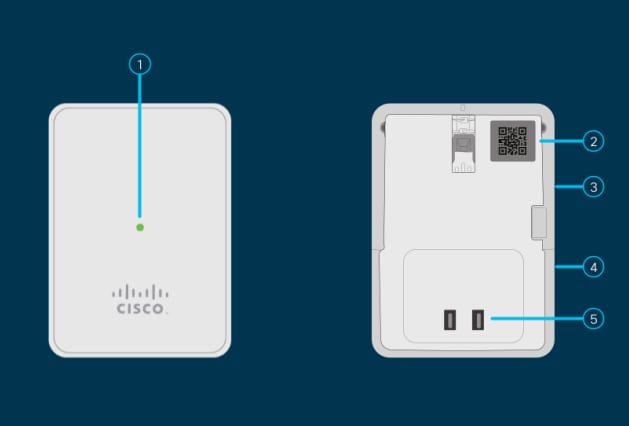
142ACM Product Features
- Status LED
- QR Code
- Mode Button (on side)
- Kensington Lock (on side)
- AC Plug (Will vary by country)
Unique Features of the 142ACM
The 142ACM is the only mesh extender that is plugged into an AC outlet. It does not have an extra Ethernet port.
يسمح فقط للزبائن مسجلي الدخول الذين قاموا بشراء هذا المنتج ترك مراجعة.

المراجعات
لا توجد مراجعات بعد.