


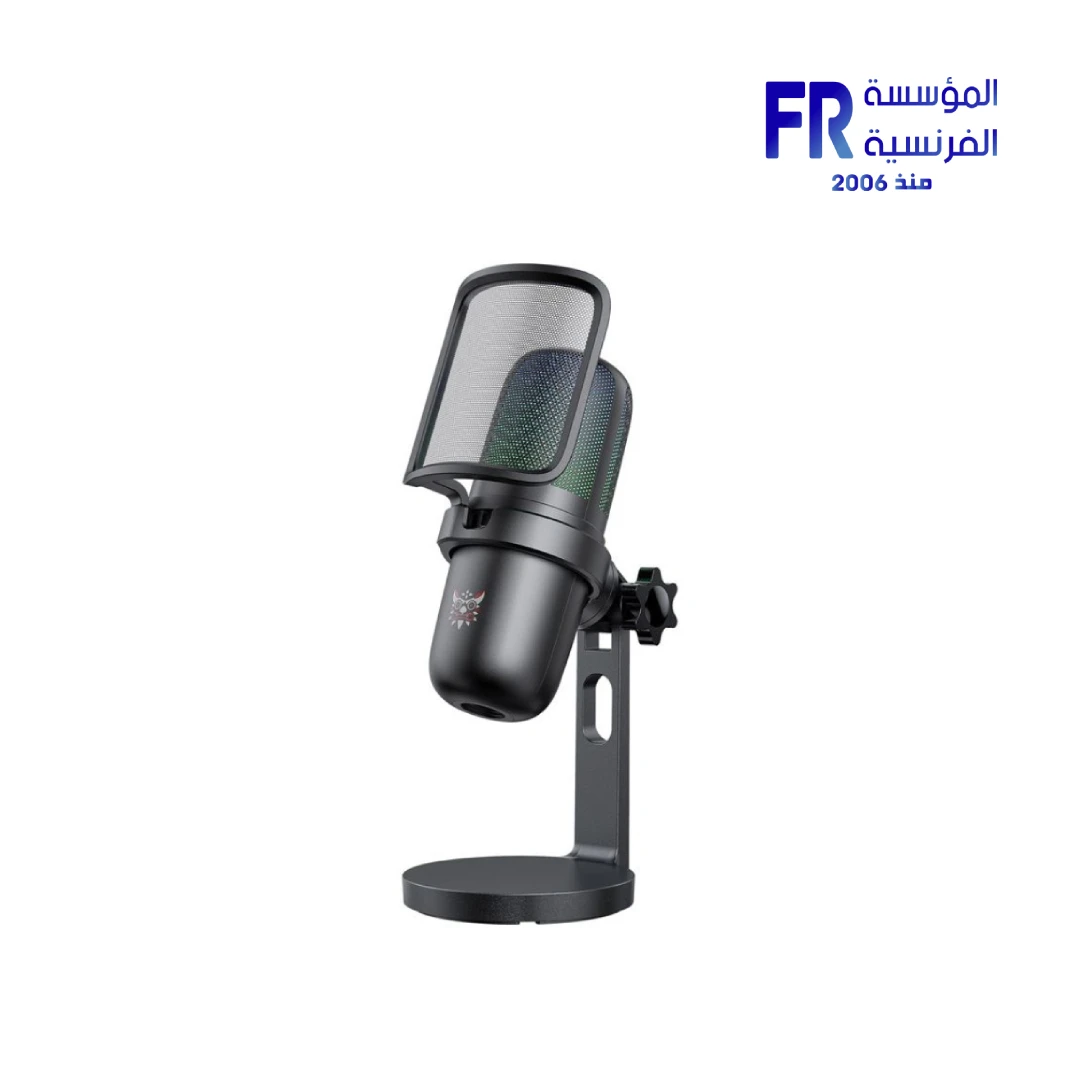


Onikuma Hoko M730 RGB USB Desktop Black Microphone
1348 جنيه
- رقم القطعة: ACC-02-02
- Audio Performance: Unidirectional Pickup | -38dB Sensitivity | 20Hz-20kHz Frequency Response | Noise Cancellation
- Connectivity & Control: USB Type-C Connection | Plug-and-Play | Touch-Sensitive Mute Button | 2m Cable
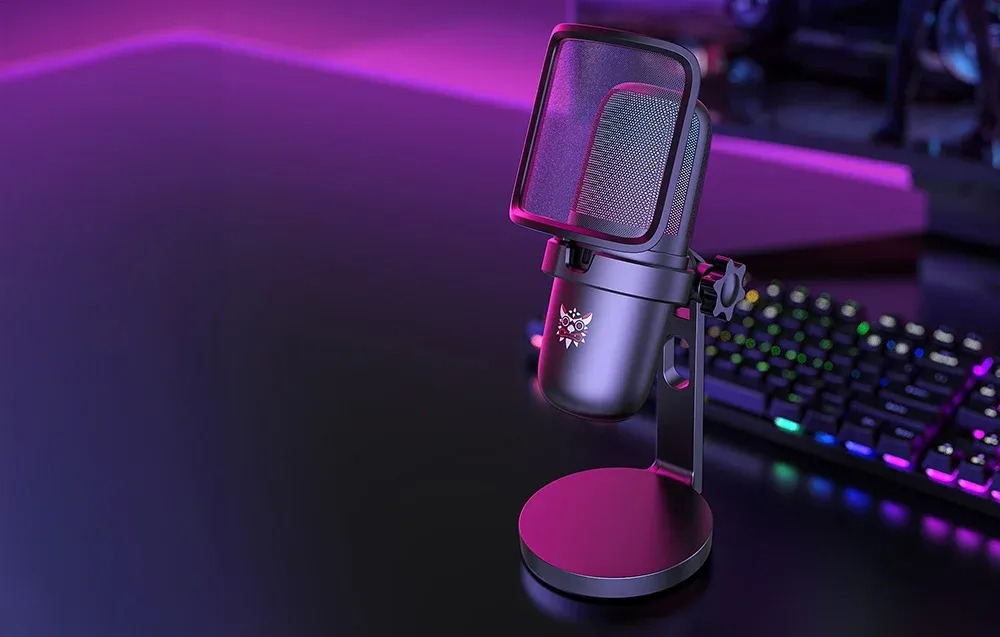
- Design & Features: Dynamic RGB Backlighting | Swivel Detachable Arm | Compact Desktop Stand
- الضمان: 1 Year
متوفر في المخزون
ضمان مطابقة السعر
Onikuma Hoko M730 RGB USB Desktop Microphone
The Onikuma Hoko M730 RGB USB Desktop Microphone delivers clear, distortion-free audio for streamers, gamers, and vocalists. Featuring a unidirectional pickup pattern with noise cancellation, touch-sensitive mute button, dynamic RGB lighting, and plug-and-play USB connectivity — it’s the perfect tool for professional streaming and recording.
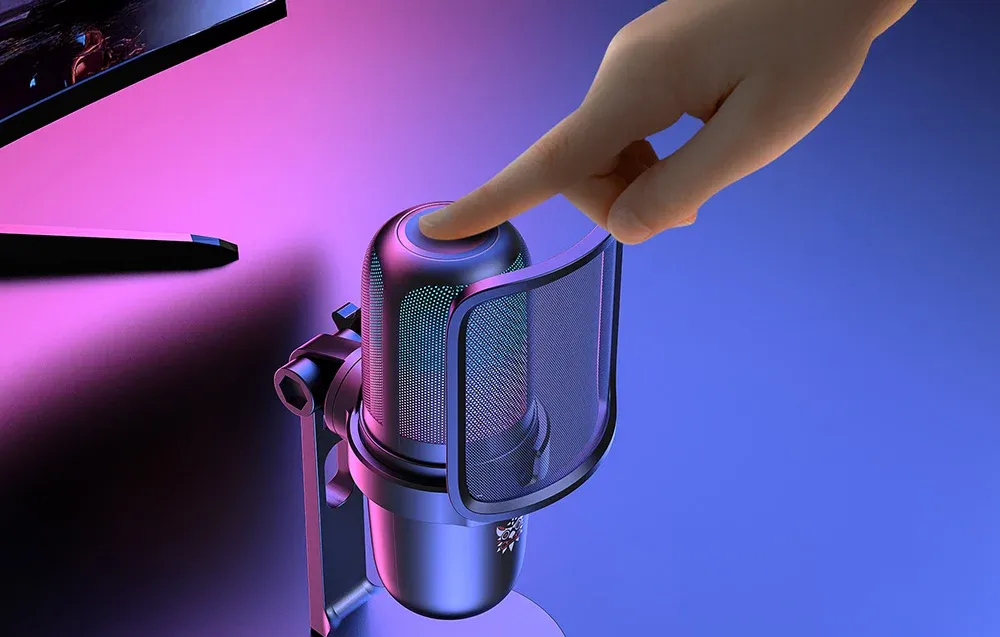
🔇 Touch Mute
💡 RGB Lighting
📡 Plug & Play
Product Gallery
المواصفات الفنية
Is the Onikuma Hoko M730 Right For You?
✓ Best For
- ✔ Streamers and content creators needing clear audio
- ✔ Gamers wanting professional voice quality
- ✔ Podcasters and vocalists
- ✔ Users who value touch mute convenience
- ✔ Those who want RGB aesthetics for their setup
✗ Not Ideal For
- ✗ Professional studio recording requiring XLR connectivity
- ✗ Users needing multi-pattern pickup options
- ✗ Those who prefer non-RGB minimalist designs
- ✗ Users requiring advanced software control
Key Features
🎙️ Clear Sound Without Distortion
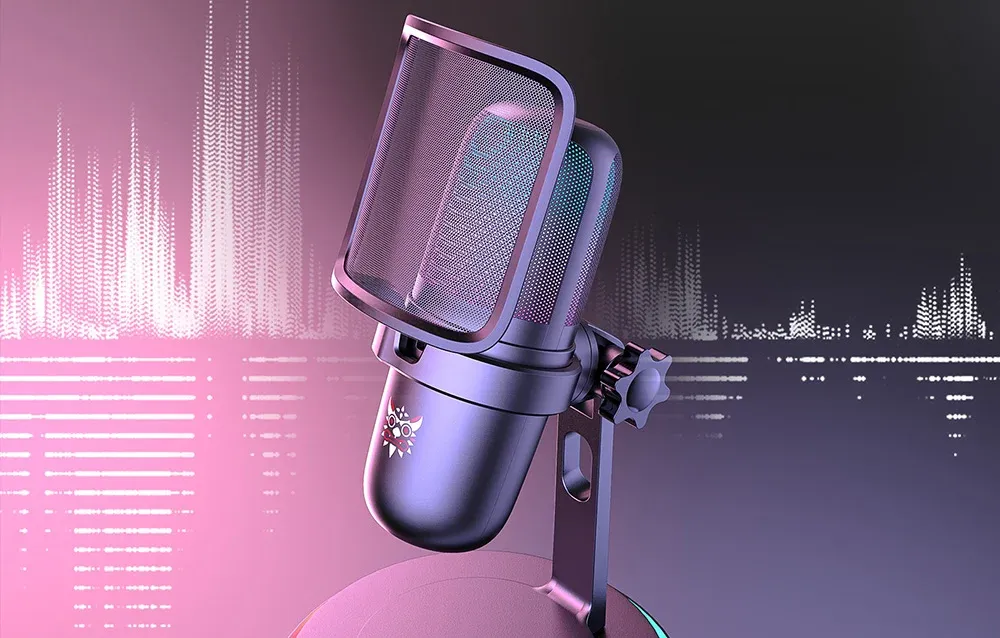
Equipped with noise cancellation effectively eliminating background sounds. Recordings are clear, natural, and enjoyable for the viewer — regardless of the environment.
💡 Striking RGB Backlighting
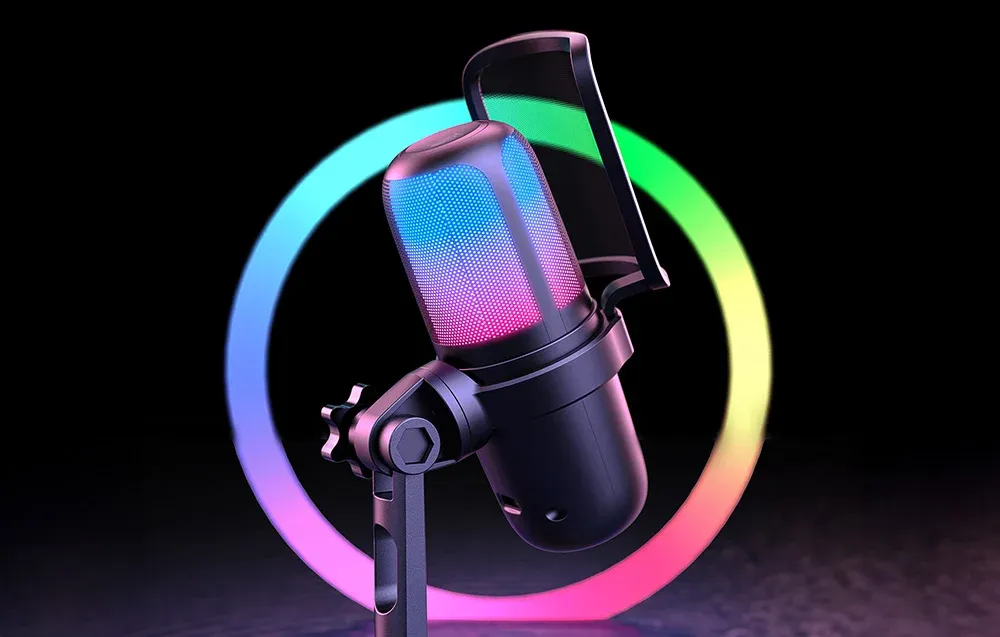
Dynamic, colorful RGB lighting with smooth color transitions creates a unique atmosphere. The light builds the mood and helps you get into the right headspace for streaming.
🔇 Easy to Use & Functional
Touch-sensitive mute button on the top allows instant muting in emergency situations — no rustling or searching for physical switches. Plug & play with no drivers needed.
🔄 Thoughtful Swivel Design
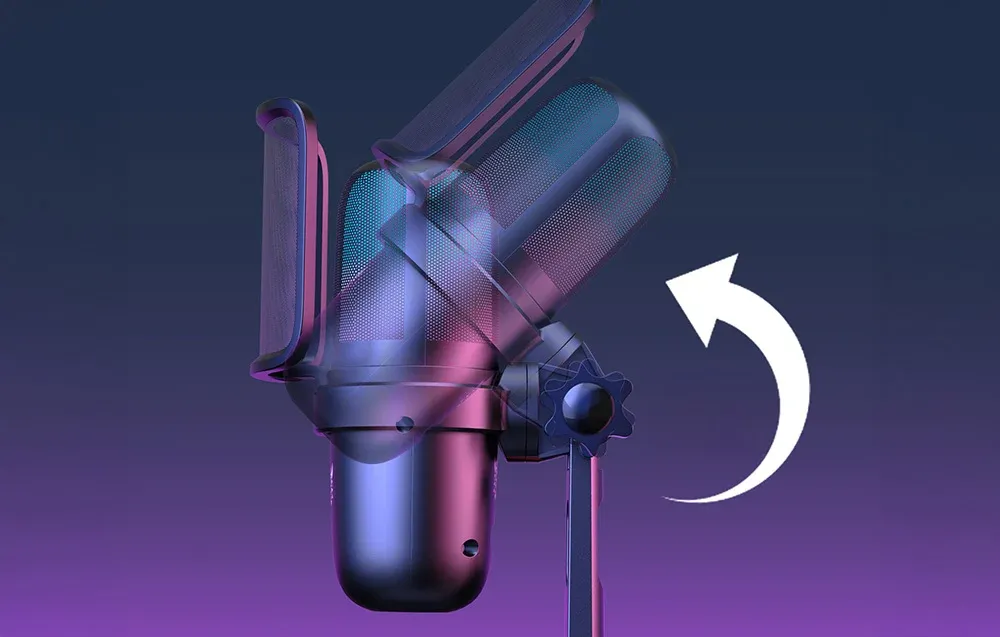
Swivel design with detachable arm makes it easy to transport and adjust positioning. The compact design looks great both in a professional setup and at home.
Compatibility Matrix
| Platform | Supported | Connection |
|---|---|---|
| Windows PC | ✔ Full | USB (Plug & Play) |
| Mac OS | ✔ Full | USB |
| Streaming Software | ✔ Full | USB (OBS, Discord, etc.) |
| Gaming Consoles | ✔ Limited | USB (Check compatibility) |
| Audio Interfaces | ✔ Limited | USB Only (No XLR) |
Pro Tips & Tricks
🎙️ Optimal Mic Placement
Position the M730 6-12 inches from your mouth. The unidirectional pickup pattern focuses on your voice while effectively reducing background noise for clear recordings.
🔇 Master the Touch Mute
Use the touch-sensitive mute button during live streams or calls for instant privacy. Perfect for coughing, side conversations, or when you need to step away briefly.
💡 RGB Atmosphere
The dynamic RGB lighting creates the perfect streaming atmosphere. Position the microphone so the RGB complements your overall setup aesthetic.
🔄 Swivel for Comfort
Adjust the microphone angle using the swivel design to find your perfect position. The detachable arm makes it easy to transport and store when not in use.
Common Questions About the Onikuma Hoko M730
What pickup pattern does the Onikuma M730 use?
Unidirectional. The Onikuma M730 features a unidirectional pickup pattern that focuses on capturing sound from the front while effectively reducing background noise for clear recordings.
How do I mute the microphone?
Touch-sensitive mute. The M730 features a touch-sensitive mute button on the top of the case, allowing instant muting with a simple touch — no rustling or searching for physical switches.
What is the frequency response of the M730?
20Hz – 20kHz. The Onikuma M730 offers a frequency response range of 20Hz to 20,000Hz, delivering clear, natural sound across the full audible spectrum.
Is the M730 plug-and-play?
Yes. The M730 works on a plug-and-play basis — just connect it via USB to your computer and it’s immediately ready to use with no need to install drivers.
| MODEL | |
|---|---|
| FREQUENCY RESPONSE | |
| Sensitivity | |
| Polar pattern | |
| Power Source | |
| Software | |
| Color | |
| Part Number | |
| الضمان |
| Connection | |
|---|---|
| Connection Interface | USB Type-C |
يسمح فقط للزبائن مسجلي الدخول الذين قاموا بشراء هذا المنتج ترك مراجعة.
المراجعات
لا توجد مراجعات بعد.