


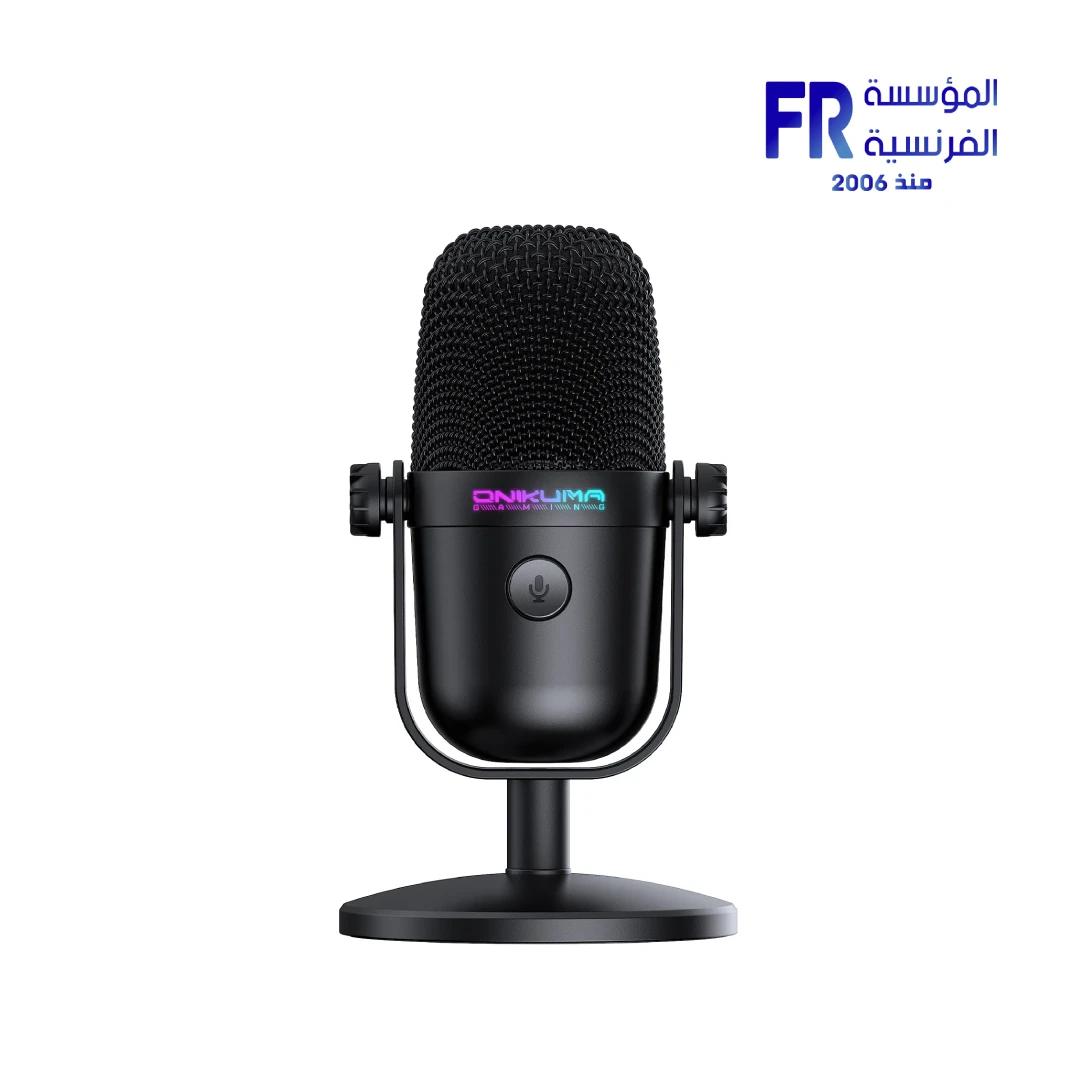
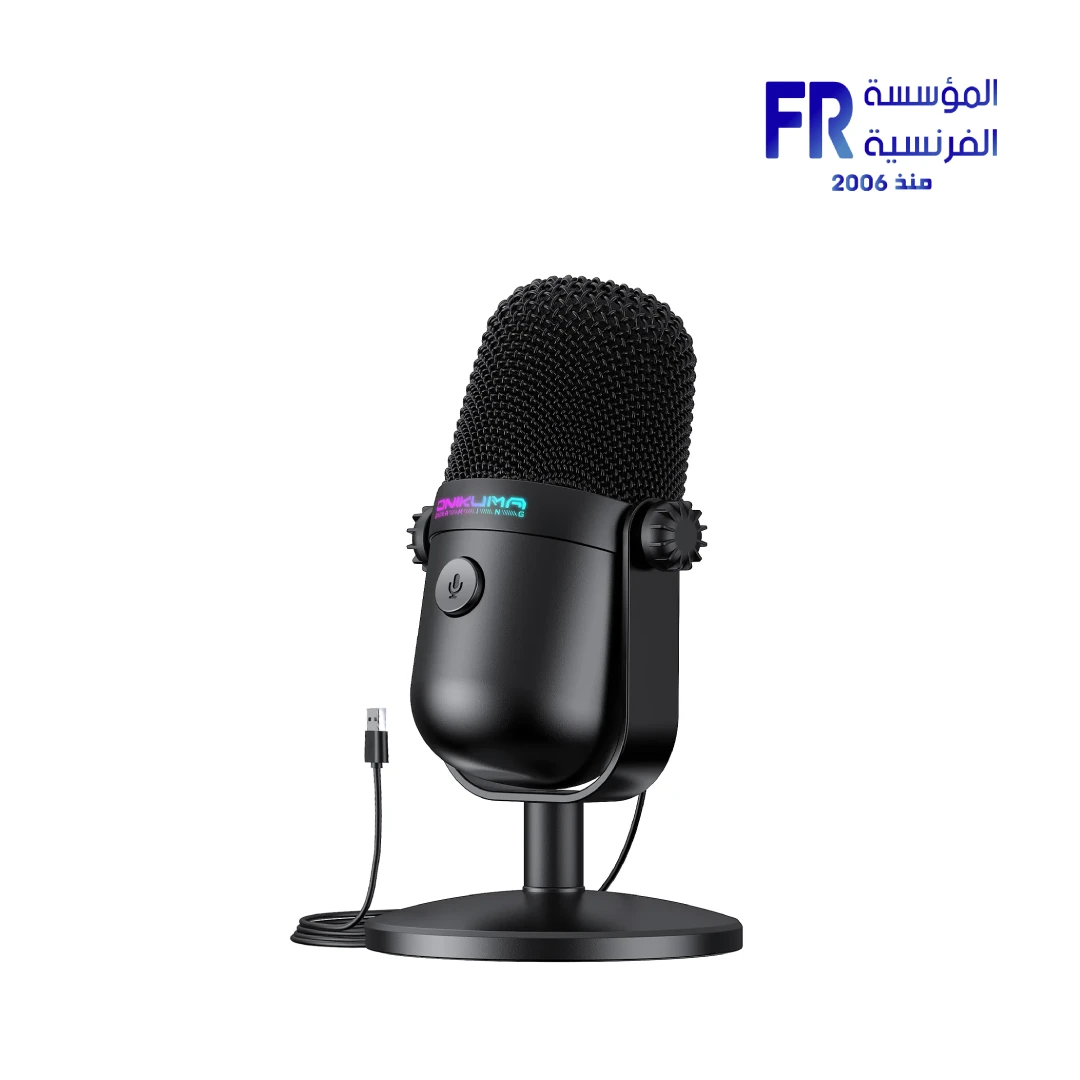
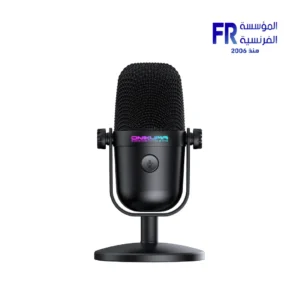
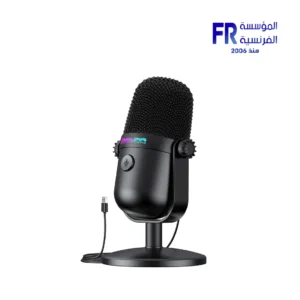


Onikuma M830 RGB USB Desktop Condenser Microphone
818 جنيه
- رقم القطعة: ACC-02-01
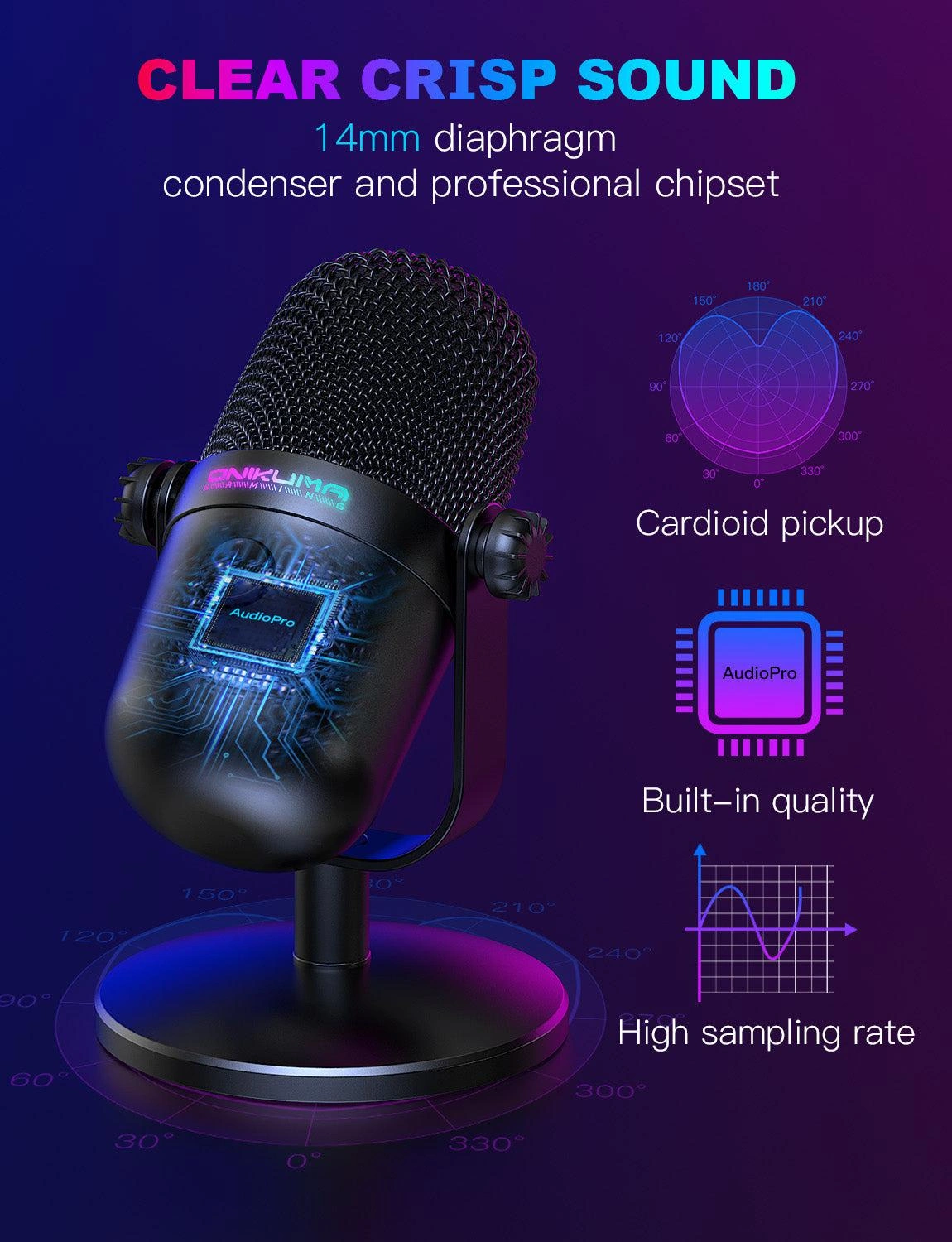
- Audio Specs: Condenser Capsule | Cardioid Polar Pattern | 24-Bit/192kHz Sampling Rate
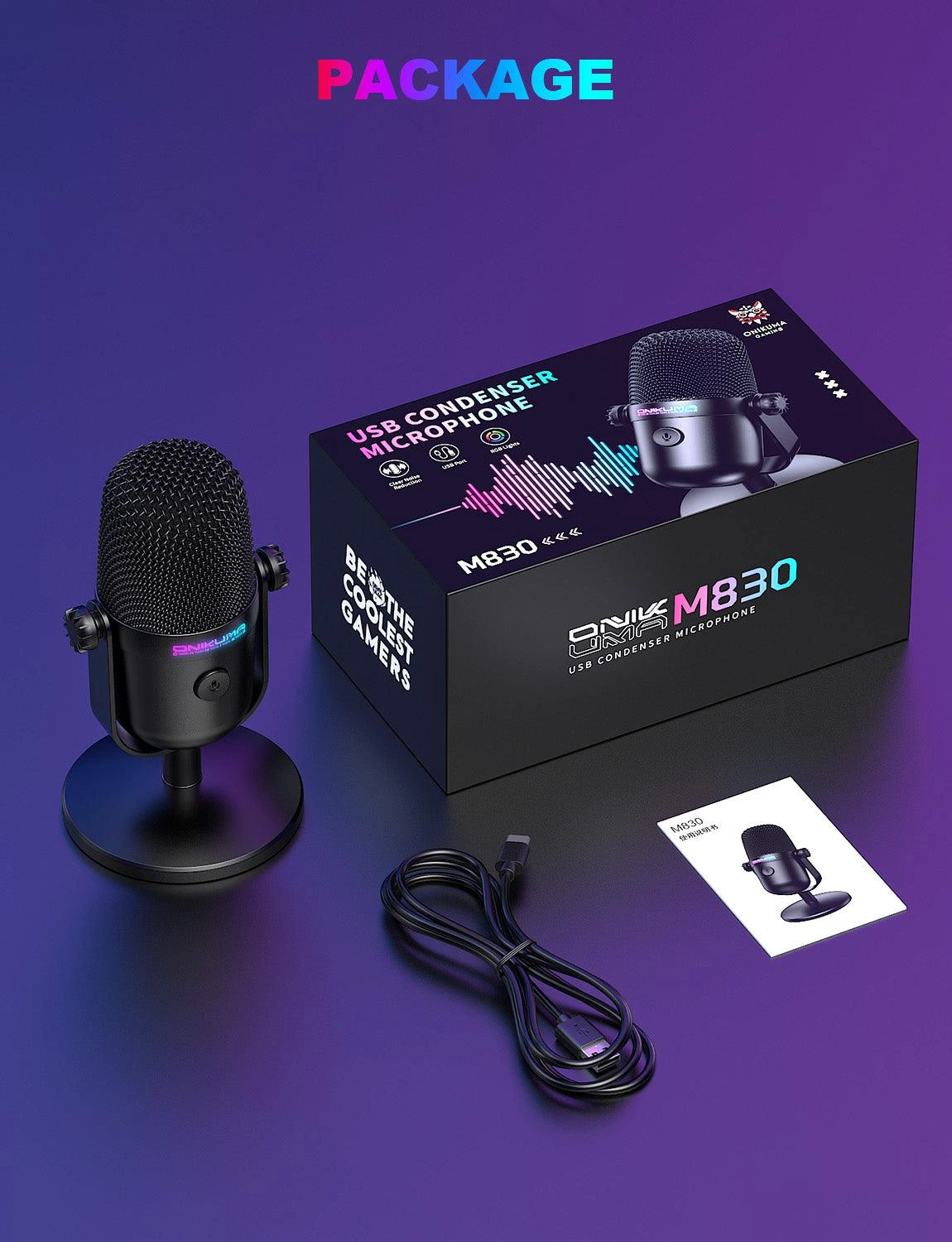
- Connectivity & Control: USB-A & USB-C Cables Included | Plug-and-Play | Touch Mute Button with RGB Indicator
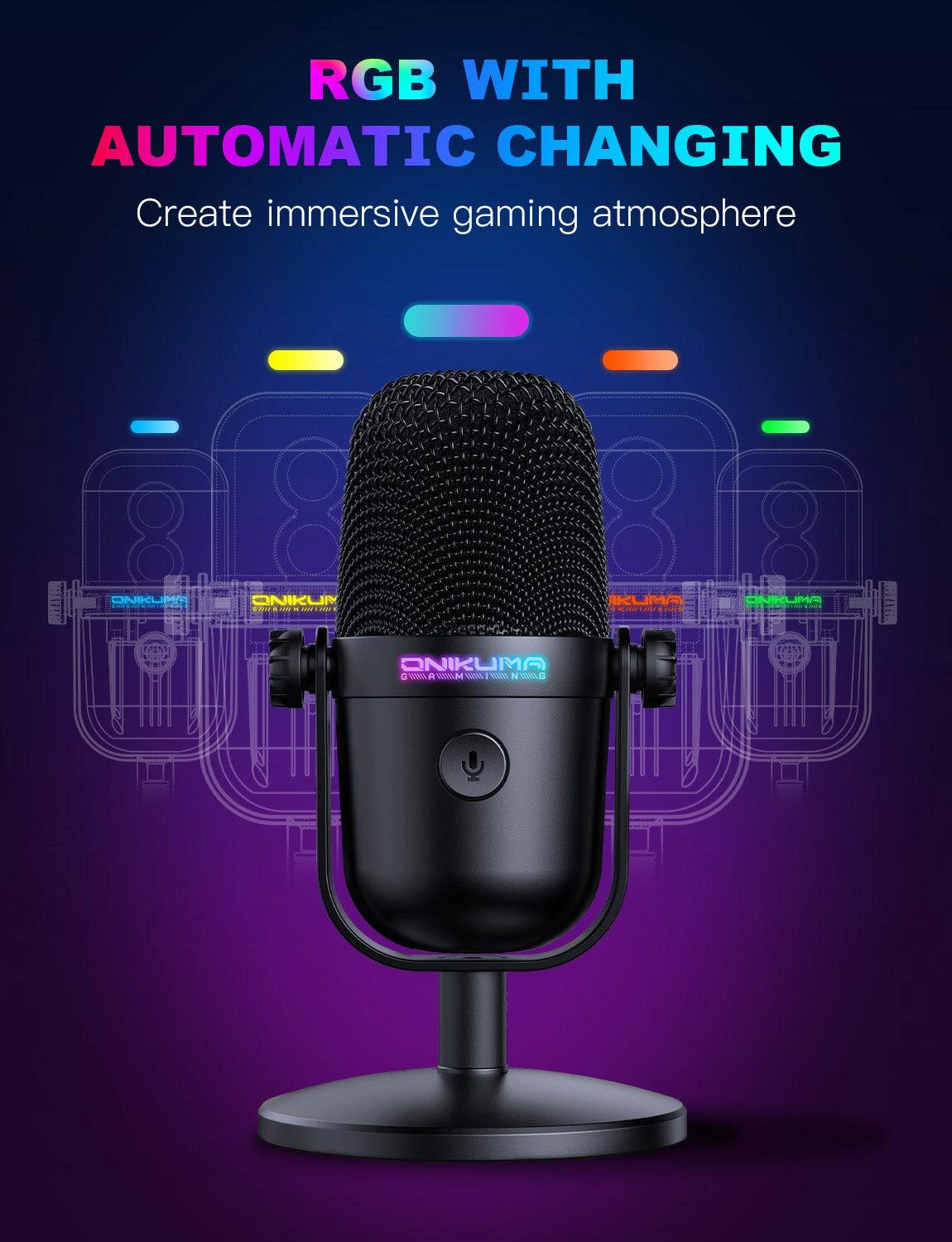
- Design & Features: Auto Gradient RGB Lighting | Desktop Stand | Noise Reduction Chipset
- الضمان: 1 Year
متوفر في المخزون
ضمان مطابقة السعر
Onikuma M830 RGB USB Desktop Condenser Microphone
The Onikuma M830 RGB USB Desktop Condenser Microphone delivers professional-grade audio for gaming streaming, podcasting, and voice recording. Featuring a 192kHz/24-bit chipset, 14mm diaphragm, cardioid pickup pattern, touch mute button, and auto RGB lighting — it’s the perfect plug-and-play solution for crystal-clear voice communication.
🎯 Cardioid Pickup
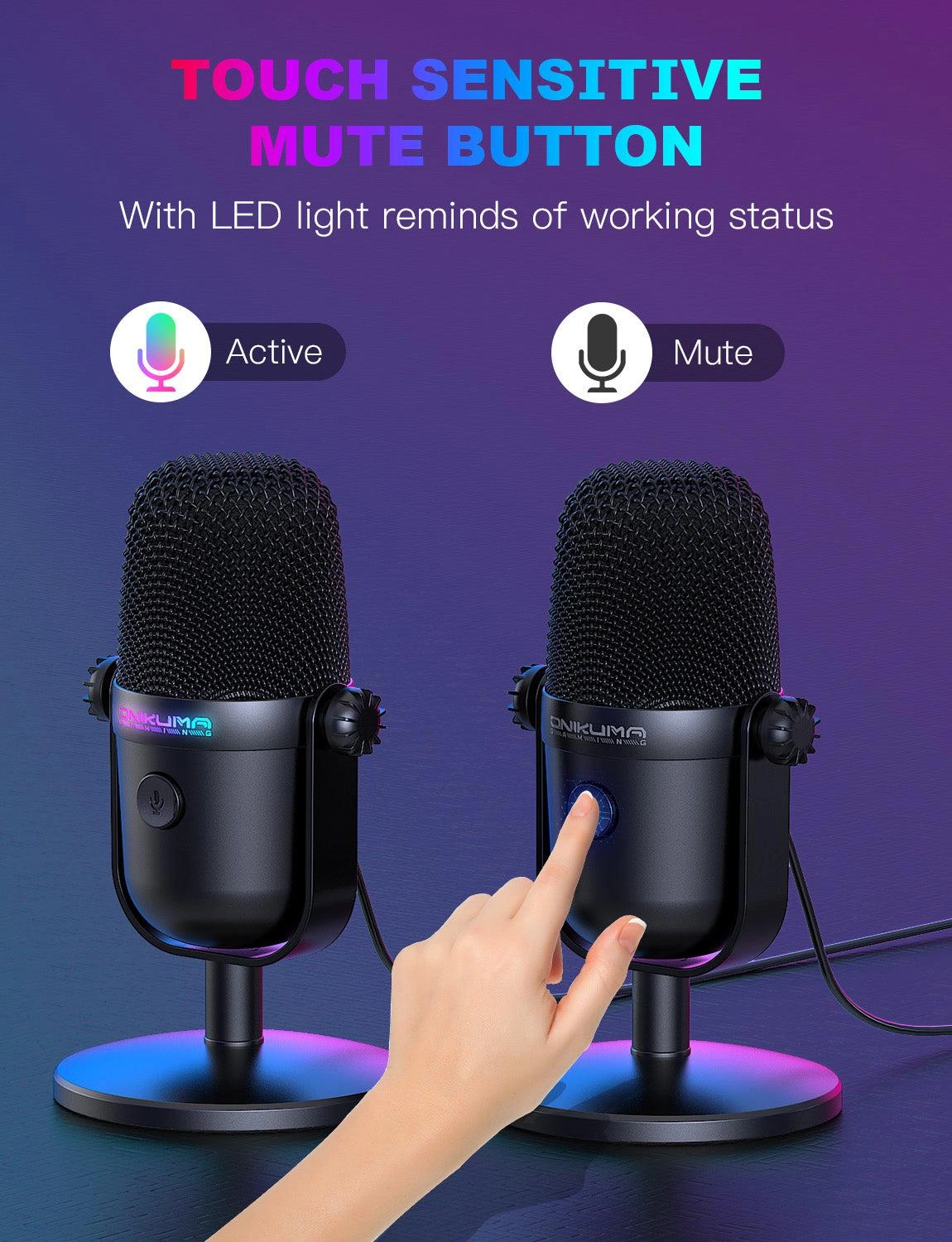
🔇 Touch Mute
💡 RGB Lighting
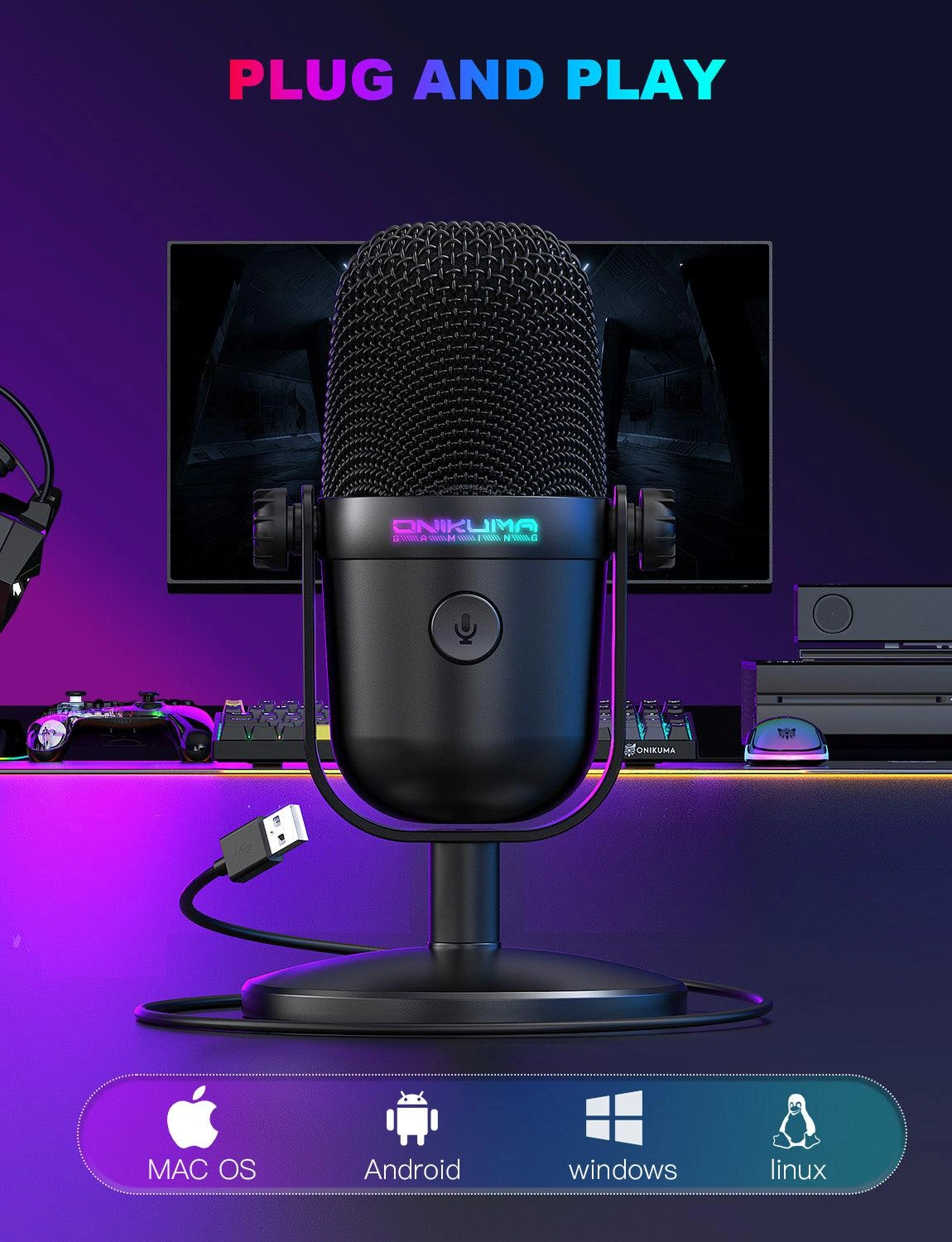
📡 Plug & Play
Product Gallery
المواصفات الفنية
Is the Onikuma M830 Right For You?
✓ Best For
- ✔ Gamers wanting clear voice communication for streaming
- ✔ Podcasters needing professional USB microphone quality
- ✔ Content creators who value plug-and-play simplicity
- ✔ Users who want RGB aesthetics for their desk setup
- ✔ Remote workers requiring crisp audio for meetings
✗ Not Ideal For
- ✗ Professional studio recording requiring XLR connectivity
- ✗ Users needing multi-pattern pickup options
- ✗ Those who prefer non-RGB minimalist designs
- ✗ Users requiring advanced software control
Key Features
🎙️ Professional Audio Quality
192kHz/24-bit professional capacitor microphone chip with 14mm diaphragm delivers clear, smooth audio. Automatic background noise reduction restores your clear sound.
🎯 Cardioid Pickup & RGB
Cardioid pickup focuses on capturing sound from the mic front, providing better sound quality for gaming streaming or voice. Auto gradient RGB lighting adds atmosphere to your setup.
🔇 Instant Touch Mute
Convenient touch mute button at the top. One tap instantly mutes the mic – perfect for coughing or sneezing during intense gaming. RGB light off indicates mute status.
📡 Plug & Play Versatility
No drivers required. Compatible with Windows PC, laptop, and Mac. Just plug the mic in with the included USB-A or USB-C cable and you’re ready to record or stream immediately.
🎮 Gaming & Streaming Optimized
Captures game players’ voices clearly whether it’s multiplayer online games, cooperative games, or competitive games. Enhances collaboration and competitiveness in gaming.
🎤 Versatile Applications
Perfect for games, podcasts, studios, and streaming media. The gradient lighting fills your game and work environment with atmosphere and helps your channel stand out.
Compatibility Matrix
| Platform | Supported | Connection |
|---|---|---|
| Windows PC | ✔ Full | USB-A / USB-C |
| Mac OS | ✔ Full | USB-A / USB-C |
| Laptops | ✔ Full | USB-A / USB-C |
| Streaming Platforms | ✔ Full | USB (OBS, Discord, etc.) |
| PS4 / PS5 | ✔ Limited | USB (Check console compatibility) |
Pro Tips & Tricks
🎙️ Optimize Mic Placement
Position the M830 about 6-12 inches from your mouth at a slight angle to reduce plosive sounds. The cardioid pickup pattern captures your voice clearly while minimizing background noise.
🔇 Master the Mute Function
Use the touch mute button during gaming to quickly mute for coughs or side conversations. The RGB light indicator lets you instantly know if you’re live or muted.
💡 RGB Customization
The auto gradient RGB lighting adds professional atmosphere to your stream. Position the mic so the RGB complements your overall setup aesthetic.
🎧 Monitor Your Audio
Use headphones with the M830 to monitor your audio in real-time. This helps you adjust volume and positioning for the best sound quality during streams or recordings.
Common Questions About the Onikuma M830
What connectivity options does the Onikuma M830 offer?
USB plug-and-play. The Onikuma M830 features plug-and-play USB connectivity with both USB-A and USB-C cables included, compatible with Windows PC, laptop, and Mac without requiring drivers.
What is the audio quality of the M830 microphone?
Studio-grade quality. The M830 features a 192kHz/24-bit professional capacitor microphone chip with a 14mm diaphragm and cardioid pickup pattern, delivering clear, smooth audio with automatic background noise reduction.
Does the Onikuma M830 have RGB lighting?
Yes, auto RGB. The M830 features automatic gradient RGB lighting that adds atmosphere to your gaming or work environment and helps your channel stand out from the ranking list.
How do I mute the microphone?
Touch mute button. The M830 features a convenient touch mute button at the top. One tap instantly mutes the mic with RGB light turning off to indicate mute status, and turns back on when unmuted.
يسمح فقط للزبائن مسجلي الدخول الذين قاموا بشراء هذا المنتج ترك مراجعة.
المراجعات
لا توجد مراجعات بعد.