


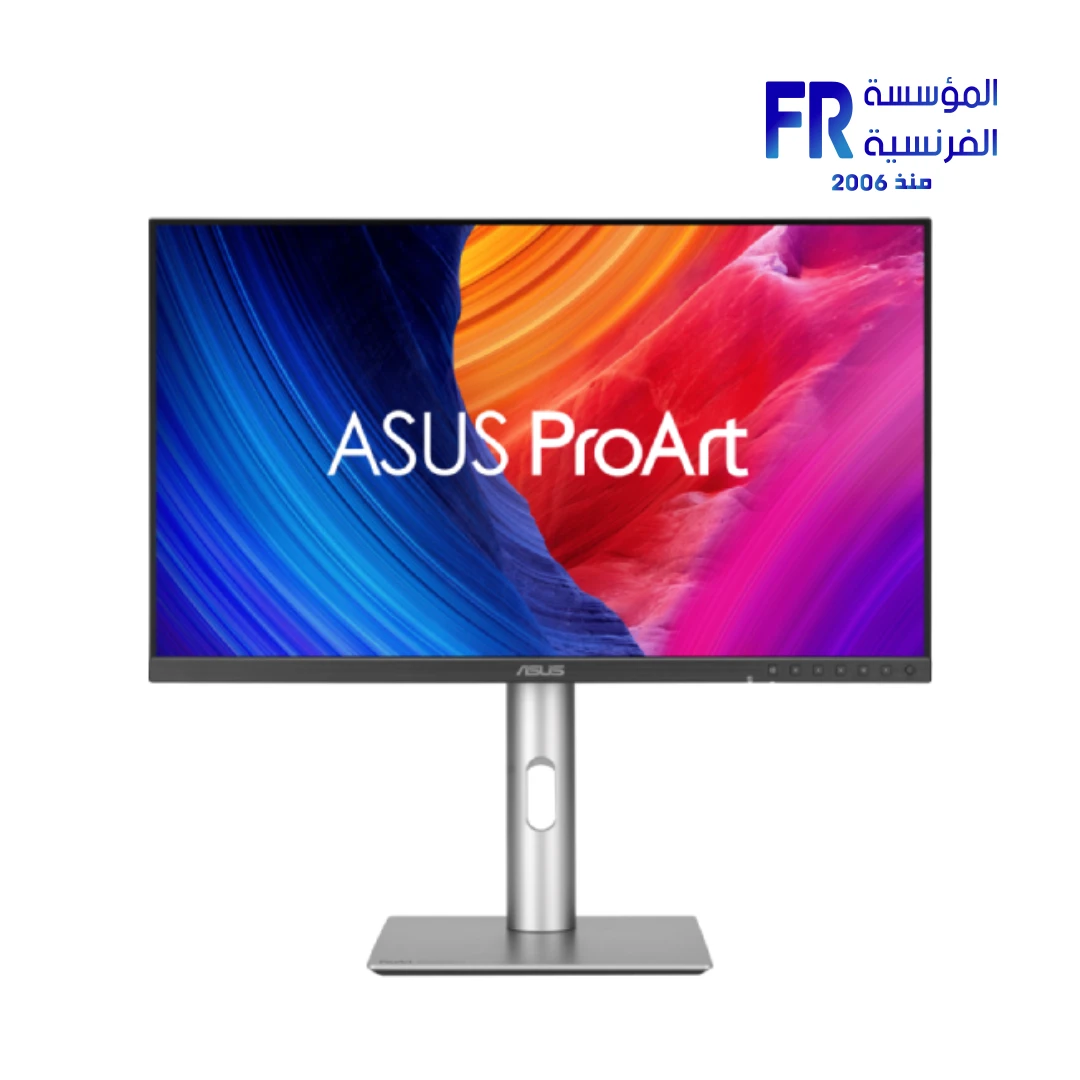
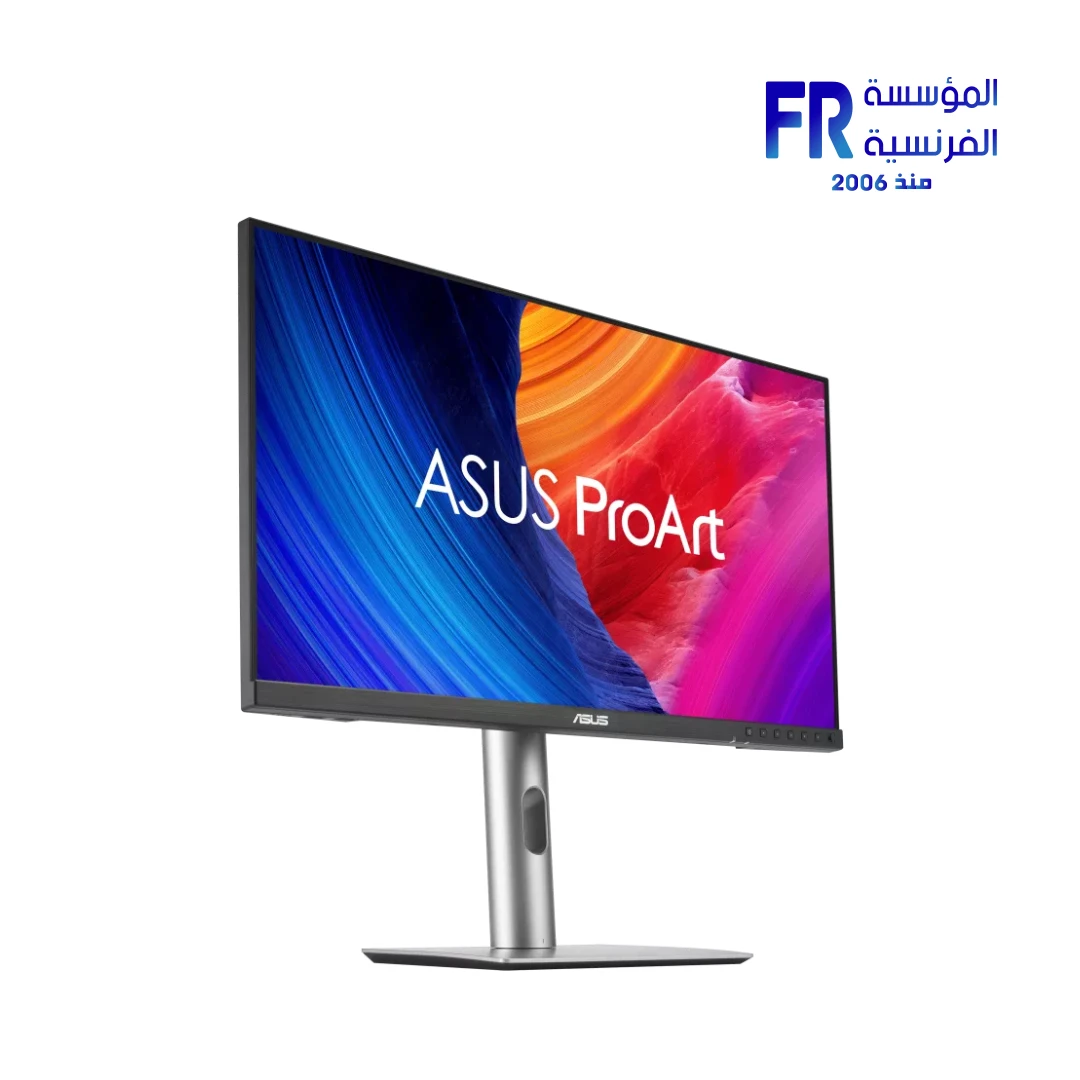
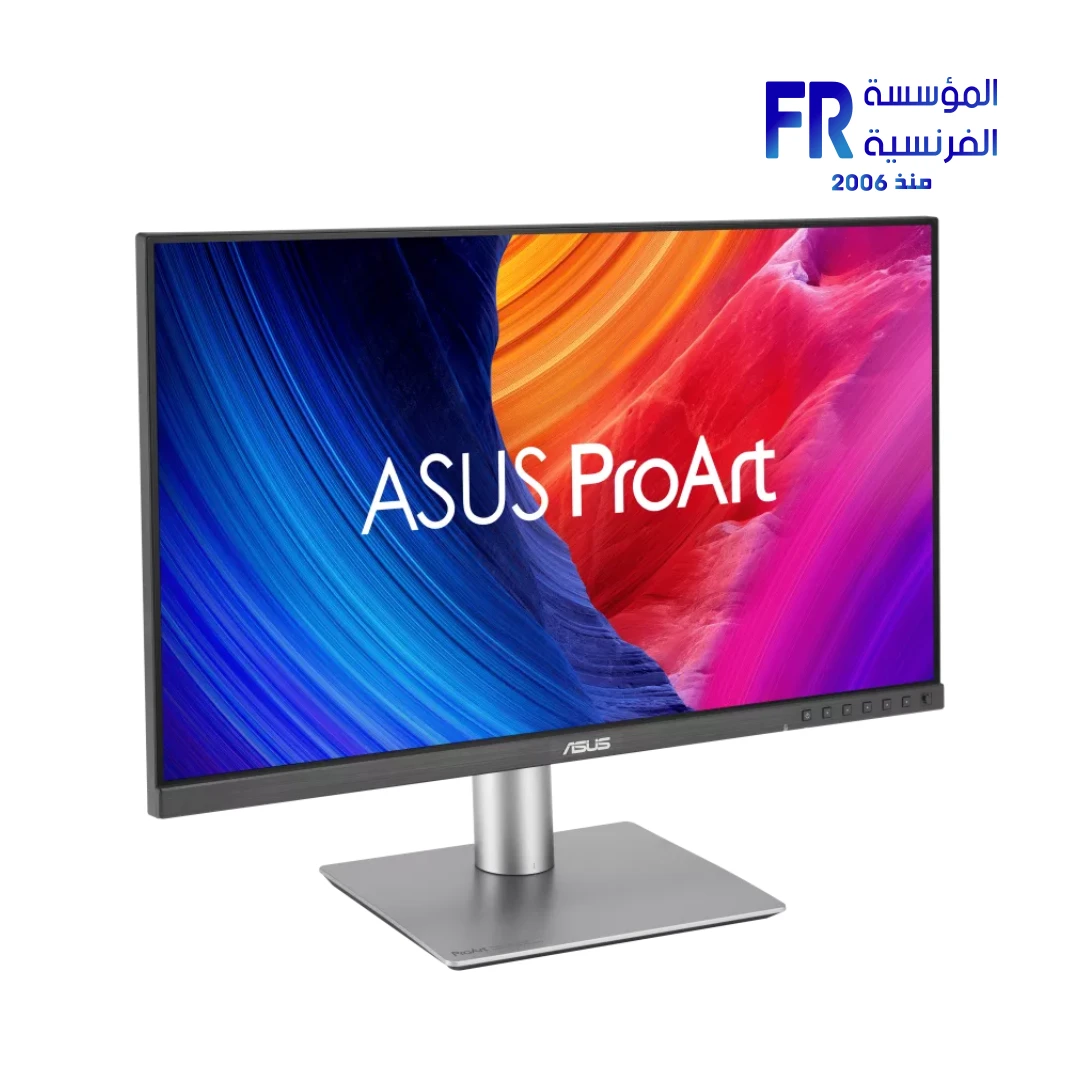
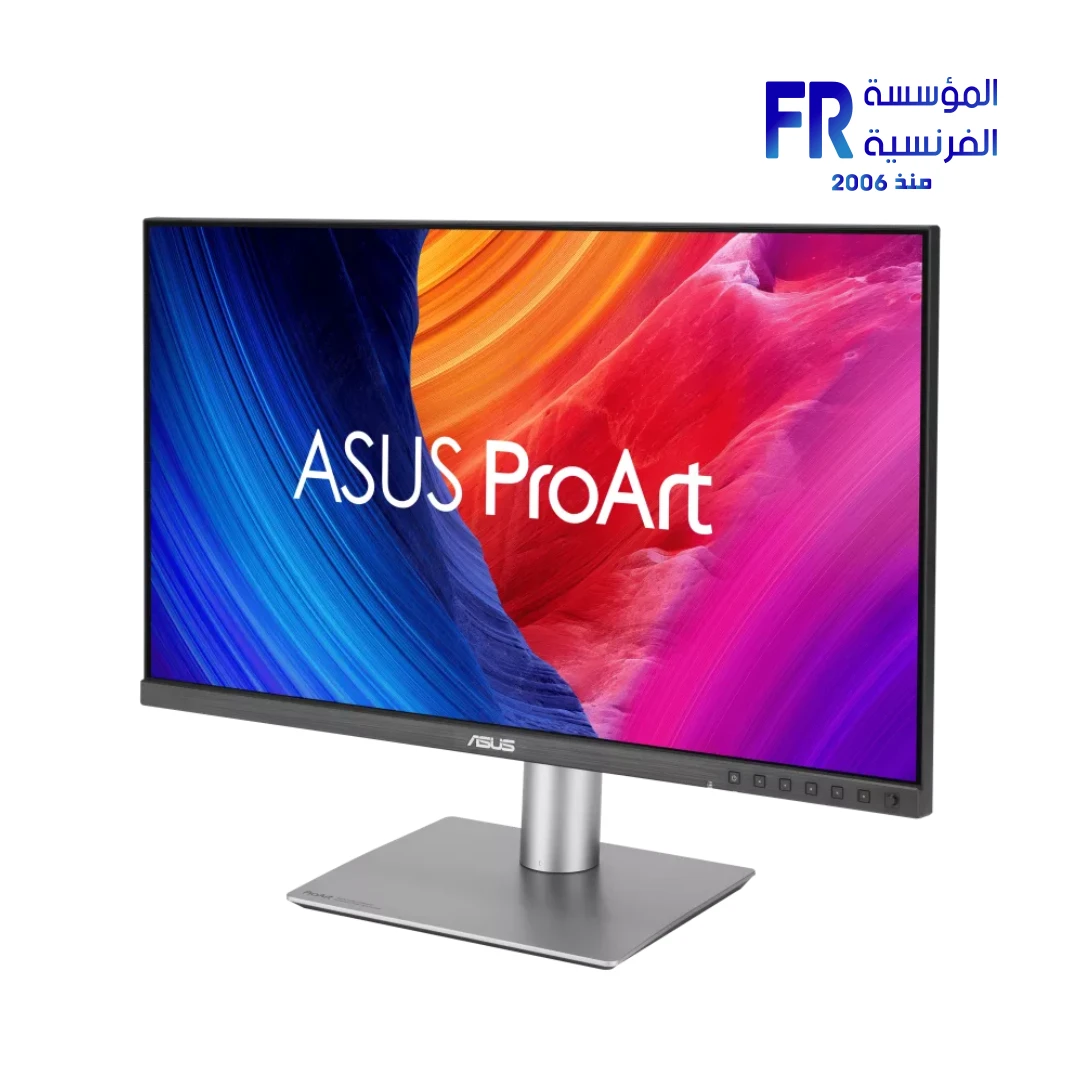
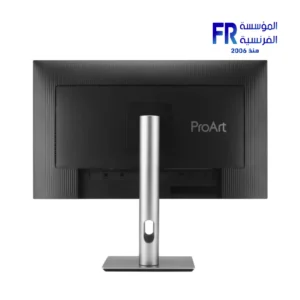
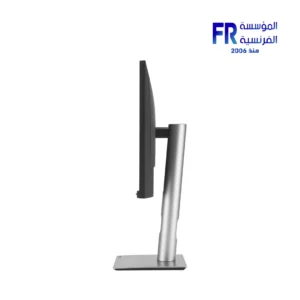
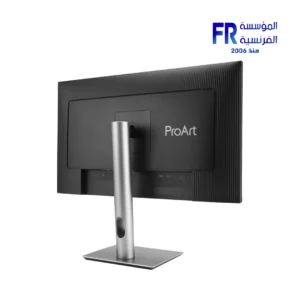
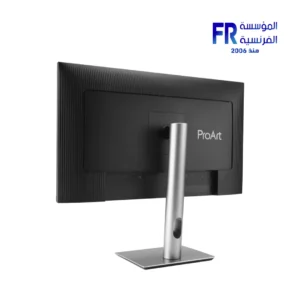
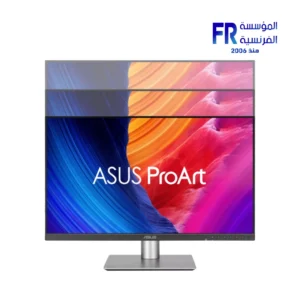
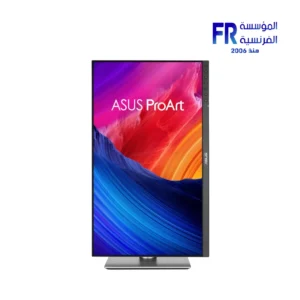
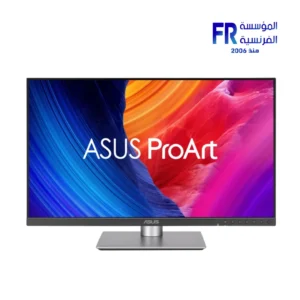
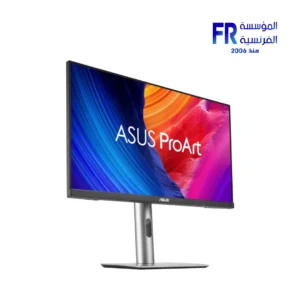
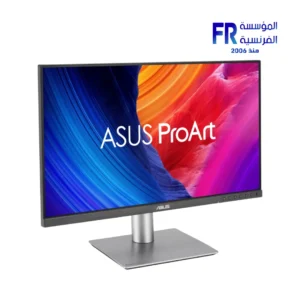
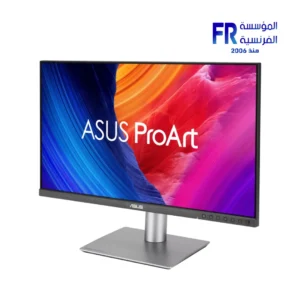


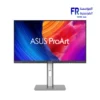
Asus Proart Pa278Qgv 27 Inch Qhd 2560×1440 120Hz Ips 95 Percent Dci P3 Delta E Less Than 2 Calman Verified Ergonomic Stand Monitor
15444 جنيه
- رقم القطعة: 90LM05L1-B01K71
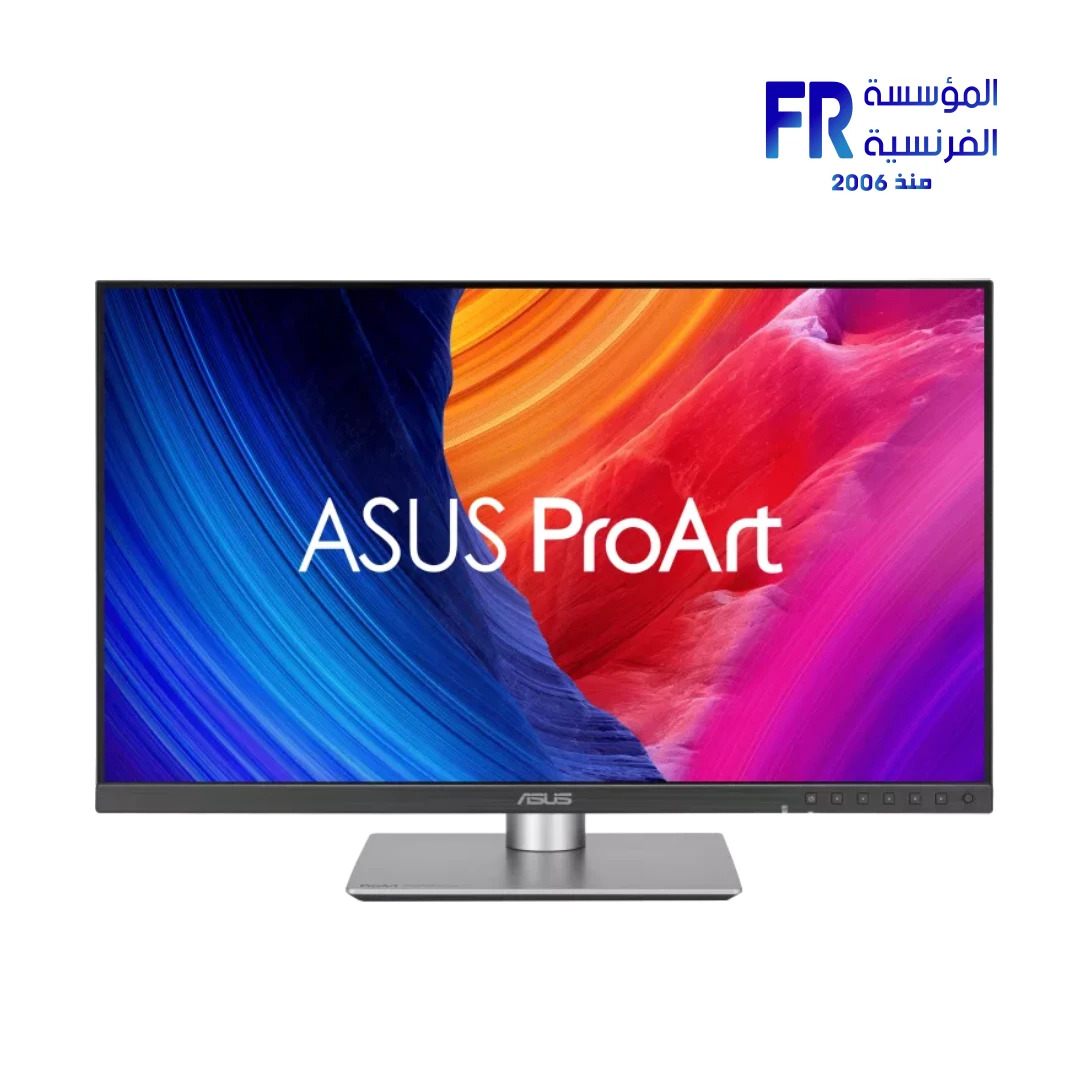
- الشاشة: 27″ QHD (2560 x 1440) IPS Panel with 120Hz Refresh Rate (VRR)
- Color Accuracy: ΔE < 2, Calman Verified with 95% DCI-P3 & 100% sRGB Gamut
- Creative Features: ASUS Light Sync (Ambient Light Sensor) & M Model for macOS Consistency
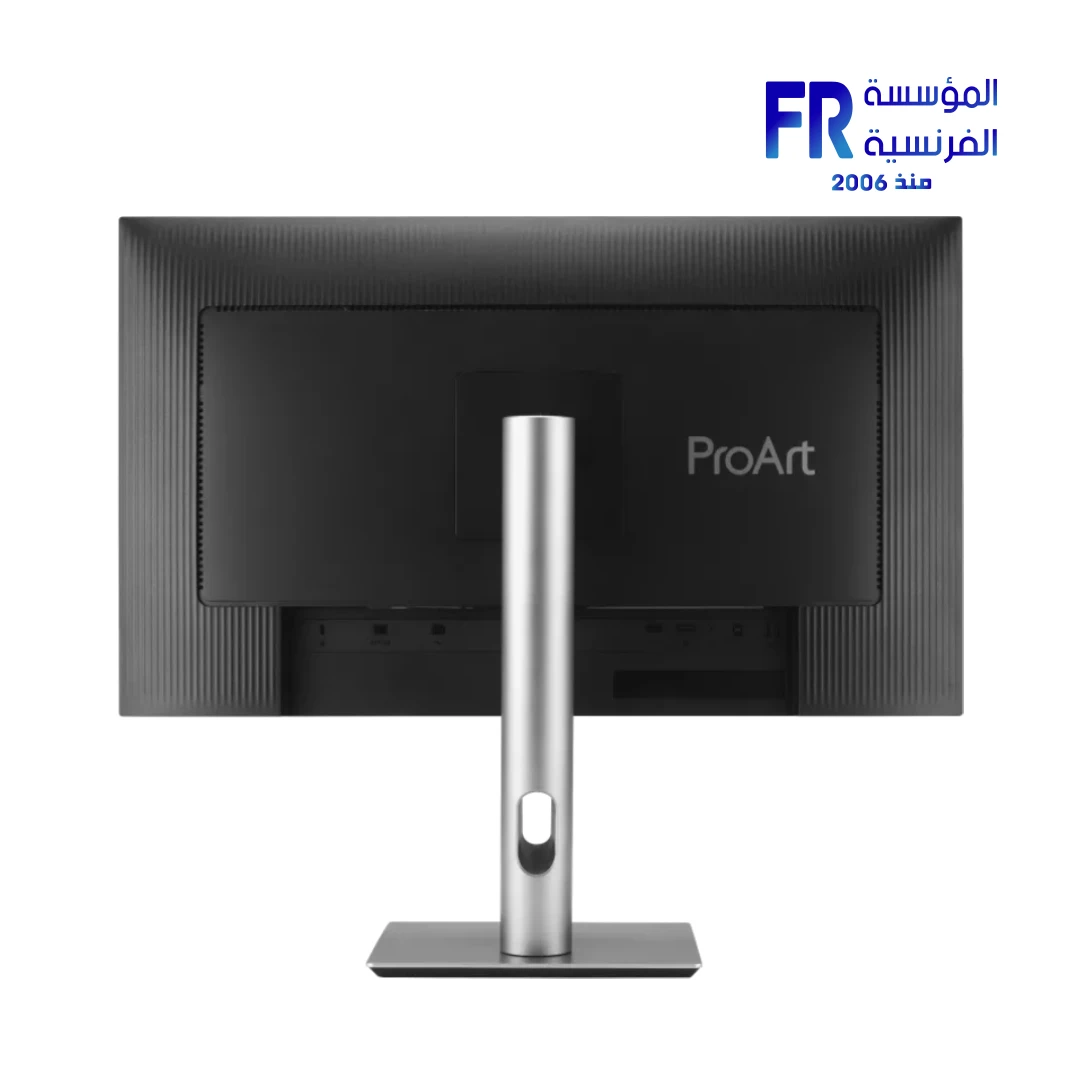
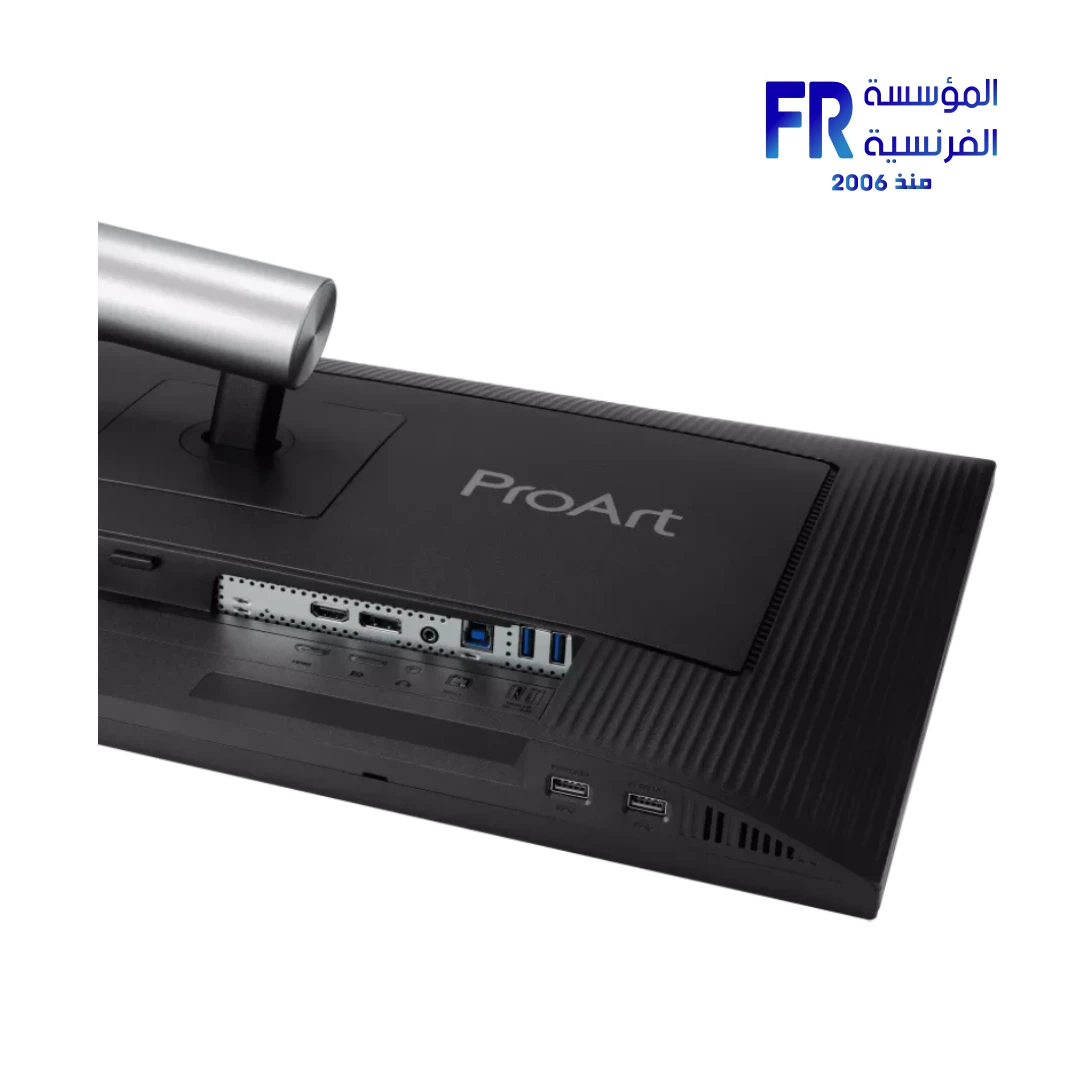
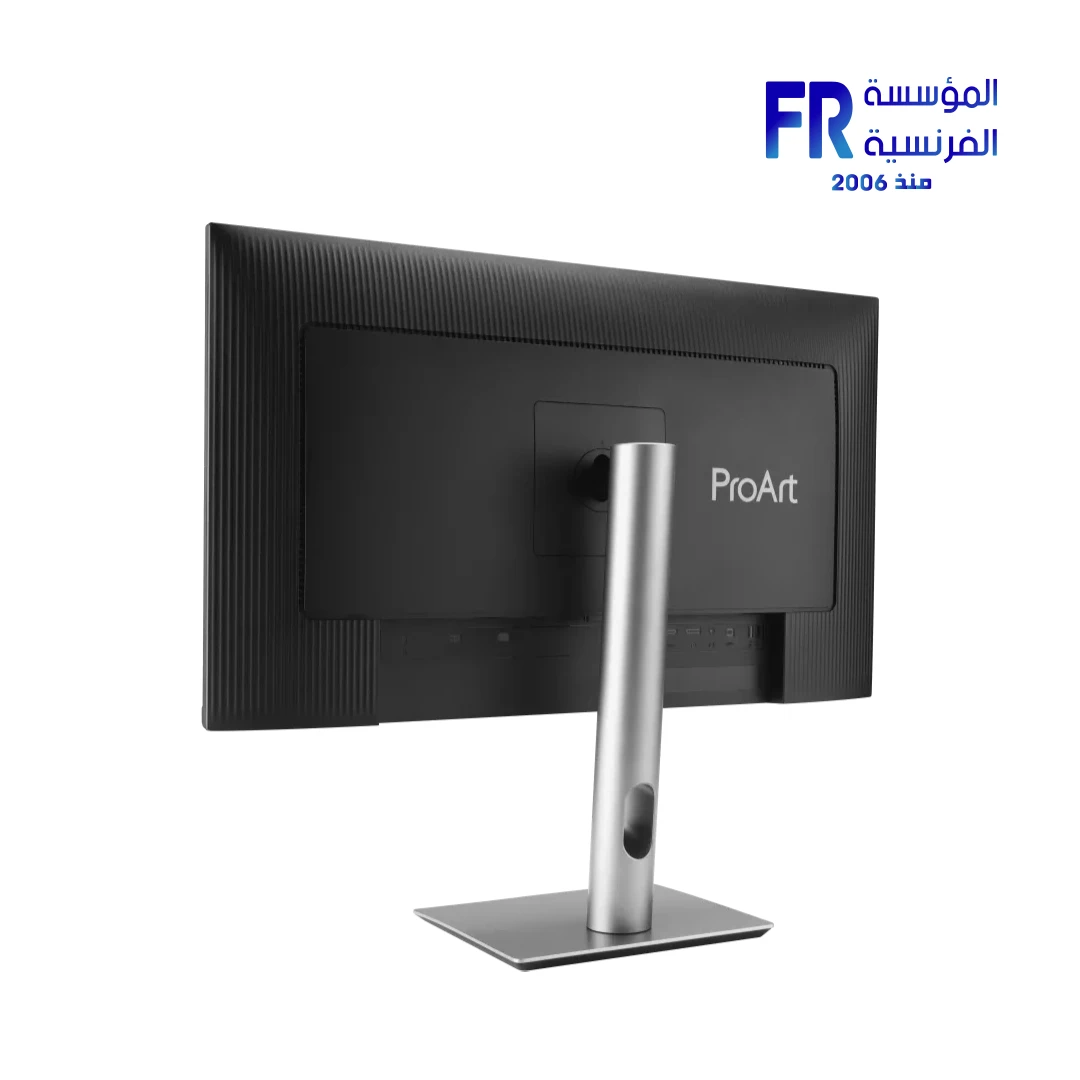
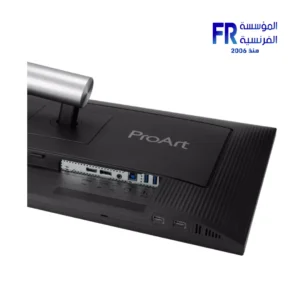
- الاتصال: HDMI 2.1 (TMDS), DisplayPort 1.4, and 4-Port USB 3.2 Gen 1 Hub
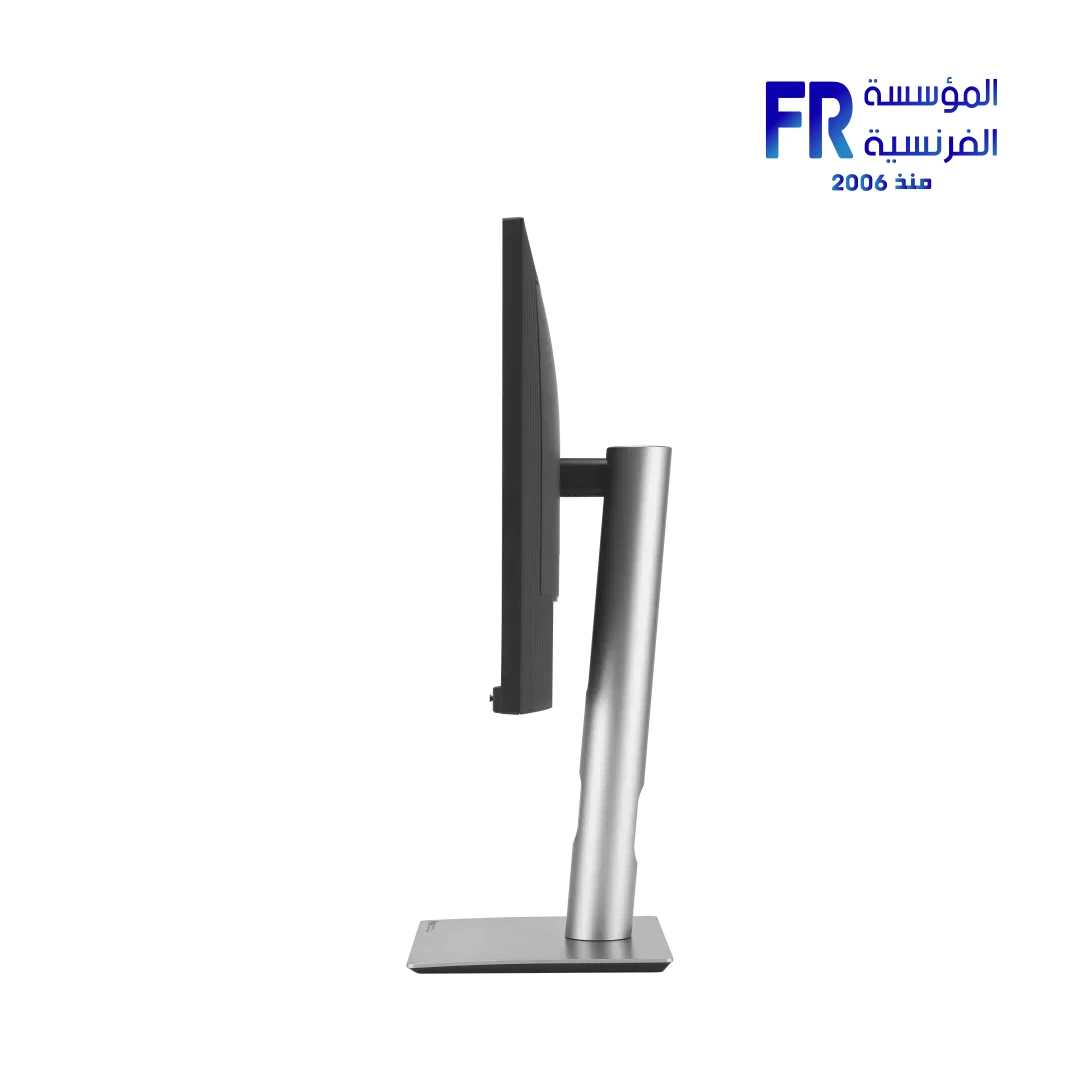
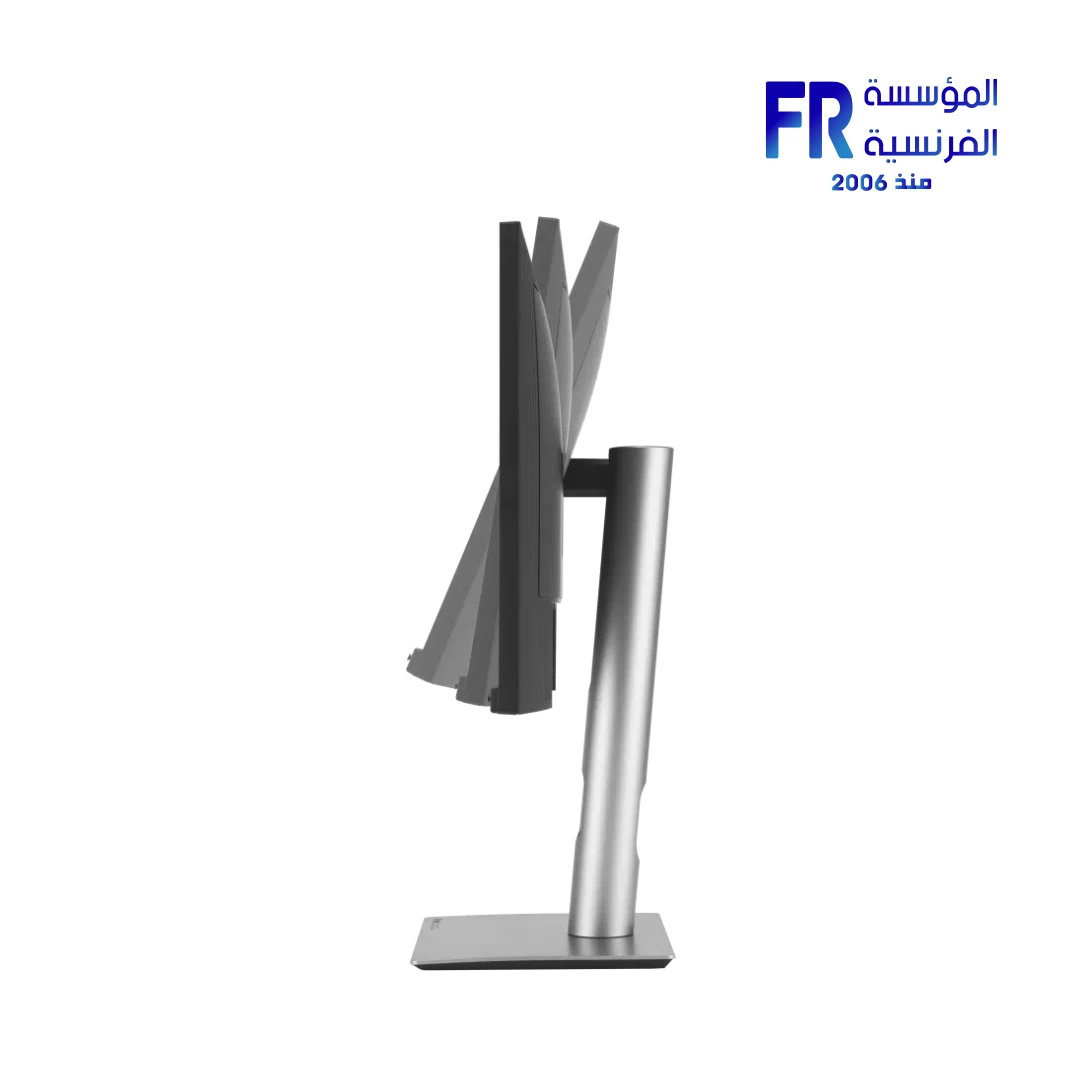
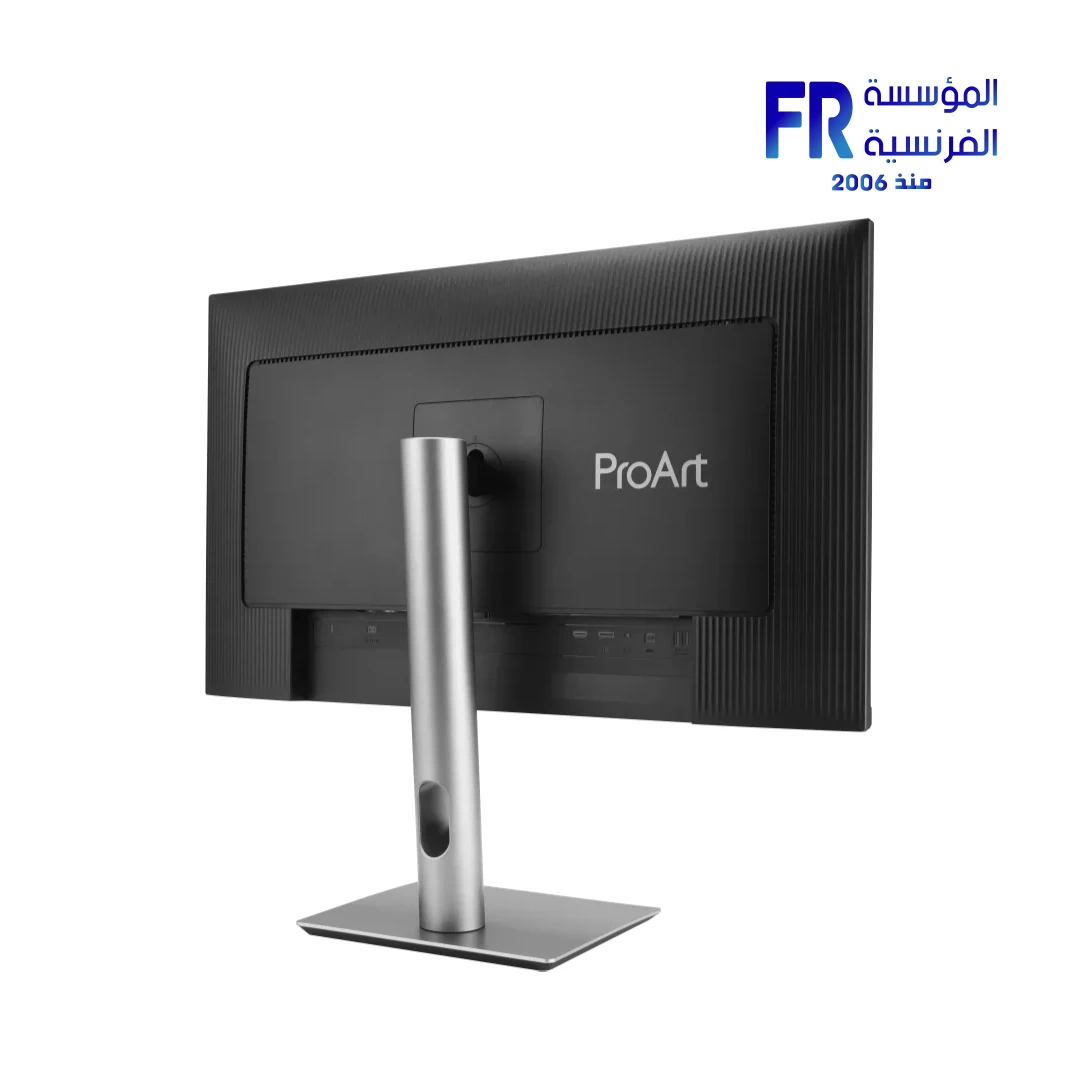
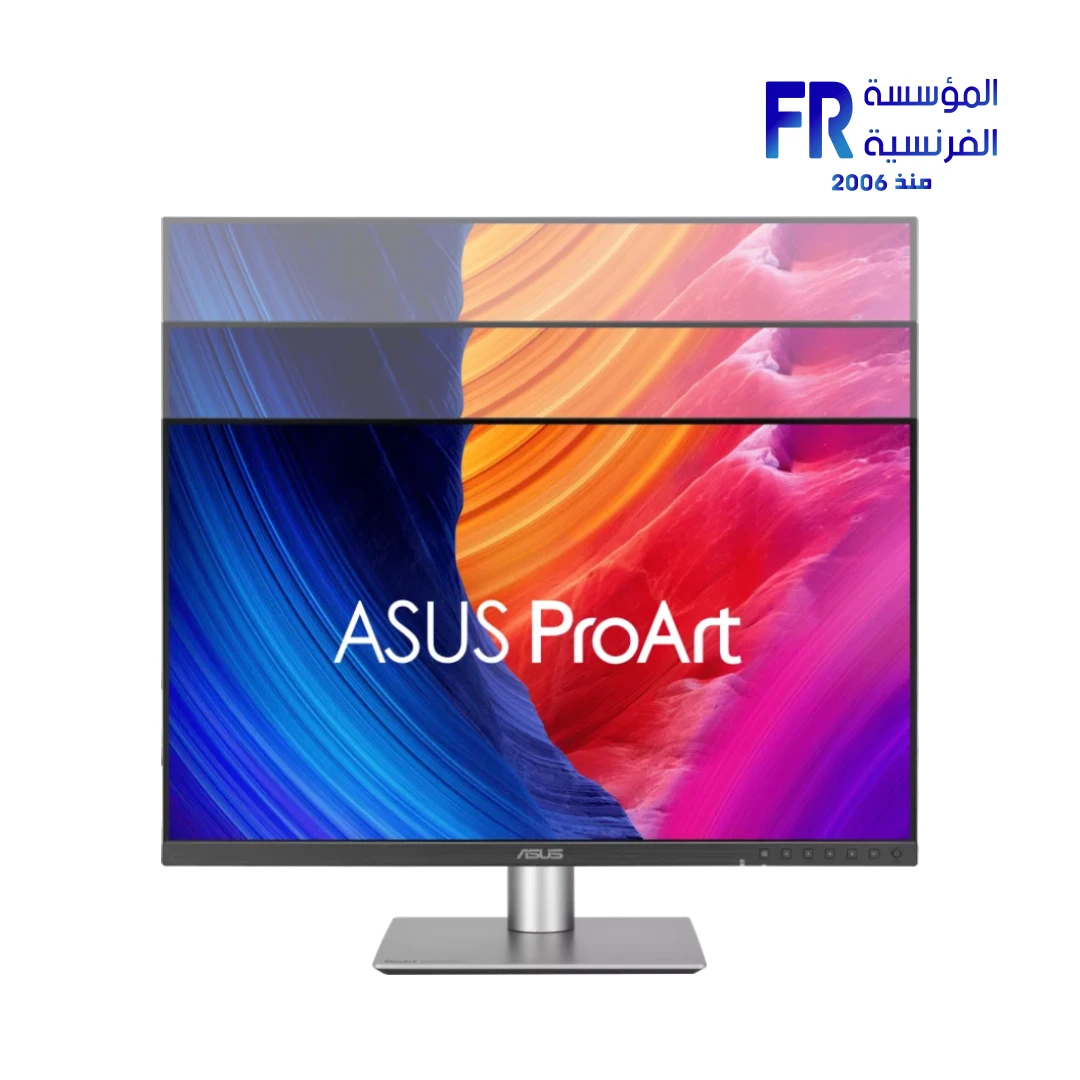
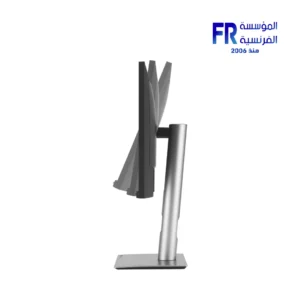
- Ergonomics: Pro-Art Stand with Height, Tilt, Swivel, and Pivot Adjustment
- الضمان: 3 Years
المتوفر في المخزون 2 فقط
ضمان مطابقة السعر
Asus ProArt PA278QGV: 27" QHD Precision For Content Creators
In short, the ASUS ProArt Display PA278QGV technically facilitates an industrial-grade creative environment by merging a QHD IPS panel with a 120Hz variable refresh rate. Notably, this second-generation evolution effectively bridges the gap between digital vision and physical reality through its 95% DCI-P3 and 100% sRGB color coverage. Specifically, the integrated SmoothMotion technology effectively facilitates ultra-fluid visuals during high-current video editing iterations near-instantaneously.
Furthermore, the factory-calibrated Delta E < 2 accuracy and Calman Verified status ensure that your technical transitions remain visually perfect. Because the display incorporates the innovative M Model color temperature, it technically facilitates seamless color consistency between MacBook devices and your ProArt ecosystem. Consequently, the PA278QGV delivers a disciplined performance presence that balances 350-nit brightness with sophisticated Light Sync sensor technology. As a result, you receive a visually perfect foundation for your high-performance professional workstation.
Official ASUS Technical Product Page
Pioneering Accuracy & AI-Ready Performance
True Color, MacBook Synergy
Notably, the PA278QGV architecture specifically utilizes the M Model mode to effectively synchronize P3 color profiles with macOS devices. This technically allows photographers and designers to effectively maintain color consistency across multiple hardware iterations without manual hardware stress.
Intelligent Light Sync
Moreover, the integrated Ambient Light Sensor effectively supports real-time brightness and color temperature telemetry. Consequently, your system provides a technical edge by effectively adjusting to shifting room lighting, resulting in more consistent visual precision for industrial-grade creative projects.
Additionally, the inclusion of ASUS DisplayWidget Center effectively provides high-vibrancy control over your OSD settings directly through your macOS or Windows desktop. Unlike standard professional monitors, the PA278QGV incorporates TÜV Eye Care and flicker-free technology to ensure your technical presence remains fatigue-free during long document coding or video editing iterations. As a result, you receive a technically superior unit that balances elite color fidelity with essential ergonomic comfort.
💡 Pro-Builder Tip: Display Port 1.4 & USB-Hub Hub
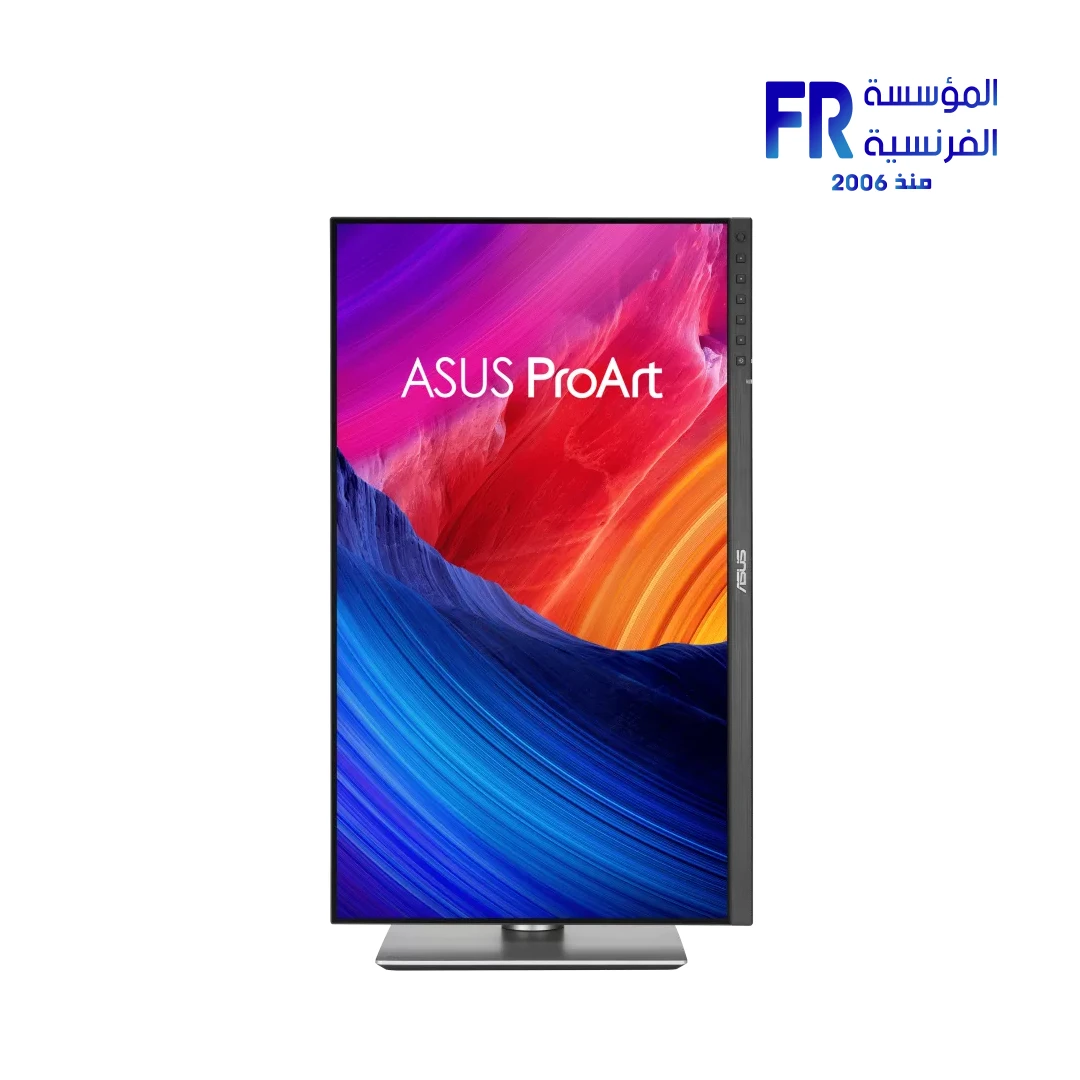
To clarify, achieving the full 120Hz VRR potential technically requires utilizing the DisplayPort 1.4 connection. Specifically, ensure you connect the USB Type-B to A cable to effectively activate the high-speed USB 3.2 Gen 1 hub located on the bottom bezel. Furthermore, utilize the ergonomic stand's 90° pivot to effectively ensure maximum efficiency when working on long vertical document iterations or complex code structures.
المواصفات الفنية
| Hardware Feature | Detailed Specification |
|---|---|
| Model Name | ProArt Display PA278QV Gen2 (PA278QGV) |
| SKU | 90LM05L1-B01K71 |
| Part Number | 90LM05L1-B01K71 |
| UPC | 199291032675 |
| EAN | 4711377032675 |
| Panel Size (inch) | 27 |
| نوع البانل | IPS (178° Wide-view) |
| دقة الشاشة | 2560x1440 (QHD) |
| Color Space (DCI-P3) | 95% |
| Color Space (sRGB) | 100% |
| Color Accuracy | ΔE < 2 (Calman Verified) |
| Refresh Rate (Max) | 120Hz (VRR) |
| Brightness (Typ.) | 350cd/㎡ (HDR-10 Supported) |
| Contrast Ratio (Typ.) | 1500:1 |
| Display Colors | 1073.7M (10-bit) |
| زمن الاستجابة | 5ms (GTG) |
| I/O Ports | 1x DP 1.4, 1x HDMI 2.1 (TMDS), 4x USB 3.2 Gen 1 Type-A, Earphone Jack |
| Ergonomics | Tilt (+23°~-5°), Swivel (±30°), Pivot (±90°), Height (0~130mm) |
| Speakers | Yes (2Wx2) |
| Dimensions with Stand | 61.22 x 53.61 x 19.04 cm |
| الضمان | 3 Years Local Agent Warranty |
What's Included
Frequently Asked Questions
What makes the Gen 2 PA278QGV superior for 120Hz rendering?
Notably, the Gen 2 technically facilitates a 120Hz variable refresh rate. Specifically, it provides ultra-smooth visuals for 2D/3D rendering quality checks. Consequently, your setup maintains industrial-grade motion stability near-instantaneously while reducing motion blur iterations.
How does the Ambient Light Sensor impact color accuracy?
Specifically, the sensor technically facilitates auto-adjustments of display brightness and color temperature. Furthermore, it ensures your P3 color gamut remains aligned with the environment. Therefore, you receive visually perfect reproduction without manual hardware stress iterations.
Is the stand specifically designed for coding workflows?
Yes, the ergonomic stand technically facilitates ±90° pivot rotations. Notably, this enables a perfect Portrait mode for working with long document iterations. Consequently, this protects your structural synchronization while browsing or coding industrial-grade projects.
*ASUS, ProArt, and the ASUS logo are registered trademarks of ASUSTeK Computer Inc. Apple, Mac, and MacBook are trademarks of Apple Inc. Calman Verified is a trademark of Portrait Displays, Inc. Technical specifications are based on official documentation provided at the time of publication.
Help us maintain data accuracy via our Technical Feedback Form.
Copyright © 2026 Alfrensia.com. All rights reserved.
| MODEL | |
|---|---|
| نوع الشاشة | |
| SCREEN SIZE | |
| نوع البانل | |
| RESOLUTION | |
| RESPONSE TIME | |
| REFRESH RATE | |
| ADAPTIVE SYNC | |
| Backlight Technology | |
| Brightness | |
| sRGB | |
| Flicker Free | |
| I/O Ports | Earphone Jack, 1x HDMI 2.1b, 1x DisplayPort 1.4, 4x USB 3.2 Gen 1 Type-A |
| Included Speaker | |
| Color | |
| Part Number | |
| الضمان |
يسمح فقط للزبائن مسجلي الدخول الذين قاموا بشراء هذا المنتج ترك مراجعة.

المراجعات
لا توجد مراجعات بعد.