

To learn how to choose an external SSD, start with the files you store and the devices you connect it to. An external SSD can make backups, large file transfers and portable project storage much easier, but the fastest advertised number does not tell you how quickly a drive will copy a large folder, whether it will work at full speed with your computer, or how much usable space you will have.
Choose capacity for the files you actually keep
Start by estimating the size of your current files and how quickly that collection grows. Documents and school files may fit comfortably on a smaller drive, while game libraries, 4K video footage, photo collections and creative project folders can require much more space. Leave room for future projects instead of selecting a capacity that is almost full on day one.
Remember that advertised capacity and the space reported by your operating system can differ because of how capacity is measured and how the drive is formatted. If the drive will store a backup, also consider version history and how much room is needed for more than one copy of important files.
Understand the USB connection
USB-C describes the connector shape; it does not by itself specify data speed. Two USB-C ports can support different transfer rates and features. A drive’s maximum advertised speed can only be reached when the drive, cable, adapter and host port support a compatible mode.
Check the exact USB generation or interface specification listed by the drive and your computer. If you plan to use the drive with several PCs, laptops or consoles, confirm file-system compatibility and any platform-specific limitations before formatting it. A high-speed drive connected through a slower port will normally run at the slower connection’s capabilities.
Why real-world transfer speed can be lower
Advertised sequential speeds usually describe specific test conditions. Copying many small files, writing a very large continuous folder, filling the drive, or using a different host port can produce different results. Some SSDs also use a fast write cache that can fill during long transfers, after which write speed may fall.
For video projects or repeated large backups, look for independent reviews that test sustained writes and thermal behaviour. For occasional document transfers, paying a premium for the highest sequential number may not improve the experience enough to justify the extra cost.
Choose by use case
- Backups: prioritize capacity, reliability, a clear backup routine and enough room for multiple versions. An external SSD is not a complete backup strategy if it is the only copy of your data.
- Game libraries: check the platform’s supported external storage rules and whether a game can run from the drive. Compatibility varies by PC, console and title.
- Creative projects: prioritize sustained transfer performance, capacity and a cable/port combination that supports the workflow. Test the drive with your actual editing or production software.
- Portable everyday storage: look at weight, enclosure strength, connector protection and whether the drive needs a separate cable or adapter.
Durability, encryption and safe use
External SSDs have no spinning disk, but they are not indestructible. Protect the connector, avoid bending the cable, keep the drive away from liquids and extreme heat, and follow the manufacturer’s handling guidance. A rugged enclosure or stated drop-resistance rating can help, but it is not a substitute for backups.
If the drive will hold sensitive files, consider encryption supported by your operating system or the drive’s software. Keep recovery information somewhere safe and separate from the drive. Always eject the drive through the operating system when practical, especially during active writes.
Simple buying checklist
- Estimate current data size and expected growth.
- Confirm the host port, interface and included cable.
- Decide whether sustained writes matter for your workload.
- Check compatibility with each PC, console or device you will use.
- Review warranty, durability claims and manufacturer support.
- Plan a second copy of important files before trusting the drive with irreplaceable data.
Frequently asked questions
Is an external SSD always faster than an external hard drive?
SSDs generally provide faster access and transfers for many workloads, but actual speed depends on the drive, interface, files and host system. A hard drive can still be a cost-effective choice for large, infrequently accessed archives.
Can I use one external SSD on Windows and macOS?
Often yes, but file-system support and permissions differ. Confirm the devices and applications you need to use, then choose a compatible file system before formatting because formatting can erase existing data.
Is an external SSD a safe backup by itself?
No. If it is the only copy, loss, damage, theft or accidental deletion can still remove the data. Keep another copy, ideally on a separate device or location.
Sources
Compare the interface, capacity and warranty of the exact model before ordering. Browse SSD options at Alfrensia and confirm whether a listed drive is internal or external.
Compare options before you buy
Check exact specifications, current availability and warranty terms.
alfrensia.com — Alfrensia, French Establishment for Computers
إزاي تختار External SSD؟
الـExternal SSD مفيد للنسخ الاحتياطي ونقل الملفات والمشروعات والألعاب، لكن السرعة المكتوبة على العلبة مش بالضرورة السرعة المستمرة أثناء نسخ ملفات كبيرة. اختار حسب أجهزتك وطبيعة استخدامك.
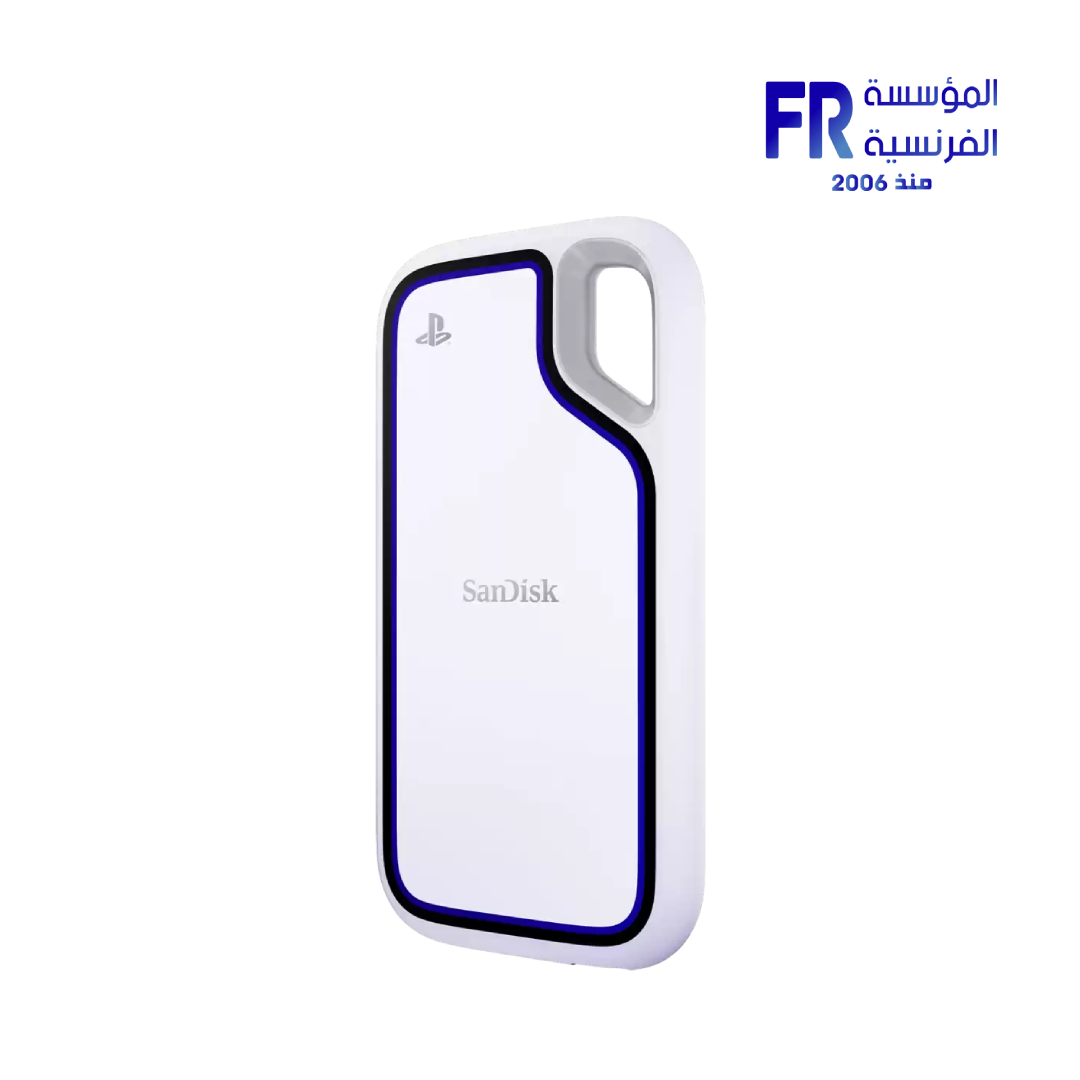
أهم 5 حاجات تقارن بينها
- السعة: احسب حجم الملفات الحالية والمساحة الإضافية اللي هتحتاجها.
- المنفذ: اتأكد من USB أو USB4 أو Thunderbolt حسب الجهاز، ومن الكابل المرفق.
- السرعة المستمرة: الأداء ممكن يتغير مع حجم الملفات والحرارة وامتلاء القرص والـcache.
- التحمل والحماية: راجع مقاومة الماء أو الصدمات فقط لو الشركة موثقاها للموديل نفسه.
- الضمان والنسخ الاحتياطي: ما تعتمدش على قرص واحد للملفات المهمة.
هل ينفع لتشغيل الألعاب؟
ده بيعتمد على اللعبة والجهاز ونوع الاتصال. راجع متطلبات اللعبة، وتأكد إن منفذ الكمبيوتر أو الكونسول بيدعم الأداء المطلوب. سرعة النقل مش معناها بالضرورة تقليل زمن تحميل اللعبة بنفس النسبة.
خطة نسخ احتياطي آمنة
احتفظ بنسخة إضافية من الملفات المهمة على جهاز أو موقع منفصل، واختبر استعادة الملفات بشكل دوري. القرص الخارجي نفسه ممكن يتعطل أو يتفقد.
الأسئلة الشائعة
هل USB-C معناها إن القرص سريع جداً؟
لأ؛ USB-C شكل منفذ. لازم تعرف معيار الاتصال الفعلي وسرعة الجهاز والكابل.
هل أشتري أكبر سعة متاحة؟
اختار سعة تناسب ملفاتك وميزانيتك مع مساحة نمو معقولة، وقارن السعر لكل تيرابايت.
هل External SSD بديل كامل للنسخ الاحتياطي؟
هو وسيط تخزين، لكن الأفضل يكون عندك أكثر من نسخة للبيانات المهمة.
مصادر رسمية وقراءة إضافية
- USB Implementers Forum لمعلومات معايير USB.
- Western Digital Support لمواصفات ودعم وحدات التخزين الخارجية.
- SanDisk Support لمعلومات الدعم والضمان حسب المنتج والمنطقة.
الأداء الفعلي بيعتمد على موديل القرص والمنفذ والكابل وحجم الملفات؛ راجع مواصفات المنتج والضمان للمنطقة قبل الشراء.
قارن قبل الشراء
راجع سعة المنتج ومنفذه وسرعته وضمانه وتوافره الحالي على موقع المؤسسة الفرنسية للكمبيوتر، أو تواصل مع المبيعات على واتساب للاستفسار عن الخيارات المتاحة.