

-
×
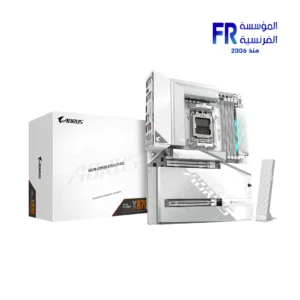
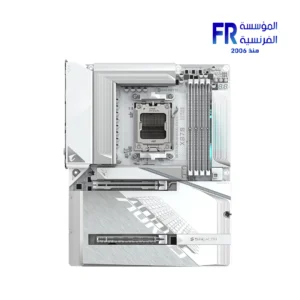
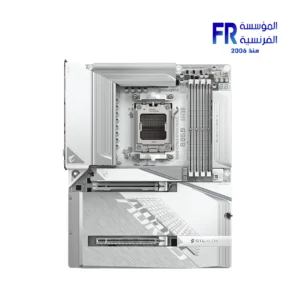
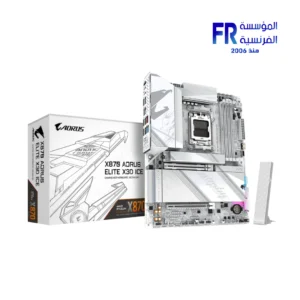 Gigabyte X870 Aorus Elite X3D Ice Gaming Motherboard
1 × 15499 EGP
Gigabyte X870 Aorus Elite X3D Ice Gaming Motherboard
1 × 15499 EGP -
×
 Intel Core Ultra 7 265KF Processor
3 × 14600 EGP
Intel Core Ultra 7 265KF Processor
3 × 14600 EGP -
×
Intel Core Ultra 7 265KF Tray Processor
1 × 13900 EGP
-
×
Tplink Tl Wn822N High Gain Wireless Usb Adapter
1 × 575 EGP
-
×
AMD Ryzen 5 4500 Processor
1 × 3300 EGP
-
×
AMD Ryzen 7 7800X3D AM5 Processor
1 × 20999 EGP
-
×
Mercusys AX3000 MA80XE Wi-Fi 6 Bluetooth 5.3 PCIe Adapter
3 × 1400 EGP
-
×
Thermaltake MAGFloe 420mm Ultra ARGB Sync AIO Liquid CPU Cooler
1 × 10400 EGP
-
×
Intel Core Ultra 5 245KF Processor
1 × 12999 EGP
-
×
Gigabyte B760M DS3H WIFI 6E Gen 5 Micro ATX Socket LGA1700 Motherboard
1 × 7400 EGP
-
×
Gigabyte GeForce RTX 5060 Ti Windforce OC 16GB GDDR7 Graphic Card
1 × 25700 EGP
-
×
Aorus Master 16 AM6H Ultra 9 275HX - 16GBx2 DDR5 - RTX5090 24GB - 1TB M.2 SSD - QHD+ - Windows 11 Pro Arabic keyboard Gaming Laptop
1 × 184999 EGP
-
×
Xigmatek Connect Pro 360 Argb 7 Inch Magnetic LCD Aio Liquid Cpu Cooler
1 × 6499 EGP
-
×
Intel Core Ultra 5 225F Processor
2 × 8250 EGP
-
×
Razer Kraken X Lite Gaming Headset
1 × 2499 EGP
-
×
Gigabyte Gaming A16 CVH - Intel Core i7-13620H - 16GB DDR5 - 1TB NVMe Gen4 SSD - NVIDIA RTX 5060 8GB - 16 Inch WUXGA (1920x1200) 165Hz IPS Display - MUX Switch with WIFI 6E - RGB Keyboard - Windows 11 Home - Black Steel Gaming Laptop
1 × 56500 EGP
-
×
MSI MPG Coreliquid P13 360MM ARGB LCD Display Liquid CPU Cooler
1 × 8399 EGP
-
×
WD Purple 2TB WD23PURZ Internal Desktop Hard Drive
1 × 3650 EGP
-
×
Lenovo Legion Pro 5 16IAX10 83F3003QPS - Intel Core Ultra 7 255HX - 32GB DDR5 5600Mhz - 1TB PCIe 4.0 NVMe SSD - RTX 5060 8GB - 16 inch 165Hz WQXGA OLED G-SYNC - 24-Zone RGB Keyboard - NO OS - LA3 AI Chip - Eclipse Black Gaming Laptop
1 × 87999 EGP
-
×
Thermalright Frozen Prism 360mm ARGB White AIO Liquid CPU Cooler
1 × 4500 EGP
-
×
Polartherm X10 5g Thermal Paste
1 × 301 EGP
-
×
Elios Premio 3 Port 3680w Black Electric Power
2 × 200 EGP
-
×
Thermalright Wonder Vision UB 360mm ARGB White AIO Liquid CPU Cooler
1 × 15000 EGP
-
×
Gigabyte Aorus C601 Glass Mid Tower Case with 4x 140mm ARGB PWM Fans USB 3.1 Gen 2 Type-C Black
1 × 13999 EGP
-
×
AMD Ryzen 9 5900XT Processor
1 × 18000 EGP
-
×
Elios Plug And Multi Socets 3 Socets 16A 1500w Electric Power
1 × 50 EGP
-
×
Hp Victus 16-R1021Nia Core I7-14700HX 16Gb Ram 1TB SSD RTX 4070 8GB-Backlite keyboard - 16.1 FHD IPS 144Hz Blue Gaming Laptop
1 × 70500 EGP
 Intel Core Ultra 7 265KF Processor
  Intel Core Ultra 7 265KF Tray Processor
 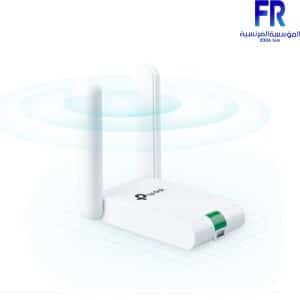 Tplink Tl Wn822N High Gain Wireless Usb Adapter
  AMD Ryzen 5 4500 Processor
 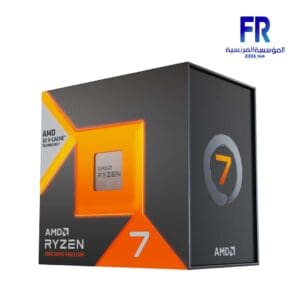 AMD Ryzen 7 7800X3D AM5 Processor
 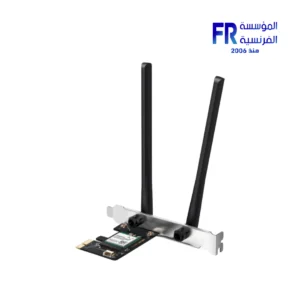 Mercusys AX3000 MA80XE Wi-Fi 6 Bluetooth 5.3 PCIe Adapter
 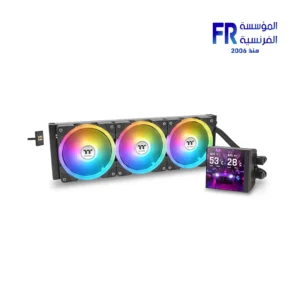 Thermaltake MAGFloe 420mm Ultra ARGB Sync AIO Liquid CPU Cooler
 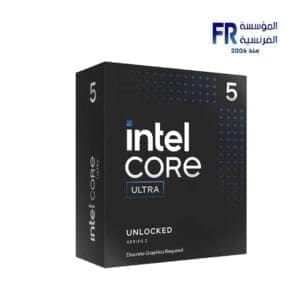 Intel Core Ultra 5 245KF Processor
 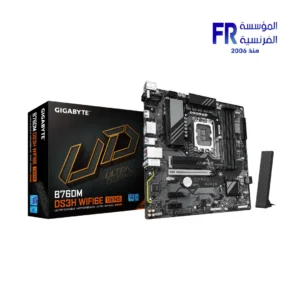 Gigabyte B760M DS3H WIFI 6E Gen 5 Micro ATX Socket LGA1700 Motherboard
 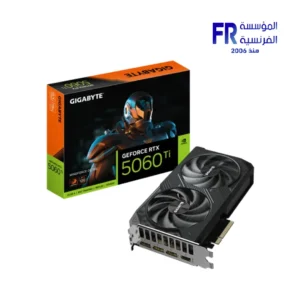 Gigabyte GeForce RTX 5060 Ti Windforce OC 16GB GDDR7 Graphic Card
  Aorus Master 16 AM6H Ultra 9 275HX - 16GBx2 DDR5 - RTX5090 24GB - 1TB M.2 SSD - QHD+ - Windows 11 Pro Arabic keyboard Gaming Laptop
 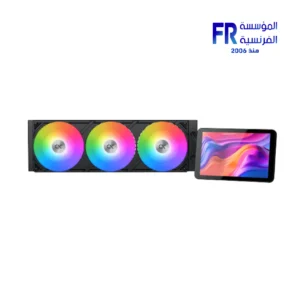 Xigmatek Connect Pro 360 Argb 7 Inch Magnetic LCD Aio Liquid Cpu Cooler
 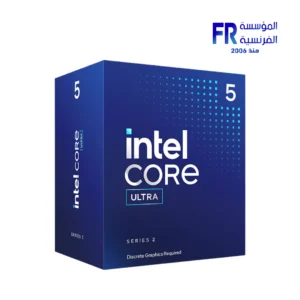 Intel Core Ultra 5 225F Processor
 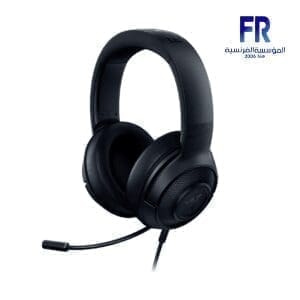 Razer Kraken X Lite Gaming Headset
 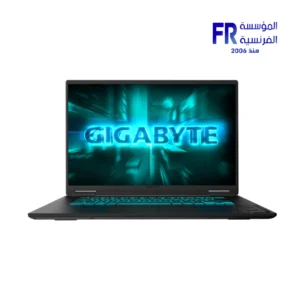 Gigabyte Gaming A16 CVH - Intel Core i7-13620H - 16GB DDR5 - 1TB NVMe Gen4 SSD - NVIDIA RTX 5060 8GB - 16 Inch WUXGA (1920x1200) 165Hz IPS Display - MUX Switch with WIFI 6E - RGB Keyboard - Windows 11 Home - Black Steel Gaming Laptop
 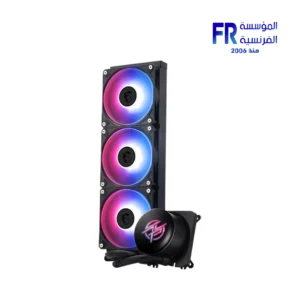 MSI MPG Coreliquid P13 360MM ARGB LCD Display Liquid CPU Cooler
 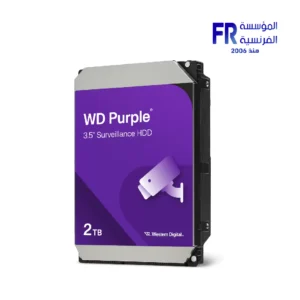 WD Purple 2TB WD23PURZ Internal Desktop Hard Drive
  Lenovo Legion Pro 5 16IAX10 83F3003QPS - Intel Core Ultra 7 255HX - 32GB DDR5 5600Mhz - 1TB PCIe 4.0 NVMe SSD - RTX 5060 8GB - 16 inch 165Hz WQXGA OLED G-SYNC - 24-Zone RGB Keyboard - NO OS - LA3 AI Chip - Eclipse Black Gaming Laptop
  Thermalright Frozen Prism 360mm ARGB White AIO Liquid CPU Cooler
  Polartherm X10 5g Thermal Paste
 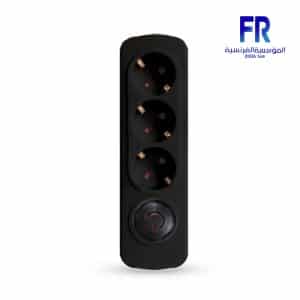 Elios Premio 3 Port 3680w Black Electric Power
 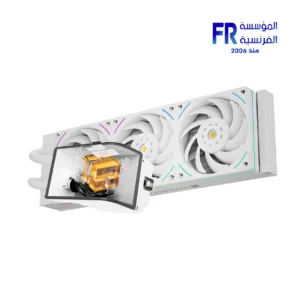 Thermalright Wonder Vision UB 360mm ARGB White AIO Liquid CPU Cooler
  Gigabyte Aorus C601 Glass Mid Tower Case with 4x 140mm ARGB PWM Fans USB 3.1 Gen 2 Type-C Black
 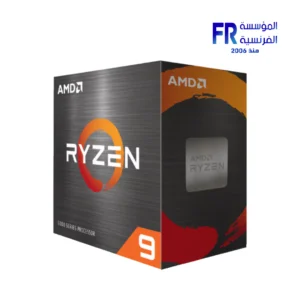 AMD Ryzen 9 5900XT Processor
 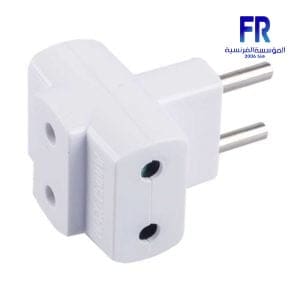 Elios Plug And Multi Socets 3 Socets 16A 1500w Electric Power
  Hp Victus 16-R1021Nia Core I7-14700HX 16Gb Ram 1TB SSD RTX 4070 8GB-Backlite keyboard - 16.1 FHD IPS 144Hz Blue Gaming Laptop
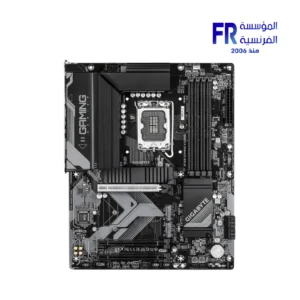
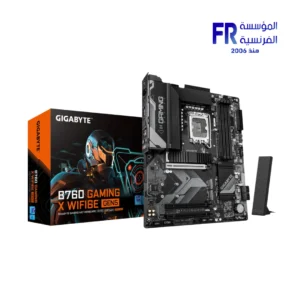
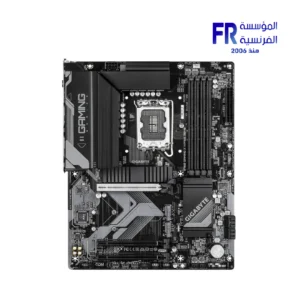
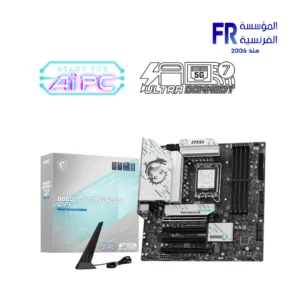
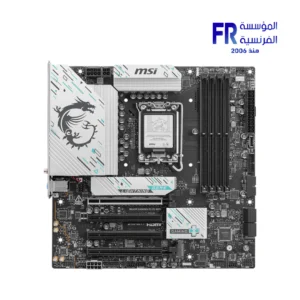
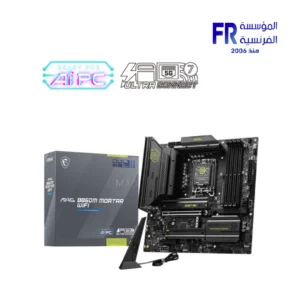
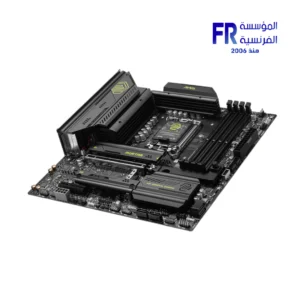
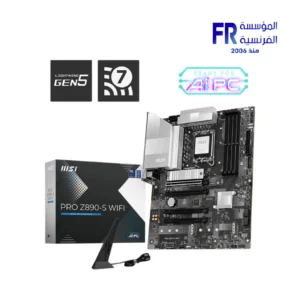
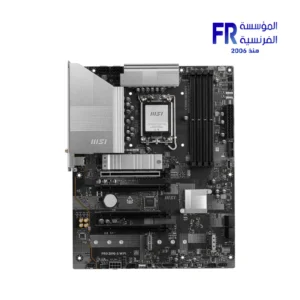
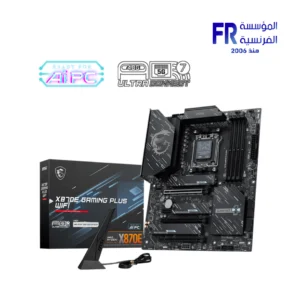
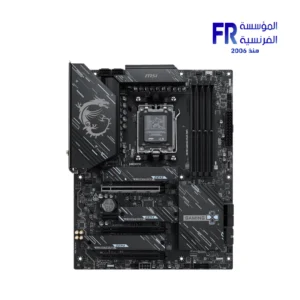
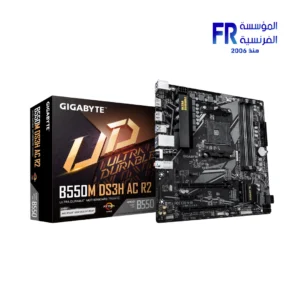
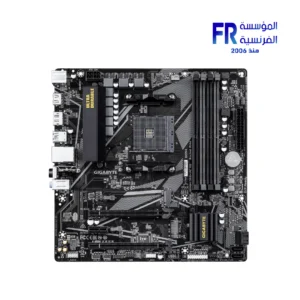
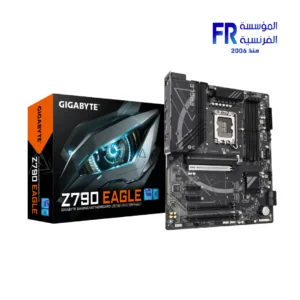
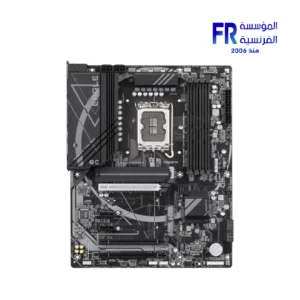
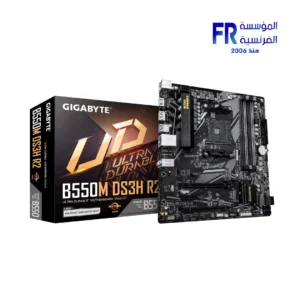
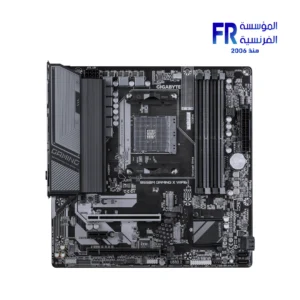
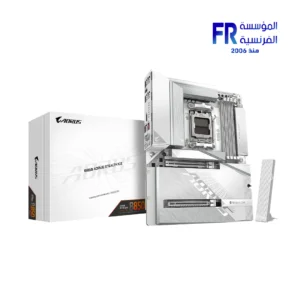
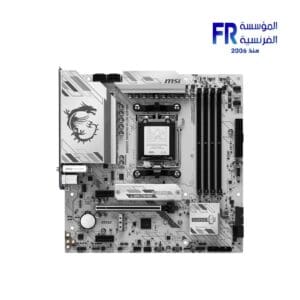
A motherboard is the main circuit board in a computer. It connects all of the other components of the computer, such as the CPU, RAM, storage, and graphics card. The motherboard also provides power to the other components and controls their communication with each other.
Motherboard
Motherboards come in a variety of sizes and form factors. The most common form factor is the ATX form factor. ATX motherboards are compatible with most cases and power supplies. Other popular form factors include micro-ATX and mini-ITX.
When choosing a motherboard, there are a few key factors to consider:
CPU socket
The CPU socket is the connector that the CPU plugs into. Make sure that the motherboard you choose has a socket that is compatible with the CPU you want to use.
RAM slots
The RAM slots are where the RAM modules plug into. Make sure that the motherboard you choose has enough RAM slots for the amount of RAM you want to use.
Storage slots
The storage slots are where the storage devices, such as hard drives and SSDs, plug into. Make sure that the motherboard you choose has enough storage slots for the amount of storage you need.
Graphics card slots
The graphics card slots are where the graphics card plugs into. Make sure that the motherboard you choose has a graphics card slot that is compatible with the graphics card you want to use.
Expansion slots
Expansion slots allow you to add additional components to your computer, such as sound cards, network cards, and Wi-Fi cards. Make sure that you choose has enough expansion slots for the components you want to add.
Form factor
Make sure that you choose is compatible with the form factor of your case.
Features
Some motherboards come with additional features, such as built-in Wi-Fi, Bluetooth, and overclocking support. Consider which features are important to you when choosing a motherboard.
Price: Motherboards can range in price from a few hundred dollars to over a thousand dollars. Set a budget before you start shopping so that you don’t overspend.
Once you’ve considered all of these factors, you can start shopping for a motherboard. Be sure to read reviews and compare prices before you buy.
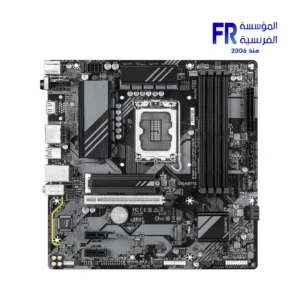
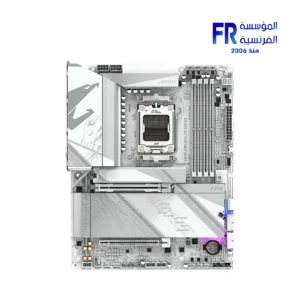


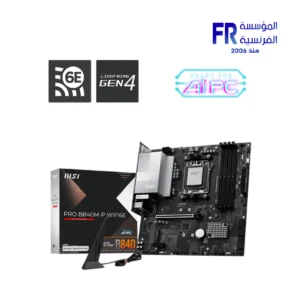
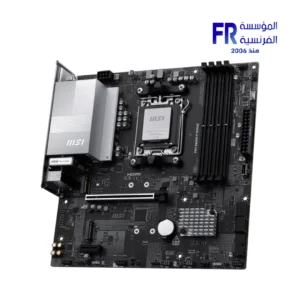
غير متوفر في المخزون
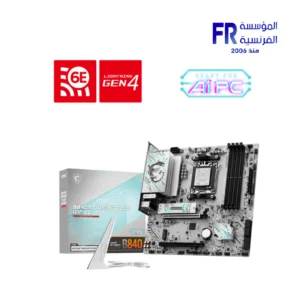
غير متوفر في المخزون
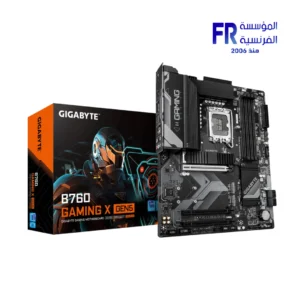
غير متوفر في المخزون
غير متوفر في المخزون
غير متوفر في المخزون
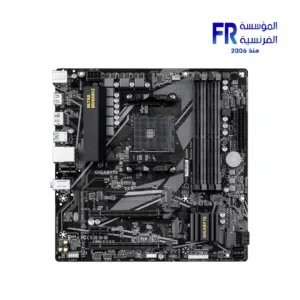
غير متوفر في المخزون
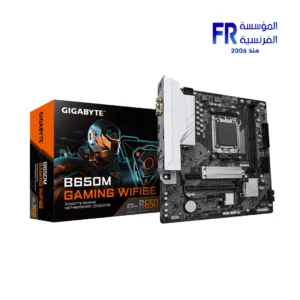
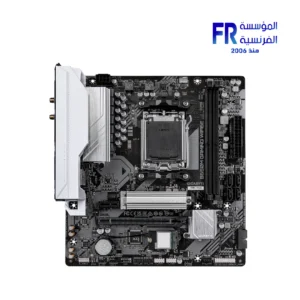
غير متوفر في المخزون
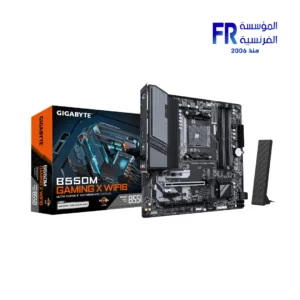
غير متوفر في المخزون
غير متوفر في المخزون
غير متوفر في المخزون