


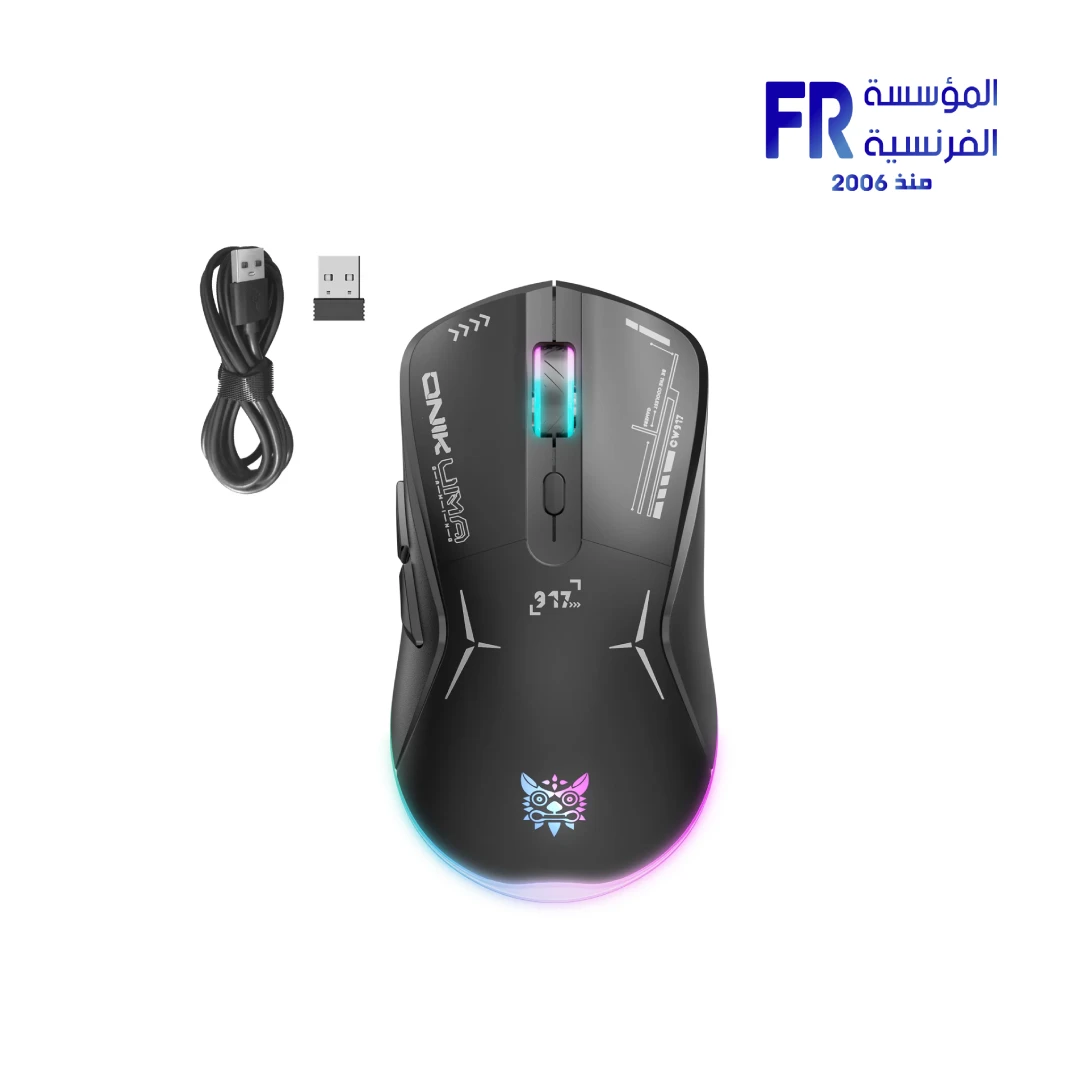
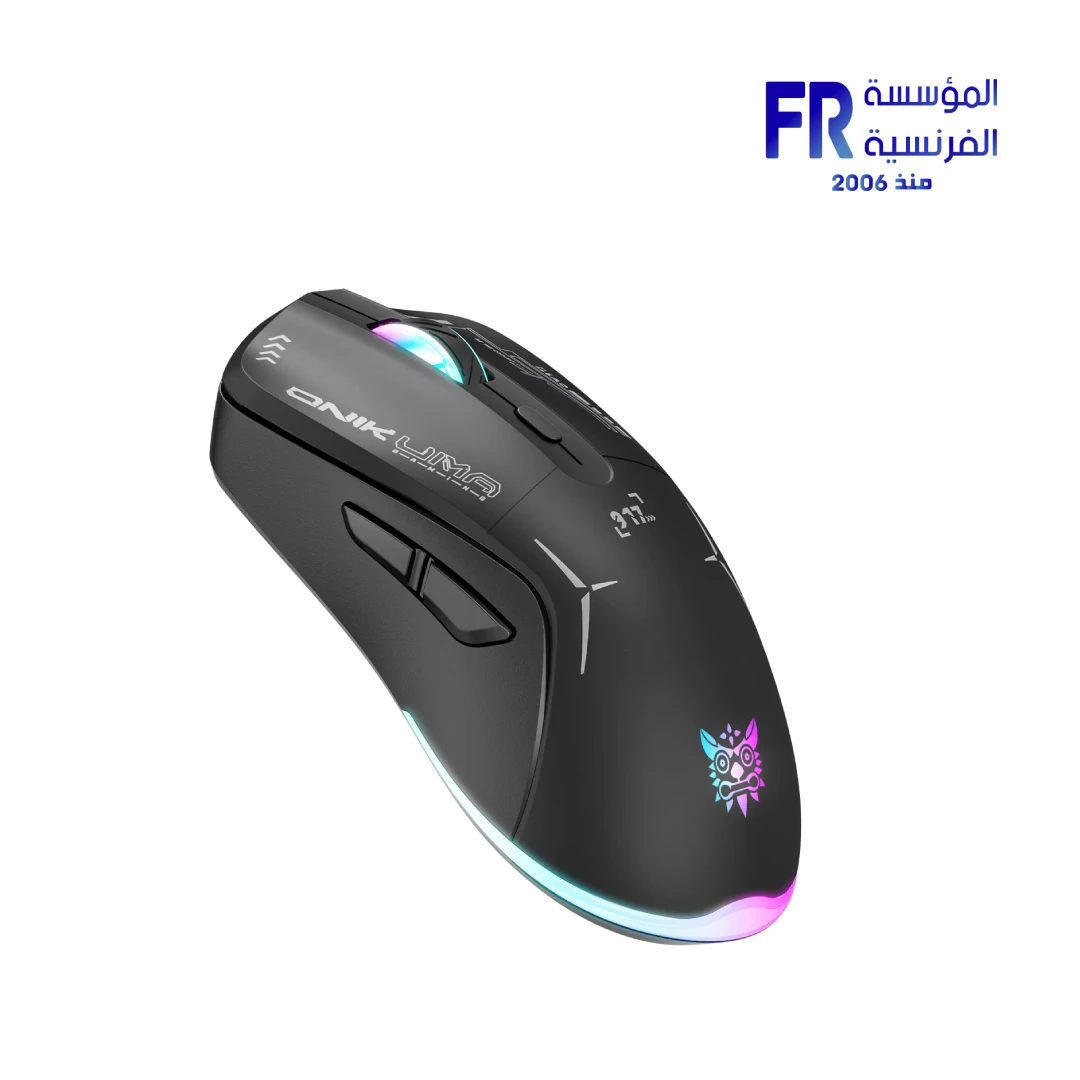
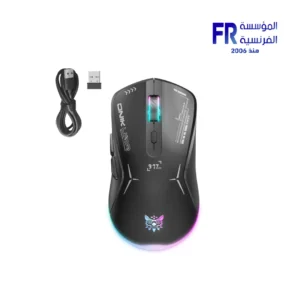
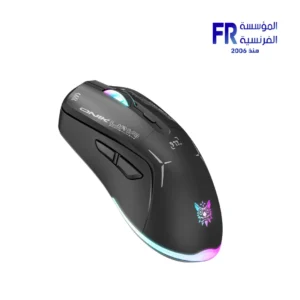


Onikuma CW917 Dual Mode RGB Wireless Black Gaming Mouse
528 جنيه
- رقم القطعة: MO-02-05
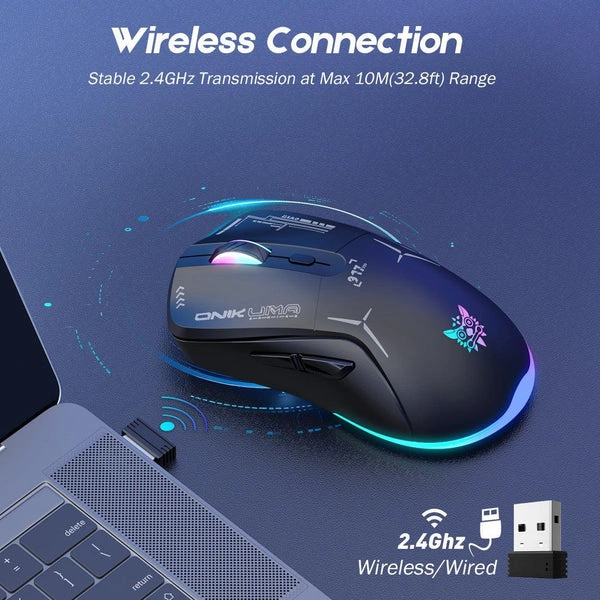
- الاتصال: Dual-Mode (2.4GHz Wireless / Wired USB-C) | Rechargeable Battery | 45-Hour Battery Life
- Sensor & DPI: Optical Sensor | 4800 Max DPI | 5 Adjustable Levels (800-4800) | 250Hz Polling Rate
- Design & Features: RGB Streamer Lighting | Ergonomic Shape | 6 Programmable Buttons
- الضمان: 1 Year
متوفر في المخزون
ضمان مطابقة السعر
Onikuma CW917 Dual Mode RGB Wireless Gaming Mouse
The Onikuma CW917 Wireless Gaming Mouse delivers freedom and precision with dual-mode connectivity (2.4GHz wireless and USB-C wired). Featuring a 4800 DPI sensor with 5-level adjustment, 45-hour battery life, stunning RGB streamer lighting, and ergonomic design — it’s the perfect wireless gaming companion.
🎯 4800 DPI
🔋 45h Battery
💡 RGB Streamer
🖱️ Ergonomic
Key Features & Product Showcase

📡 Wireless & Wired Dual Mode
2.4GHz wireless offers pure mouse moving experience. Connect via Type-C charging cable and it automatically switches to wired transmission mode with 250Hz polling rate.

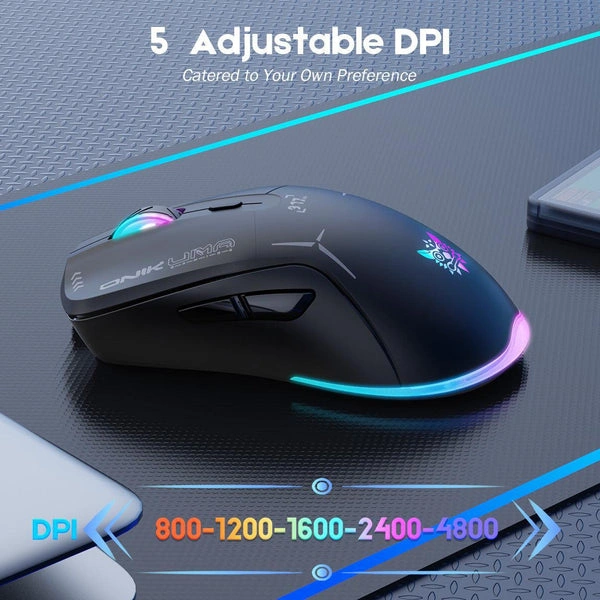
🎯 5-Level DPI to 4800
5 adjustable DPI levels: 800, 1200, 1600, 2400, and 4800. Switch swiftly in game for pinpoint accuracy and optimized performance.
🔋 45h Battery & Type-C Charging
Rechargeable battery keeps the mouse working up to 45 hours at maximum in eco-mode. Type-C interface for fast and convenient charging.
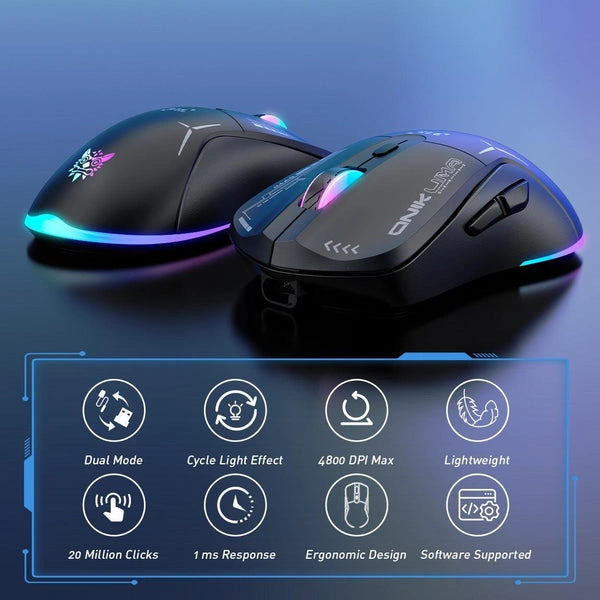
💡 Cool RGB Streamer Lighting
Unique RGB streamer effect on the bottom light strip. Elevate your space aesthetic with customizable colors that match your style and make a statement.
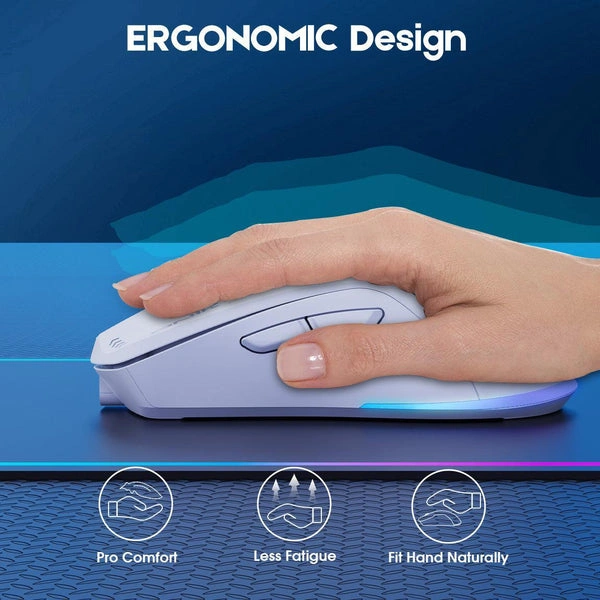
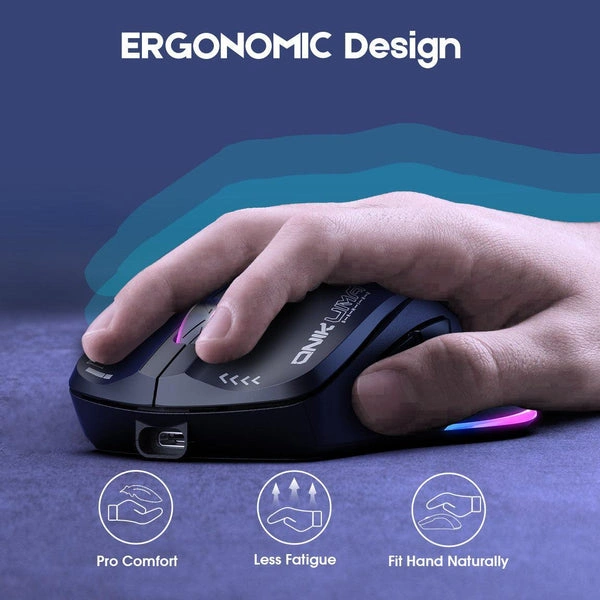
🖱️ Ergonomic Comfort & 6 Buttons
Crafted to fit the natural curve of your hand for comfortable grip. 6 buttons for flexible gaming controls. Say goodbye to hand fatigue during extended use.
📦 Complete Wireless Solution
Includes 2.4GHz receiver, Type-C charging cable, and mouse. Ready to use out of the box. Compatible with PC, Mac, and laptop.
المواصفات الفنية
Is the Onikuma CW917 Wireless Right For You?
✓ Best For
- ✔ Gamers wanting wireless freedom with 45-hour battery
- ✔ Users who need dual-mode flexibility (wireless/wired)
- ✔ Those who value ergonomic comfort during extended gaming
- ✔ Gamers who appreciate RGB streamer lighting aesthetics
- ✔ Users seeking 4800 DPI precision
✗ Not Ideal For
- ✗ Users needing 20,000+ DPI for competitive esports
- ✗ Those who prefer ultra-lightweight mice
- ✗ Users who don’t need wireless functionality
- ✗ Those requiring advanced software customization
Compatibility Matrix
| Platform | Supported | Connection |
|---|---|---|
| Windows PC | ✔ Full | 2.4GHz / USB-C |
| Mac OS | ✔ Full | 2.4GHz / USB-C |
| Windows Laptop | ✔ Full | 2.4GHz / USB-C |
| Chrome OS | ✔ Full | USB-C |
| PS4 / PS5 | ✔ Limited | USB-C Wired |
Pro Tips & Tricks
📡 Choose Your Mode Wisely
Use wireless mode for clutter-free gaming freedom. Switch to wired mode for zero latency during competitive play — the mouse automatically detects and switches.
🎯 Optimize DPI for Your Game
Use 800-1200 DPI for FPS precision, 1600-2400 DPI for MOBA and RTS games, and 4800 DPI for quick cursor movement across large screens.
🔋 Maximize Battery Life
Turn off RGB lighting when not needed to extend battery life. The mouse offers up to 45 hours in eco-mode for extended wireless gaming sessions.
💡 RGB Customization
Cycle through the RGB streamer effects to match your gaming setup. The bottom light strip creates a unique glow that elevates your desk aesthetic.
Common Questions About the Onikuma CW917 Wireless
What connectivity options does the Onikuma CW917 Wireless offer?
Dual-mode connectivity. The Onikuma CW917 features dual-mode connectivity with 2.4GHz wireless and USB-C wired connection, automatically switching to wired mode when charging.
What DPI does the CW917 Wireless support?
5-level DPI up to 4800. The CW917 features 5 adjustable DPI levels: 800, 1200, 1600, 2400, and 4800 for versatile gaming precision.
What is the battery life of the CW917 Wireless?
Up to 45 hours. The CW917 offers up to 45 hours of continuous use in eco-mode with a rechargeable battery.
Does the CW917 Wireless have RGB lighting?
Yes, RGB streamer. The CW917 features a unique RGB streamer effect on the bottom light strip with customizable colors.
يسمح فقط للزبائن مسجلي الدخول الذين قاموا بشراء هذا المنتج ترك مراجعة.
المراجعات
لا توجد مراجعات بعد.