

Gaming & Streaming PC Build in Egypt: Ryzen 7 9700X + RTX 5070 Ti
A balanced AM5 desktop for high-refresh gaming, OBS streaming, recording and everyday creator work — built around currently listed Alfrensia components.
Ryzen 9000RTX 5070 Ti 16GB32GB DDR5850W ATX 3.1Choosing a gaming PC for streaming is not just about buying the strongest graphics card. You need a CPU that can keep the game responsive, a GPU with a modern hardware encoder, enough memory for the game and production tools, fast storage, and a stable power and cooling setup. This configuration targets that mix without turning the build into an unnecessarily expensive workstation.
Who is this build for?
Gaming first
For players targeting high settings and high refresh rates, with the final frame rate depending on the game, resolution and graphics settings.
Streaming and recording
For OBS scenes with gameplay, webcam, overlays, alerts and local recording. NVIDIA NVENC provides a dedicated hardware encoding path.
Everyday creator work
For editing, multitasking and GPU-accelerated creative apps, while keeping a strong gaming-focused platform.
The recommended component list
Prices and stock below were checked against the live Alfrensia catalogue on 7 November 2026. They are a snapshot, not a price guarantee; stock and prices can change.
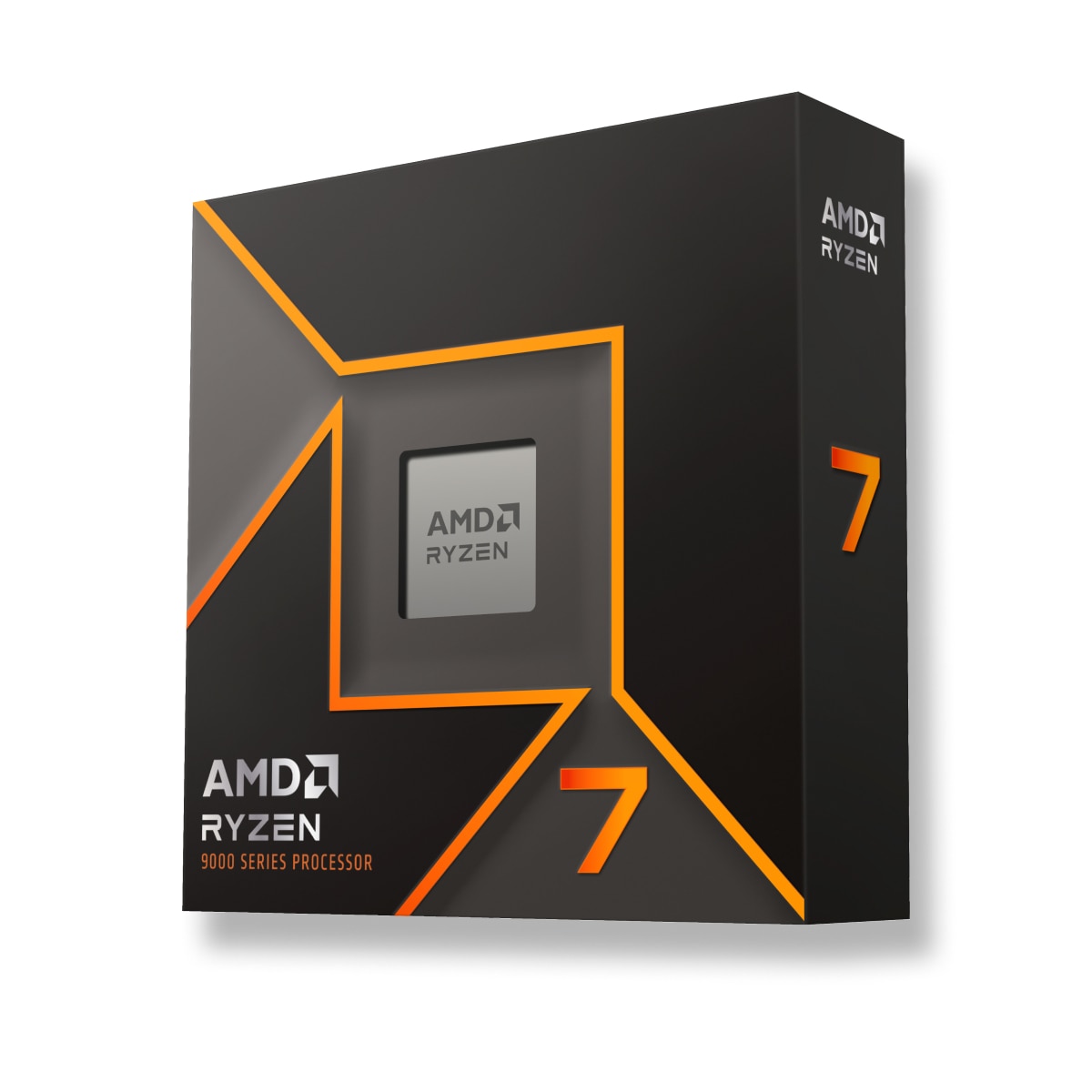
AMD Ryzen 7 9700X Tray Processor

Palit GeForce RTX 5070 Ti GamingPro S OC 16GB GDDR7
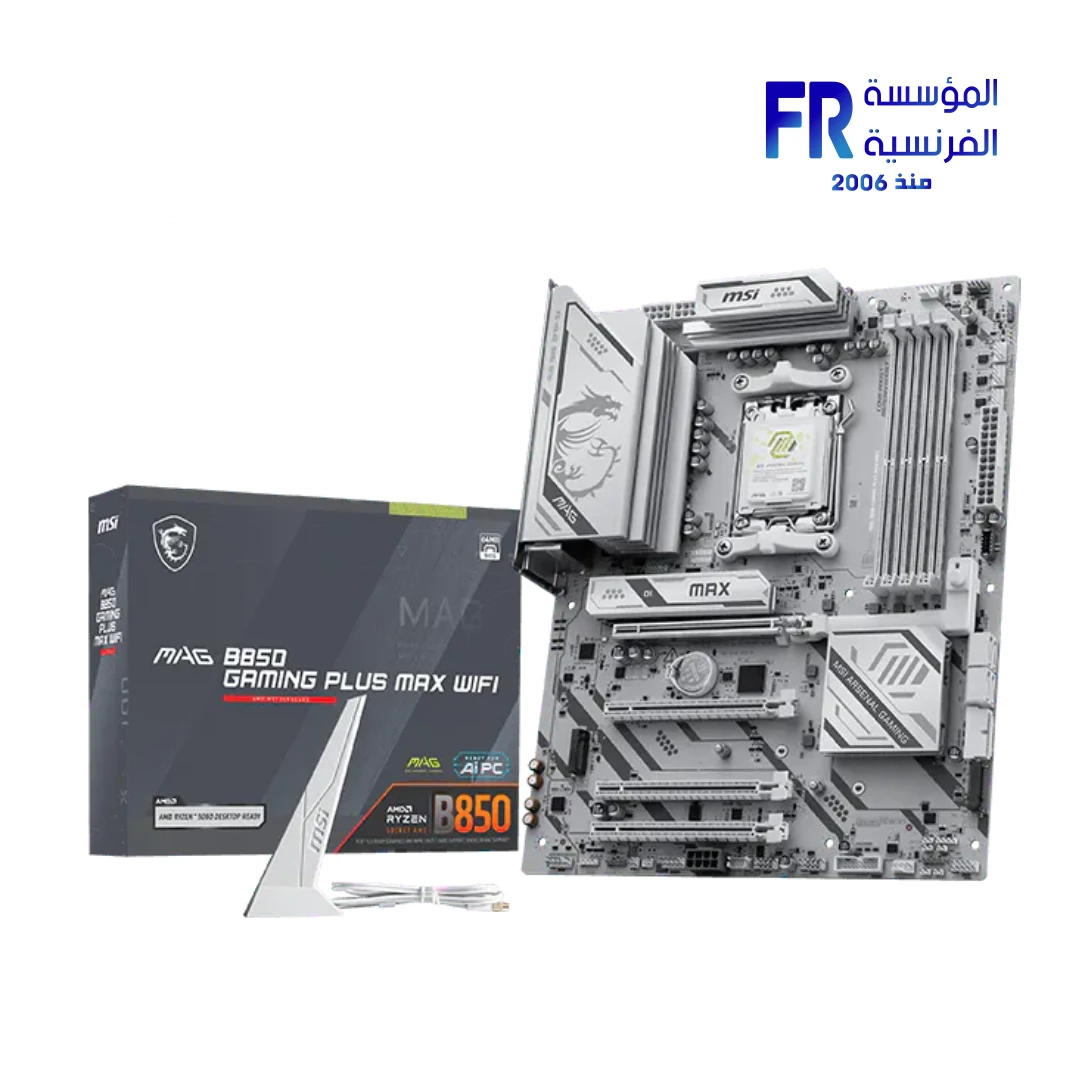
MSI MAG B850 GAMING PLUS MAX WIFI

KLEVV BOLT V 32GB (2x16GB) DDR5-6000 CL28

WD Blue SN5100 1TB PCIe Gen4 NVMe SSD

ID-COOLING SE-214-XT V2 Air CPU Cooler
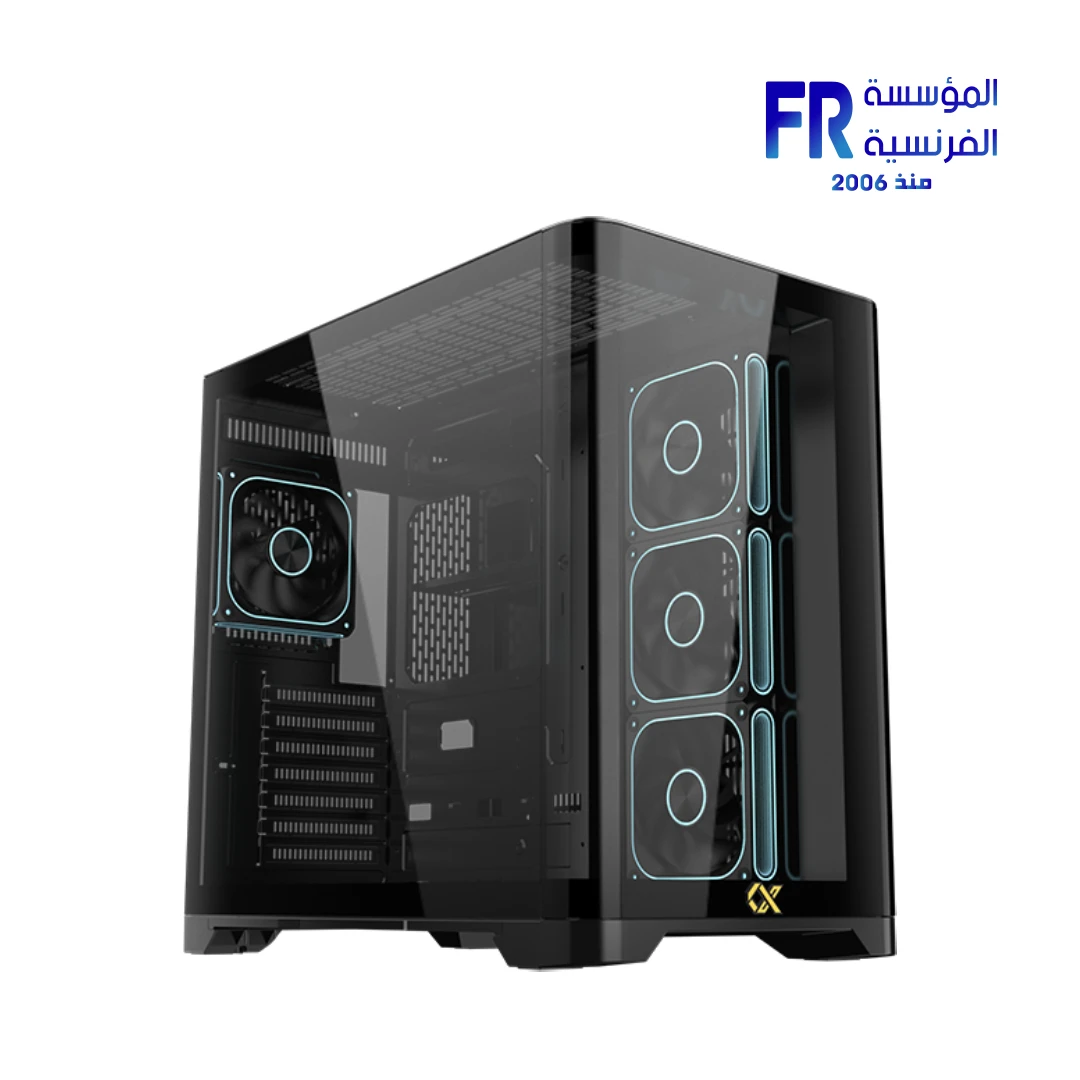
Xigmatek Crystal Storm V2 + Valkyrie 850W 80+ Bronze PSU Combo
Includes the seven listed components. It excludes Windows licensing, peripherals, monitor, assembly or delivery charges unless separately shown at checkout.
Why these parts work together
1. Ryzen 7 9700X: an 8-core AM5 foundation
The Ryzen 7 9700X is an 8-core, 16-thread Zen 5 processor with boost clocks up to 5.5GHz and a 65W default TDP. That gives the system a capable CPU base for gaming, background applications and streaming workflows. It uses the AM5 socket, matching the selected B850 motherboard. The tray version does not include a boxed CPU cooler, so the selected cooler is a separate part.
2. RTX 5070 Ti: graphics plus a dedicated encoder
The selected Palit card has 16GB of GDDR7 memory and a 300W board-power specification. NVIDIA lists the RTX 5070 Ti with two ninth-generation NVENC encoders. In OBS, a supported hardware encoder can take much of the video-encoding work off the CPU. This does not remove the need to tune bitrate, resolution, frame rate and scene complexity to the streaming platform and upload connection.
3. 32GB DDR5 and a fast NVMe drive
The KLEVV kit is a 2×16GB dual-channel DDR5-6000 kit with AMD EXPO support. The tested speed requires enabling the profile in BIOS, and actual stability depends on the CPU, motherboard BIOS and memory configuration. The 1TB PCIe Gen4 NVMe SSD provides a quick system and application drive; creators who keep large recordings locally may want a second, larger drive later.
4. Cooling, case and power
The ID-COOLING SE-214-XT V2 is listed with AM5 compatibility and a 200W cooling rating. The Xigmatek Crystal Storm V2 combo includes an 850W 80 Plus Bronze ATX 3.1 PSU. The case supports ATX motherboards, GPUs up to 420mm and CPU coolers up to 160mm. The RTX 5070 Ti partner specification calls for a 750W or greater ATX 3.X PSU, so the included 850W unit is above that stated minimum. Confirm the supplied power connector and cable routing during assembly.
Streaming setup: sensible OBS starting points
- Start with the OBS Auto-Configuration Wizard, then test a private recording before going live.
- Choose the NVIDIA NVENC hardware encoder where supported, rather than forcing CPU encoding by default.
- Match output resolution and frame rate to your actual game performance and upload bandwidth.
- Keep game capture, webcam, browser sources and alerts organised into separate scenes.
- Check GPU utilisation, CPU utilisation, dropped frames and network health during a test stream.
OBS notes that compatible hardware alone does not guarantee streaming performance; encoder choice, resolution, frame rate and scene complexity all matter. Your internet upload stability is also a separate requirement from the PC itself.
Compatibility checklist
- CPU and motherboard: Ryzen 7 9700X is AM5; MSI MAG B850 Gaming Plus MAX WiFi supports Ryzen 9000/8000/7000 desktop processors.
- Memory: DDR5 UDIMM kit; use the board’s recommended slots and AMD EXPO profile.
- GPU and case: the Palit card’s 331.9mm length is below the case’s 420mm GPU limit.
- Cooling: the SE-214-XT V2 supports AM5; check the 160mm cooler-height limit against the cooler’s final installed height before assembly.
- Power: RTX 5070 Ti partner specification lists 750W minimum; this case combo includes an 850W ATX 3.1 PSU.
Useful next reads
See our CPU guide for gaming and streaming, RAM capacity guide and PC bottleneck guide before changing the configuration. For a different workload, compare this with our Blender workstation build and AMD Radeon gaming build.
Frequently asked questions
Can the RTX 5070 Ti stream and game at the same time?
Yes, it includes dedicated NVENC hardware, which OBS can use for encoding. Actual game performance while streaming still depends on the title, resolution, settings, encoder configuration and network connection.
Is 32GB enough?
It is a sensible starting point for gaming and a typical single-stream setup. Heavy editing, large projects, virtual machines or complex production scenes can benefit from more memory.
Can I upgrade this build later?
The AM5 B850 platform offers a path to compatible Ryzen desktop processors, additional DDR5 memory and more storage. Always check the board CPU support list and BIOS version before a CPU upgrade.
Official references
تجميعة Gaming & Streaming في مصر: Ryzen 7 9700X مع RTX 5070 Ti
تجميعة AM5 متوازنة للألعاب والبث المباشر والتسجيل باستخدام OBS، مع مكونات متاحة في كتالوج المؤسسة الفرنسية للكمبيوتر وقت إعداد الدليل.
Ryzen 9000RTX 5070 Ti 16GB32GB DDR5850W ATX 3.1اختيار كمبيوتر للألعاب والبث المباشر مش معناه إننا نركز على كارت الشاشة بس. محتاج معالج يقدر يشغل اللعبة والبرامج اللي في الخلفية، وكارت شاشة فيه Hardware Encoder حديث، ورامات كفاية، وتخزين سريع، مع باور وتبريد مناسبين. التجميعة دي معمولة علشان تجمع بين أداء الألعاب وتجربة Streaming عملية من غير ما تتحول لمحطة Workstation مكلفة بدون داعي.
التجميعة مناسبة لمين؟
Gaming أولاً
للألعاب على إعدادات مرتفعة ومعدلات تحديث عالية، مع اختلاف الـ FPS حسب اللعبة والدقة والإعدادات.
Streaming وRecording
لتشغيل OBS مع Gameplay وكاميرا وOverlays وتنبيهات، مع الاستفادة من NVIDIA NVENC لترميز الفيديو عبر الهاردوير.
شغل Creator يومي
للمونتاج وتعدد المهام والبرامج الإبداعية المعتمدة على كارت الشاشة، مع الحفاظ على منصة قوية للألعاب.
قائمة المكونات المقترحة
الأسعار والكميات التالية تم مراجعتها من كتالوج المؤسسة الفرنسية للكمبيوتر يوم 7 نوفمبر 2026. دي لقطة وقت إعداد المقال وليست ضماناً لاستمرار السعر أو المخزون.
AMD Ryzen 7 9700X Tray Processor
Palit GeForce RTX 5070 Ti GamingPro S OC 16GB GDDR7
MSI MAG B850 GAMING PLUS MAX WIFI
KLEVV BOLT V 32GB (2x16GB) DDR5-6000 CL28
WD Blue SN5100 1TB PCIe Gen4 NVMe SSD
ID-COOLING SE-214-XT V2 Air CPU Cooler
Xigmatek Crystal Storm V2 + Valkyrie 850W 80+ Bronze PSU Combo
يشمل المكونات السبعة المذكورة فقط. لا يشمل ترخيص Windows أو الشاشة أو الملحقات أو التجميع أو الشحن إلا إذا ظهر ذلك بشكل منفصل عند إتمام الطلب.
ليه اخترنا المكونات دي؟
1. Ryzen 7 9700X: أساس AM5 بثمانية أنوية
المعالج Ryzen 7 9700X بمعمارية Zen 5 وبيضم 8 Cores و16 Threads، وبيوصل لحد 5.5GHz Boost مع Default TDP قدره 65W. ده بيديه أساس قوي للألعاب والبرامج اللي شغالة في الخلفية والـ Streaming. المعالج Socket AM5 ومتوافق من ناحية المنصة مع لوحة B850 المختارة. نسخة Tray لا تأتي بمبرد Boxed، لذلك المبرد مذكور كمكون منفصل.
2. RTX 5070 Ti: الجرافيكس مع Encoder مخصص
كارت Palit المختار بيقدم 16GB GDDR7 وBoard Power قدره 300W. NVIDIA بتوضح إن RTX 5070 Ti فيه عدد 2 من وحدات NVENC من الجيل التاسع. OBS يقدر يستخدم Hardware Encoder لتخفيف جزء كبير من عبء ترميز الفيديو عن المعالج. لكن ده مش معناه إننا نقدر نتجاهل ضبط الـ Bitrate والدقة ومعدل الإطارات وتعقيد المشاهد وسرعة رفع الإنترنت.
3. رامات 32GB DDR5 وتخزين NVMe سريع
طقم KLEVV عبارة عن 2×16GB DDR5-6000 Dual Channel ويدعم AMD EXPO. الوصول للسرعة المختبرة يحتاج تفعيل البروفايل من BIOS، والثبات الفعلي بيعتمد على المعالج واللوحة وإصدار BIOS وتركيبة الرامات. وحدة WD Blue SN5100 بسعة 1TB وواجهة PCIe Gen4 مناسبة للنظام والبرامج؛ ولو بتحتفظ بتسجيلات كبيرة محلياً، ممكن تضيف وحدة تخزين ثانية لاحقاً.
4. التبريد والكيسة والباور
مبرد ID-COOLING SE-214-XT V2 مدرج بدعم AM5 وتصنيف تبريد 200W حسب بيانات المنتج. كيسة Xigmatek Crystal Storm V2 المختارة تأتي في Combo مع باور 850W 80 Plus Bronze ATX 3.1. الكيسة تدعم لوحات ATX وكروت شاشة حتى 420mm ومبردات هوائية بارتفاع حتى 160mm. مواصفات شريك NVIDIA لكارت RTX 5070 Ti بتوصي بباور 750W أو أعلى من فئة ATX 3.X، وبالتالي وحدة 850W أعلى من الحد المذكور. راجع كابل الطاقة ومسار التوصيل أثناء التجميع.
إعداد OBS كبداية عملية
- ابدأ بـ Auto-Configuration Wizard في OBS، وبعدها جرّب تسجيل خاص قبل البث الفعلي.
- اختار NVIDIA NVENC Hardware Encoder لما يكون مدعوم بدل إجبار المعالج على الترميز بشكل افتراضي.
- اضبط الدقة ومعدل الإطارات حسب أداء اللعبة وسرعة الرفع الفعلية.
- نظّم Game Capture والكاميرا والـ Browser Sources والتنبيهات في Scenes منفصلة.
- راقب استخدام CPU وGPU والـ Dropped Frames وحالة الشبكة أثناء التجربة.
OBS بتوضح إن توافق الهاردوير وحده مش ضمان لأداء البث؛ نوع الـ Encoder والدقة والـ FPS وتعقيد المشاهد عوامل أساسية. وثبات سرعة رفع الإنترنت شرط منفصل عن مواصفات الكمبيوتر.
مراجعة التوافق قبل الشراء
- المعالج واللوحة: Ryzen 7 9700X Socket AM5، ولوحة MSI MAG B850 Gaming Plus MAX WiFi تدعم معالجات Ryzen 9000/8000/7000 المكتبية.
- الرامات: DDR5 UDIMM؛ استخدم أماكن التركيب الموصى بها وبروفايل AMD EXPO.
- الكارت والكيسة: طول كارت Palit حوالي 331.9mm، أقل من حد الكيسة البالغ 420mm.
- التبريد: SE-214-XT V2 يدعم AM5؛ راجع الارتفاع النهائي للمبرد مع حد الكيسة 160mm قبل التجميع.
- الباور: توصية كارت RTX 5070 Ti هي 750W على الأقل، والكيسة المختارة تشمل باور 850W ATX 3.1.
مقالات هتفيدك قبل الاختيار
راجع دليل اختيار المعالج للألعاب والبث ودليل سعة الرامات المناسبة وشرح اختناقات أداء الكمبيوتر قبل تعديل التجميعة.
أسئلة شائعة
هل RTX 5070 Ti يقدر يشغل اللعبة والبث في نفس الوقت؟
نعم، الكارت يحتوي على وحدات NVENC مخصصة ويمكن لـ OBS استخدامها للترميز. لكن أداء اللعبة أثناء البث يظل مرتبطاً باللعبة والدقة والإعدادات وطريقة الترميز وسرعة الشبكة.
هل 32GB رامات كفاية؟
دي نقطة بداية مناسبة للألعاب وبث معتاد. المونتاج الثقيل والمشروعات الكبيرة والـ Virtual Machines والمشاهد المعقدة ممكن تستفيد من سعة أكبر.
هل أقدر أطور التجميعة بعدين؟
منصة AM5 وB850 بتتيح الترقية لمعالجات Ryzen المكتبية المتوافقة وزيادة DDR5 وإضافة وحدات تخزين. قبل ترقية المعالج راجع قائمة الدعم وإصدار BIOS الخاص باللوحة.