

-
×
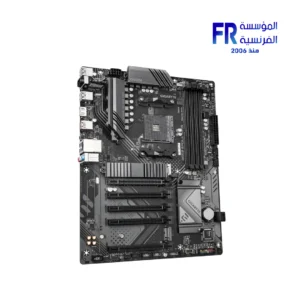 Gigabyte B550 Eagle WIFI6 AM4 Gaming Motherboard
1 × 6199 جنية
Gigabyte B550 Eagle WIFI6 AM4 Gaming Motherboard
1 × 6199 جنية -
×
 Sandisk Extreme PRO 4TB With USB4 External Solid State Drive SSD
2 × 23039 جنية
Sandisk Extreme PRO 4TB With USB4 External Solid State Drive SSD
2 × 23039 جنية -
×
Logitech G502 Hero Wired Gaming Mouse
1 × 2250 جنية
-
×
Sandisk Extreme PRO 2TB With USB4 External Solid State Drive SSD
1 × 15000 جنية
-
×
Thermalright Wonder Vision UB 360mm ARGB White AIO Liquid CPU Cooler
1 × 15000 جنية
-
×
Logitech G435 Lightspeed Wireless Bluetooth Gaming Headset
1 × 3499 جنية
-
×
Aigo APC1 6 Port PWM With ARGB Speed Controller With Remote Control Fan Hub
1 × 500 جنية
-
×
Sandisk Extreme Portable 1TB USB 3.2 Gen 2 For Playstation 5 Console and PC External Solid State Drive SSD
1 × 7440 جنية
-
×
MSI MAG 273QP QD-OLED X24 27 Inch 240Hz 0.03ms WQHD QD-OLED Flat Adaptive Sync DisplayHDR True Black 400 Black Monitor
1 × 32999 جنية
-
×
Lian Li Strimer Wireless 16 Pin ARGB Power Extension Cable
1 × 2400 جنية
-
×
Gigabyte B850 Aorus Stealth with Wifi 7 Ice Motherboard
1 × 14900 جنية
-
×
Lexar NQ100 256GB 550MB/s 2.5 Inch SATA 6GB/s Internal Solid State Drive SSD
1 × 1500 جنية
-
×
Western Digital Black SN8100 1TB M2 2280 PCIe Gen 5 Nvme Without Heatsink Internal Solid State Drive SSD
2 × 11400 جنية
-
×
Gigabyte GeForce RTX 5060 Ti Windforce 16GB GDDR7 Graphic Card
1 × 25699 جنية
-
×
Asus TUF Gaming VG279QM5A 27 Inch 240Hz 1Ms Full HD Fast IPS Gaming Monitor
2 × 9899 جنية
-
×
Logitech G G915 X TKL Tactile Switch Low Profile Black Wireless Gaming Keyboard
1 × 11000 جنية
-
×
Corsair AIR 5400 RS-R Triple Chamber Curved Glass Reverse Connector Support ARGB With 3x 120mm RS-R Fans Black Full Tower Case
1 × 12500 جنية
-
×
Gigabyte Gaming A16 CVH - Intel Core i7-13620H - 16GB DDR5 - 1TB NVMe Gen4 SSD - NVIDIA RTX 5060 8GB - 16 Inch WUXGA (1920x1200) 165Hz IPS Display - MUX Switch with WIFI 6E - RGB Keyboard - Windows 11 Home - Black Steel Gaming Laptop
1 × 55000 جنية
-
×
Samsung S60A S24A600UCM 24 Inch 75Hz 5ms QHD IPS Flat HDR10 FreeSync USB-C 65W Intelligent Eye Care Black Monitor
1 × 9999 جنية
-
×
Zotac Gaming GeForce RTX 5080 Amp Extreme 16GB GDDR7 Graphic Card
1 × 71999 جنية
-
×
FSP CMT196 Tempered Glass ARGB White Mid Tower Case
1 × 3199 جنية
-
×
DarkFlash A305 Mesh TG With 4 CL6 ARGB Fans With GP650 650W 80 Plus Bronze PSU Black Mid Tower Gaming Case
1 × 3100 جنية
-
×
Xigmatek Cubi M ARGB + X-Power 600W 80 Plus White Mid Tower Case
1 × 3300 جنية
-
×
Thermaltake Astria 200 ARGB Lighting Air CPU Cooler
1 × 1750 جنية
-
×
Gigabyte Radeon RX 9060 XT 16GB Gaming OC Graphic Card
1 × 22900 جنية
-
×
Corsair RMe Series RM850e 80 Plus Gold Full Modular ATX 3.1 Power Supply
1 × 7500 جنية
-
×
SanDisk Extreme Pro 256Gb SDXC UHS-I Memory Card
1 × 2300 جنية
-
×
AMD Ryzen 5 3400G Processor
1 × 3400 جنية
-
×
Gigabyte X870E Aorus Elite Wifi 7 v1.2 Ice Gaming Motherboard
1 × 16450 جنية
-
×
Western Digital Black SN8100 4TB M.2 2280 PCIe Gen 5 NVMe Without Heatsink Internal Solid State Drive SSD
2 × 31200 جنية
-
×
Xigmatek Fenix II 360 Arctic Argb Aio Liquid Cpu Cooler
1 × 3350 جنية
-
×
Montech X3 Mesh White Mid Tower Case
1 × 3500 جنية
-
×
Logitech M196 Off White Bluetooth Mouse
1 × 599 جنية
-
×
Klevv S1 1TB External Solid State Drive SSD
1 × 6000 جنية
-
×
Seasonic Prime PX-1600 1600W Atx 3.1 80 Plus Platinum Fully Modular Hybrid Fan Power Supply
1 × 22000 جنية
-
×
Sandisk Extreme Portable 2TB USB 3.2 Gen 2 For Playstation 5 Console and PC External Solid State Drive SSD
1 × 10560 جنية
-
×
Meetion M100 Silent Optical Wired Mouse
1 × 150 جنية
-
×
Wd My Book Duo 36Tb External Hard Drive
1 × 55000 جنية
-
×
Gigabyte Z890 Aorus Master Motherboard
1 × 29800 جنية
-
×
Thermaltake CT120 EX Reverse ARGB Sync PC Cooling White 3 Fan
1 × 2999 جنية
-
×
Pc Cooler DC360 Pro Argb Display Aio Liquid Cpu Cooler
1 × 5500 جنية
-
×
Corsair K55 RGB Pro with six dedicated macro keys Wired Gaming Keyboard
1 × 3499 جنية
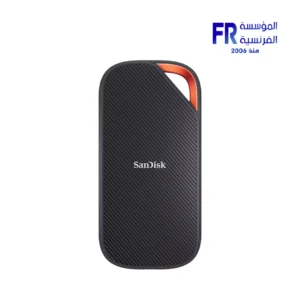 Sandisk Extreme PRO 4TB With USB4 External Solid State Drive SSD
  Logitech G502 Hero Wired Gaming Mouse
 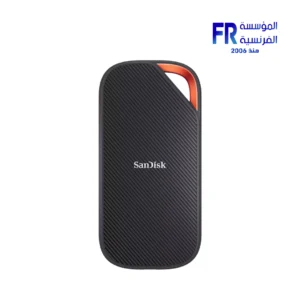 Sandisk Extreme PRO 2TB With USB4 External Solid State Drive SSD
 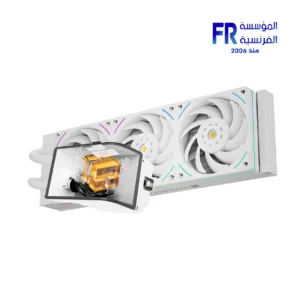 Thermalright Wonder Vision UB 360mm ARGB White AIO Liquid CPU Cooler
  Logitech G435 Lightspeed Wireless Bluetooth Gaming Headset
 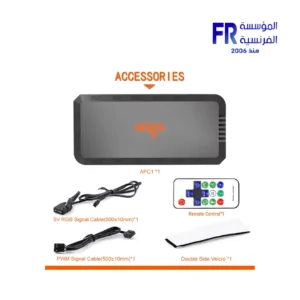 Aigo APC1 6 Port PWM With ARGB Speed Controller With Remote Control Fan Hub
 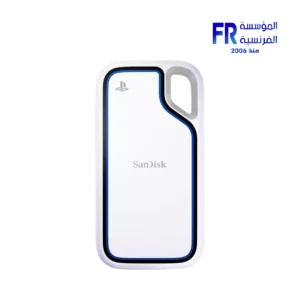 Sandisk Extreme Portable 1TB USB 3.2 Gen 2 For Playstation 5 Console and PC External Solid State Drive SSD
 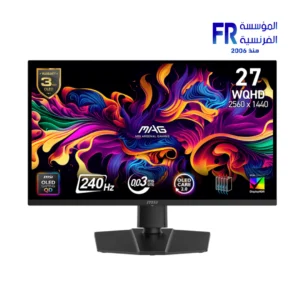 MSI MAG 273QP QD-OLED X24 27 Inch 240Hz 0.03ms WQHD QD-OLED Flat Adaptive Sync DisplayHDR True Black 400 Black Monitor
 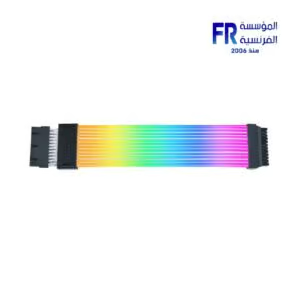 Lian Li Strimer Wireless 16 Pin ARGB Power Extension Cable
 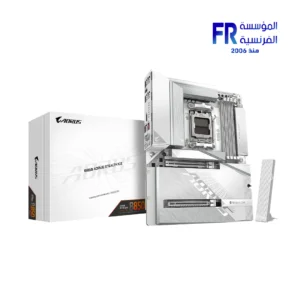 Gigabyte B850 Aorus Stealth with Wifi 7 Ice Motherboard
 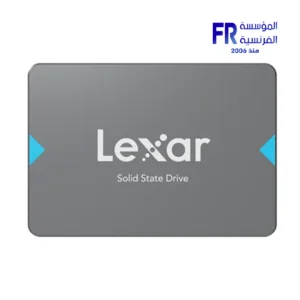 Lexar NQ100 256GB 550MB/s 2.5 Inch SATA 6GB/s Internal Solid State Drive SSD
 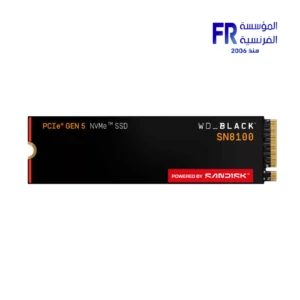 Western Digital Black SN8100 1TB M2 2280 PCIe Gen 5 Nvme Without Heatsink Internal Solid State Drive SSD
 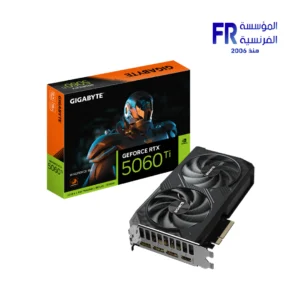 Gigabyte GeForce RTX 5060 Ti Windforce 16GB GDDR7 Graphic Card
 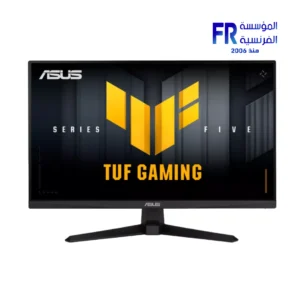 Asus TUF Gaming VG279QM5A 27 Inch 240Hz 1Ms Full HD Fast IPS Gaming Monitor
 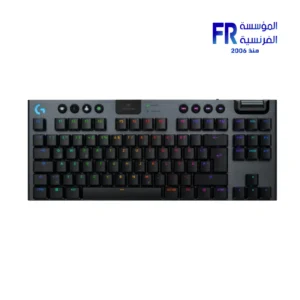 Logitech G G915 X TKL Tactile Switch Low Profile Black Wireless Gaming Keyboard
 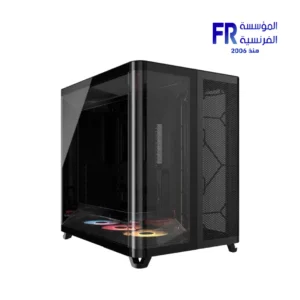 Corsair AIR 5400 RS-R Triple Chamber Curved Glass Reverse Connector Support ARGB With 3x 120mm RS-R Fans Black Full Tower Case
 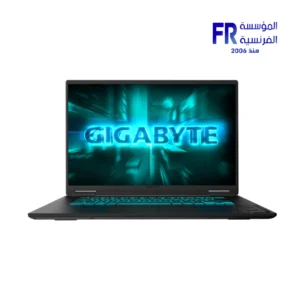 Gigabyte Gaming A16 CVH - Intel Core i7-13620H - 16GB DDR5 - 1TB NVMe Gen4 SSD - NVIDIA RTX 5060 8GB - 16 Inch WUXGA (1920x1200) 165Hz IPS Display - MUX Switch with WIFI 6E - RGB Keyboard - Windows 11 Home - Black Steel Gaming Laptop
 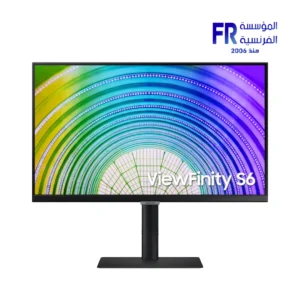 Samsung S60A S24A600UCM 24 Inch 75Hz 5ms QHD IPS Flat HDR10 FreeSync USB-C 65W Intelligent Eye Care Black Monitor
 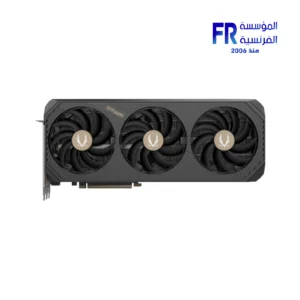 Zotac Gaming GeForce RTX 5080 Amp Extreme 16GB GDDR7 Graphic Card
  FSP CMT196 Tempered Glass ARGB White Mid Tower Case
 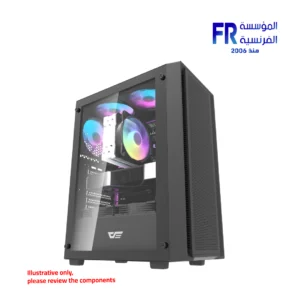 DarkFlash A305 Mesh TG With 4 CL6 ARGB Fans With GP650 650W 80 Plus Bronze PSU Black Mid Tower Gaming Case
 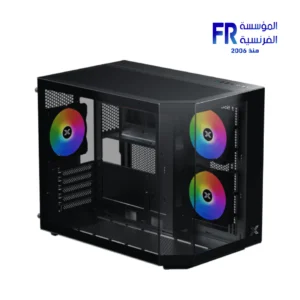 Xigmatek Cubi M ARGB + X-Power 600W 80 Plus White Mid Tower Case
  Thermaltake Astria 200 ARGB Lighting Air CPU Cooler
 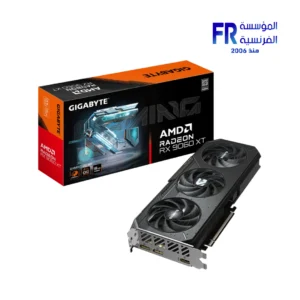 Gigabyte Radeon RX 9060 XT 16GB Gaming OC Graphic Card
 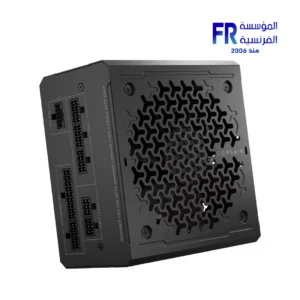 Corsair RMe Series RM850e 80 Plus Gold Full Modular ATX 3.1 Power Supply
  SanDisk Extreme Pro 256Gb SDXC UHS-I Memory Card
 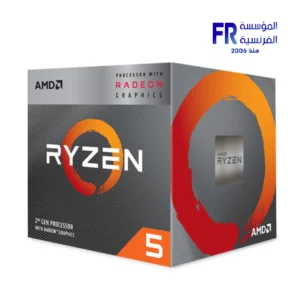 AMD Ryzen 5 3400G Processor
 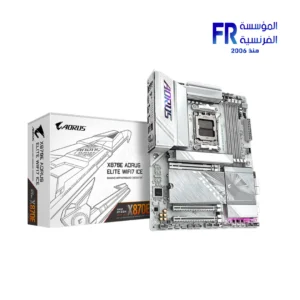 Gigabyte X870E Aorus Elite Wifi 7 v1.2 Ice Gaming Motherboard
 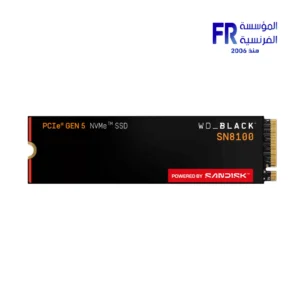 Western Digital Black SN8100 4TB M.2 2280 PCIe Gen 5 NVMe Without Heatsink Internal Solid State Drive SSD
  Xigmatek Fenix II 360 Arctic Argb Aio Liquid Cpu Cooler
  Montech X3 Mesh White Mid Tower Case
 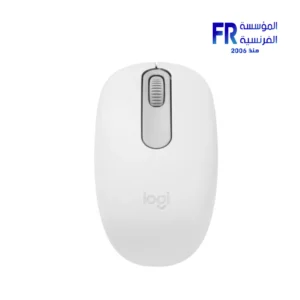 Logitech M196 Off White Bluetooth Mouse
  Klevv S1 1TB External Solid State Drive SSD
 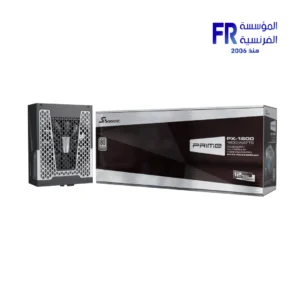 Seasonic Prime PX-1600 1600W Atx 3.1 80 Plus Platinum Fully Modular Hybrid Fan Power Supply
 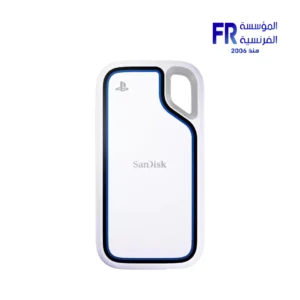 Sandisk Extreme Portable 2TB USB 3.2 Gen 2 For Playstation 5 Console and PC External Solid State Drive SSD
 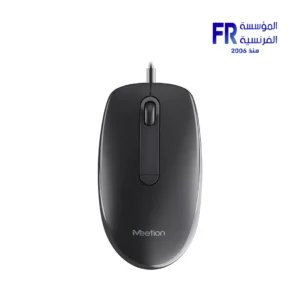 Meetion M100 Silent Optical Wired Mouse
 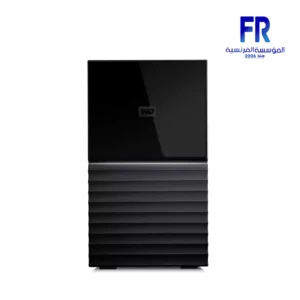 Wd My Book Duo 36Tb External Hard Drive
  Gigabyte Z890 Aorus Master Motherboard
  Thermaltake CT120 EX Reverse ARGB Sync PC Cooling White 3 Fan
  Pc Cooler DC360 Pro Argb Display Aio Liquid Cpu Cooler
 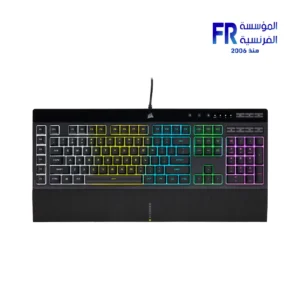 Corsair K55 RGB Pro with six dedicated macro keys Wired Gaming Keyboard
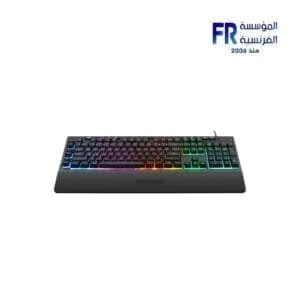
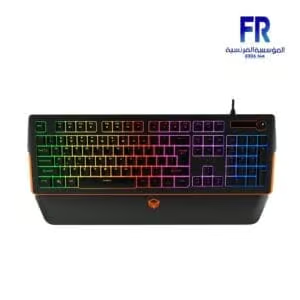
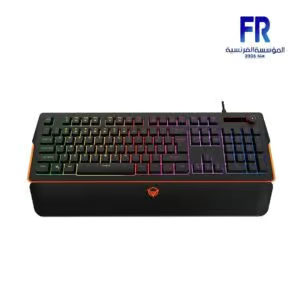
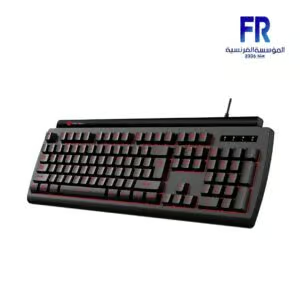
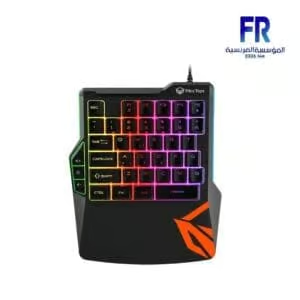
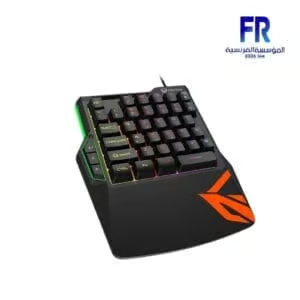
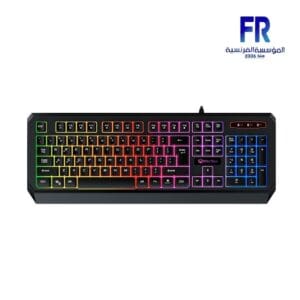
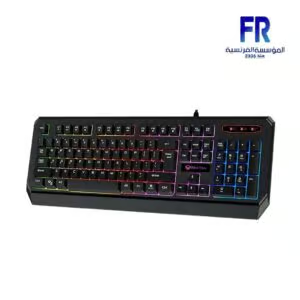
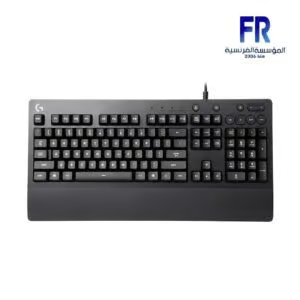
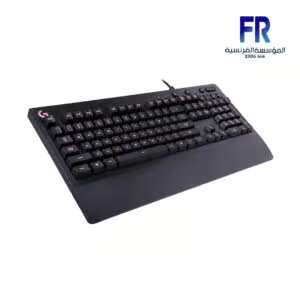
Membrane keyboards are a popular choice for everyday computing, known for their affordability and quiet operation. But what exactly is a membrane keyboard, and how does it compare to other keyboard types? This guide will delve into the intricacies of membrane keyboards, exploring their design, advantages, disadvantages, and suitability for various users.
What is a Membrane Keyboard?
A membrane keyboard utilizes a pressure pad, or membrane, beneath the keys. When a key is pressed, it pushes down on the membrane, completing an electrical circuit and registering the keystroke. This differs from mechanical keyboards, which use individual mechanical switches for each key. The membrane itself typically consists of three layers: a top layer with the keycaps, a middle layer with holes corresponding to the keys, and a bottom layer with the circuitry.
Advantages of Membrane Keyboards:
-
Affordability: Membrane keyboards are generally less expensive to manufacture than mechanical keyboards, making them a budget-friendly option.
-
Quiet Operation: The membrane mechanism results in a quieter typing experience compared to the distinct click of mechanical keyboards. This makes them ideal for shared workspaces or quiet environments.
-
Durability: While often perceived as less durable than mechanical keyboards, modern membrane keyboards can withstand significant use and often have a longer lifespan than many users assume.
-
Spill Resistance: Some membrane keyboard designs offer better spill resistance than mechanical keyboards, as the membrane layer can protect the underlying circuitry.
-
Low Profile: Membrane keyboards often have a lower profile, which can be more comfortable for some users.
Disadvantages of Membrane Keyboards:
-
Mushy Feel: Some users describe the feel of typing on a membrane keyboard as “mushy” due to the lack of tactile feedback compared to mechanical keyboards.
-
Shorter Key Travel: Membrane keyboards typically have shorter key travel, which can lead to a less satisfying typing experience for some.
-
Ghosting and Key Rollover: Older membrane keyboards sometimes suffered from ghosting (registering unintended keys) and limited key rollover (the number of keys that can be pressed simultaneously and registered correctly). Modern membrane keyboards have improved in these areas.
Who are Membrane Keyboards Suitable For?
Membrane keyboards are an excellent choice for:
-
Casual Users: For everyday tasks like browsing the web, writing emails, and general computer use, a membrane keyboard is often perfectly adequate.
-
Budget-Conscious Consumers: The affordability of membrane keyboards makes them a great option for those on a tight budget.
-
Quiet Environments: The quiet operation of membrane keyboards makes them suitable for offices, libraries, or home offices where noise is a concern.
Membrane Keyboard vs. Mechanical Keyboard:
The choice between a membrane keyboard and a mechanical keyboard often comes down to personal preference. Mechanical keyboards are often favored by gamers and typists who appreciate the tactile feedback and responsiveness. However, membrane keyboards offer a more affordable and quieter alternative.
Caring for Your Membrane Keyboard:
Regular cleaning is essential for maintaining your membrane keyboard. Compressed air can be used to remove dust and debris from between the keys. For more thorough cleaning, you can use a damp cloth (not wet) to wipe down the keyboard surface.
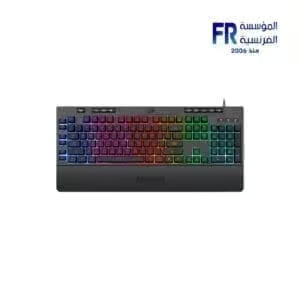
غير متوفر في المخزون


غير متوفر في المخزون

غير متوفر في المخزون
غير متوفر في المخزون
غير متوفر في المخزون