


Choosing a GPU for Local AI in 2026: VRAM, Model Size and Real System Requirements
A practical guide to choosing GPU memory for local AI workloads. Understand VRAM, model size, quantization and system requirements.
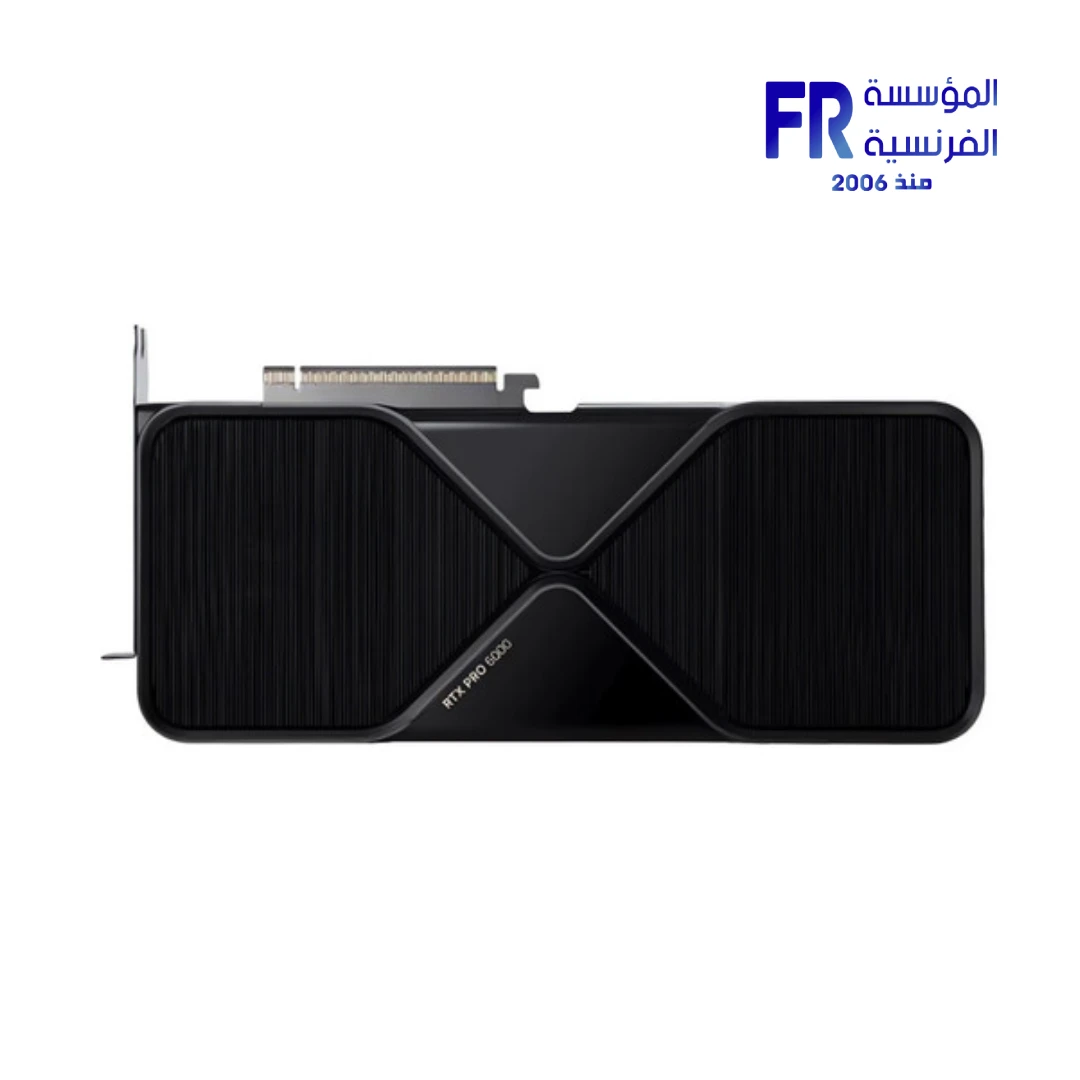
Choosing a graphics card for local AI is different from choosing one for gaming. AI workloads depend on how much model data fits in fast memory, which software framework is supported and whether the task is inference, fine-tuning or training.
Start with the workload
Define what you want to run: a chat model, image generation, speech recognition, coding assistant, document search or model development. These workloads have different memory needs. A model that fits for quantized inference is not automatically suitable for fine-tuning or training on the same hardware.
Why VRAM matters
GPU memory holds model weights and also needs room for runtime data, activations, context, temporary buffers and application overhead. The model’s weight file alone is not the full memory requirement. Quantization can reduce weight memory, but it does not remove every other requirement and can involve quality or compatibility trade-offs.
VRAM capacity
More VRAM can allow larger models, longer context or more demanding workflows to fit on one GPU.
GPU compute
Capacity alone does not determine speed. Architecture, throughput, memory bandwidth and supported precision also matter.
System memory
CPU RAM supports the operating system, data preparation, tools and workloads outside GPU memory.
Software support
Confirm framework, OS, driver and accelerator compatibility before buying around a specific AI tool.
How to read NVIDIA’s platform guide
NVIDIA’s local-AI guidance distinguishes GeForce RTX, RTX PRO workstations and systems such as DGX Spark. Its comparison lists GeForce RTX with up to 32GB VRAM, RTX PRO with up to 96GB and dedicated systems with up to 128GB unified memory. These are platform examples, not a guarantee that every model of that size runs at useful speed in every software stack.
Inference, fine-tuning and training
- Inference: running a trained model; often the most accessible starting point.
- Fine-tuning: adapting a model; memory depends on method, model size, batch size and sequence length.
- Training from scratch: substantially more demanding and often requires planned multi-GPU or cloud infrastructure.
Before buying
Record the model family, size, quantization, context length, target speed, OS and framework. Then check VRAM, power, case clearance, cooling, motherboard layout and PSU. For multiple GPUs, plan spacing, PCIe lanes, power and software support.
See NVIDIA’s official local AI guide, its multi-GPU playbook and our AI computing in Egypt article.
Alfrensia — practical hardware insight for gamers, creators and PC builders in Egypt. Contact our team.
اختيار كارت شاشة للذكاء الاصطناعي المحلي
دليل اختيار كارت الشاشة للذكاء الاصطناعي المحلي وفهم أهمية VRAM وحجم النماذج.
اختيار كارت شاشة للذكاء الاصطناعي المحلي مختلف عن اختياره للألعاب. تطبيقات AI بتعتمد على حجم البيانات اللي تقدر تدخل في الذاكرة السريعة، ودعم البرامج، وهل الاستخدام تشغيل نموذج ولا Fine-tuning ولا تدريب.
حدد الاستخدام الأول
حدد هل هتشغل نموذج محادثة أو توليد صور أو تعرف على الكلام أو مساعد برمجة أو بحث في المستندات أو تطوير نموذج. كل نوع له متطلبات مختلفة. النموذج اللي يشتغل للـInference بعد ضغطه مش بالضرورة مناسب للـFine-tuning أو التدريب على نفس الجهاز.
ليه VRAM مهمة؟
ذاكرة الكارت بتشيل أوزان النموذج وكمان بيانات التشغيل والـActivations والـContext والـBuffers واستهلاك البرنامج. حجم ملف النموذج وحده مش كفاية لتحديد الذاكرة المطلوبة. Quantization بتقلل حجم الأوزان لكنها مش بتلغي باقي المتطلبات وممكن تأثر على الجودة أو التوافق.
سعة VRAM
السعة الأكبر ممكن تسمح بنماذج أكبر أو Context أطول أو مهام أصعب على كارت واحد.
قدرة المعالجة
السعة وحدها مش مقياس السرعة؛ المعمارية وقوة الحساب وعرض النطاق ودعم الدقة عوامل مهمة.
رام الجهاز
ذاكرة النظام بتشغل ويندوز والأدوات وتحضير البيانات والمهام خارج ذاكرة الكارت.
دعم البرامج
اتأكد من توافق إطار العمل ونظام التشغيل والتعريفات والمسرّعات قبل الشراء.
إزاي تقرأ دليل NVIDIA؟
دليل NVIDIA للـLocal AI بيفرق بين GeForce RTX ومحطات RTX PRO وأنظمة زي DGX Spark. المقارنة المنشورة بتذكر GeForce RTX حتى 32GB VRAM وRTX PRO حتى 96GB وأنظمة مخصصة حتى 128GB Unified Memory. دي أمثلة لقدرات المنصات، مش ضمان إن أي نموذج بالحجم ده هيشتغل بسرعة مناسبة على كل البرامج.
Inference وFine-tuning وTraining
- Inference: تشغيل نموذج متدرّب، وغالباً أسهل نقطة بداية.
- Fine-tuning: تعديل نموذج؛ الذاكرة بتختلف حسب الطريقة والحجم وحجم الدفعة وطول التسلسل.
- Training from scratch: تدريب من البداية، وده أكثر تطلباً وقد يحتاج منظومة متعددة الكروت أو Cloud.
راجع إيه قبل الشراء؟
اكتب اسم النموذج وحجمه وصيغة Quantization وطول Context والسرعة المستهدفة ونظام التشغيل وإطار العمل. بعد كده راجع VRAM والطاقة وأبعاد الكارت والتبريد ومنافذ اللوحة الأم والباور. ولو هتستخدم أكتر من GPU، خطط للمسافات وخطوط PCIe والطاقة ودعم البرنامج.
راجع دليل NVIDIA الرسمي للـLocal AI ودليل Multi-GPU ومقال الحوسبة بالذكاء الاصطناعي في مصر.
المؤسسة الفرنسية للكمبيوتر — محتوى تقني عملي للاعبين وصناع المحتوى ومهتمي تجميعات الكمبيوتر في مصر. تواصل مع فريقنا.