


Two gaming laptops can advertise the same GPU family and still deliver different performance. The chassis, cooling system, GPU power configuration, CPU, memory, firmware and operating modes all affect the result. If you are comparing laptops, check the complete model specification instead of treating the GPU name as a performance guarantee.
What does TGP mean?
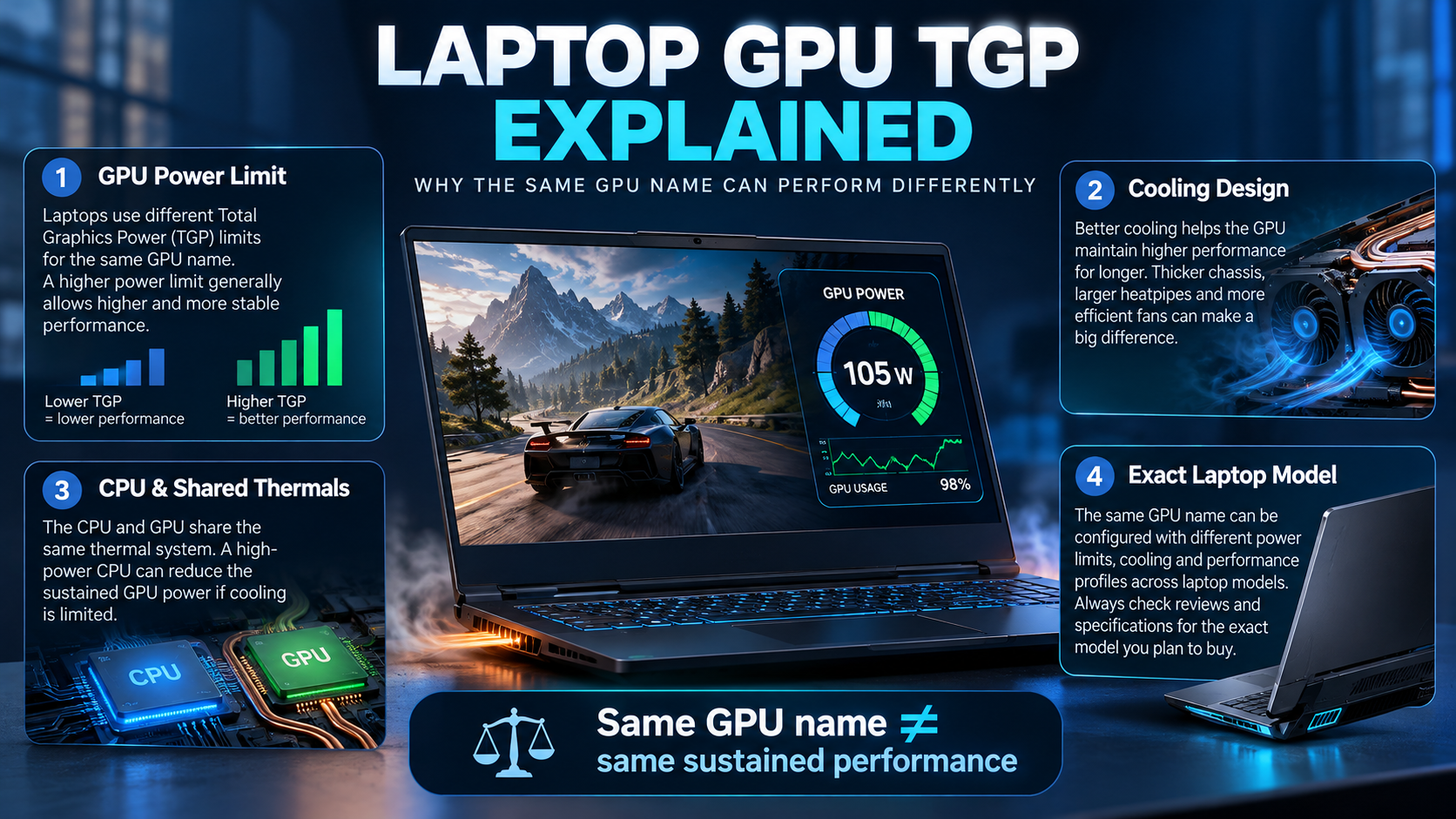
TGP is commonly used for Total Graphics Power. It describes a power specification for the graphics subsystem, but manufacturers and product pages may present power information differently. Read the exact laptop manufacturer’s documentation and check whether the figure includes any Dynamic Boost behaviour or other configurable power modes before comparing numbers.
A higher configured power limit can give a GPU more room to sustain performance when the design, temperature and workload allow it. It does not guarantee a fixed percentage advantage: performance also depends on GPU architecture, clocks, cooling, CPU limits, game settings and the laptop’s operating mode.
Why the same GPU name can perform differently
- Power configuration: laptops may use different GPU power limits or power-management settings.
- Cooling: heatsink capacity, fans, vents and chassis design affect sustained clocks and noise.
- CPU and memory: processor performance and memory configuration can limit some games and applications.
- Operating mode: performance, balanced and quiet profiles can change fan behaviour and power allocation.
- Display and graphics routing: panel resolution and whether the internal display uses a hybrid or direct GPU path can affect performance in some scenarios.
These differences mean you should not infer exact FPS from the GPU name or a single specification alone.
Evaluate the whole laptop
Check the exact CPU, RAM capacity and upgradeability, SSD capacity, screen resolution and refresh rate, ports, weight, battery expectations, cooling behaviour and warranty. A powerful GPU paired with insufficient memory or a display that does not suit your work may not be the best balanced choice.
For students and creators, also verify the applications you rely on, required ports, colour and display characteristics, portability and whether the system’s performance mode is acceptable for fan noise and battery use.
How to compare two laptop models fairly
| Comparison item | What to check |
|---|---|
| Exact SKU | Full model number and regional configuration |
| GPU power | Manufacturer-listed TGP/TGP range and power mode notes |
| Cooling | Independent sustained-load testing, temperatures and noise |
| CPU and RAM | Exact CPU, capacity, configuration and upgrade options |
| Screen | Resolution, refresh rate, brightness and colour coverage from reliable specifications |
| Price and warranty | Current local price, included coverage and return conditions |
Use independent reviews that test the same model or a clearly identified configuration. If the review does not state the laptop SKU, power mode, resolution and test conditions, treat its results as a rough guide rather than a direct comparison.
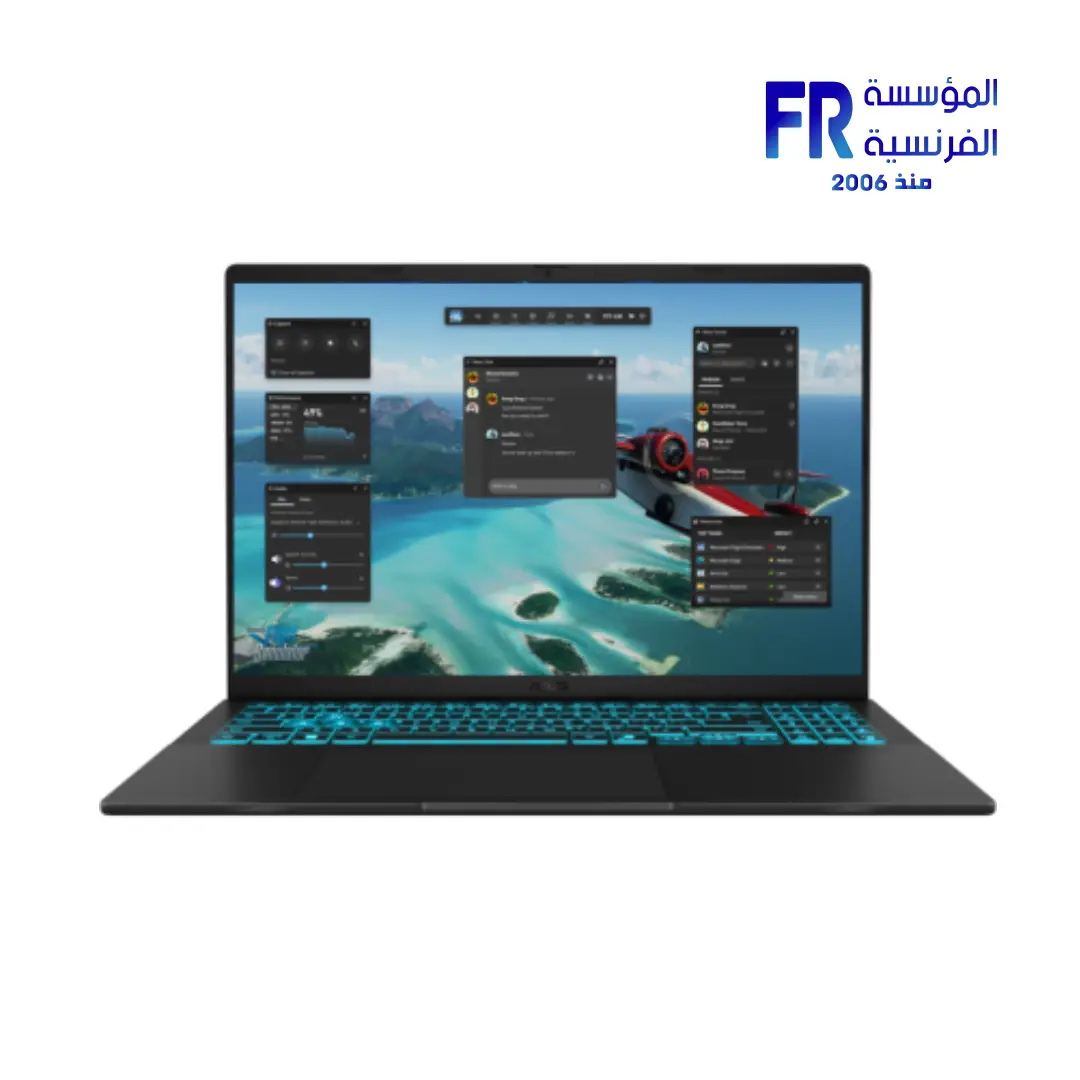
For a concrete product example, compare the full configuration of the ASUS V16 RTX 5060 laptop. Do not transfer its specifications to another ASUS V16 variant unless the exact SKU matches.
Gaming laptop buying checklist
- Confirm the full laptop model and regional SKU.
- Check the manufacturer’s GPU power information where available.
- Read reviews that test the same configuration and disclose test conditions.
- Compare CPU, RAM, SSD, display and cooling—not just the GPU name.
- Confirm ports, dimensions, charger, warranty and current local availability.
Frequently asked questions
Does higher TGP always mean faster gaming?
No. It can allow more power, but the actual difference depends on cooling, GPU design, CPU, workload and power mode.
Can I compare desktop and laptop GPUs by name alone?
No. Laptop GPUs operate within mobile power and thermal constraints, so compare laptop-specific benchmarks and exact model specifications.
What if the product page does not list TGP?
Do not guess. Check the manufacturer’s specification or support documentation, then use credible reviews of the exact laptop model where available.
Sources
Next step: Compare the full model numbers and verified specifications of the two laptops you are considering before deciding which offers better value.
شرح GPU TGP في اللابتوبات المخصصة للألعاب
أداء كارت الشاشة في اللابتوب مش بيتحدد باسم GPU وحده. حدود الطاقة والتبريد والمعالج والرام وتصميم الجهاز والشاشة كلها عوامل بتأثر على النتيجة.
يعني إيه TGP؟
TGP هو مقياس لقدرة الطاقة المخصصة للـGPU حسب تعريف الشركة والموديل. راجع صفحة اللابتوب نفسه لأن نفس اسم GPU ممكن ييجي بإعدادات طاقة مختلفة.
ليه نفس اسم GPU ممكن يقدم أداء مختلف؟
حدود الطاقة والتبريد وتصميم الهيكل وسرعة الذاكرة والمعالج قد تؤثر على الأداء المستمر. الاسم التجاري وحده لا يضمن نتيجة متطابقة.
قيّم اللابتوب بالكامل
راجع CPU وGPU وTGP والرام وقابليتها للترقية والتخزين والشاشة والتبريد والوزن والبطارية والمنافذ.
إزاي تقارن موديلين بعدل؟
قارن اختبارات نفس الألعاب والإعدادات والدقة، وتأكد من وضع الطاقة وإصدار التعريفات وظروف الاختبار. الأفضل استخدام مراجعات للموديل الكامل، مش كارت الشاشة فقط.
قائمة شراء لابتوب ألعاب
- اسم الموديل الكامل.
- GPU وTGP المعلن.
- المعالج والرام.
- التبريد والأداء المستمر.
- الشاشة والتخزين.
- الضمان والتكلفة والتوصيلات.
الأسئلة الشائعة
هل TGP أعلى يعني أداء أسرع دائماً؟
مش بالضرورة؛ التبريد وحدود النظام واللعبة تؤثر على الأداء الفعلي.
هل أقارن GPU لابتوب ومكتبي بالاسم فقط؟
لأ؛ اختلاف الطاقة والتبريد والتكوين كبير. راجع اختبارات مستقلة للموديل الفعلي.
لو صفحة المنتج ما ذكرتش TGP أعمل إيه؟
راجع مواصفات الشركة المصنعة للموديل الكامل أو اطلب تأكيداً قبل الشراء؛ لا تخمّن الرقم.
مصادر موثوقة للتحقق من TGP
- NVIDIA GeForce Laptops لمعلومات كروت GeForce المحمولة.
- Notebookcheck لمراجعات واختبارات اللابتوبات المستقلة.
- ASUS Support كمثال على مواصفات ودعم الموديل الكامل.
لو TGP غير مذكور في صفحة المنتج، ما تخمّنش الرقم؛ راجع مواصفات الموديل الكامل أو اطلب تأكيداً قبل الشراء.
بتقارن لابتوبات ألعاب؟
راجع خيارات اللابتوبات على موقع المؤسسة الفرنسية للكمبيوتر، أو تواصل مع المبيعات على واتساب للاستفسار عن مواصفات الموديل والتوفر الحالي.