


A gaming keyboard should fit the way you play, type and use your desk. Switch feel and layout affect everyday comfort, while connectivity, key rollover, software support and language legends can matter just as much as lighting. Start with these practical checks before choosing a model.
1. Choose switch type by feel and noise
Mechanical keyboards use individual switches under the keys; membrane keyboards use a different underlying key mechanism. Within mechanical models, linear switches feel smooth through the press, tactile switches provide a noticeable bump, and clicky switches add an audible click. These descriptions are useful starting points, but the exact force, travel and sound vary by switch and keyboard design.
Clicky switches can be distracting in shared rooms or voice calls. Linear switches may feel smooth for repeated key presses, while tactile switches can provide more physical feedback. None is universally best; if possible, try the switch type or choose based on reliable information about the exact model.
2. Pick a layout that suits your desk
| Layout | Trade-off to consider |
|---|---|
| Full-size | Includes a number pad; uses more desk width |
| Tenkeyless (TKL) | Removes the number pad while retaining the main navigation cluster on many models |
| Compact 60–65% | Frees desk space, but some keys and functions require layers or shortcuts |
Compact keyboards can leave more room for broad mouse movements, but users who enter numbers frequently may prefer a number pad. Check the exact layout image and function-layer behaviour before purchasing, especially if you rely on arrow keys, navigation keys or a dedicated function row.
3. Check key rollover and anti-ghosting
Key rollover describes how many simultaneous key presses the keyboard can register; anti-ghosting is intended to reduce unintended or missed input combinations. If you use complex movement combinations or shortcuts, look for the manufacturer’s documentation for the exact model. Do not assume every keyboard has the same rollover behaviour just because it is marketed for gaming.
4. Wired, 2.4GHz wireless or Bluetooth?
Wired keyboards avoid battery charging and pairing, and are straightforward for a fixed desktop. Dedicated 2.4GHz wireless receivers can offer a gaming-focused connection while reducing cable clutter. Bluetooth is convenient for compatible laptops, tablets and multiple devices, but support and mode switching vary by keyboard. Check whether the model supports simultaneous pairing, onboard profiles and the operating systems you use.
5. Confirm language legends, build and software
Check whether the keycaps include the Arabic and English legends you need. Also consider stabiliser noise, keycap material, detachable cable, adjustable feet, onboard memory and whether macros or lighting controls require a running application. If you share a room, sound and microphone pickup may matter more than RGB features.
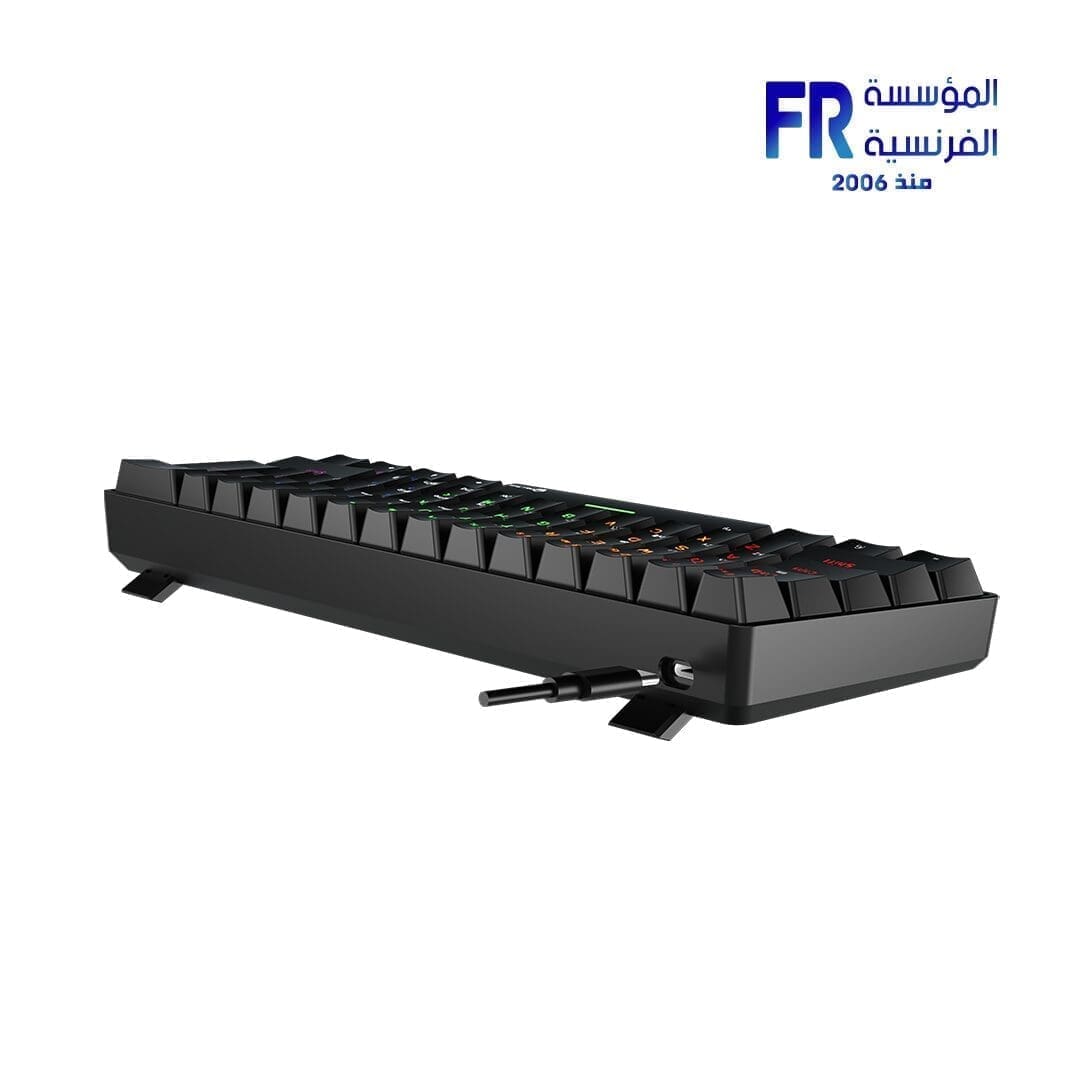
For a compact layout example, the Meetion MK005BT 60% Arabic dual-mode mechanical keyboard illustrates why layout and connection details should be checked on the exact model. Its specific switch and connection features should not be assumed to apply to other keyboards.
Gaming keyboard buying checklist
- Choose full-size, TKL or compact based on the keys you use and available desk space.
- Check switch feel, noise and the exact switch model.
- Confirm rollover/anti-ghosting information if simultaneous key presses matter.
- Verify wired, 2.4GHz and Bluetooth support as needed.
- Check Arabic/English legends, operating-system compatibility and software requirements.
- Compare comfort and build quality before paying extra for lighting.
Frequently asked questions
Are mechanical keyboards always better for gaming?
No. They offer different switch feel and design options, but the right choice depends on preference, noise, budget and the exact keyboard.
Is a 60% keyboard suitable for everyday use?
It can be, but some keys use function layers. Check that the layout suits your typing, work and game shortcuts.
Do I need RGB lighting?
No. Lighting is a preference feature; layout, feel, compatibility and reliable input are more important decision factors.
Sources
Next step: Decide your preferred layout and switch feel first, then compare the exact model’s connection modes and key layout.
Compare options before you buy
Check the exact model, compatibility, current availability and warranty terms.
alfrensia.com — Alfrensia, French Establishment for Computers
اختار Gaming Keyboard حسب نوع المفاتيح والـlayout وطريقة الاتصال واحتياجات اللعب، مش على أساس شكل الكيبورد فقط.

نوع المفاتيح والإحساس
المفاتيح الميكانيكية تختلف في قوة الضغط والصوت والإحساس ونقطة التفعيل. بعض اللوحات تستخدم مفاتيح Magnetic أو Hall Effect وتقدم ضبطاً لنقطة التفعيل وRapid Trigger، لكن المميزات والمدى والتوافق بتختلف حسب الموديل. جرّب الإحساس إن أمكن، ولا تعتمد على اسم نوع المفتاح وحده.
اختار الـLayout المناسب
- Full-size: غالباً يشمل لوحة أرقام مستقلة، لكنه يحتاج مساحة أكبر.
- TKL: يستغني عن لوحة الأرقام ويحتفظ غالباً بصف الوظائف ومجموعة الأسهم.
- 75% و65%: تصميمات مدمجة، لكن ترتيب مفاتيح التنقل والوظائف يختلف حسب الموديل.
- 60%: أصغر، وقد يعتمد أكثر على طبقات الوظائف والاختصارات.
الاتصال والبرنامج
الكيبورد السلكي لا يحتاج شحن بطارية، بينما اللاسلكي قد يقدم Bluetooth أو 2.4GHz أو الاثنين. راجع التأخير والتوافق وعمر البطارية والأوضاع المدعومة. تأكد من توافق برنامج الإعداد مع نظامك، ومن أن خصائص الماكرو أو ضبط المفاتيح تعمل في استخدامك المقصود.
إيه اللي تقارنه قبل الشراء؟
- نوع المفتاح وقوة الضغط والصوت.
- الـLayout وعدد المفاتيح ومفاتيح الأسهم والتنقل.
- الاتصال السلكي أو اللاسلكي وطريقة الشحن.
- توافق البرنامج وخيارات الإضاءة والماكرو.
- الخامات وجودة التصنيع والراحة.
- الضمان والتوافر والسعر الحالي.
الأسئلة الشائعة
هل Mechanical Keyboard أفضل للألعاب دائماً؟
مش بالضرورة؛ الاختيار يعتمد على إحساس المفاتيح والـlayout والميزات والميزانية.
هل Polling Rate أعلى يضمن استجابة أفضل؟
مش لوحده. النظام واللعبة والبرنامج وجودة تنفيذ الكيبورد كلها عوامل مؤثرة.
هل أشتري Full-size ولا 60%؟
اختار حسب مساحة المكتب واحتياجك للوحة الأرقام ومفاتيح الوظائف والتنقل.
قارن الموديلات المتاحة
راجع مواصفات الموديل الدقيق والتوافق والضمان والتوافر الحالي قبل الطلب.
راجع لوحات المفاتيح المتاحة على موقع المؤسسة الفرنسية للكمبيوتر، أو تواصل مع المبيعات على واتساب للاستفسار عن الـlayout والتوافق والتوفر الحالي.