

ALFRENSIA · PC KNOWLEDGE
A gaming laptop and a desktop graphics card can carry similar GPU names without delivering the same performance. The reason is that the GPU name is only one part of the system: power limits, cooling, memory configuration and the laptop’s design all affect real-world results.
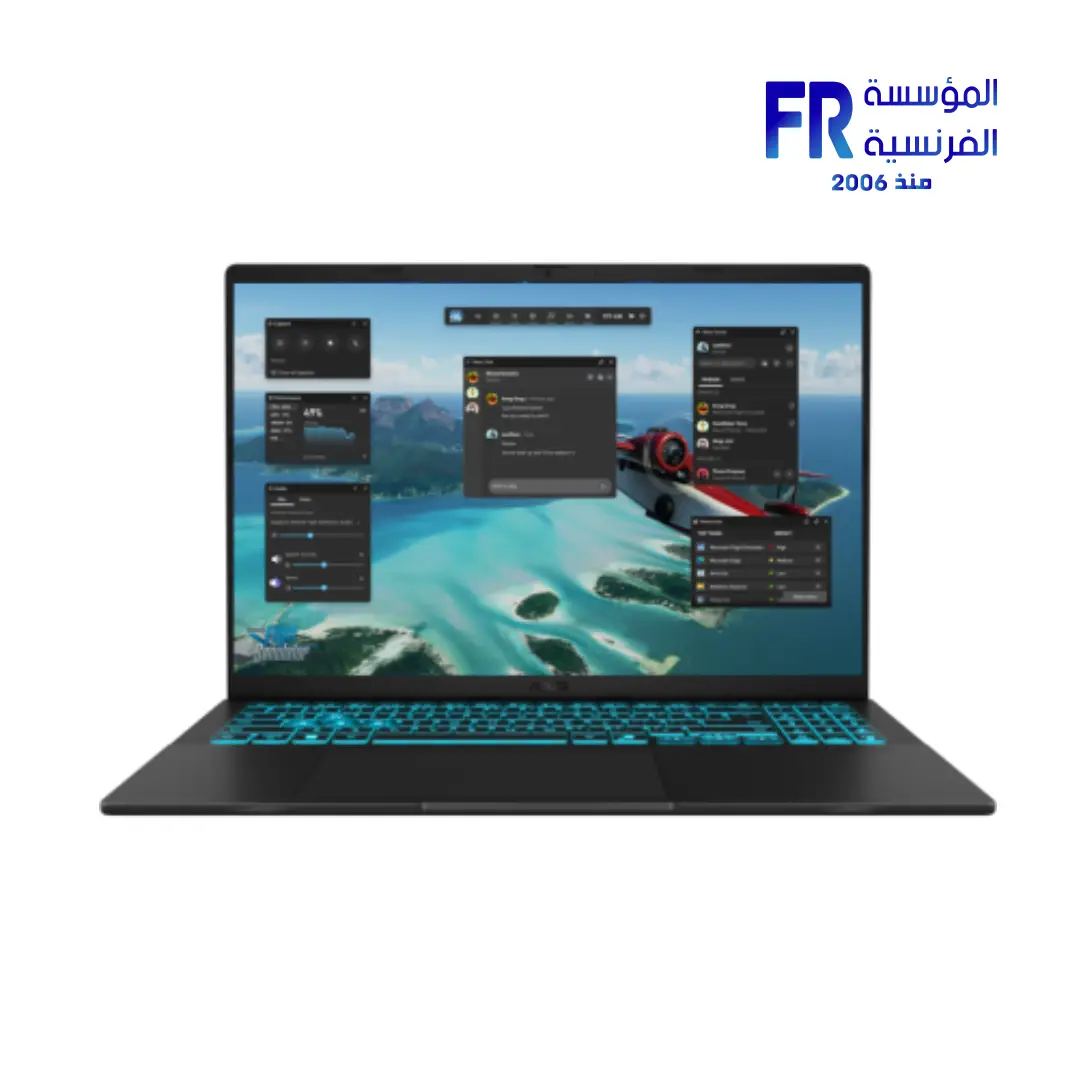
Why the same GPU name does not guarantee the same performance
Desktop graphics cards and laptop GPUs are designed for different physical limits. A desktop card usually has more room for a larger cooler and a higher sustained power budget. A laptop must fit inside a compact chassis alongside the CPU, battery and other components, so the manufacturer has to balance performance, temperatures, noise and battery life.
Even among laptops, two systems using the same named GPU can perform differently. Their configured graphics power, cooling design, fan profiles and shared thermal limits may differ. That is why a review of one laptop is not always a reliable performance estimate for another laptop with a similar headline specification.
Power limits and cooling matter
Graphics processors need electrical power to sustain high workloads, and the resulting heat must be removed. A laptop with a more generous GPU power limit and effective cooling may sustain higher performance than a thinner system that has to reduce clocks to manage heat. The CPU can also compete for the same cooling capacity during combined gaming workloads.
Look for the exact model’s manufacturer specifications and credible reviews. If a listing provides a GPU power figure, confirm whether it includes any advertised Dynamic Boost allowance and how the manufacturer defines it. Do not assume that a maximum marketing figure is sustained in every game.
VRAM, CPU and system configuration
Graphics memory capacity and bandwidth can affect performance when a game or application needs more resources than a configuration can comfortably provide. However, extra VRAM does not automatically make a GPU faster in every task. Also check the laptop’s CPU, memory configuration, cooling mode, display resolution and power profile because these can change benchmark results.
For desktop systems, the card itself is only one component of the build. The CPU, case airflow, power supply and monitor target all matter. For laptops, memory upgradeability, storage expansion and the ability to connect an external display can influence long-term value.
How to compare laptop and desktop GPUs fairly
- Match the workload: compare the same game or application, resolution, graphics preset and ray-tracing settings.
- Use repeatable benchmarks: prefer independent reviews that identify the exact laptop model and test conditions.
- Check sustained performance: look beyond a short peak result and consider temperatures, fan noise and long gaming sessions.
- Compare the whole purchase: include the laptop display, keyboard, battery, portability and warranty—or the desktop case, monitor and peripherals.
- Verify the exact SKU: similar product names can hide different CPUs, memory configurations, power settings or displays.
Which format should you choose?
A gaming laptop makes sense when portability, a built-in display and an all-in-one setup are priorities. A desktop is usually more flexible for cooling, component replacement and future GPU upgrades, but it requires space and separate peripherals. Neither is automatically the best choice for everyone.
If performance per pound is your main concern, compare current local prices for complete, similarly equipped systems and use independent tests from the exact models. If you regularly travel or need one computer for study, work and gaming, the laptop’s convenience may be worth a performance trade-off.
Frequently asked questions
Is a laptop GPU always slower than the desktop version?
Not in every workload or comparison, but the two versions should not be assumed equivalent. Exact power limits, cooling and GPU configuration determine the result.
Can I compare FPS from different reviews?
Only cautiously. Different CPUs, memory, drivers, game versions, resolutions and graphics presets can make results incomparable. Prefer matched test conditions.
Can a gaming laptop GPU be upgraded later?
In most modern gaming laptops, the discrete GPU is soldered to the motherboard and is not a routine upgrade. Confirm the exact design before buying; RAM and SSD upgradeability are separate questions.
Sources and further reading
- NVIDIA GeForce laptop graphics overview
- Notebookcheck — independent laptop reviews and benchmark database
Before ordering, verify the exact laptop SKU, graphics configuration, memory, cooling design and warranty. Browse laptops at Alfrensia and compare model-specific specifications.
Compare before you buy
Check the exact specifications, current availability and warranty before choosing your system. Browse a representative gaming laptop or compare desktop graphics cards at Alfrensia.
Browse laptops and compare available RTX configurations · Compare desktop RTX 5060 graphics cards
alfrensia.com — Alfrensia, French Establishment for Computers
المؤسسة الفرنسية للكمبيوتر · دليل تقني
كارت الشاشة في اللابتوب وكارت الشاشة المكتبي ممكن يحملوا أسماء متشابهة، لكن ده مش معناه إن الأداء واحد. الاسم مجرد جزء من الصورة؛ حدود الطاقة والتبريد والذاكرة وتصميم الجهاز كلها بتأثر على الأداء الفعلي.
ليه نفس اسم GPU مش معناه نفس الأداء؟
كروت الشاشة المكتبية والـGPU الموجود في اللابتوب معمولين لظروف مختلفة. الكارت المكتبي غالباً عنده مساحة أكبر لمشتت حراري ومروحة وطاقة تشغيل مستمرة أعلى. اللابتوب لازم يوازن بين المعالج وكارت الشاشة والبطارية وباقي المكونات داخل مساحة صغيرة، مع التحكم في الحرارة والضوضاء وعمر البطارية.
حتى لابتوبين بنفس اسم كارت الشاشة ممكن يقدموا أداء مختلف. قدرة الـGPU المحددة من الشركة، وتصميم التبريد، وسرعة المراوح، والحدود الحرارية المشتركة مع المعالج كلها عوامل مؤثرة. عشان كده اختبار لابتوب واحد مش بالضرورة يمثل أداء لابتوب تاني بنفس اسم GPU.
حدود الطاقة والتبريد بتفرق
كارت الشاشة محتاج طاقة كهربائية عشان يحافظ على الأداء، والحرارة الناتجة لازم تتسحب بكفاءة. اللابتوب اللي عنده حد طاقة أعلى وتبريد فعال ممكن يحافظ على أداء أقوى من جهاز أنحف بيقلل الترددات عشان يتحكم في الحرارة. المعالج كمان ممكن يشارك كارت الشاشة نفس مساحة التبريد أثناء اللعب.
راجع مواصفات الشركة المصنعة واختبارات مستقلة للموديل نفسه. لو صفحة المنتج بتذكر قدرة GPU، اتأكد هل الرقم بيشمل Dynamic Boost أو أي زيادة معلنة، وإزاي الشركة بتعرّفها. ما تفترضش إن أقصى رقم معلن مستمر في كل لعبة.
الذاكرة والمعالج وباقي تكوين الجهاز
سعة VRAM وعرض النطاق ممكن يأثروا على الأداء لما اللعبة أو البرنامج يحتاج موارد أكتر من المتاح. لكن الذاكرة الأكبر مش معناها تلقائياً GPU أسرع في كل المهام. راجع كمان المعالج والرام ووضع التبريد ودقة الشاشة وإعدادات الطاقة، لأنهم ممكن يغيروا نتيجة الاختبار.
في الكمبيوتر المكتبي، كارت الشاشة جزء واحد من التجميعة؛ المعالج وتدفق الهواء ومزوّد الطاقة والشاشة المستهدفة مهمين. في اللابتوب، قابلية ترقية الرام والتخزين وتوصيل شاشة خارجية ممكن يأثروا على القيمة على المدى الطويل.
إزاي تقارن لابتوب وكارت مكتبي بشكل عادل؟
- وحّد نوع الاستخدام: قارن نفس اللعبة أو البرنامج، والدقة، وإعدادات الرسوميات وRay Tracing.
- استخدم اختبارات قابلة للمقارنة: فضّل المراجعات المستقلة اللي بتذكر موديل اللابتوب وظروف الاختبار.
- راجع الأداء المستمر: ما تعتمدش على نتيجة قصيرة؛ راجع الحرارة والضوضاء والأداء في جلسات طويلة.
- قارن تكلفة الشراء بالكامل: احسب شاشة اللابتوب والكيبورد والبطارية والتنقل، أو تكلفة كيسة الكمبيوتر والشاشة والملحقات.
- راجع رقم الموديل الكامل: أسماء المنتجات المتشابهة ممكن تخفي اختلافات في المعالج والرام والطاقة والشاشة.
تختار لابتوب Gaming ولا Desktop؟
اللابتوب مناسب لو محتاج التنقل وشاشة وكيبورد مدمجين وجهاز واحد للدراسة والشغل والألعاب. الكمبيوتر المكتبي غالباً بيوفر مرونة أكبر في التبريد وتغيير القطع وترقية كارت الشاشة مستقبلاً، لكنه محتاج مساحة وشاشة وملحقات منفصلة. مفيش اختيار أفضل للجميع.
لو أهم حاجة عندك الأداء مقابل السعر، قارن أسعار الأجهزة الكاملة محلياً واستخدم اختبارات مستقلة لنفس الموديلات. لو بتسافر أو محتاج جهاز واحد لكل استخداماتك، ميزة اللابتوب في التنقل ممكن تستاهل فرق الأداء.
الأسئلة الشائعة
هل كارت اللابتوب أضعف دائماً من النسخة المكتبية؟
مش بالضرورة في كل مقارنة، لكن ما ينفعش تعتبر النسختين متساويتين. حدود الطاقة والتبريد وتكوين الـGPU هي اللي بتحدد النتيجة الفعلية.
هل ينفع أقارن FPS من مراجعتين مختلفتين؟
بحذر فقط. اختلاف المعالج والرام والتعريفات وإصدار اللعبة والدقة والإعدادات ممكن يخلي المقارنة مضللة. الأفضل توحيد ظروف الاختبار.
هل أقدر أغيّر كارت الشاشة في لابتوب Gaming بعدين؟
في معظم لابتوبات الألعاب الحديثة، كارت الشاشة المنفصل بيكون ملحوم باللوحة الأم ومش ترقية عادية. اتأكد من تصميم الموديل قبل الشراء؛ ترقية الرام أو SSD موضوع مختلف.
إيه أهم حاجة أراجعها قبل شراء لابتوب بكارت RTX؟
راجع موديل اللابتوب بالكامل، وقدرة GPU المعلنة، والتبريد، والرام والتخزين والشاشة، واختبارات مستقلة لنفس الموديل. اسم RTX وحده مش كفاية.
المصادر وقراءات إضافية
- NVIDIA — نظرة عامة على كروت GeForce للابتوب
- Notebookcheck — مراجعات اللابتوبات وقاعدة اختبارات الأداء المستقلة
قارن جهازك قبل ما تشتري
راجع المواصفات الدقيقة والتوافر الحالي والضمان قبل اتخاذ القرار. تقدر تبدأ من أجهزة اللابتوب أو تقارن كروت الشاشة المكتبية على موقع المؤسسة الفرنسية للكمبيوتر.
تصفح اللابتوبات وقارن تكوينات RTX المتاحة · قارن كروت RTX 5060 المكتبية
راجع موقع المؤسسة الفرنسية للكمبيوتر، أو تواصل مع المبيعات على واتساب للاستفسار عن التوافق والموديلات المتاحة.