


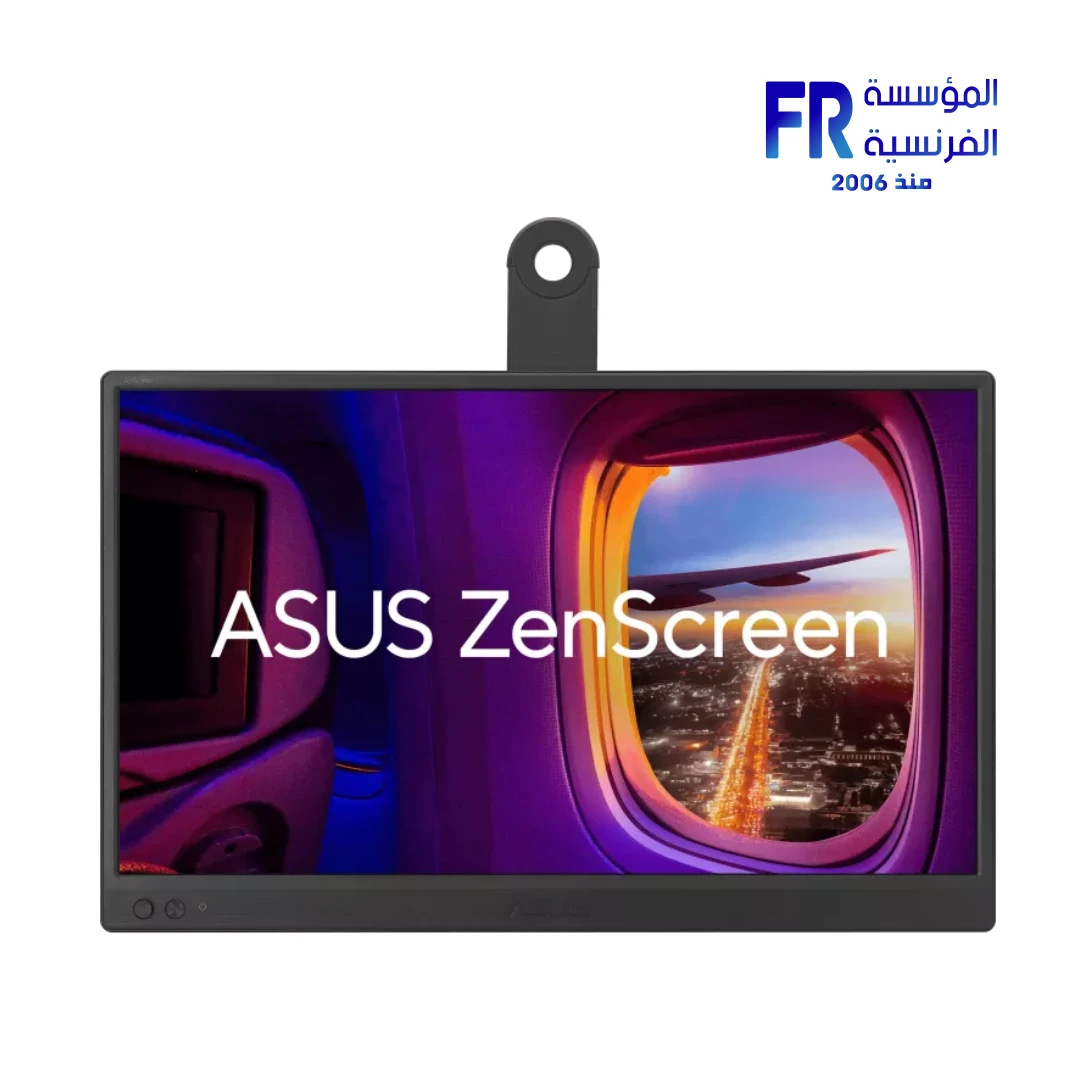
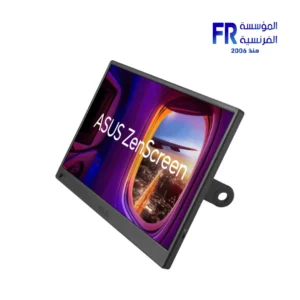
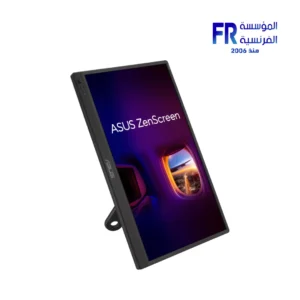
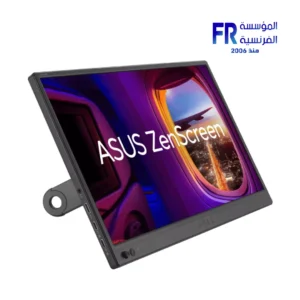


ASUS ZenScreen MB169CK 16 Inch FHD IPS Anti Glare 360 Degree Kickstand Dual USB C Black Portable Monitor
5999 EGP
- Part Number 90LM0AZ3-B01171 / 197105767539
- Panel Type / Size IPS / 15.6 Inch (Anti-Glare)
- Resolution & Speed FHD (1920 x 1080) @ 60Hz
- Connectivity Dual USB-C (DP Alt Mode) & 1x Mini HDMI
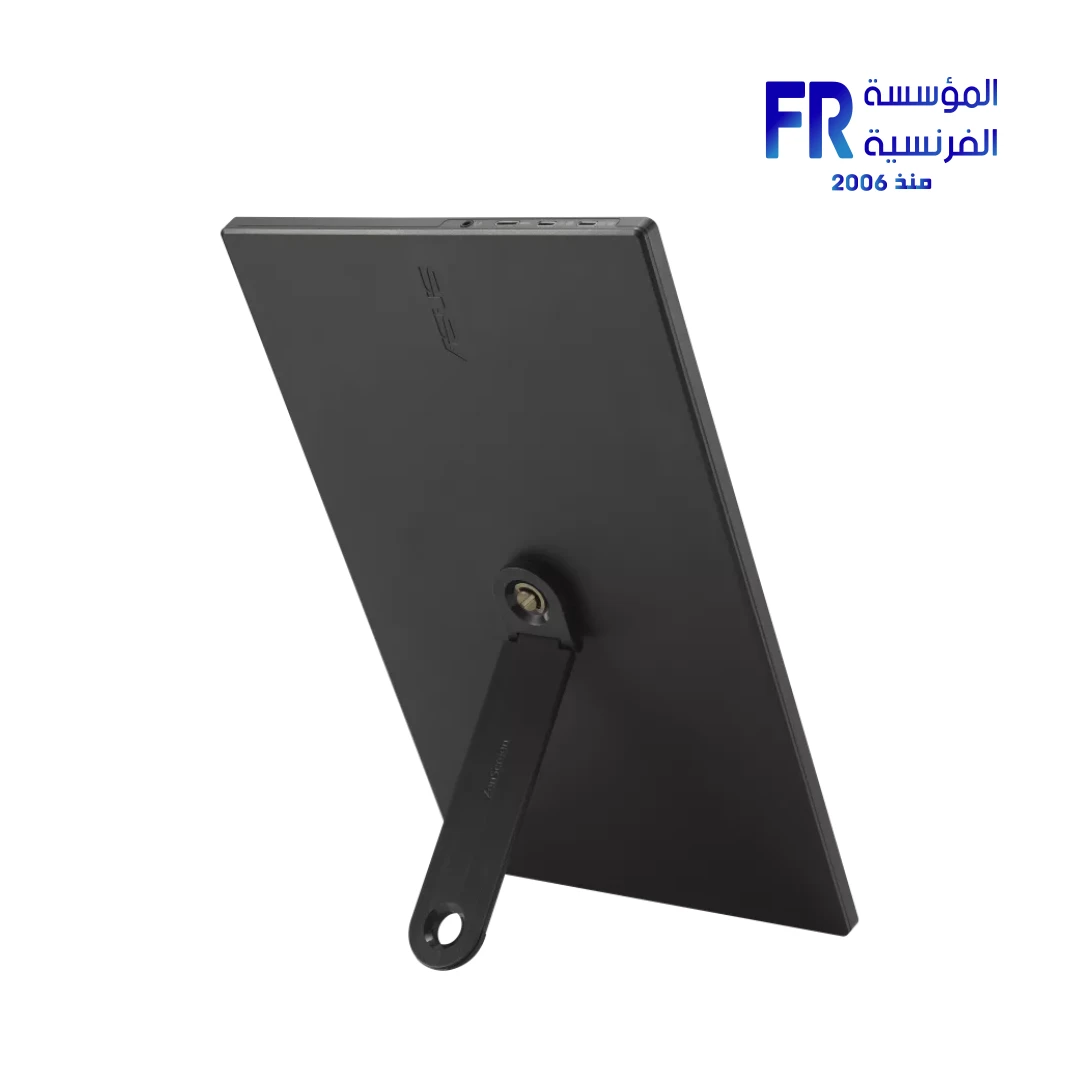
- Design Integrated 360° Kickstand / 1/4″ Tripod Socket
- Portability 0.78 kg Ultra-lightweight / 12mm Thin
- Warranty 3 Years
ASUS ZenScreen MB169CK 16 Inch FHD IPS Anti Glare 360 Degree Kickstand Dual USB C Black Portable Monitor
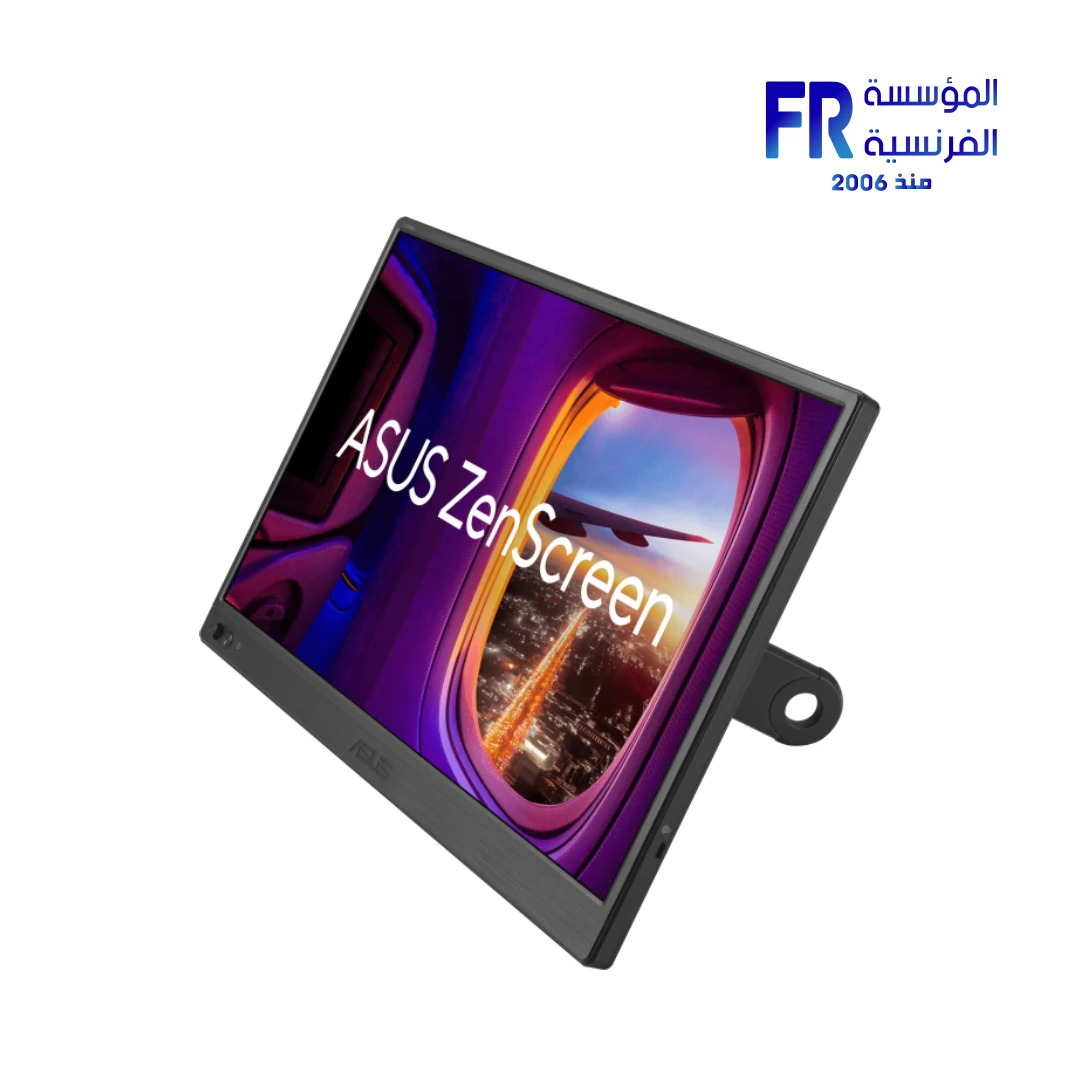
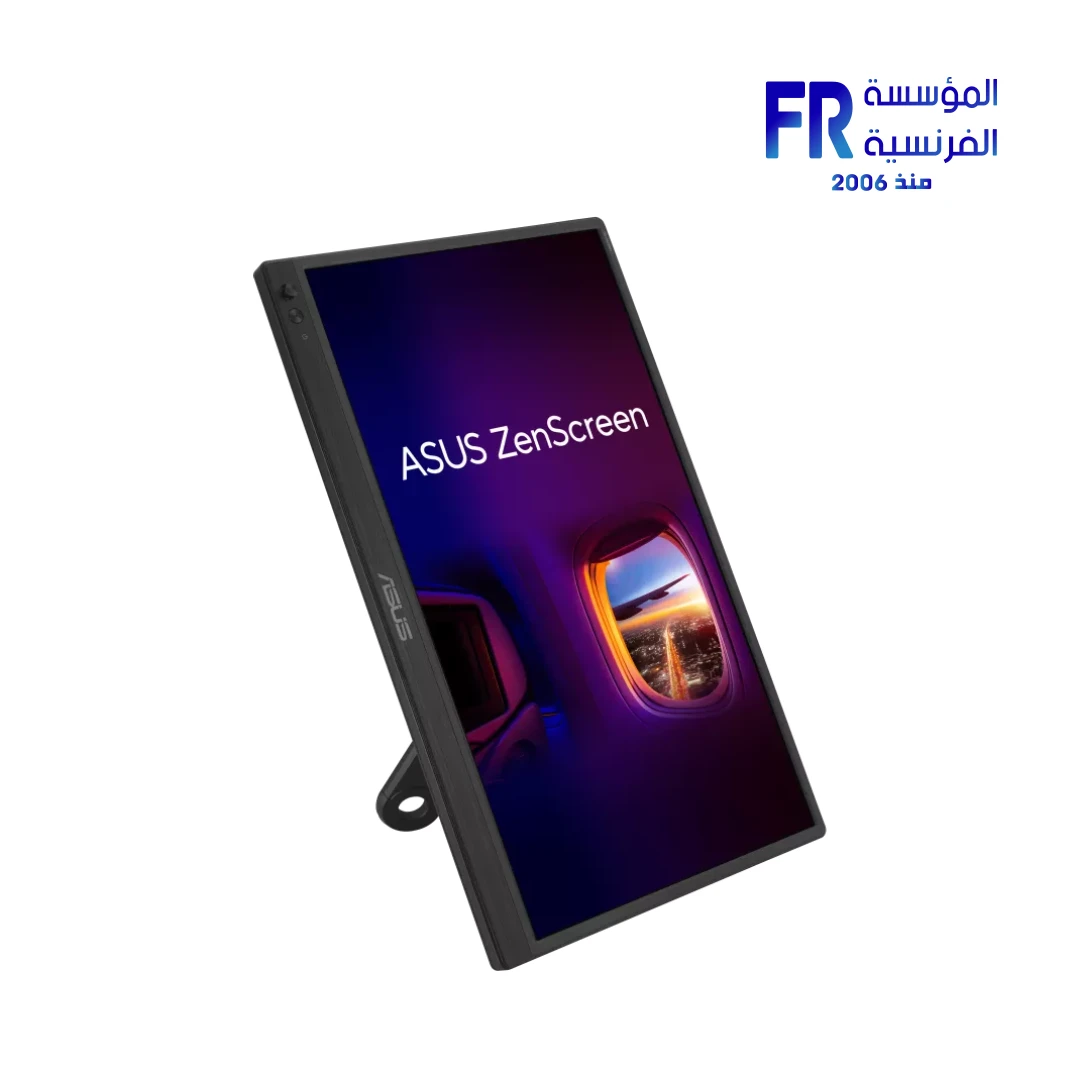
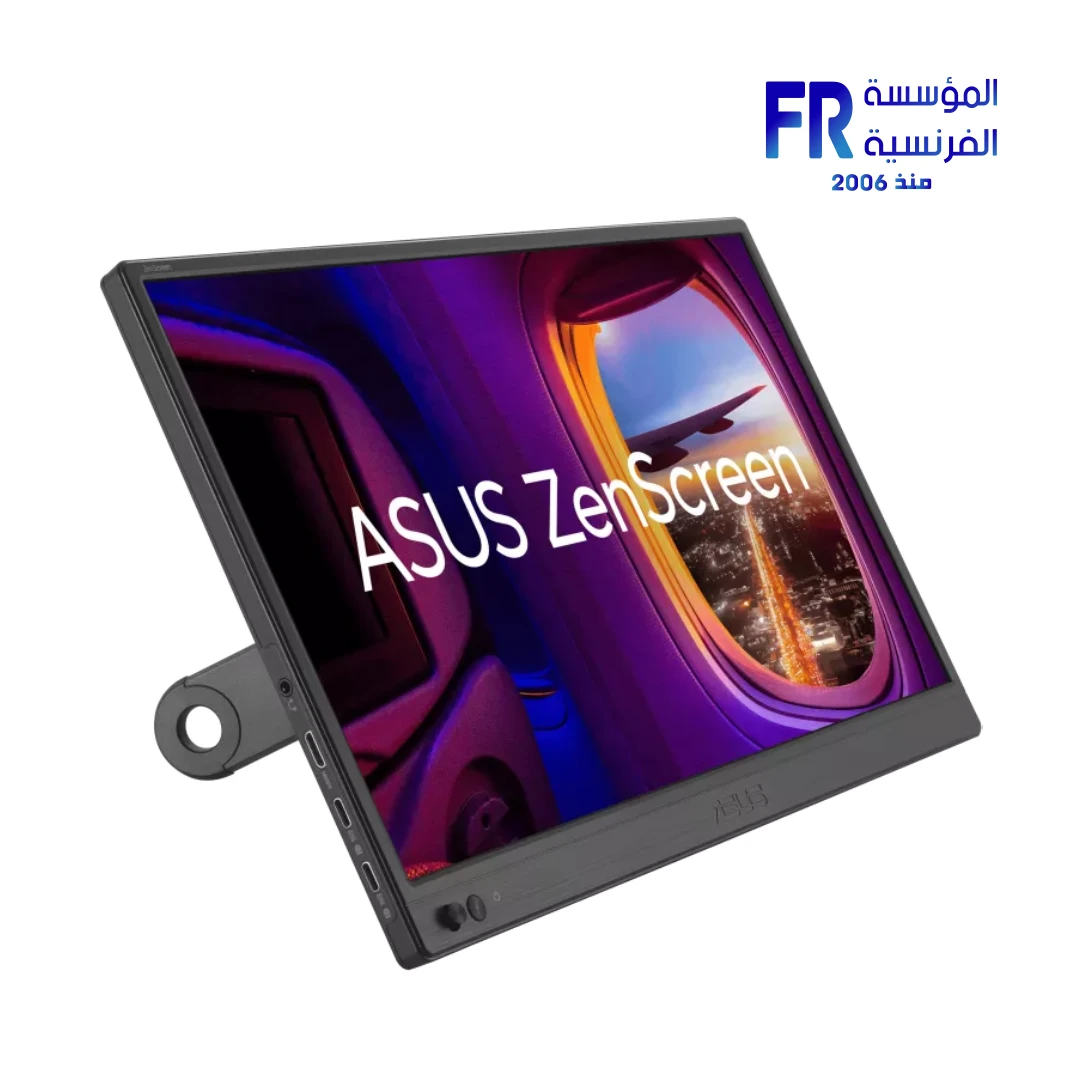
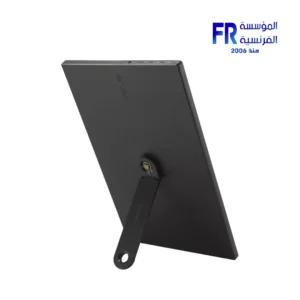
To begin with, the ASUS ZenScreen MB169CK technically facilitates an expansive workspace through its 15.6-inch Full HD IPS anti-glare display. Notably, the architecture utilizes a versatile 360° kickstand that effectively enhances viewing flexibility across various desk configurations. Specifically, the integration of Dual USB-C ports simplifies your hardware environment by supporting power and video signal transmission through a near-instantaneous single-cable solution.
Furthermore, the Ultra-slim 1.2cm profile and lightweight 0.78kg frame ensure your professional mobility remains uncompromised during transit. Because the panel supports 178° wide viewing angles, it technically facilitates collaborative sessions without color distortion. Consequently, the ZenScreen MB169CK delivers a disciplined industrial aesthetic that combines portability with high-resolution visual fidelity. As a result, you receive a visually perfect extension for your high-performance laptop or handheld.
Official ASUS Technical Product Page
Mobile Productivity & Visual Synchronization
360° Infinite Viewing
Notably, the ZenScreen MB169CK architecture specifically utilizes a seamless kickstand design. This technically allows for portrait or landscape orientation without secondary accessories. Consequently, your technical presence remains adaptive during high-load multitasking iterations.
Advanced Eye Care Tech
Moreover, the TÜV-certified Flicker-free and Low Blue Light technologies effectively support prolonged usage sessions. This architecture ensures your high-performance workflow transitions remain comfortable while maintaining visual synchronization for professional builds.
💡 Pro-Setup Tip: Tripod & Orientation Optimization
To clarify, the MB169CK technically facilitates a 1/4″ Tripod Socket. Specifically, ensure you utilize a standard tripod mount to effectively maintain eye-level ergonomic alignment. Furthermore, ensure you enable the Auto Rotation feature via DisplayWidget Center to maintain maximum productivity efficiency across vertical workflows.
Technical Matrix
| Hardware Feature | Detailed Specification |
|---|---|
| Model Name | ASUS ZenScreen MB169CK |
| SKU | 90LM0AZ3-B01171 |
| Part Number | 90LM0AZ3-B01171 |
| UPC | 197105767539 |
| EAN | N/A |
| Panel Size (inch) | 15.6 |
| Panel Type | IPS Anti-Glare |
| Resolution | 1920×1080 (FHD) |
| Brightness (Typ.) | 250cd/㎡ |
| Contrast Ratio (Typ.) | 800:1 |
| Viewing Angle | 178°/ 178° |
| Response Time | 5ms(GTG) |
| I/O Ports | USB-C x 2 (DP Alt Mode), Mini HDMI x 1 |
| Power Consumption | 7.64 W |
| 1/4″ Tripod Socket | Yes |
| Phys. Dimension | 36.0 x 22.6 x 1.2 cm |
| Net Weight | 0.78 kg |
| Warranty | 3 Years Local Warranty |
What’s In The Box
Frequently Asked Questions
Does the MB169CK support both power and video via one cable?
Notably, the monitor technically facilitates a single-cable USB-C connection. Specifically, your host device must support DisplayPort Alt Mode to effectively transmit power and video near-instantaneously. Consequently, this reduces desktop clutter while maintaining industrial-grade connectivity.
Can I use this monitor with a standard tripod?
Yes, the chassis technically facilitates a 1/4″ tripod socket excursion. Furthermore, the 0.78kg volume provides ample compatibility with most standard mounts. Therefore, you can execute professional dual-screen setups while maintaining structural synchronization.
Important Notice: All information, specifications, and images provided herein are for reference and illustrative purposes only. Visual representations may not be perfectly accurate. Product specifications, features, and appearance can vary by model and country, and are subject to change without notice by the manufacturer. While we strive to present the most precise and comprehensive information, errors in typography or photography may occur.
For the most accurate and up-to-date details, we strongly recommend referring to the official manufacturer’s website. All trademarks and copyrights are the property of their respective owners.
If you have suggestions, or if you notice an error or incorrect information in this draft, please help us improve by reporting it directly via our feedback form: Alfrensia.com – Website Feedback & Report Form.
Copyright © 2026 alfrensia.com. All rights reserved.
| MODEL | |
|---|---|
| Monitor Type | |
| SCREEN SIZE | |
| Panel Type | |
| RESOLUTION | |
| RESPONSE TIME | |
| REFRESH RATE | |
| ADAPTIVE SYNC | |
| Backlight Technology | |
| Brightness | |
| Flicker Free | |
| sRGB | |
| I/O Ports | |
| Included Speaker | |
| Color | |
| Part Number | |
| Warranty |
Only logged in customers who have purchased this product may leave a review.
Reviews
There are no reviews yet.