


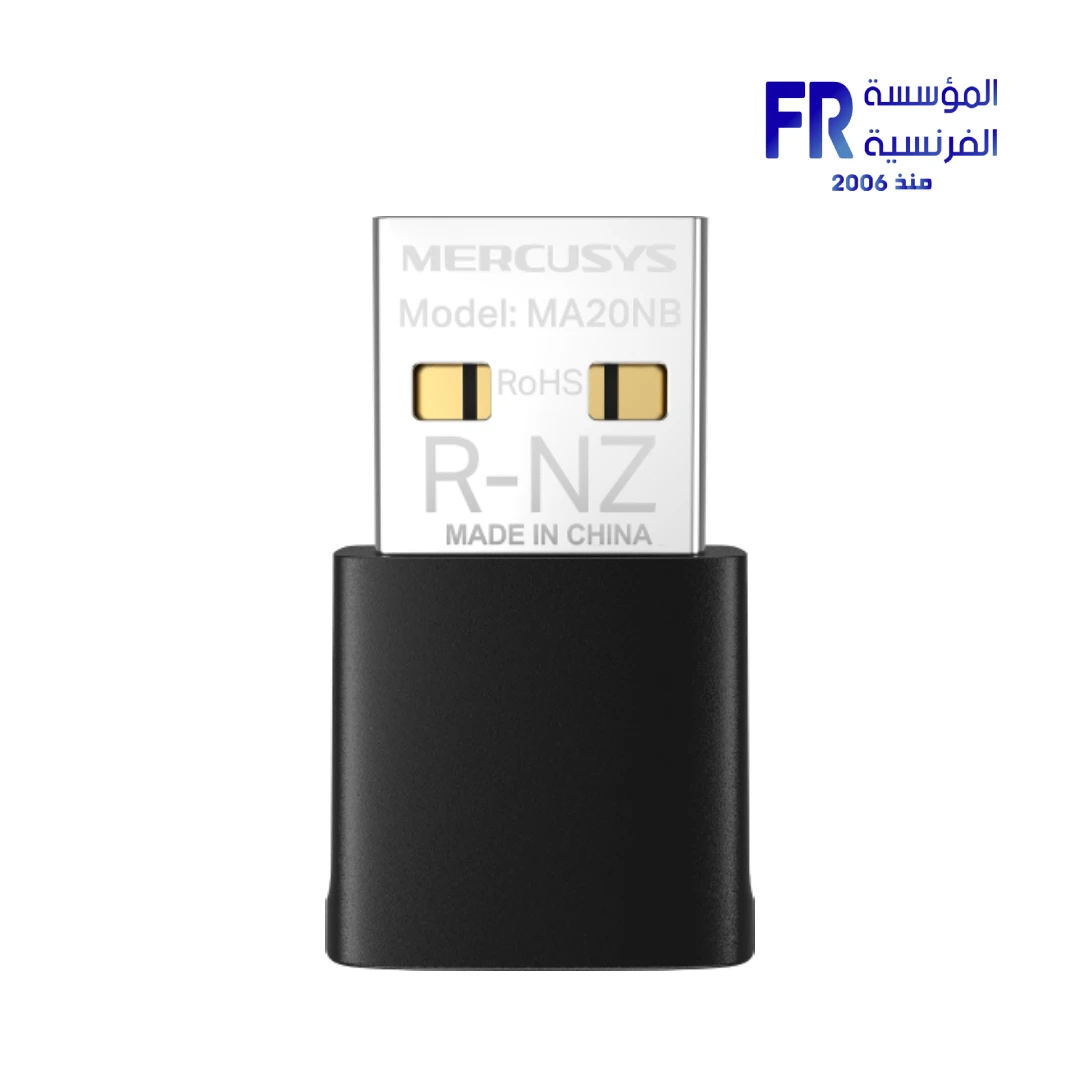


Mercusys MA20NB AC650 Wi-Fi 5 Bluetooth Dual Band USB 2.0 Nano Wireless Adapter
499 EGP
In stock
Price Match Guarantee
Mercusys MA20NB AC650 Wi-Fi 5 Bluetooth Nano USB Adapter
The Mercusys MA20NB is an ultra-compact nano Wi-Fi 5 USB adapter delivering combined speeds up to 650 Mbps. Featuring dual-band connectivity, integrated Bluetooth, and a tiny form factor that stays virtually unnoticeable in your USB port — it’s the perfect solution for upgrading laptops and desktops to AC Wi-Fi with Bluetooth functionality.
⚡ 650 Mbps
📡 Bluetooth
🔌 Nano Size
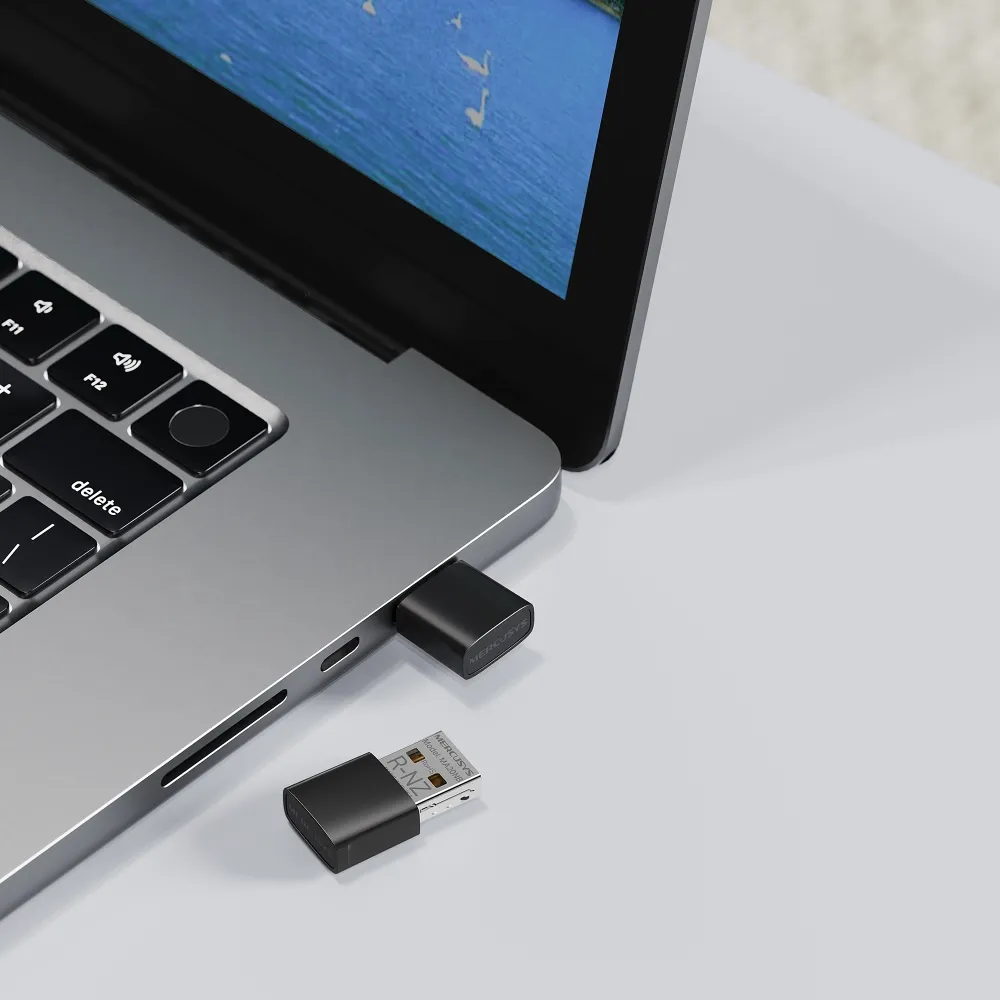
Key Features & Product Showcase
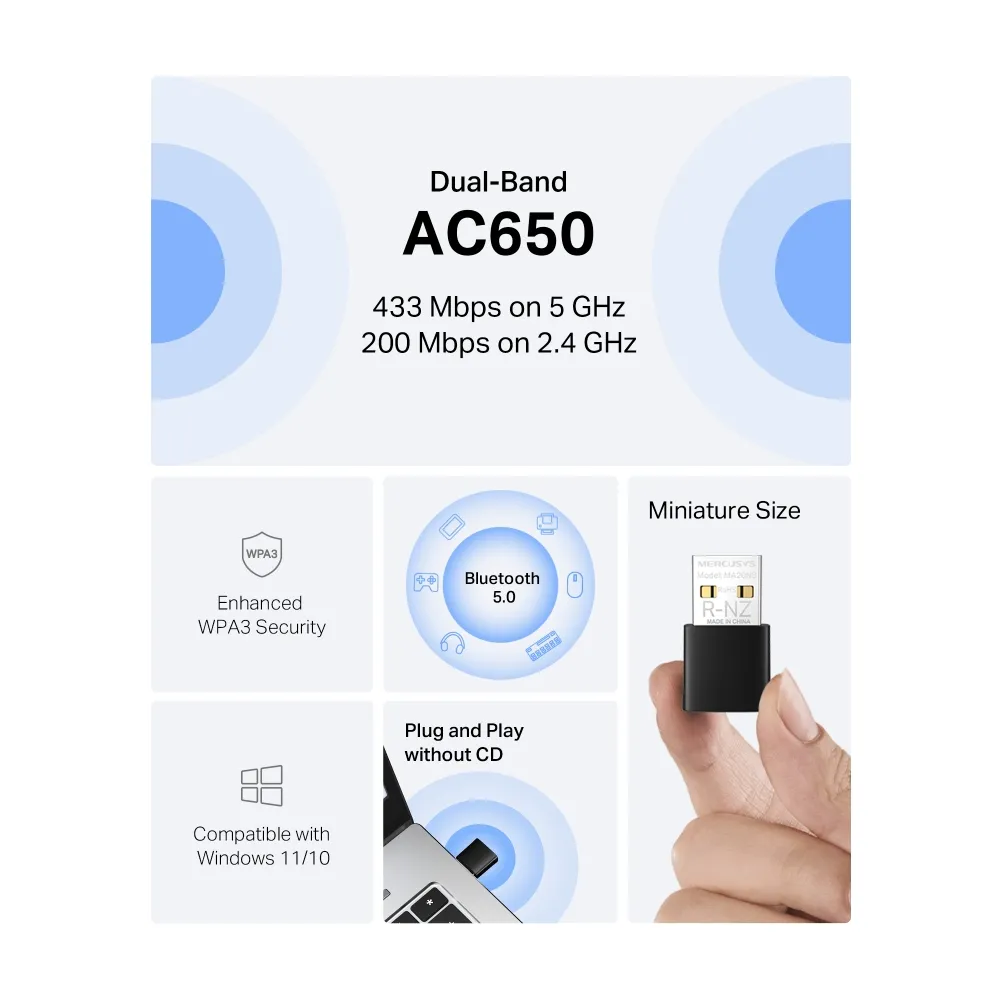
⚡ AC650 Dual-Band Speeds
Delivers combined speeds up to 650 Mbps — 433 Mbps on 5 GHz and 200 Mbps on 2.4 GHz. Experience faster streaming, smoother gaming, and quicker downloads.
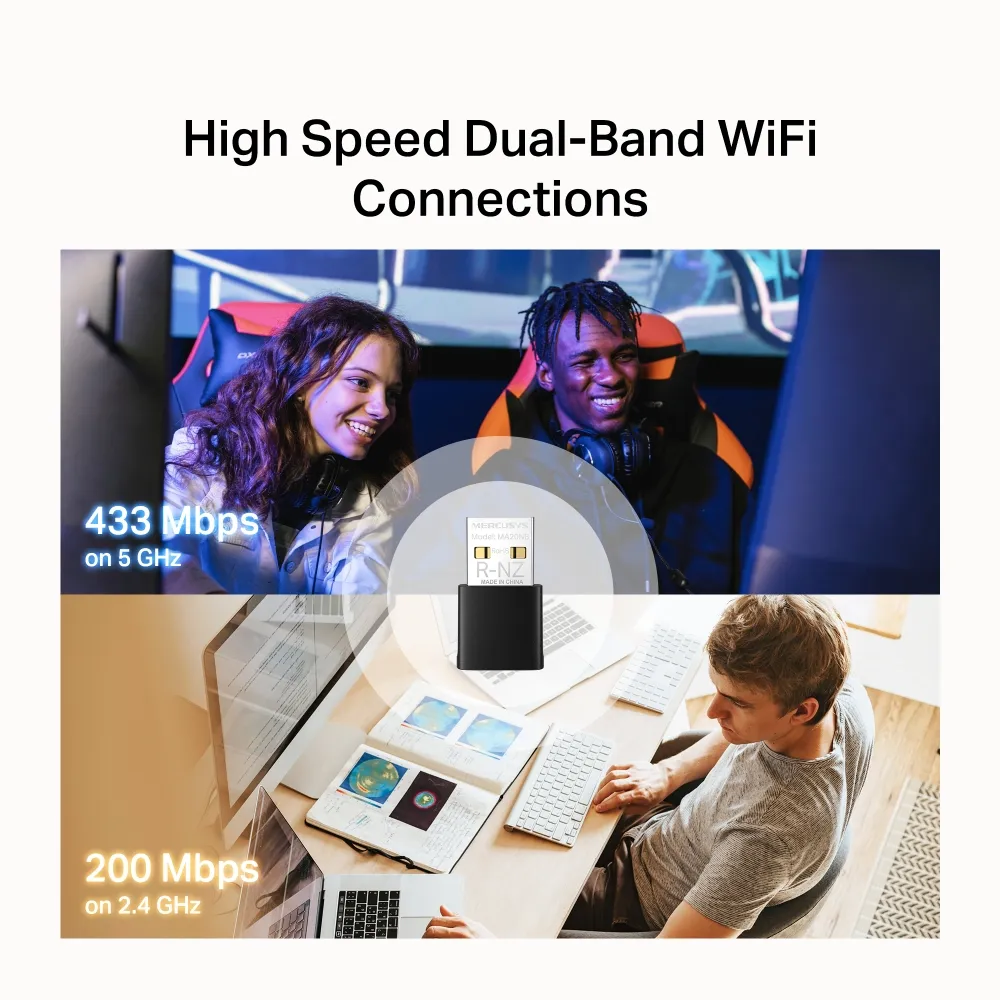
📡 Integrated Bluetooth
Built-in Bluetooth allows you to connect wireless keyboards, mice, headphones, and other Bluetooth devices directly to your PC without additional dongles.
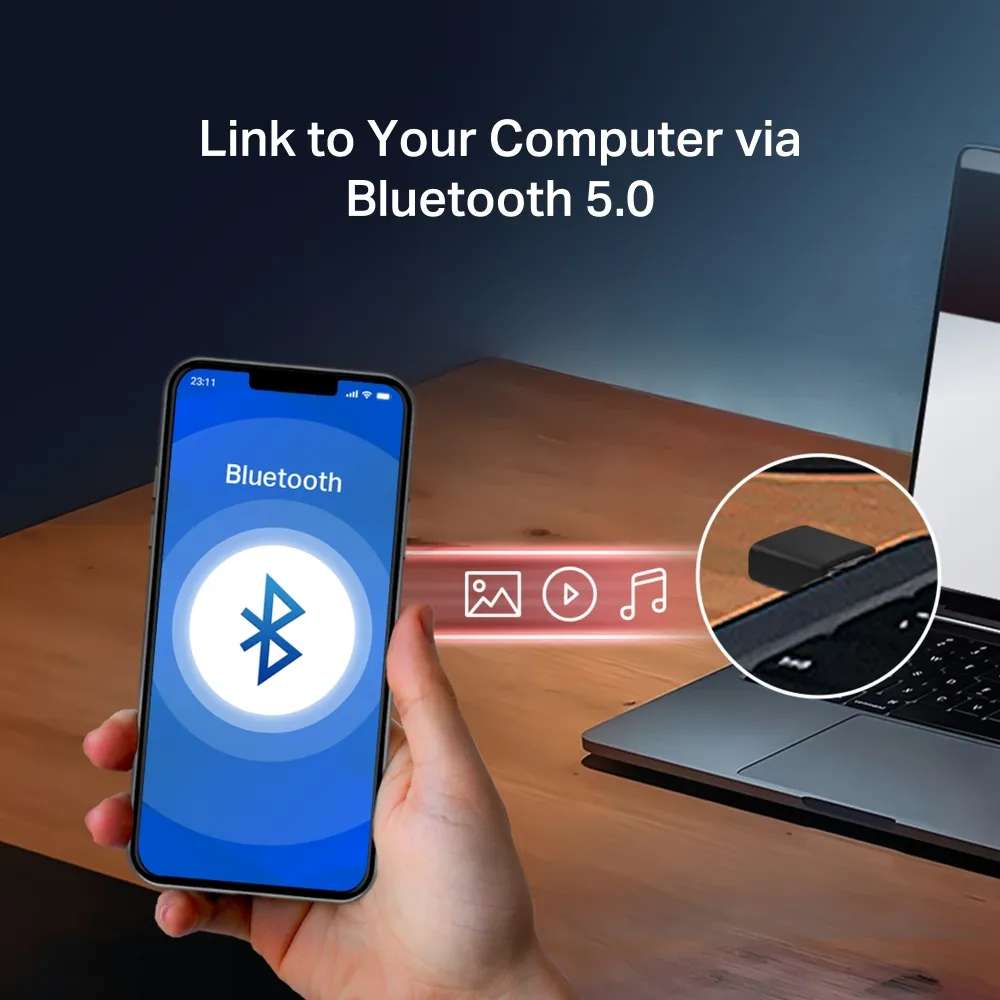
🔌 Ultra-Compact Nano Design
At just 26.9 x 16.1 x 7.6 mm, the adapter is virtually unnoticeable when plugged in. Perfect for laptops where you want to leave the adapter installed permanently.
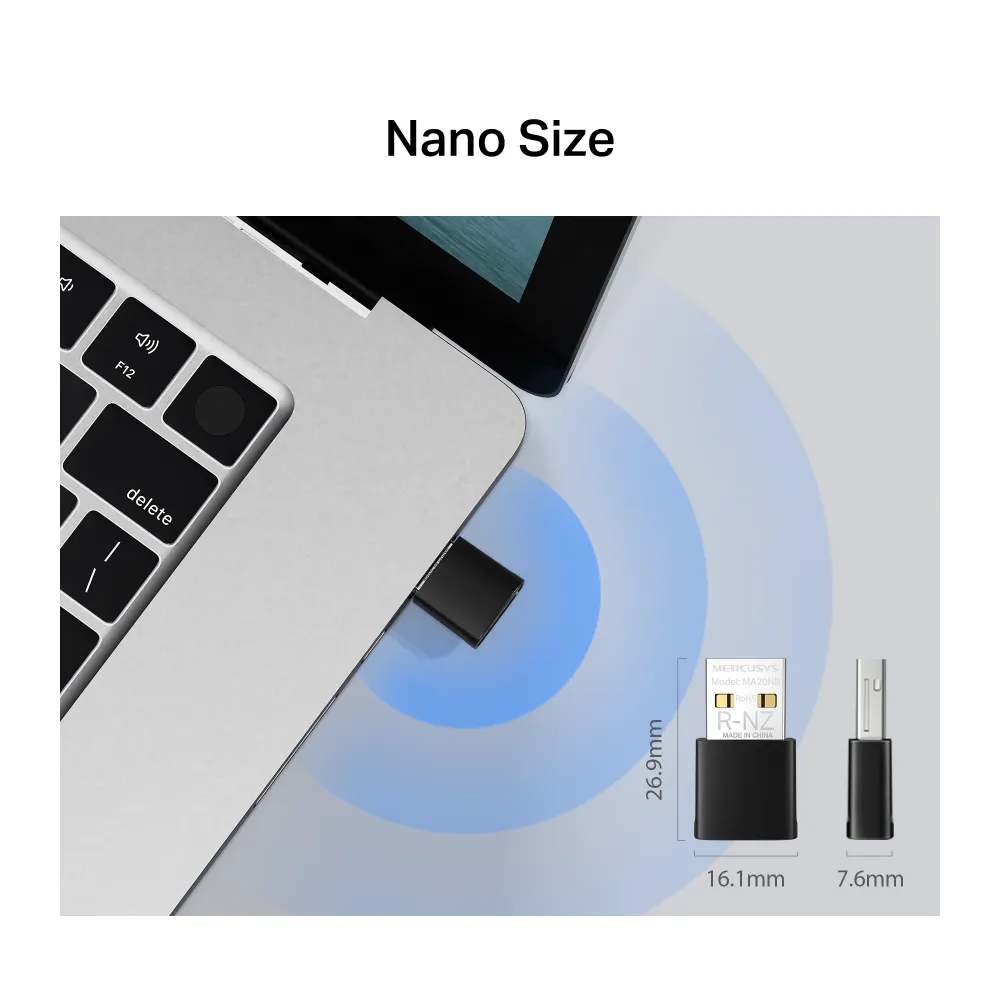
💻 Windows 11/10 Compatible
Supports Windows 11 and Windows 10 (32/64-bit) with simple plug-and-play installation. USB 2.0 interface ensures broad compatibility with most computers.
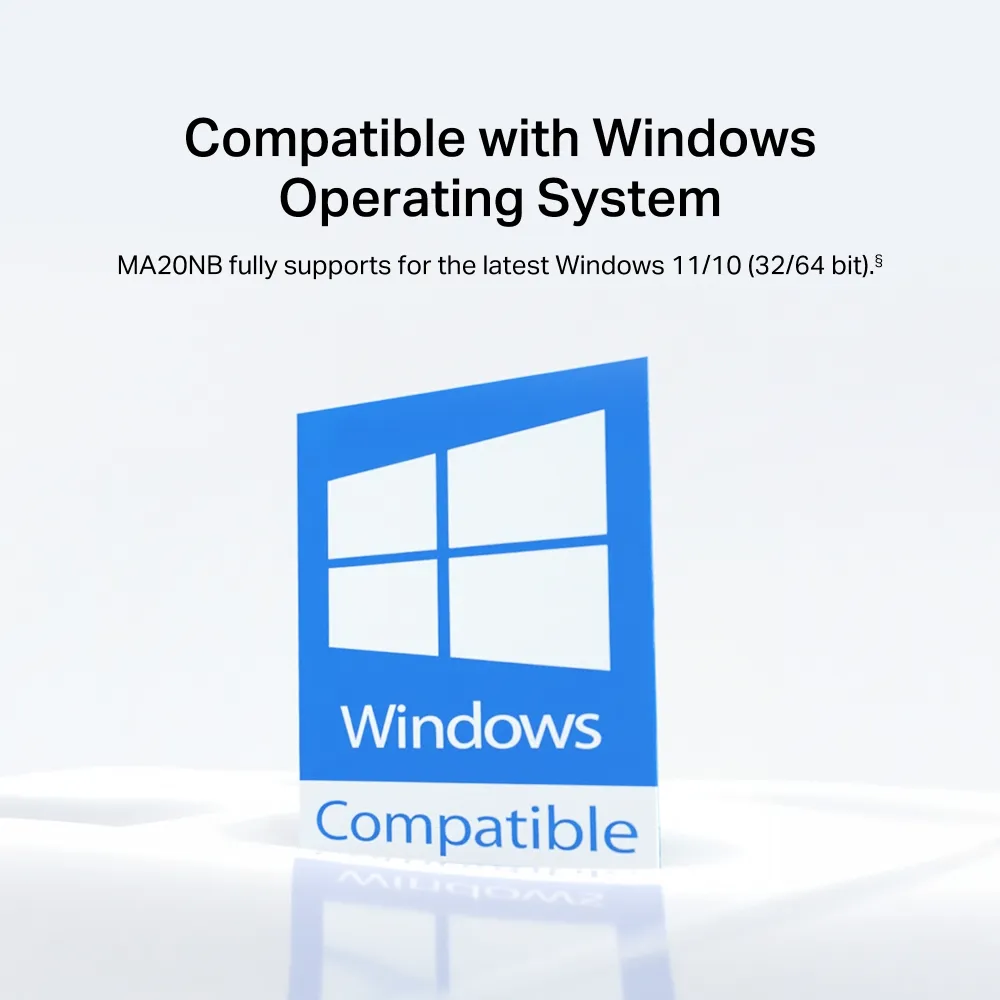
🔒 Advanced WPA3 Security
Supports WPA/PSK, WPA2-PSK, and WPA3-SAE encryption for the latest wireless security standards, protecting your network from unauthorized access.
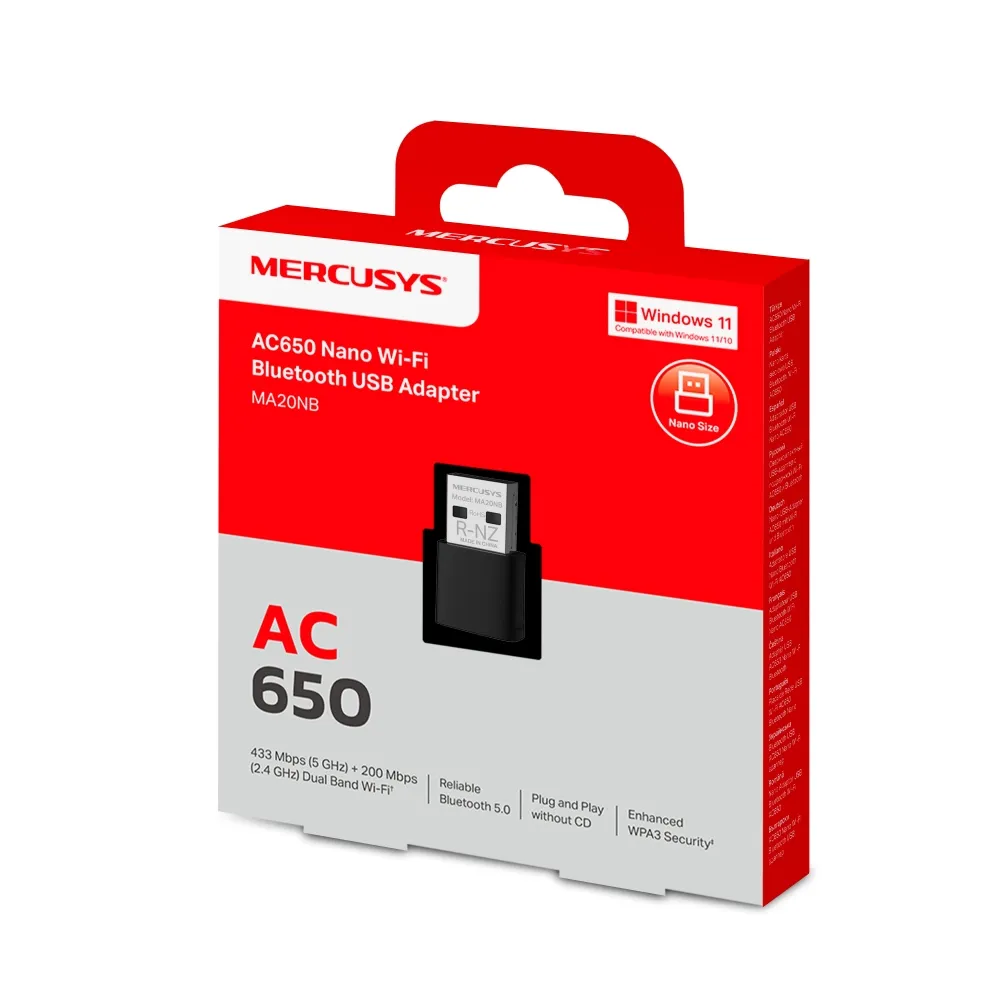
📦 Complete Solution
Includes the AC650 nano adapter and quick installation guide. Backed by Mercusys’ reliable quality and support for a hassle-free networking upgrade.
Technical Specifications
Is the Mercusys MA20NB Right For You?
✓ Best For
- ✔ Laptop users wanting discrete Wi-Fi 5 upgrade
- ✔ Users needing both Wi-Fi and Bluetooth connectivity
- ✔ Travelers needing compact, portable adapter
- ✔ Anyone upgrading older PCs to AC Wi-Fi
- ✔ Users wanting WPA3 security protection
✗ Not Ideal For
- ✗ Users needing USB 3.0 speeds (limited to USB 2.0)
- ✗ macOS or Linux users (Windows only)
- ✗ Those needing external antennas for extended range
- ✗ Users with older routers (Wi-Fi 4 or below)
Compatibility Matrix
| Platform | Supported | Notes |
|---|---|---|
| Windows 11 | ✔ Full | Plug and Play |
| Windows 10 | ✔ Full | Plug and Play |
| USB 2.0 Port | ✔ Full | Designed for USB 2.0 |
| USB 3.0 Port | ✔ Full | Backward compatible |
| macOS / Linux | ✗ Not Supported | Windows only |
Pro Tips & Tricks
📡 Leave It Plugged In
The nano design is perfect for permanent installation. Leave the MA20NB plugged into your laptop’s USB port — it’s small enough to stay in place during travel.
📱 Connect Bluetooth Devices
Use the Bluetooth feature to connect wireless headphones, keyboards, mice, and game controllers directly to your PC without additional adapters.
🔒 Enable WPA3 Security
If your router supports WPA3, enable it for enhanced security. The MA20NB fully supports WPA3-SAE encryption.
💻 Update Drivers
Visit Mercusys support page to ensure you have the latest drivers for optimal compatibility with Windows updates.
Common Questions About the Mercusys MA20NB
What Wi-Fi speeds does the Mercusys MA20NB support?
AC650. The MA20NB delivers combined speeds up to 650 Mbps — 433 Mbps on 5 GHz and 200 Mbps on 2.4 GHz for fast and reliable wireless connectivity.
Does the MA20NB support Bluetooth?
Yes. The MA20NB features integrated Bluetooth support, allowing you to connect Bluetooth devices like headphones, keyboards, and mice directly to your PC.
What makes the MA20NB a nano adapter?
Ultra-compact size. The MA20NB features an ultra-compact design at just 26.9 x 16.1 x 7.6 mm, making it virtually unnoticeable when plugged into your USB port — perfect for laptops and travel.
Is the MA20NB compatible with Windows 11?
Yes. The MA20NB supports Windows 11 and Windows 10 (32/64-bit) with plug-and-play installation.
| MODEL | |
|---|---|
| Part Number | |
| Warranty | |
| NETWORK | |
| Wi-Fi Standard | Wi-Fi 5 (802.11ac) |
| Wi-Fi Speed | AC650: 433 Mbps (5GHz) + 200 Mbps (2.4GHz) |
| Frequency Band | 2.4GHz / 5GHz |
| Connection | |
| Antennas | 1 internal antenna |
| Security | WPA3 |
| Platform |
Only logged in customers who have purchased this product may leave a review.
Reviews
There are no reviews yet.