


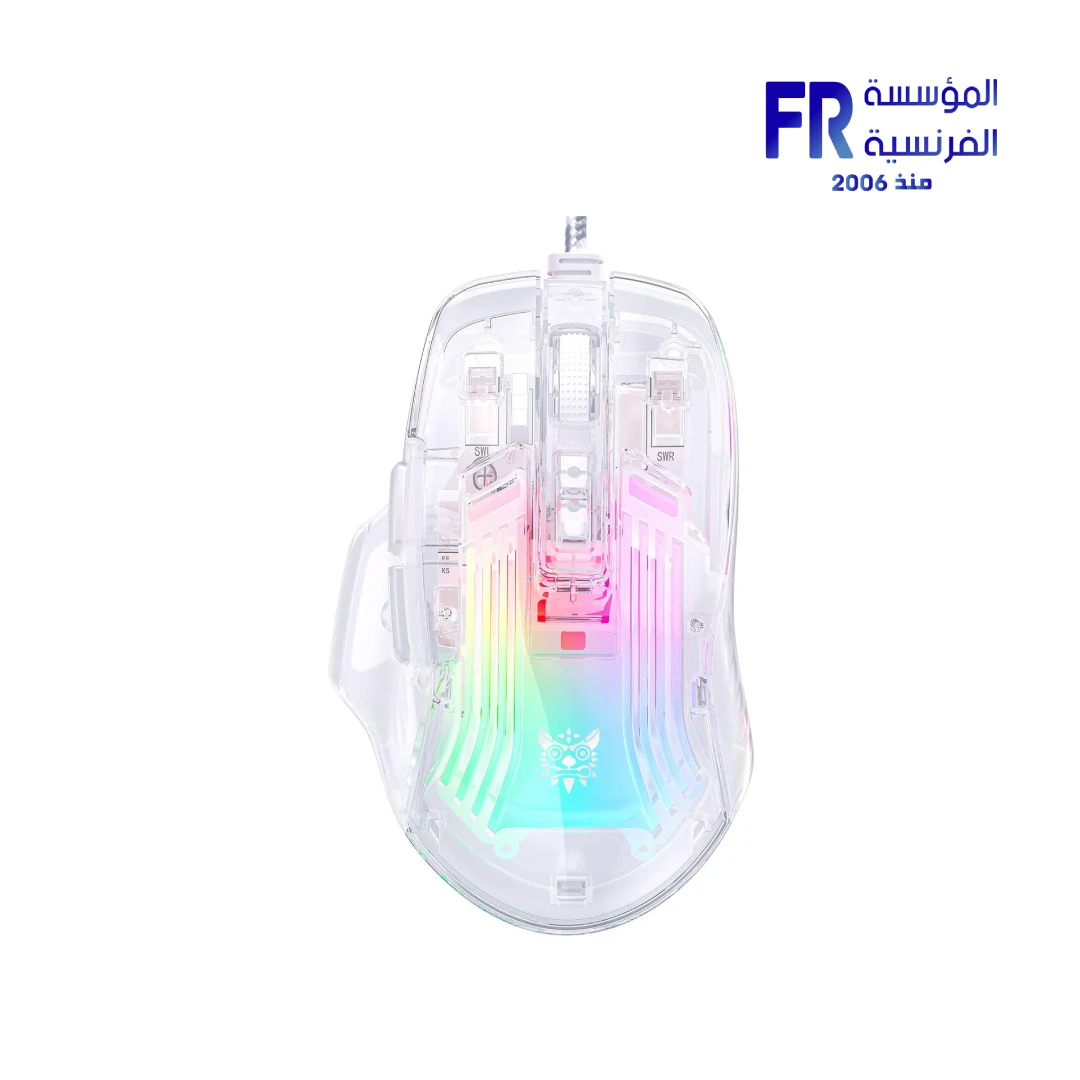


Onikuma CW923 12800 DPI RGB Transparent Wired Gaming Mouse
478 EGP
- Part Number: MO-16-06
- Sensor & DPI: A825 Optical Sensor | 12800 Max DPI | 6 Adjustable Levels (1200-12800)
- Connectivity & Design: Wired USB Interface | Full Body Transparent Shell | Ergonomic Grip
- Features: RGB Backlighting (16.8M Colors) | Skin-Friendly Surface | Optical Tracking
- Warranty: 1 Year
In stock
Price Match Guarantee
Onikuma CW923 12800 DPI RGB Transparent Wired Gaming Mouse
The Onikuma CW923 Transparent Wired Gaming Mouse delivers stunning aesthetics with high-performance gaming capabilities. Featuring a full-body transparent shell, 12800 DPI sensor with 6-level adjustment, 16.8M RGB lighting, and ergonomic design — it’s the perfect blend of style and precision for gamers seeking unique aesthetics.
💡 16.8M RGB
🔮 Transparent
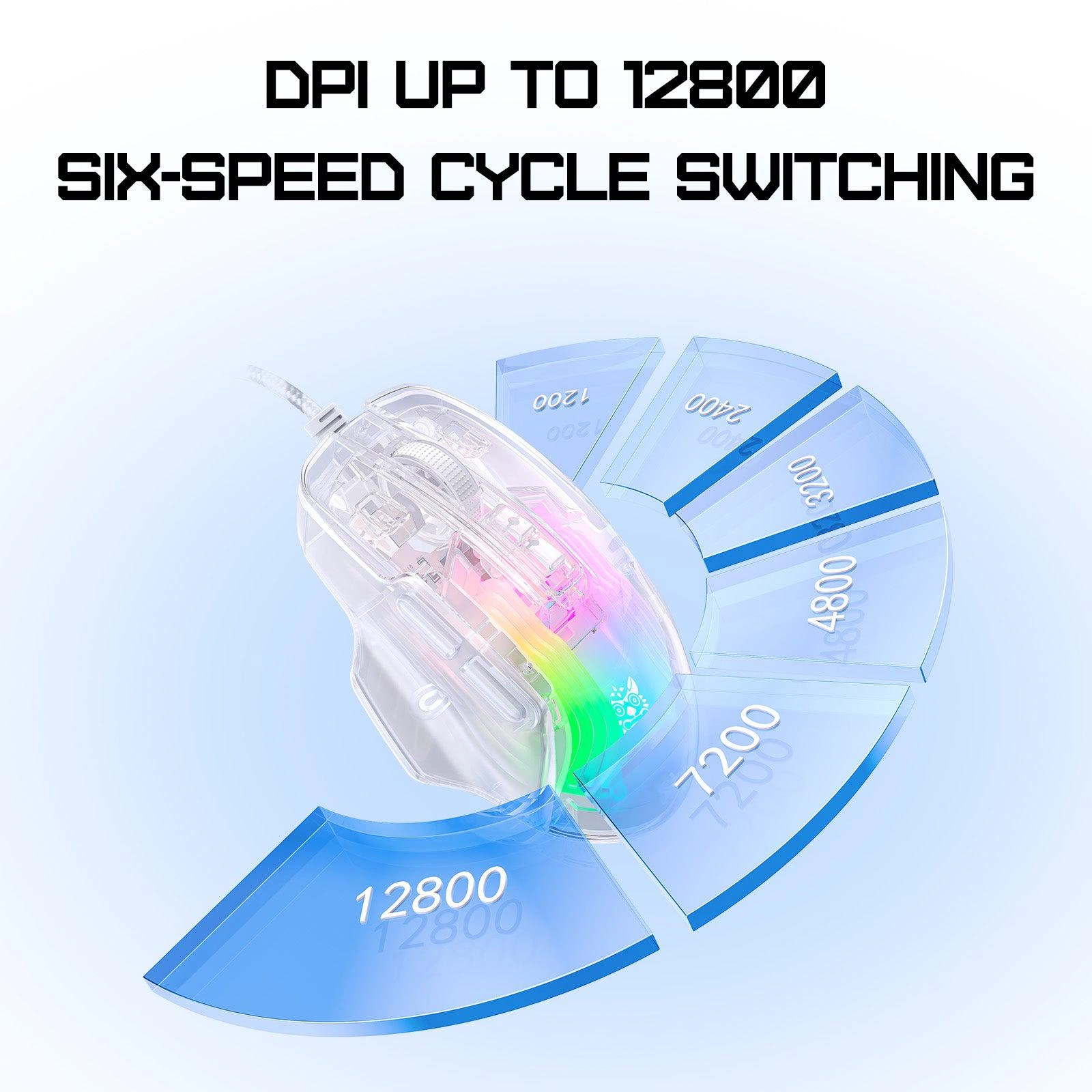
⚡ 6-Level DPI
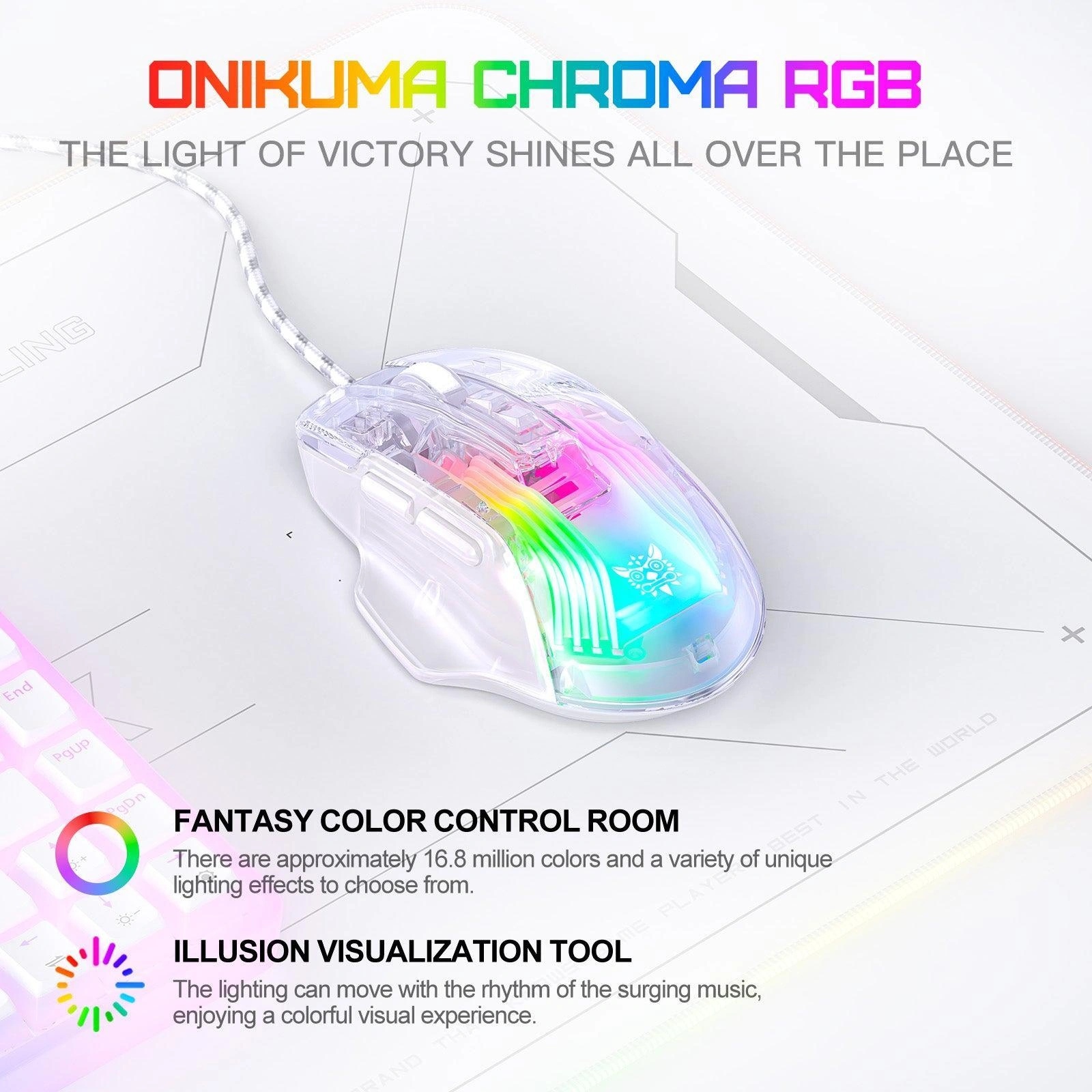
Key Features & Product Showcase
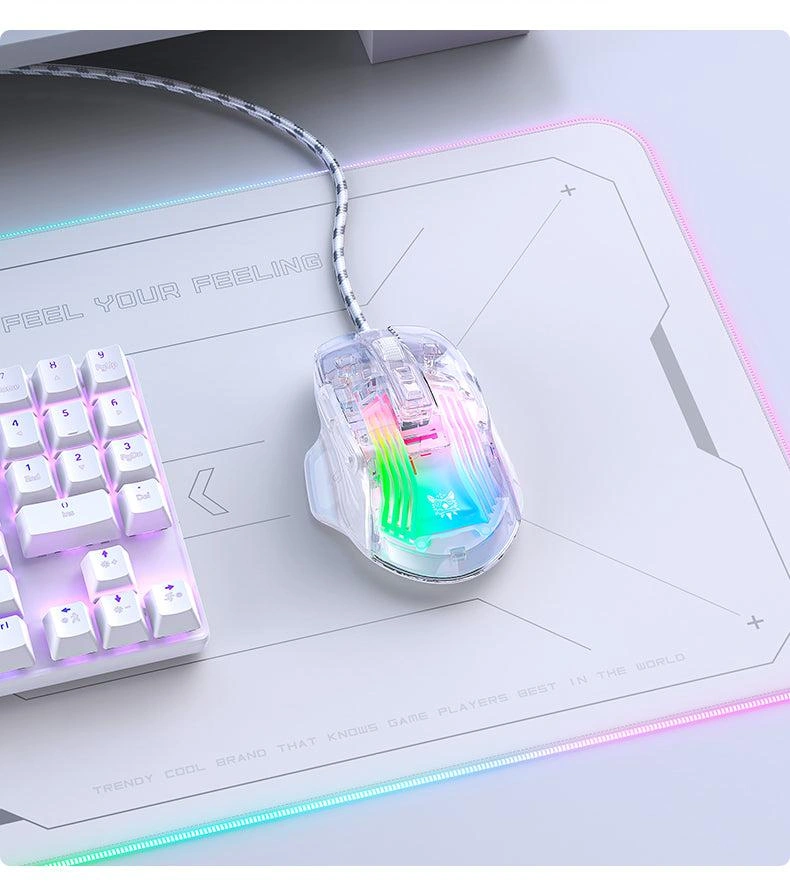
🔮 Full Body Transparent Design
Unique transparent shell design adds a refreshing and cool aesthetic to your gaming setup. The crystal-clear body showcases internal components and RGB lighting for a stunning visual effect.
💡 16.8M Colors & Fantasy Effects
Approximately 16.8 million colors with a variety of unique lighting effects to choose from. Create your own fantasy color room and personalize your gaming atmosphere.
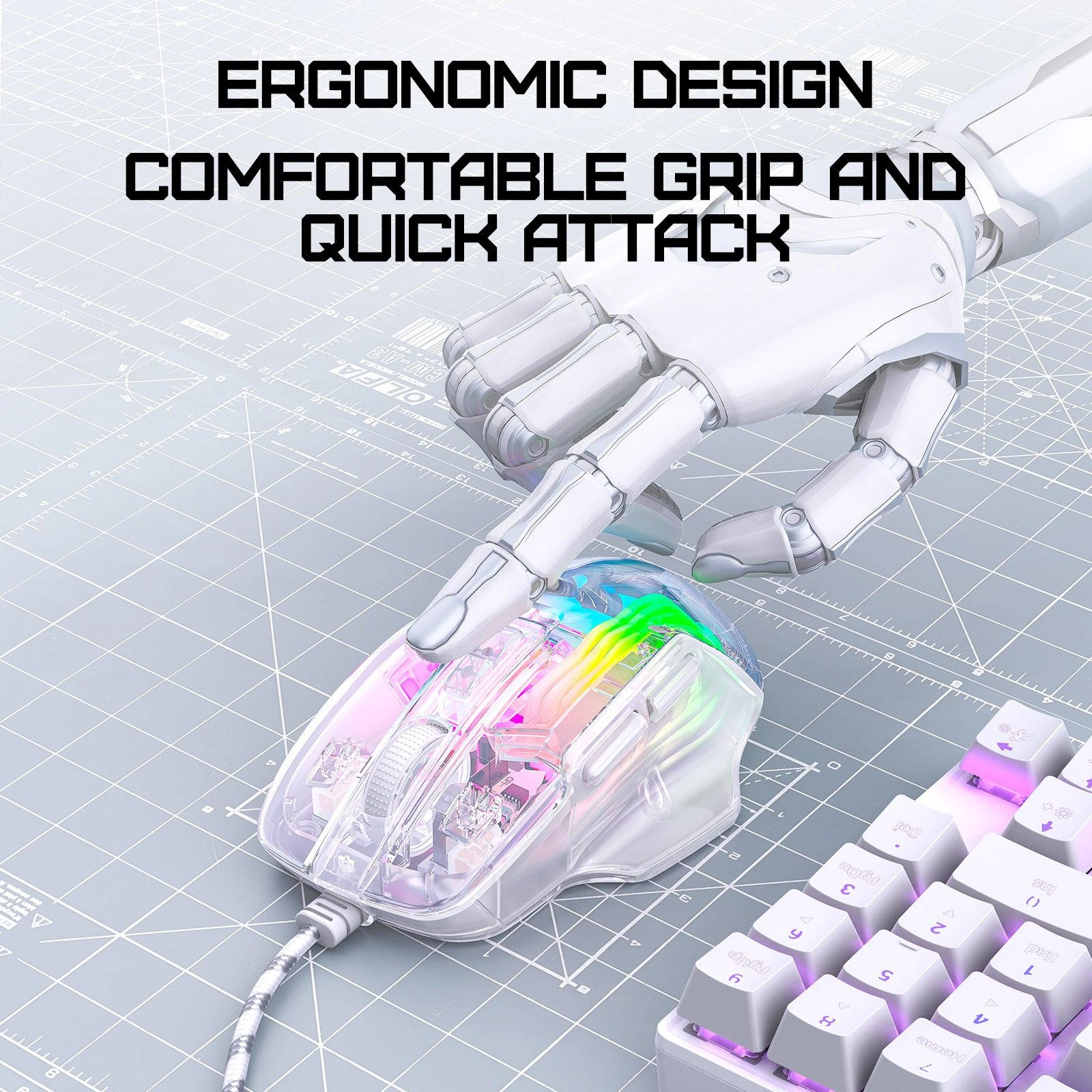
🖐️ Ergonomic Comfort Design
Comfort is a priority with ergonomic design and skin-friendly surface offering a comfortable grip. Reduced hand fatigue during extended gaming sessions for a better gaming experience.
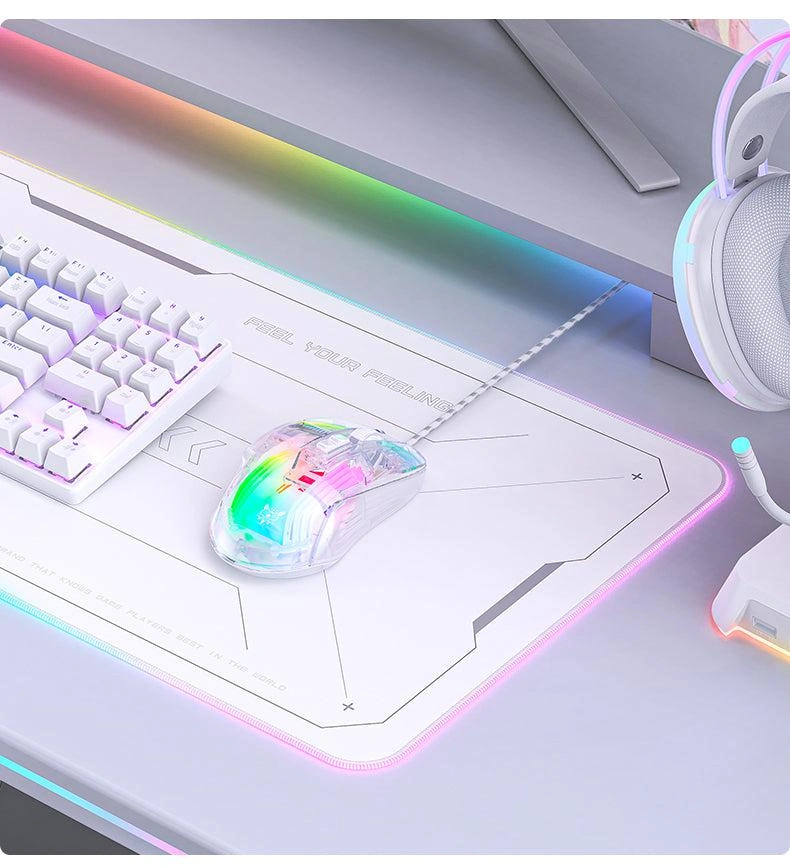
🎯 6-Speed DPI Precision
Six-speed precise adjustment from 1200 to 12800 DPI (1200/2400/3200/4800/7200/12800). No frame dropping, easily handle a variety of gaming scenes with A825 optical sensor.
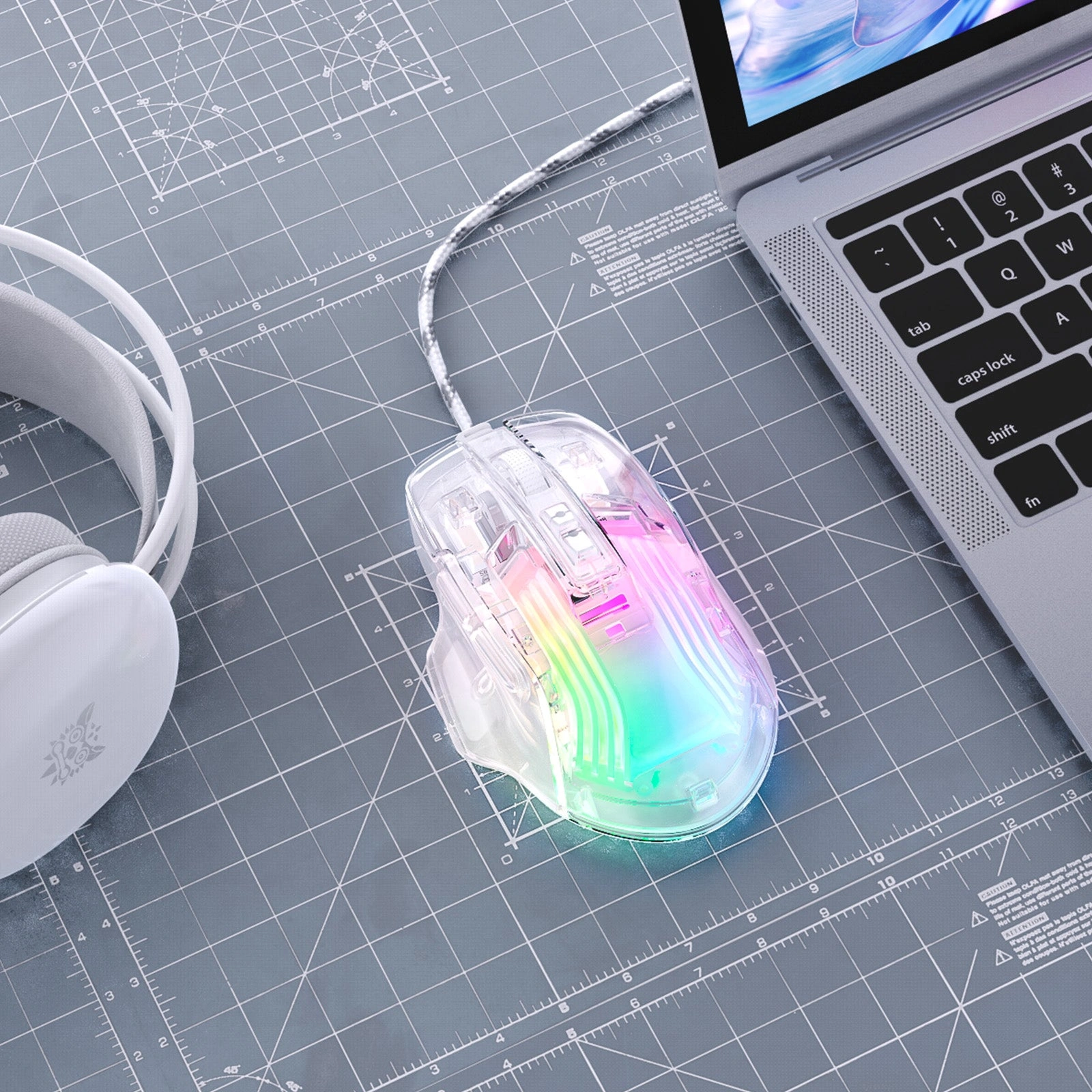
⚡ Precision Tracking
A825 optical sensor delivers accurate tracking with 12800 DPI resolution. Wired USB connection ensures zero latency for competitive gaming performance.
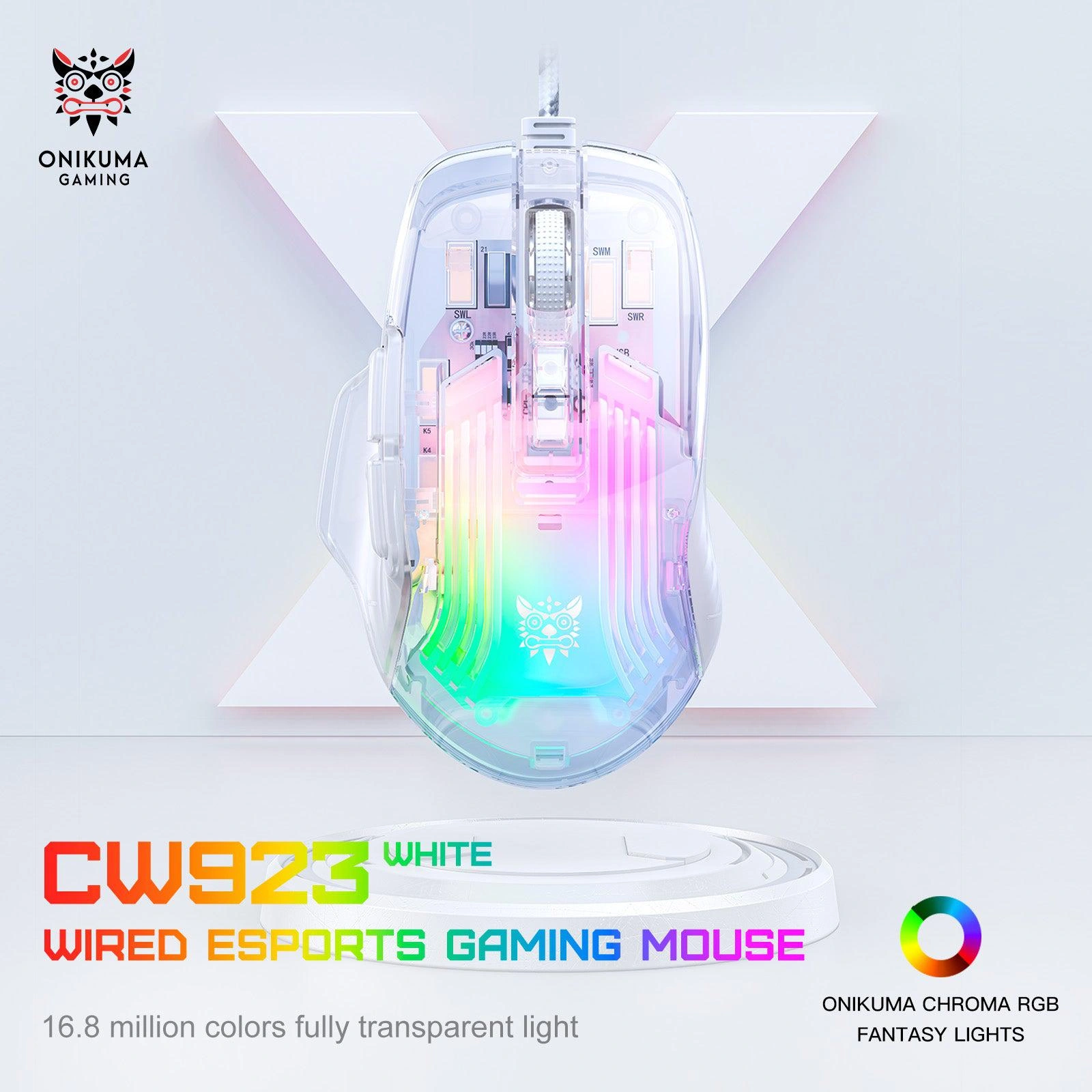
🎮 Plug & Play Gaming Ready
Simple USB connection for instant plug-and-play functionality. Compatible with Windows PCs and laptops. The transparent design makes it a standout addition to any gaming setup.
Technical Specifications
Is the Onikuma CW923 Right For You?
✓ Best For
- ✔ Gamers wanting unique transparent aesthetics
- ✔ Users who need 12800 DPI precision
- ✔ Those who appreciate RGB lighting customization
- ✔ Budget-conscious gamers seeking performance
- ✔ Users who prefer wired reliability
✗ Not Ideal For
- ✗ Users needing wireless connectivity
- ✗ Those requiring 20,000+ DPI for competitive esports
- ✗ Users who prefer solid opaque designs
- ✗ Those who need Mac compatibility
Compatibility Matrix
| Platform | Supported | Connection |
|---|---|---|
| Windows PC | ✔ Full | USB |
| Windows Laptop | ✔ Full | USB |
| Mac OS | ✔ Limited | USB |
| Chrome OS | ✔ Full | USB |
| PS4 / PS5 | ✔ Limited | USB |
Pro Tips & Tricks
🎯 Master Your DPI Settings
Use 1200-2400 DPI for FPS games requiring precision aiming. 3200-4800 DPI for MOBA and RTS games. 7200-12800 DPI for quick cursor movement across large screens.
💡 RGB Customization
Cycle through the 16.8M color effects to match your gaming setup. The transparent shell makes the lighting effects pop for a unique aesthetic that stands out.
🖱️ Optimize Your Grip
The ergonomic design with skin-friendly surface suits palm and claw grips. The transparent shell provides a unique tactile feel that’s comfortable for extended sessions.
🧹 Maintain Transparency
Clean the transparent shell regularly with a soft cloth to maintain its crystal-clear appearance. This ensures the RGB lighting shines through at its brightest.
Common Questions About the Onikuma CW923
What DPI does the Onikuma CW923 support?
6-level DPI up to 12800. The Onikuma CW923 features 6-level DPI adjustment from 1200 to 12800 (1200/2400/3200/4800/7200/12800) for versatile gaming precision.
Does the CW923 have RGB lighting?
Yes, 16.8M colors. The CW923 features 16.8 million colors with a variety of unique lighting effects available for customization.
What sensor does the CW923 use?
A825 optical sensor. The CW923 uses the A825 optical sensor for accurate tracking and precision performance.
Is the CW923 lightweight and ergonomic?
Yes. The CW923 features an ergonomic design with a skin-friendly surface for comfortable grip and better gaming experience during extended sessions.
Only logged in customers who have purchased this product may leave a review.
Reviews
There are no reviews yet.